Connect and Sync DBS Bank in Finmo

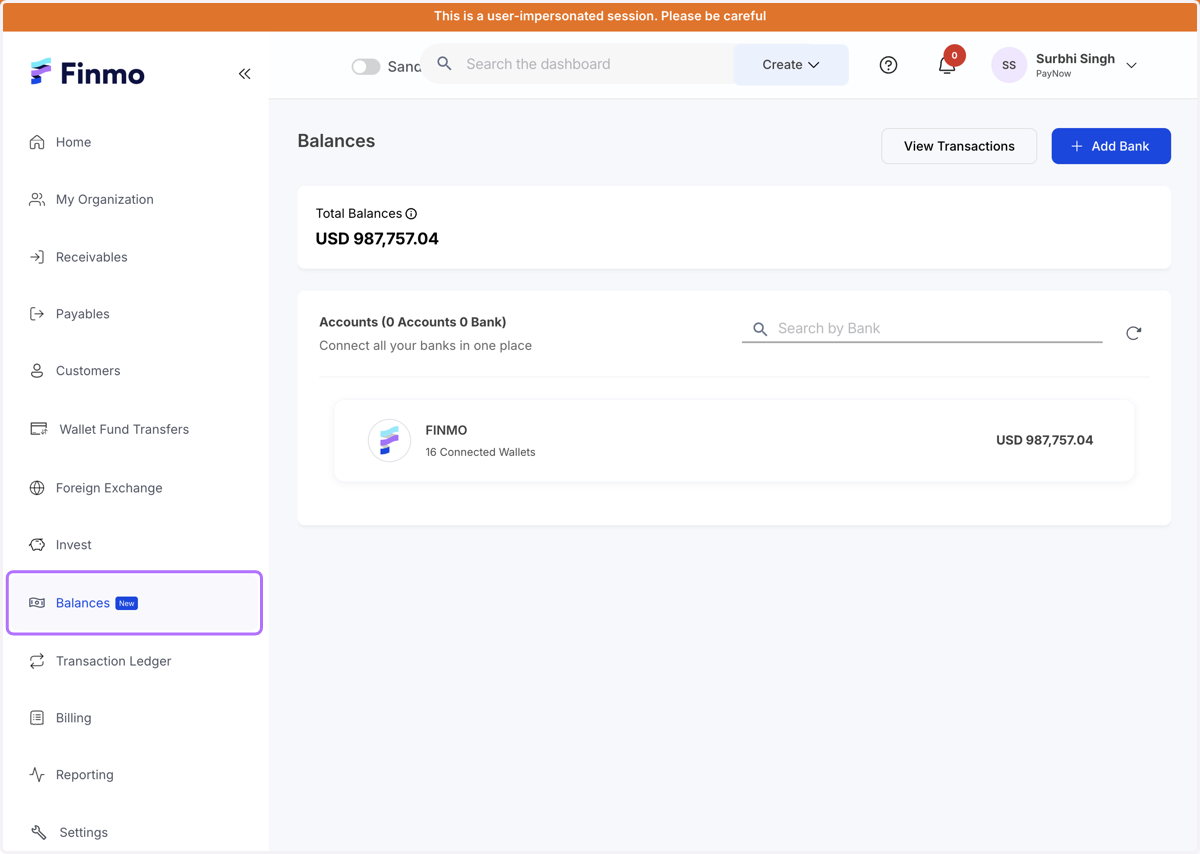
  1. 1. Navigate to the Balances module

    Navigate to the Balances module
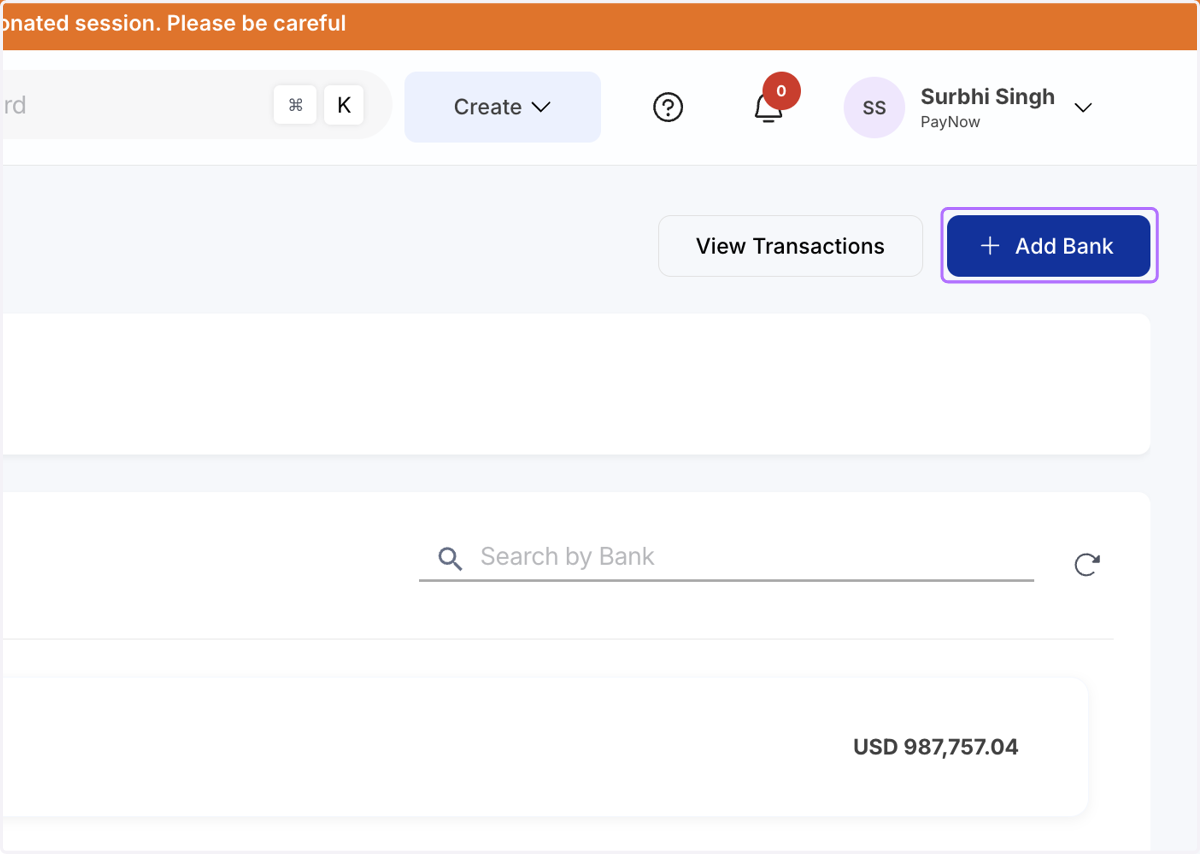
  2. 2. Click on Add Bank

    Click on Add Bank
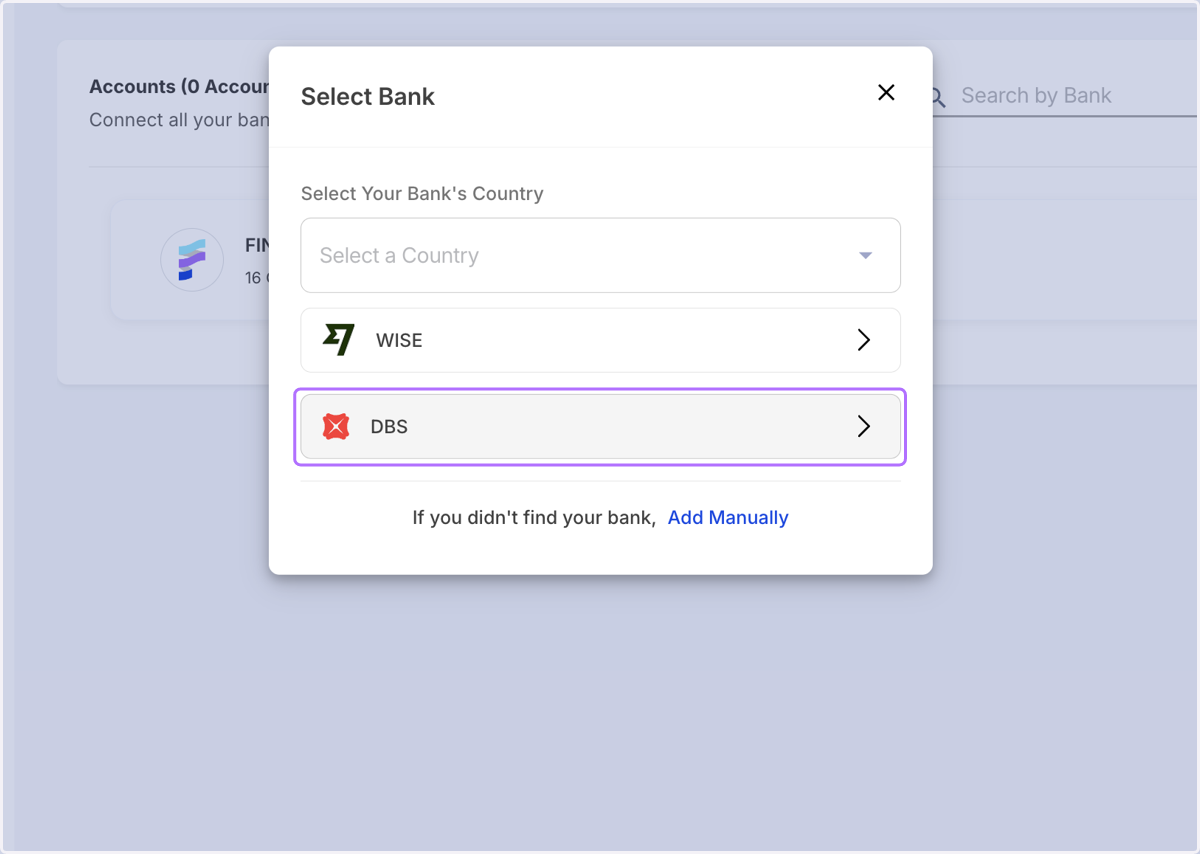
  3. 3. Select DBS from the list of Banks

    Select DBS from the list of Banks
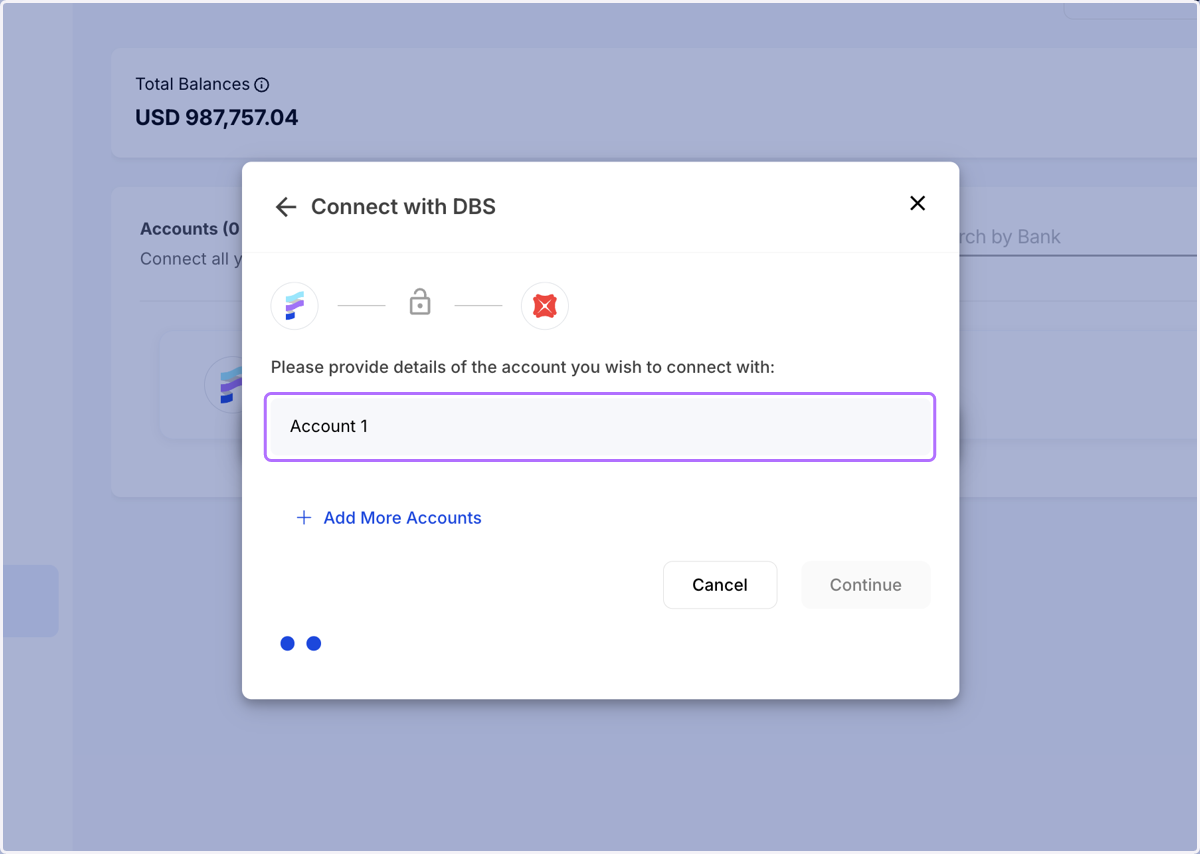
  4. 4. Enter all your account details and click on continue
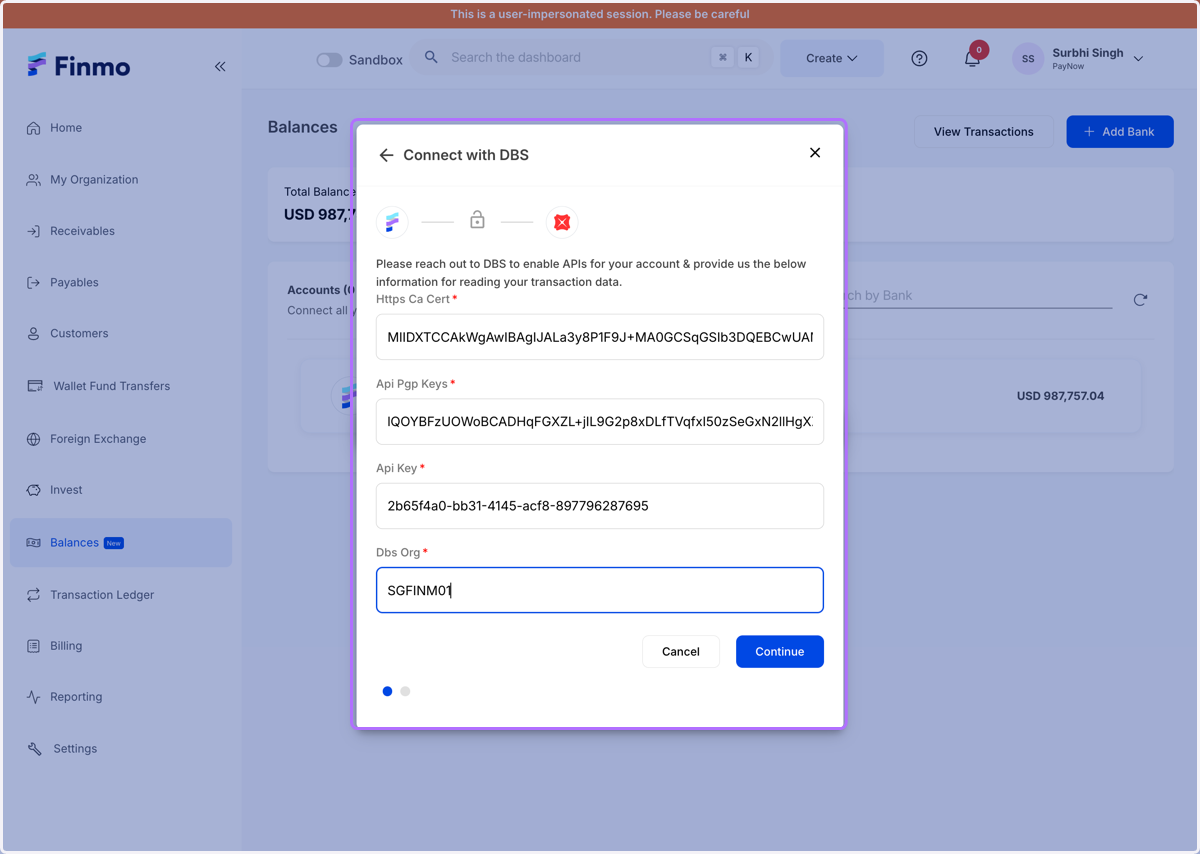
    Enter all your account details and click on continue
  5. 5. Select the DBS Account to link

    Select the DBS Account to link
  6. 6. Enter your account details and continue
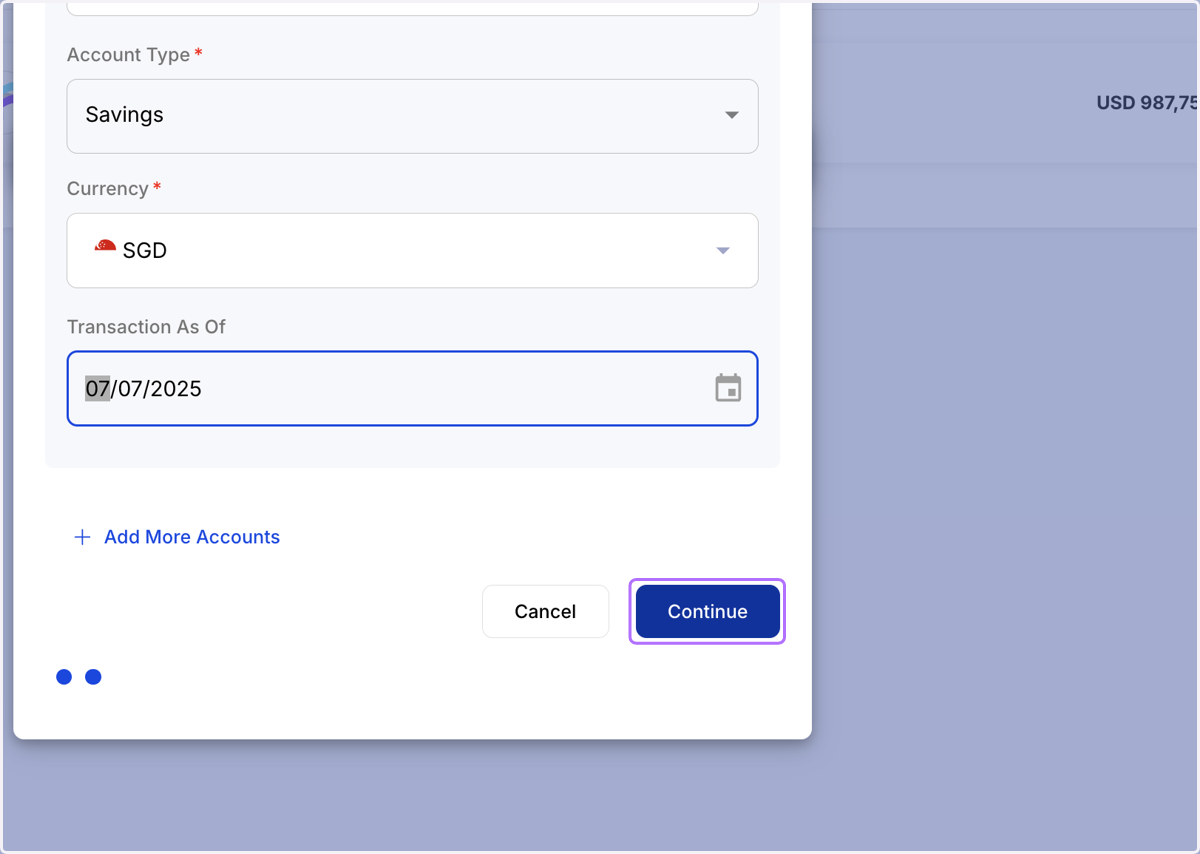
    Enter your account details and continue
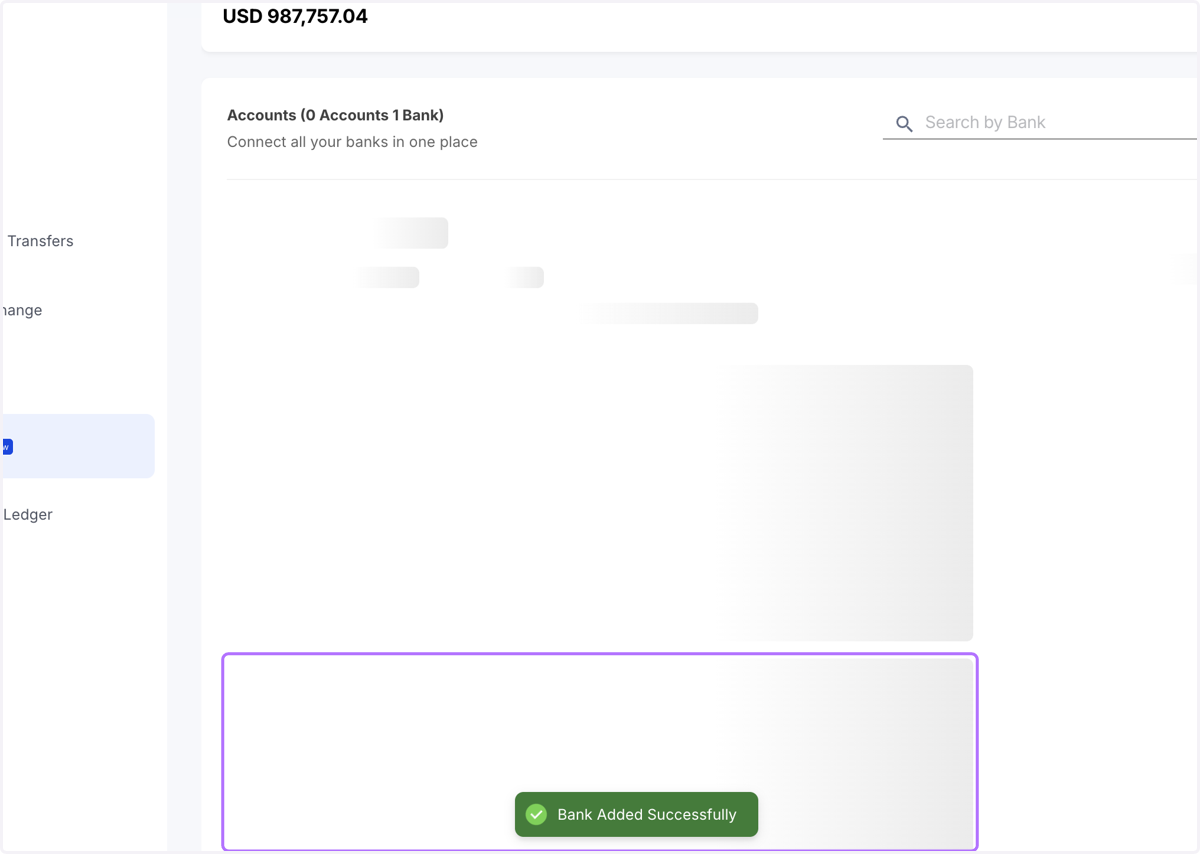
  7. 7. Your bank is being added

    Your bank is being added
  8. 8. Your DBS account is added on Finmo successfully
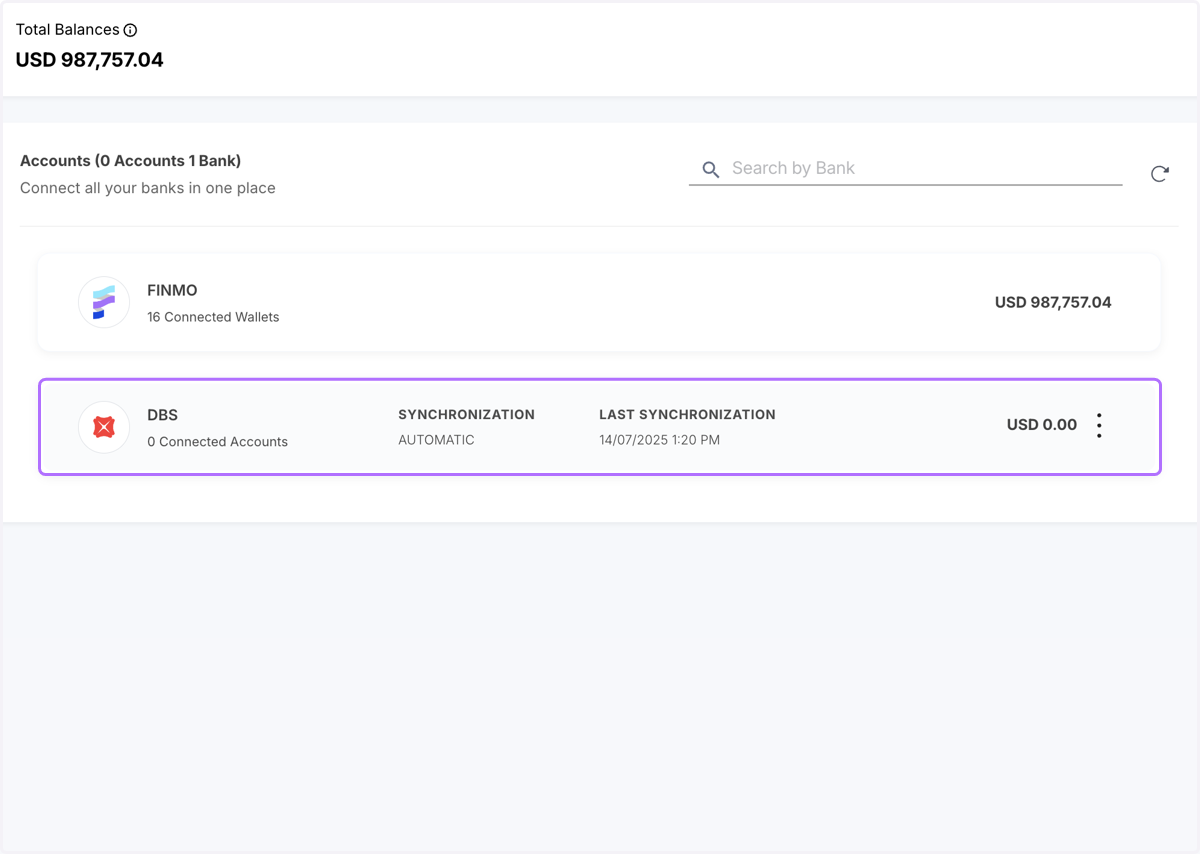
    Your DBS account is added on Finmo successfully