View Transactions and Associated Items
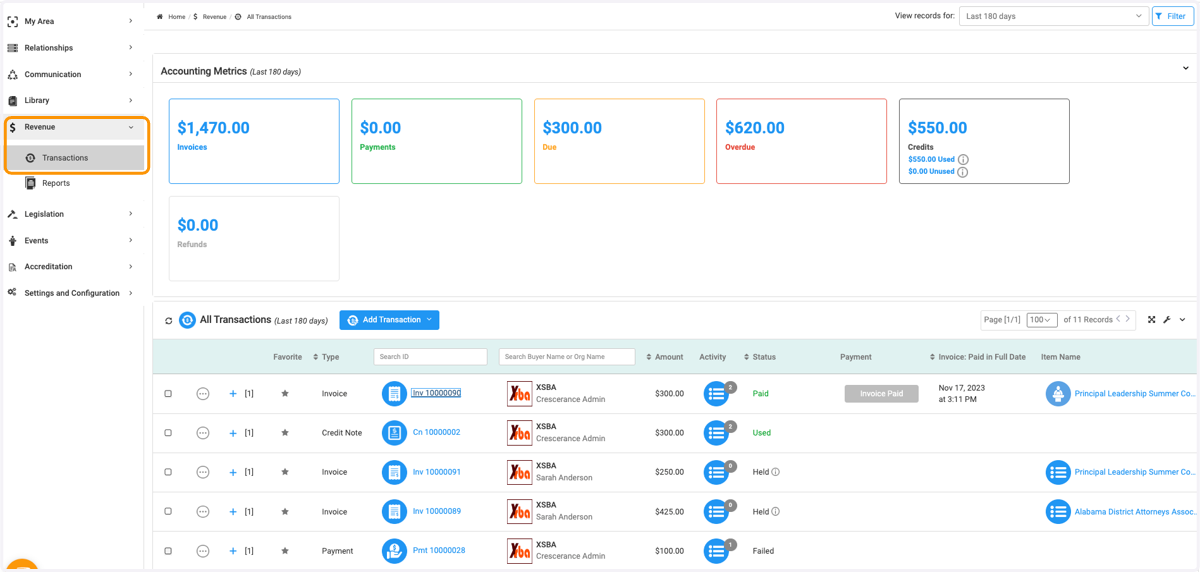
1. Click on Revenue and then Transactions
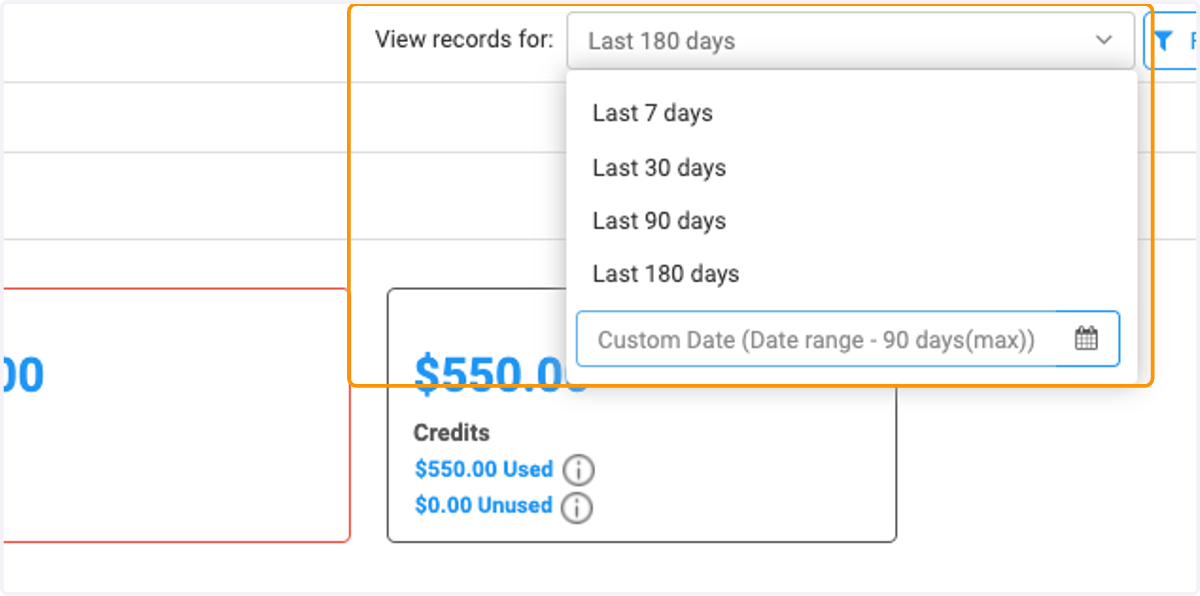
2. You can filter transaction records from the past 7, 30, 90, 180 days or set a custom date range
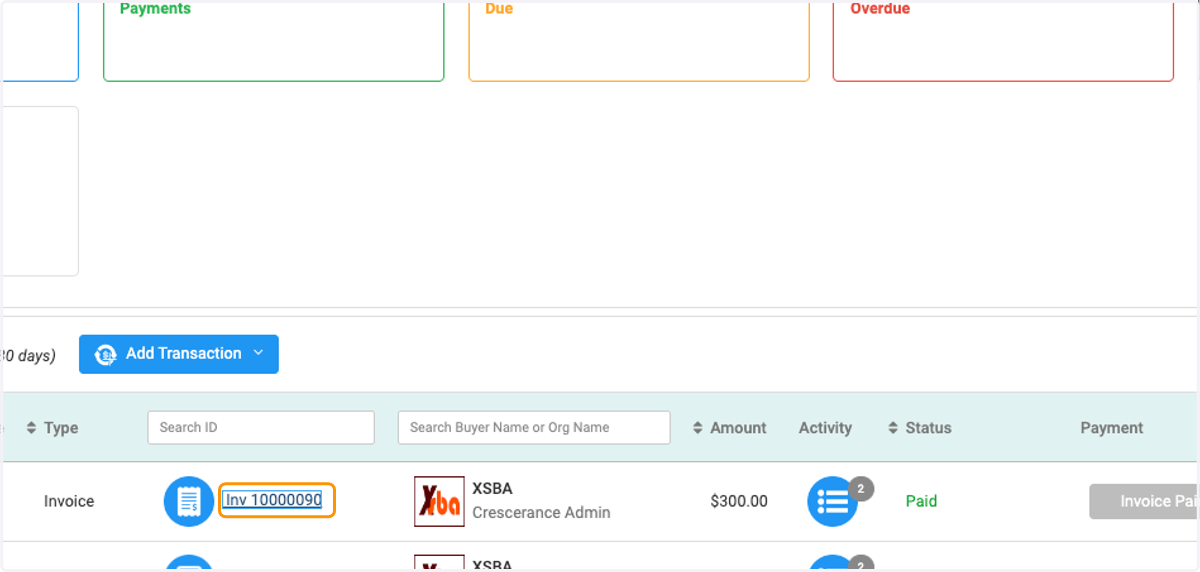
3. Click on the specific invoice you wish to view
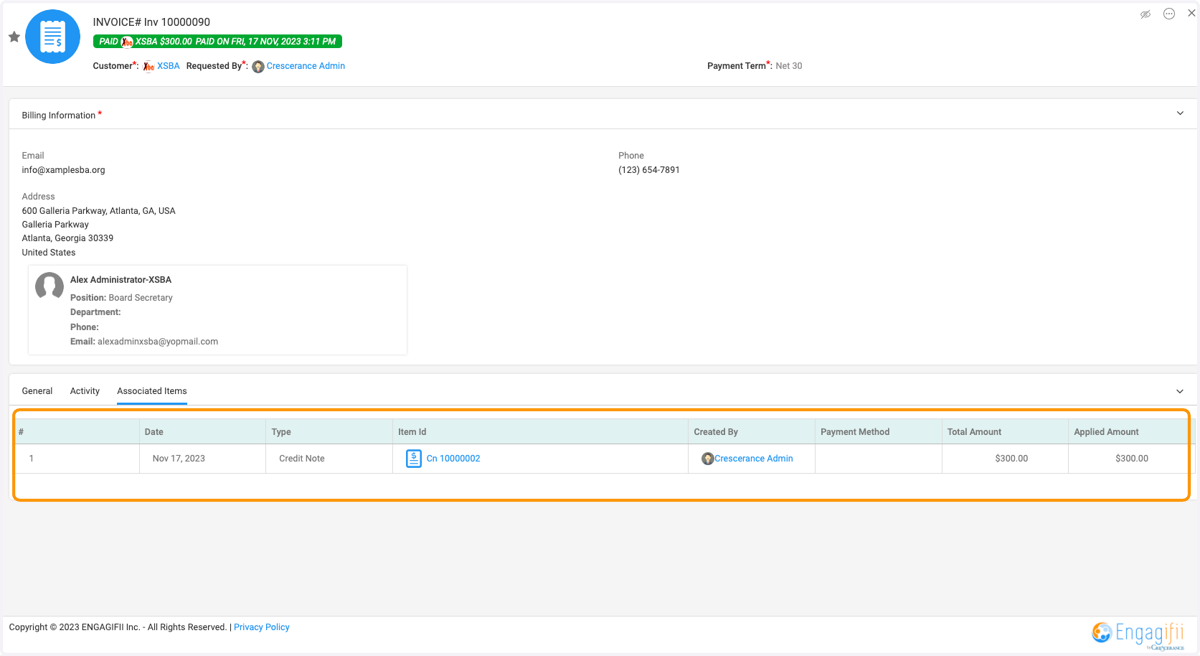
4. Click on Associated Items to other items related to this invoice
5. You will be routed to the associated items for that invoice