Updating Organization Names
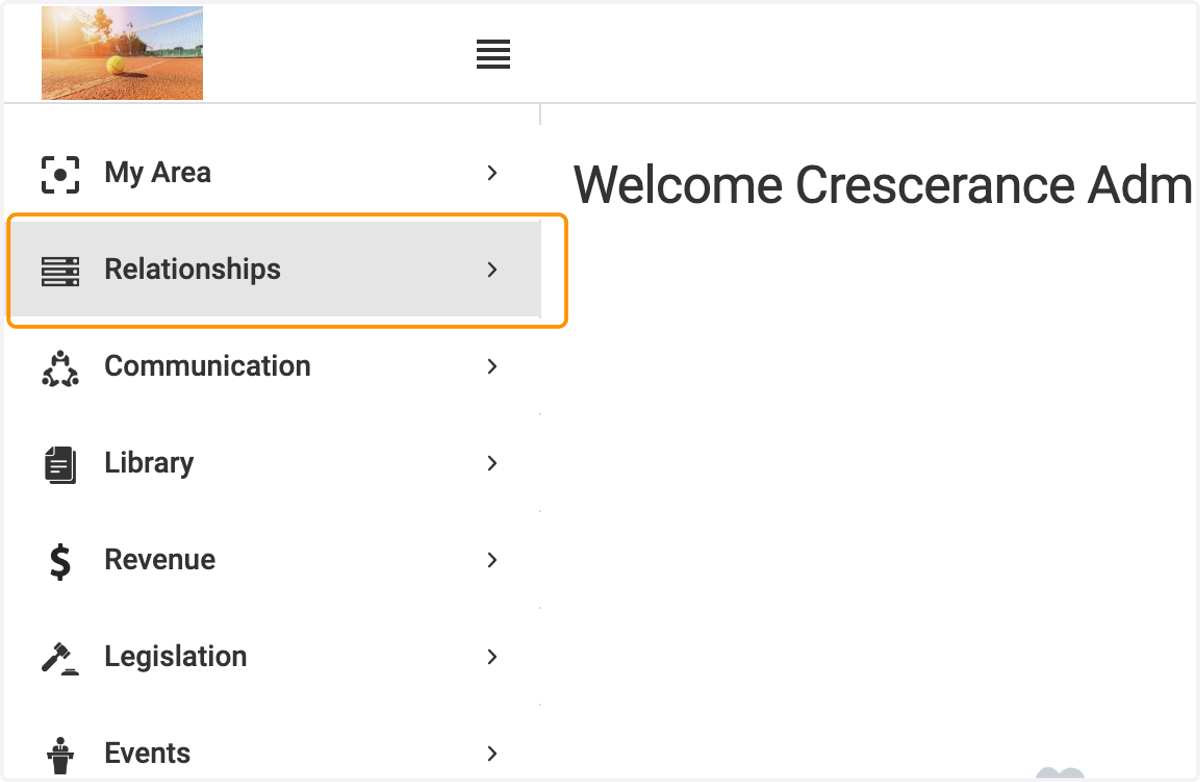
1. Click on Relationships
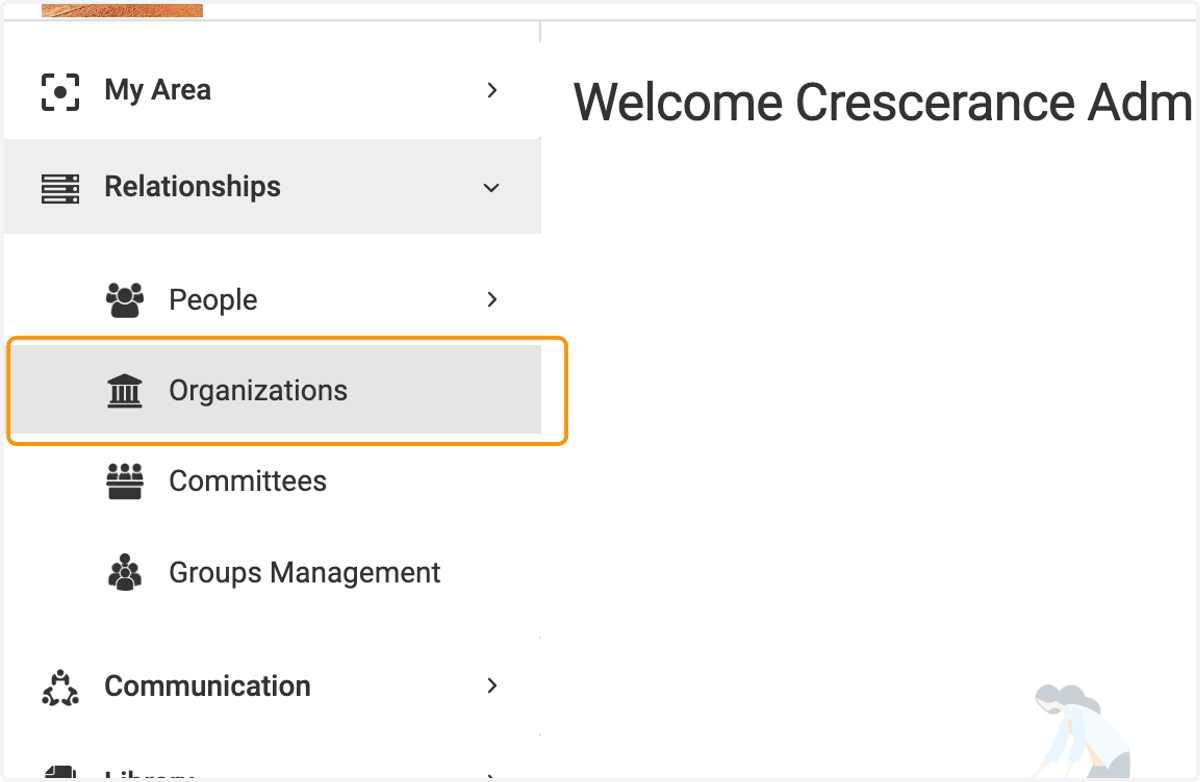
2. Click on Organizations
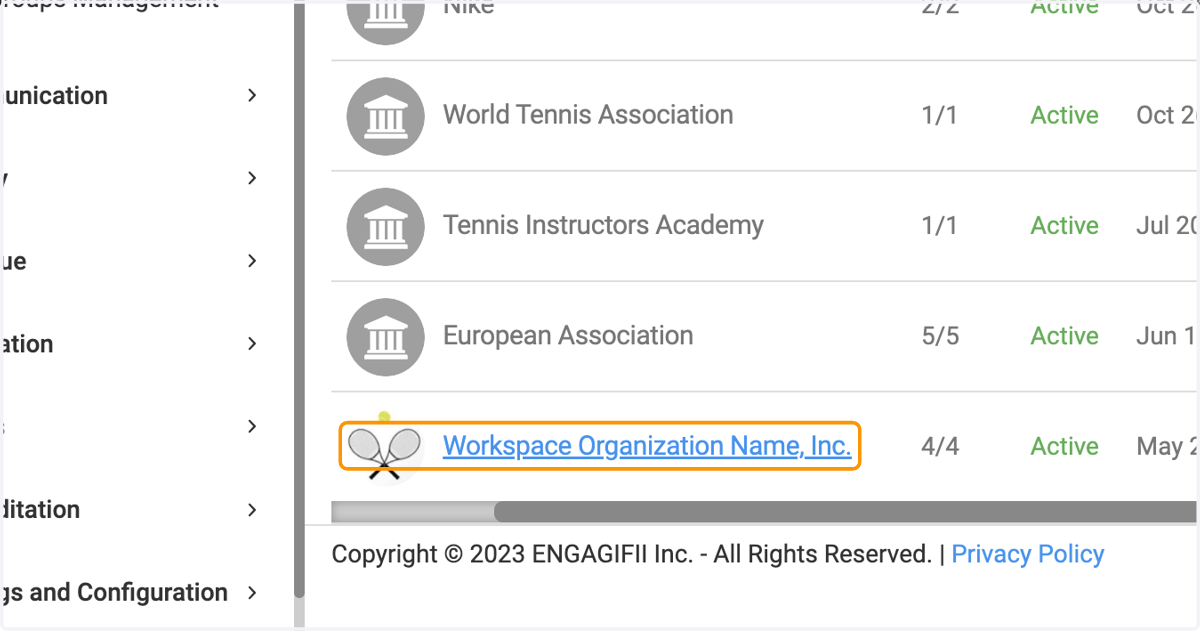
3. Click on the organization that you wish to update in order to view the organization detail page.
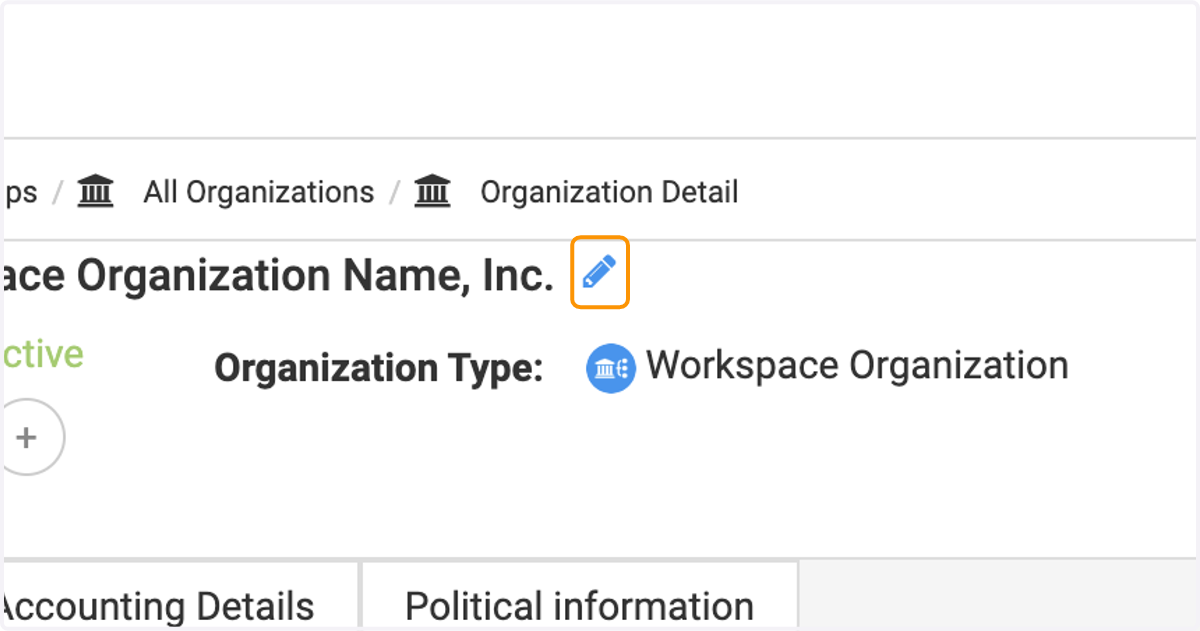
4. Click on the pencil icon next to the organization's name.
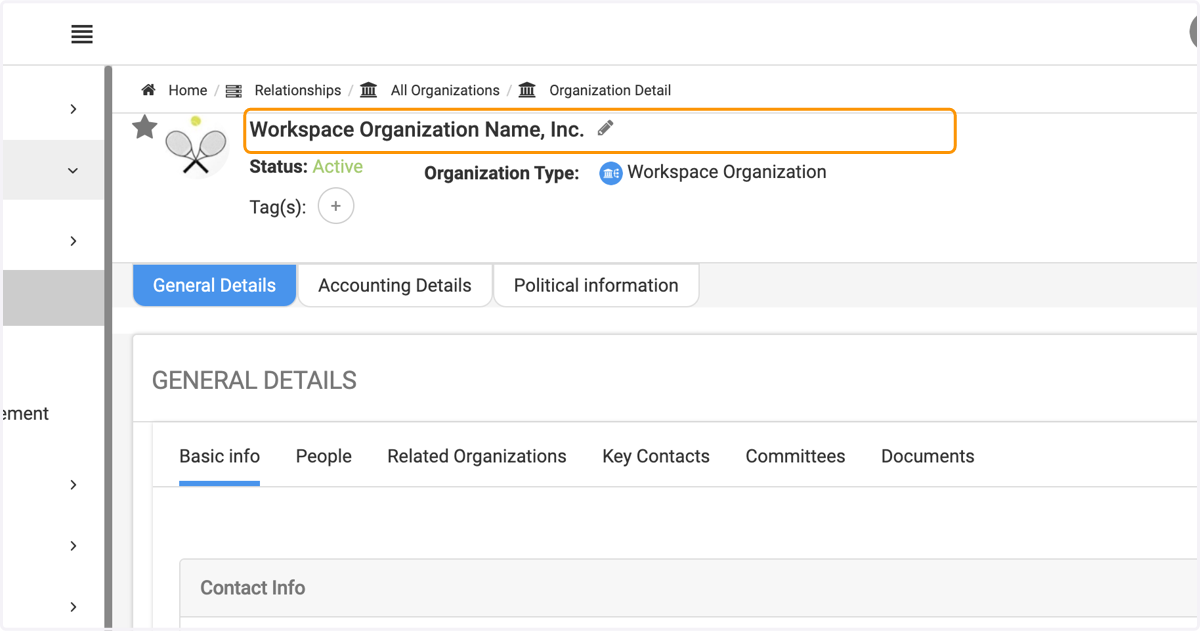
5. Click on highlight
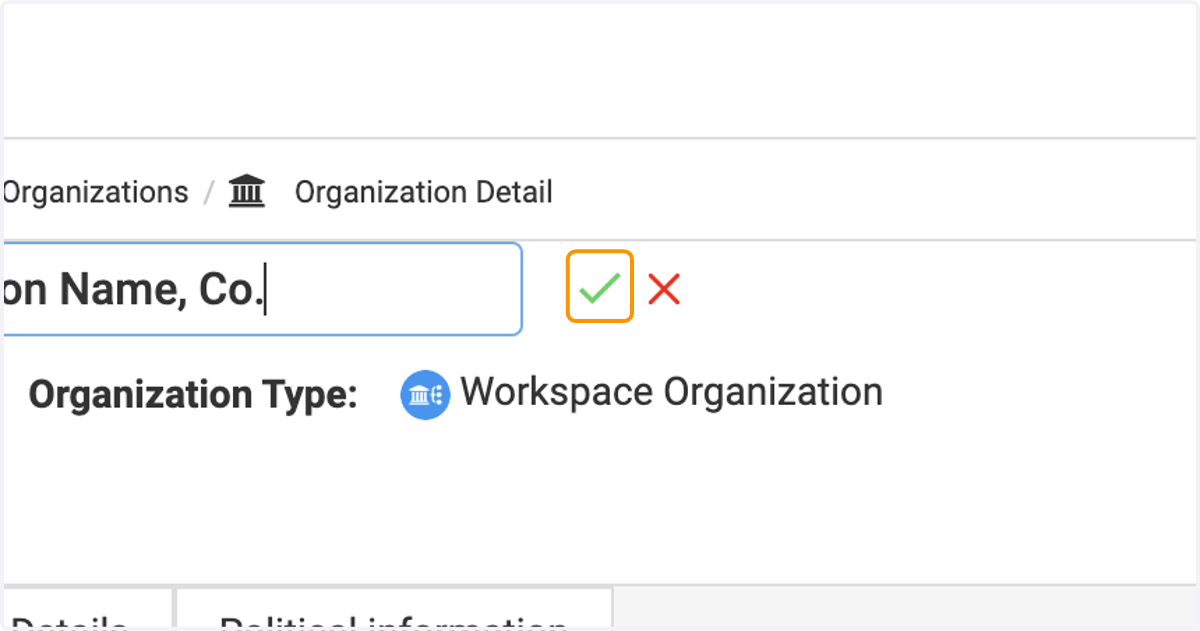
6. Input the new organization name and then click the green check mark to save changes.
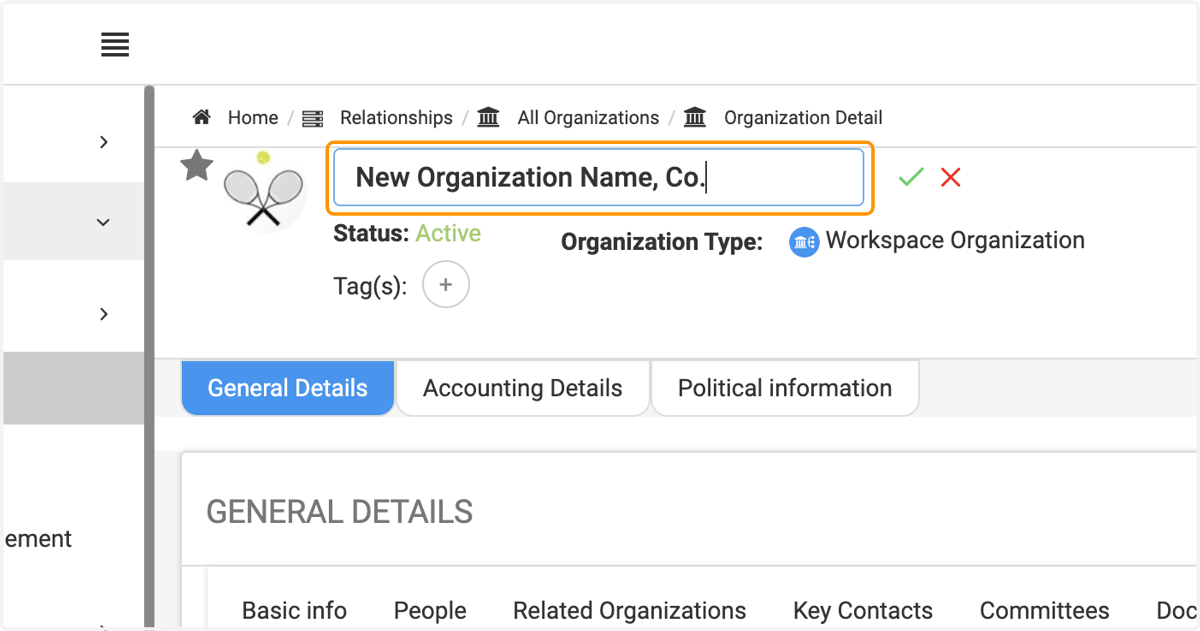
7. Click on highlight