Enrollify: Creating Additional Incentive & Proposal Setups
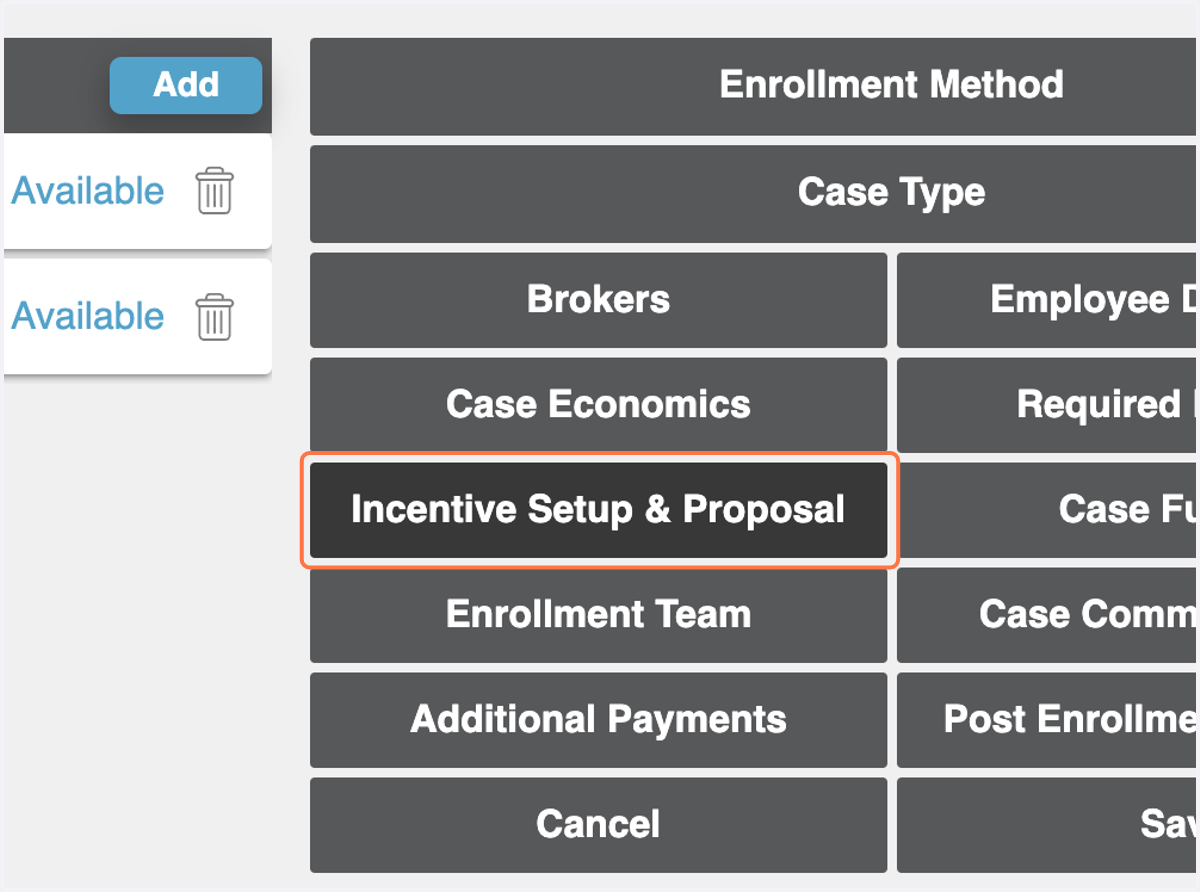
1. From Enrollment & Case Details, click on Incentive Setup & Proposal.
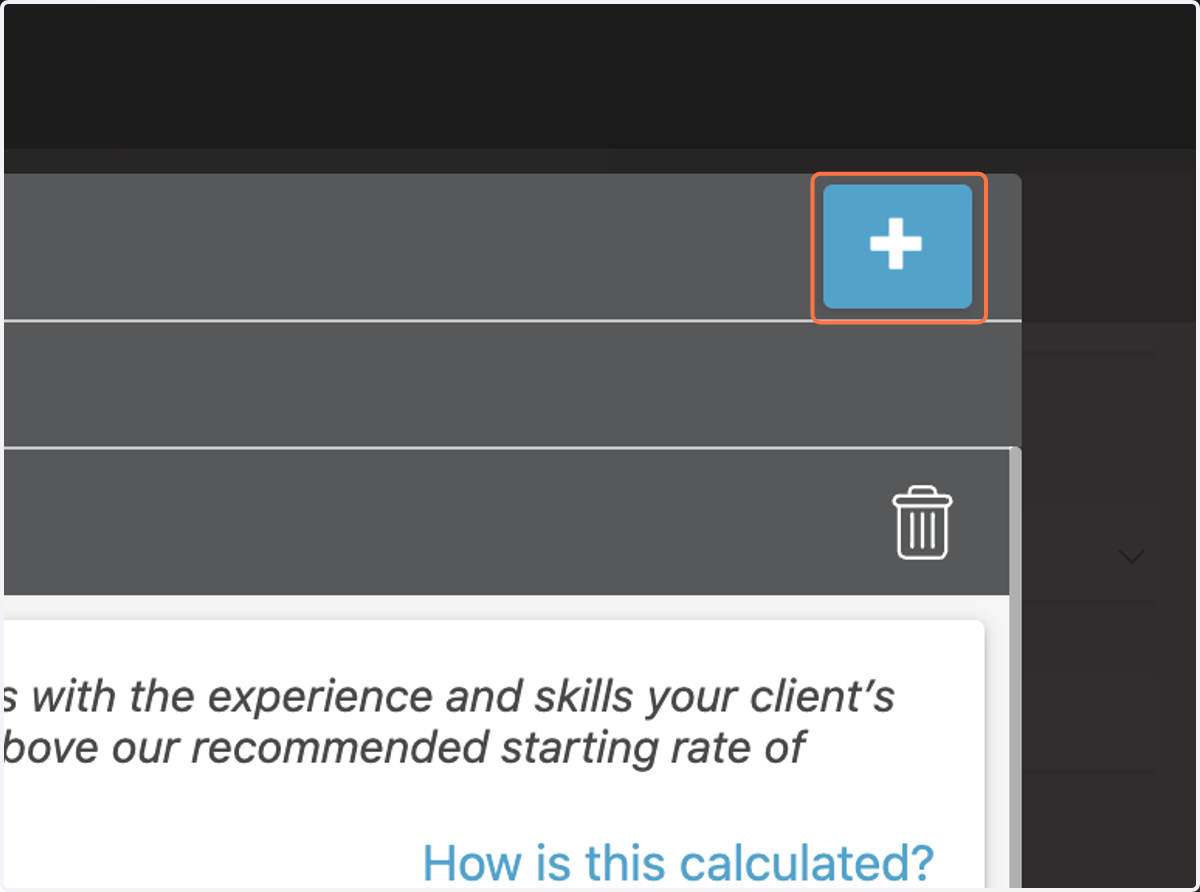
2. Click on + in the upper right-hand corner.
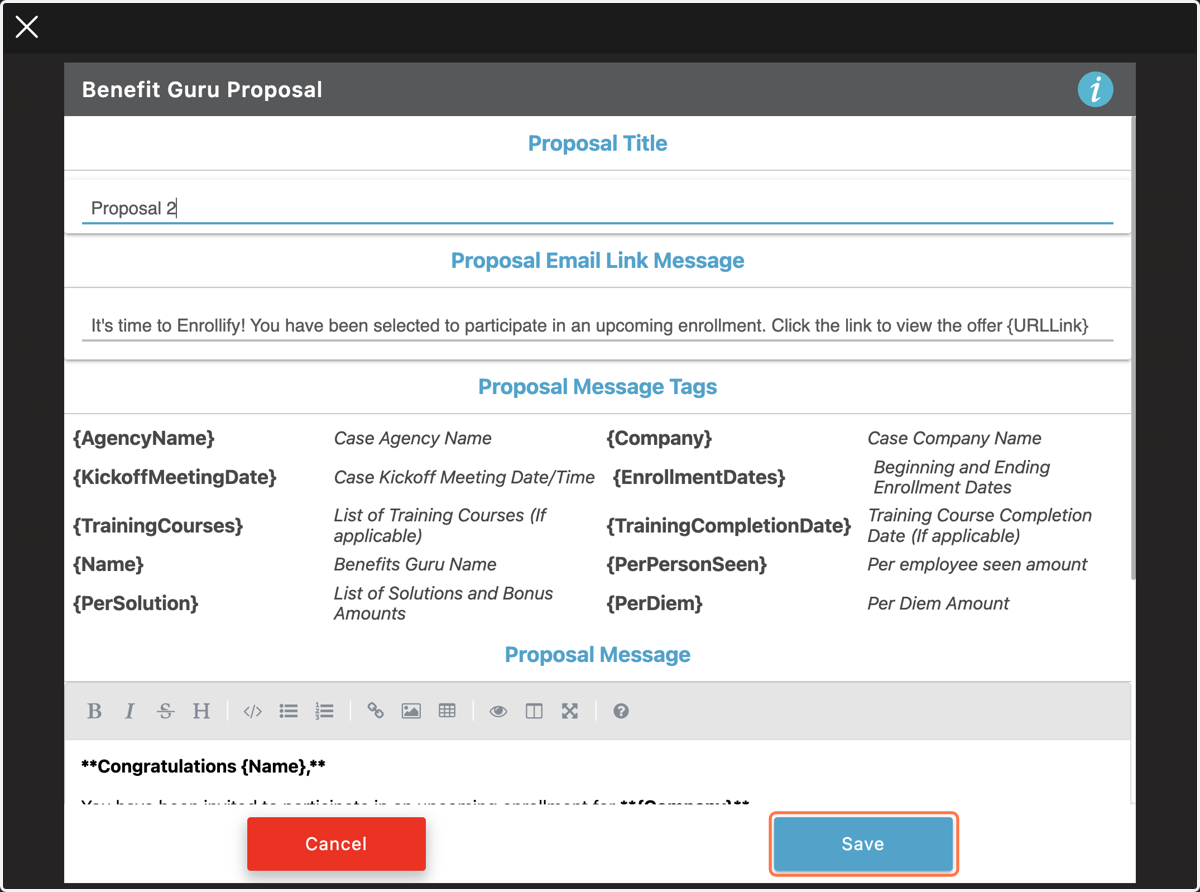
3. Rename the Proposal in the title field.
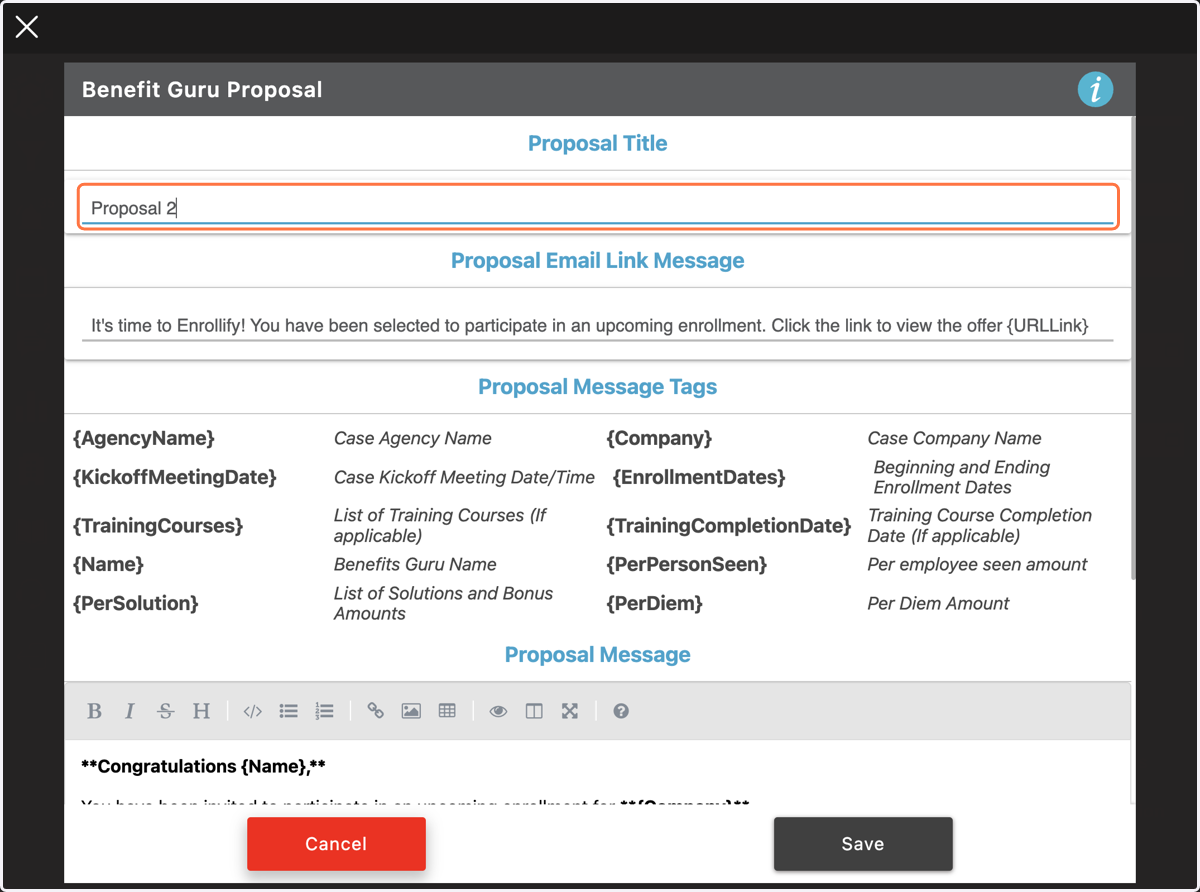
4. Click on Save.
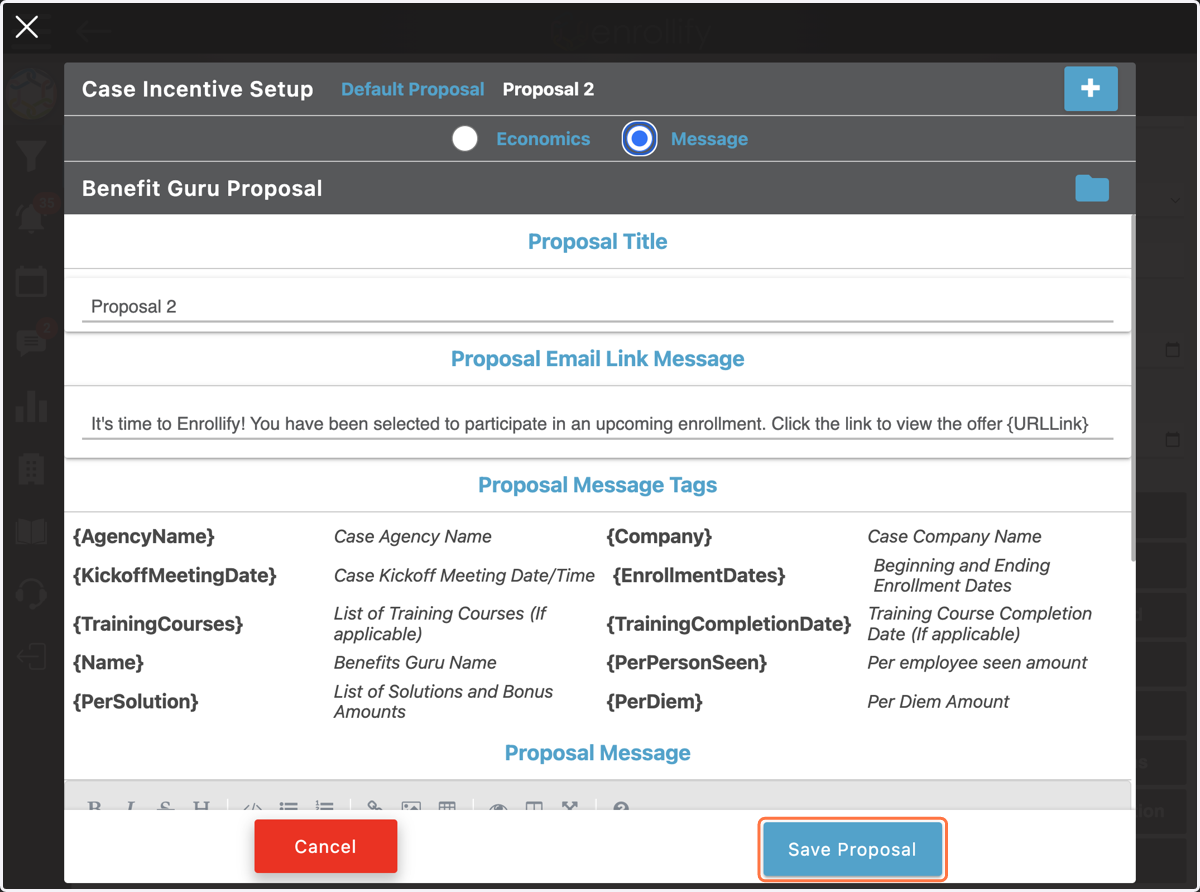
5. Your new proposal title will appear at the top of the form.
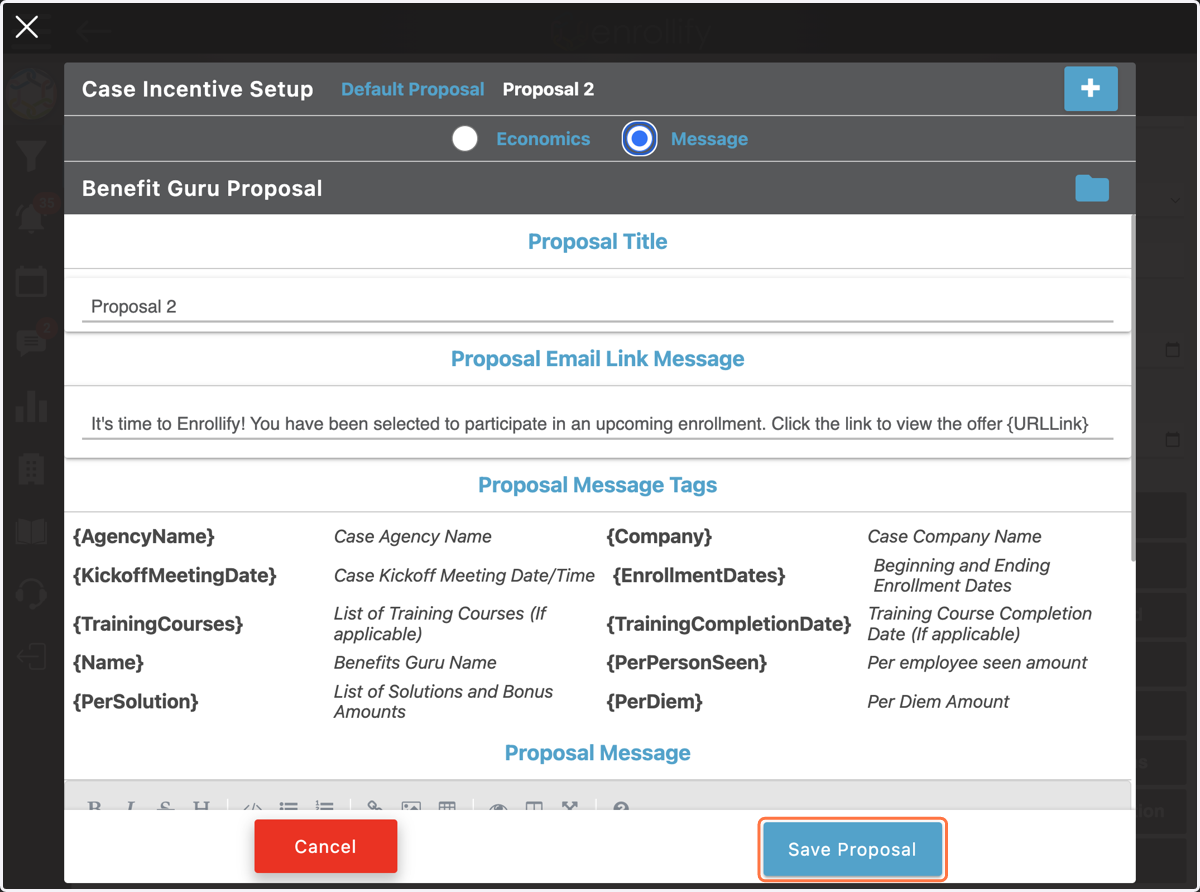
6. Toggle between Economics and Proposal to update or change the compensation or communication details.
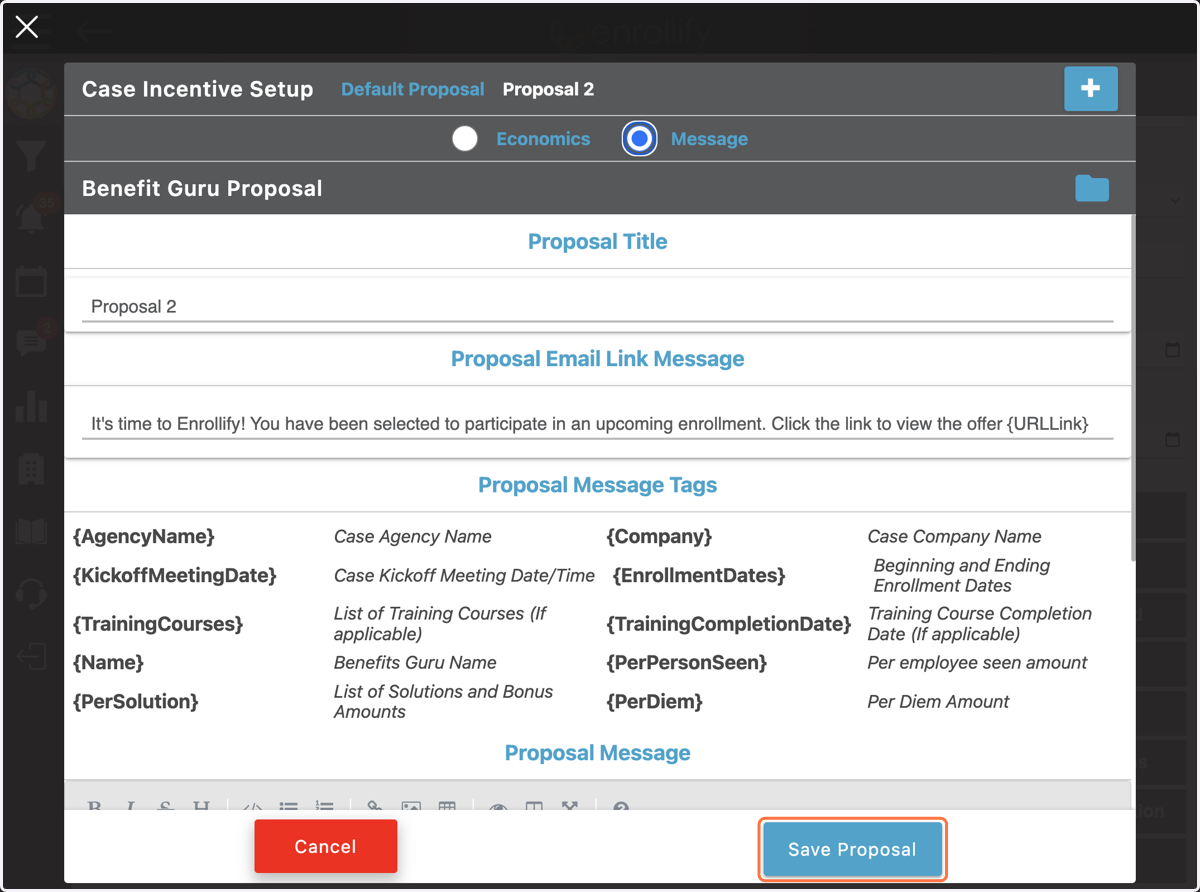
7. Once the new Incentive Setup & Proposal is complete, click Save Proposal