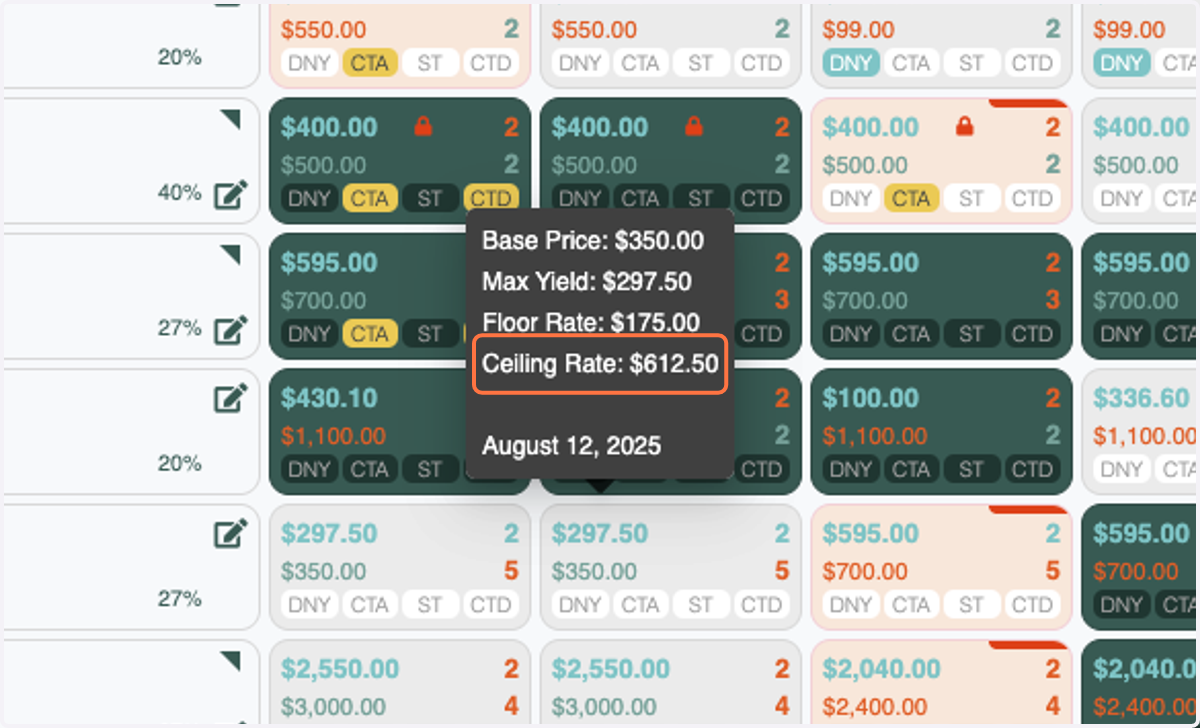
Ceiling Rates: Product Update
You can now enter a percentage for Ceiling Rates by Period!
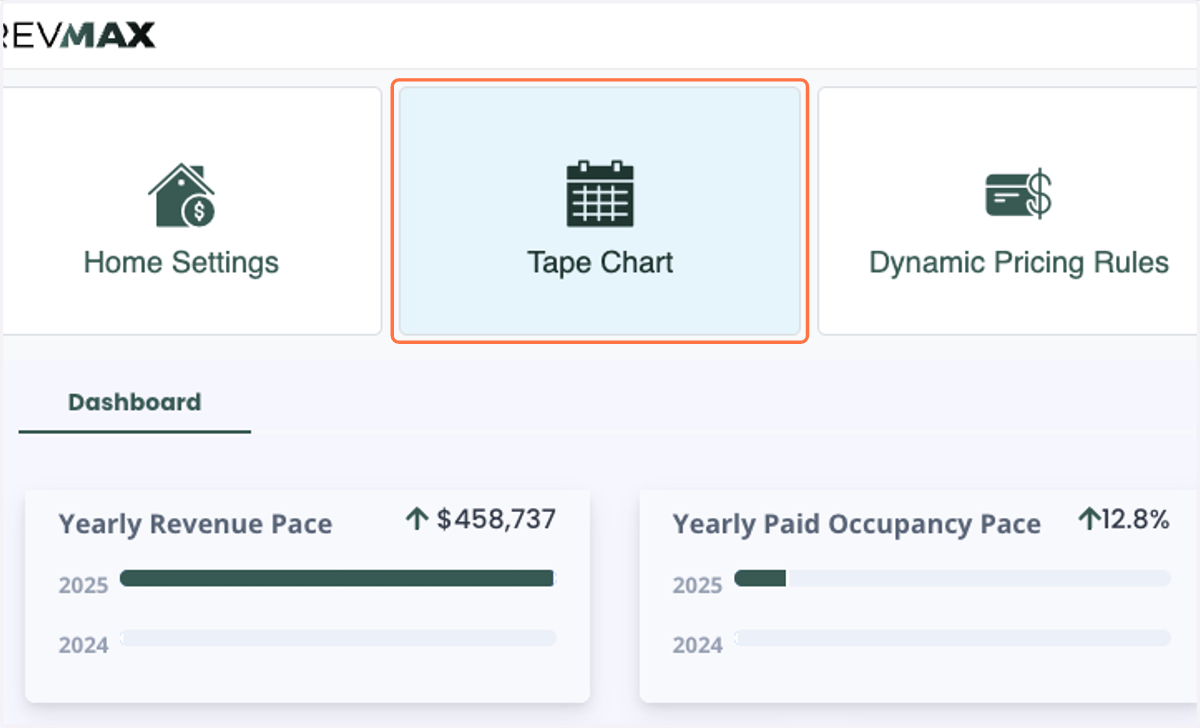
1. Click on Tape Chart or Home Settings
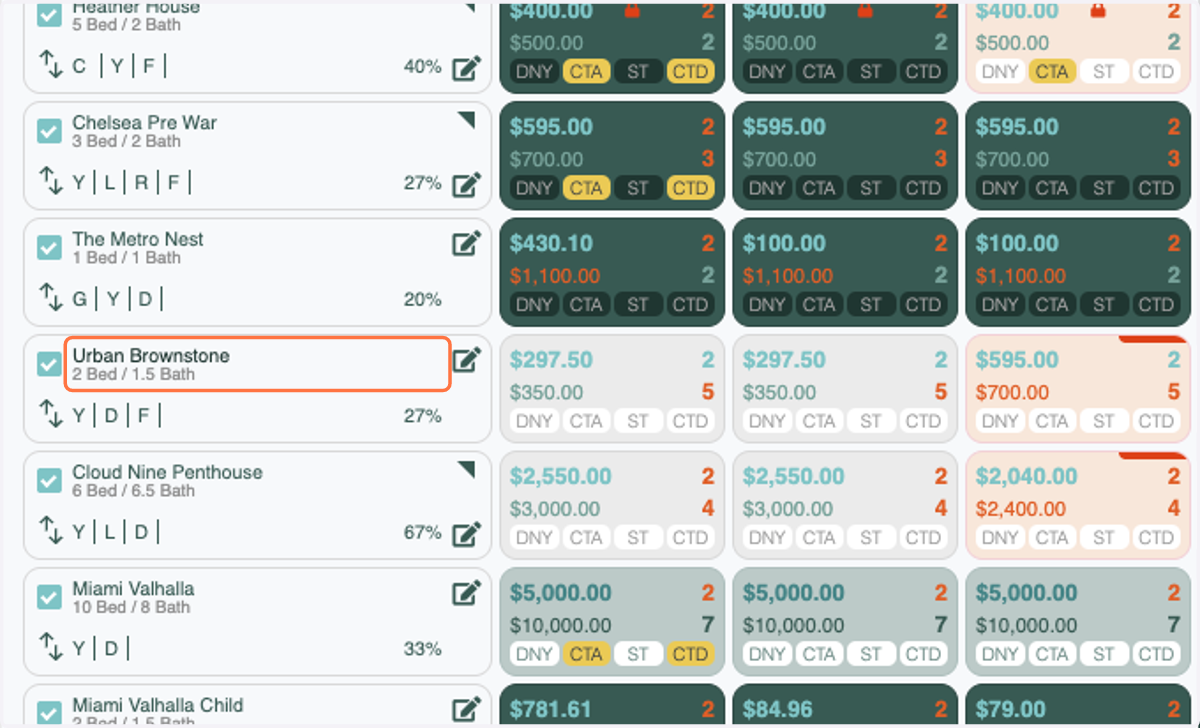
2. Click on the unit name
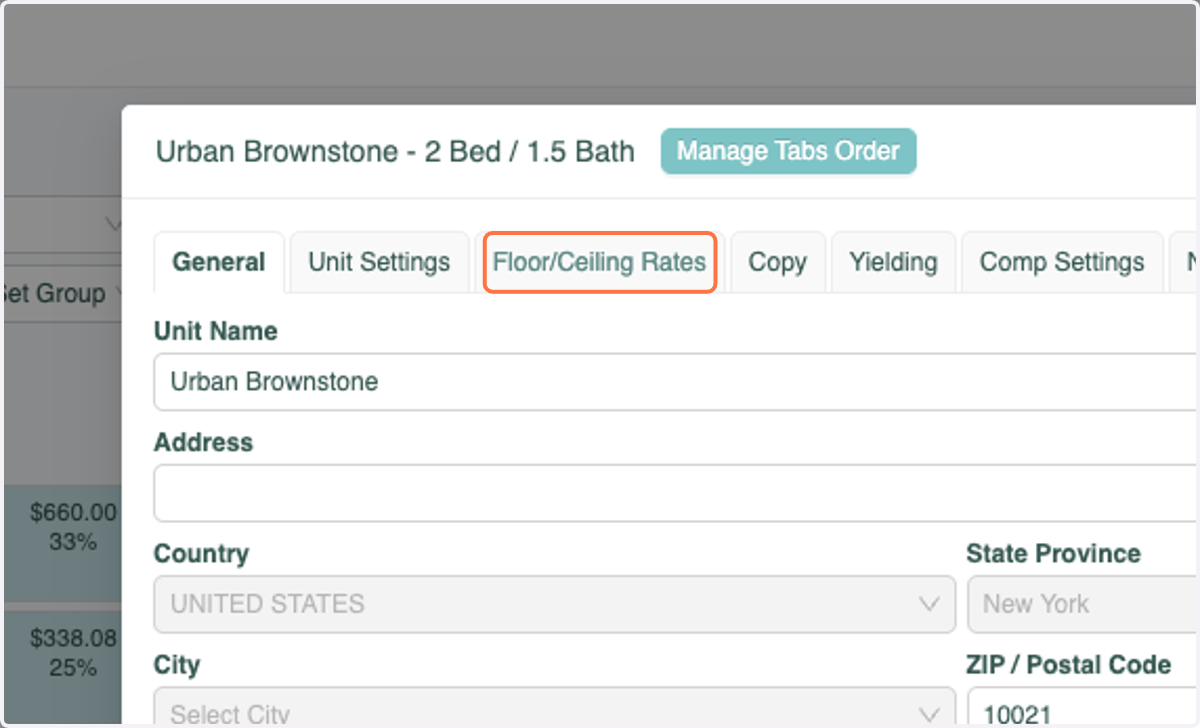
3. Click on Floor/Ceiling Rates
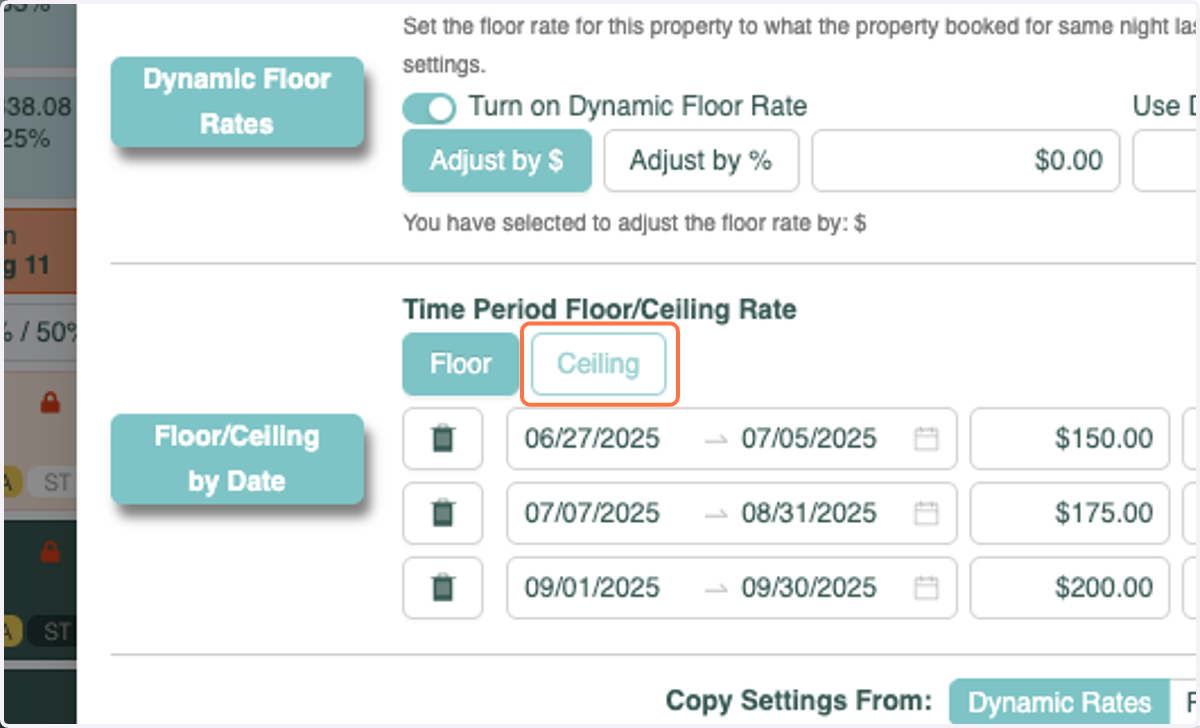
4. Click on Ceiling
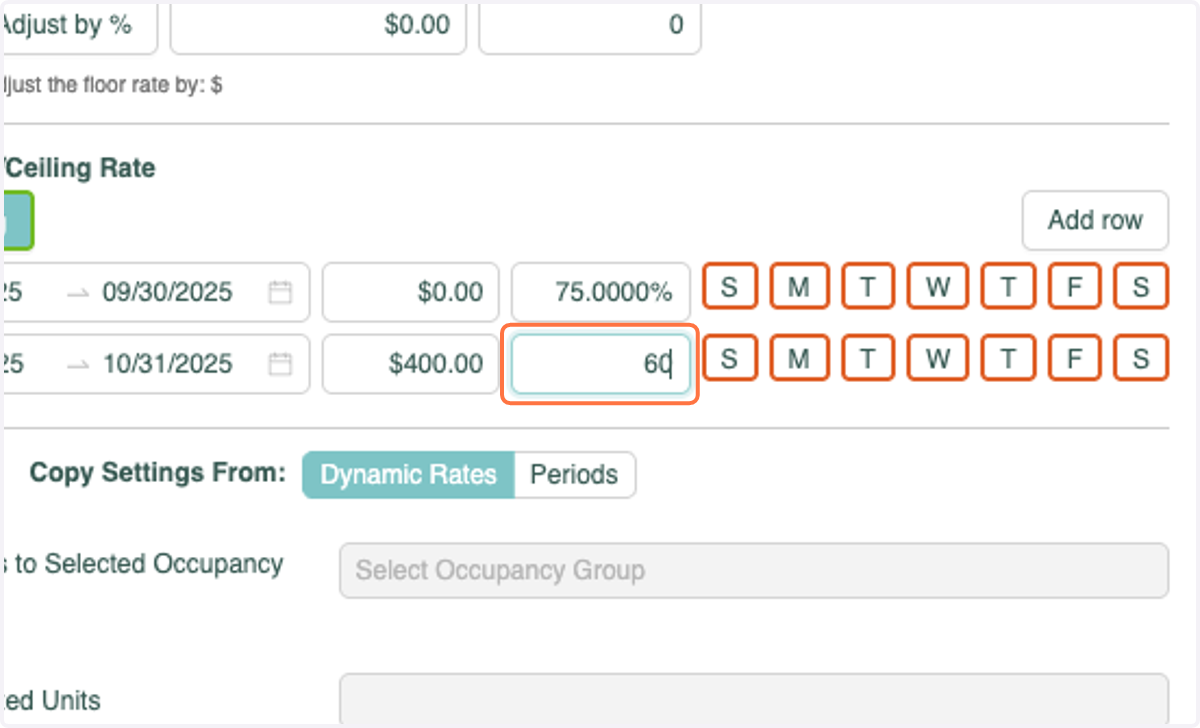
5. Enter the the percentage amount *This number should equal the amount above your Base Rate you'd like the Ceiling Rate to be.
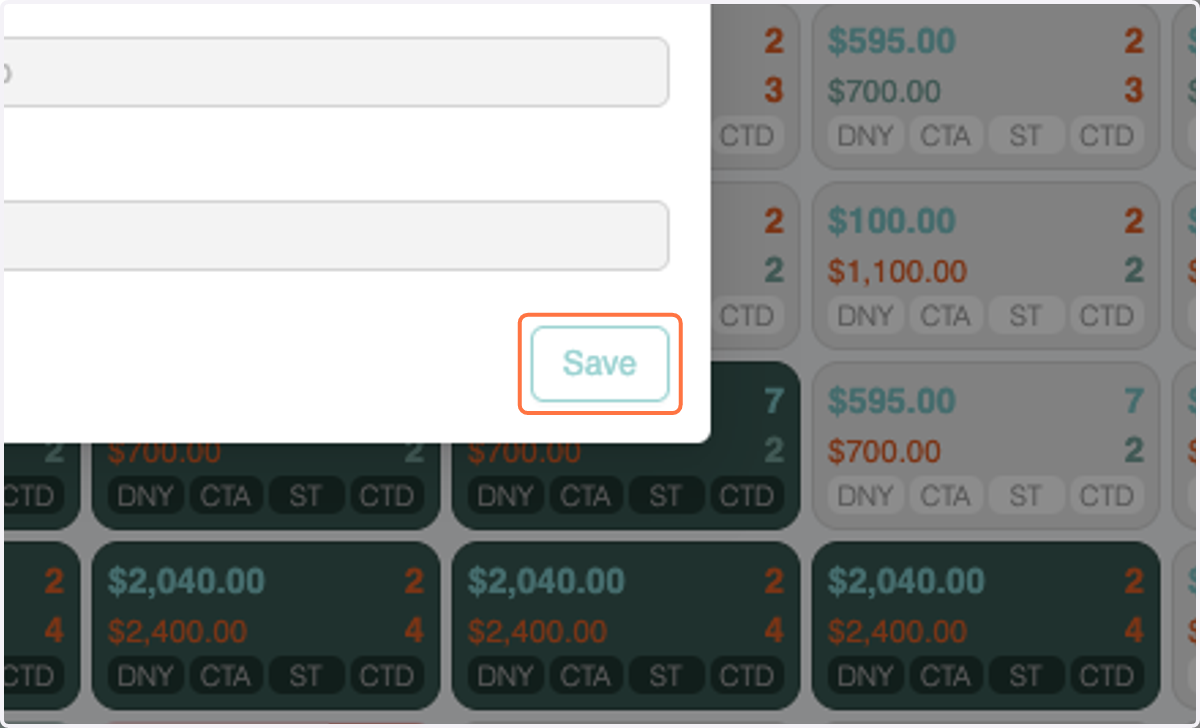
6. Click on Save
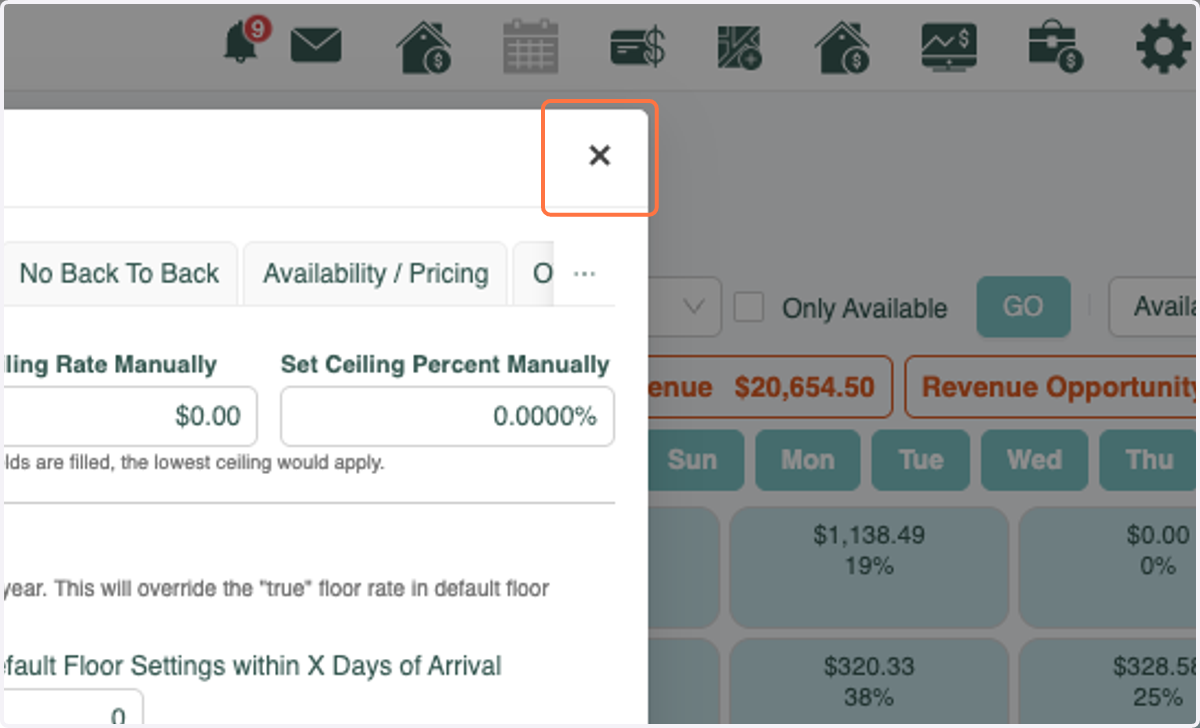
7. Click on Close
8. When you hover over the Final Rate you will see your Ceiling Rate
For these dates Ceiling Rate % is 75%.
Base Rateis $350.
$350 x 1.75 = $612.50