Adding a new database into PowerMill
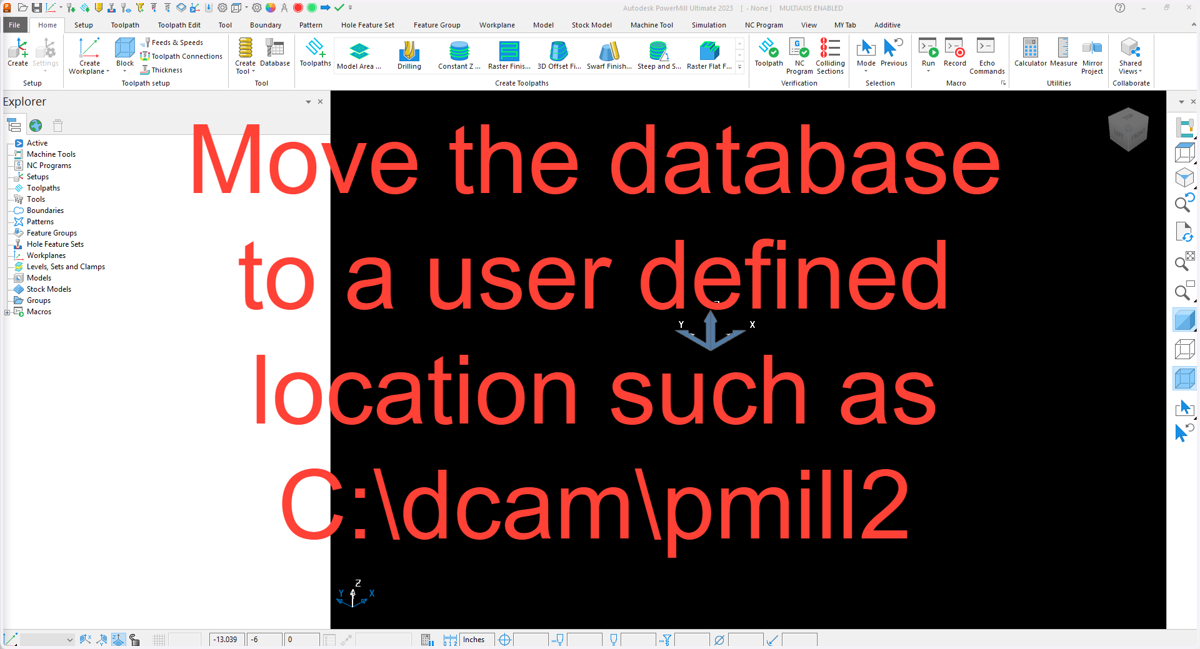
1. Save the database to the computer
powermill
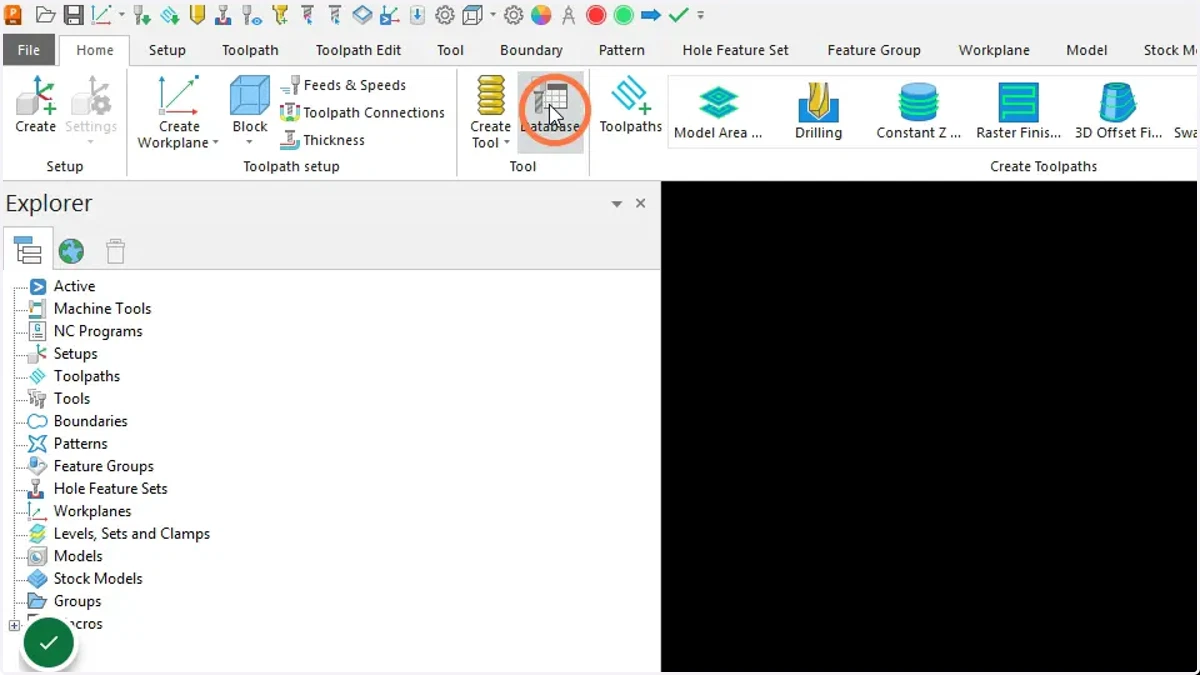
2. Open the tool database. Home tab > Tool > Database
3. Open the tool database manager
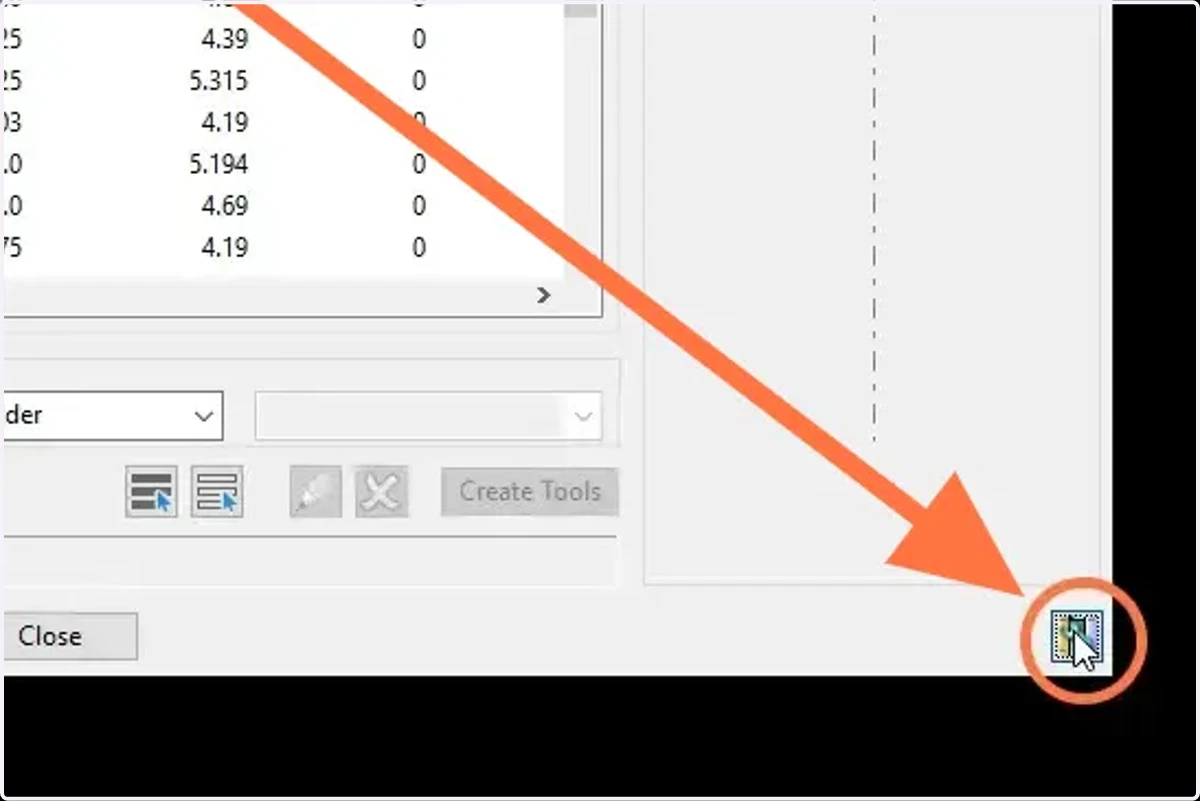
4. Go to the database settings
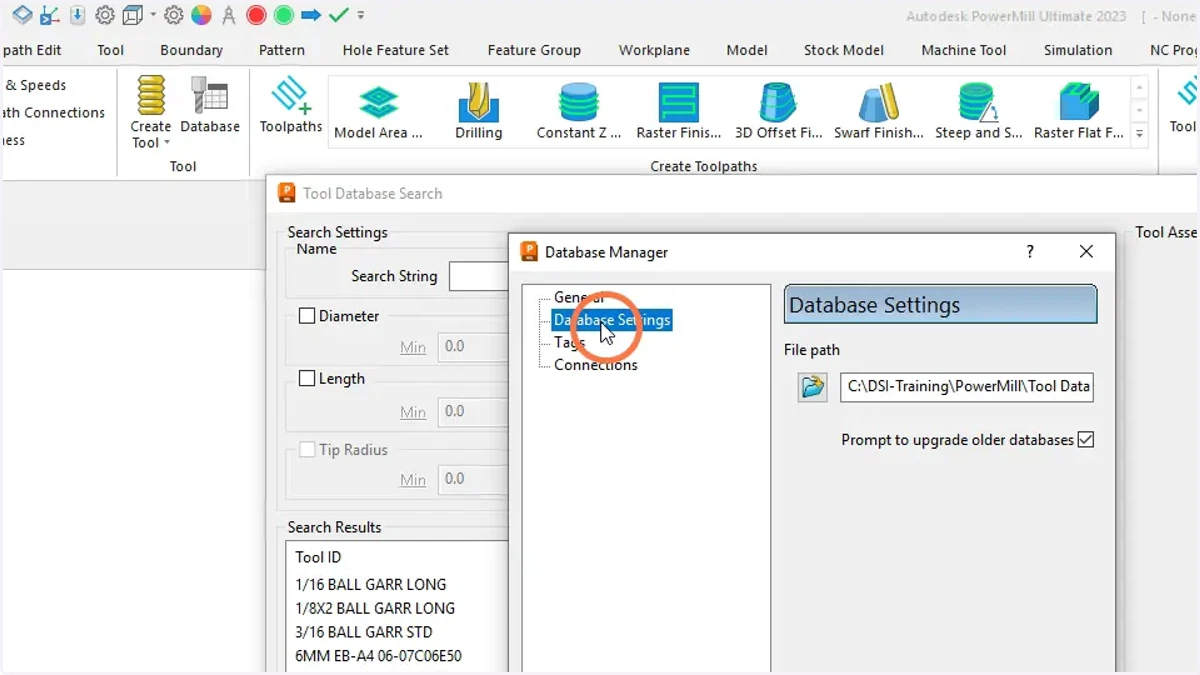
5. Open the file explorer
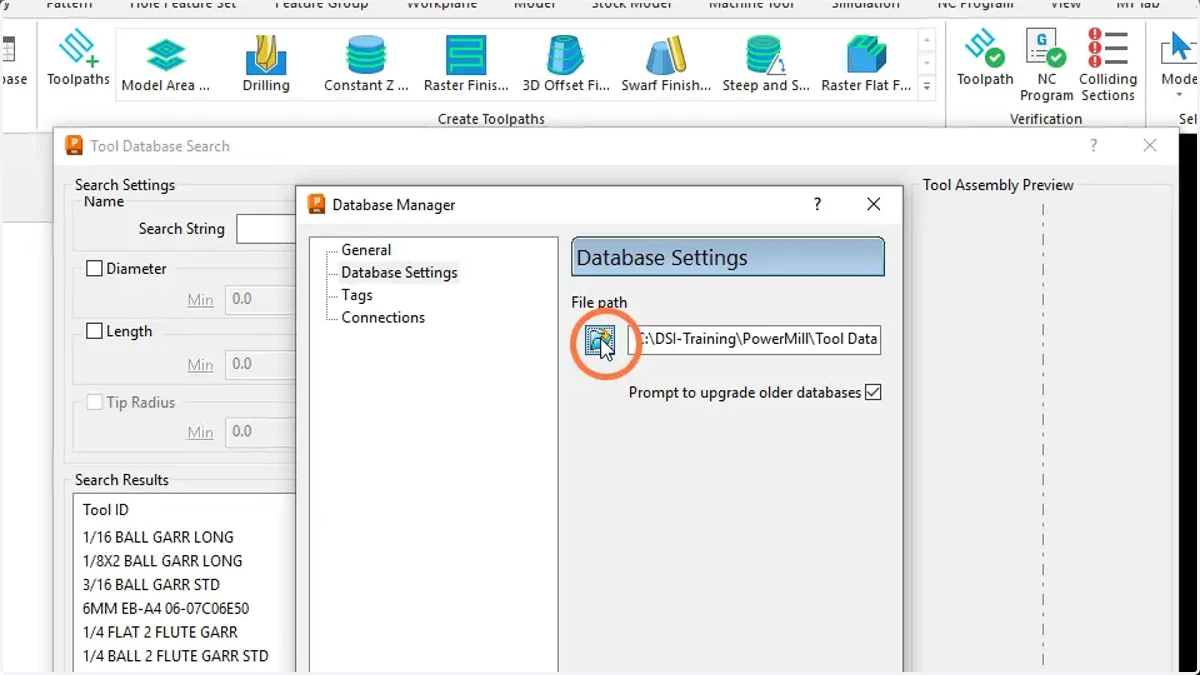
6. Browse to the new database on your computer, select it and press open
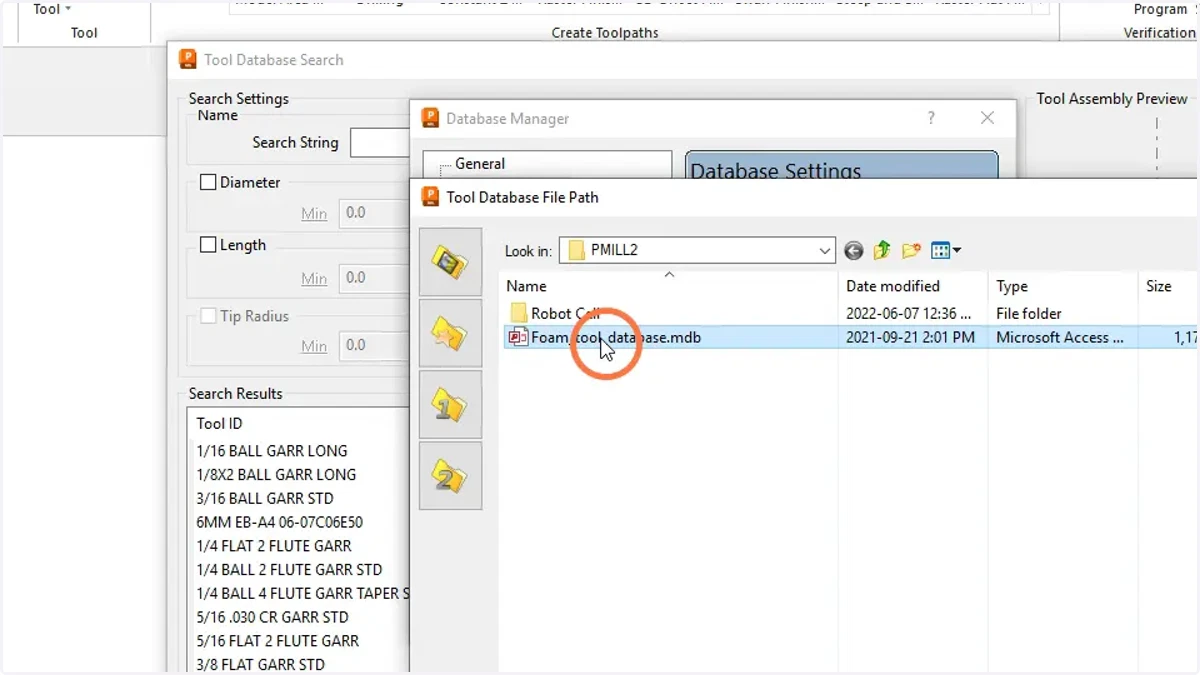
powermill
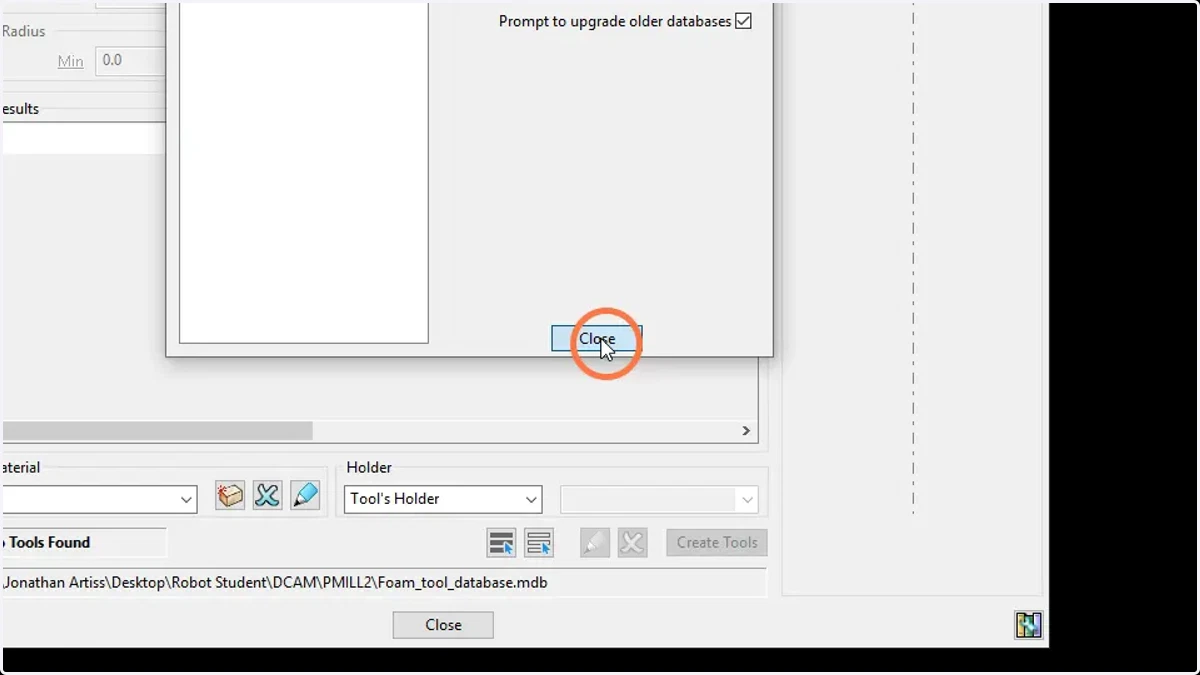
7. Close the database manager
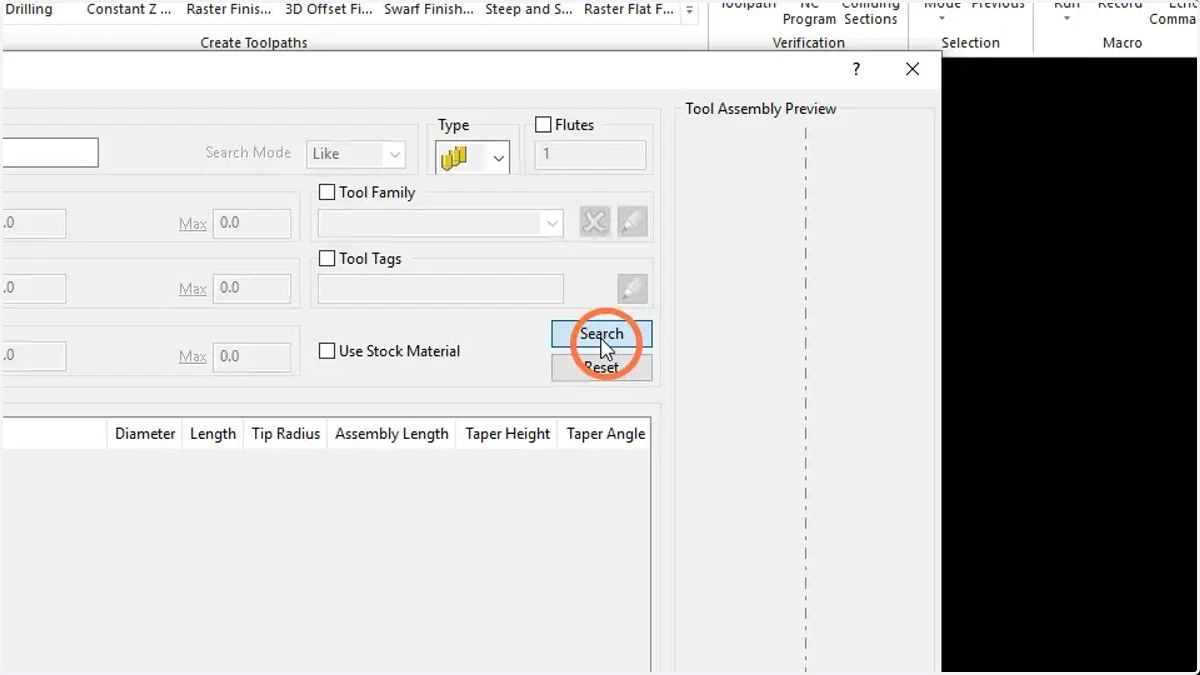
8. Search the new database for tool
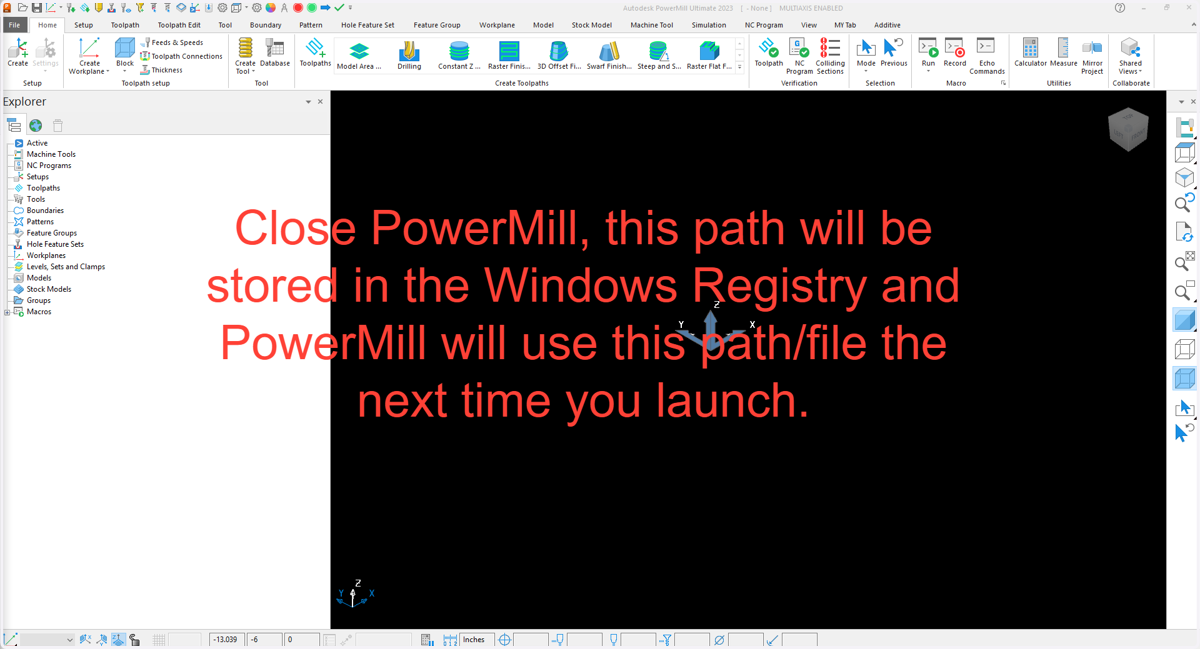
9. Close PowerMill