Generate and Download Worksheet

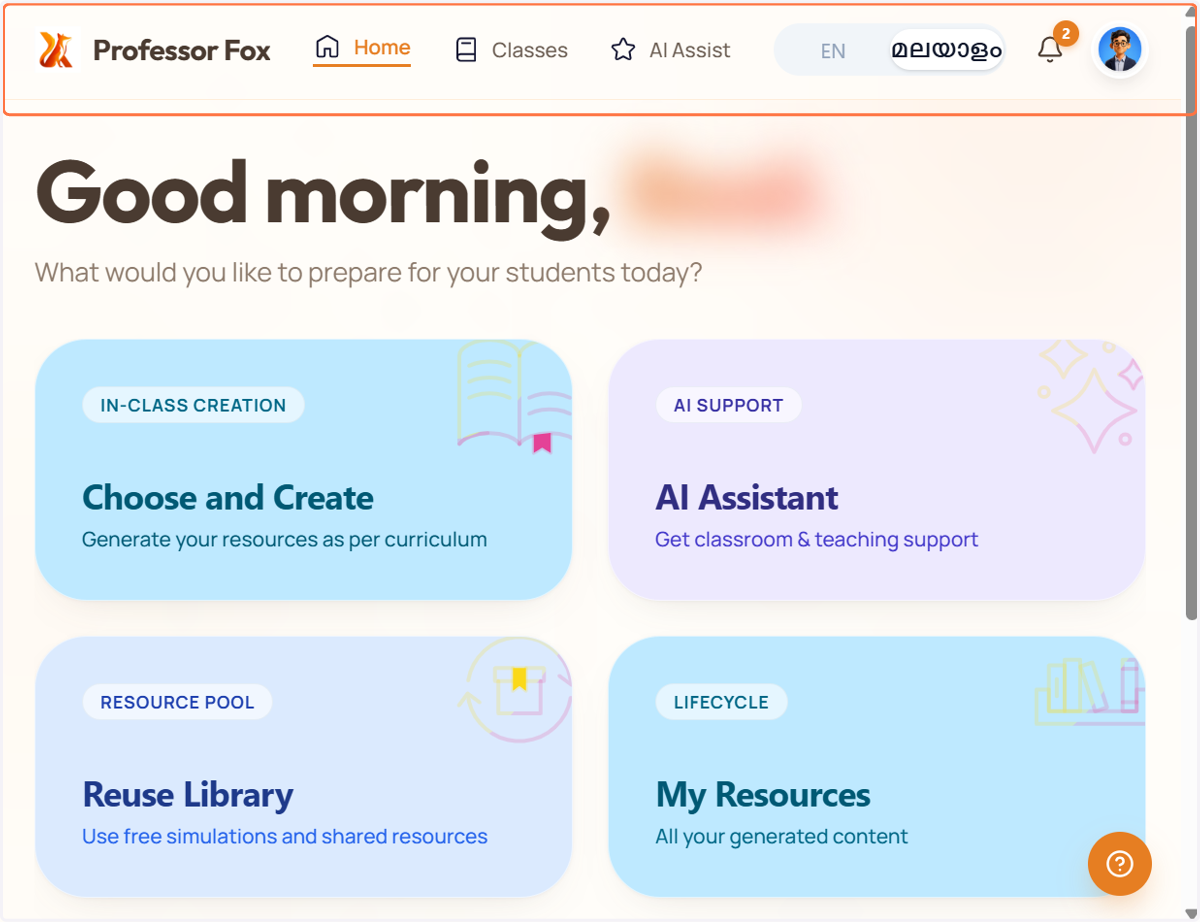
  1. 1. Open Professor Fox

    Open Professor Fox
  2. 2. Select your medium

    Select your medium
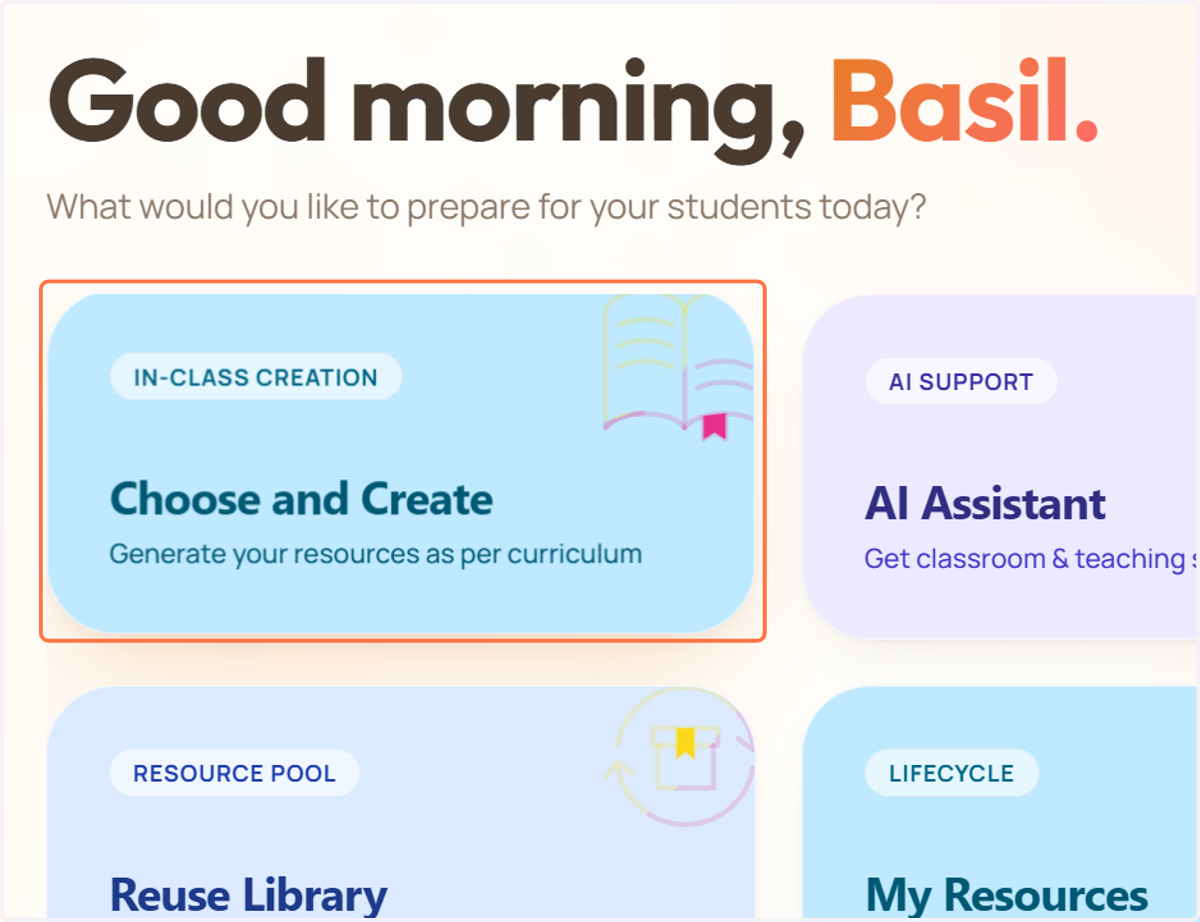
  3. 3. Click on Choose and Create …

    Click on Choose and Create …
  4. 4. Select the class for which you want to create a worksheet.
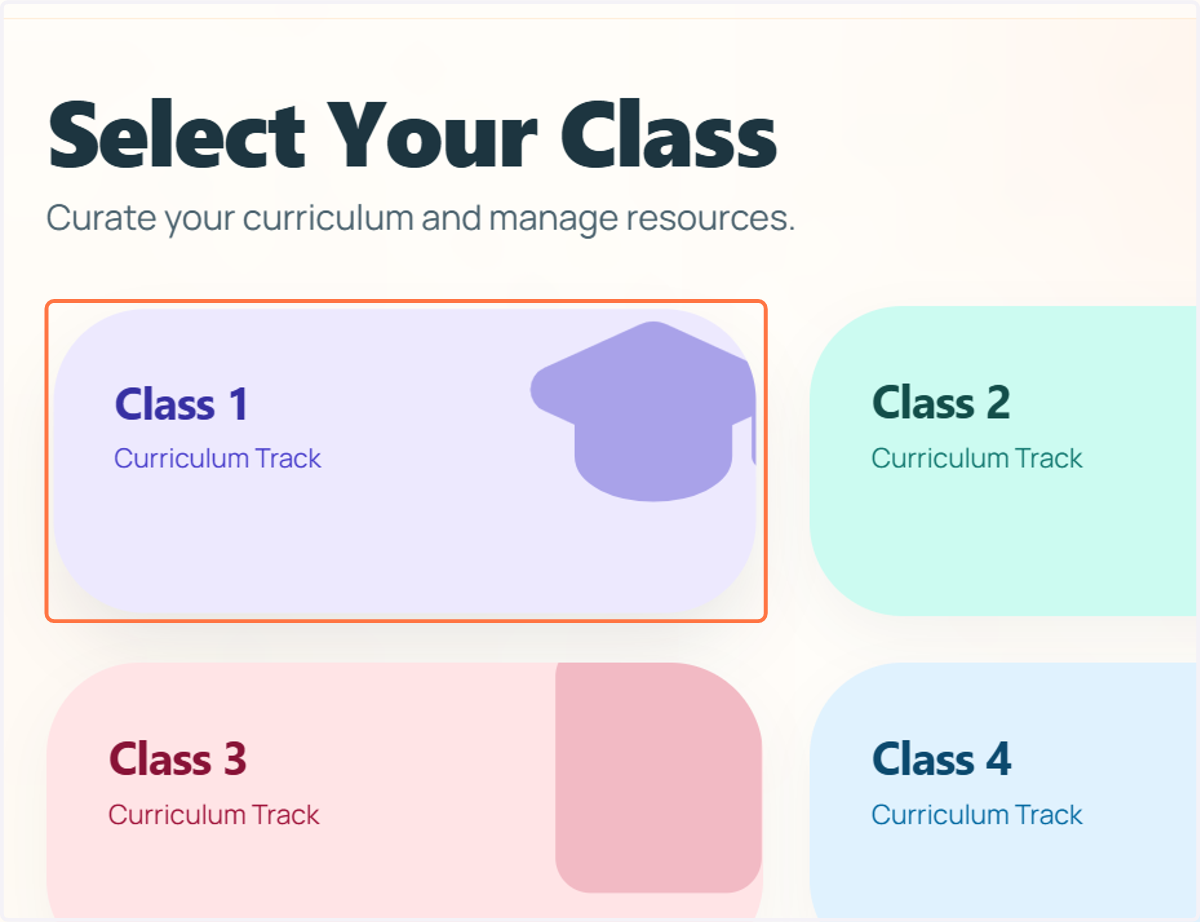
    Select the class for which you want to create a worksheet.
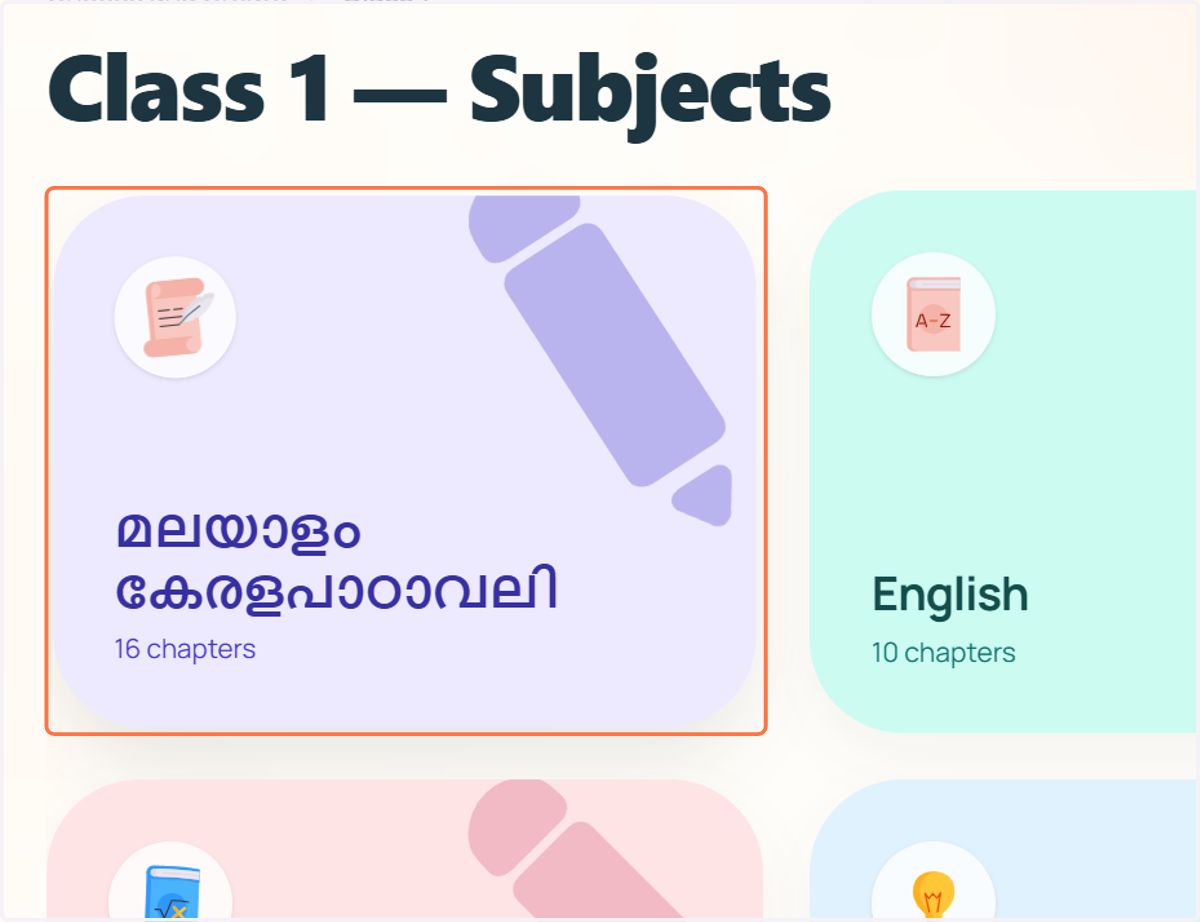
  5. 5. Select the subject for which you want to create a worksheet.
    Select the subject for which you want to create a worksheet.
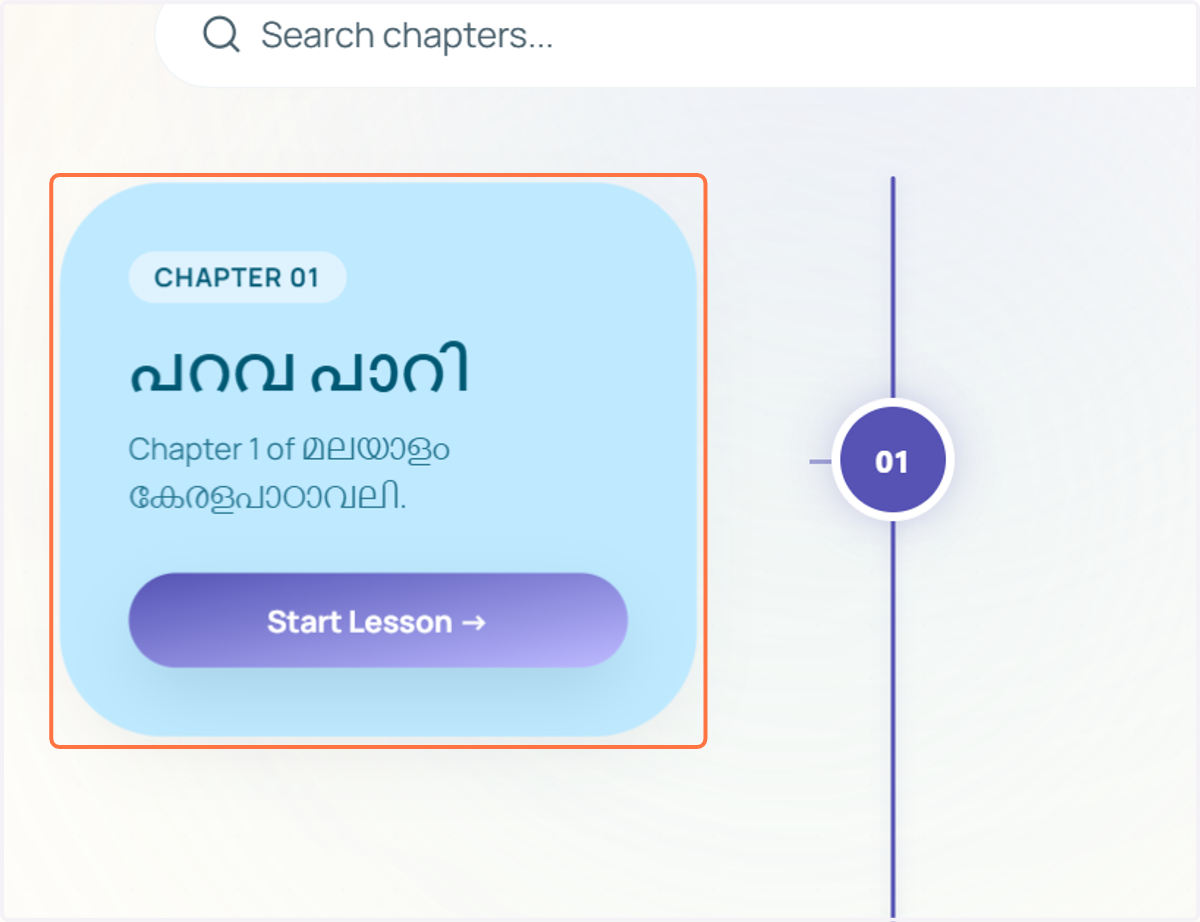
  6. 6. Select the chapter for which you want to create a worksheet.

    Select the chapter for which you want to create a worksheet.
  7. 7. Scroll down to see the Resource Studio section.
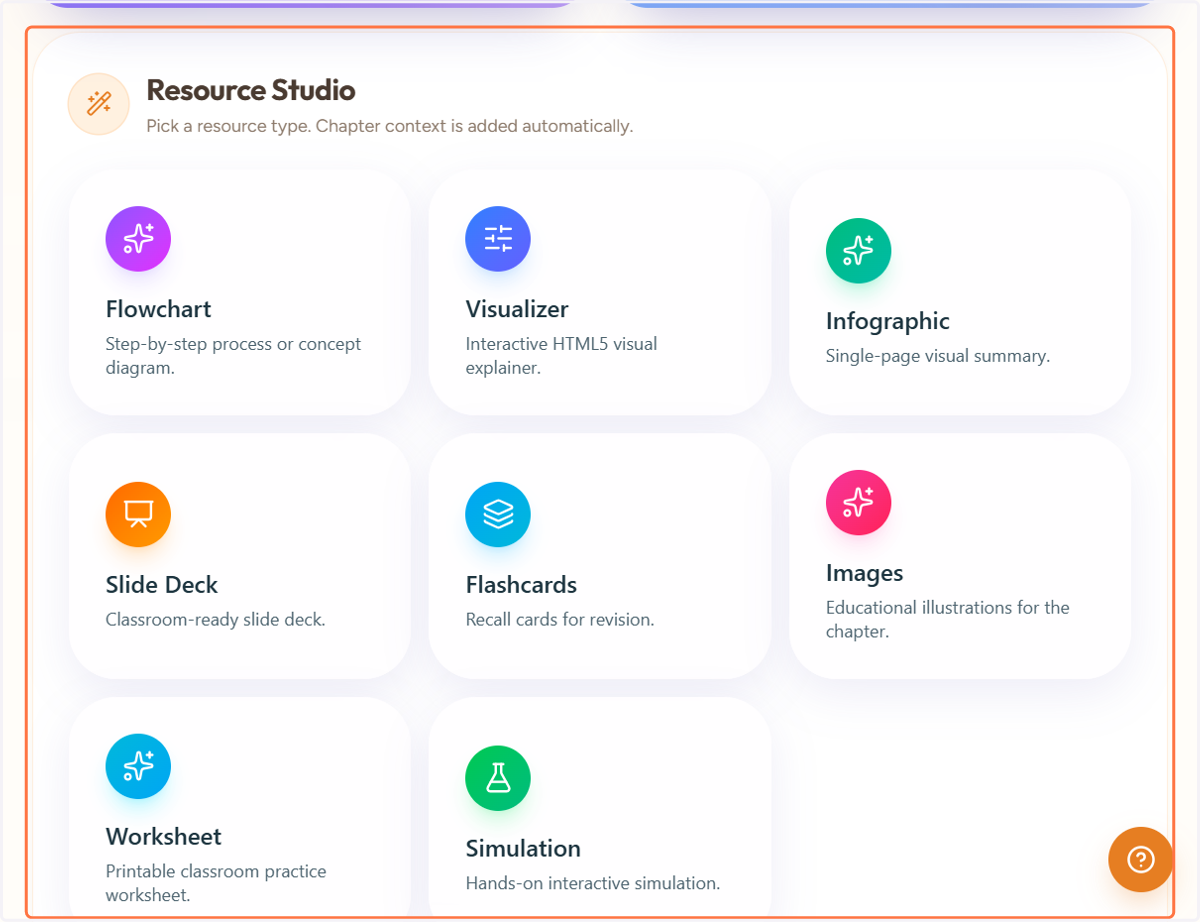
    Scroll down to see the Resource Studio section.
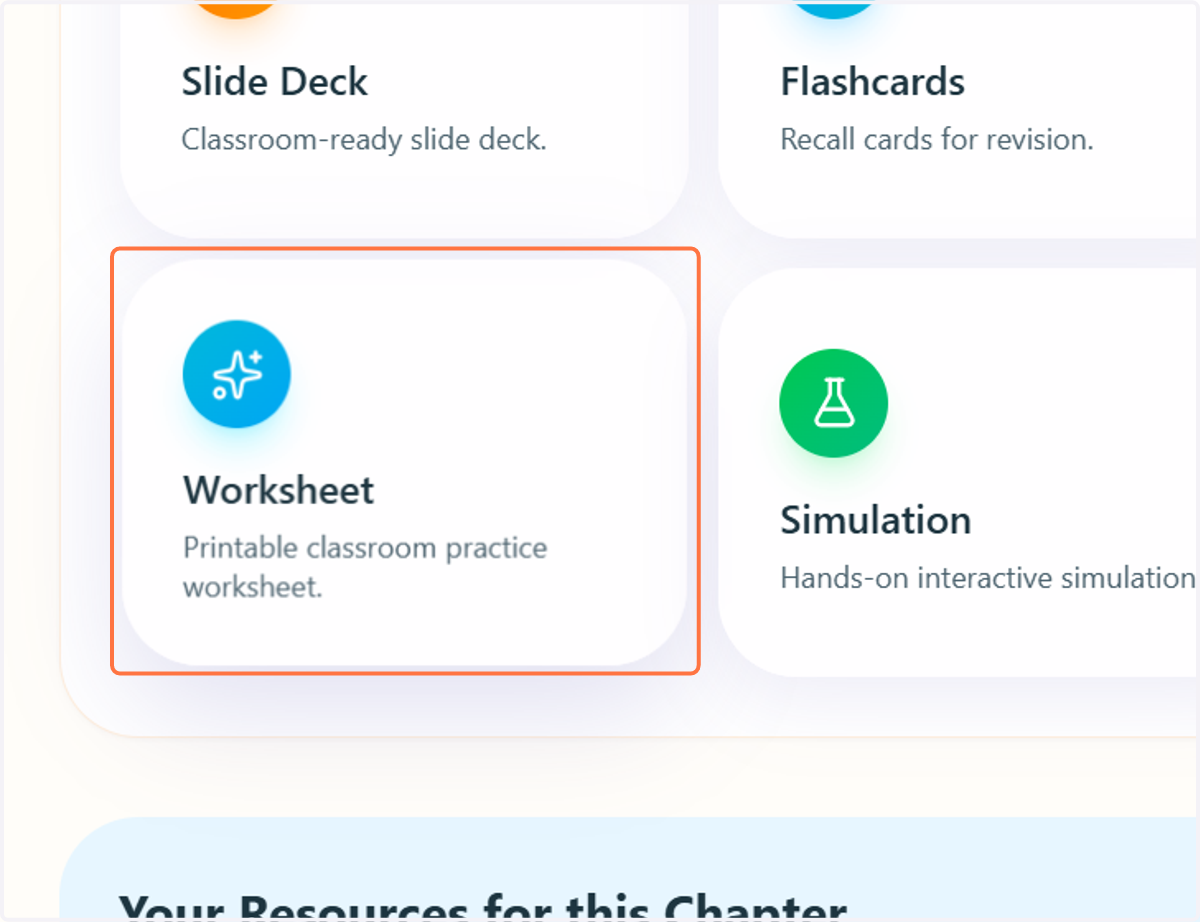
  8. 8. Click on Worksheet…

    Click on Worksheet…
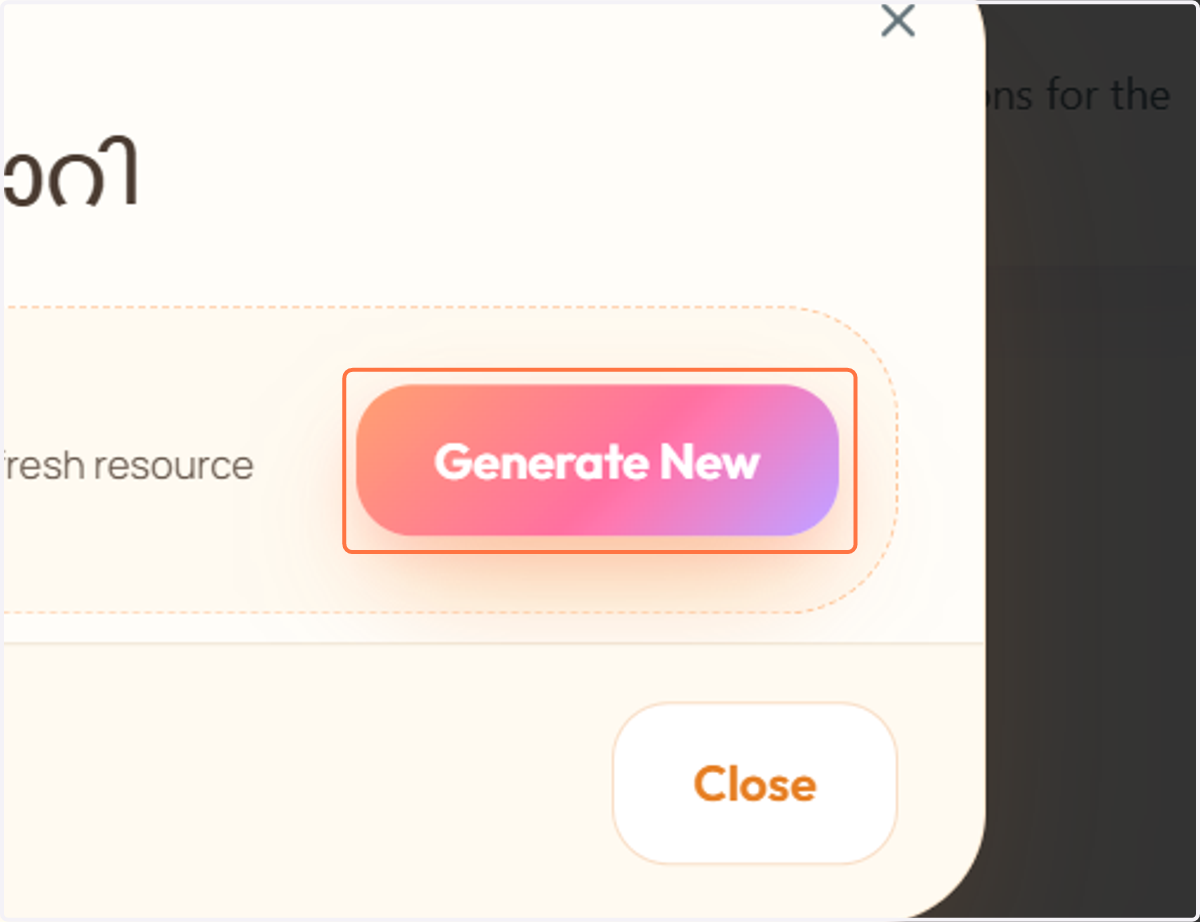
  9. 9. Click on Generate New

    Click on Generate New
    1. 10. A. You can briefly type what you expect or want in the worksheet. in AI GENERATION PROMPT

    2. 10. B. Choose the number of questions you want in the worksheet.
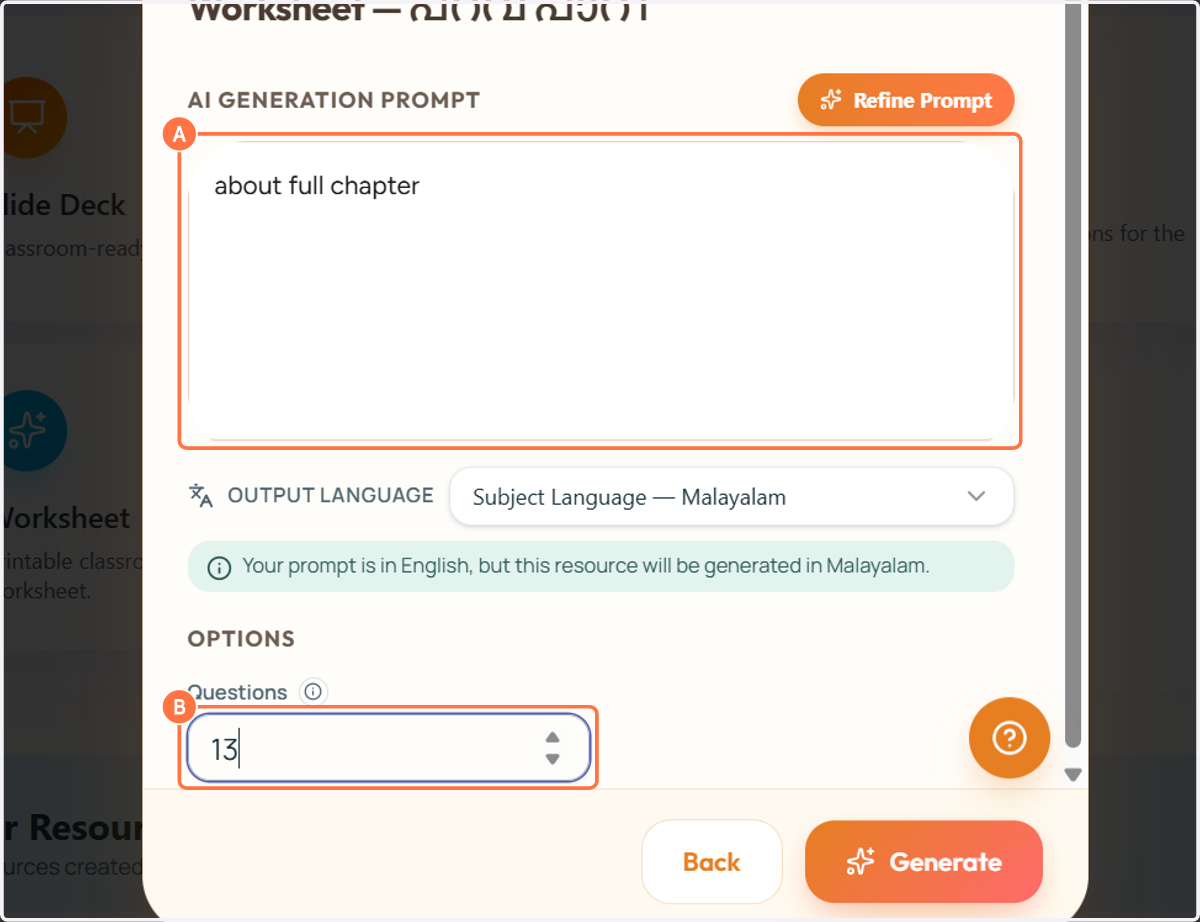
    A. You can briefly type what you expect or want in the worksheet. in AI GENERATION PROMPT B. Choose the number of questions you want in the worksheet.
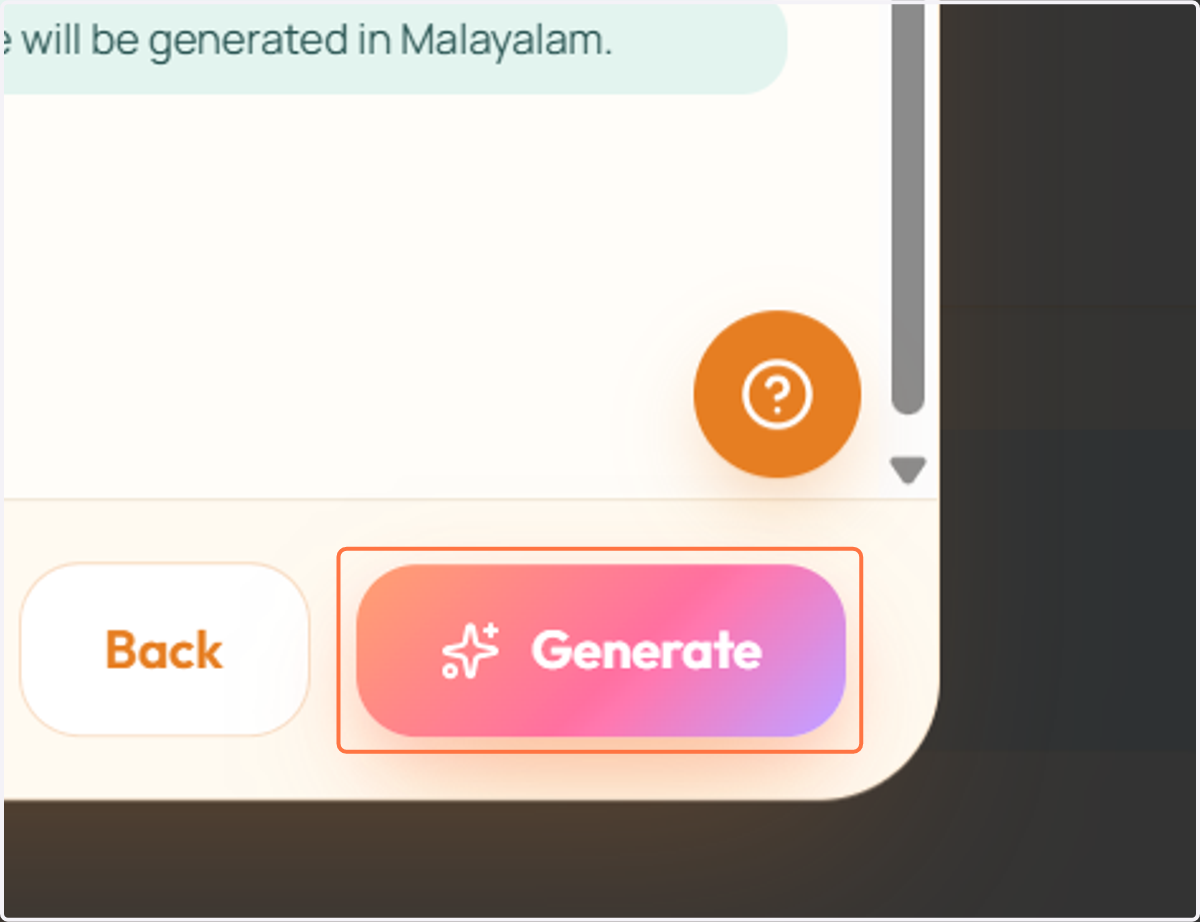
  10. 11. Click on Generate

    Click on Generate
  11. 12. The worksheet will be generated there. It may take a few moments.
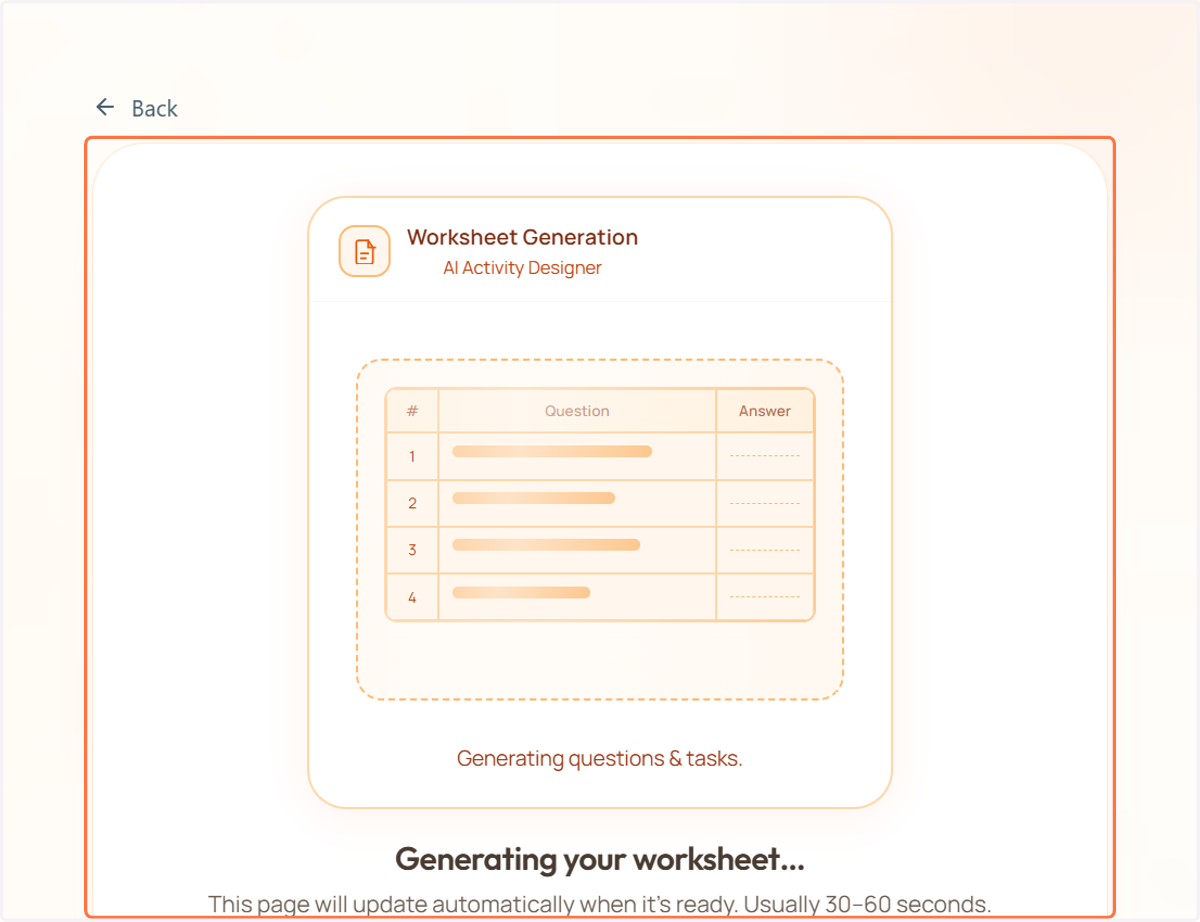
    The worksheet will be generated there. It may take a few moments.
  12. 13. Your worksheet has been generated. Please review it before use. You can also check the answer key there.
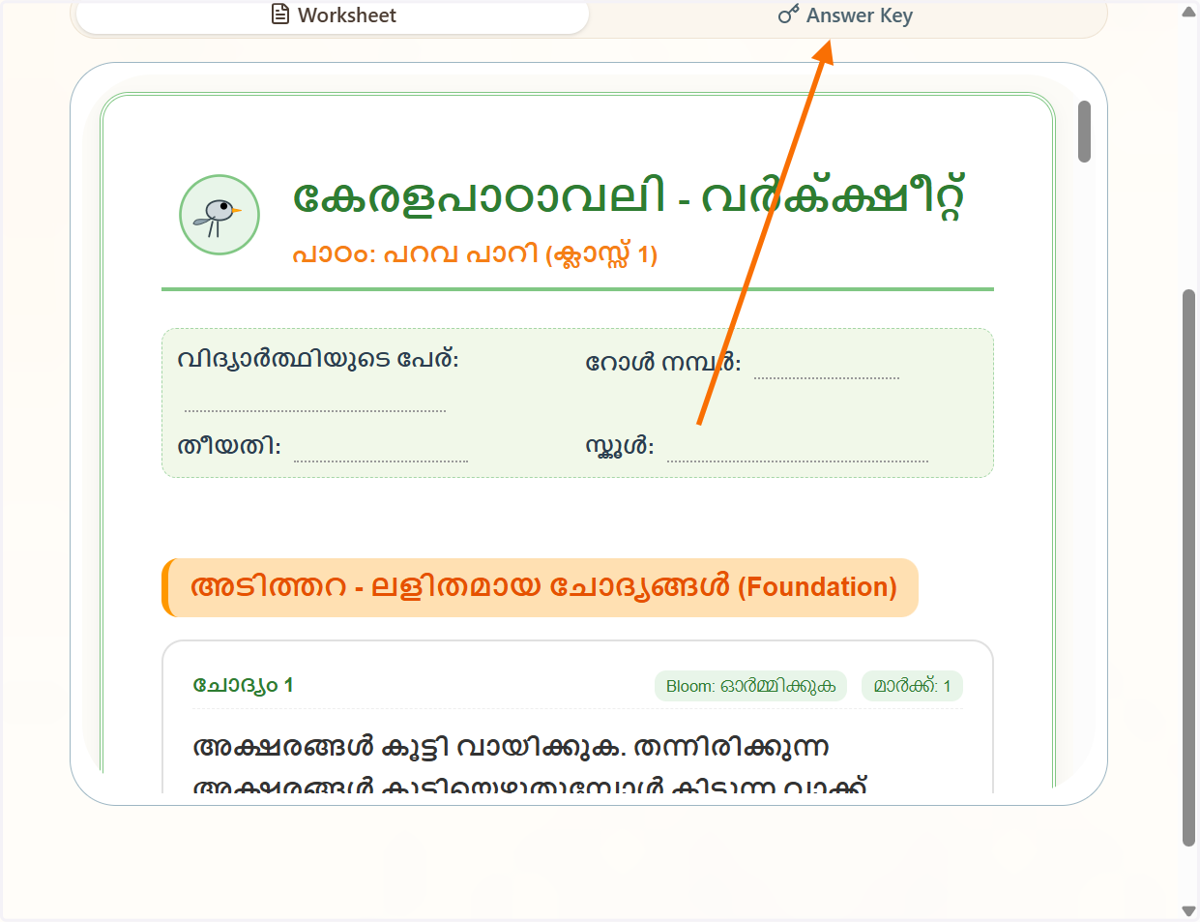
    Your worksheet has been generated. Please review it before use. You can also check the answer key there.
  13. 14. You can download it as a PDF by clicking Generate.
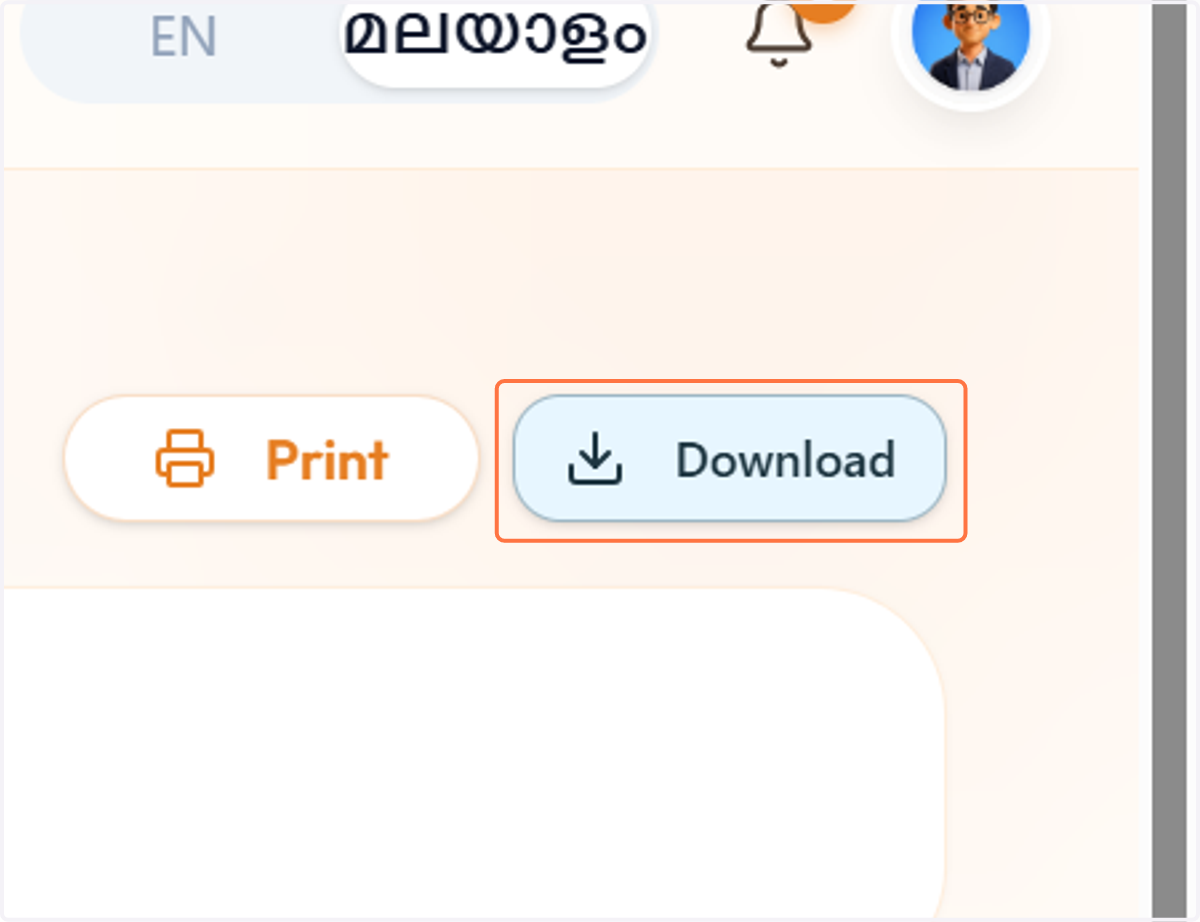
    You can download it as a PDF by clicking Generate.