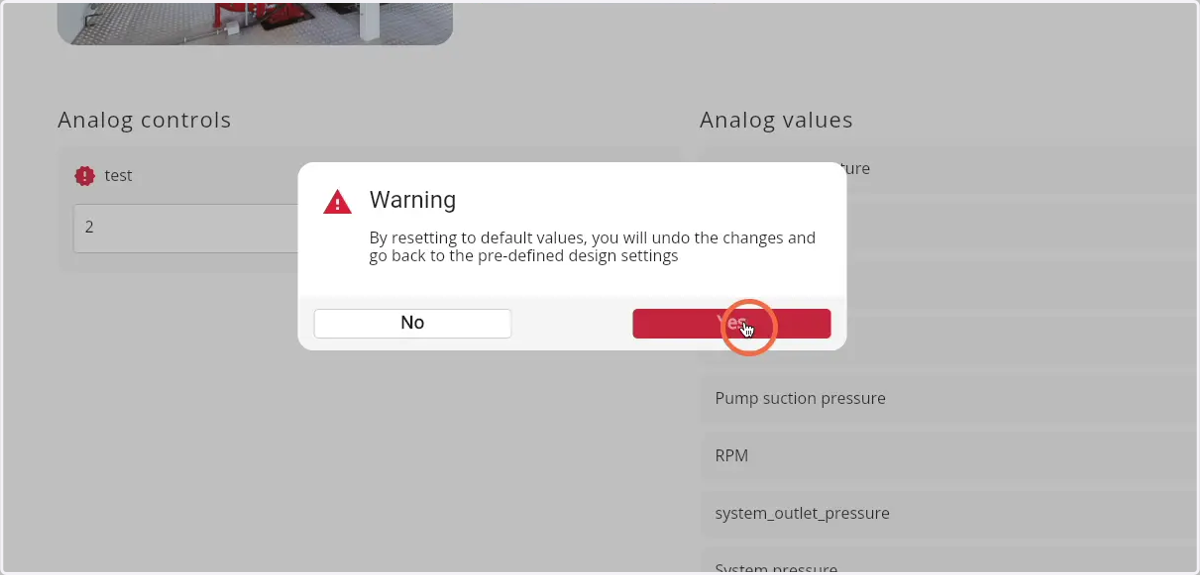
How to reset the settings of a Firepack
1. Navigate to web.firecoach.app
2. Log in with your Firecoach account
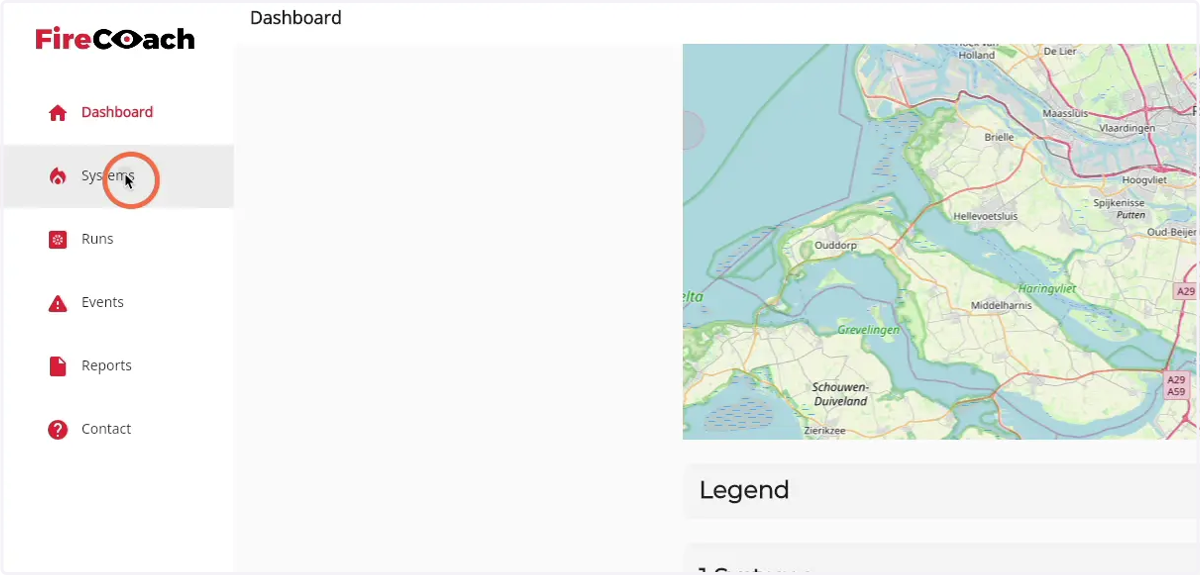
3. Click on 'Systems'
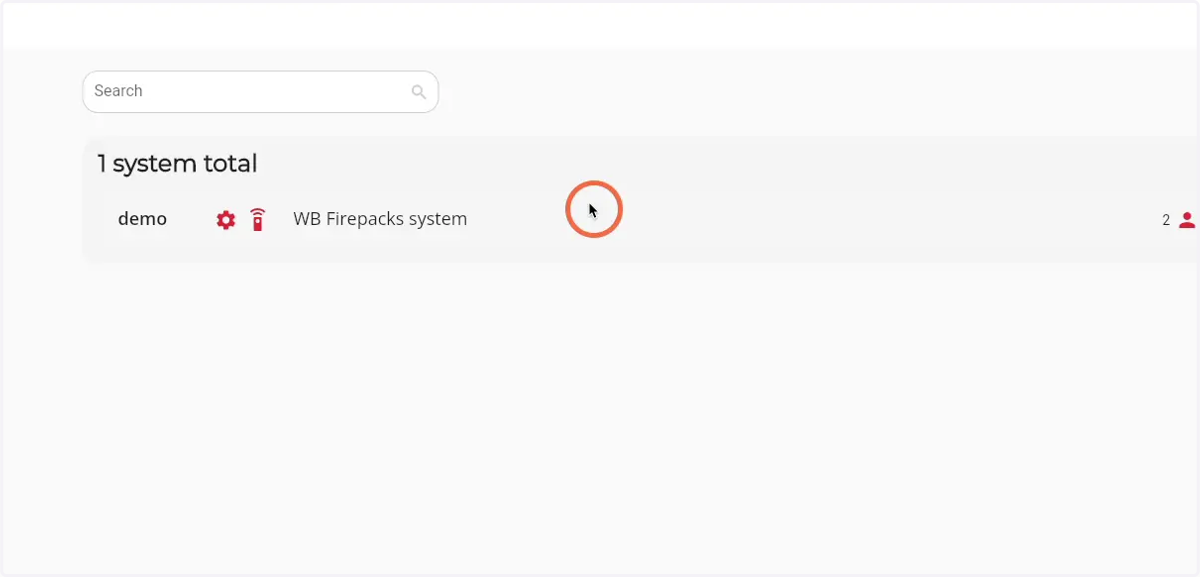
4. Click on the system where you would like to reset the settings
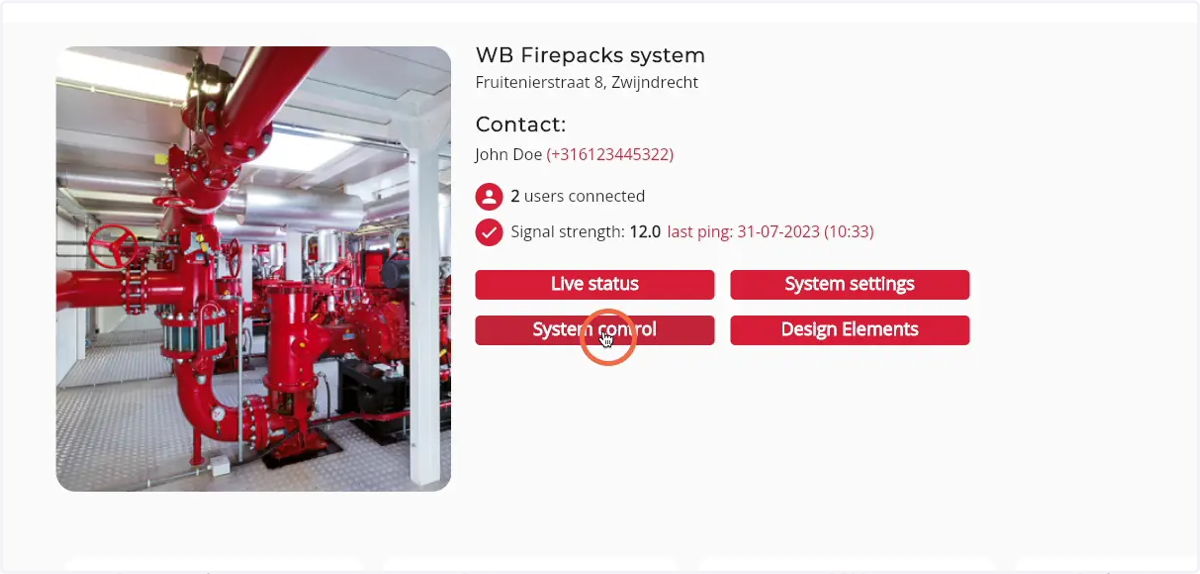
5. Click on 'System control'
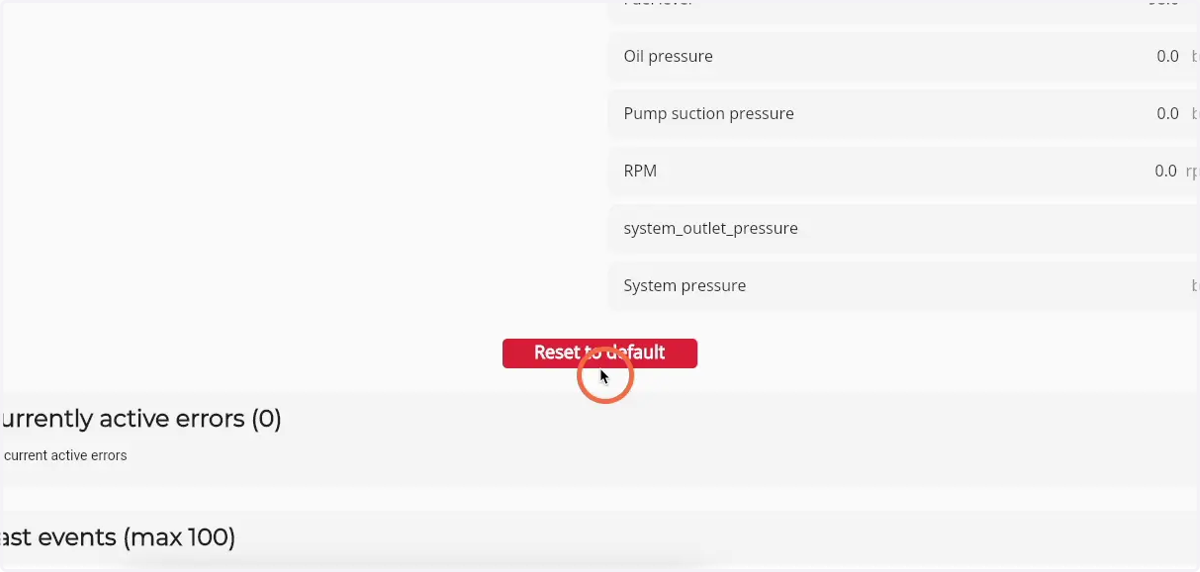
6. Click on 'Reset to default'
A pop-up will open
7. Confirm the reset by clicking 'Yes'