Ancillary Charge Updates [BOD/RDBO]
MyBrightview
1. Select Region
In the Communities dropdown, select your region.

2. Regional Pricing Sheets
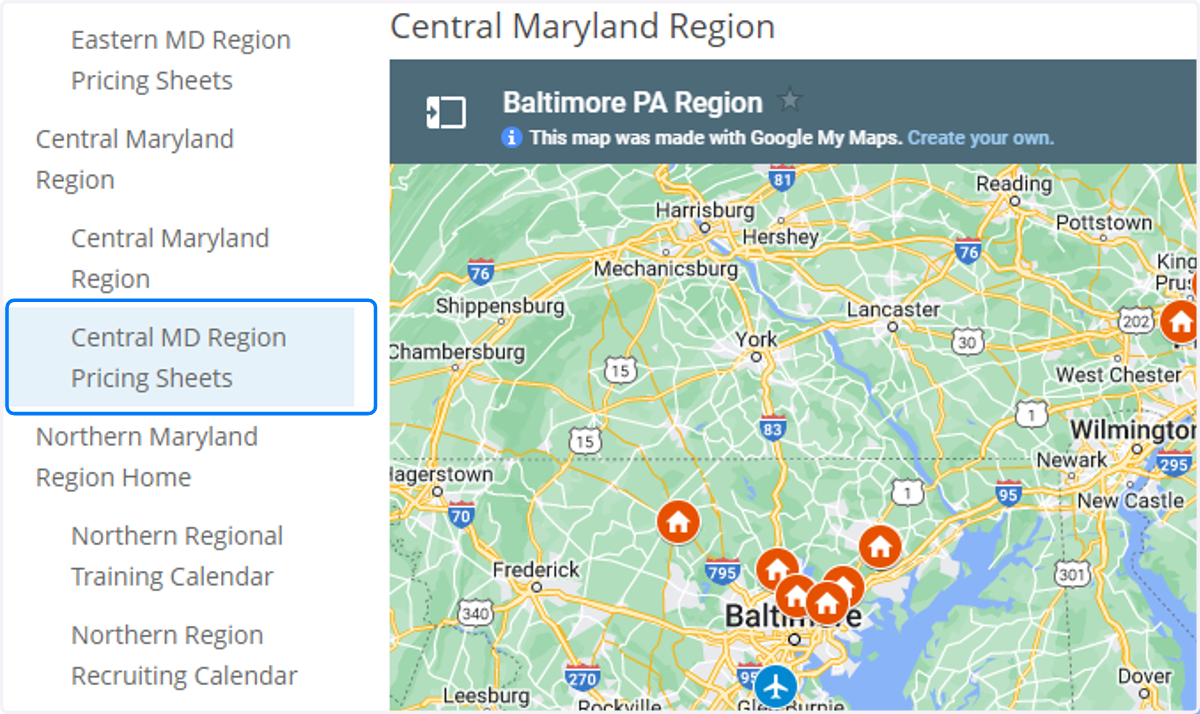
Select your region's pricing sheet dashboard.
3. Ancillary Charges Update View
Select the Ancillary Charges Update View link at the bottom of the dashboard.

Smartsheet: Ancillary Charges Updates
4. Filter your community if applicable
(For users with access to more than one community)

5. Select row

6. Enter Market Rate
Enter the market rate as number. Do not include the "$" in your entry.

7. Save
8. Preview Changes
Preview your entry in the sheet. Make change as needed.
Repeat the steps for all other rows in the sheet.
