Add Planned Assets in project study
Odoo
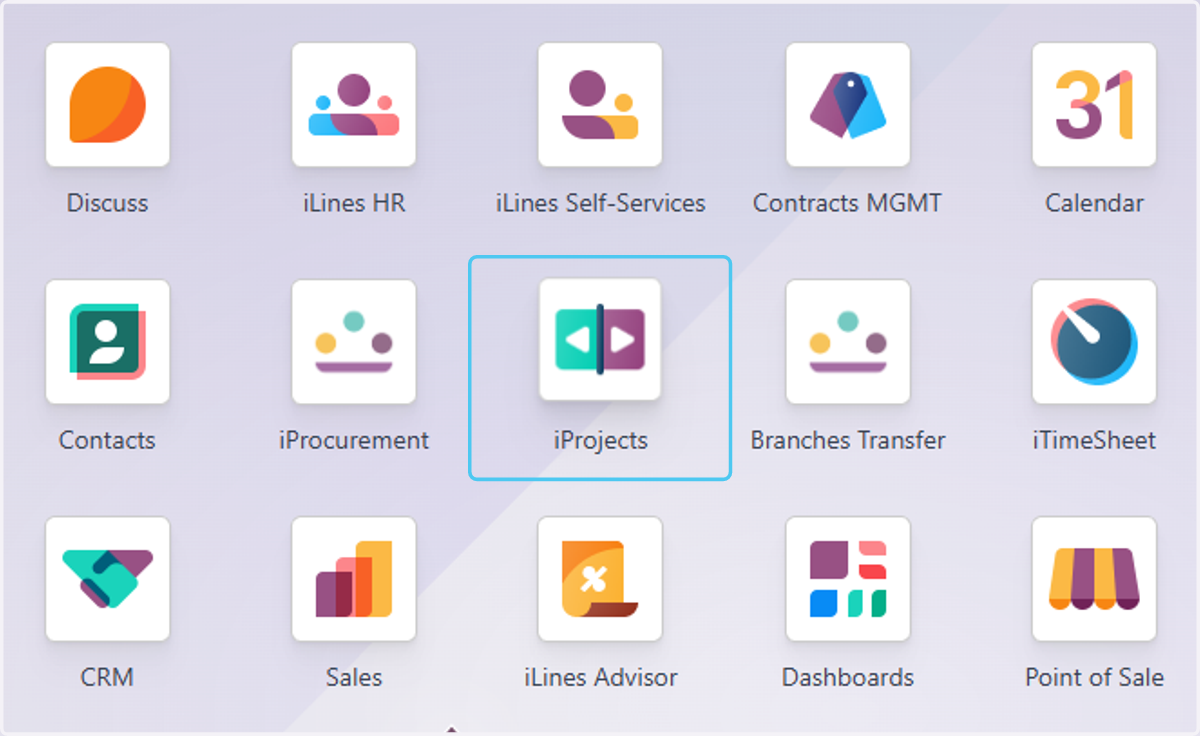
1. Click on iProjects
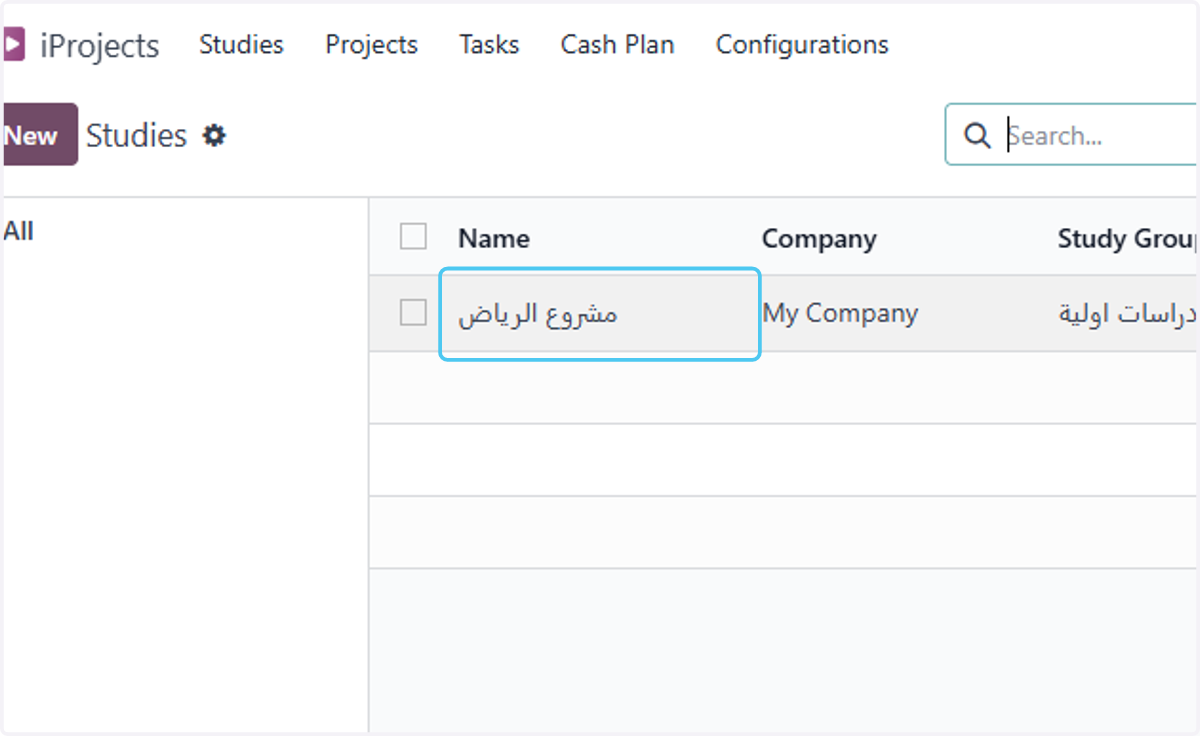
2. select the study
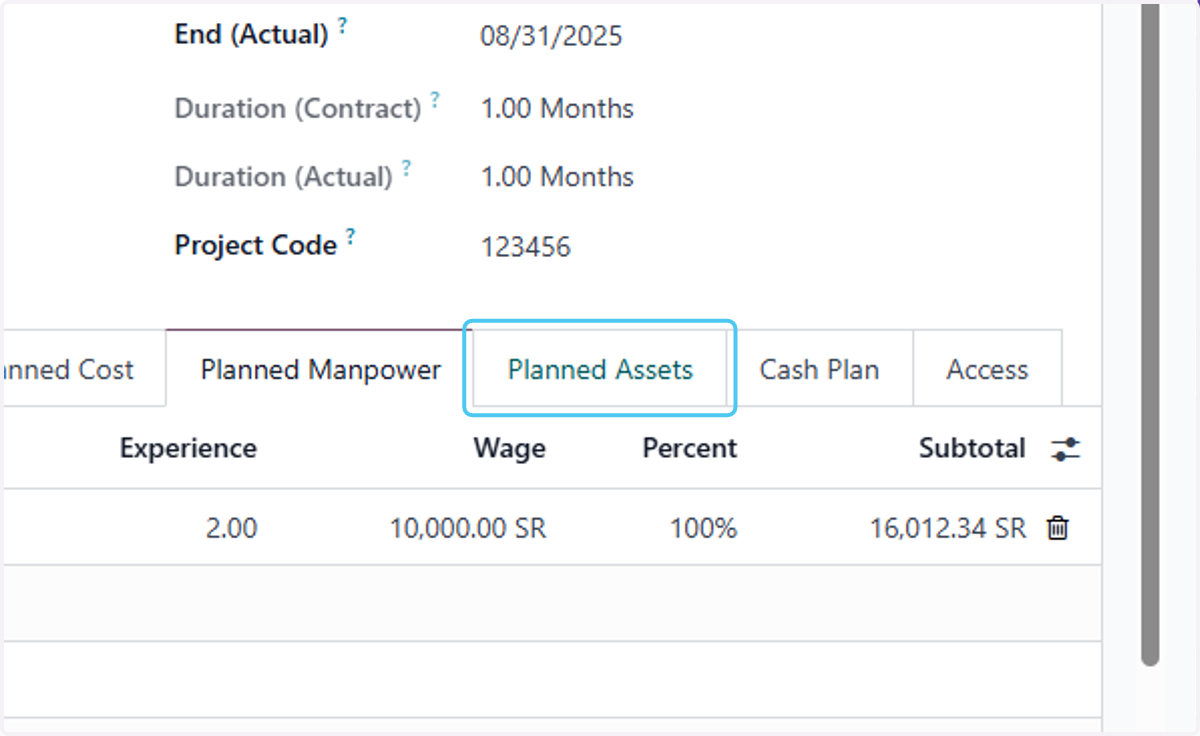
3. Click on Planned Assets
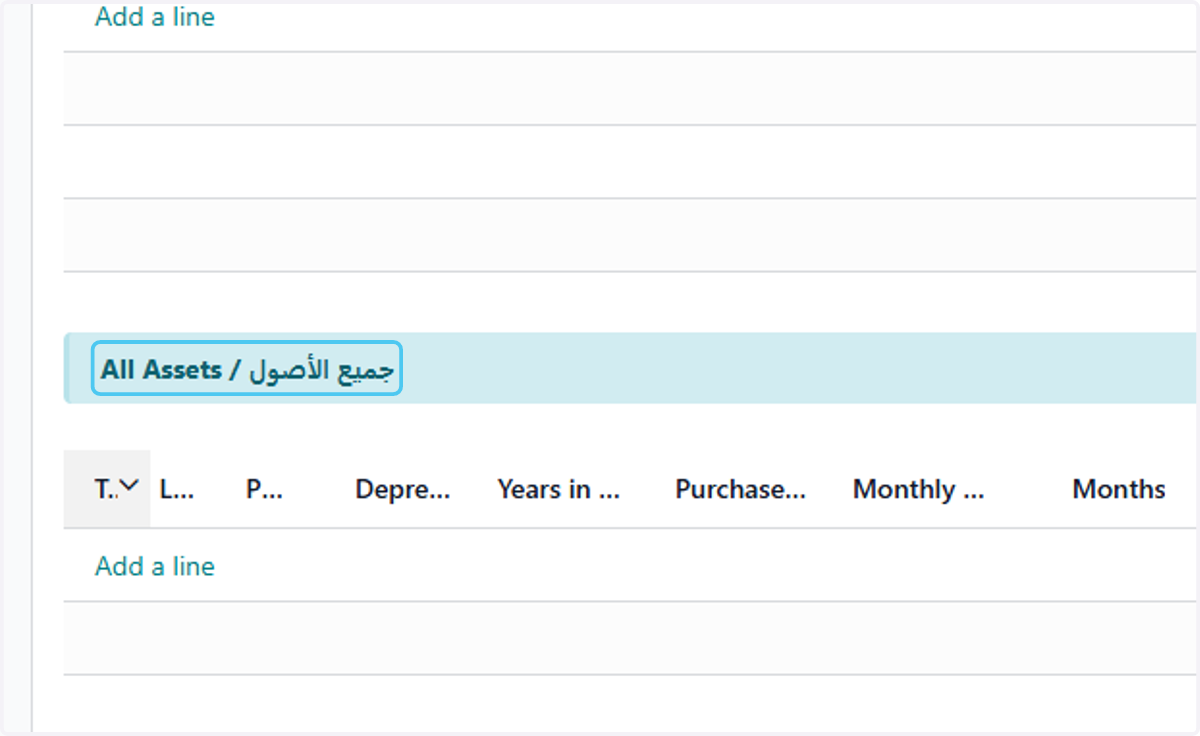
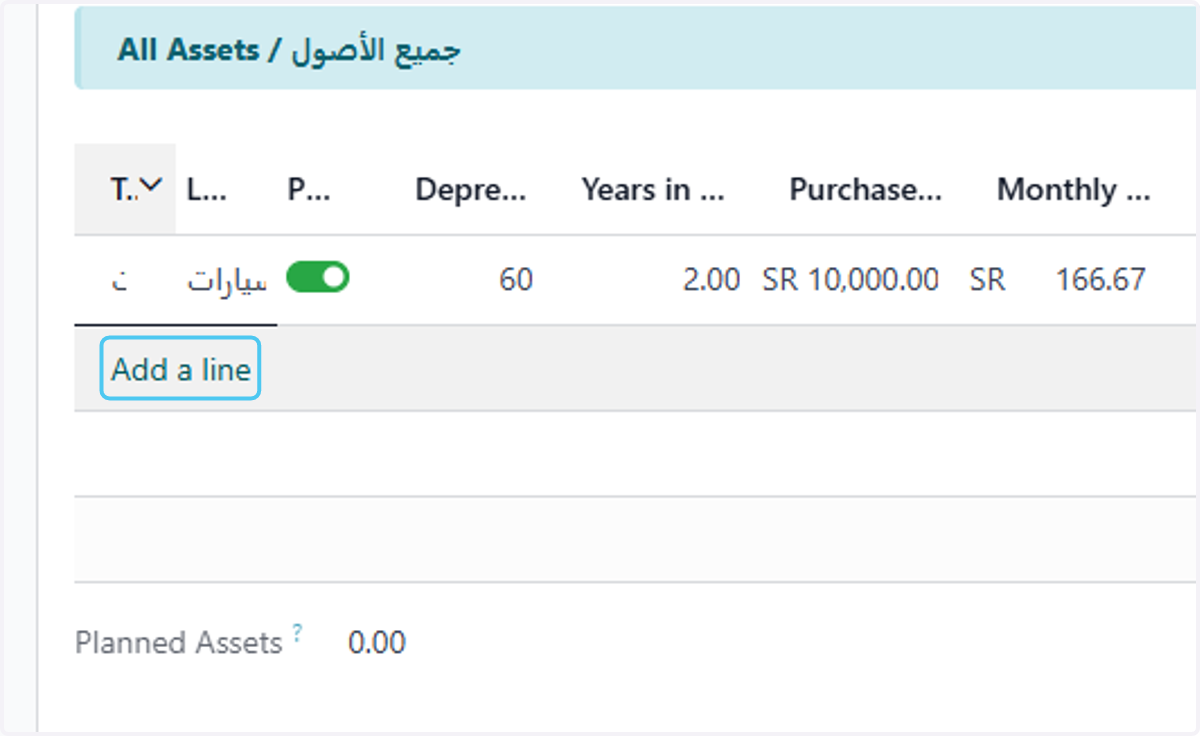
4. Click on All Assets / جميع الأصول
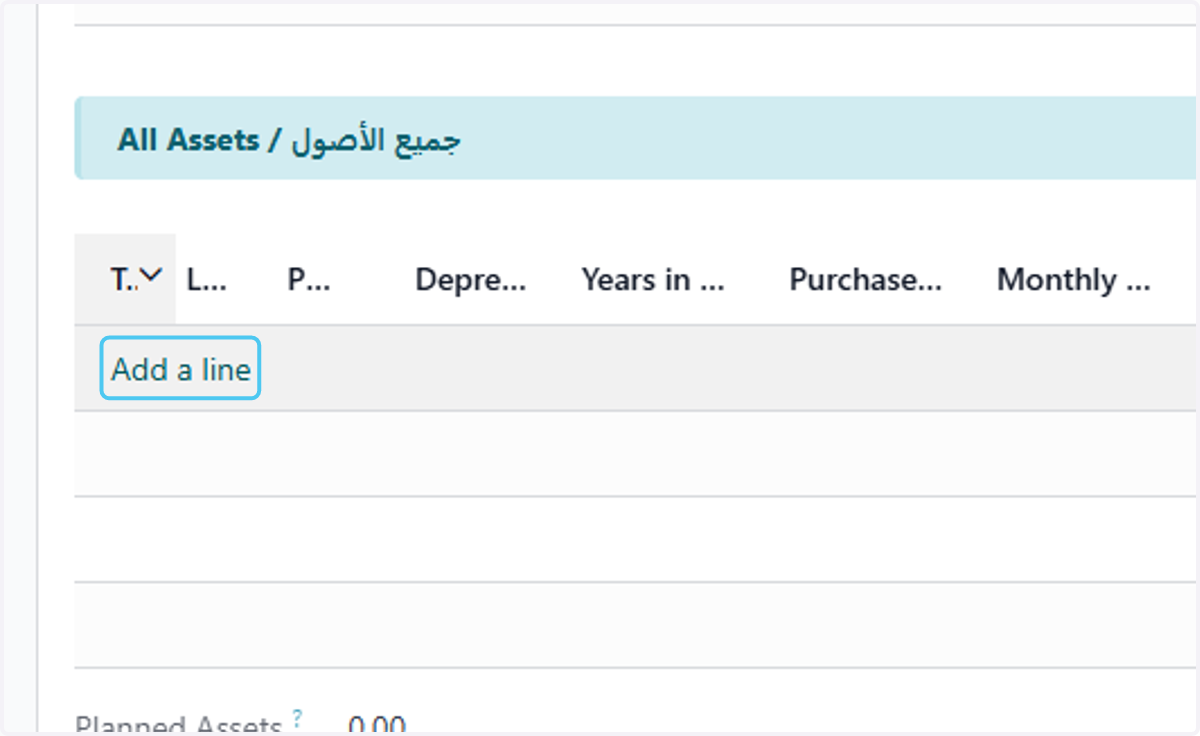
5. Click on Add a line
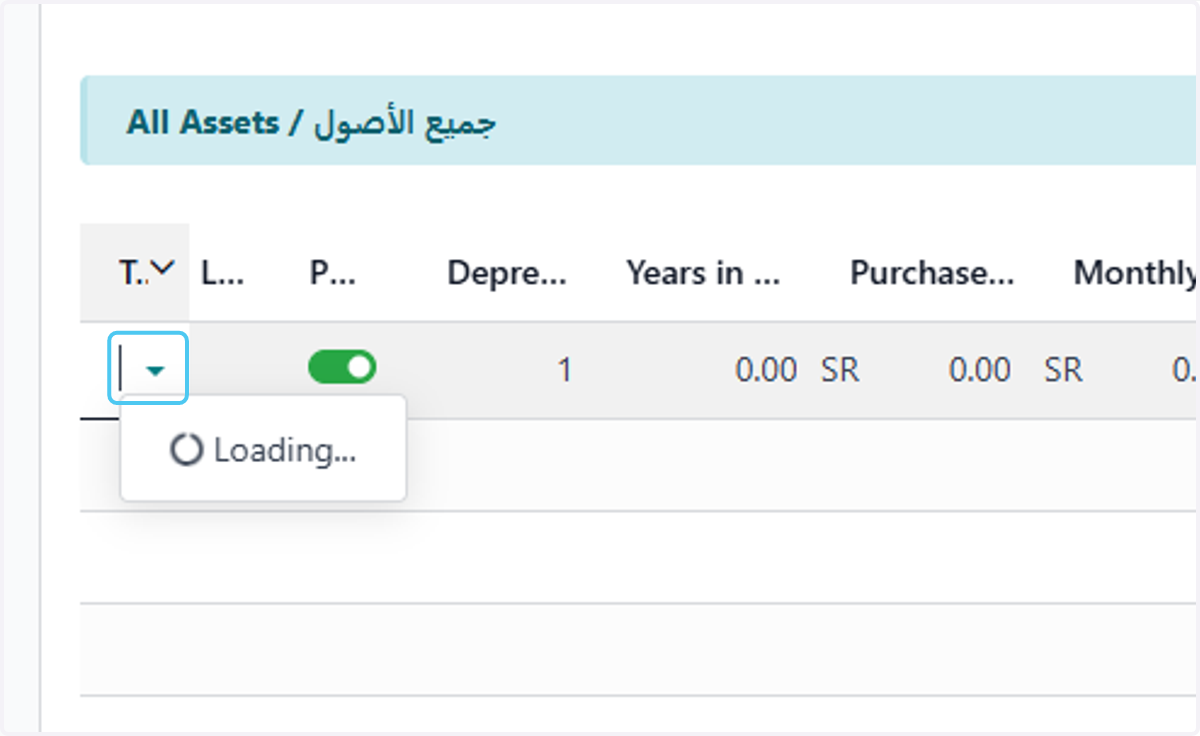
6. Click on dropdown trigger
7. select the asset modele
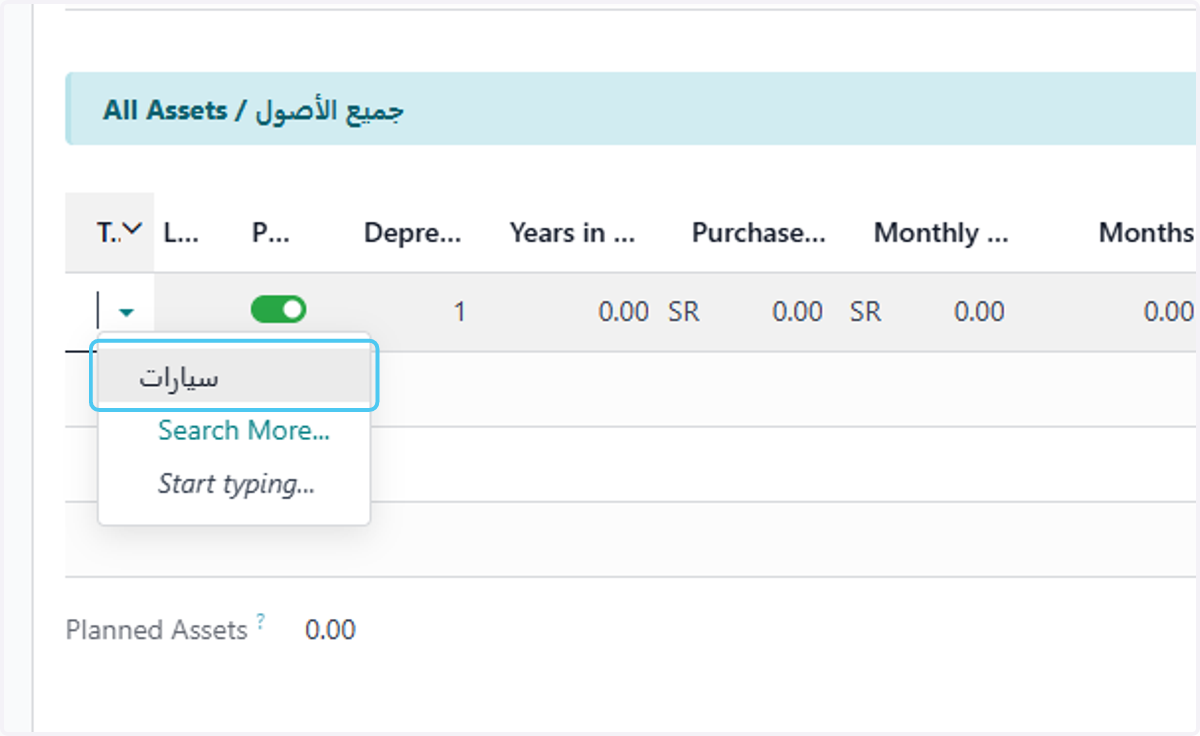
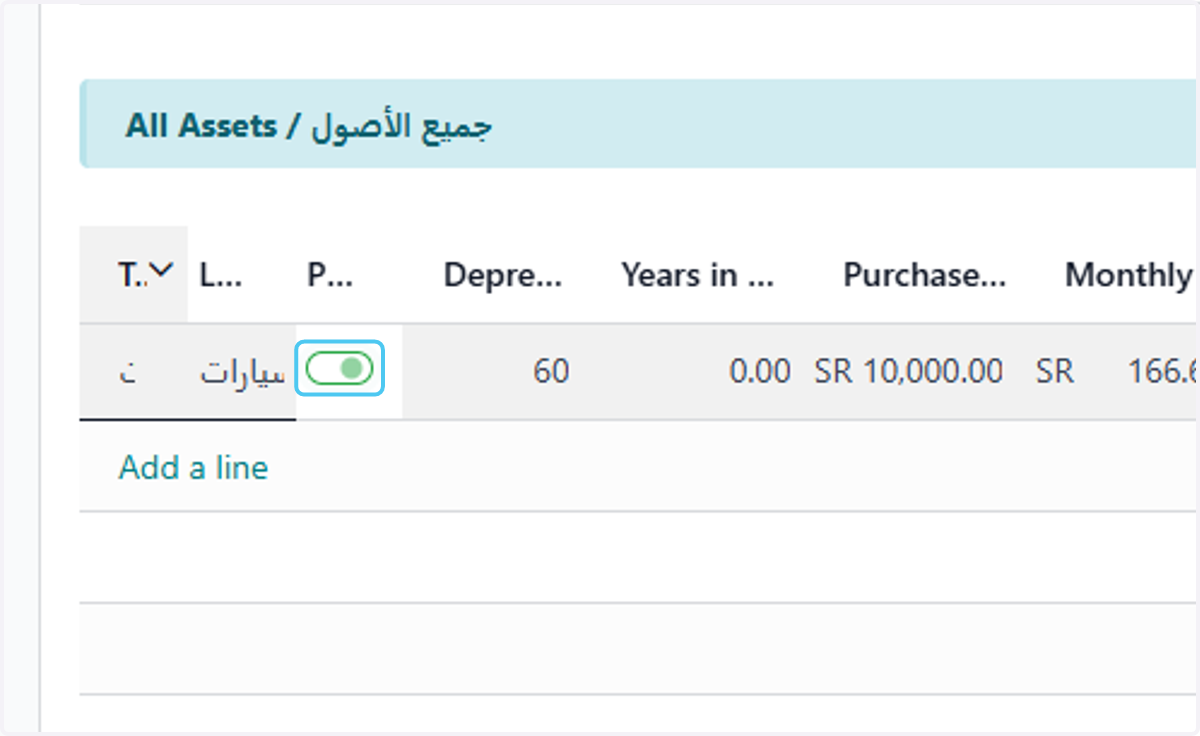
8. Uncheck if you already have it and check if you need to ourchase
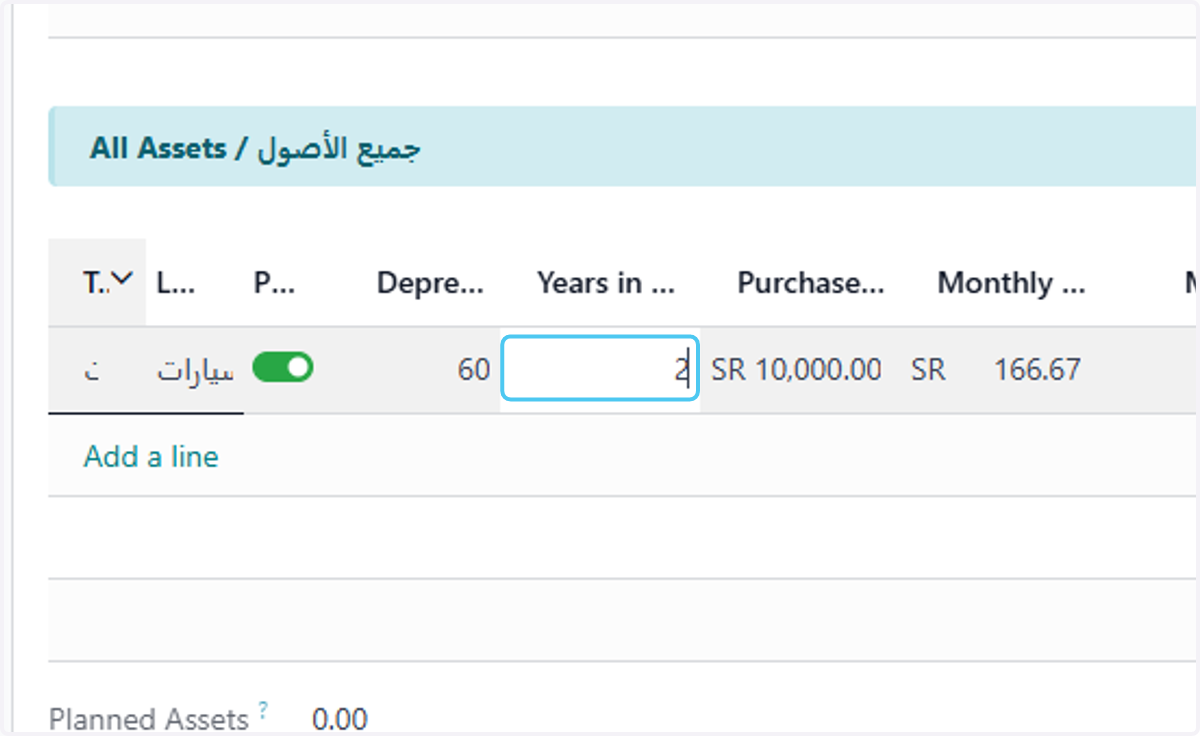
9. Type he years in service
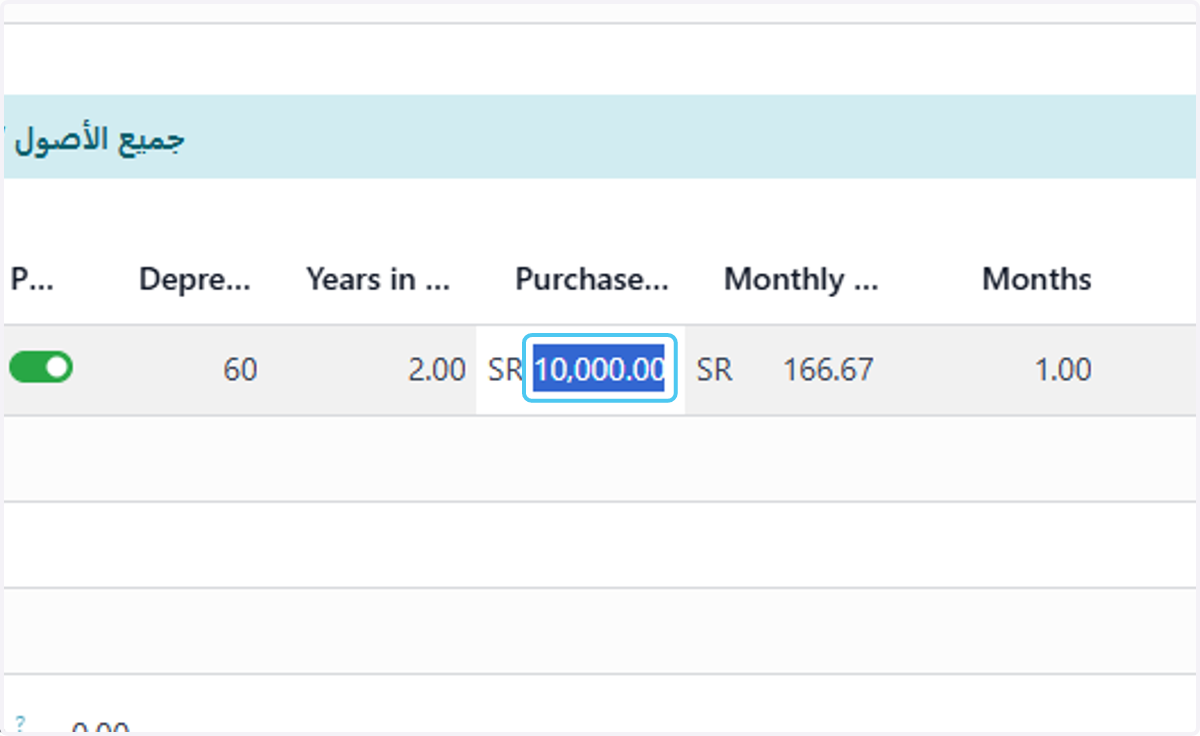
10. add the purchase value
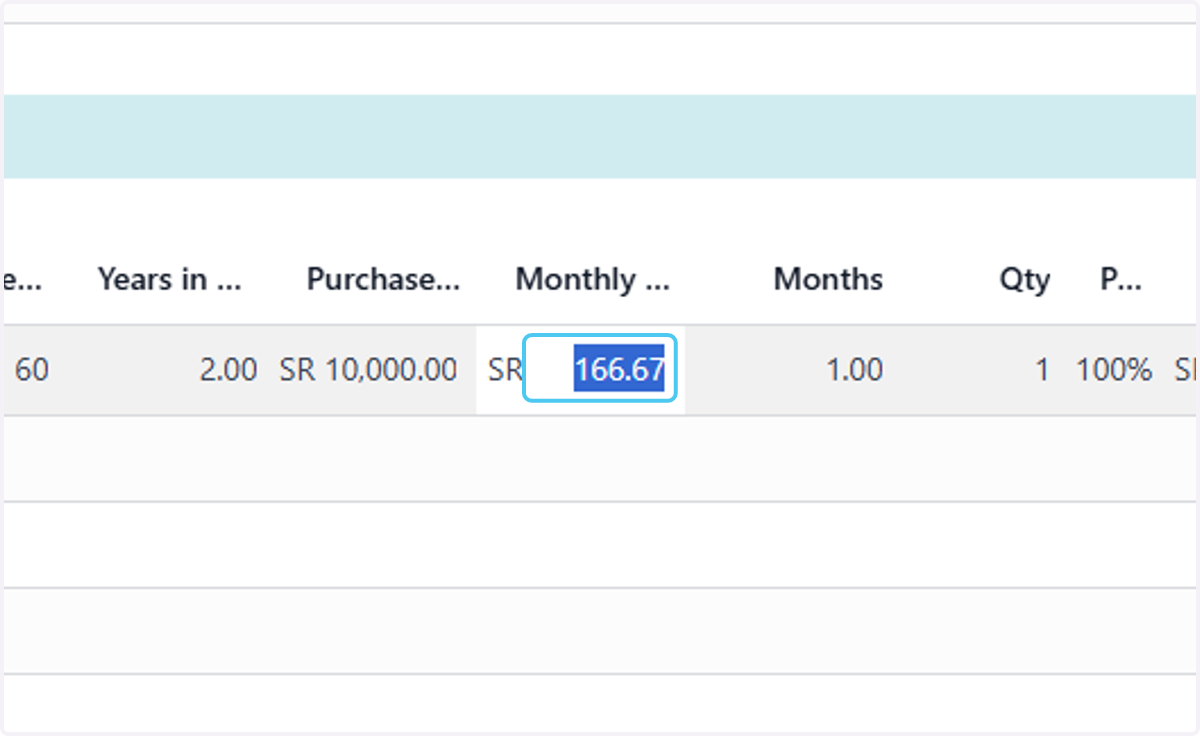
11. will calculate auto the monthly depreciation
12. add the quantity needed
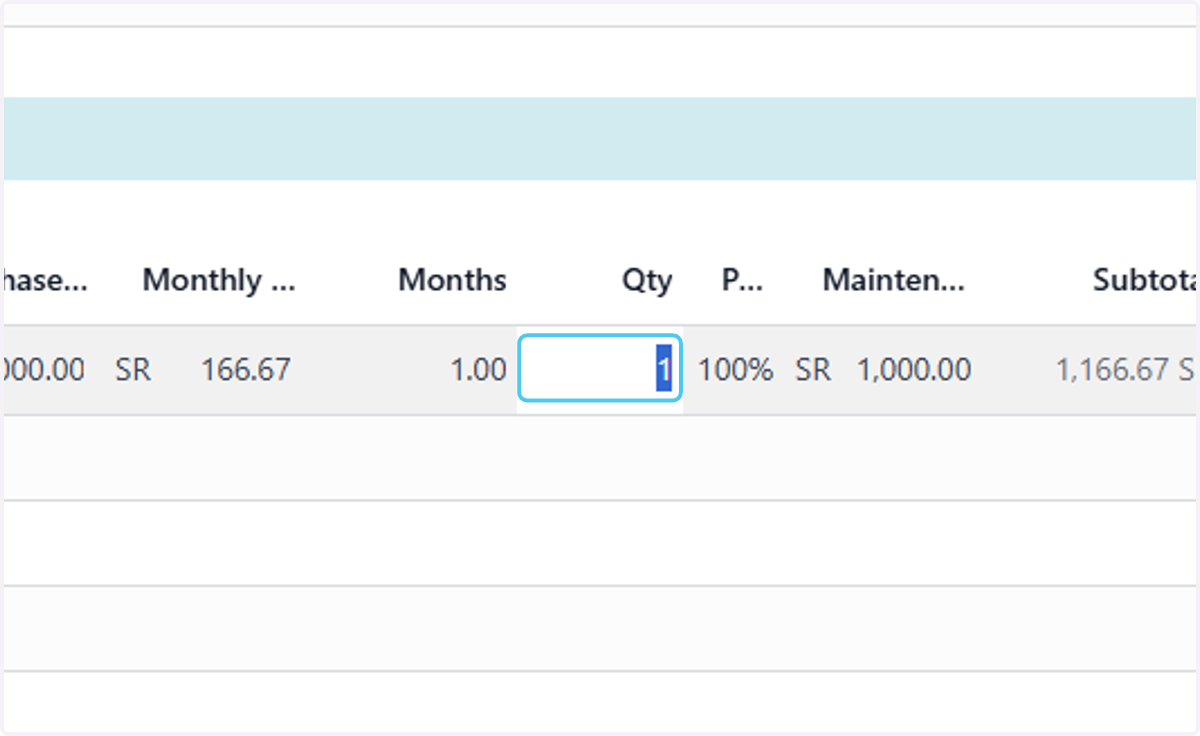
13. add the percent cost you want to add to the project from this asset
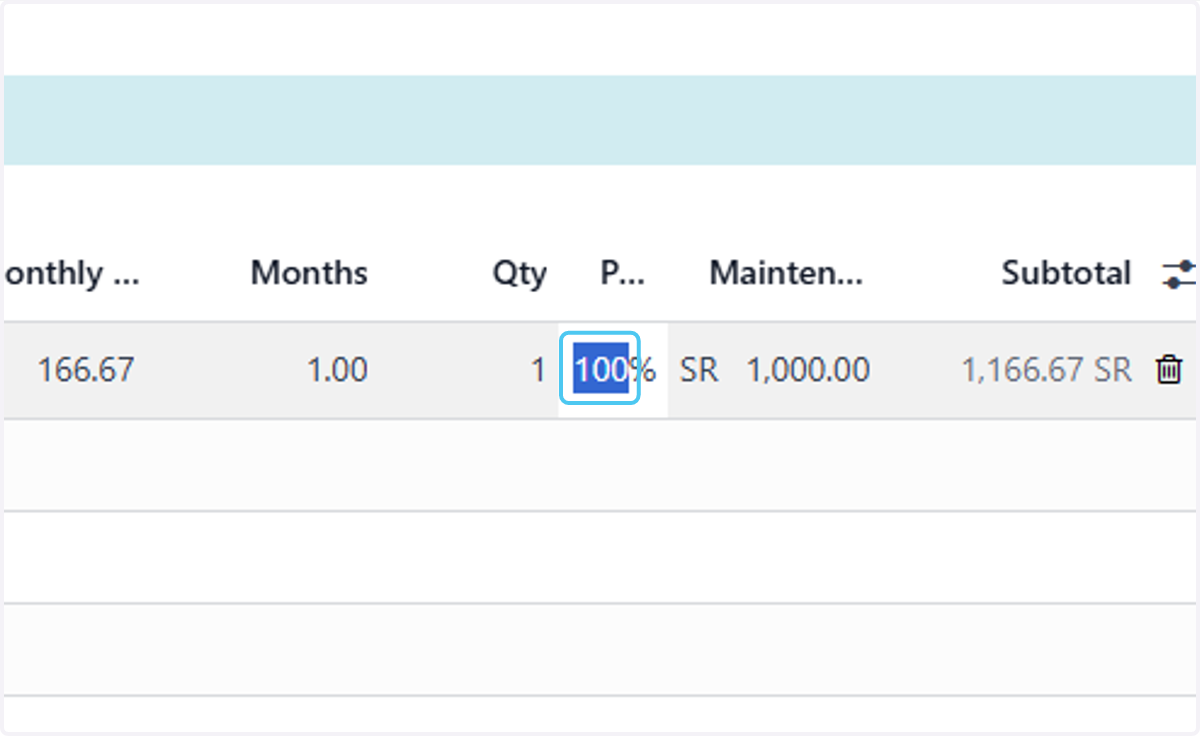
14. add the maintenance value
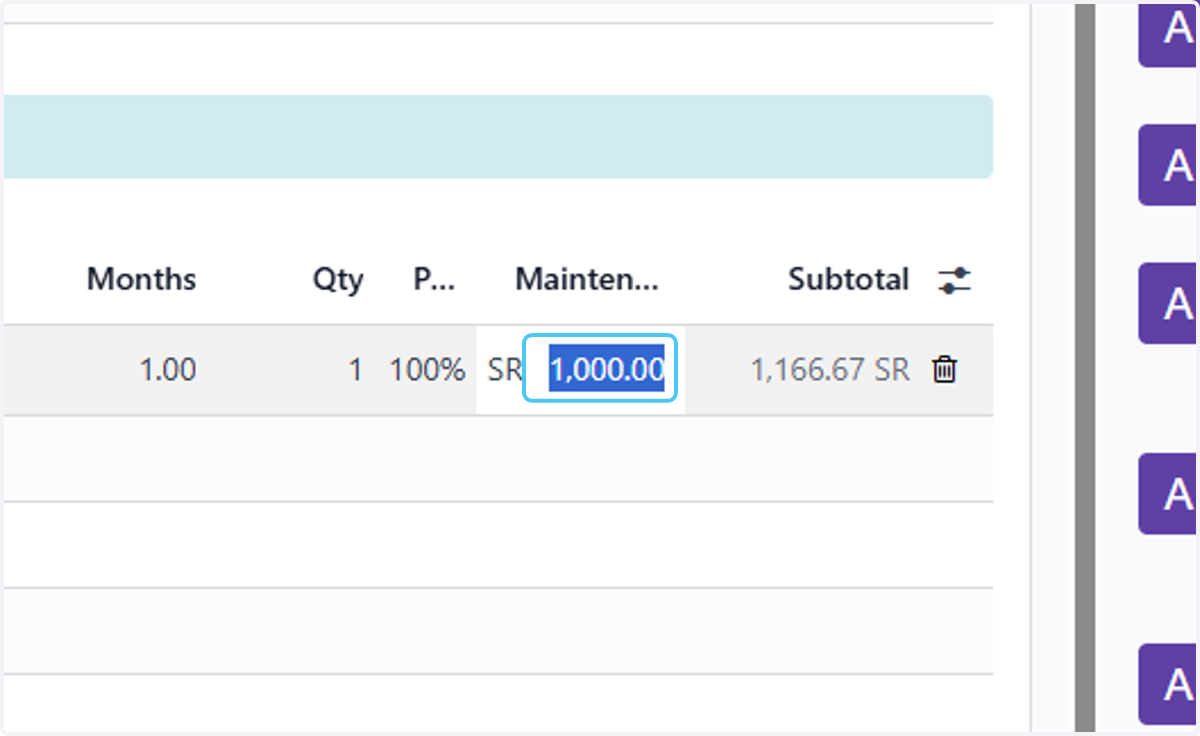
15. Click on Add a line for more
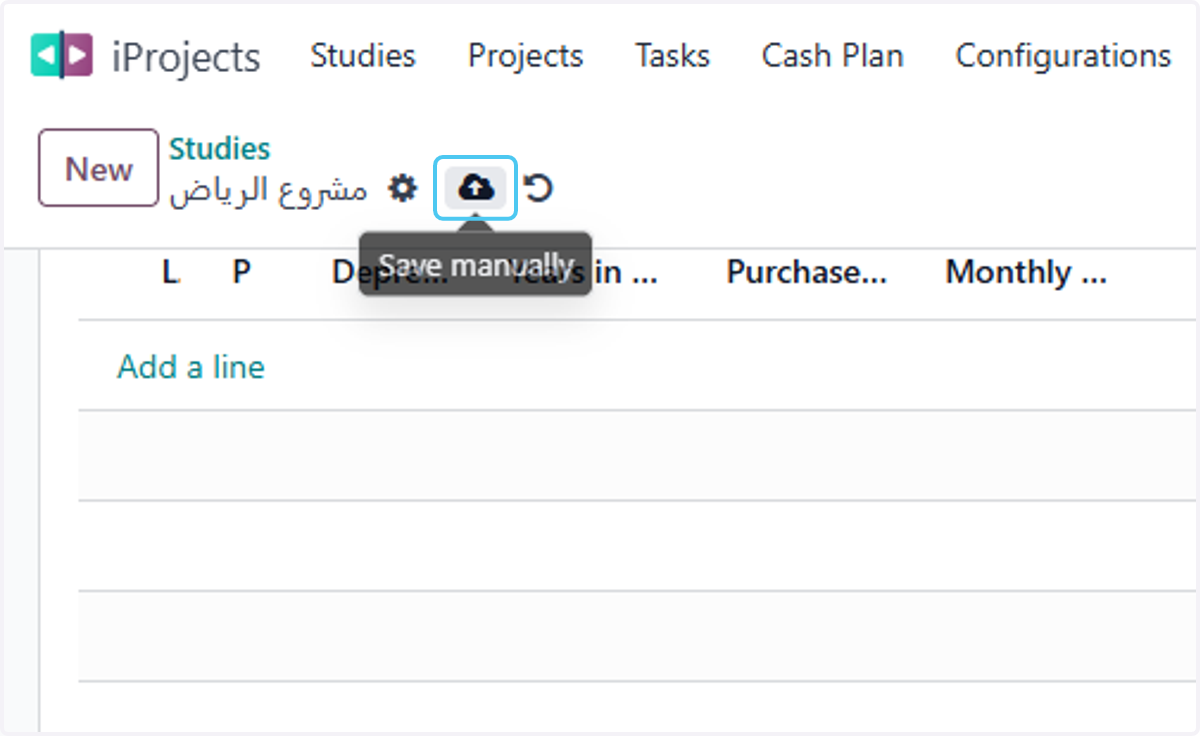
16. Click on Save manually