Submit Session Proposal for SHARE Orlando
SHARE Orlando 2026 Submission Site: Setting Up Your Account
In order to submit a proposal, you must create a system account. Please note that the submission system is no longer tied to SHARE.org and does not use single sign-on.
1. Click on Create an Account
On the Create an Account page, you'll be asked to enter your name, organization, email address and a password. Once you submit the form your account will be active.
The first time you log into the site, you may be asked to confirm your account.
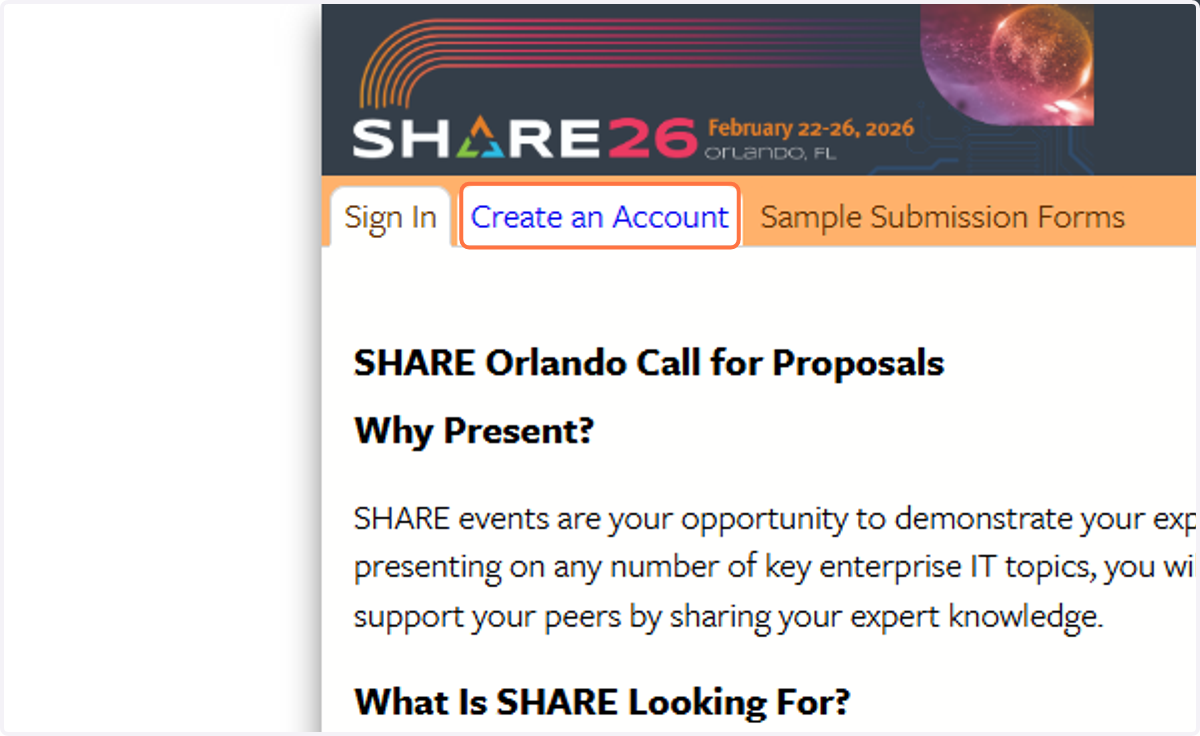
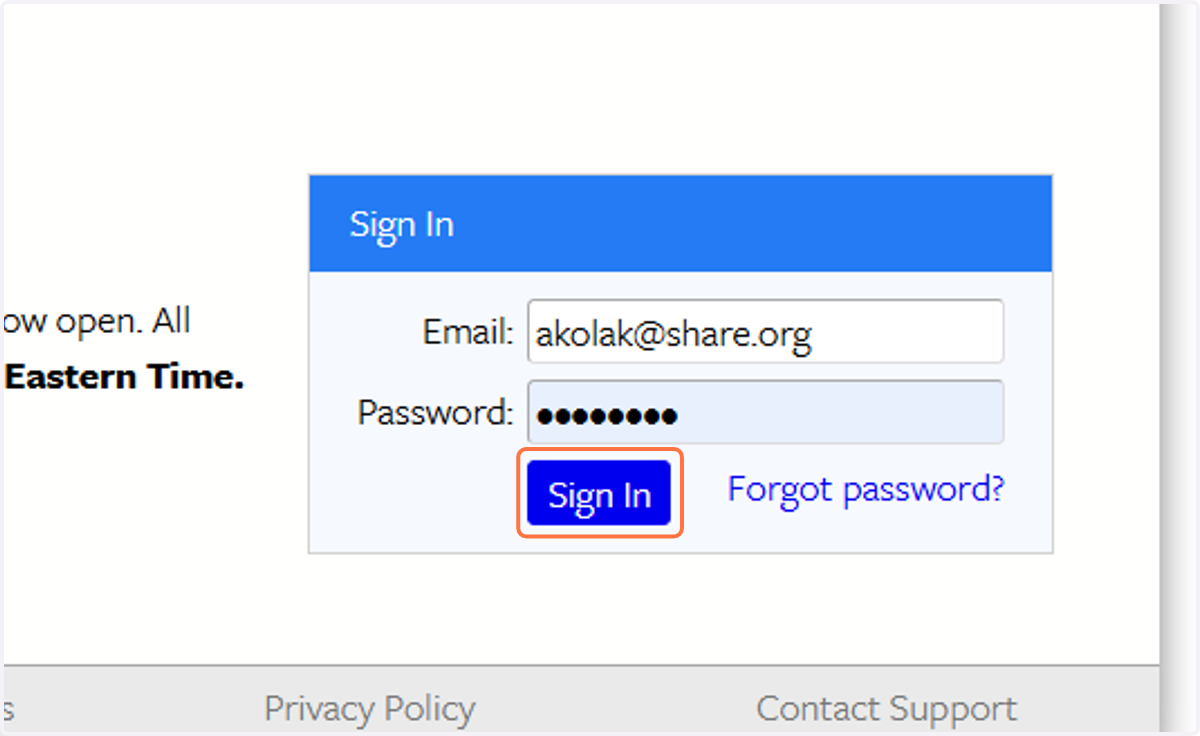
2. After setting up your new account click on Sign In
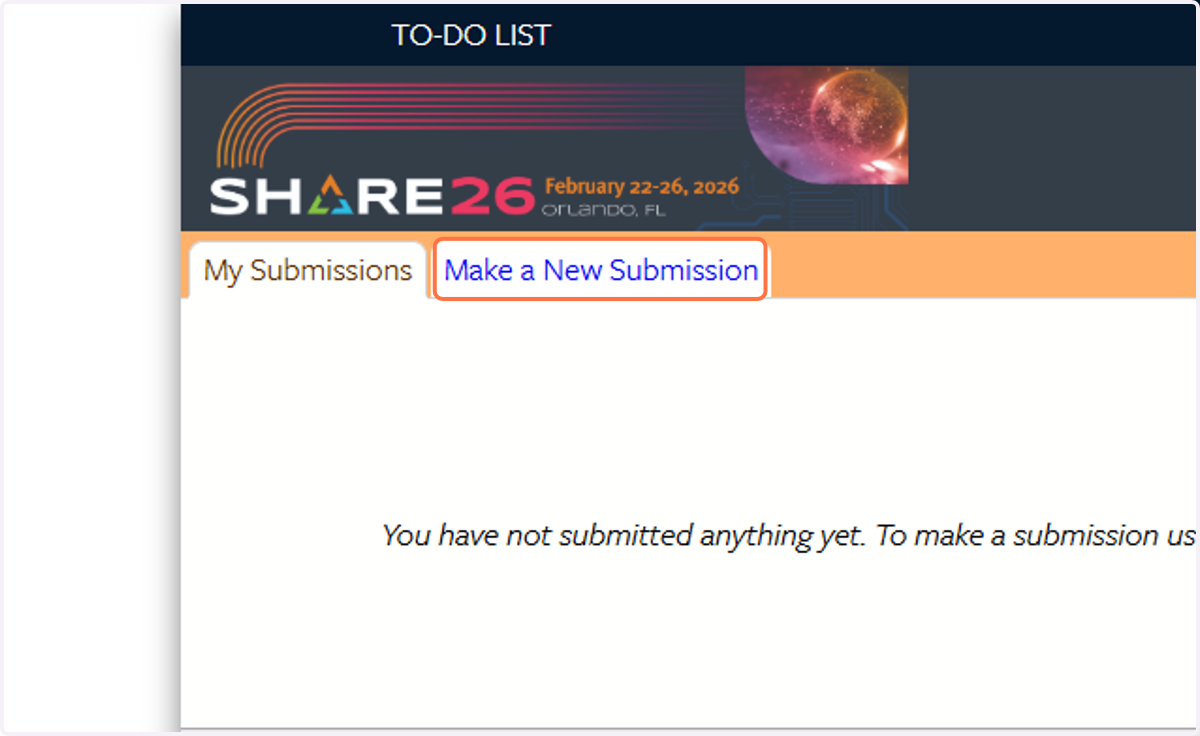
3. Click on Make a New Submission
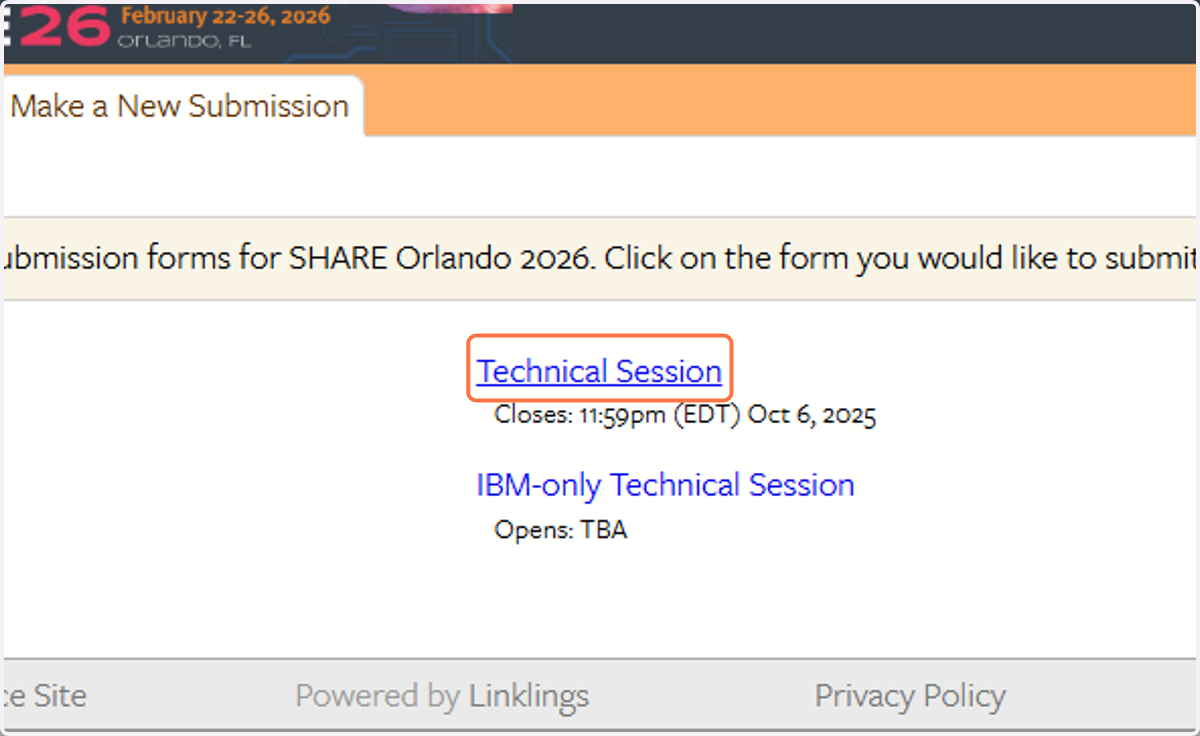
4. Click on Technical Session
Only IBM employees may use the IBM-only Technical Session form. If you are an IBM employee, your account MUST use your IBM.com address.
5. To begin, enter your proposal title (25 words or less)
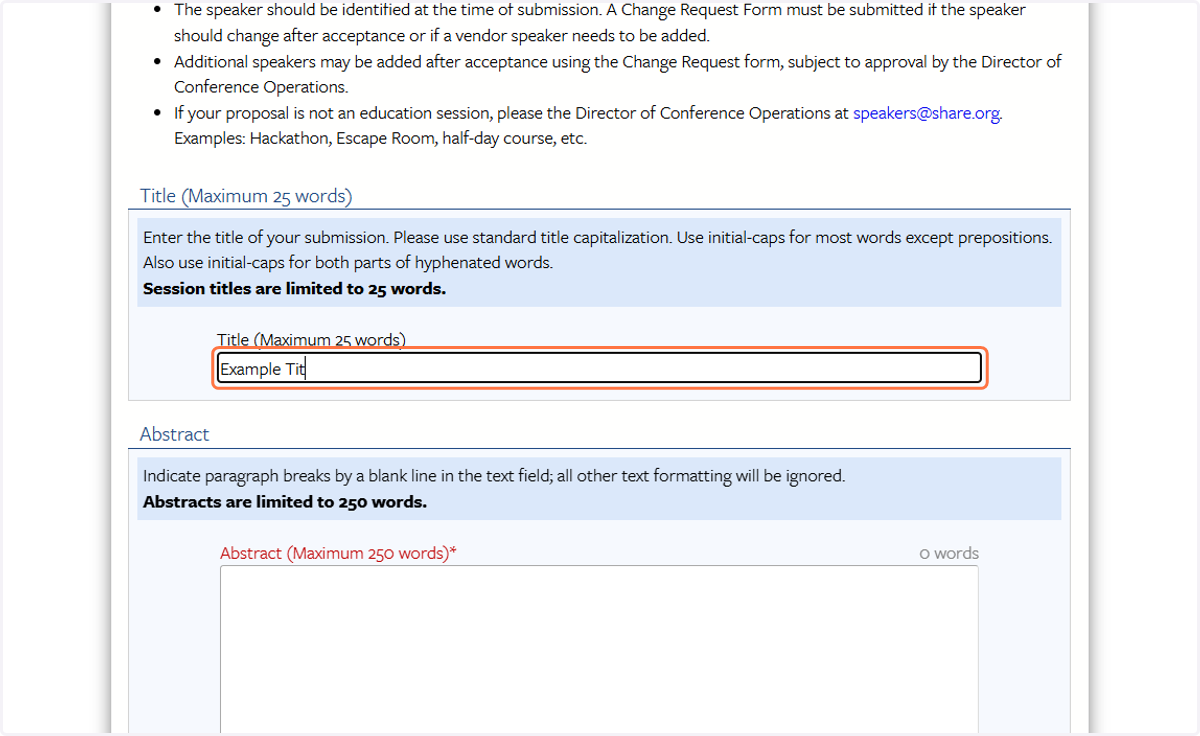
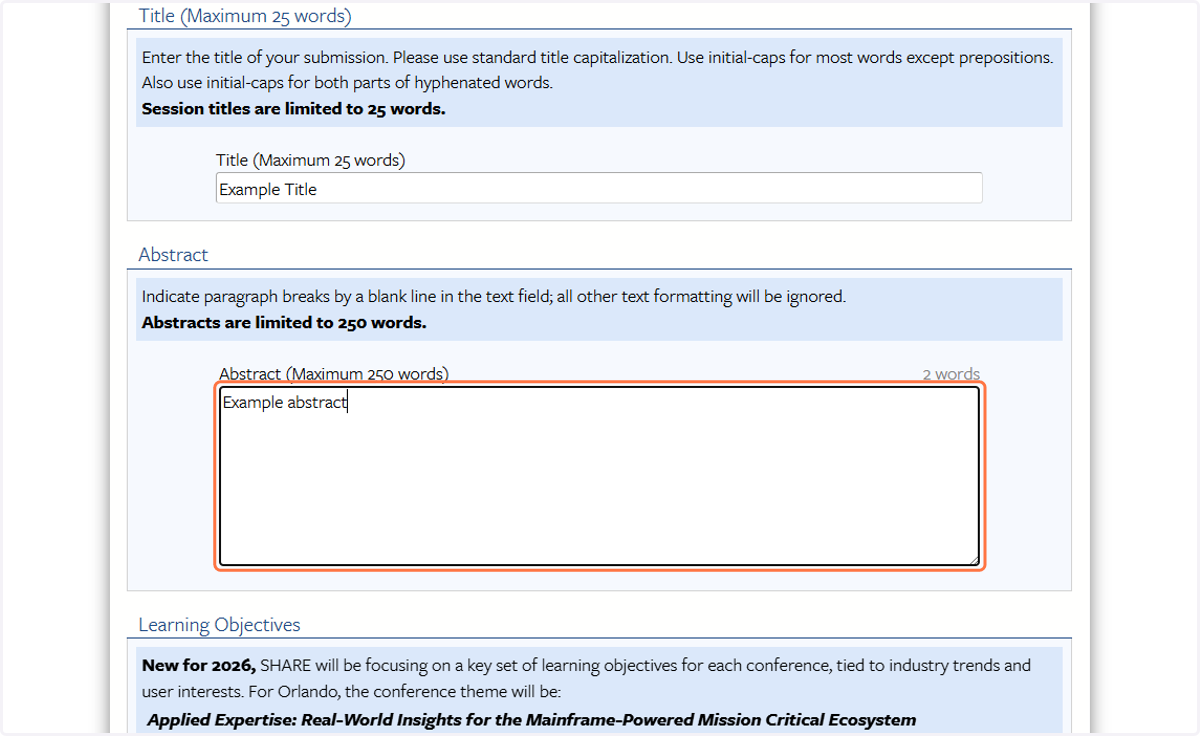
6. Enter your proposal abstract (250 words or less)
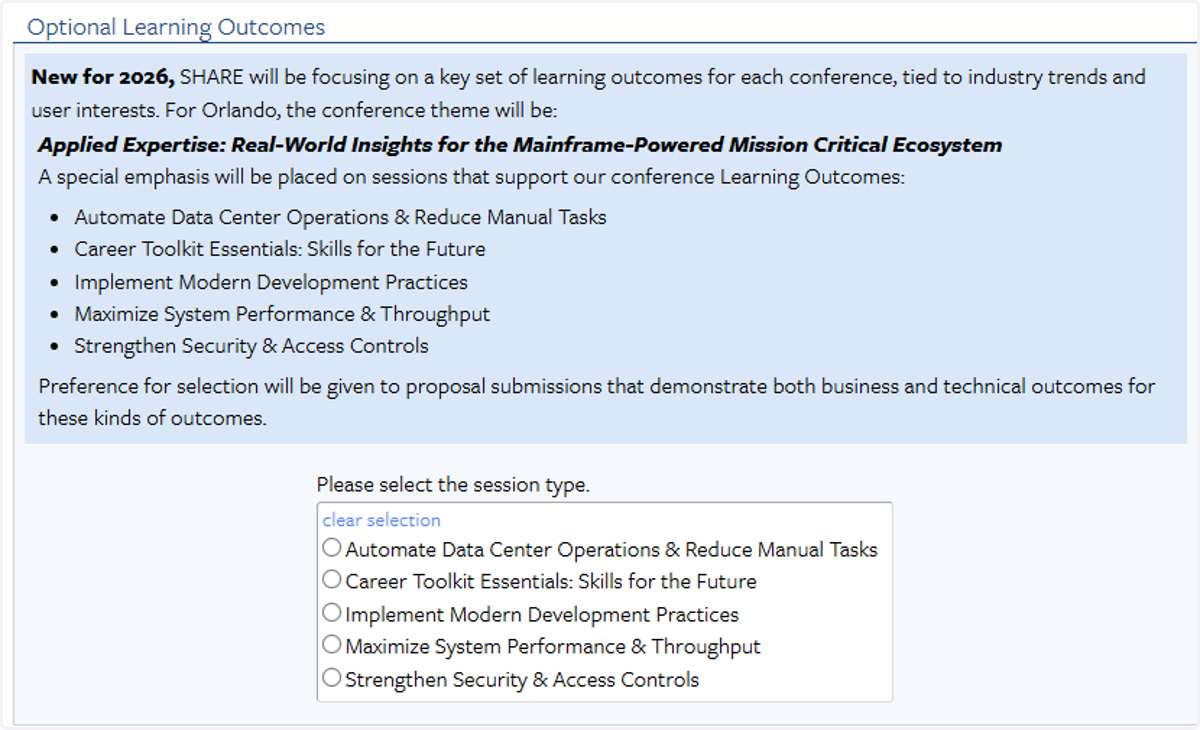
7. New for 2026, SHARE will be focusing on a key set of learning outcomes for each conference, tied to industry trends and user interests. Preference for selection will be given to proposal submissions that demonstrate both business and technical outcomes for these objectives.
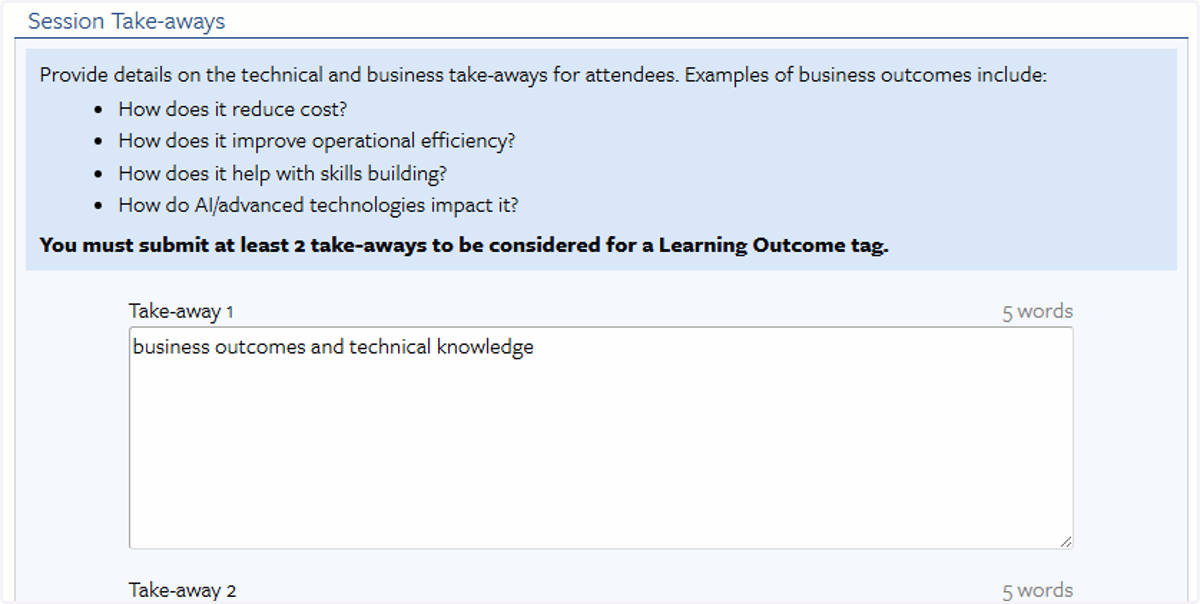
8. To be considered for recognition as a session under a Learning Outcome, you must provide 2-3 actionable take-aways for session attendees.
9. In the Contributor Information section, add all session contributors, including the submitter and speaker(s).
You must indicate for each contributor if they will be a presenter.
You must identify one (1) contributor as the "Corresponding Author" for the proposal. This will be the main point of contact and does not have to be a presenter.
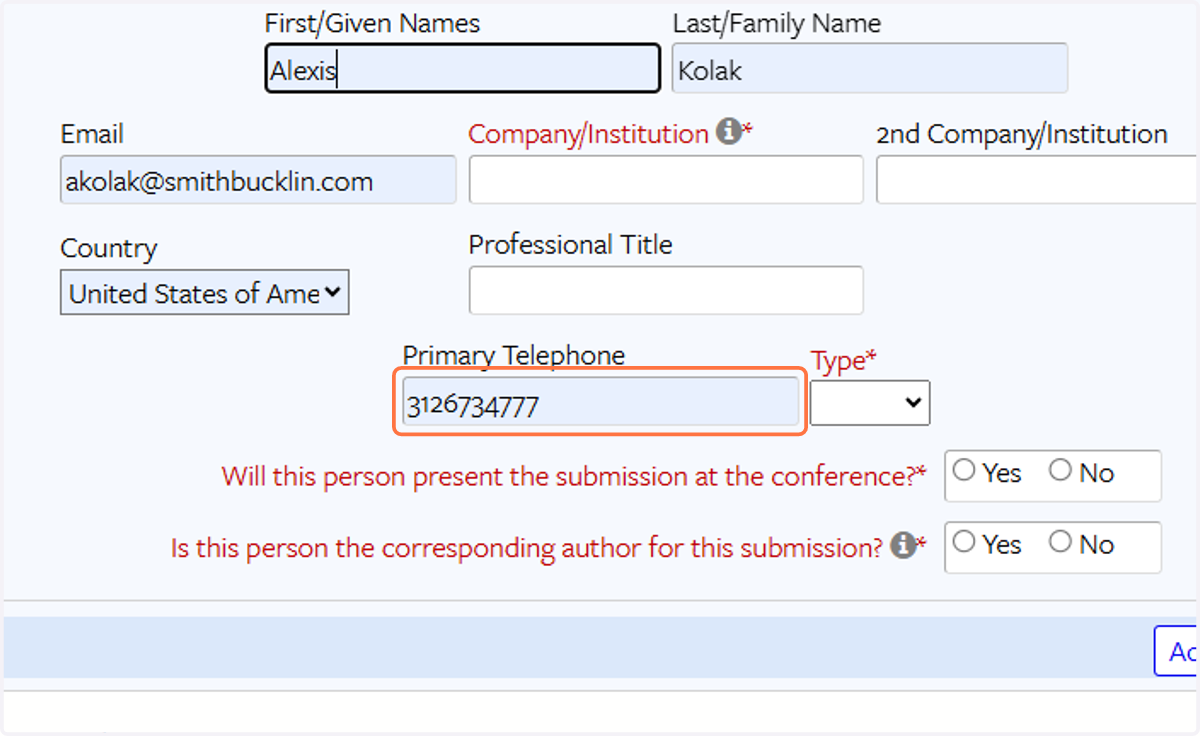
10. To add additional Contributors, click the "Add a Contributor" button at the bottom right. You may have up to six (6) contributors.

11. SHARE will offer 20- and 60- minute session lengths for conference. In some limited circumstances for advanced-level hands-on labs, a multi-session presentation may be approved. Be sure to check all session lengths you are willing to accept.
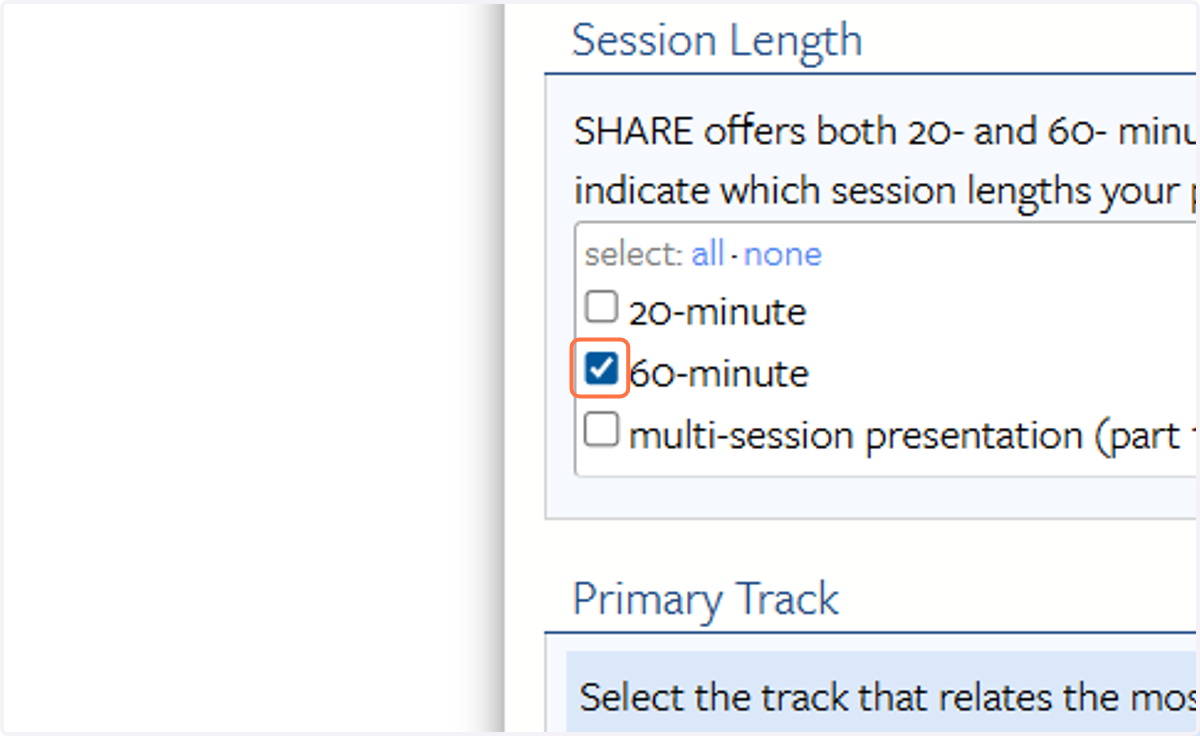
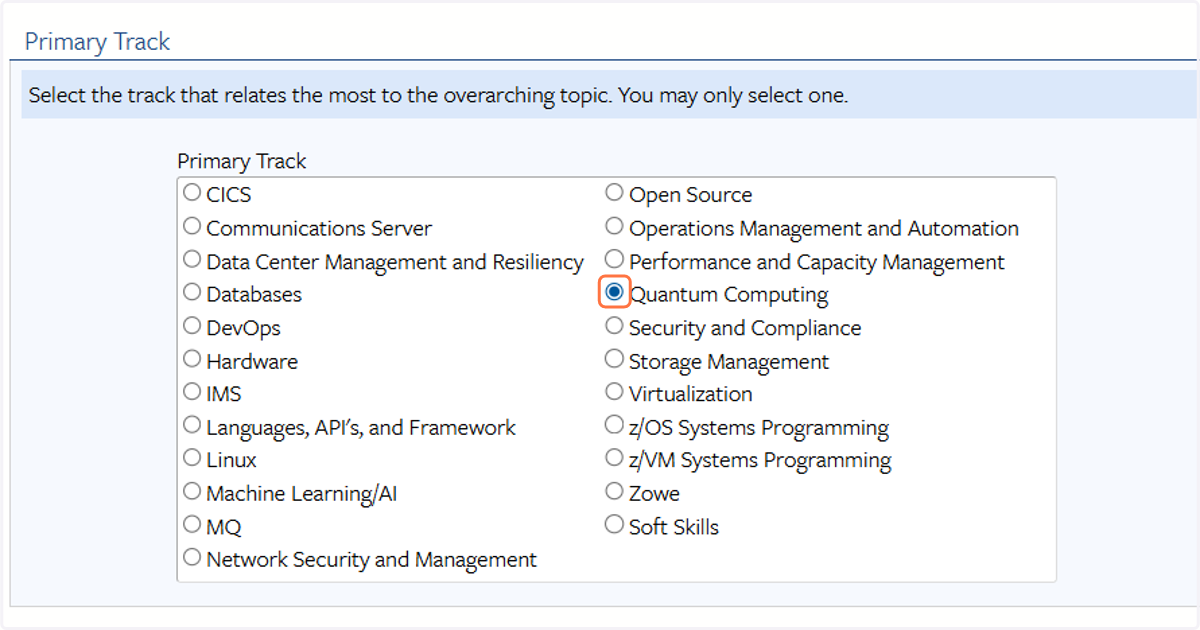
12. Select a Primary Track for your proposal.
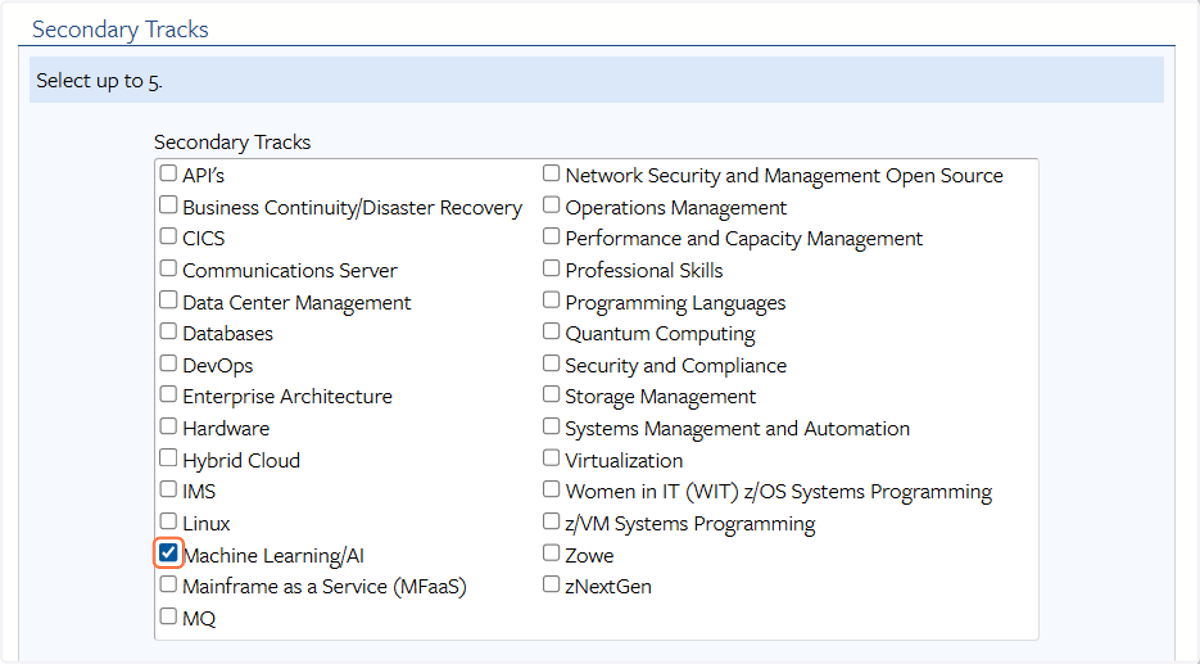
13. Under Secondary Track(s), you may select up to 5 additional topics related to your proposal.
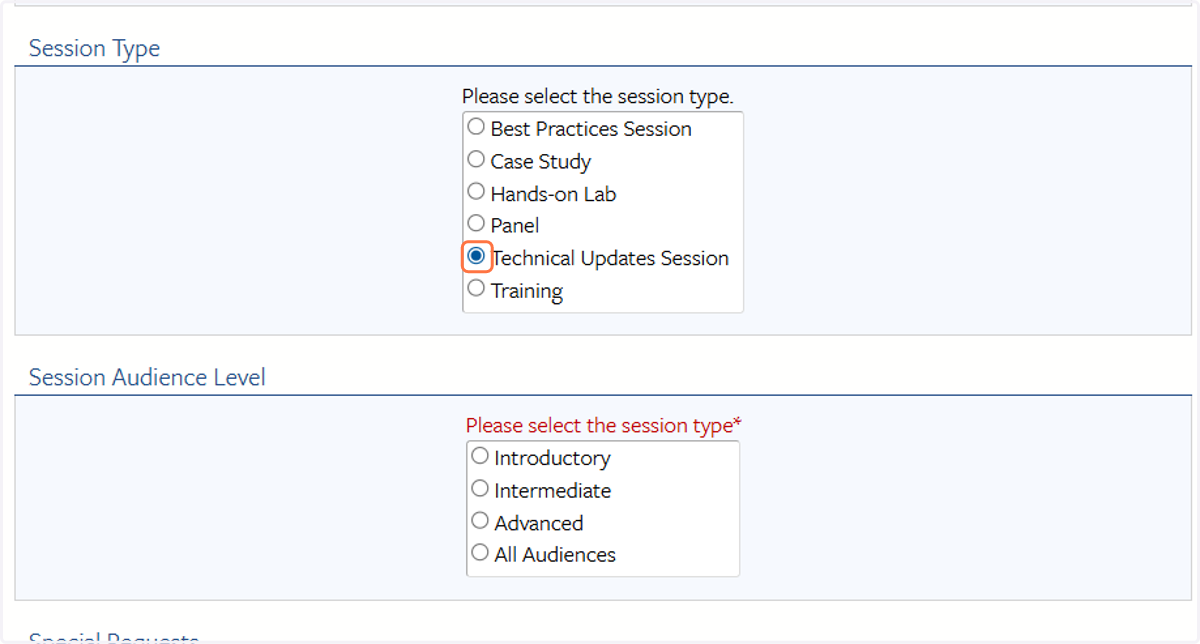
14. Select your session type and audience level
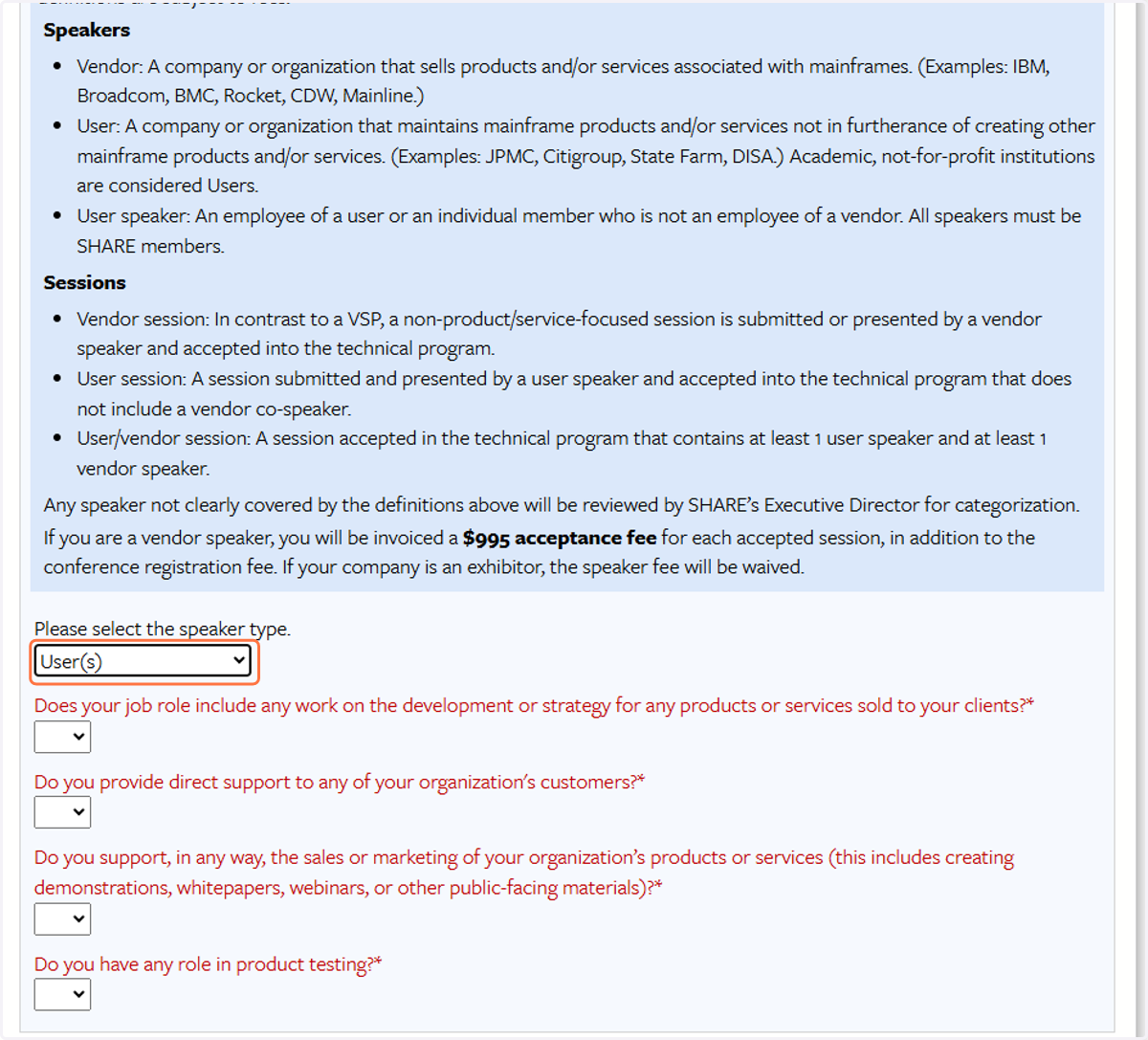
15. You will be asked to identify if the session is a User, Vendor, or User-Vendor session. Please read the session and speaker types carefully.
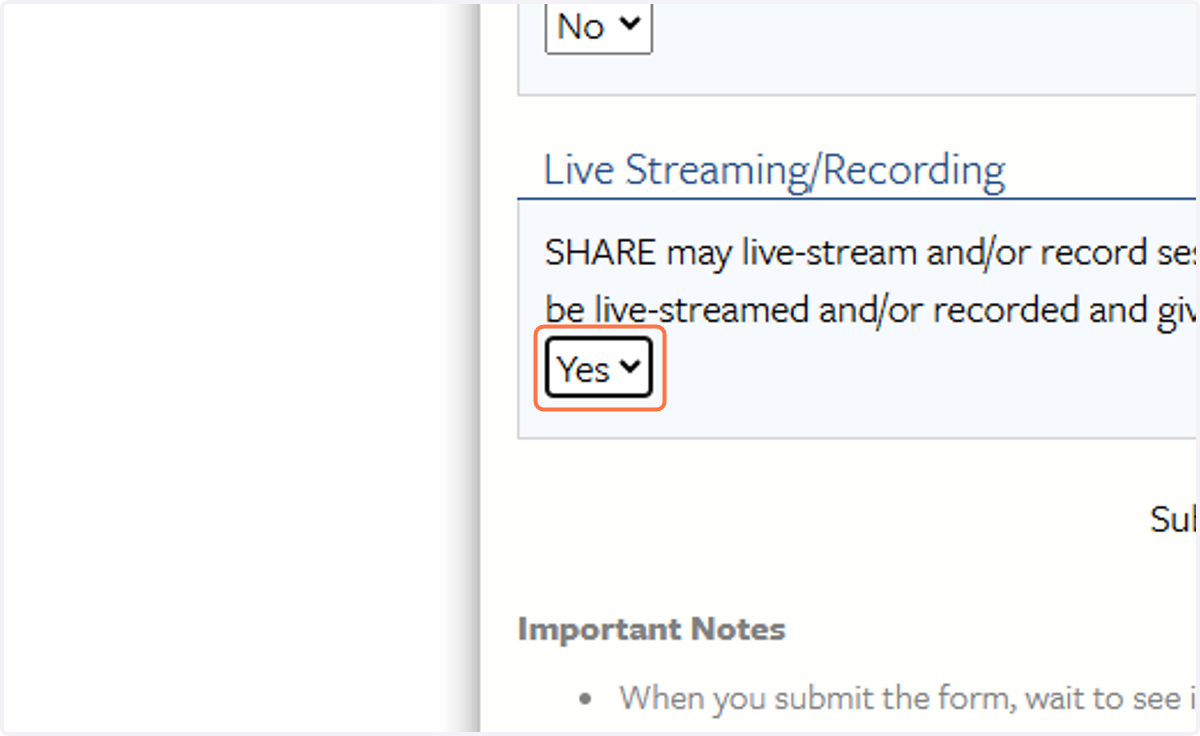
16. Finally, please indicate if you are willing to have your session livestreamed/recorded. This does not guarantee that your session will be included and your willingness will be reconfirmed if livestream/recording is planned.
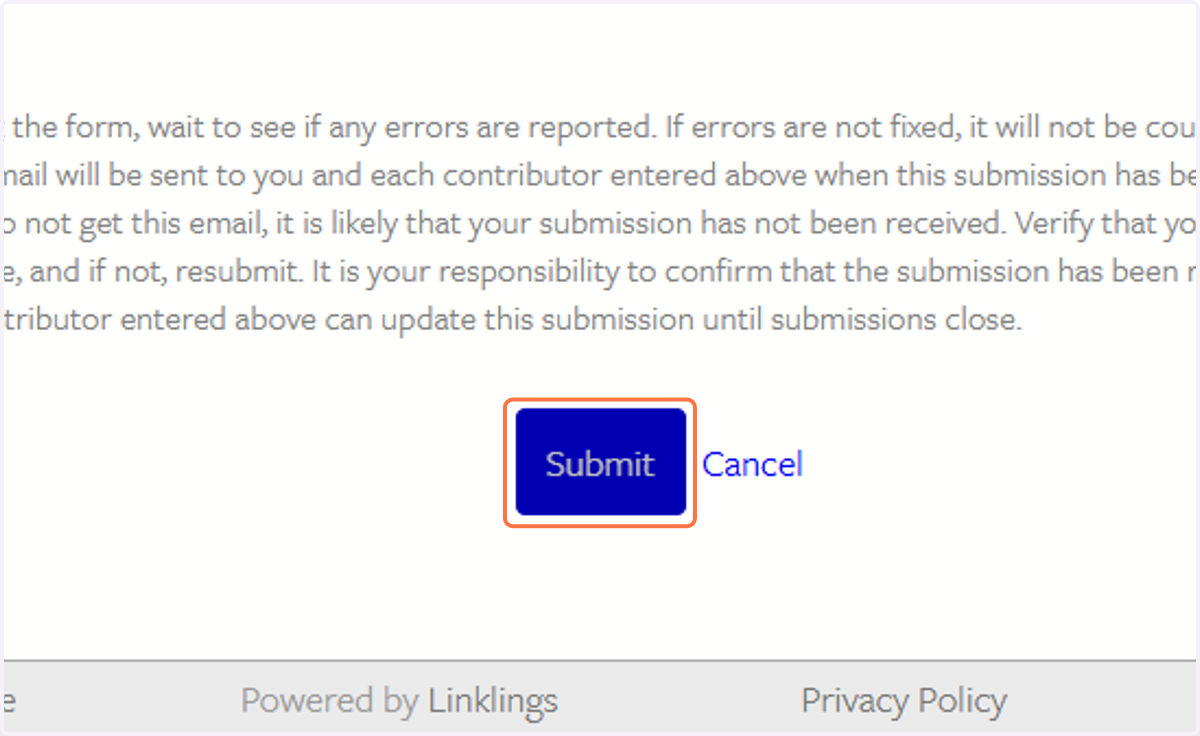
17. Click on Submit
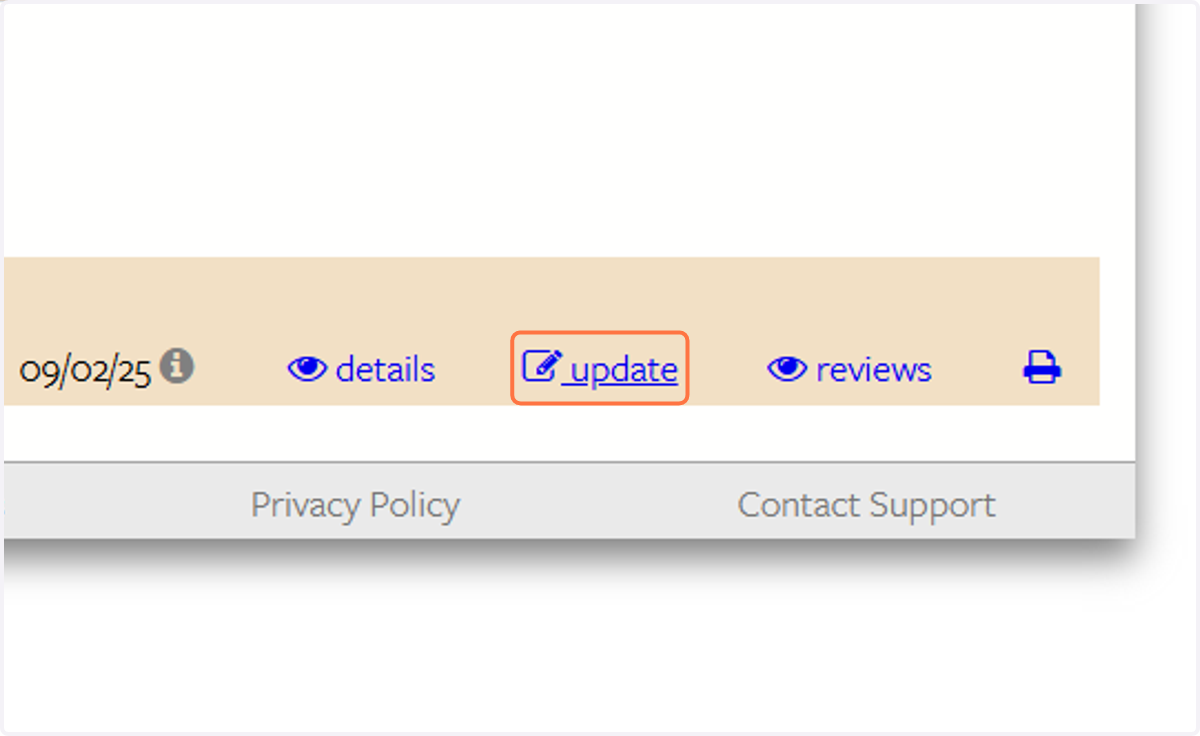
18. Click on update
19. Please reach out to speakers@share.org with any questions