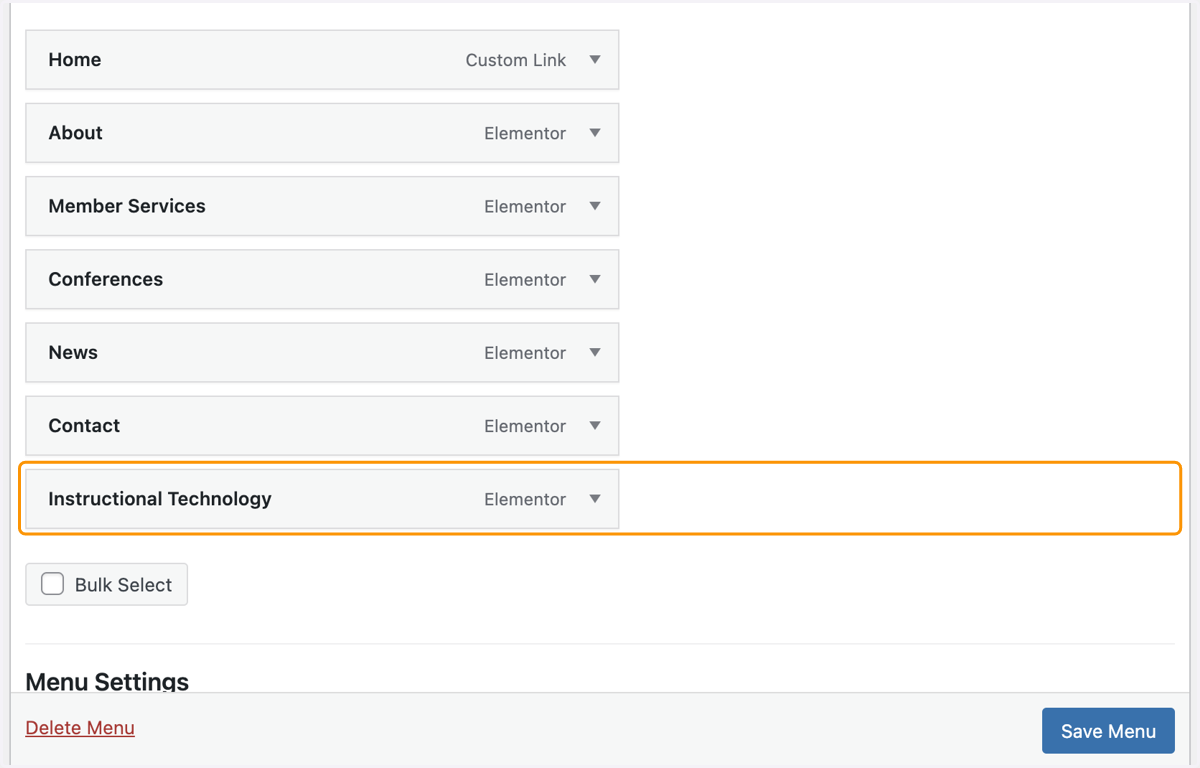
Adding a Menu Item to your WordPress Site
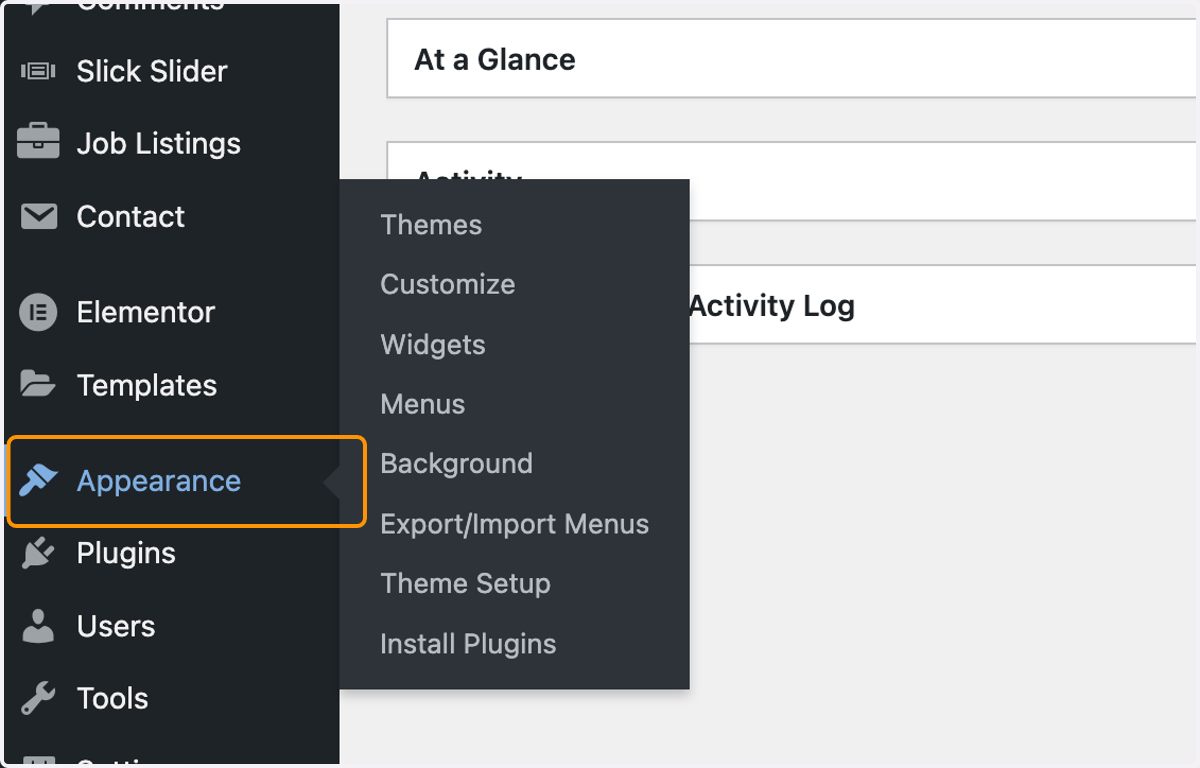
1. Click on Appearance on your WordPress Dashboard, left hand menu
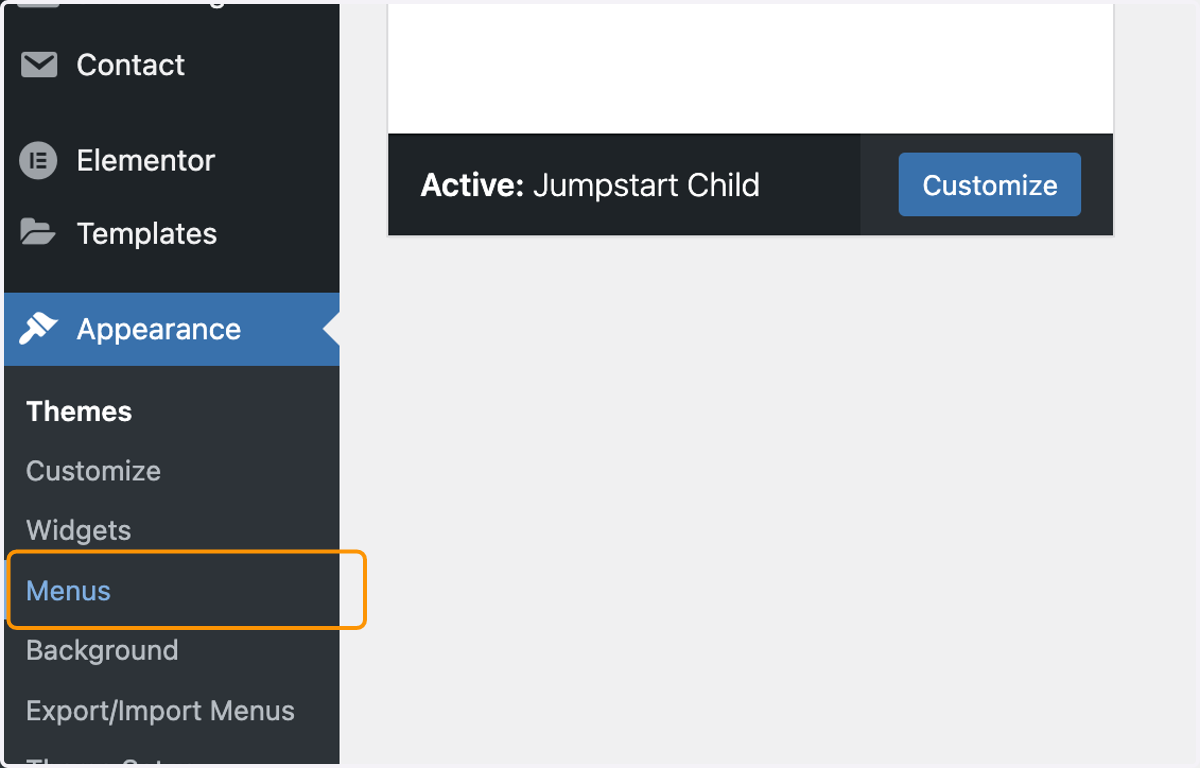
2. Click on Menus
3. Ensure the correct menu is selected at the top
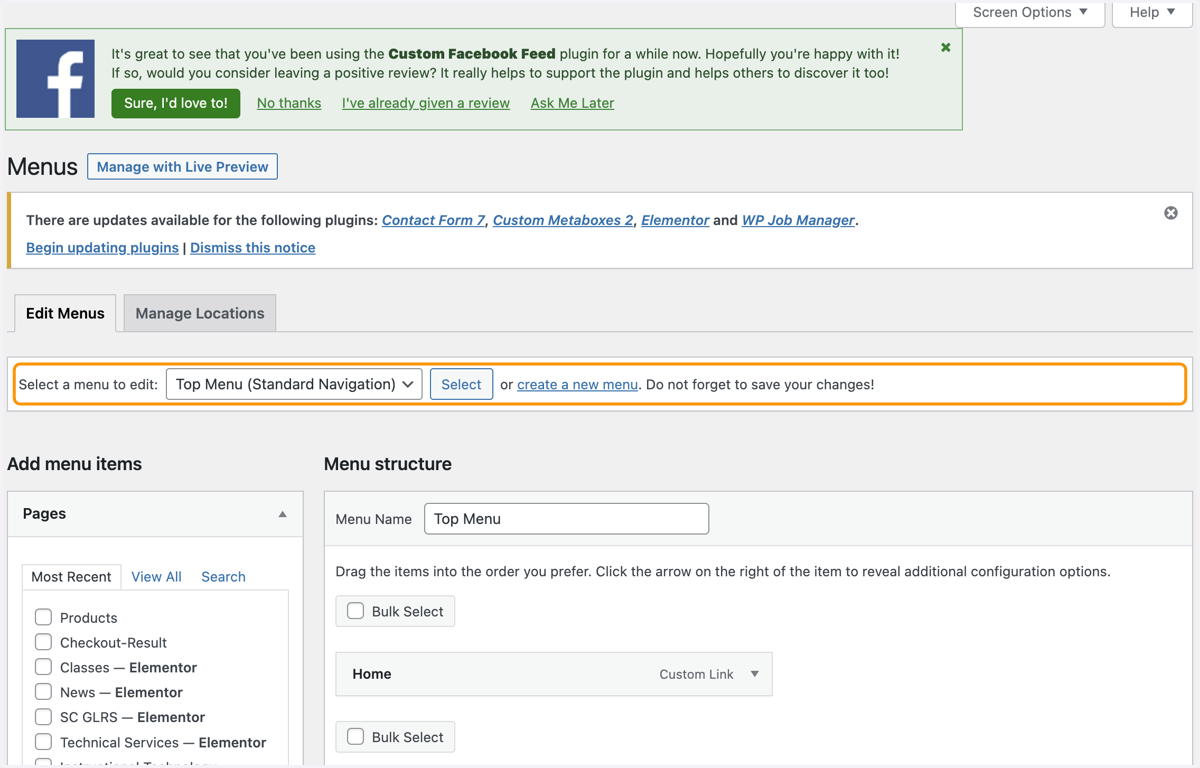
4. On the left hand side, you have your options of what to add
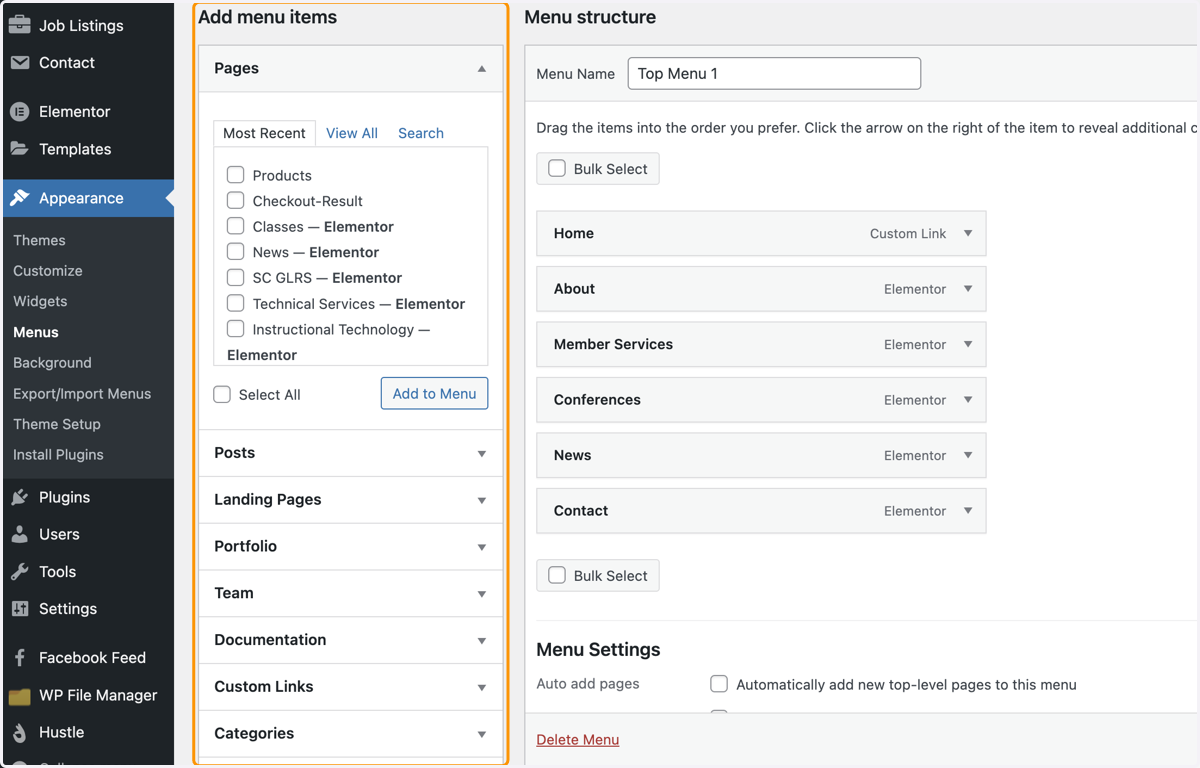
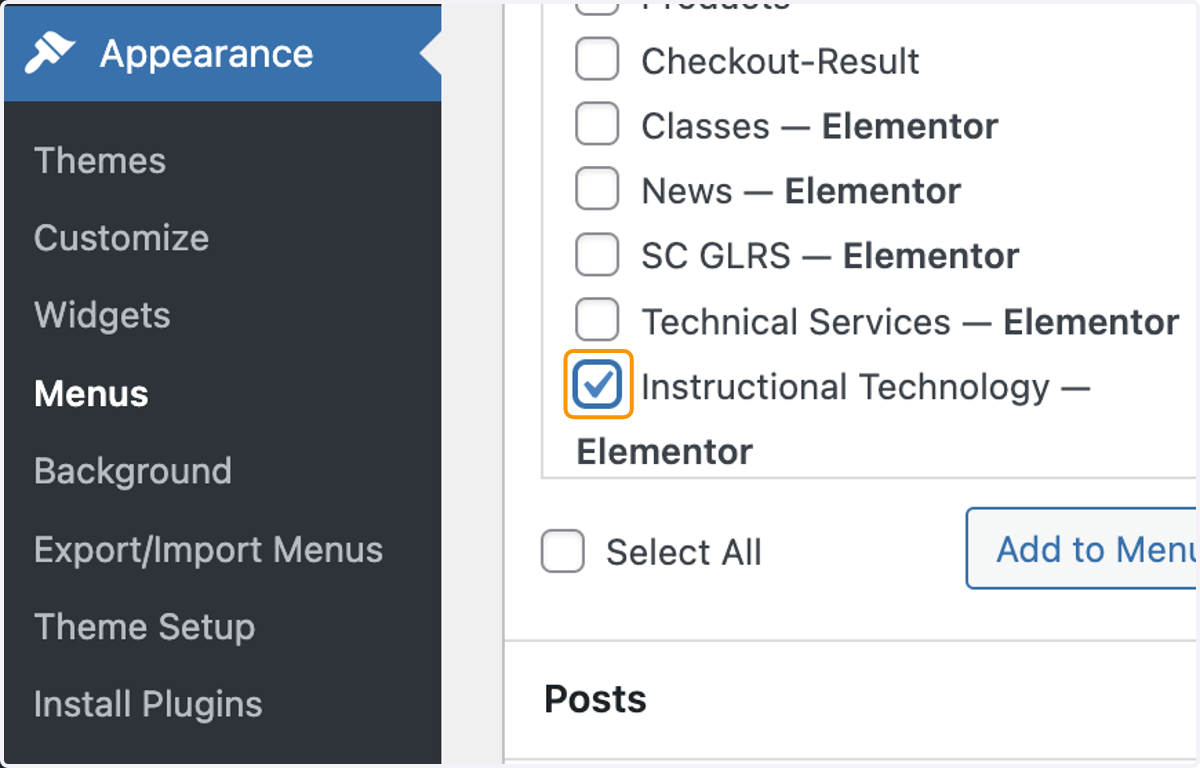
5. We'll use a Page to add to the menu, click the checkbox to select it
6. Click Add to Menu
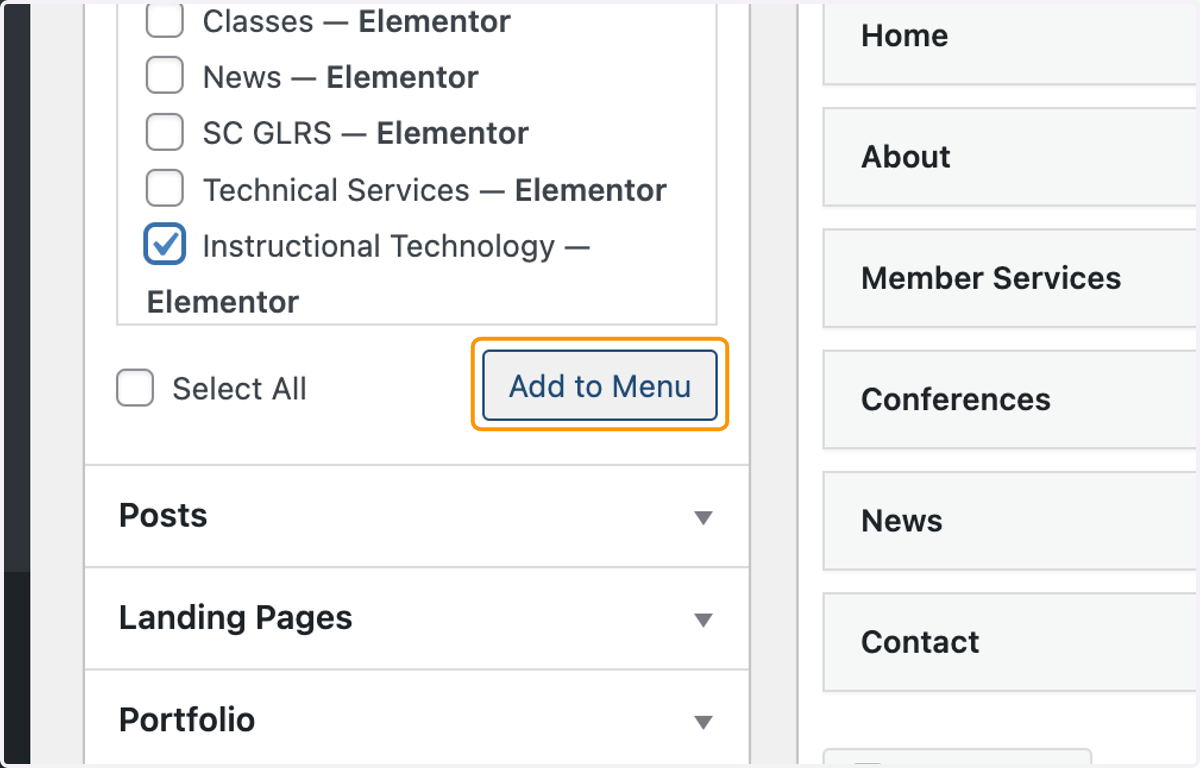
7. It will pop up at the bottom of your menu, click and drag to move it around to another space in your menu