Supplier Request Address Change in BV Marketplace
Supplier Portal: Brightview
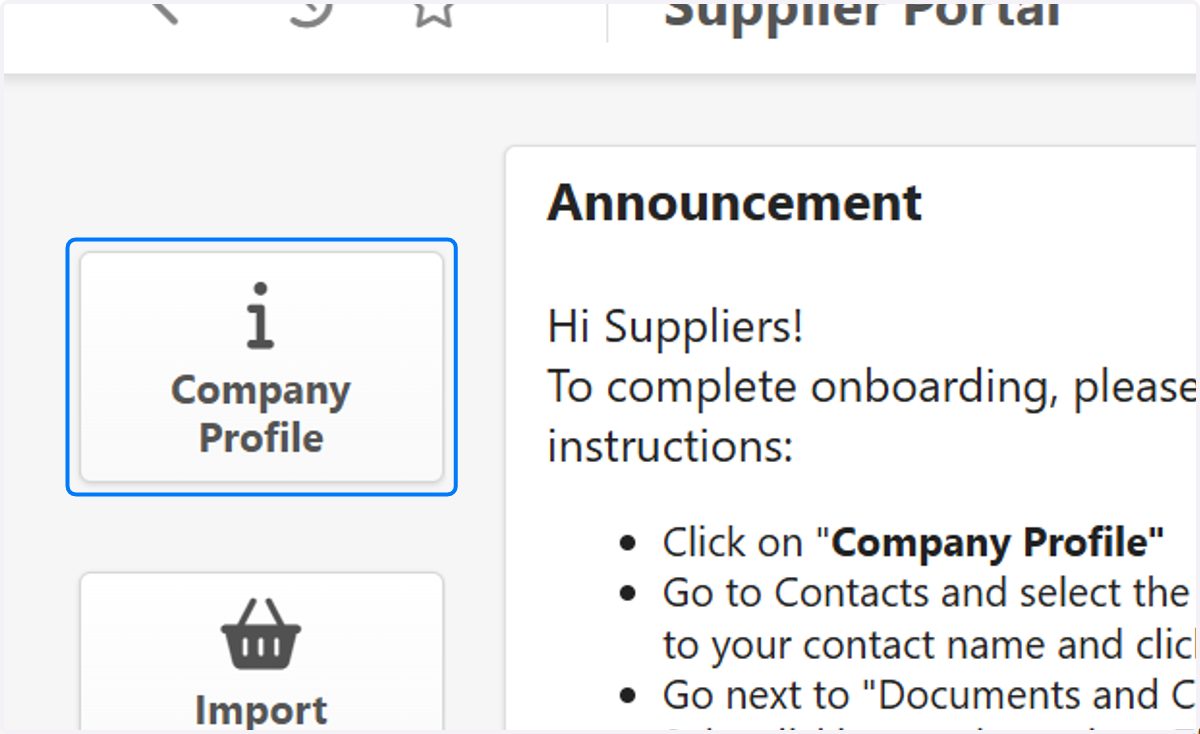
1. Click on Company Profile
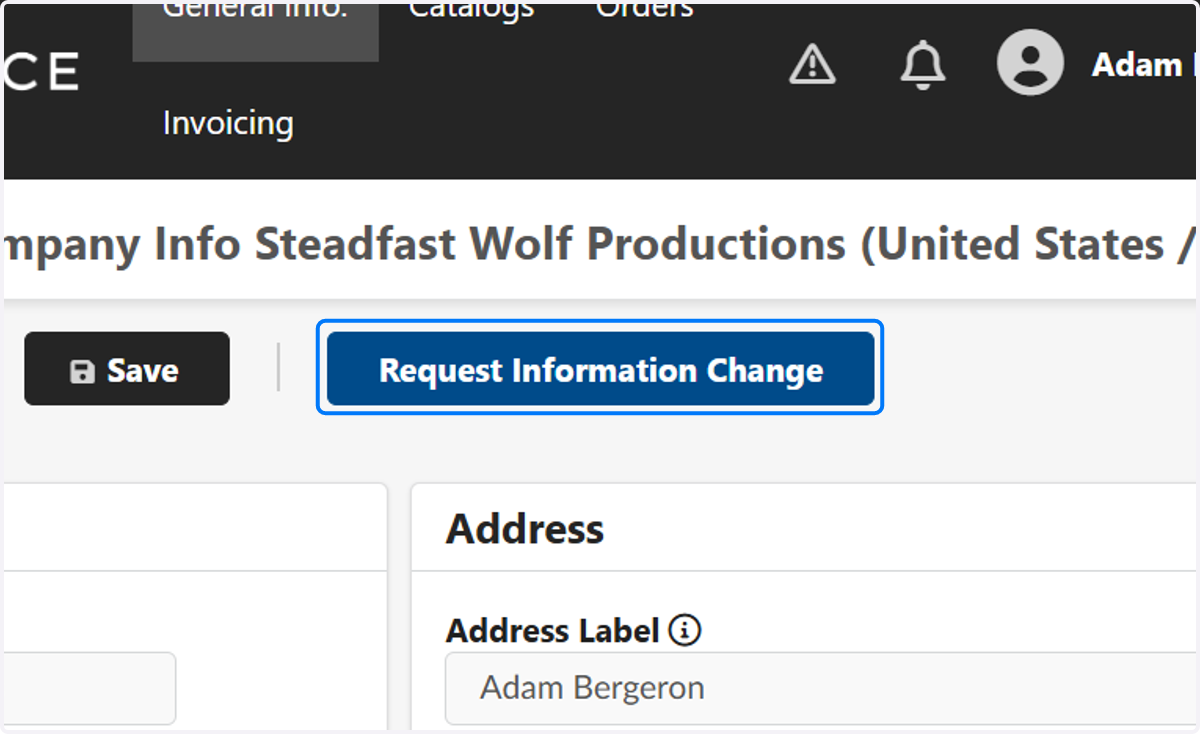
2. Click on Request Information Change
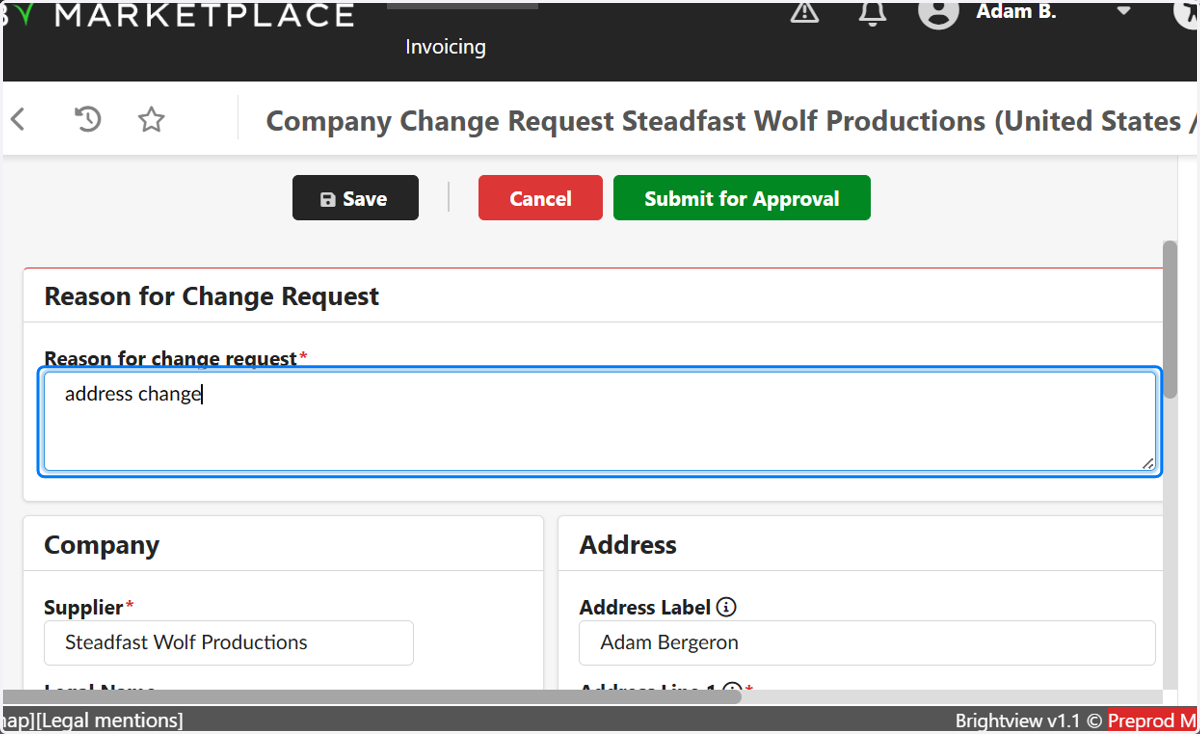
3. Type "address change" as the reason for change request
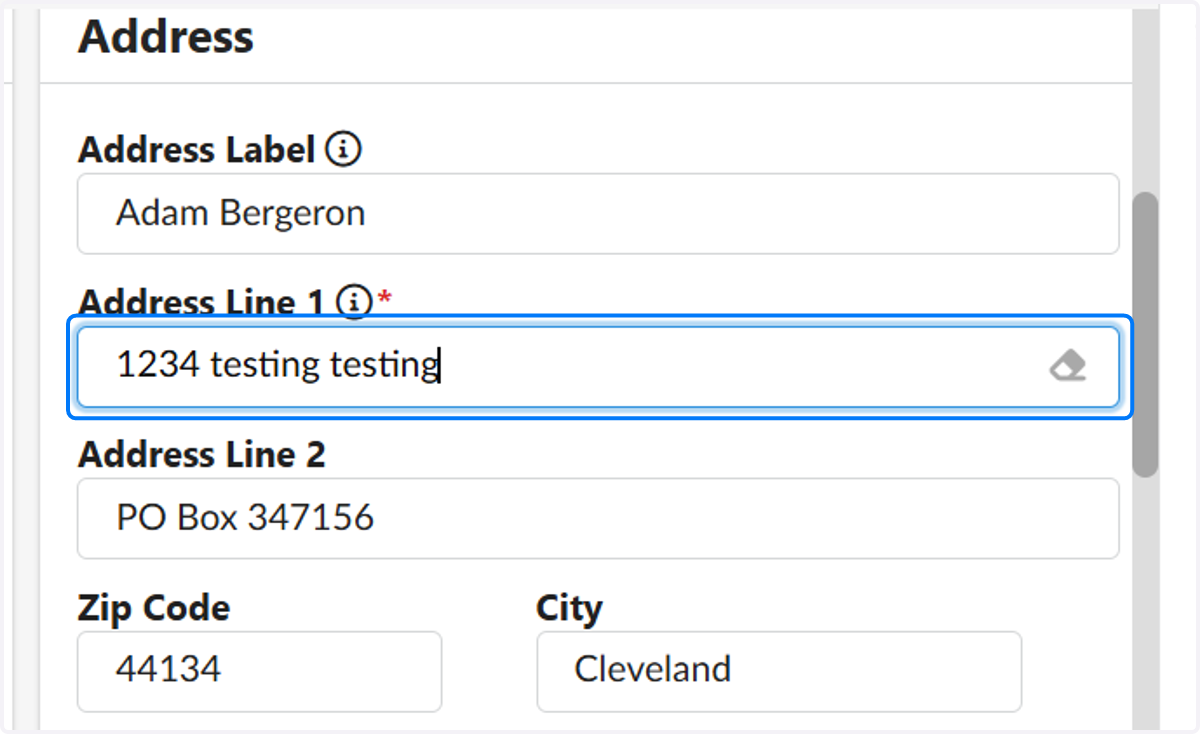
4. Type in the updated address
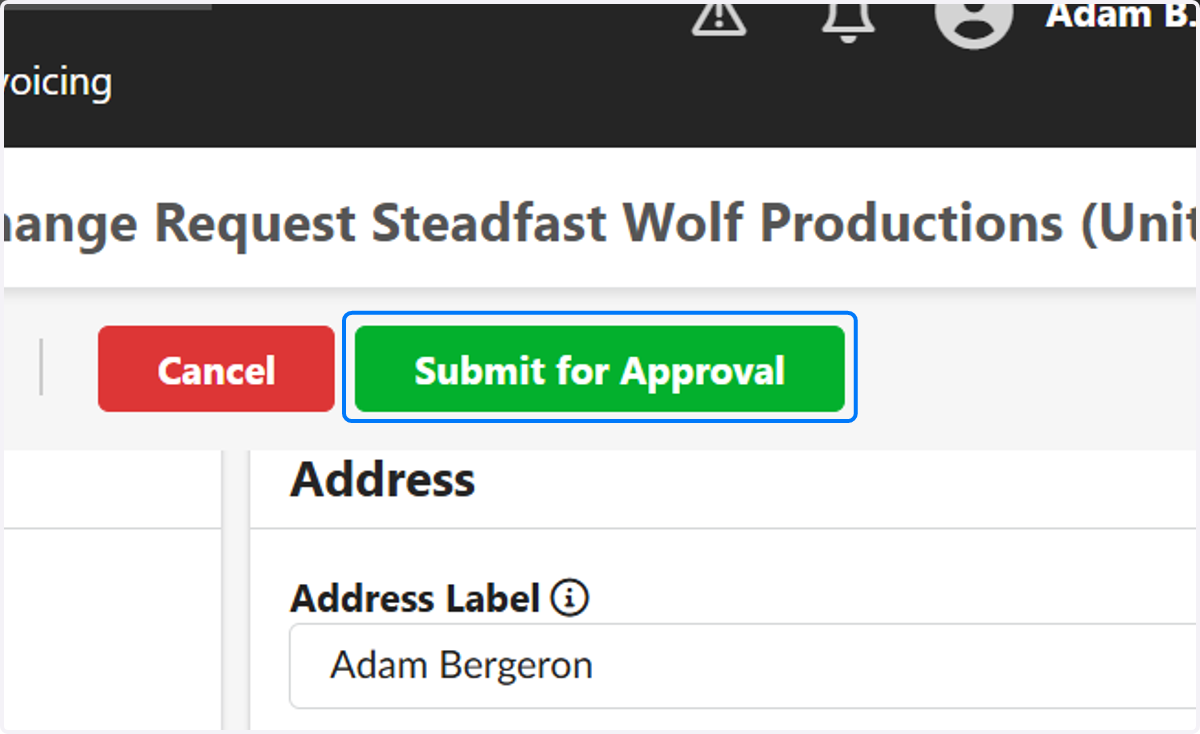
5. Click on Submit for Approval