Step 1: Creating a Group and Assigning Devices
MatrixIQ Telematics: Creating a new group & moving devices
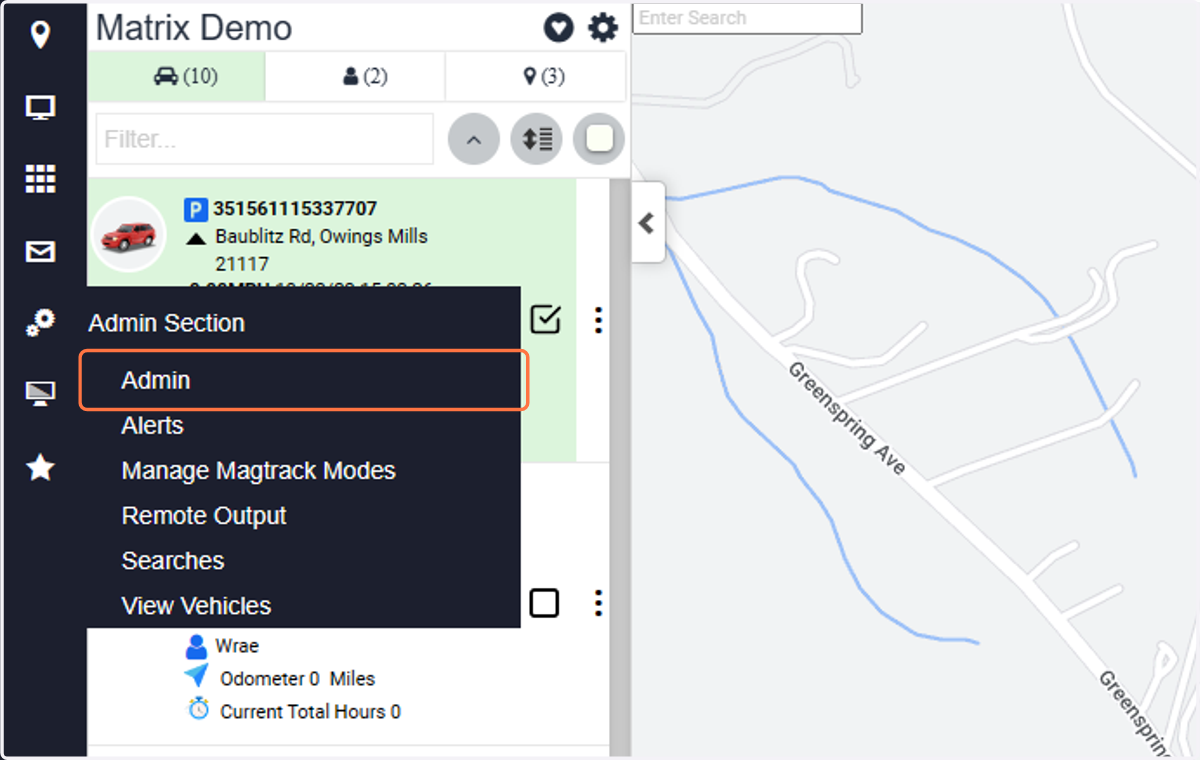
1. Click on Admin
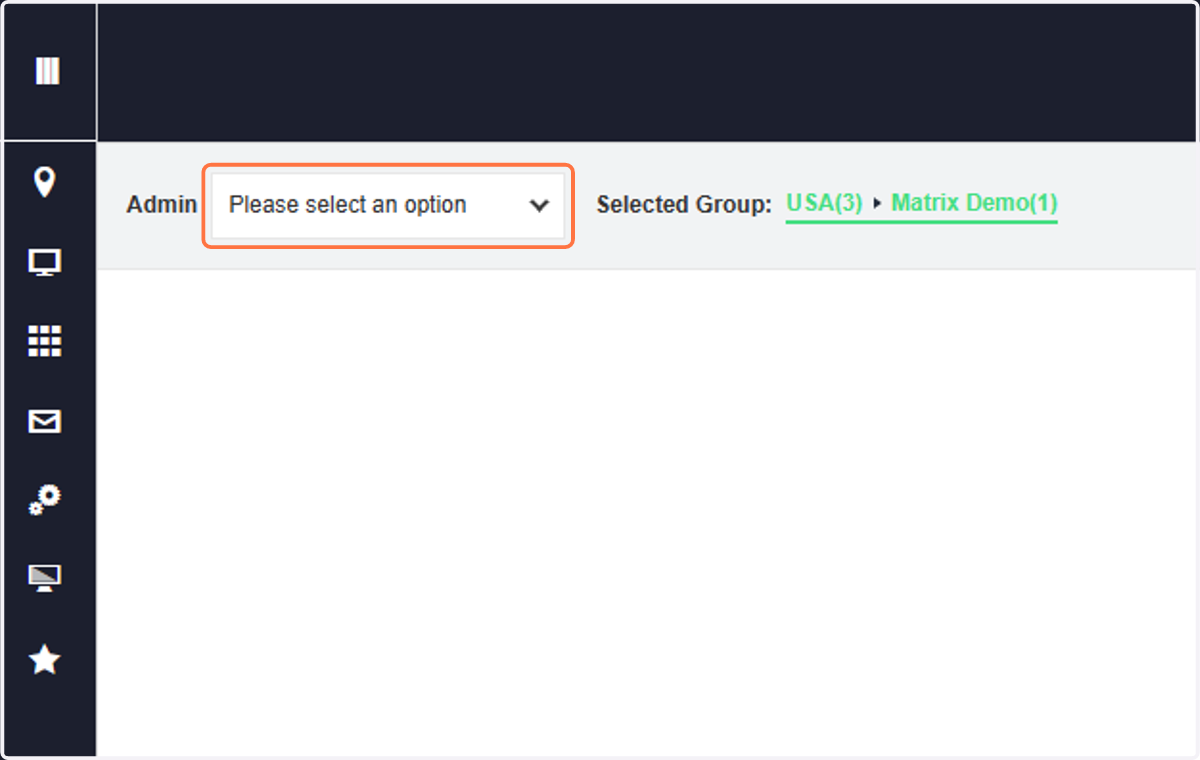
2. Click on Please select an option
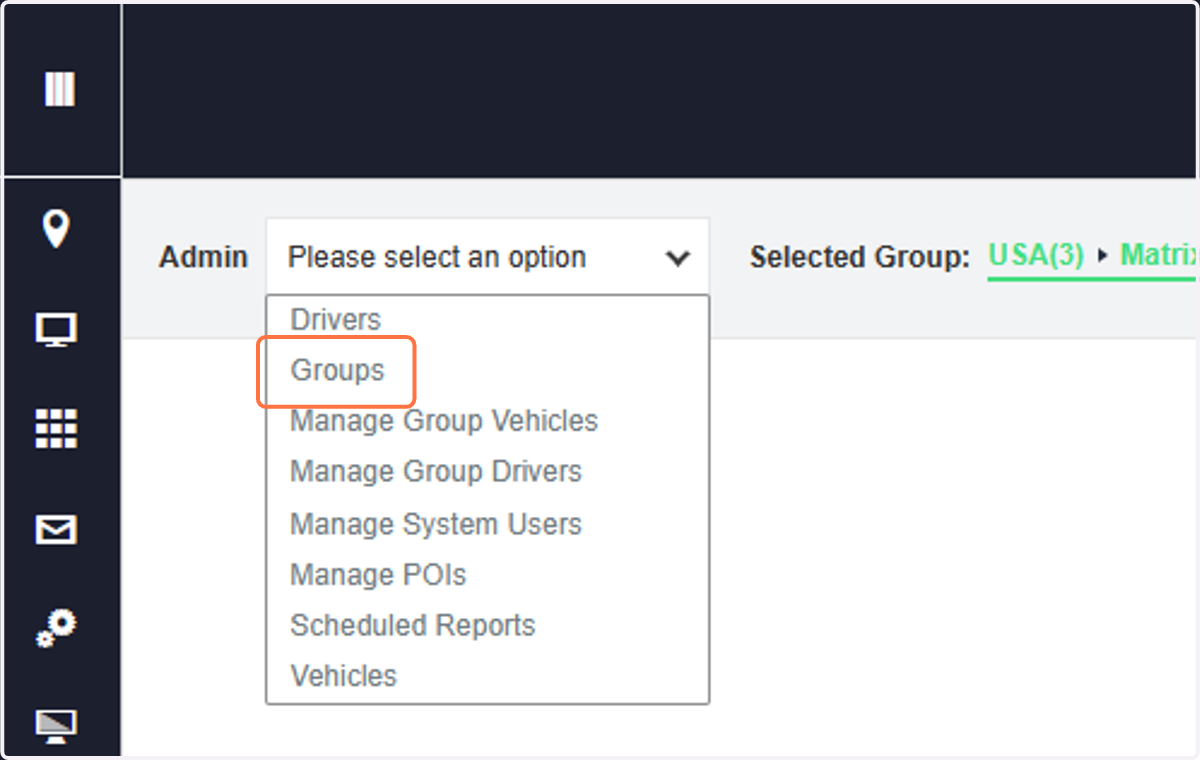
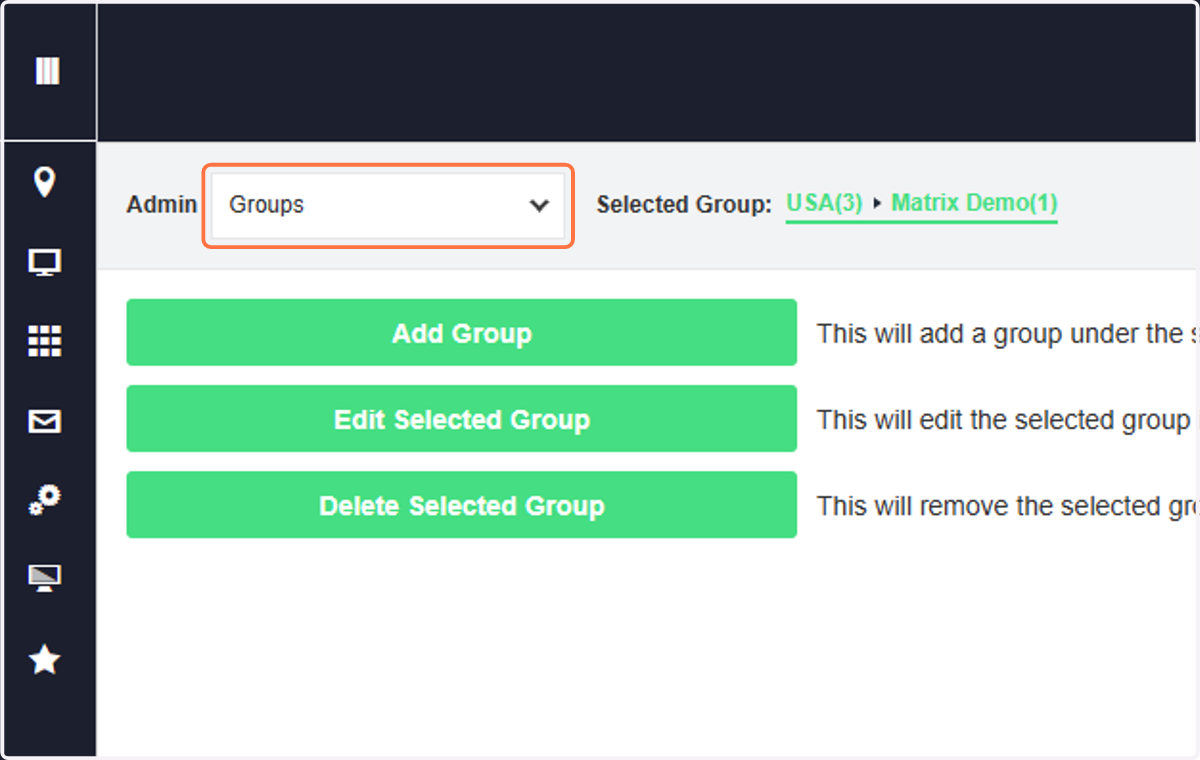
3. Click on Groups
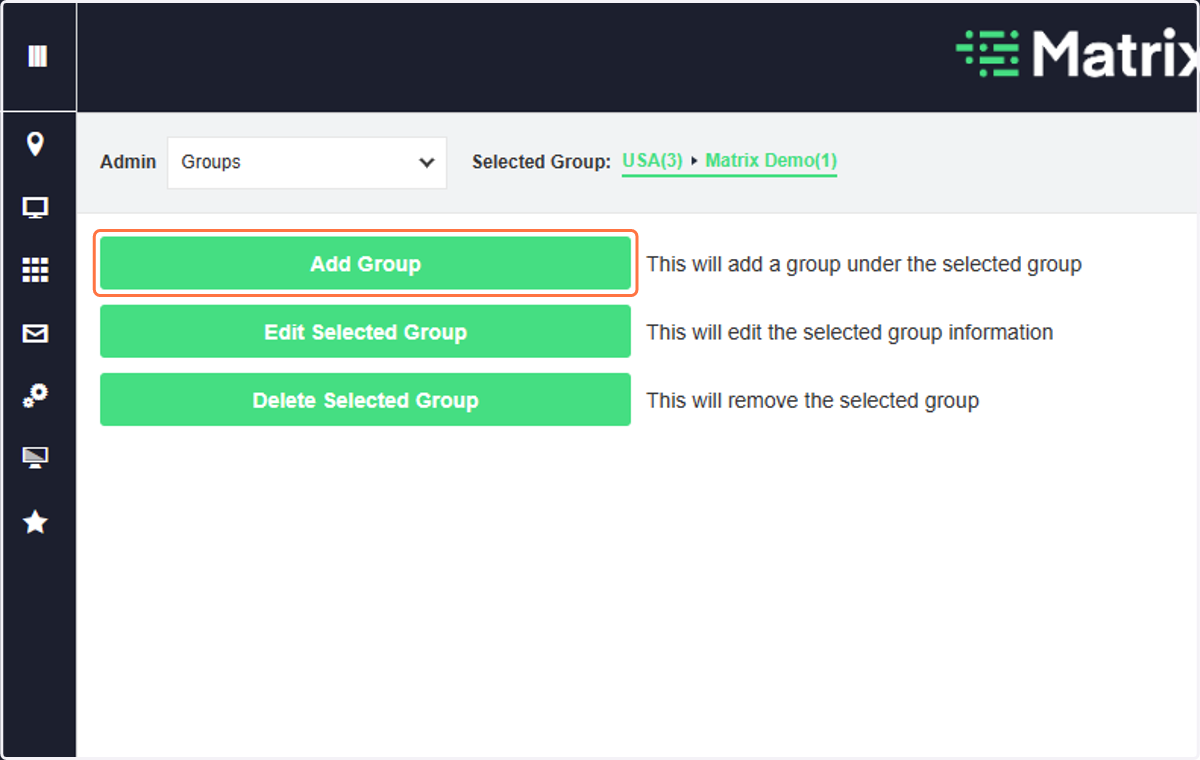
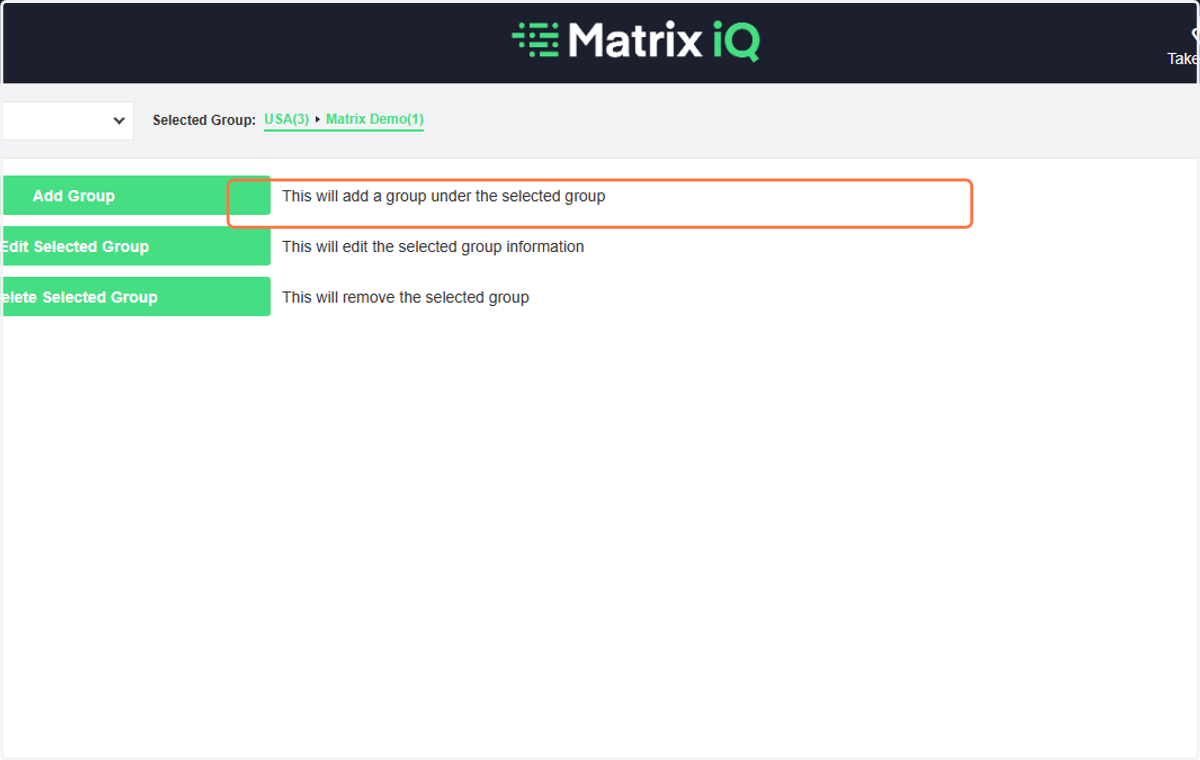
4. Click on Add Group
Make sure that you are in the correct Selected Group where your new group is a sub-group.
5. Type "USA Demo"
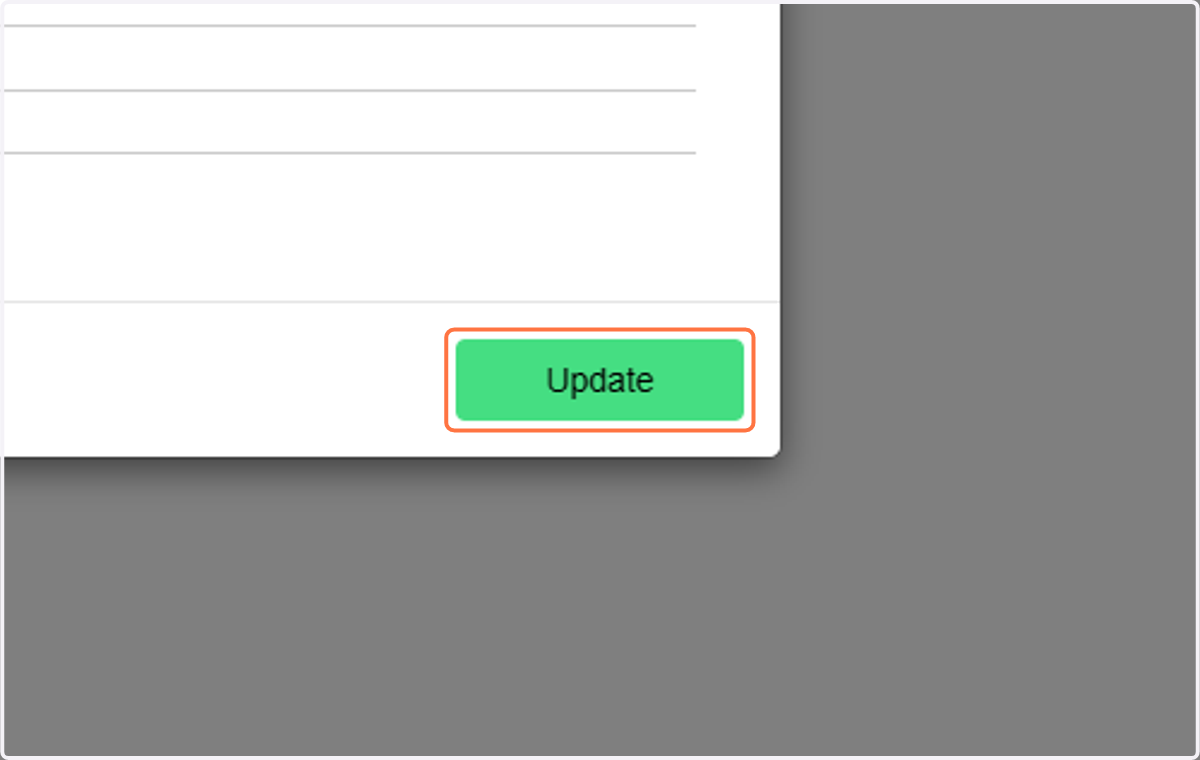
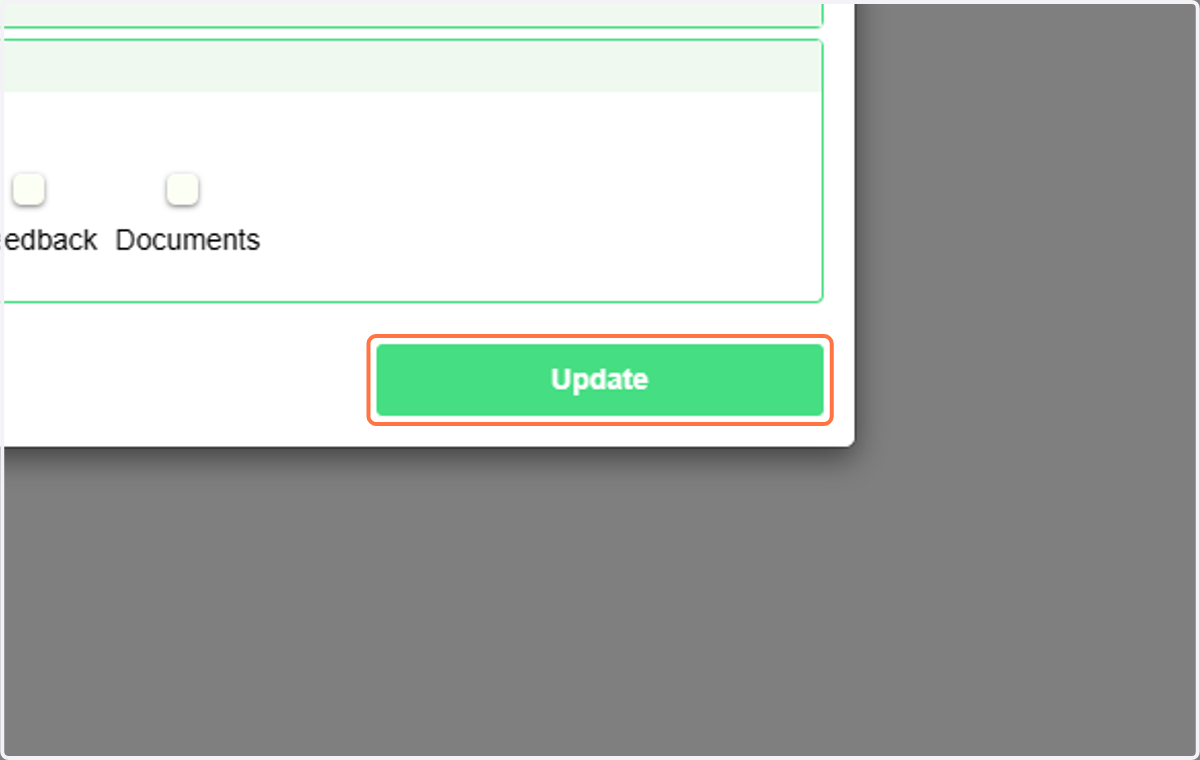
6. Click on Update
7. Click on the Admin drop down to move to Manage Group Vehicles
8. Click on Manage Group Vehicles
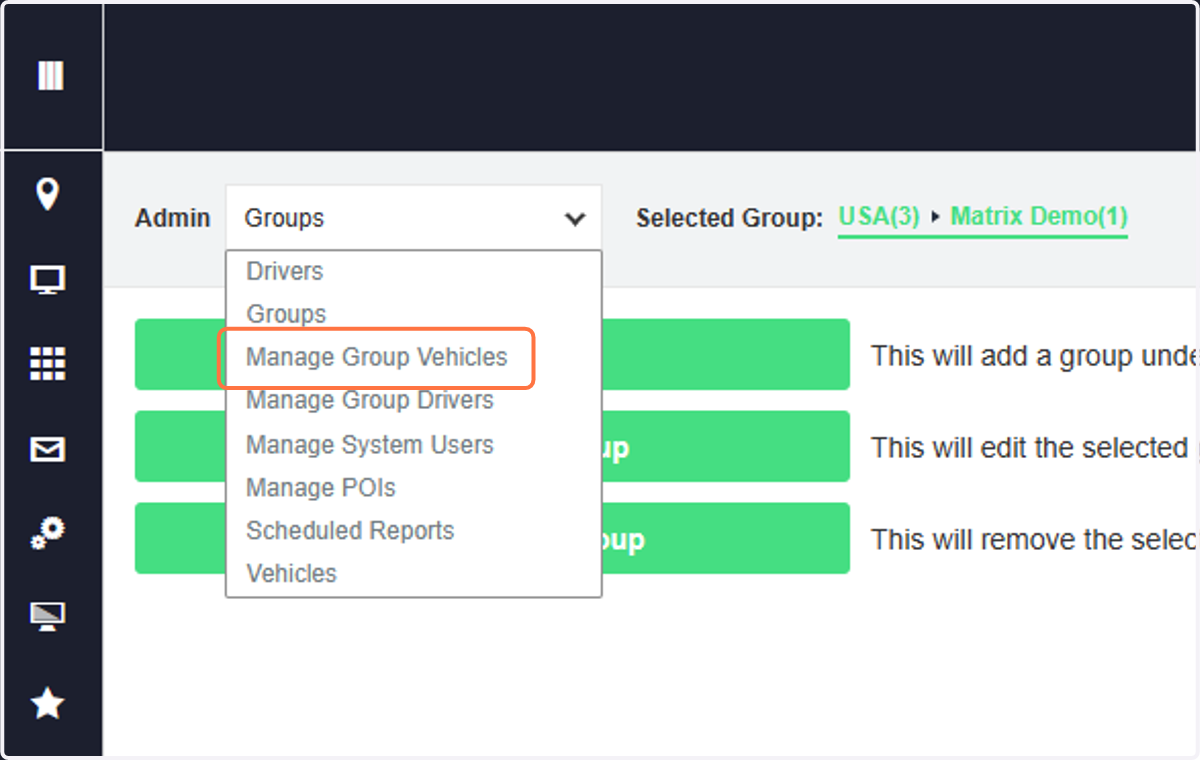
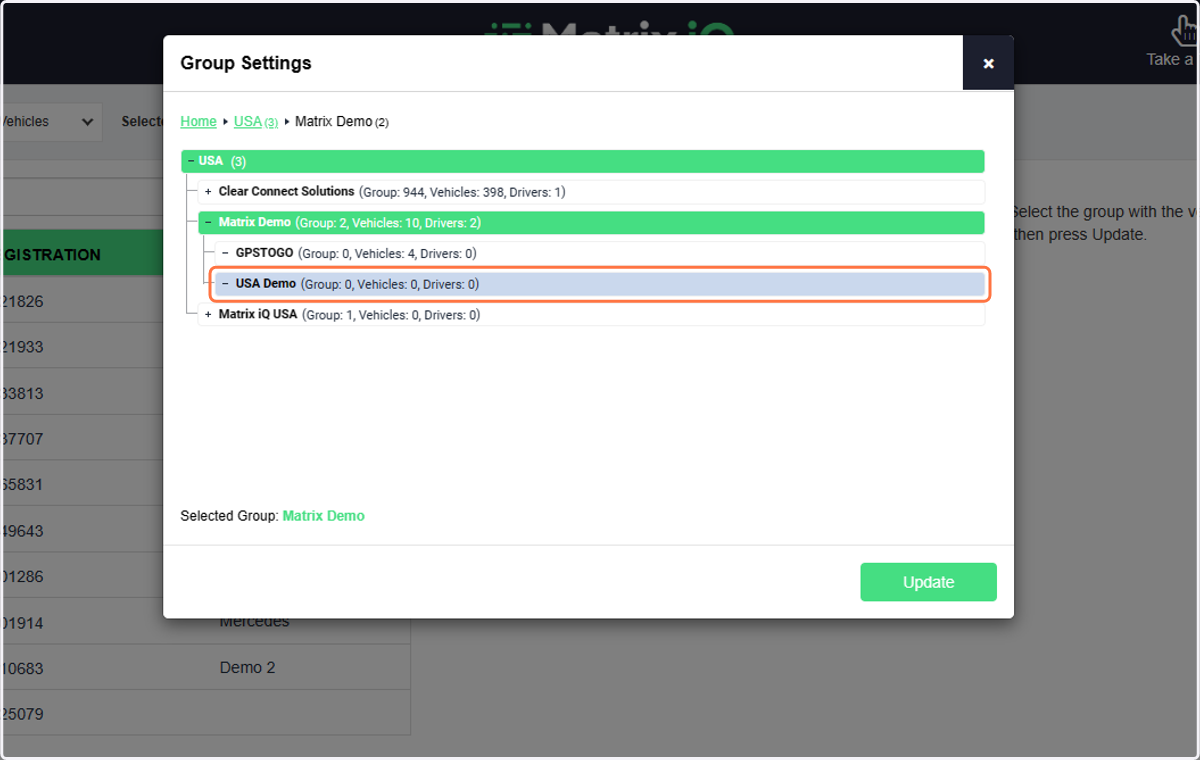
9. Select the Group you want to move vehicles/assets/devices to
You must choose the group you want to put the vehicles/devices INTO.
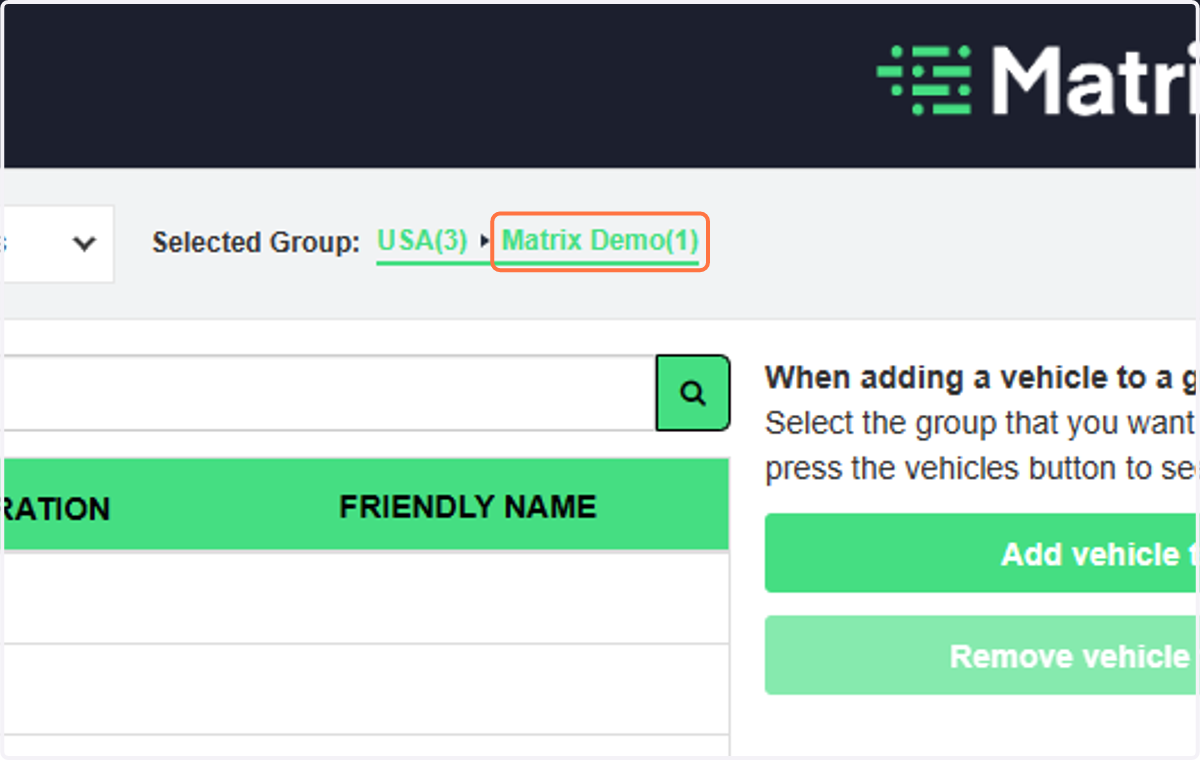
10. Click on the Group that currently has the devices in them - this is the donor group.
You must chose the donor Group first to tell the platform where the vehicles/devices are
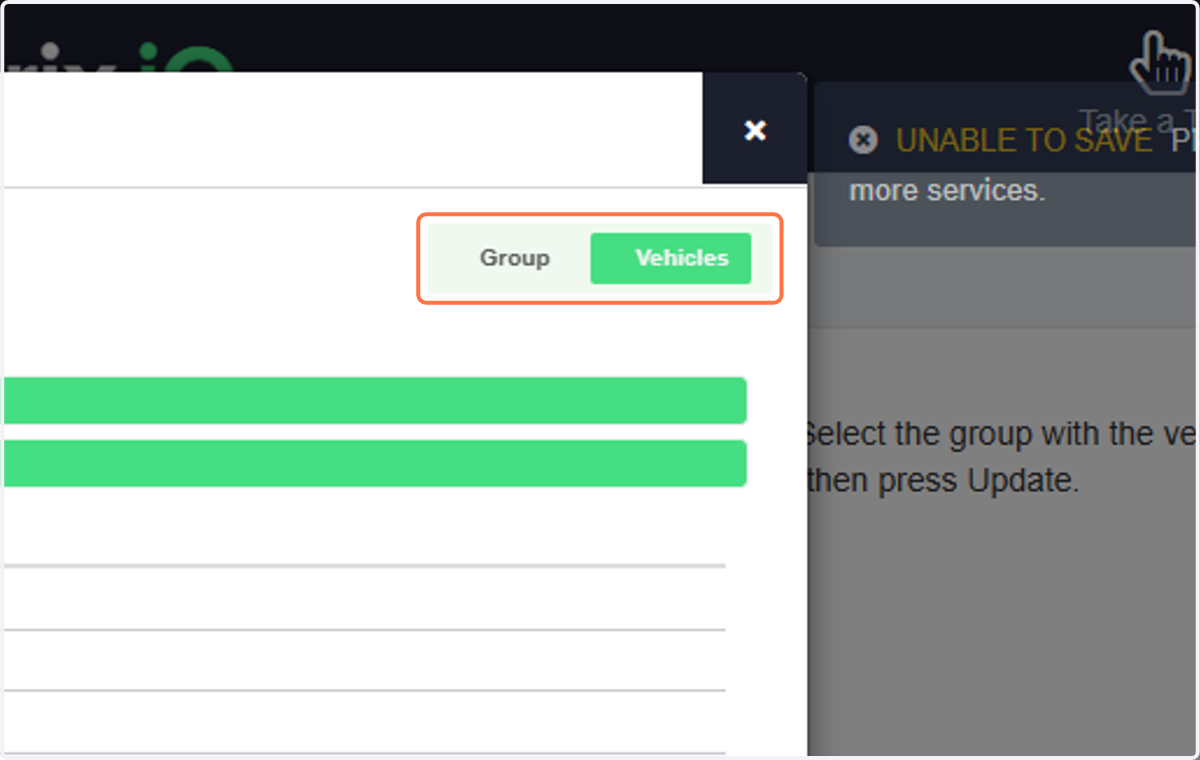
11. Check on Vehicles
Look in the upper right corner to move from the group to vehicles
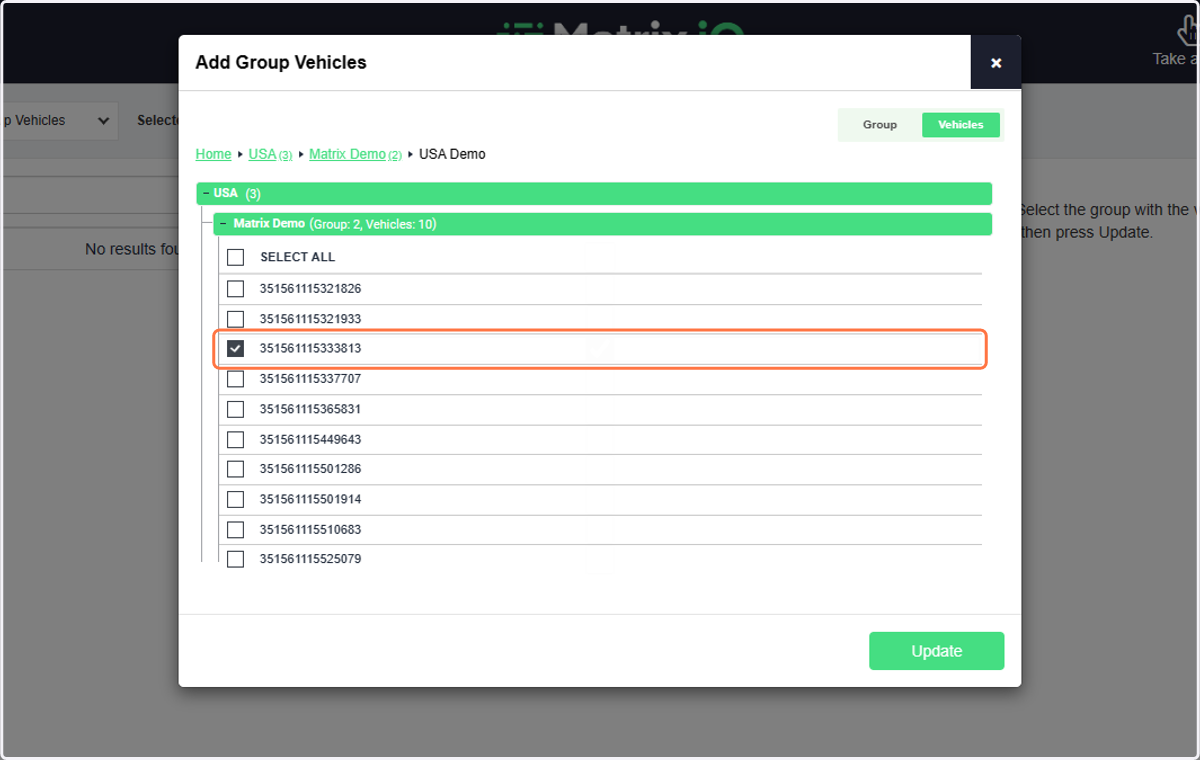
12. Check on the vehicles/devices you would like to be in the Group
Check one or more vehicles.
13. Click on Update