Import and Link Event Registrants/Attendees in Airtable

Airtable

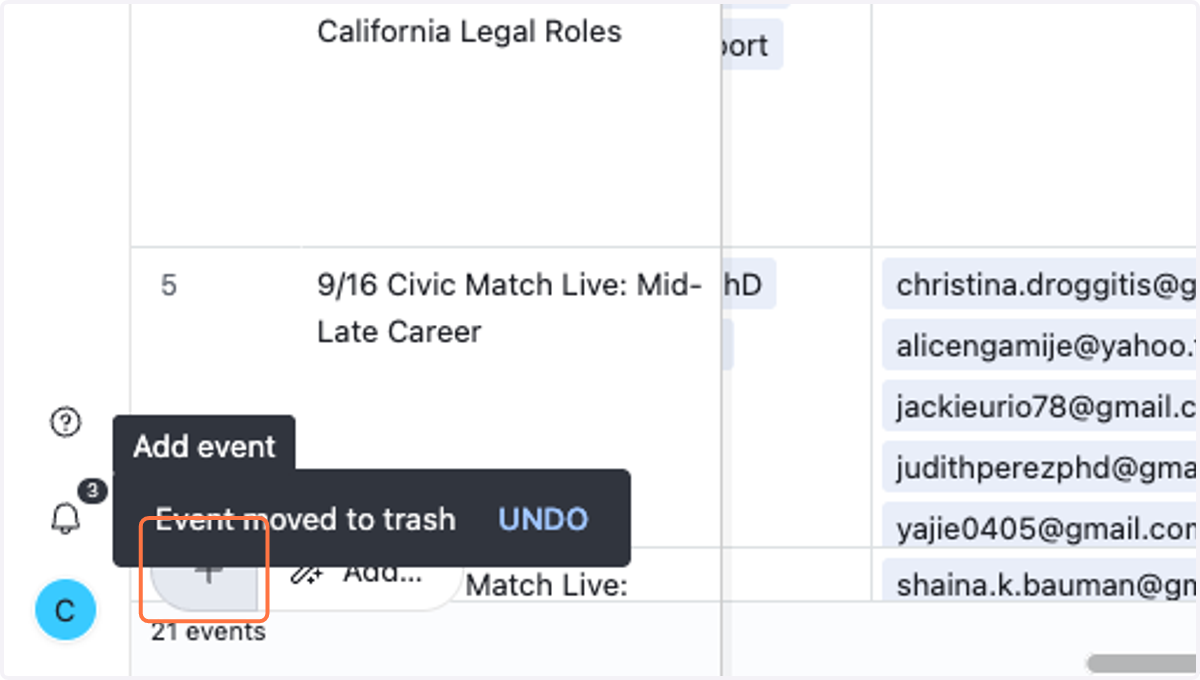
  1. 1. Click on Add event

    Click on Add event
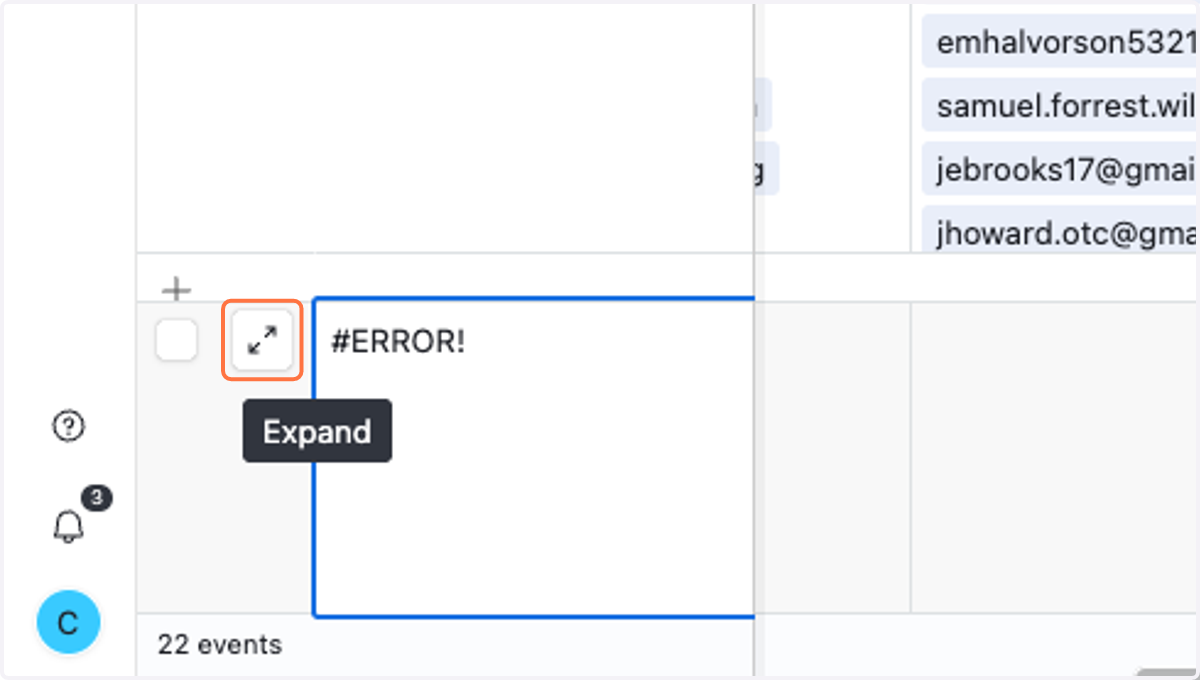
  2. 2. Expand Airtable record.

    Expand Airtable record.
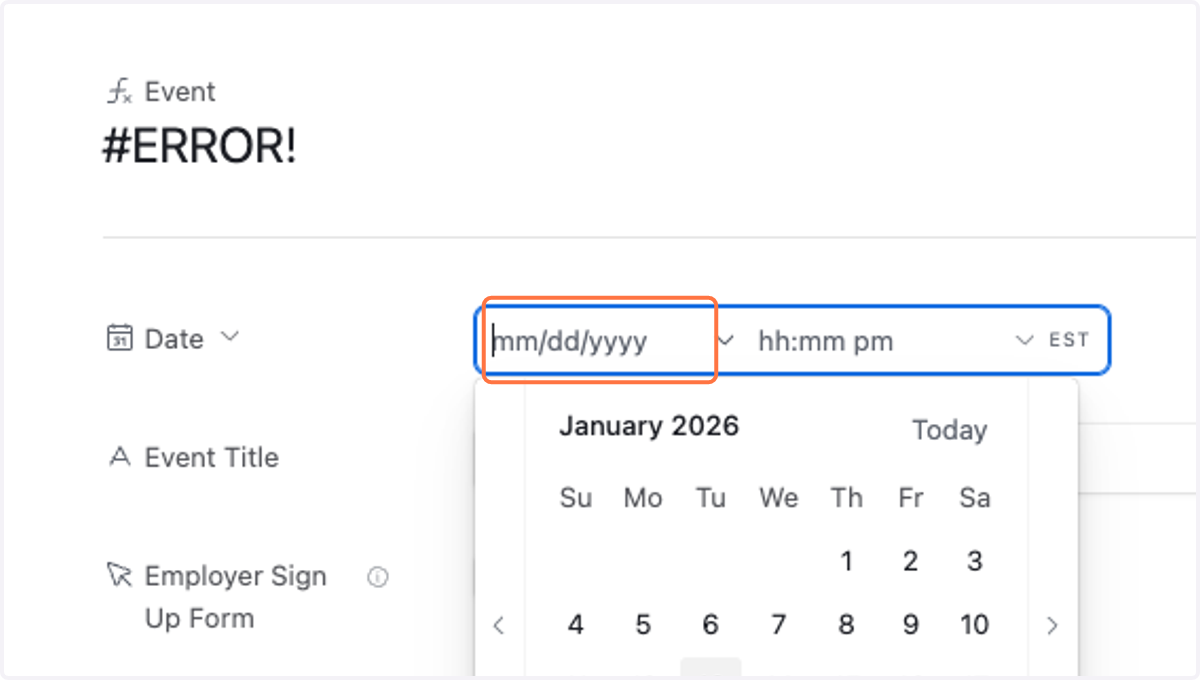
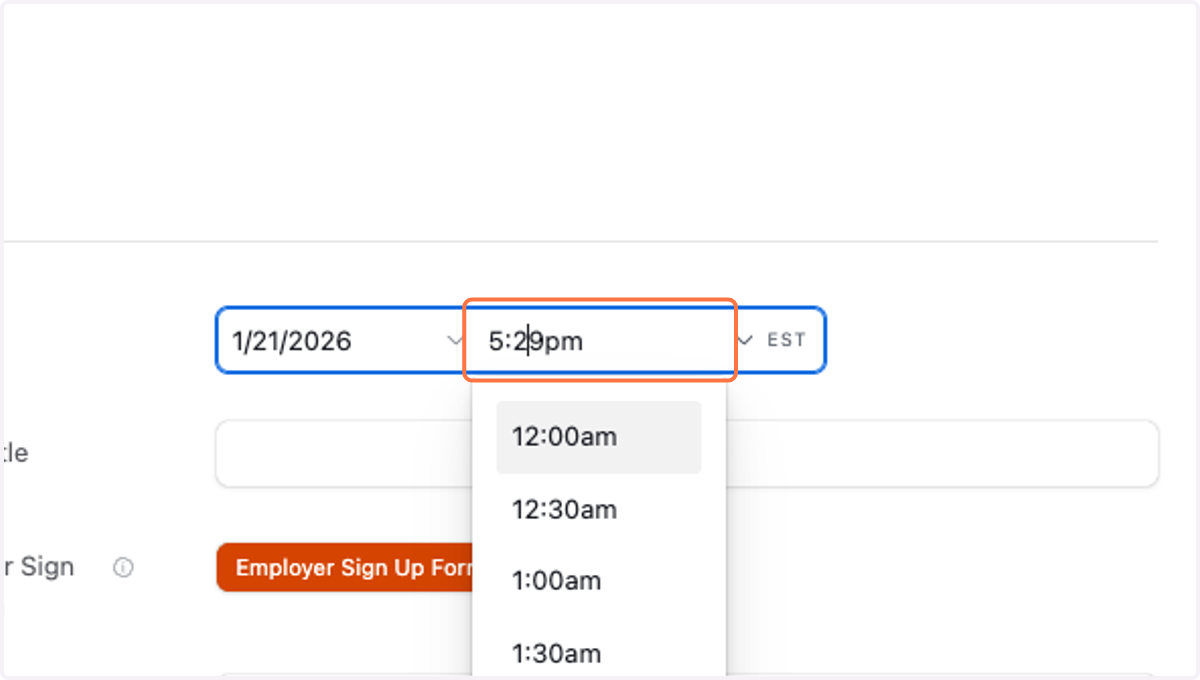
  3. 3. Modify event date.

    Modify event date.
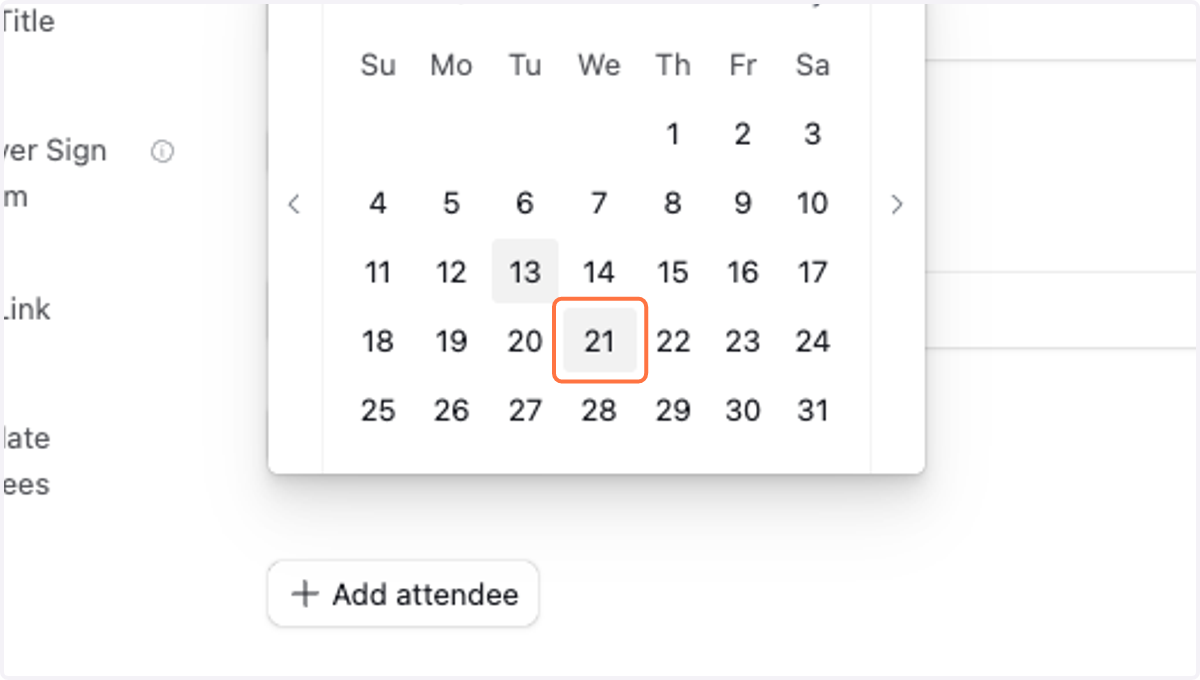
  4. 4. Select event date.

    Select event date.
  5. 5. Modify event time.

    Modify event time.
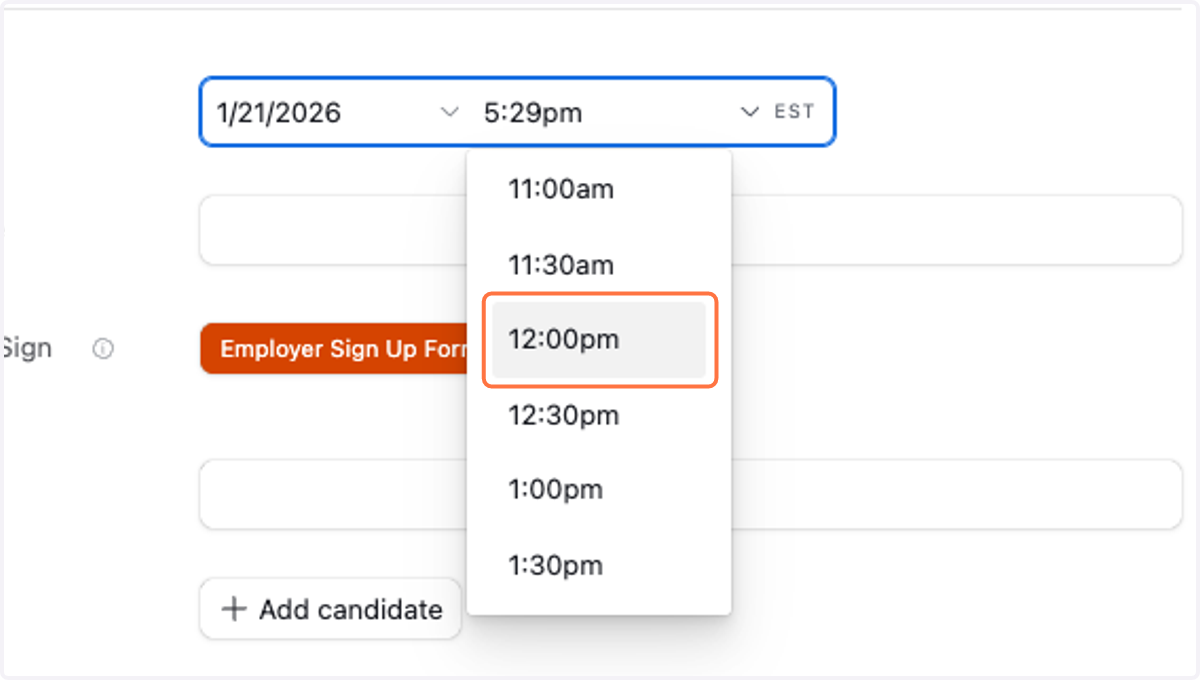
  6. 6. Select event time.

    Select event time.
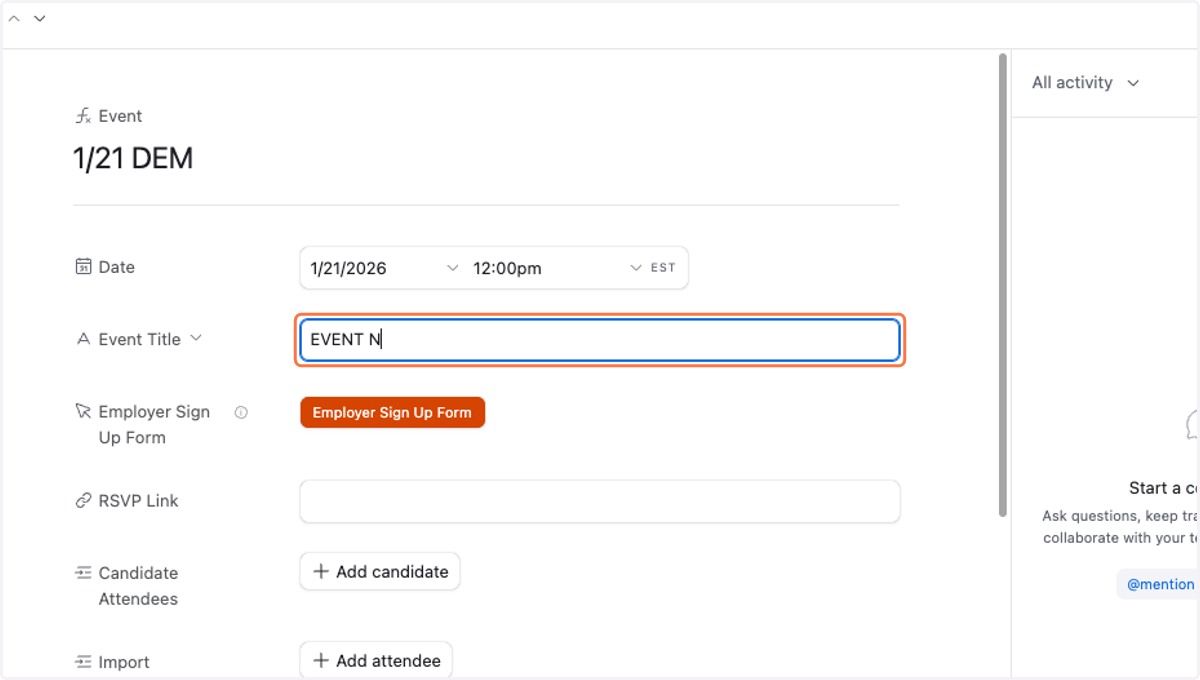
  7. 7. Title Event.

    Title Event.

Airtable

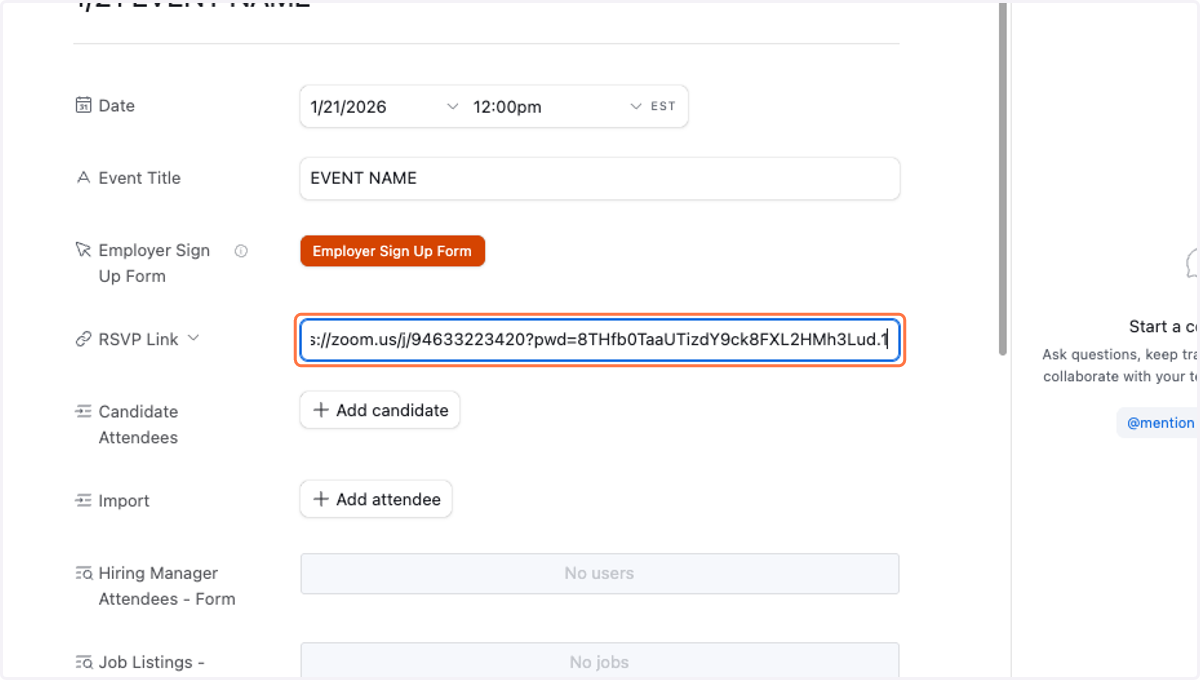
  1. 8. Add Zoom link.

    Add Zoom link.
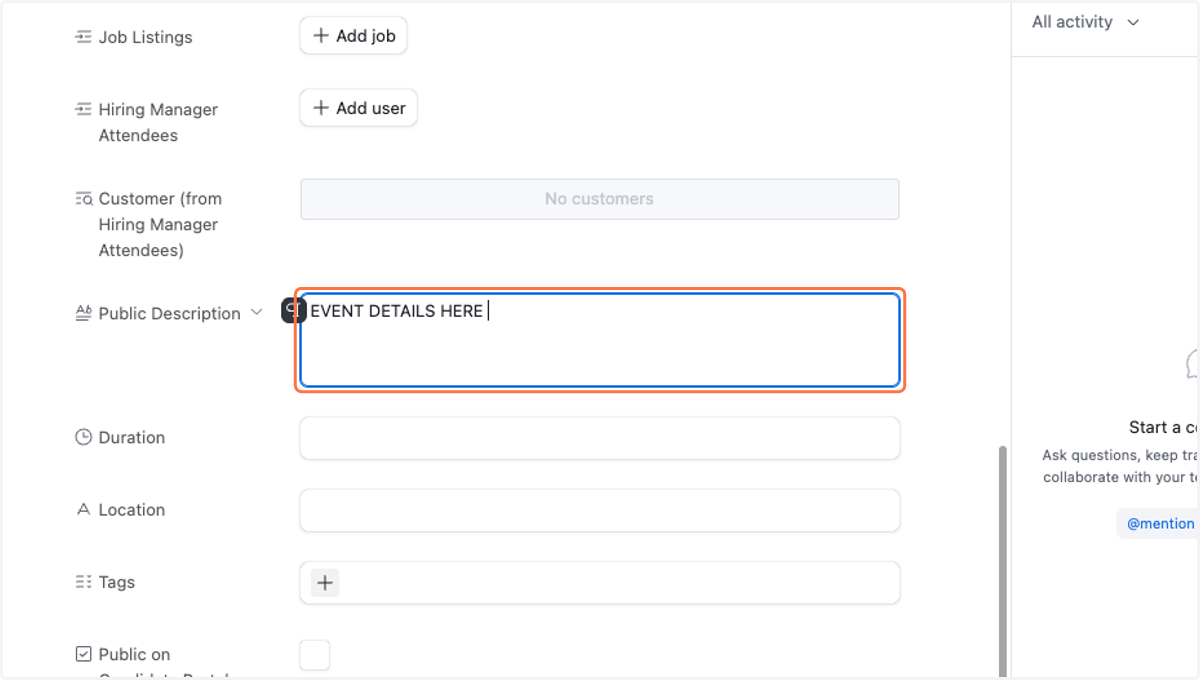
  2. 9. Add event description.

    Add event description.
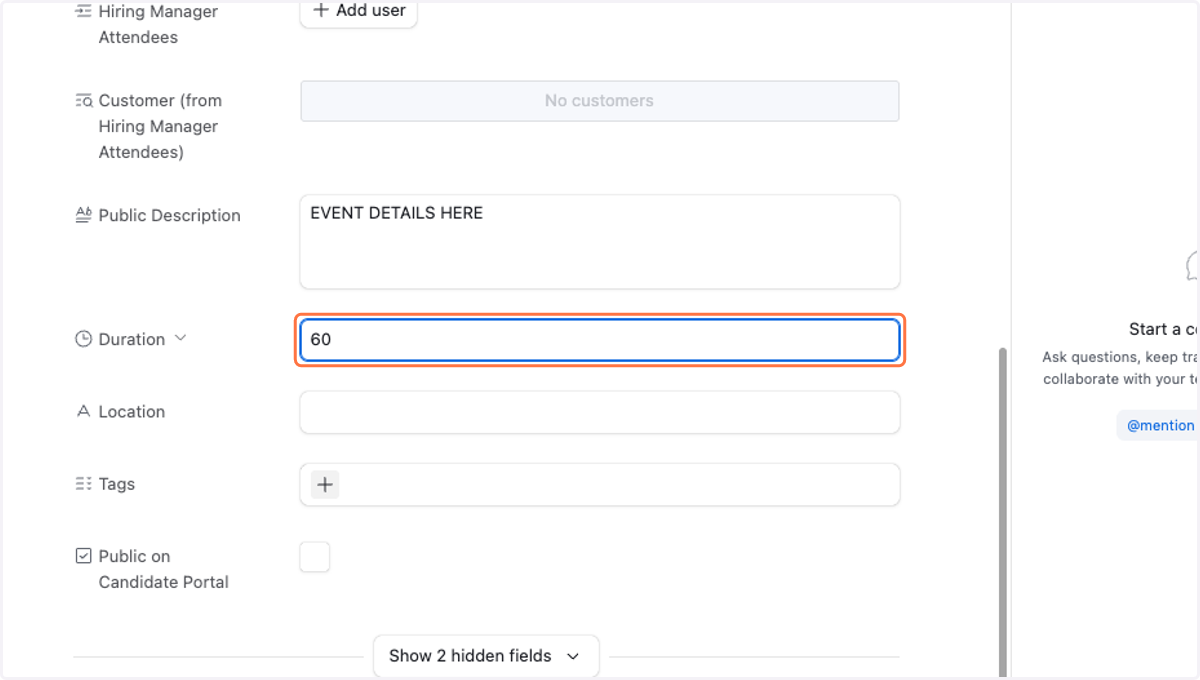
  3. 10. Add Event duration.

    Add Event duration.
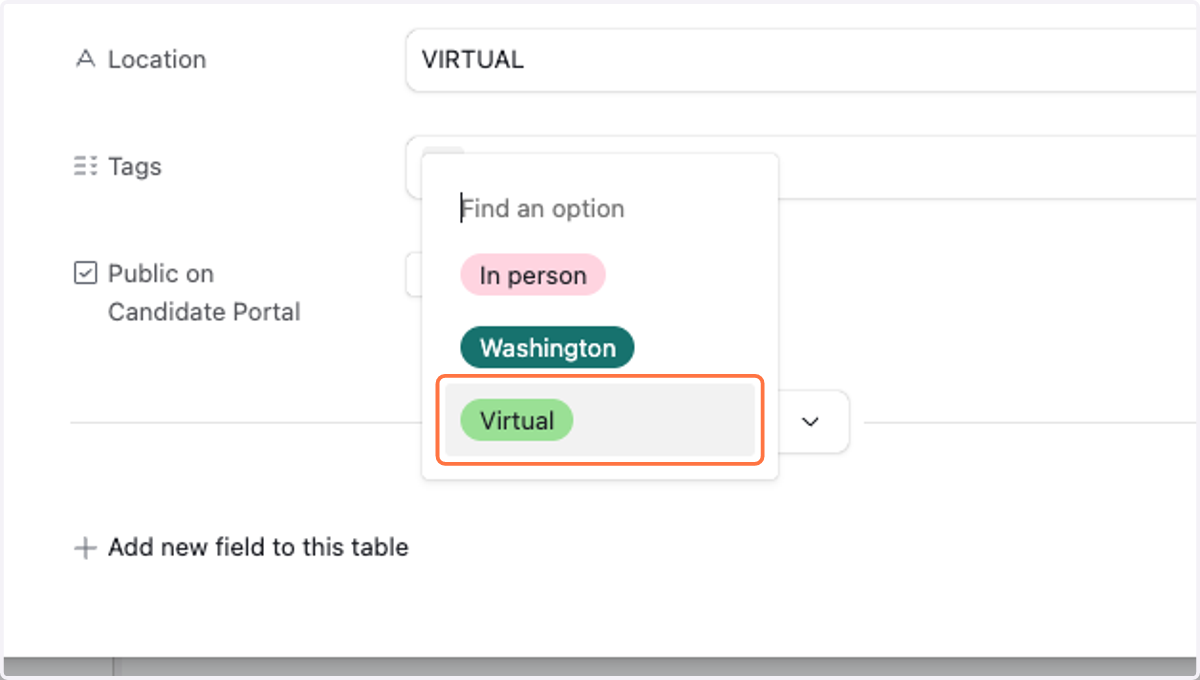
  4. 11. Assign any appropriate tags.

    Assign any appropriate tags.
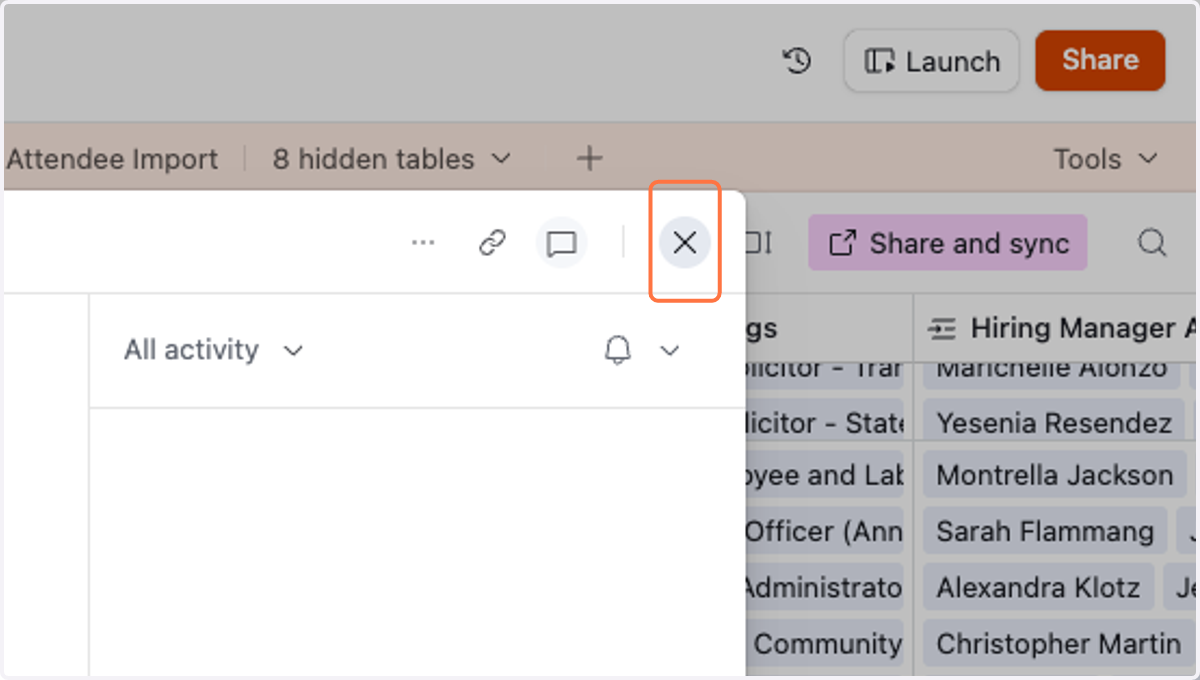
  5. 12. Close the event record.

    Close the event record.
  6. 13. Navigate to the Event Attendee Import table.
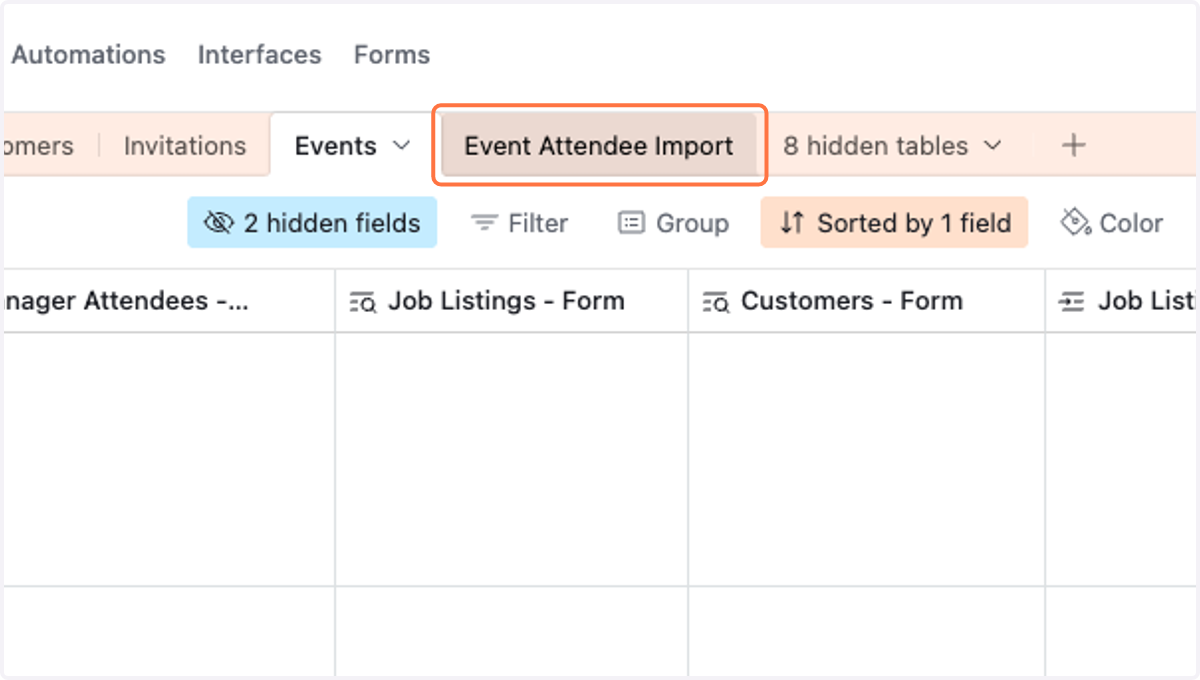
    Navigate to the Event Attendee Import table.
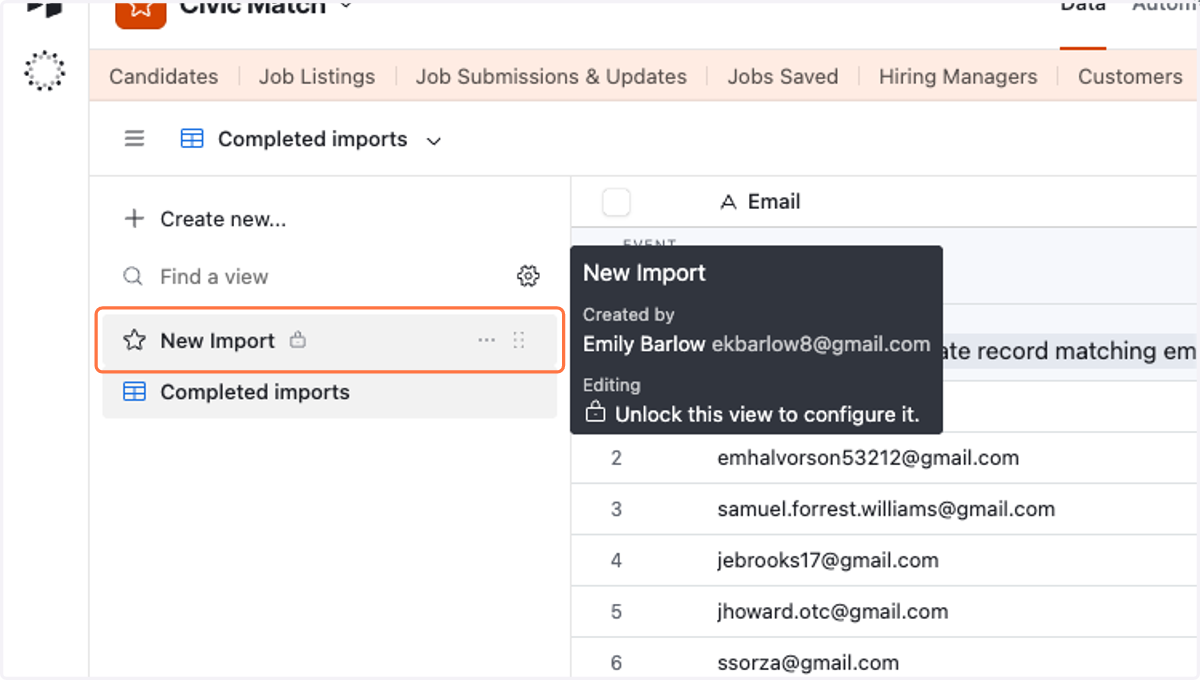
  7. 14. Click on New Import view.

    Click on New Import view.

Google Docs

  1. 15. Export your registrant/attendee records into a Google Sheet.
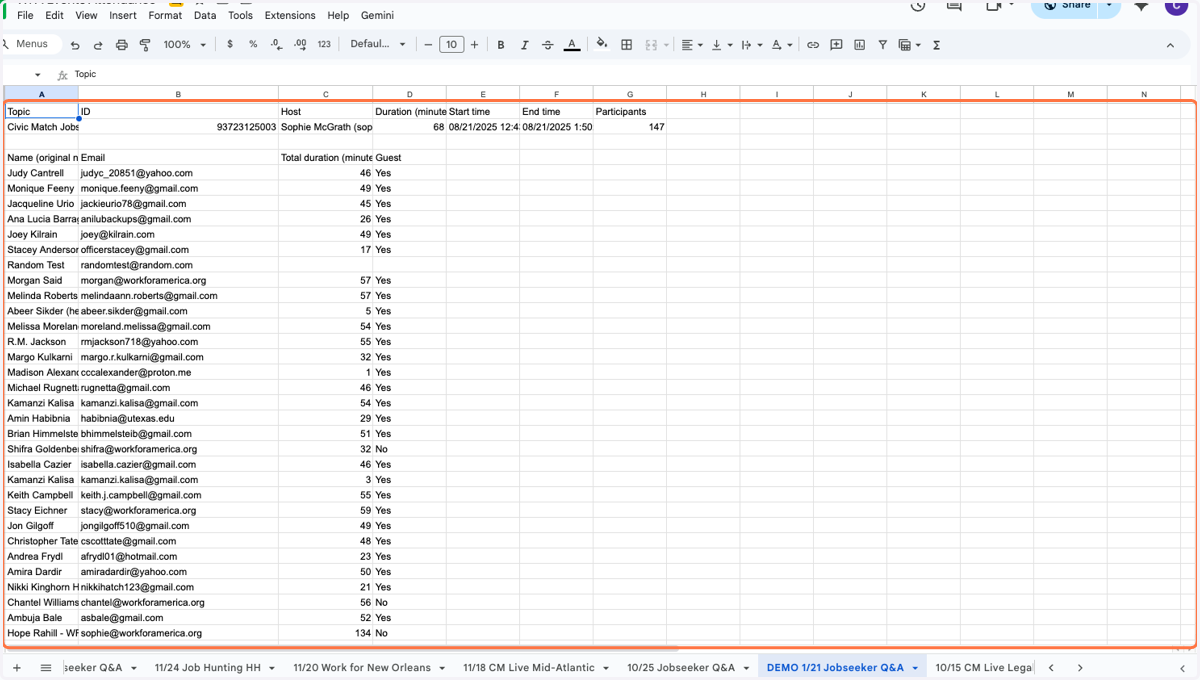
    Export your registrant/attendee records into a Google Sheet.
  2. 16. Select the email addresses you'd like to import and copy to your clipboard.
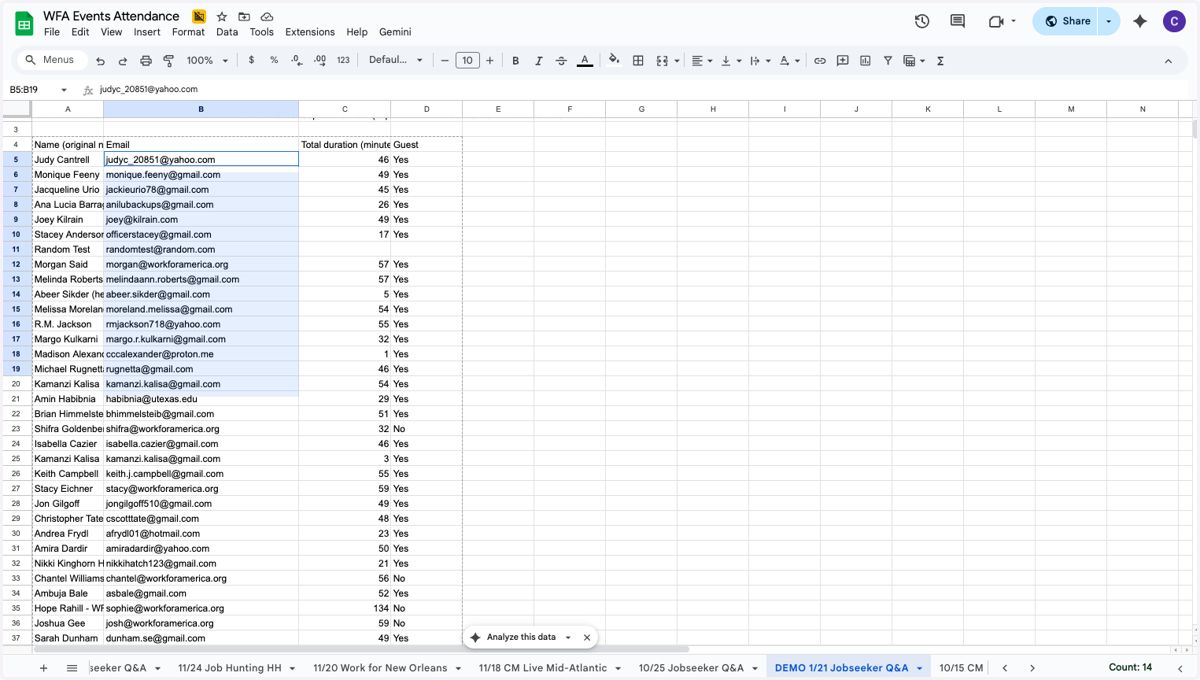
    Select the email addresses you'd like to import and copy to your clipboard.

Airtable

  1. 17. Click on You can also insert a new attendee anywhere by pressing Shift-Enter
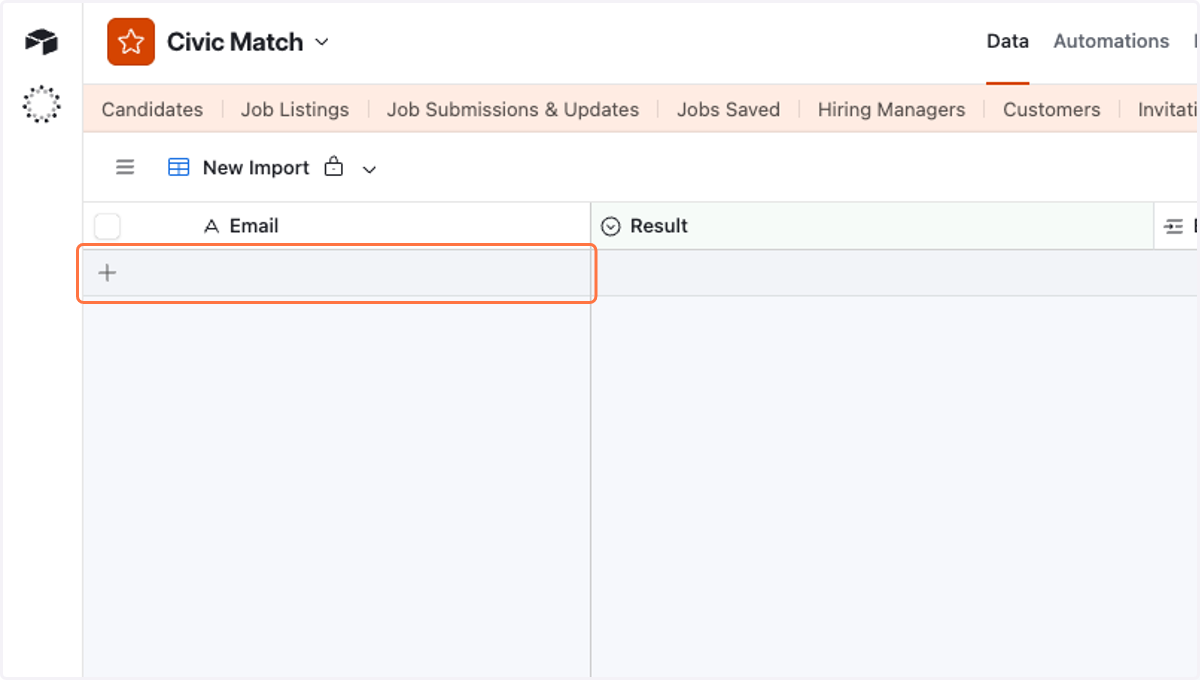
    Click on You can also insert a new attendee anywhere by pressing Shift-Enter
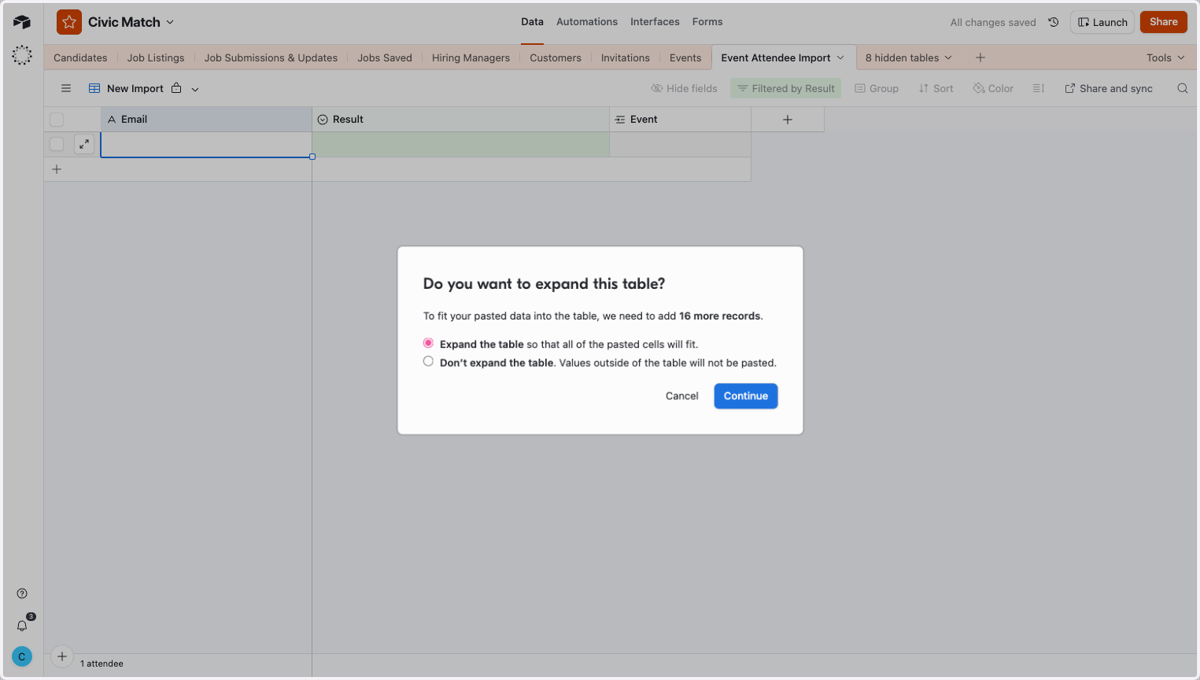
  2. 18. Paste selected text into input

    Paste selected text into input
  3. 19. Select Expand the table so that all of the pasted cells will fit.
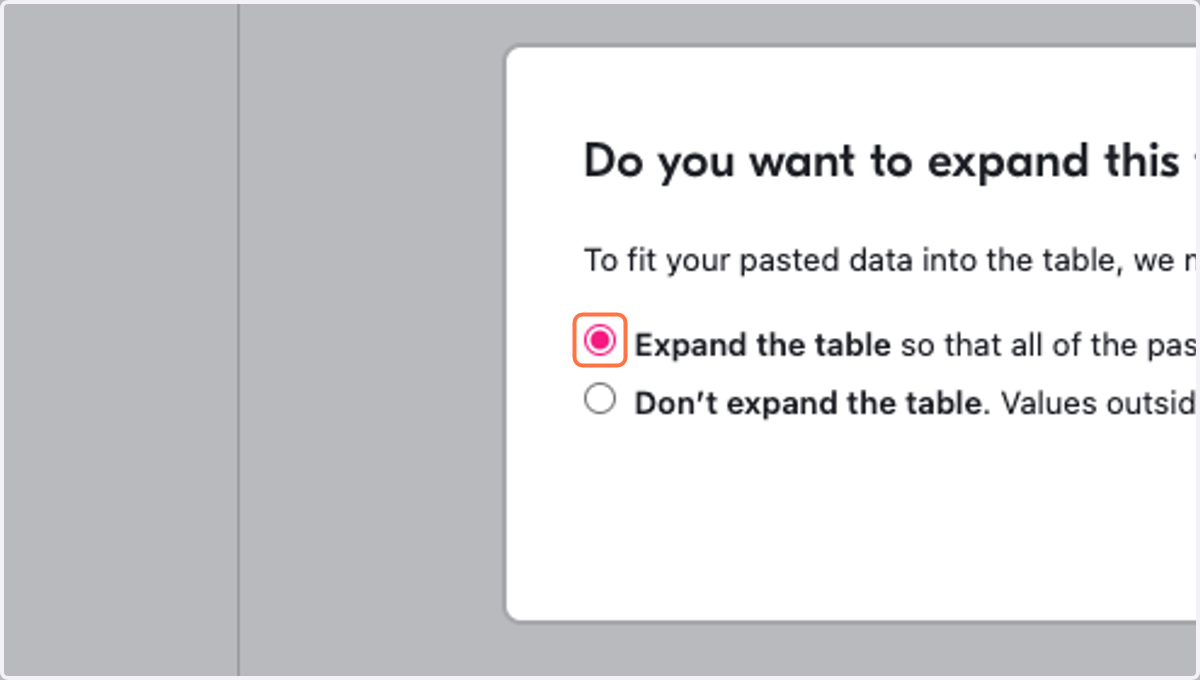
    Select Expand the table so that all of the pasted cells will fit.
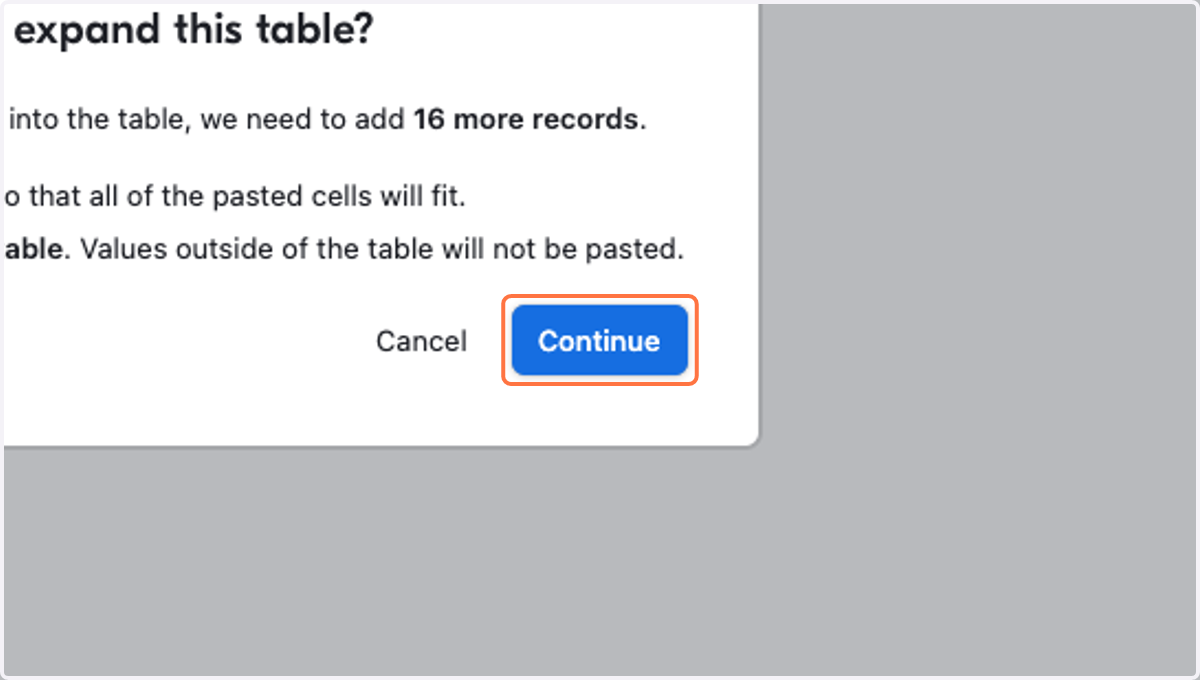
  4. 20. Click on Continue

    Click on Continue
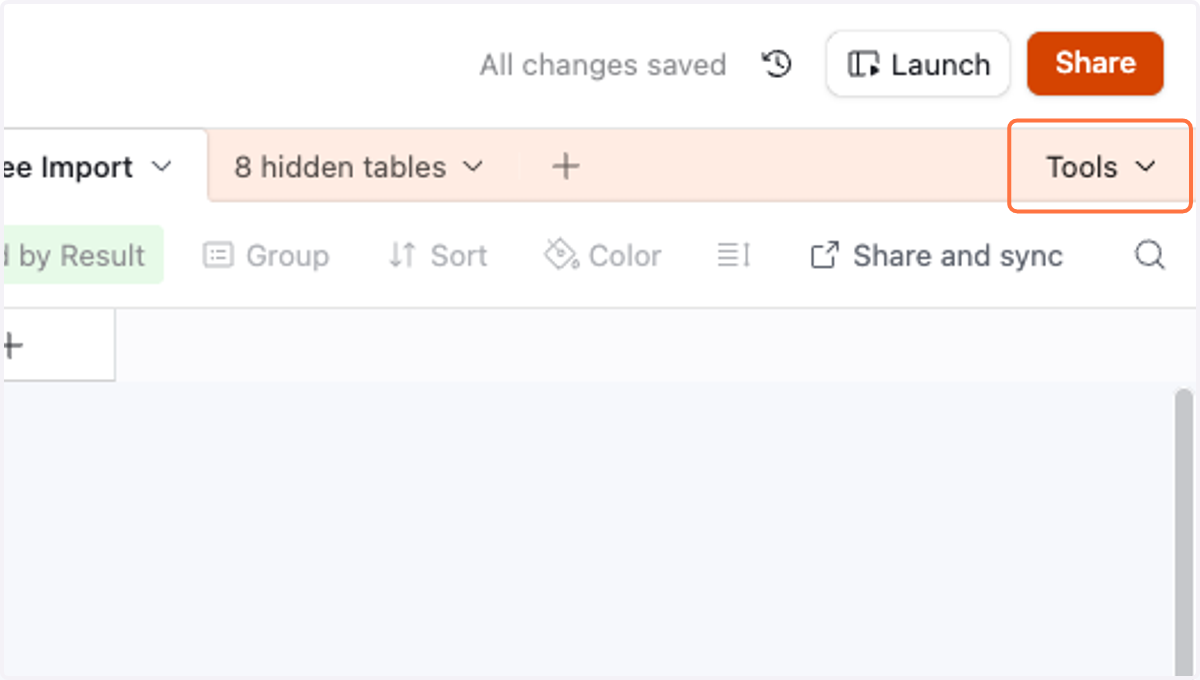
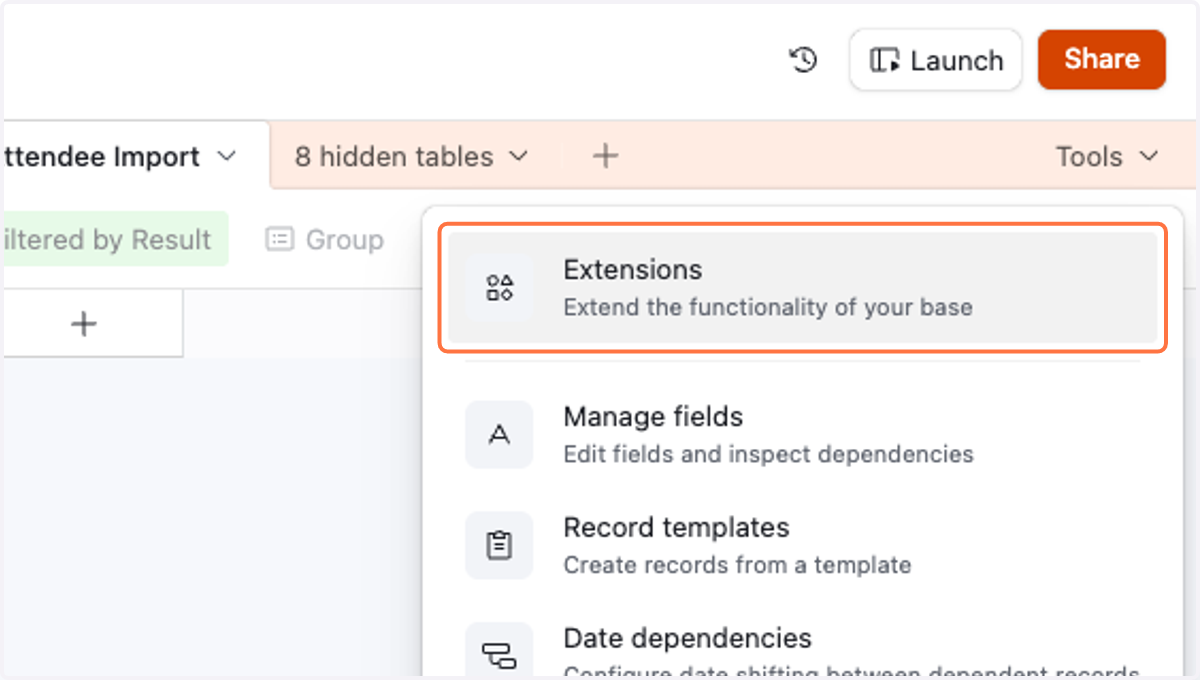
  5. 21. Click on Tools

    Click on Tools
  6. 22. Click on Extensions…

    Click on Extensions…
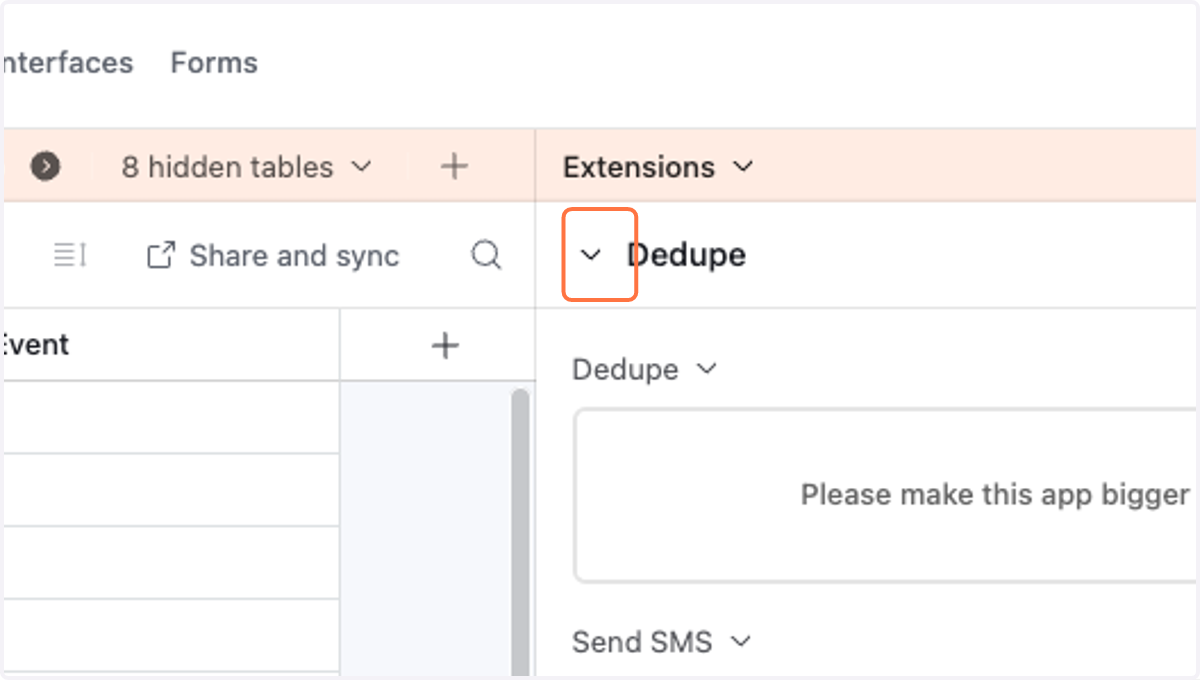
  7. 23. Click on button

    Click on button
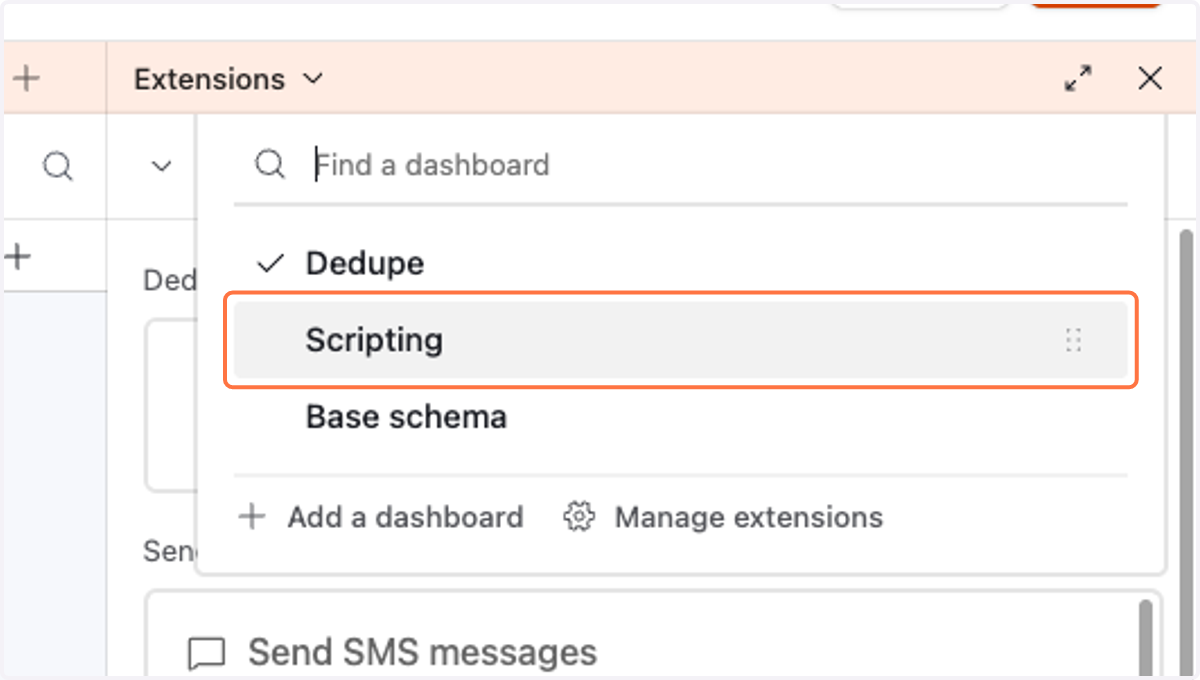
  8. 24. Click on Scripting

    Click on Scripting
  9. 25. Click on Import event attendees and link to candidate records
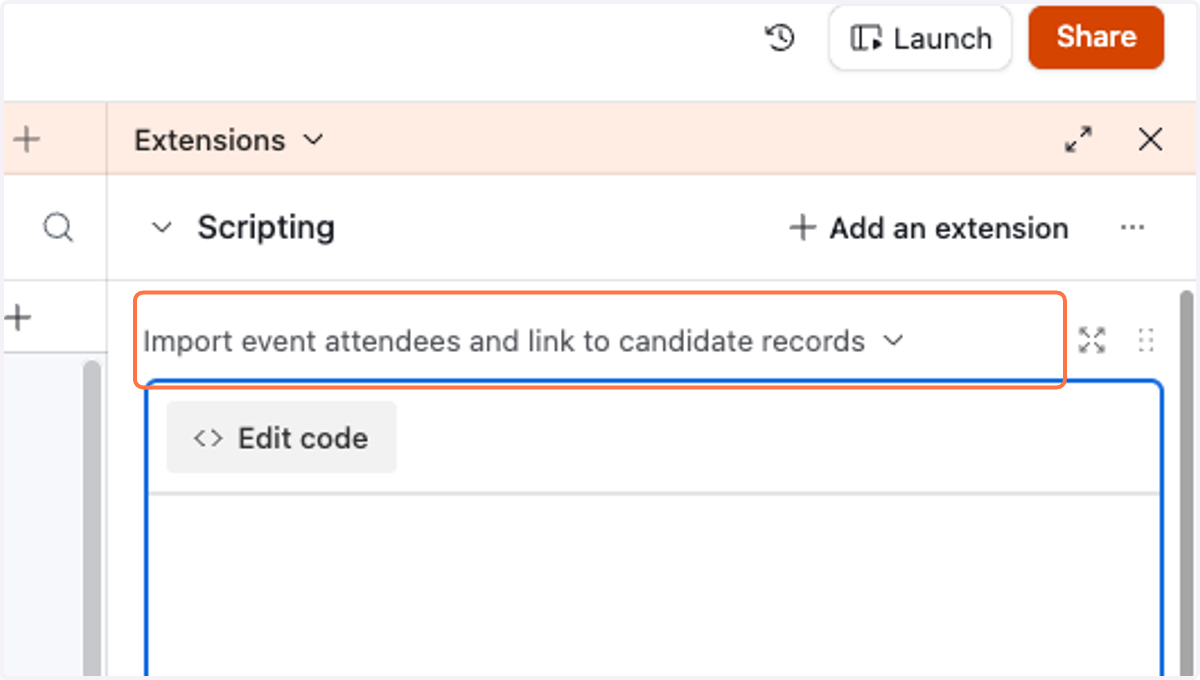
    Click on Import event attendees and link to candidate records
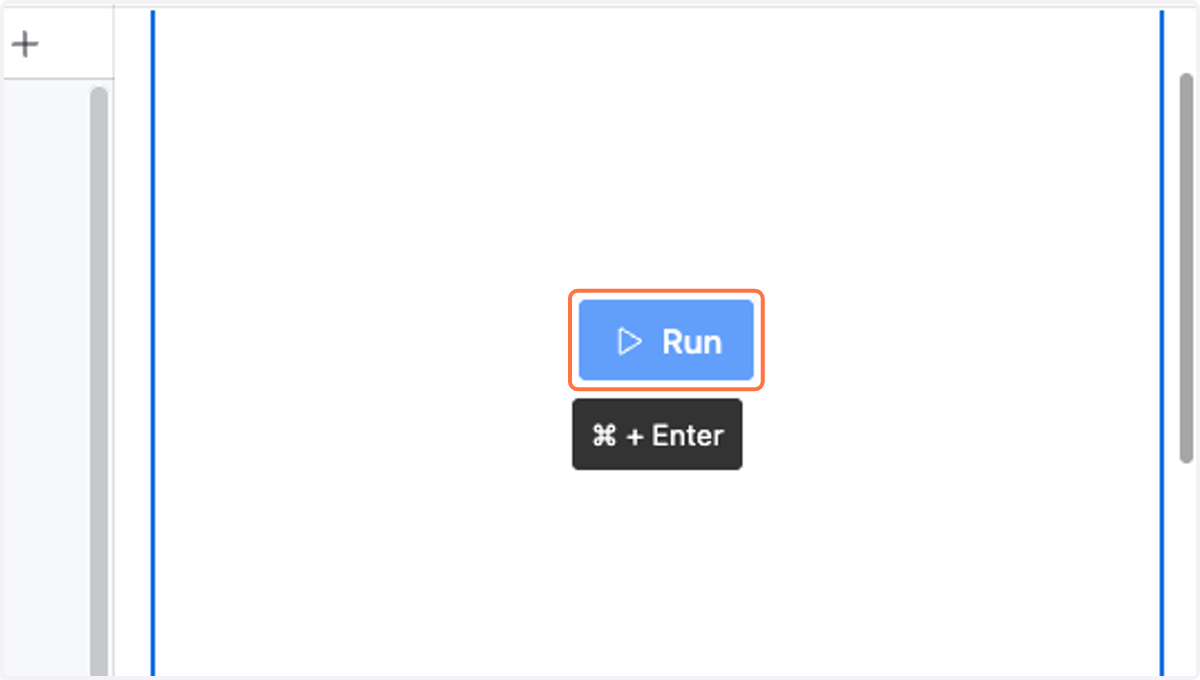
  10. 26. Click on Run

    Click on Run
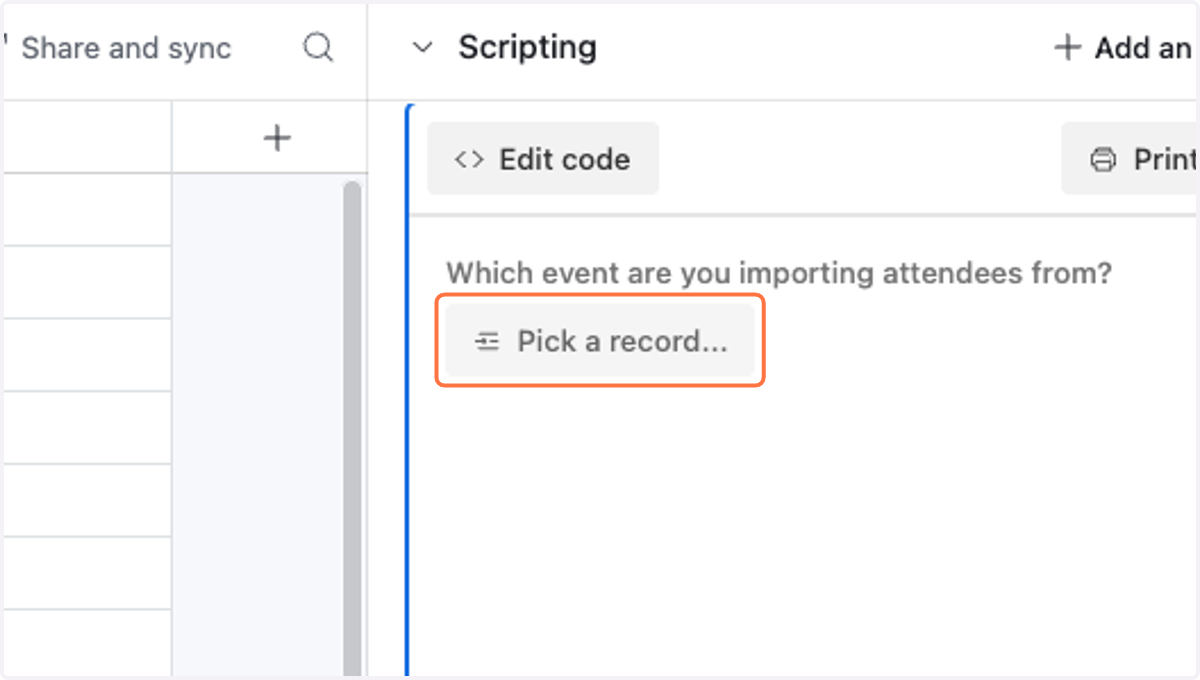
  11. 27. Click on Pick a record...

    Click on Pick a record...
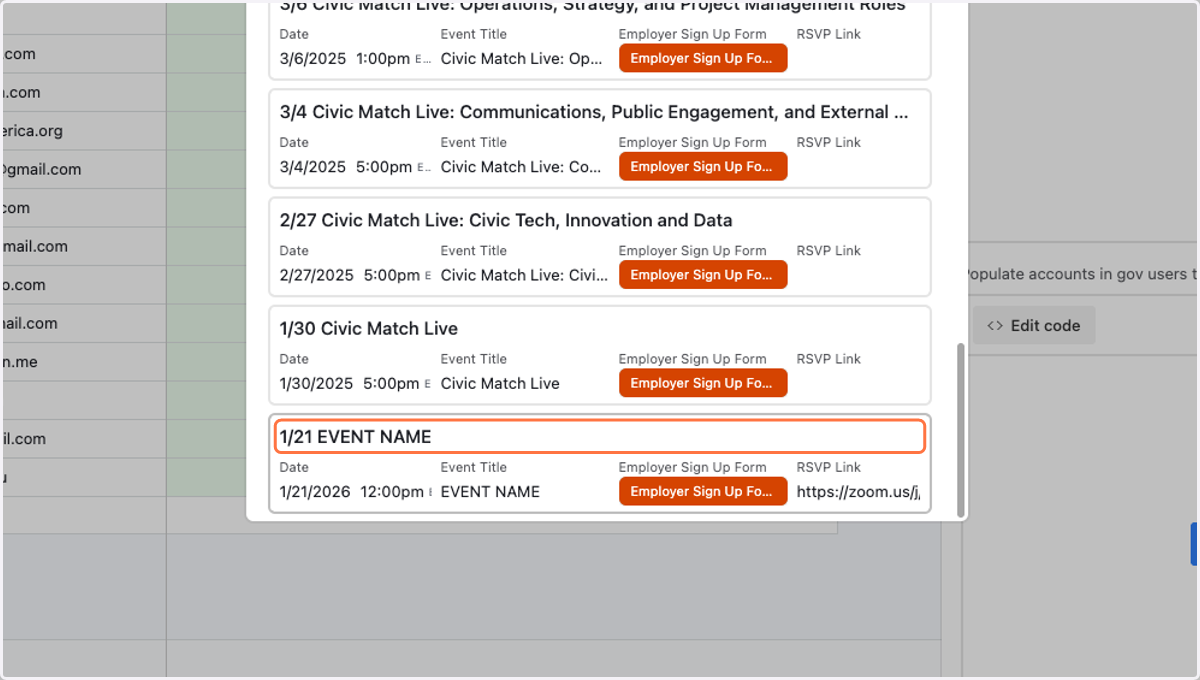
  12. 28. Click on 1/21 EVENT NAME

    Click on 1/21 EVENT NAME
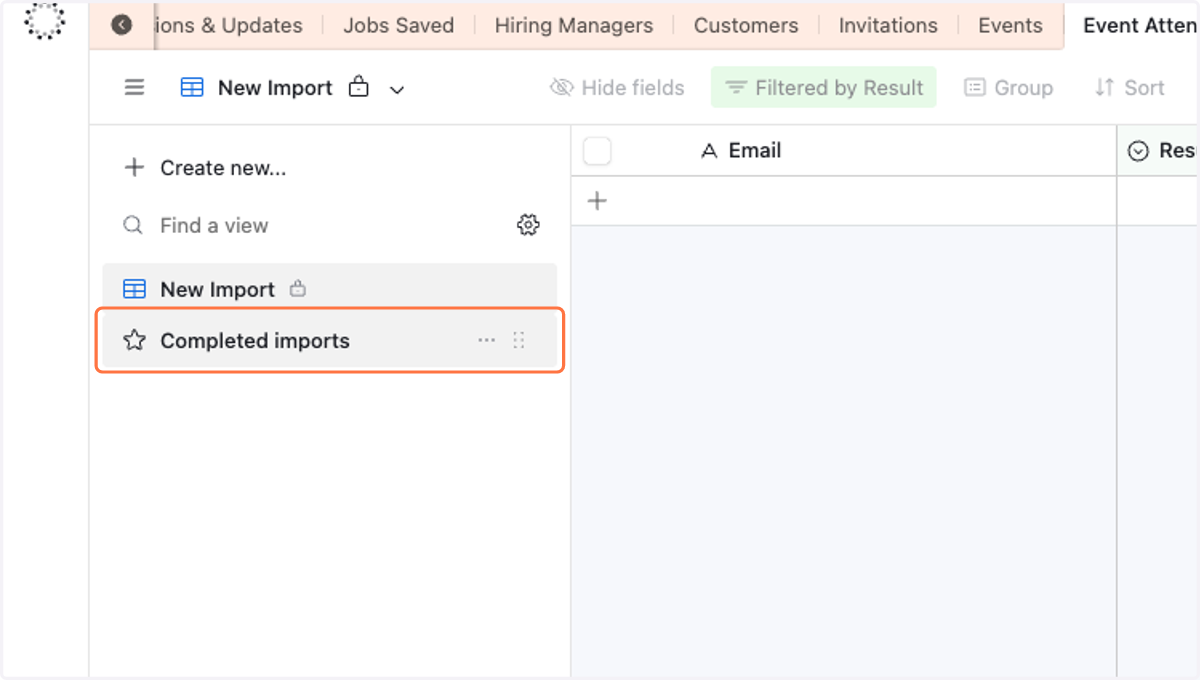
  13. 29. Click on Completed imports…

    Click on Completed imports…
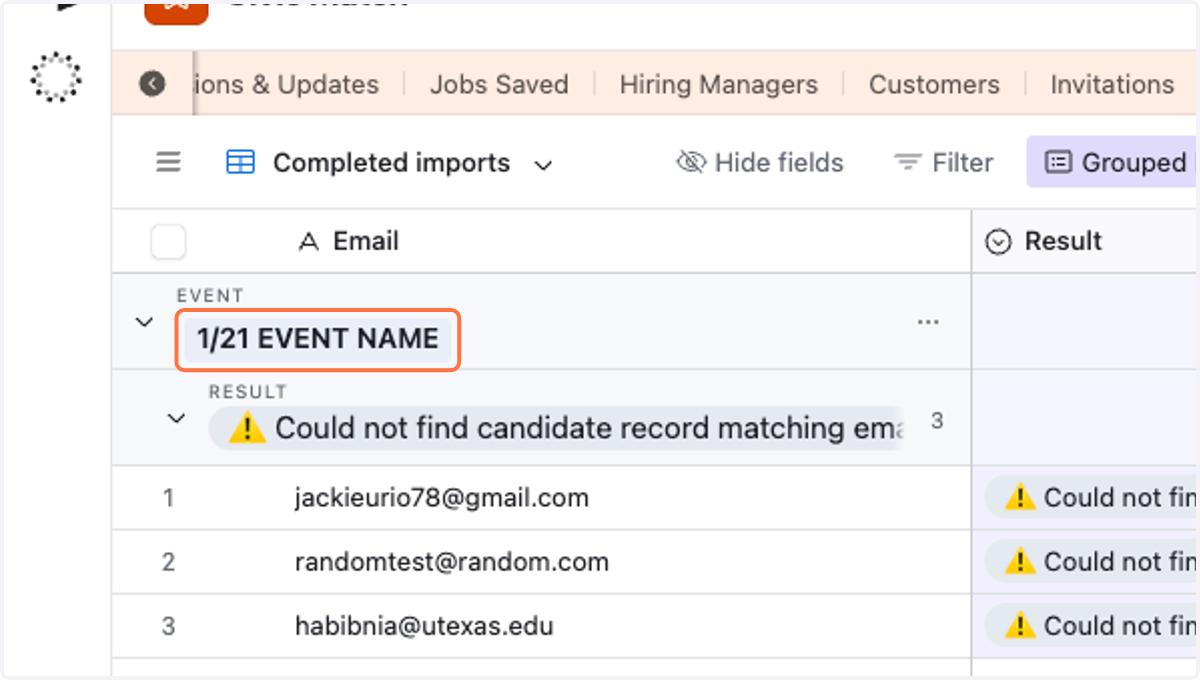
  14. 30. Click on 1/21 EVENT NAME

    Click on 1/21 EVENT NAME
  15. 31. Right click on ⚠️ Could not find candidate record matching email address
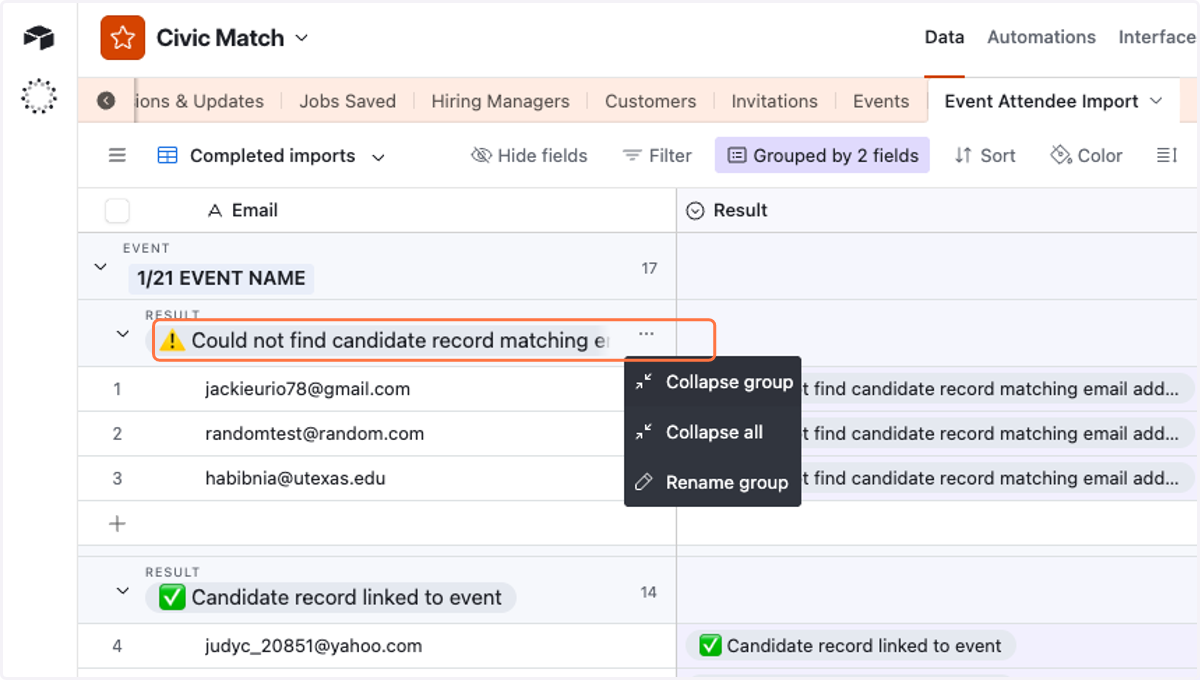
    Right click on ⚠️ Could not find candidate record matching email address
  16. 32. Click on ✅ Candidate record linked to event
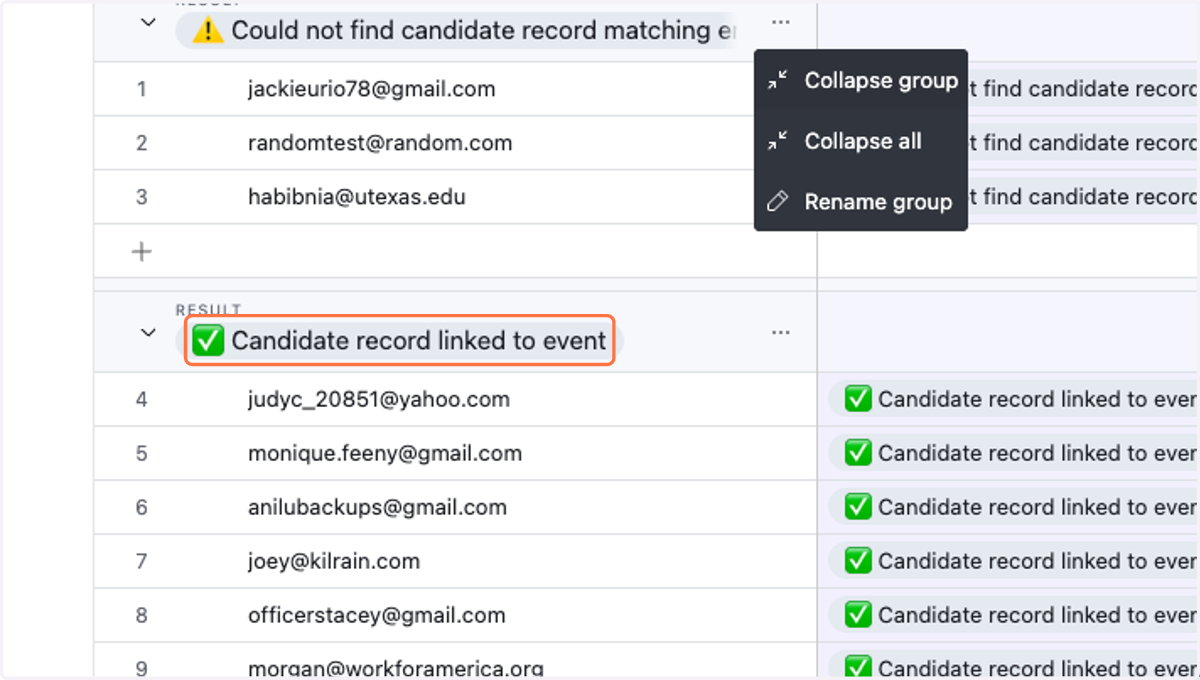
    Click on ✅ Candidate record linked to event