Unable to assign driver to the load (check terminals for the load and the driver)
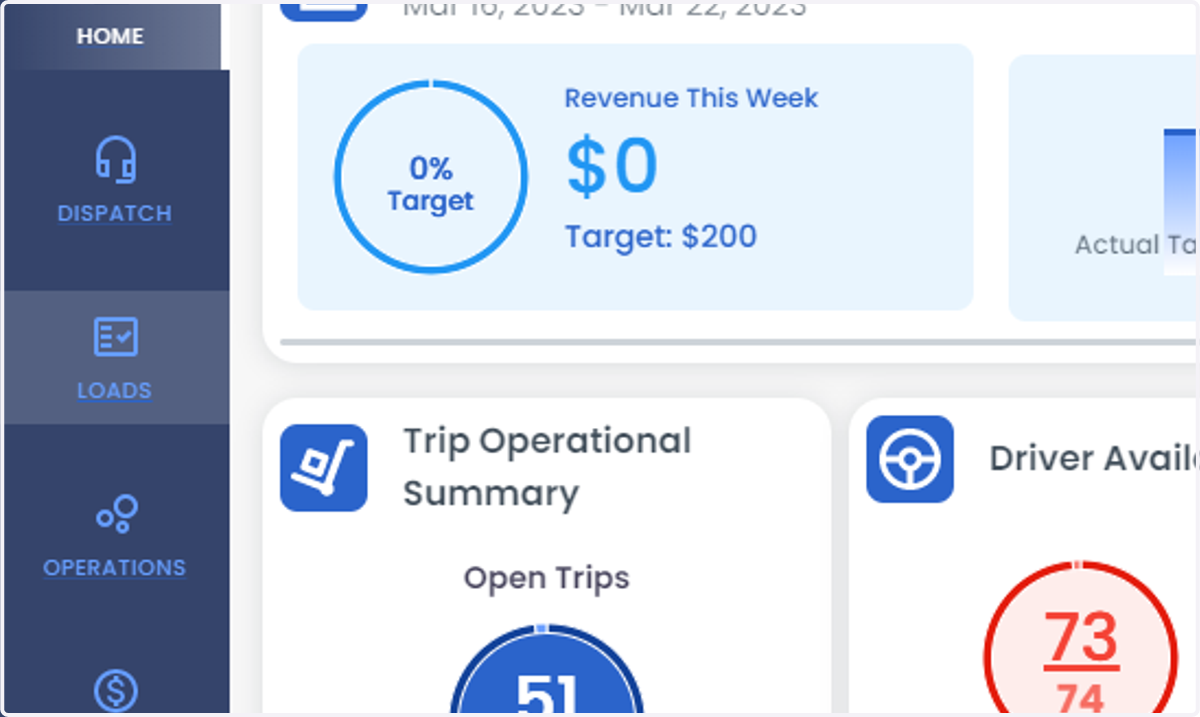
2. Click on LOADS
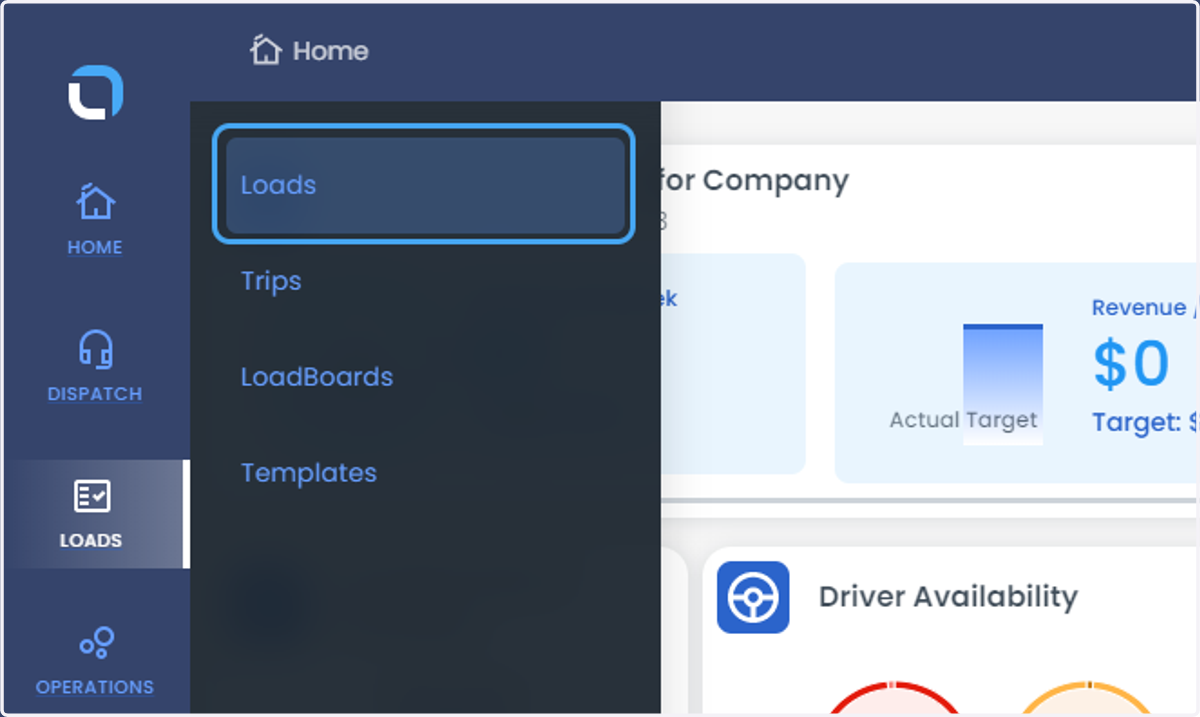
3. Click on Loads
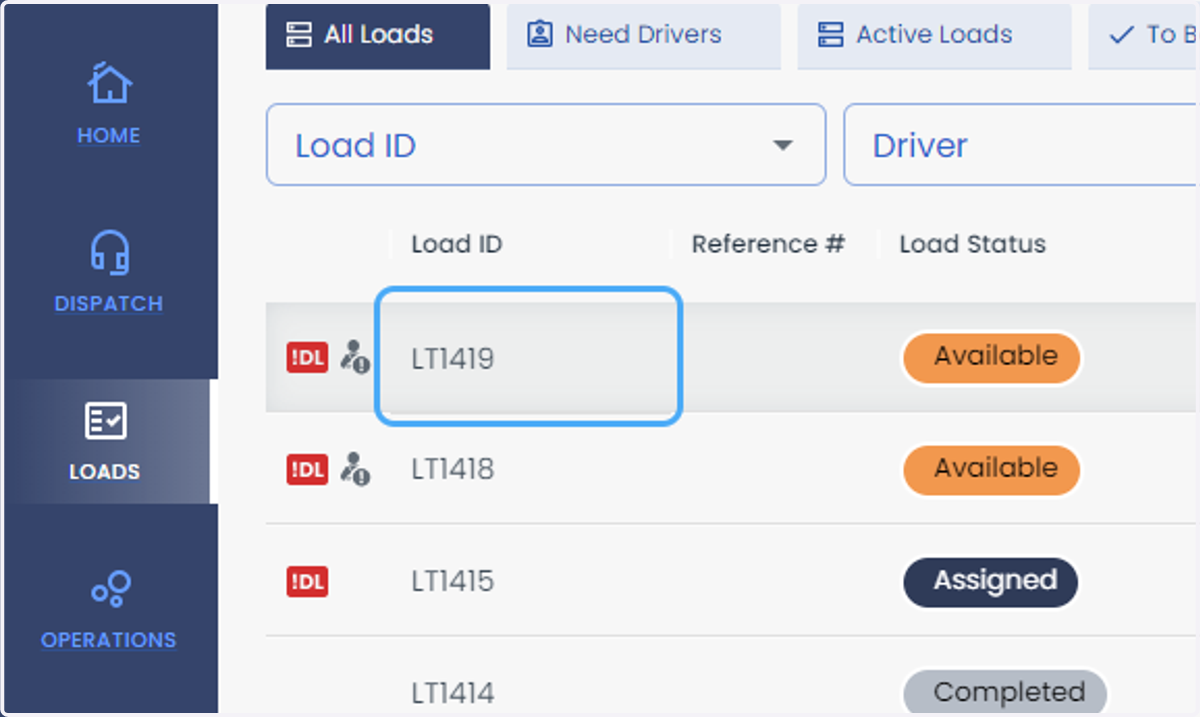
4. Select the load
5. Click on Assign Driver
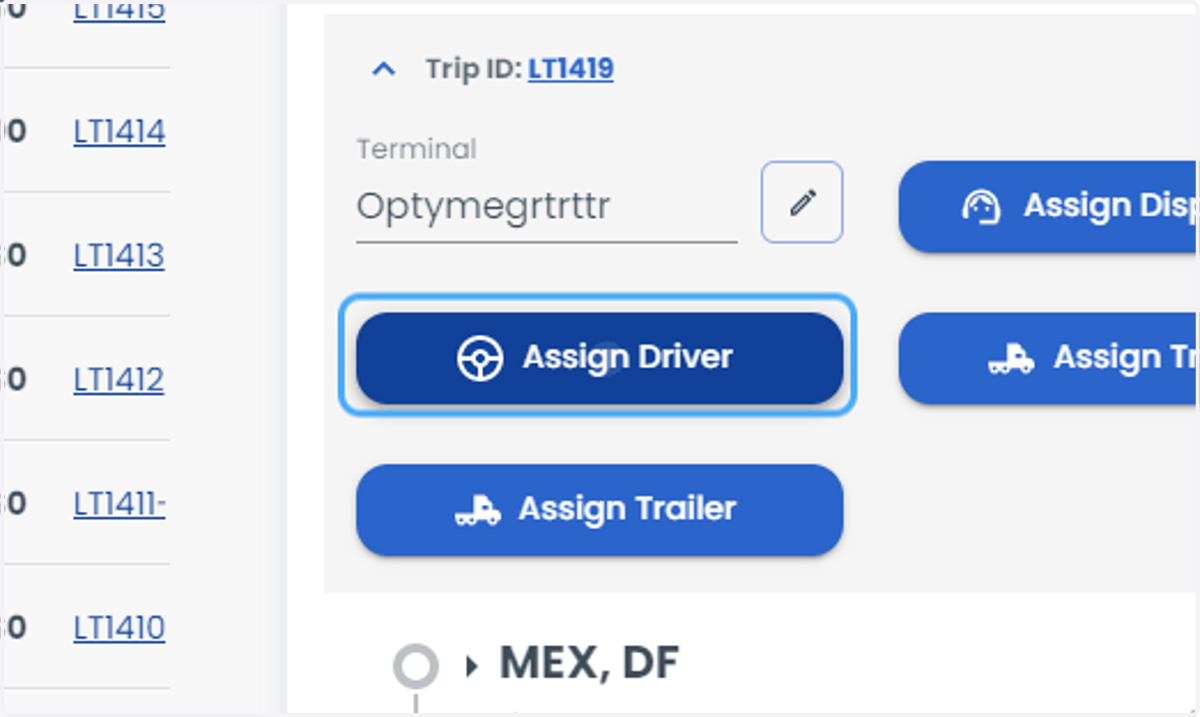
6. The driver doesn't appear in the list
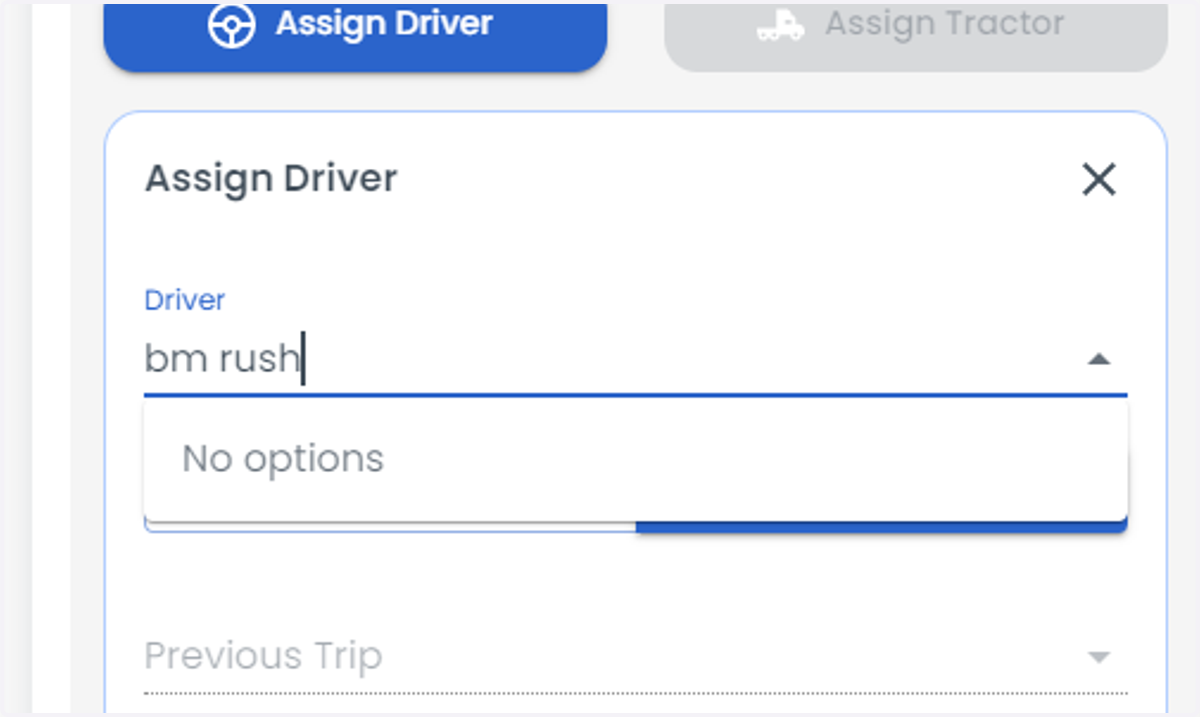
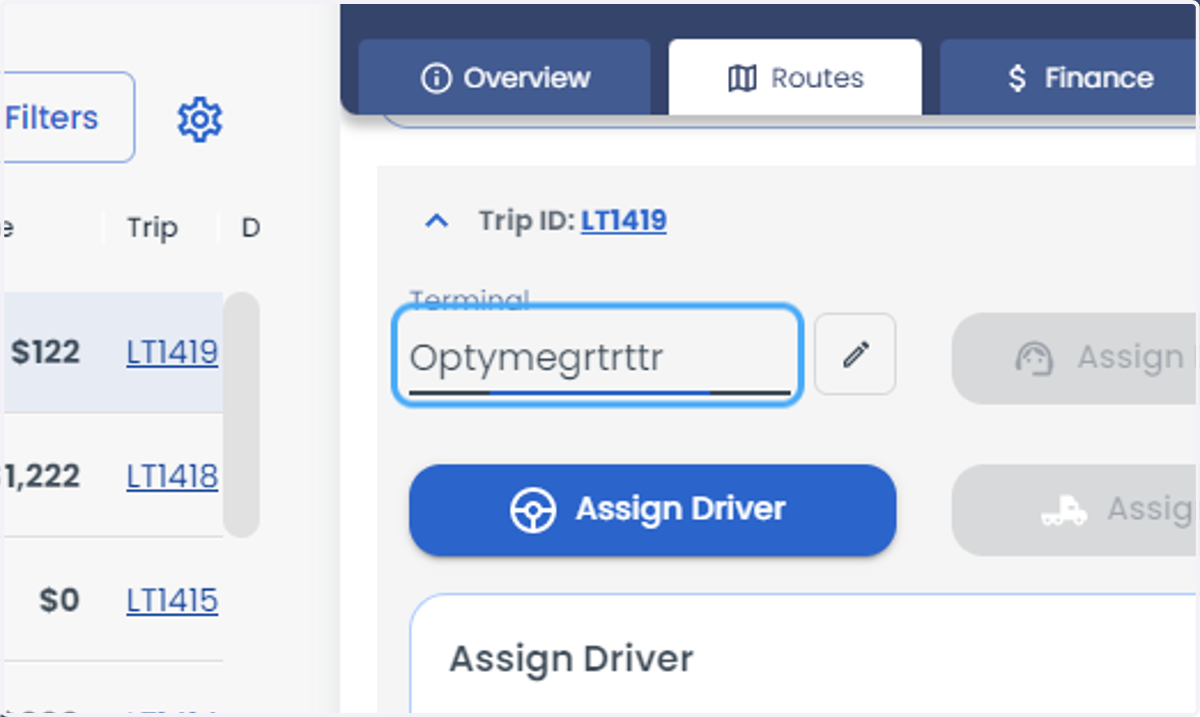
7. Check the terminal of the load.
8. Go to driver profile from settings > user > and drivers and select the driver from the list
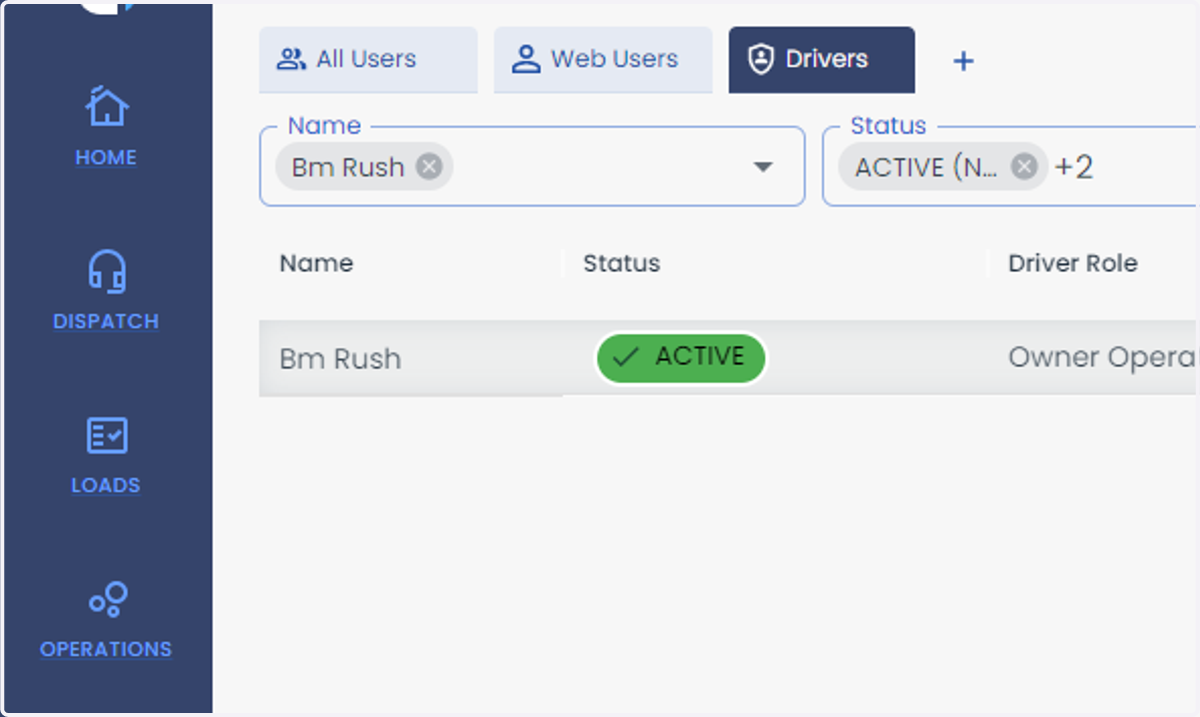
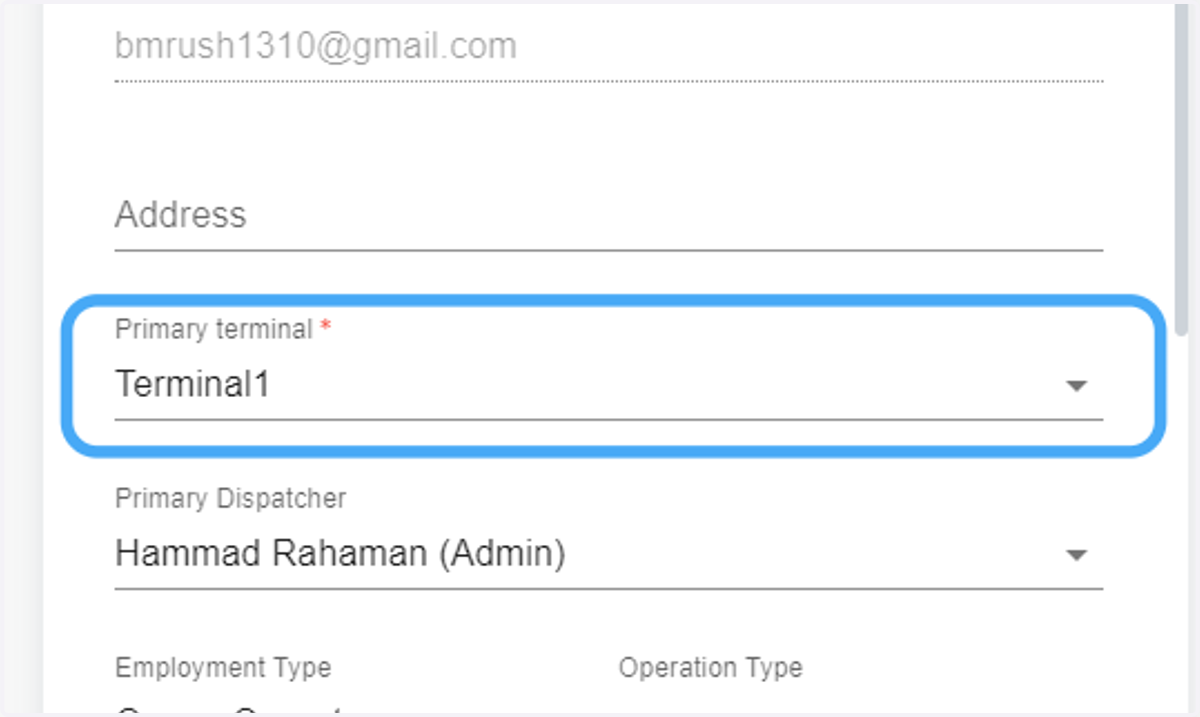
9. check the terminal ( Note: The terminal of the driver and the load should be same.
Either you can change the terminal of the driver or the load)
10. Open the load from the loads page
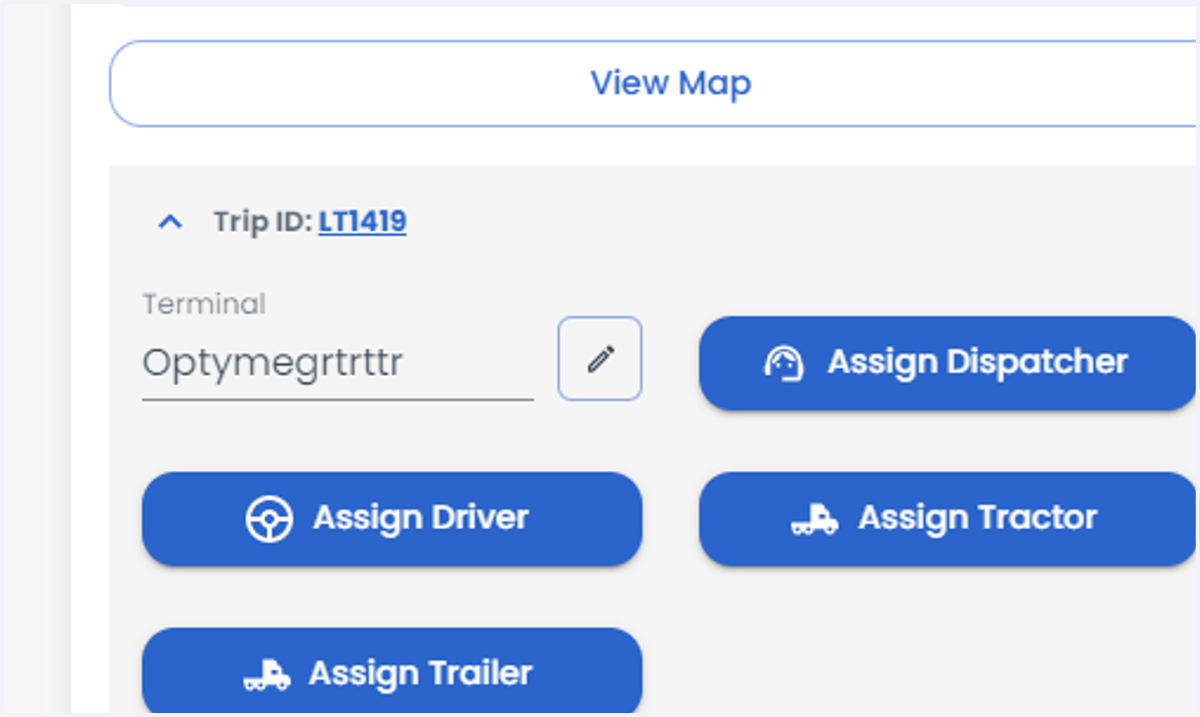
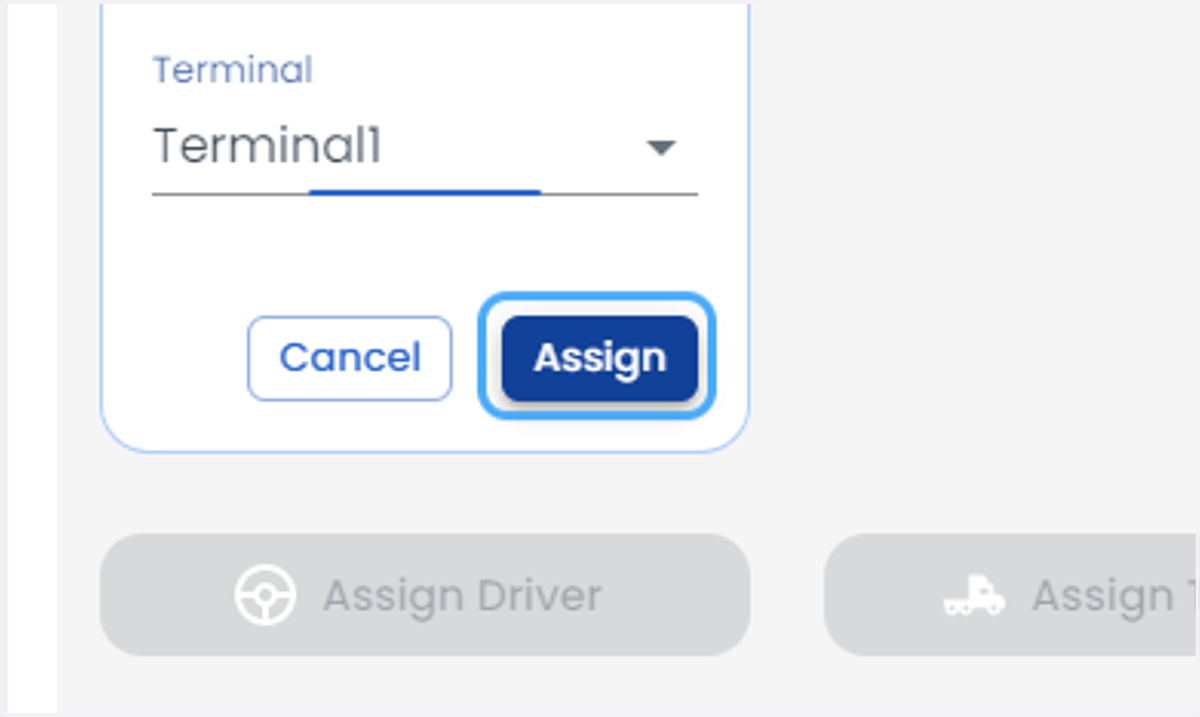
11. Click on the terminal tab to change the terminal.
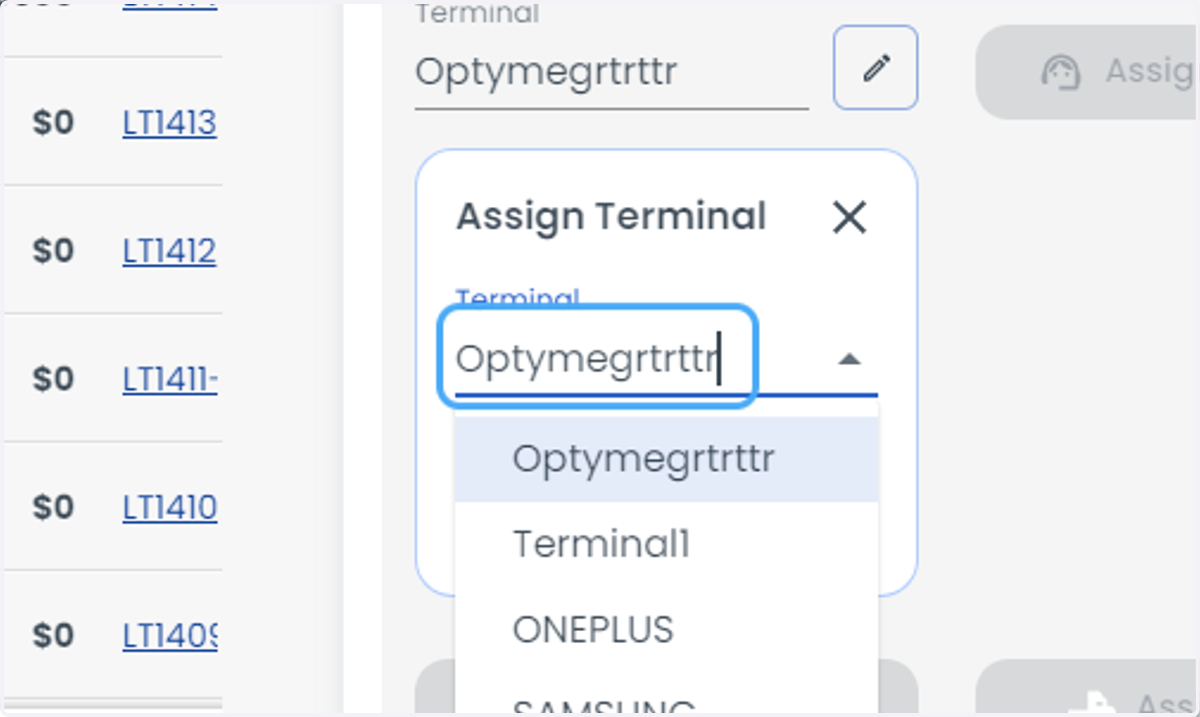
12. Select the terminal from the list.
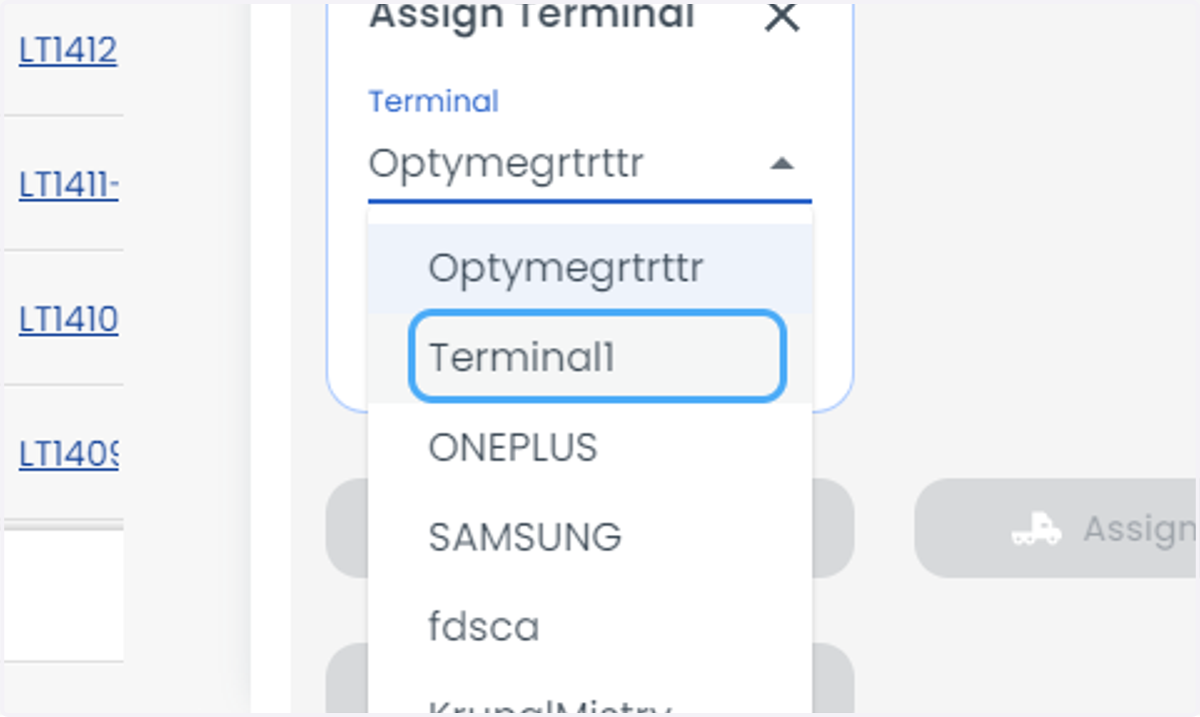
13. Click on Assign
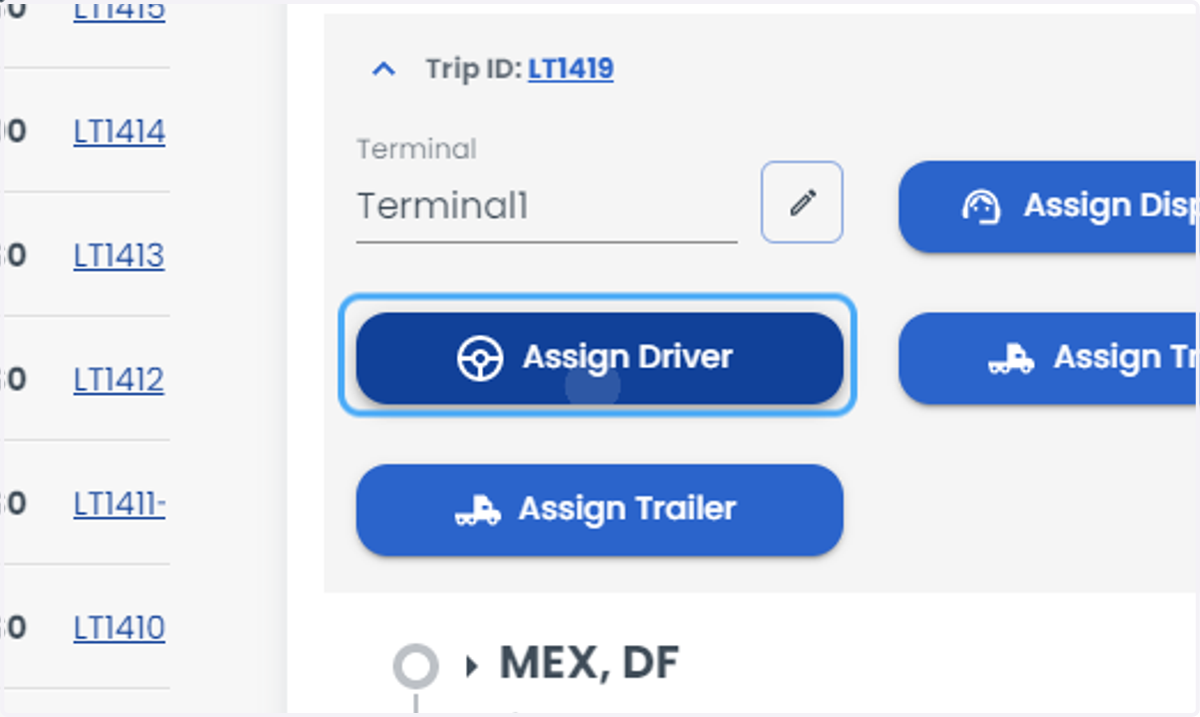
14. Click on Assign Driver
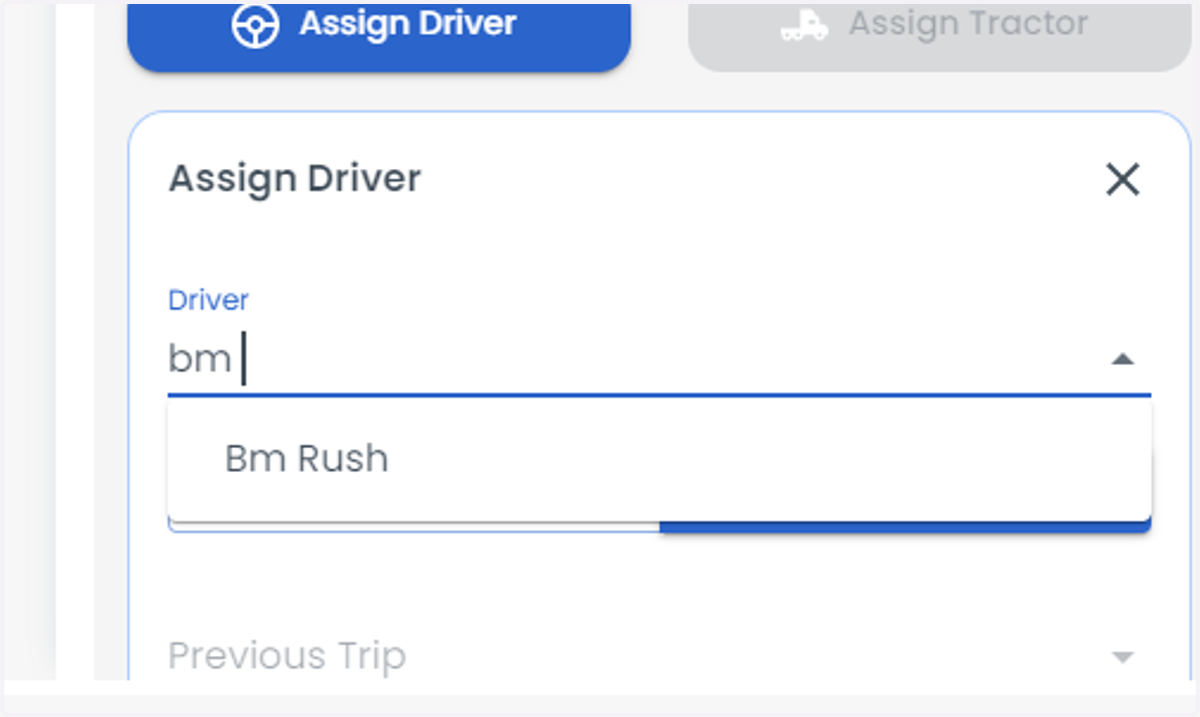
15. Type the driver name.
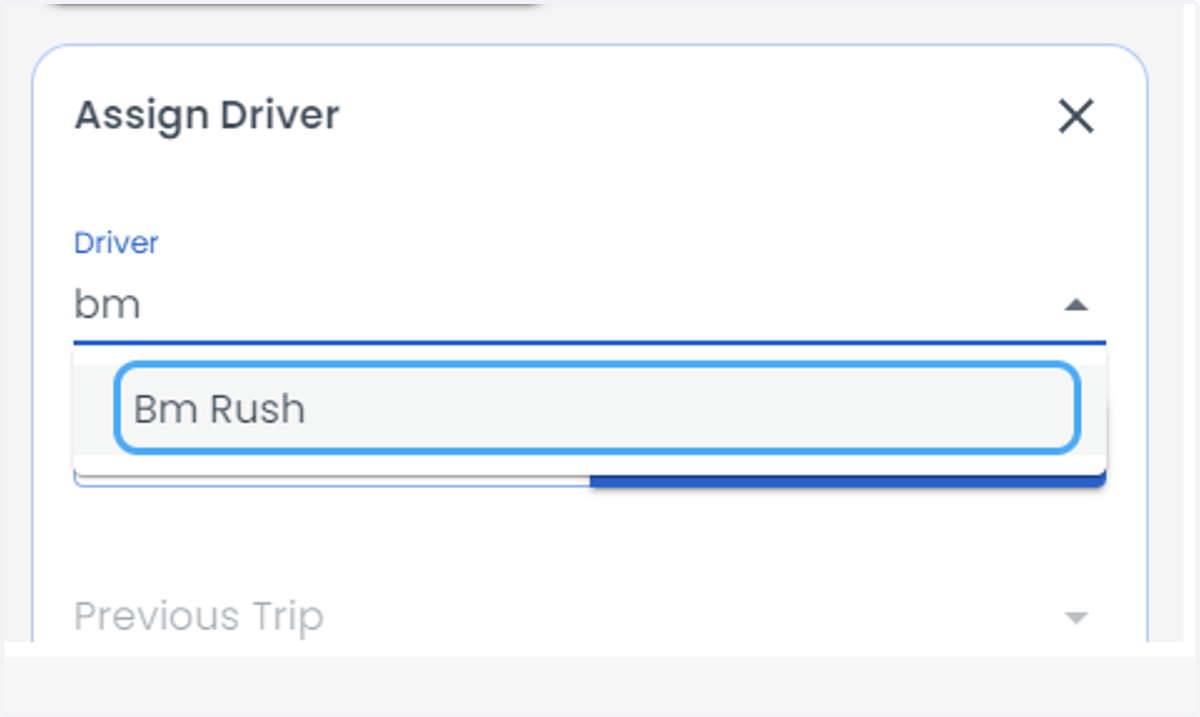
16. Select the driver.
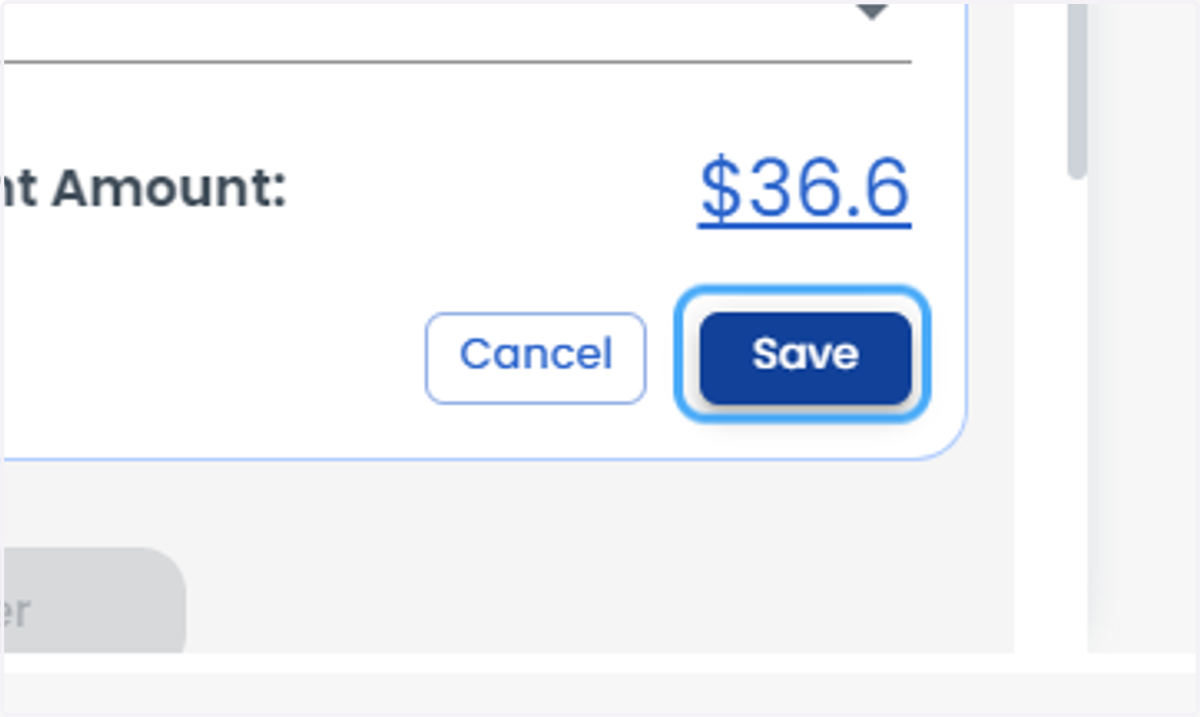
17. Click on Save (Note: The terminal of the driver and the load should be same.
Either you can change the terminal of the driver or the load)