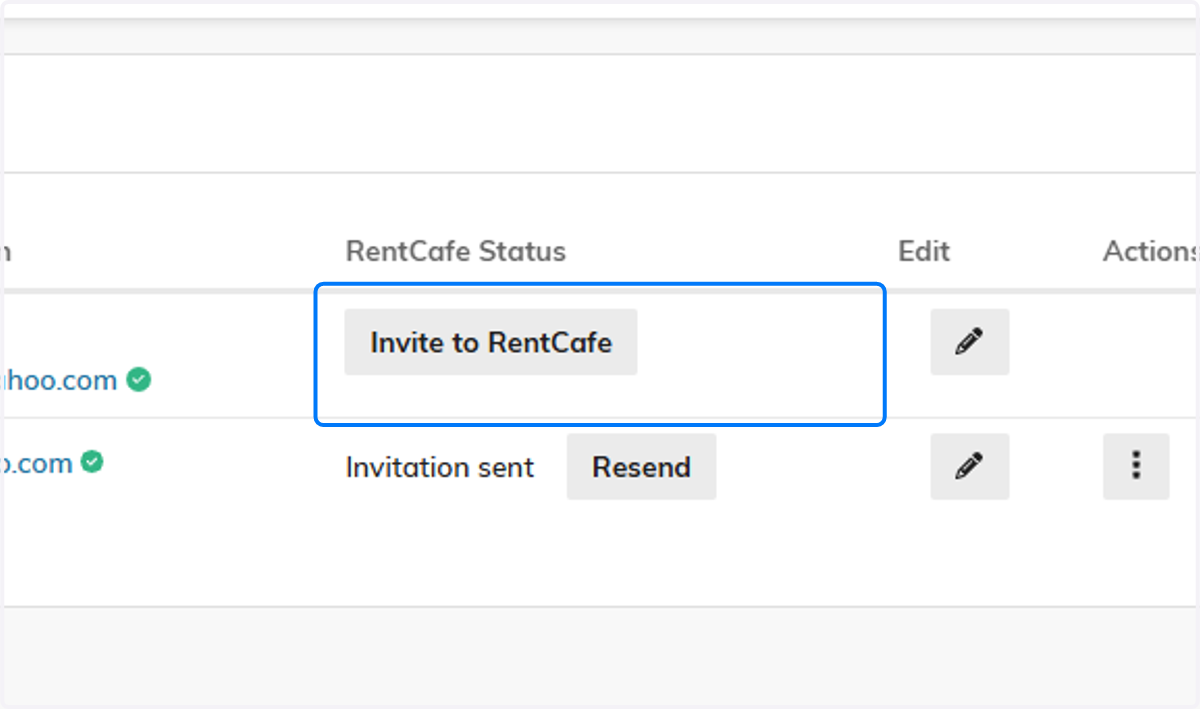
Inviting Contacts to RentCafe (Resident Family Portal)
After you receive the community fee and the applicant has been updated to a Future Resident, you can invite them or their representative to create a Resident Portal account. They will use the portal to sign their lease and pay their bill each month.
Its a good habit to Invite the primary Payer first, as they typically will also sign the lease, however, any contacts can be invited as long as they have a valid email address.
Senior CRM
1. Click on Contacts
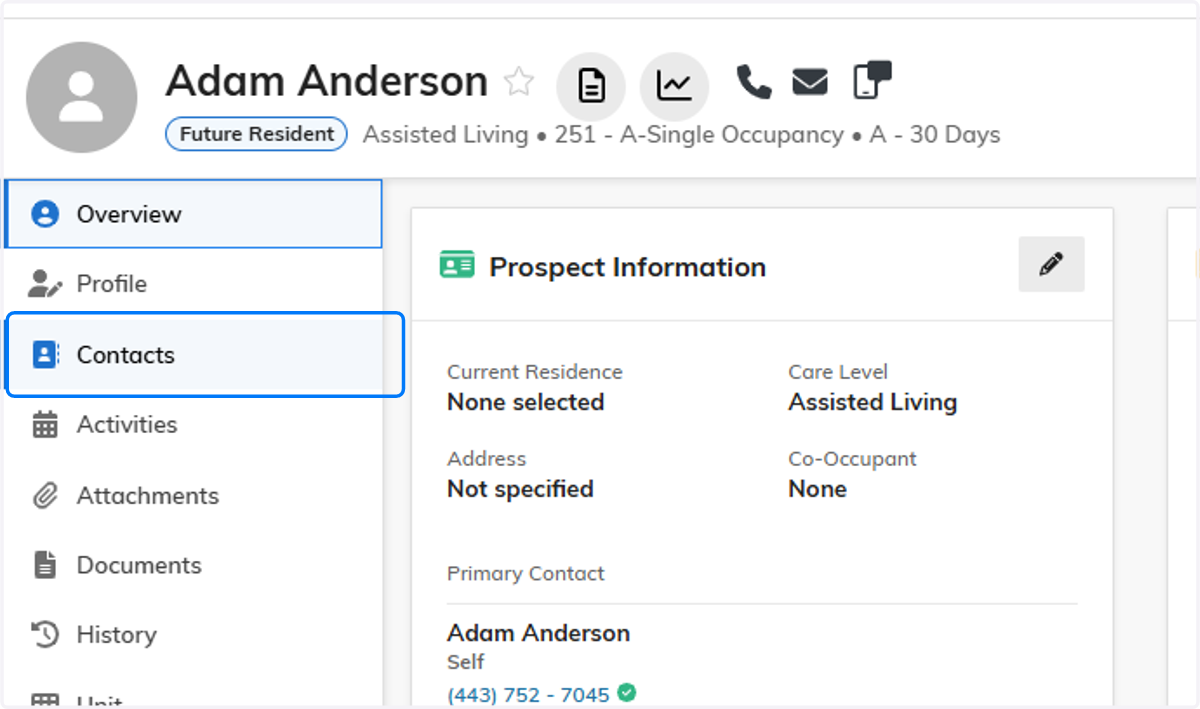
2. Verify Status
Confirm that the applicant is in Future Resident status.

3. Click on Billing Summary
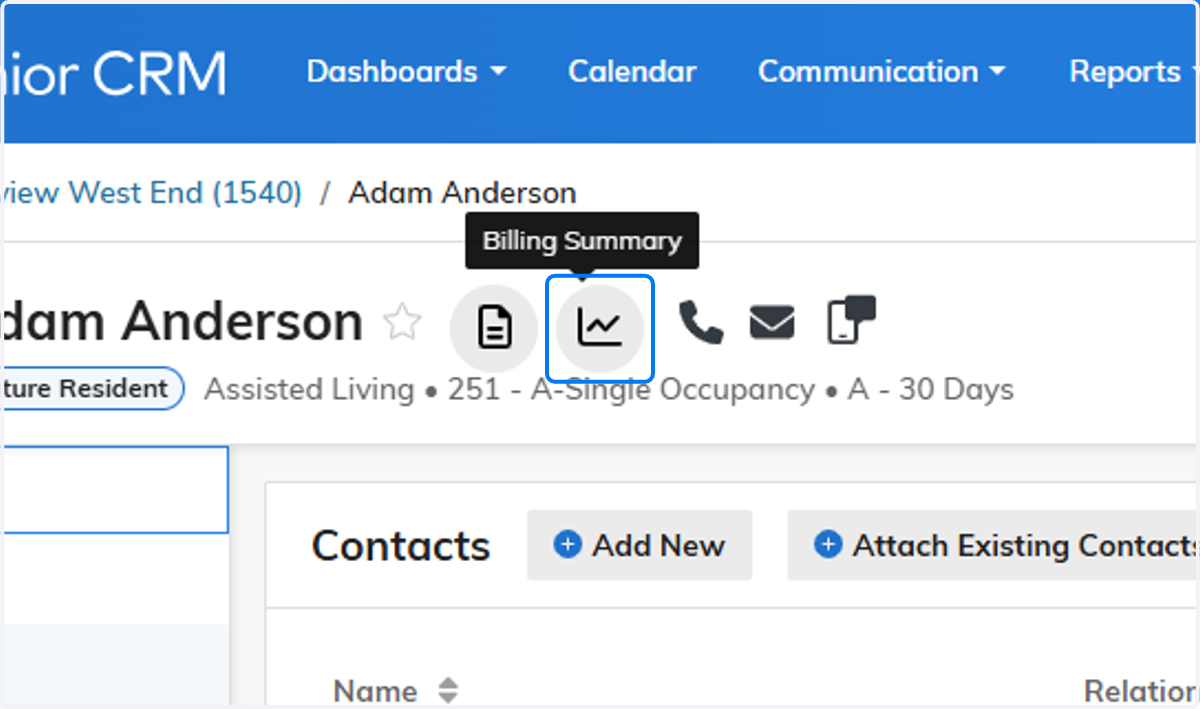
4. Verify Payer
Verify that the email is also correct on this screen

5. Click on Invite to RentCafe
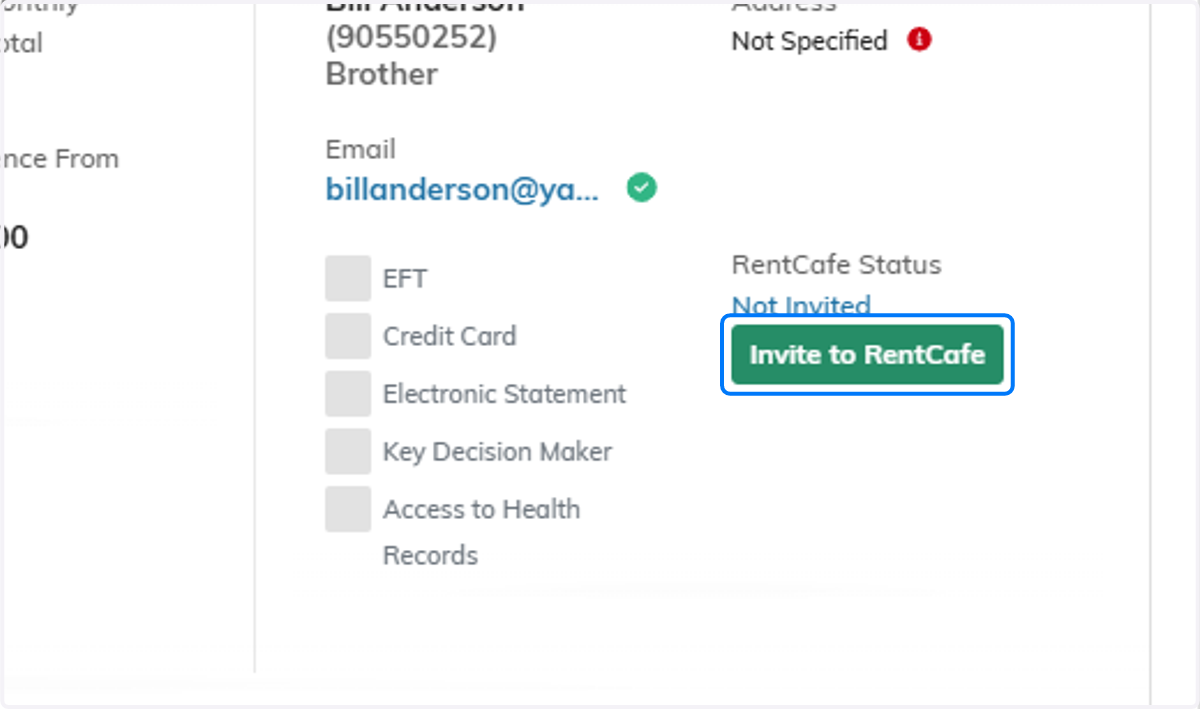
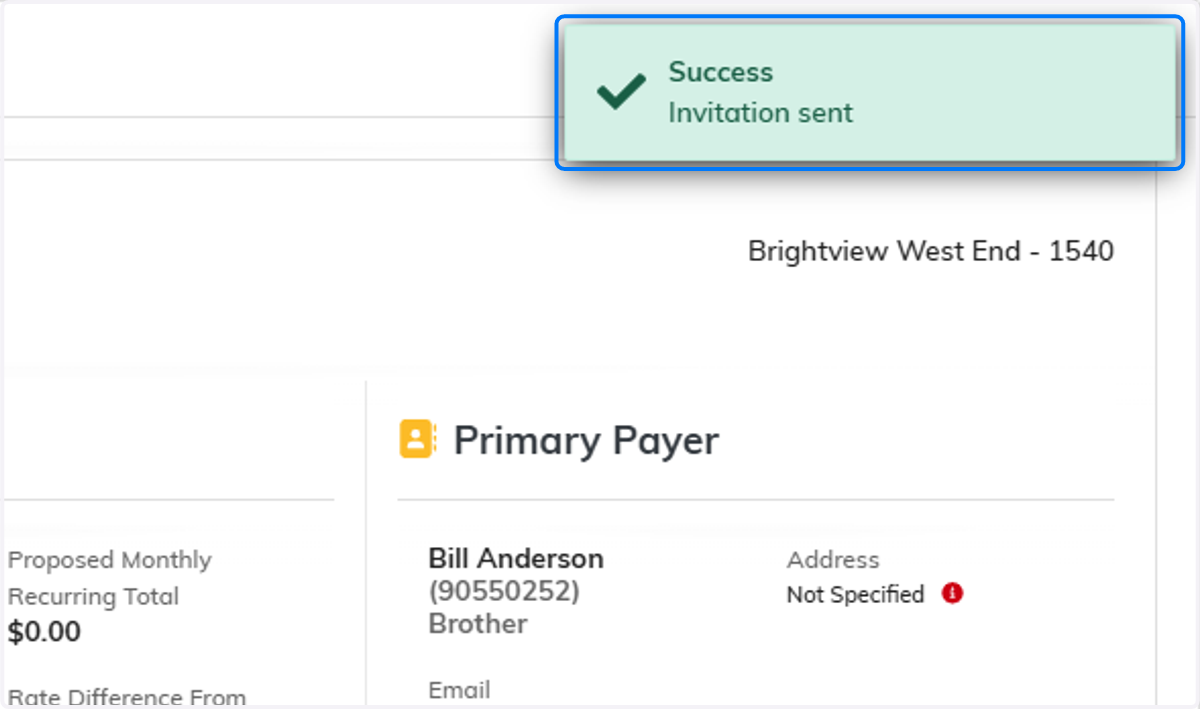
6. Invitation Sent
You will receive a pop-up notification that the invite was sent successfully.
7. Use "Resend" as needed
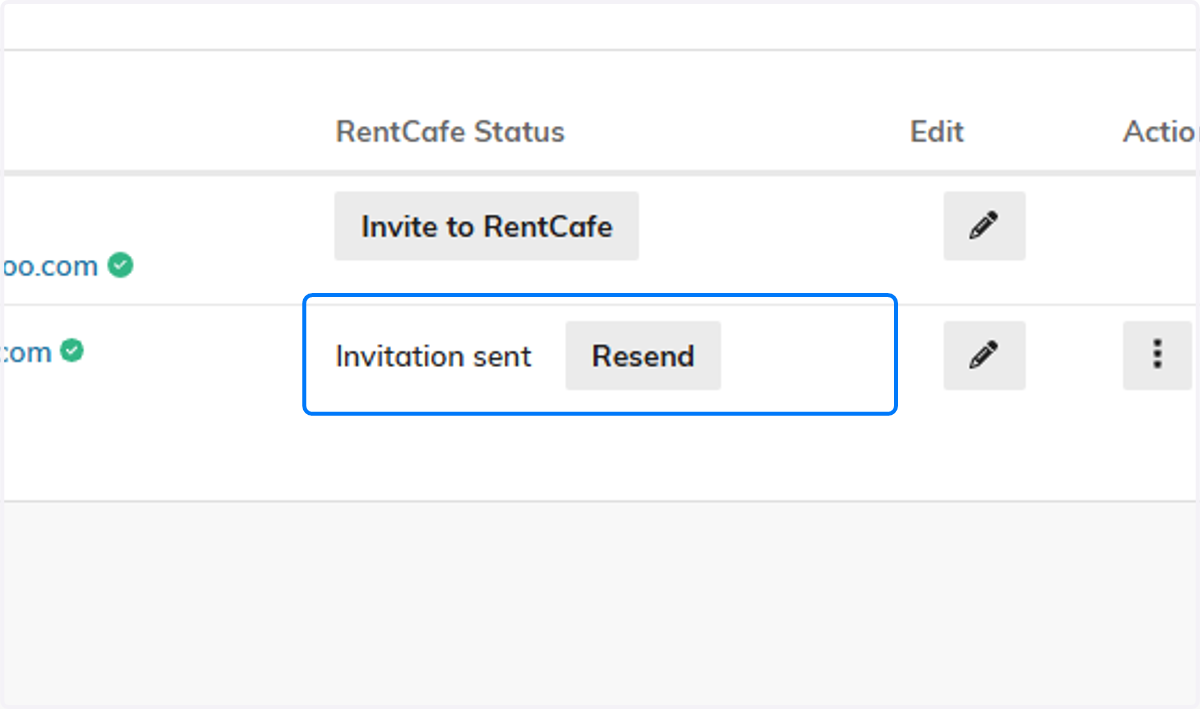
8. Send out to any additional Contacts that are interested in joining the portal on the resident Contacts screen