Creating and Scheduling a Recurring Invoice
Horse Business Manager
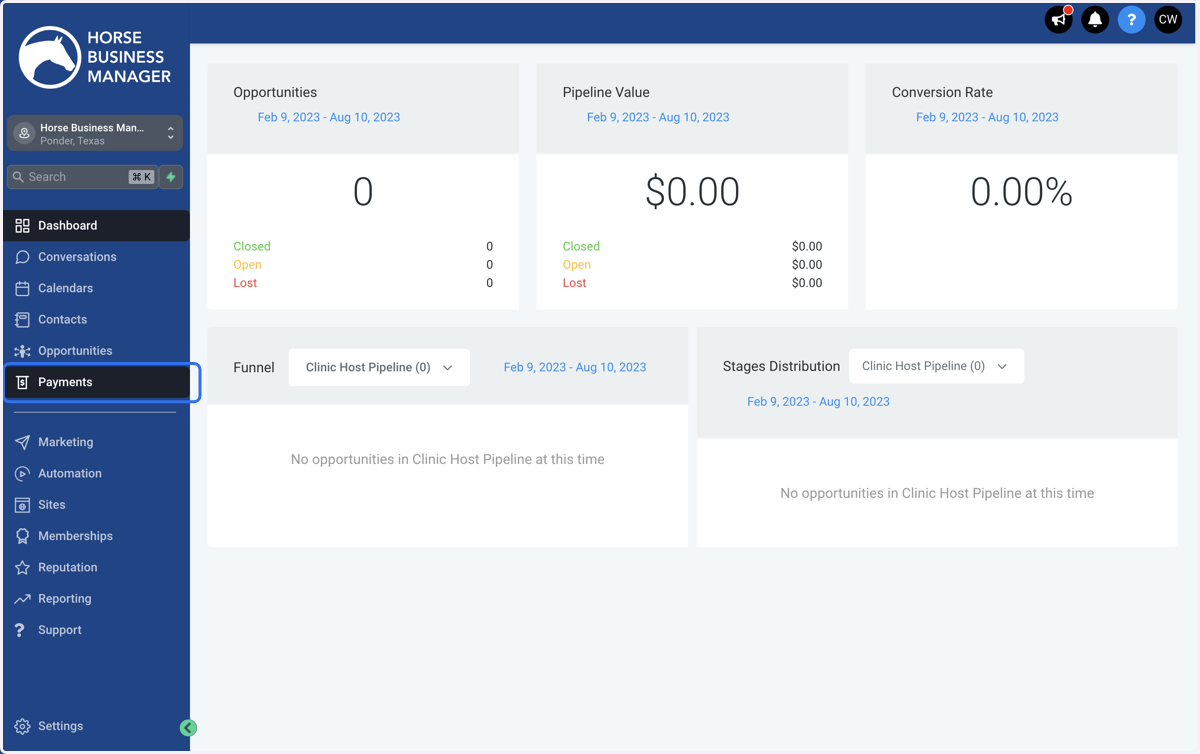
1. Click on Payments
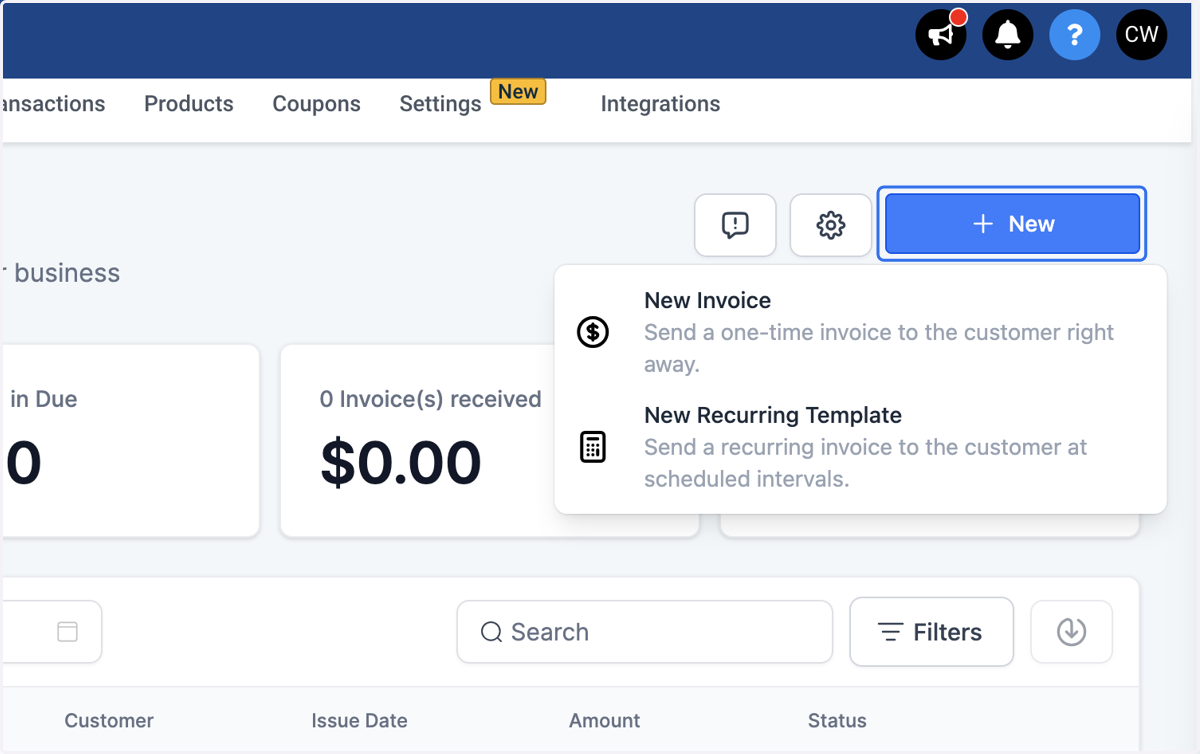
2. Click on New
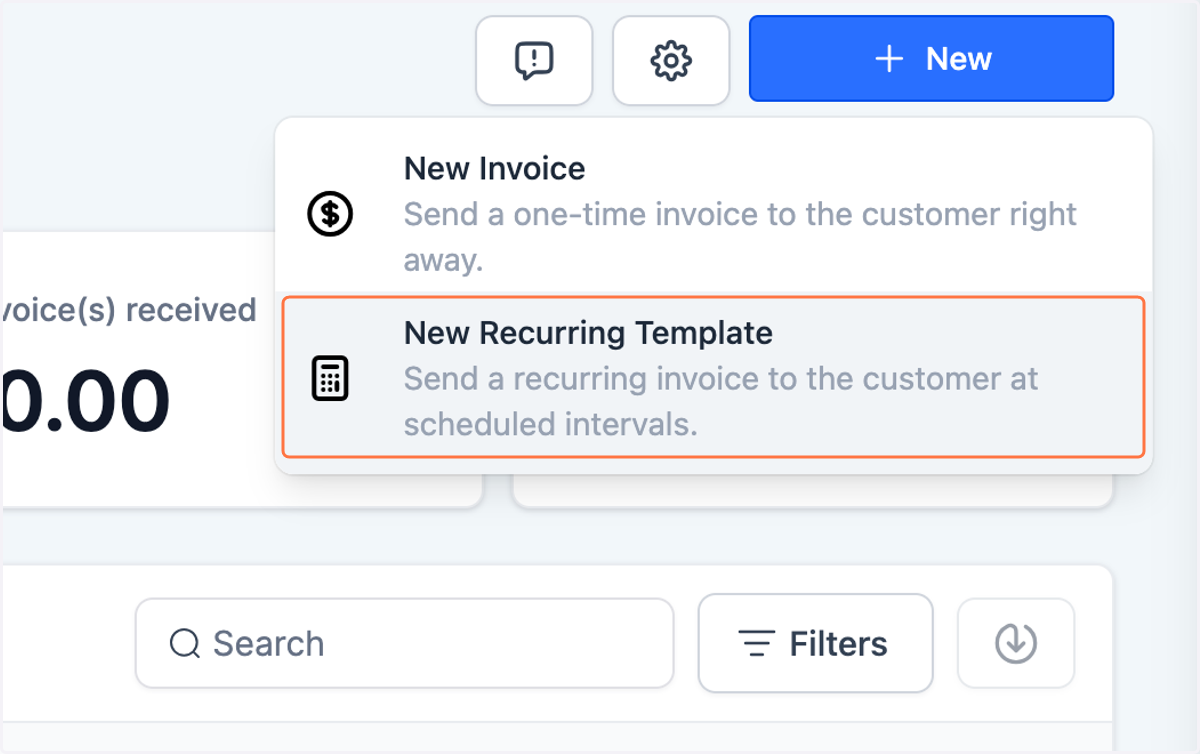
3. Click on New Recurring Template
4. Fill out the Frequency Settings fields
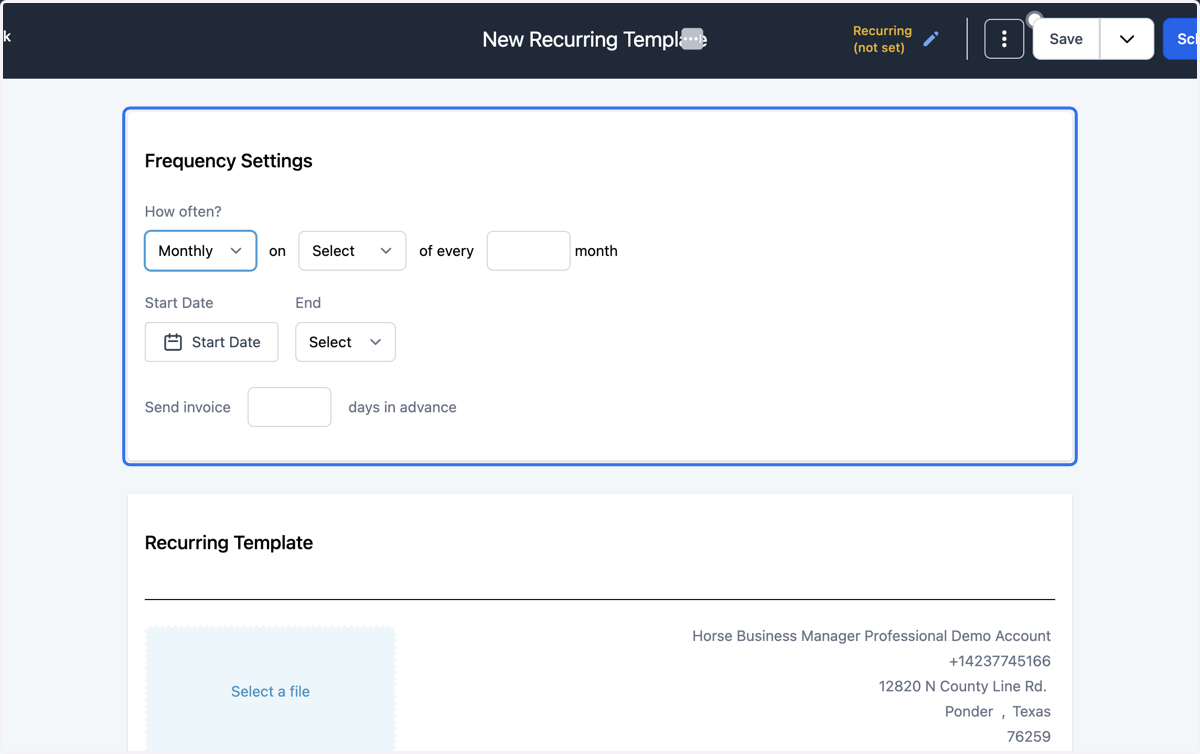
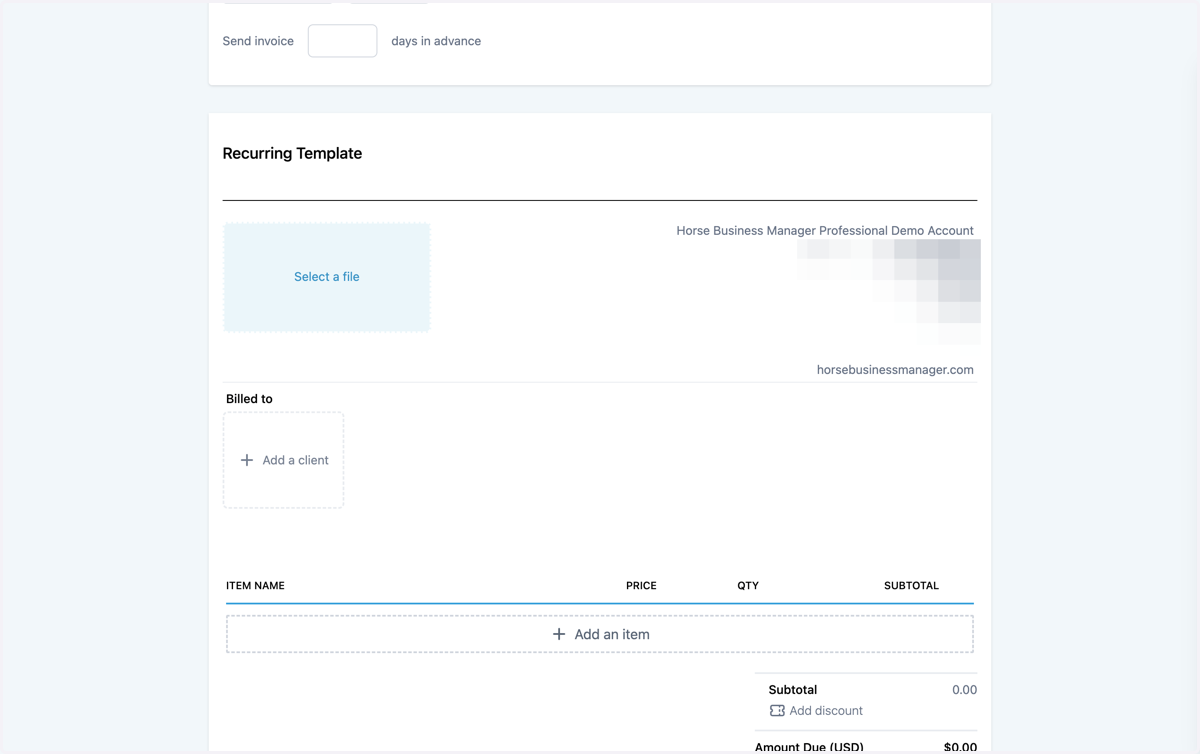
5. Edit the remaining template the same way you would edit a one-time invoice
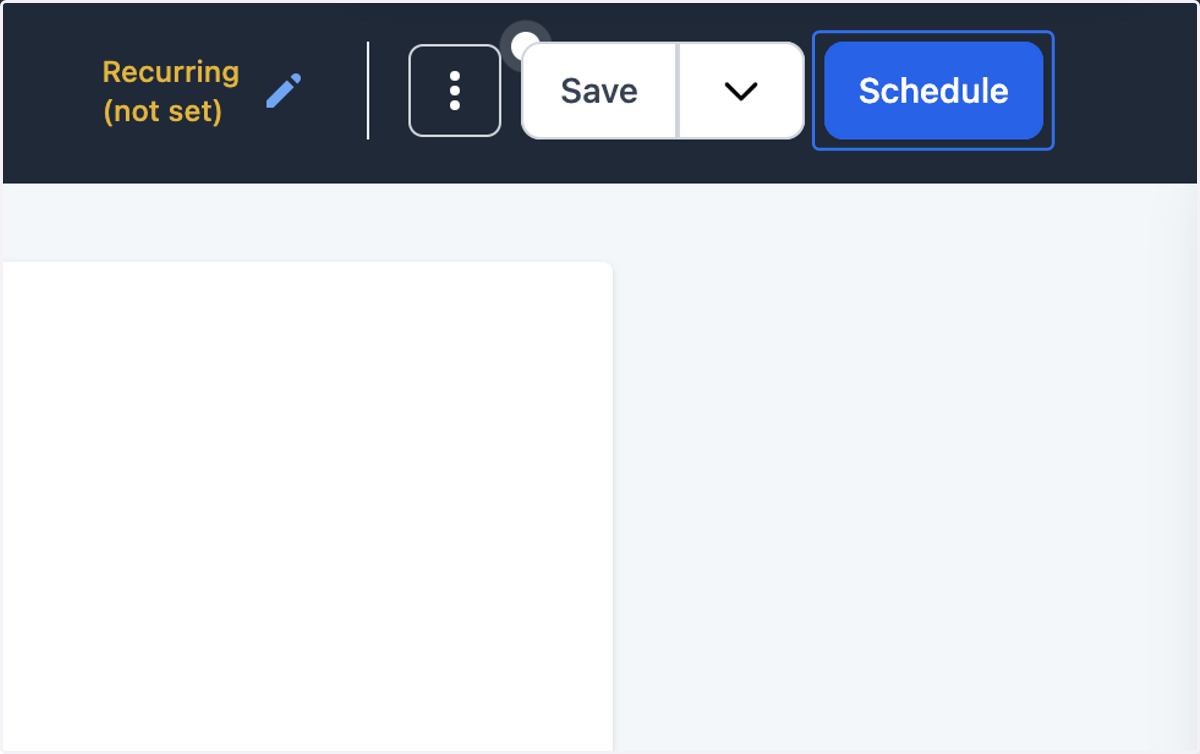
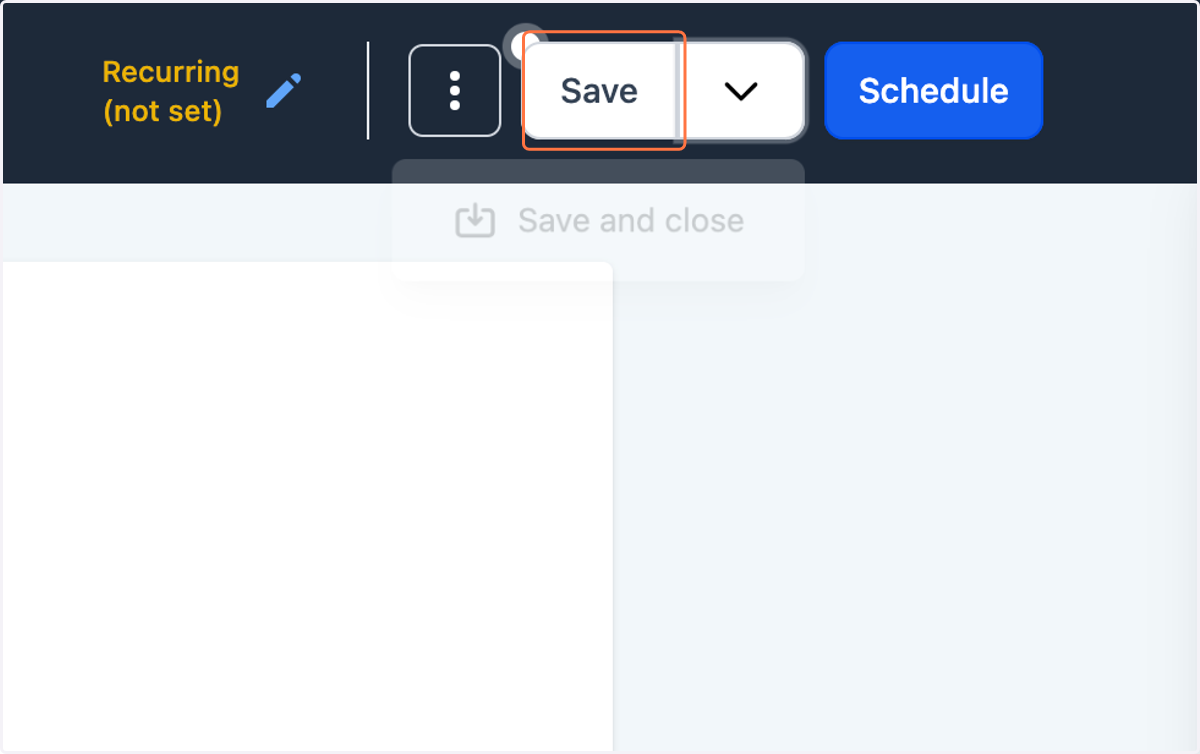
6. Once your template is complete, click Save
7. To edit additional template settings, click the three dots
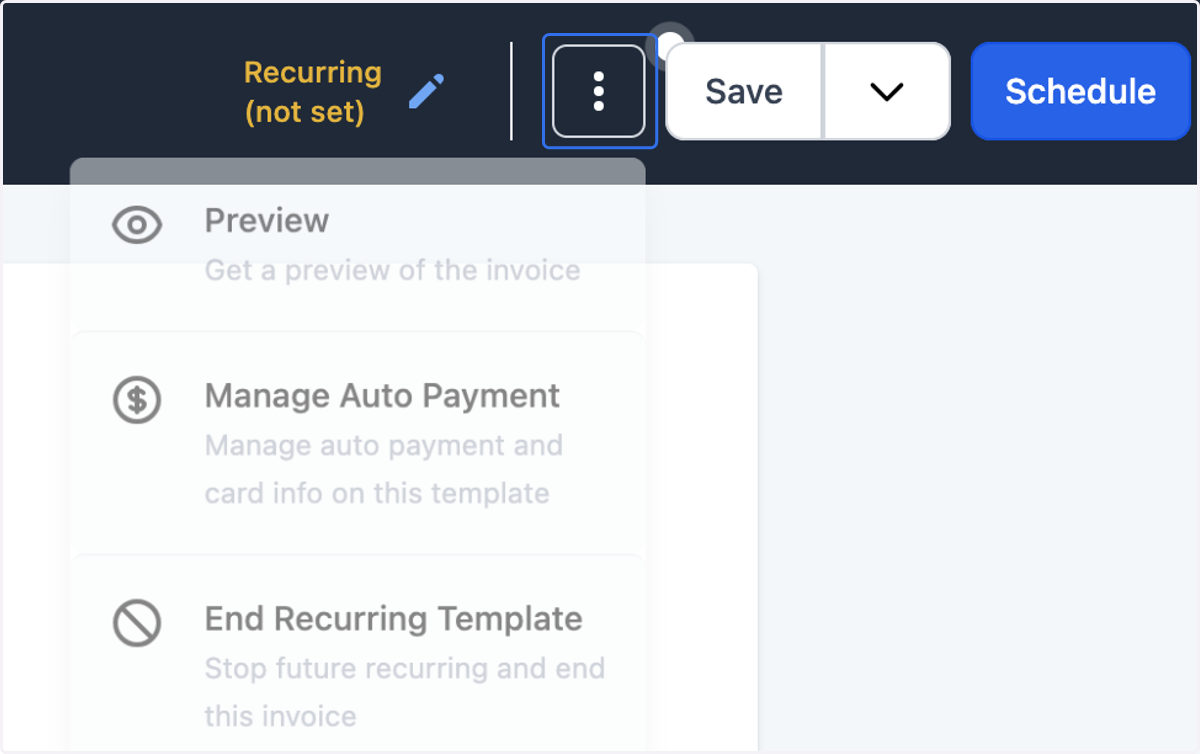
8. When you are ready to send the template, click Schedule