Exporting Sensor Data
The data that is exported is what has been selected for zones and values on the graph.
1. Select the zones correlating to the desired data.

2. Select the sensor values correlating to the desired data.

3. To download the data, click on the gear.
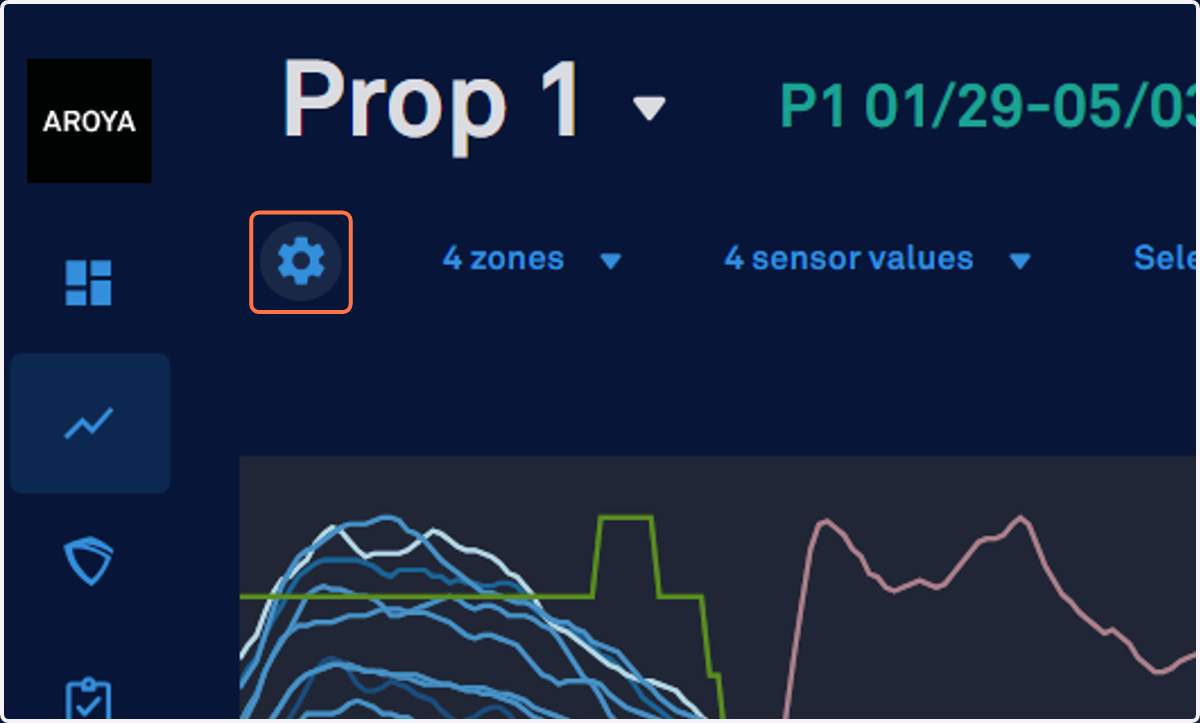
4. Click on Export Sensor Data

5. Select the data range for the desired data
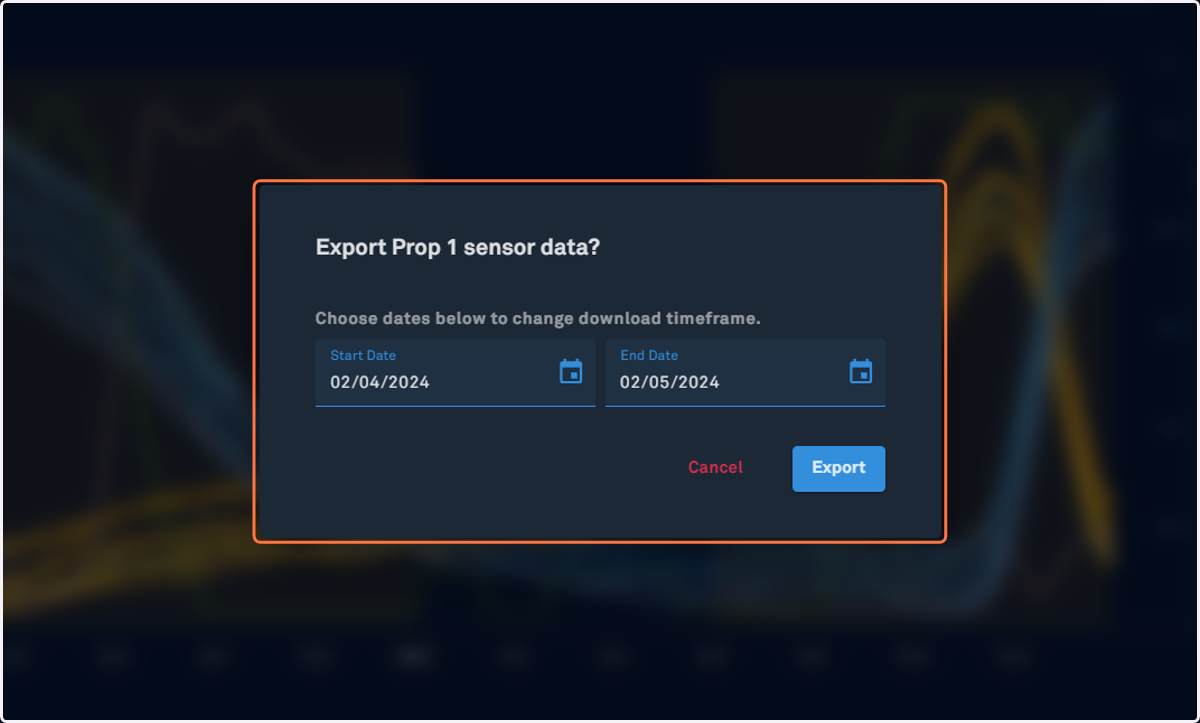
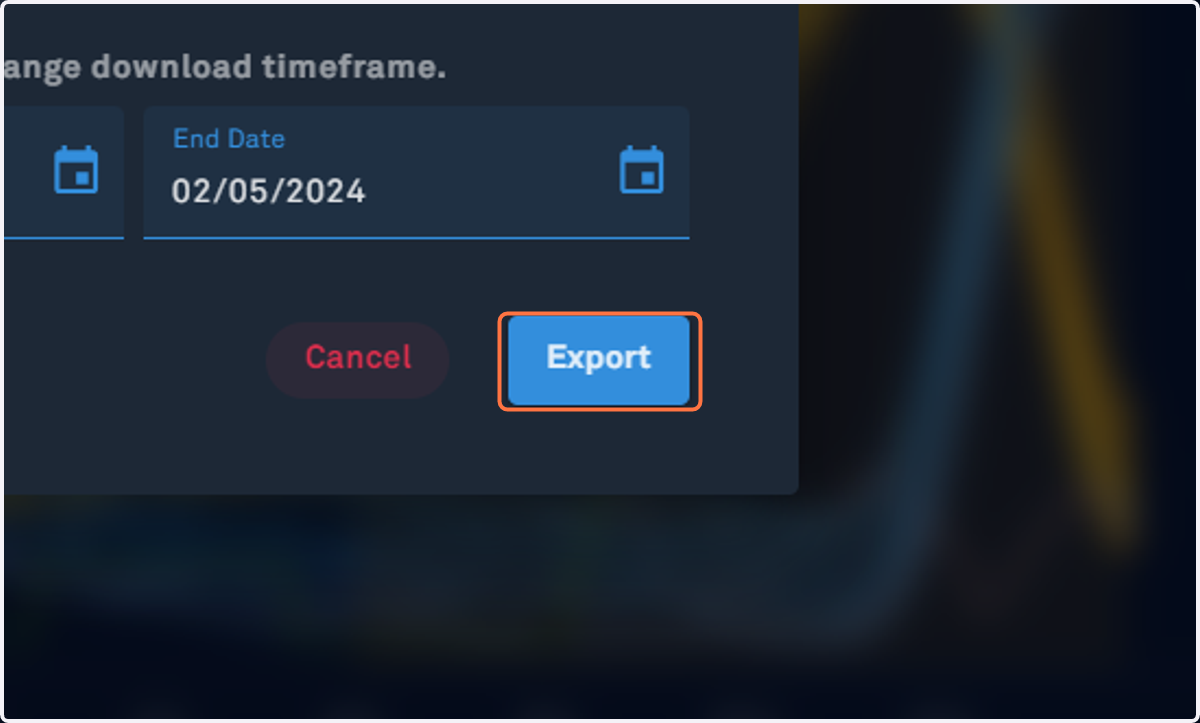
6. Click on Export