Dropsuite
Partner Portal
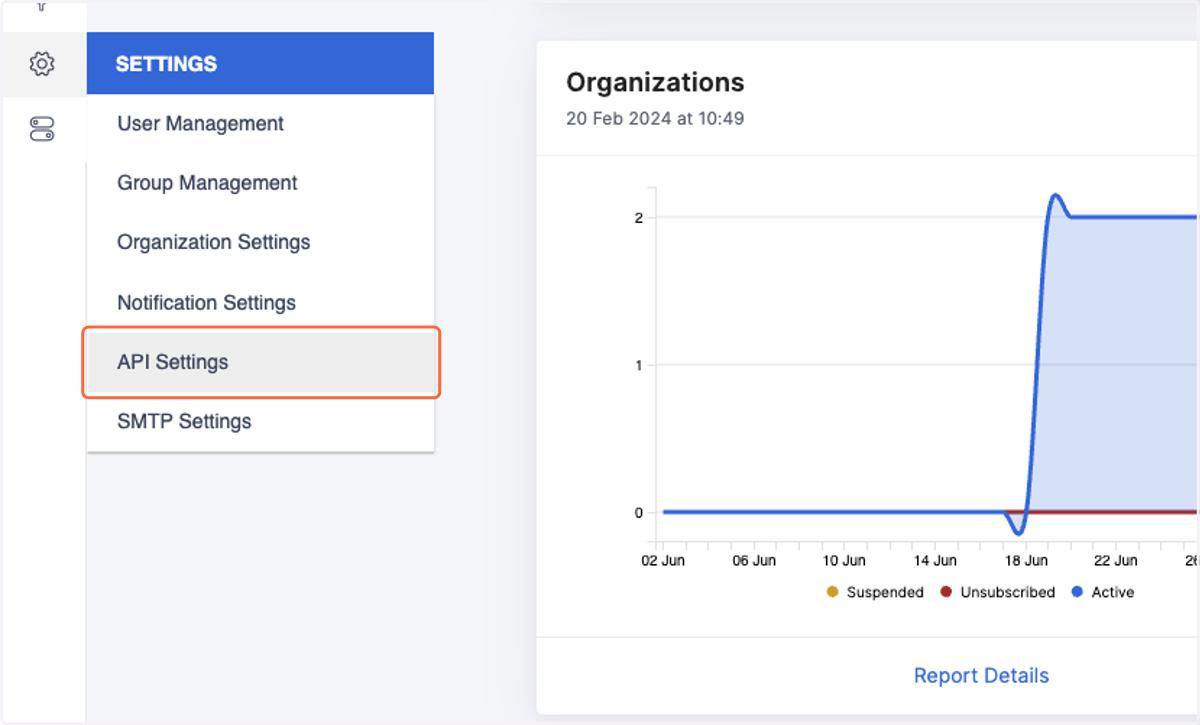
1. Hover over the gear icon and click on API Settings
Cork - Integrations
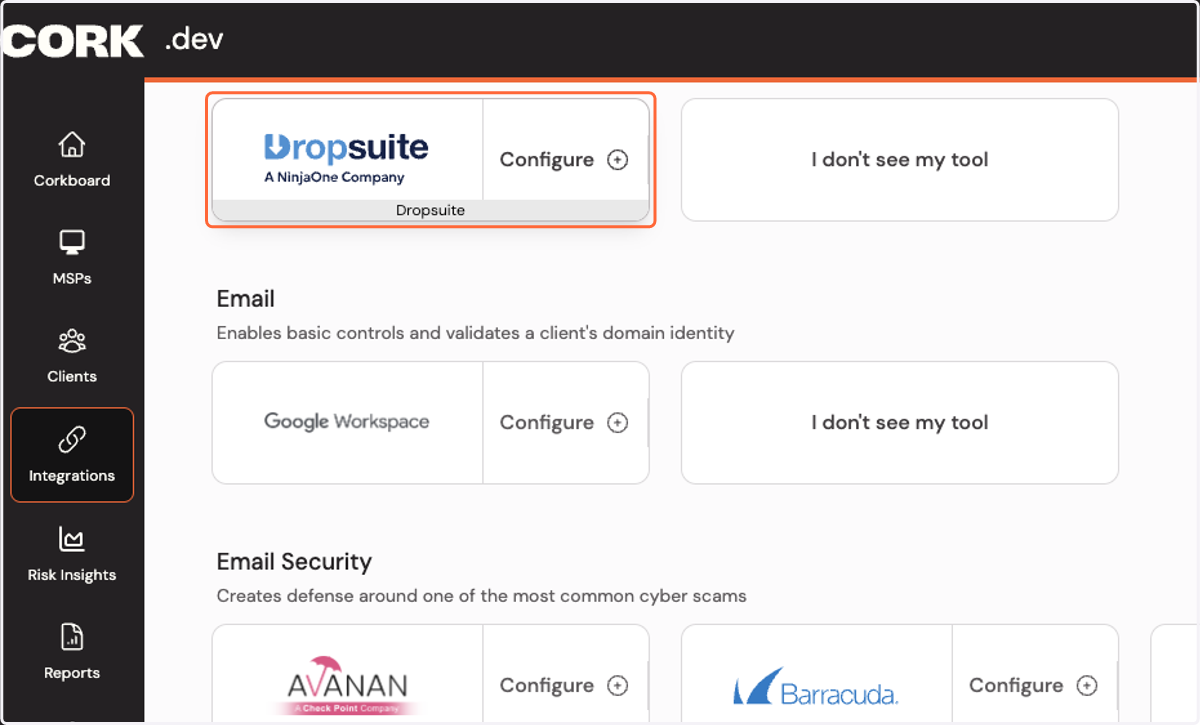
2. Click on Configure Dropsuite integration…
API Settings - Partner Portal
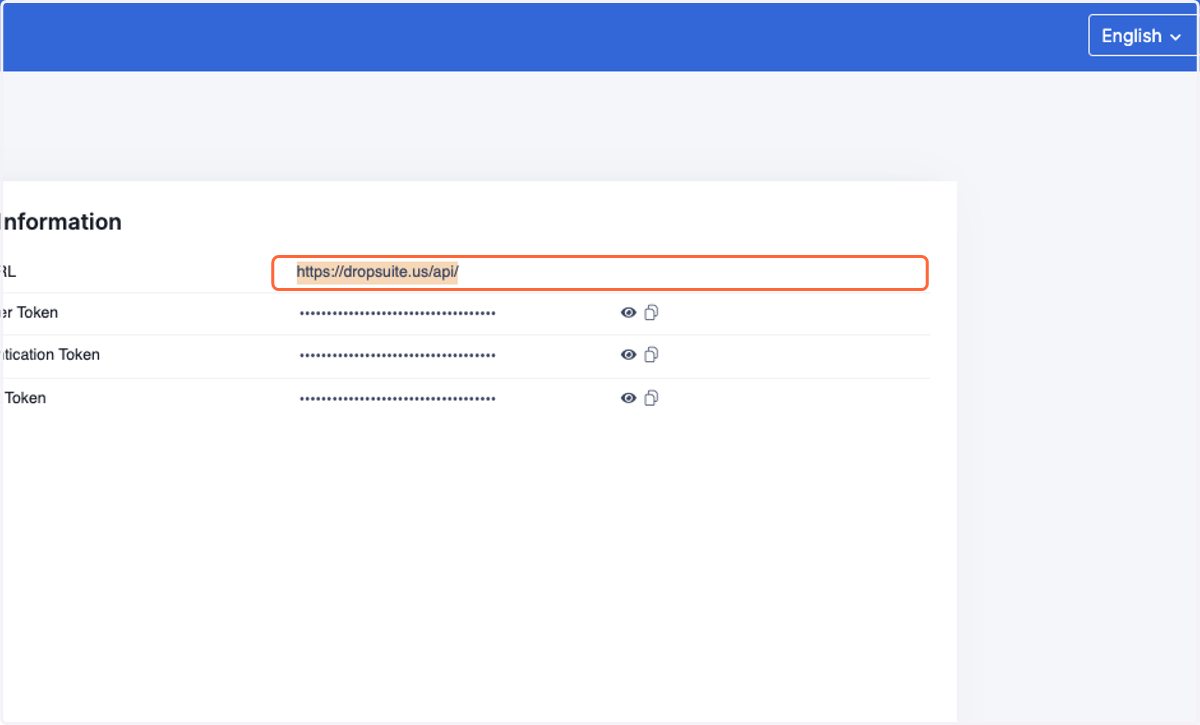
3. Copy the API URL
Cork - Integrations
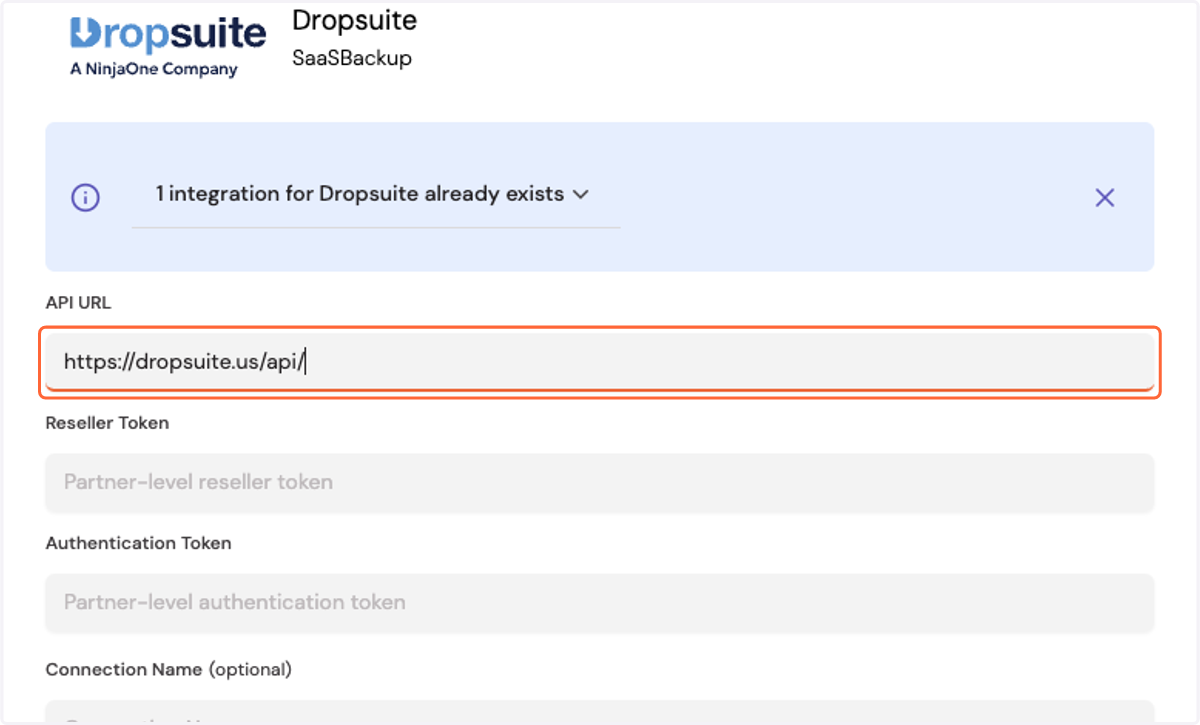
4. Paste the API URL into the API URL box
API Settings - Partner Portal
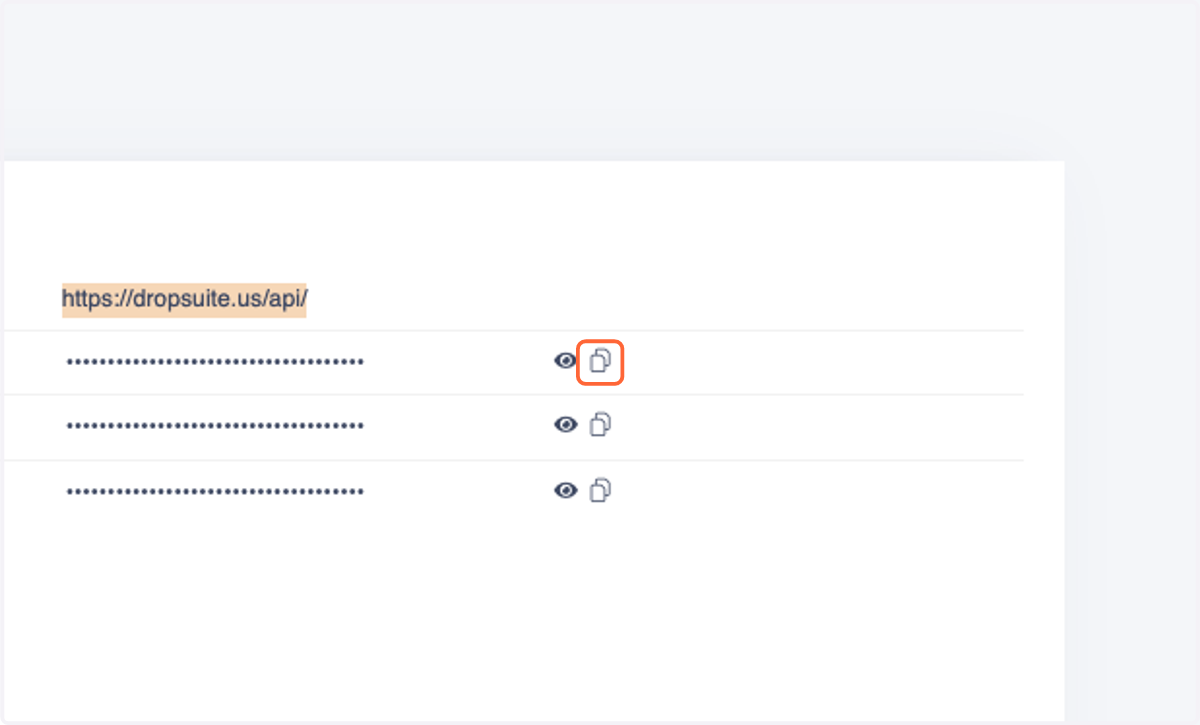
5. Press the copy icon to the right of Reseller Token
Cork - Integrations
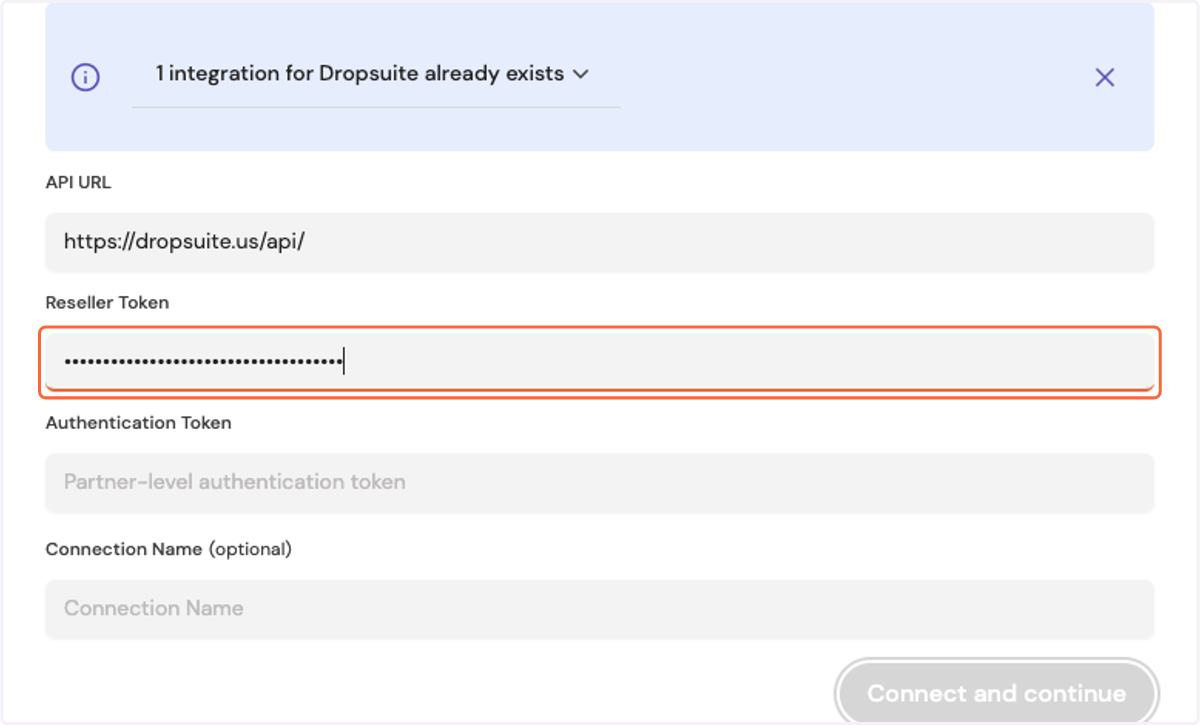
6. Paste into Reseller Token field
API Settings - Partner Portal
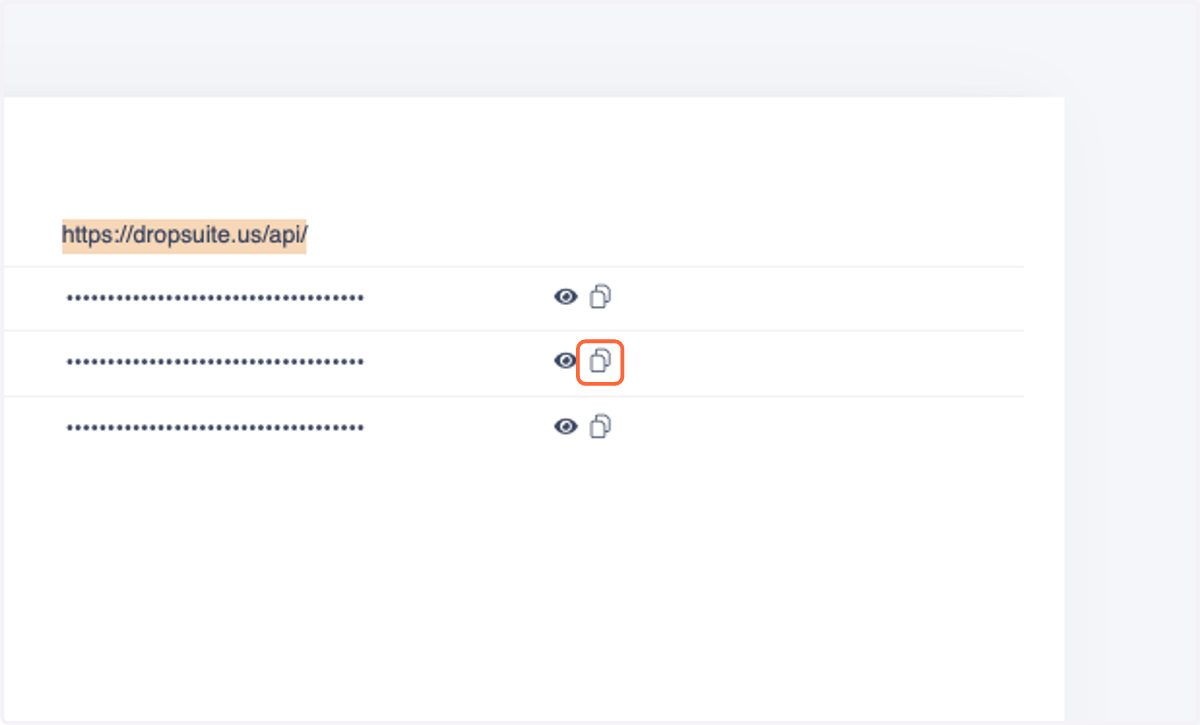
7. Press the copy icon to the right of Authentication Token
Cork - Integrations
8. Paste into Authentication Token field
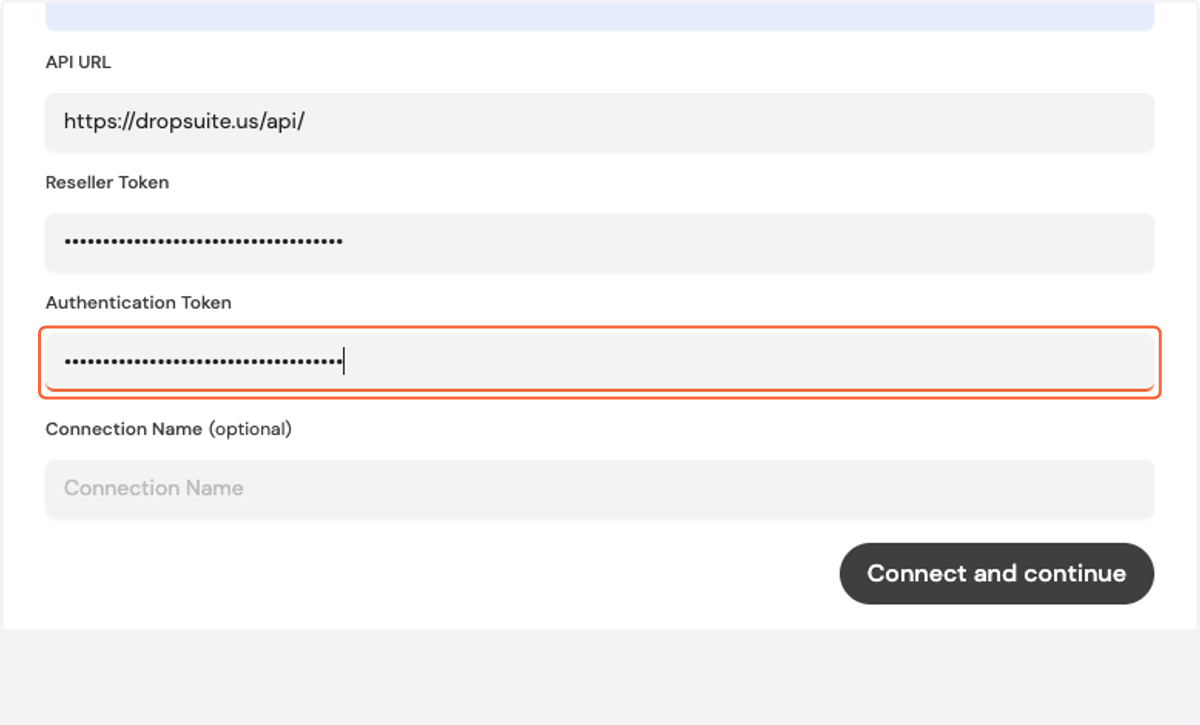
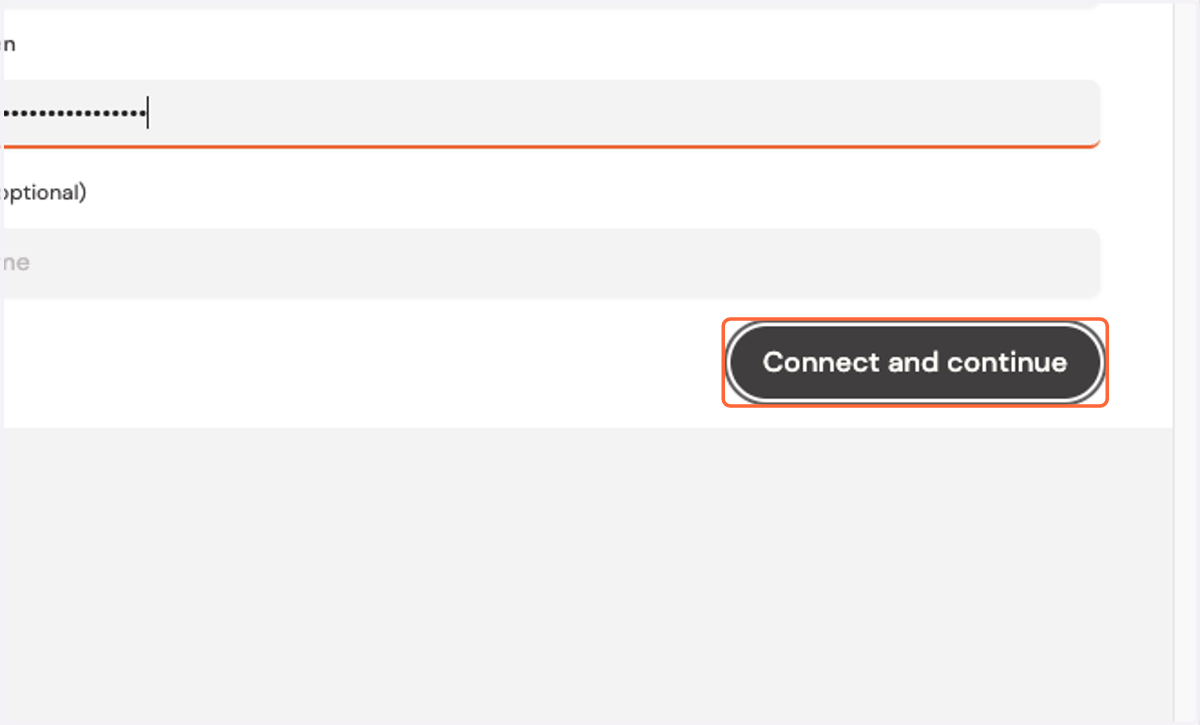
9. Press Connect and continue