How to Create a Pending Reservation
🖥️ Clubspeed Point of Sale
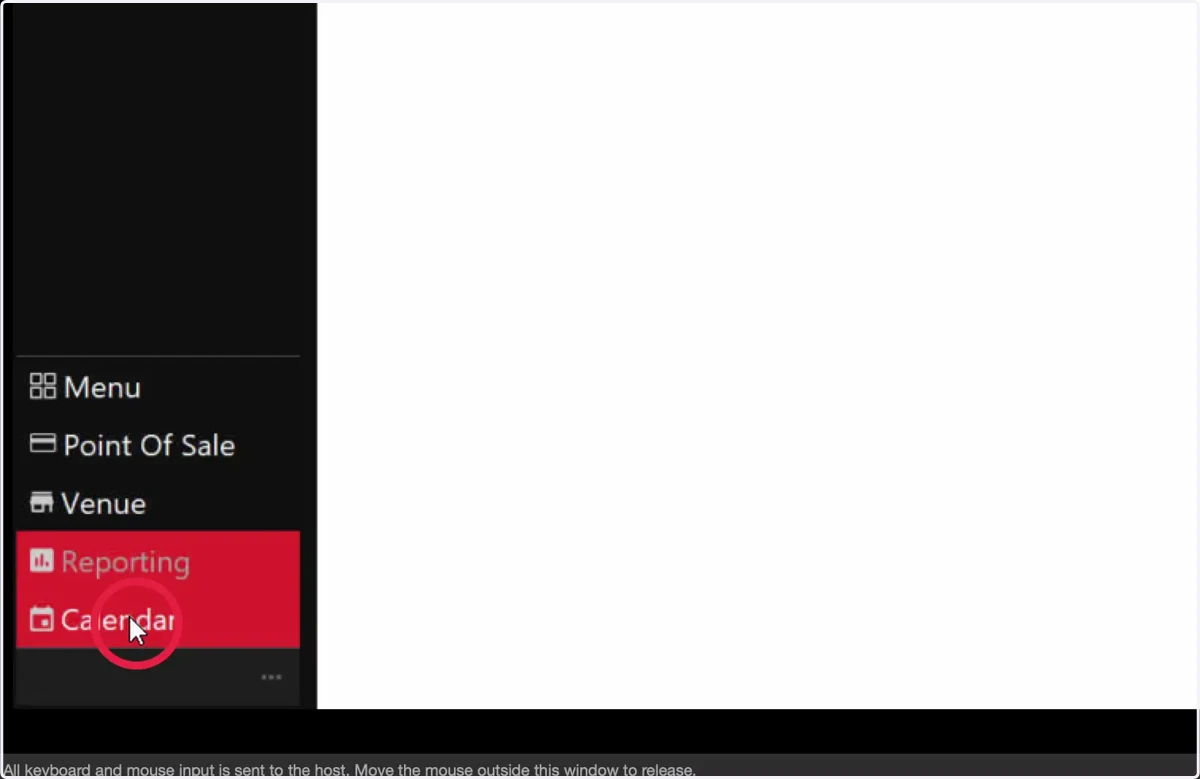
1. Select Calendar
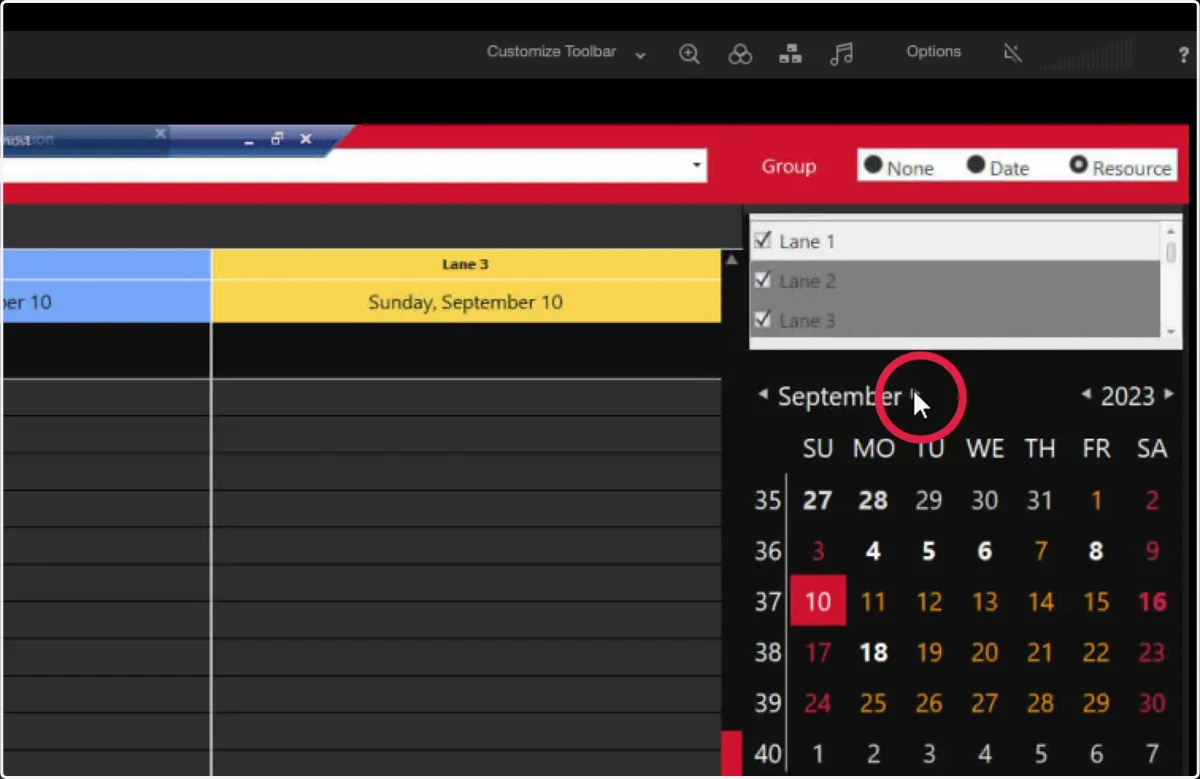
2. Choose your date
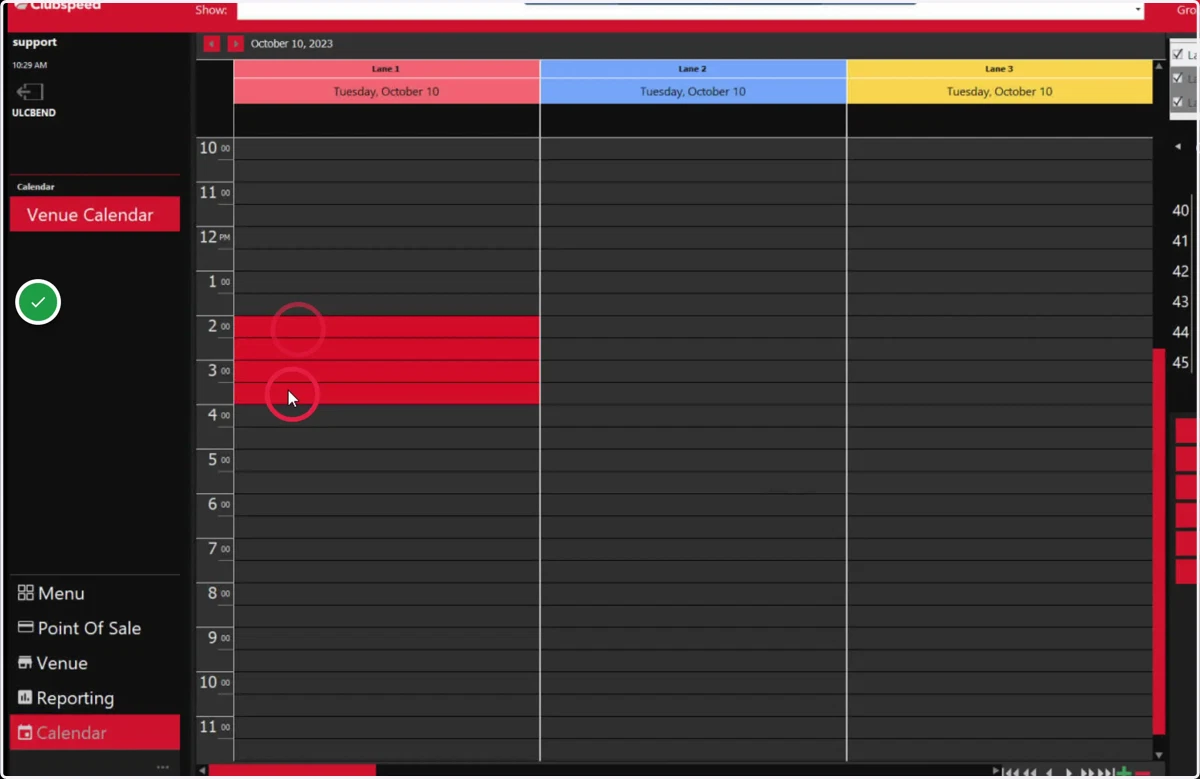
3. Drag to highlight the time of the booking
4. Right click
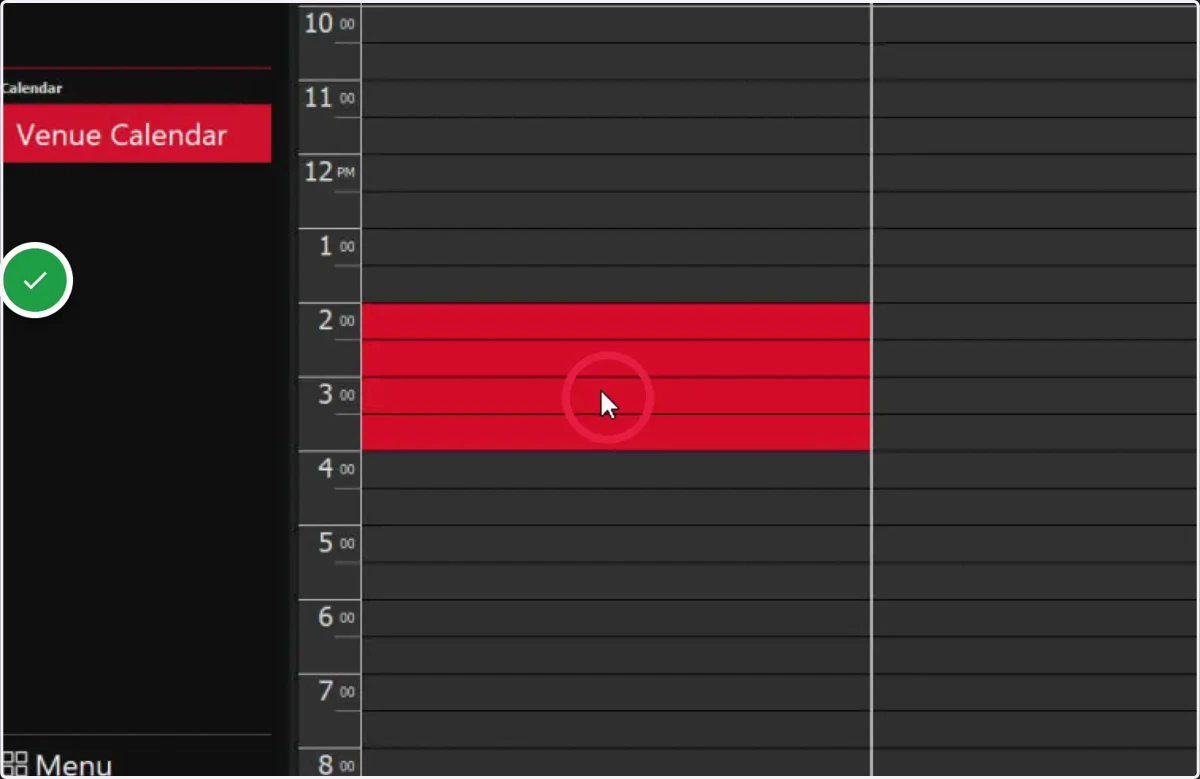
5. Select New Booki
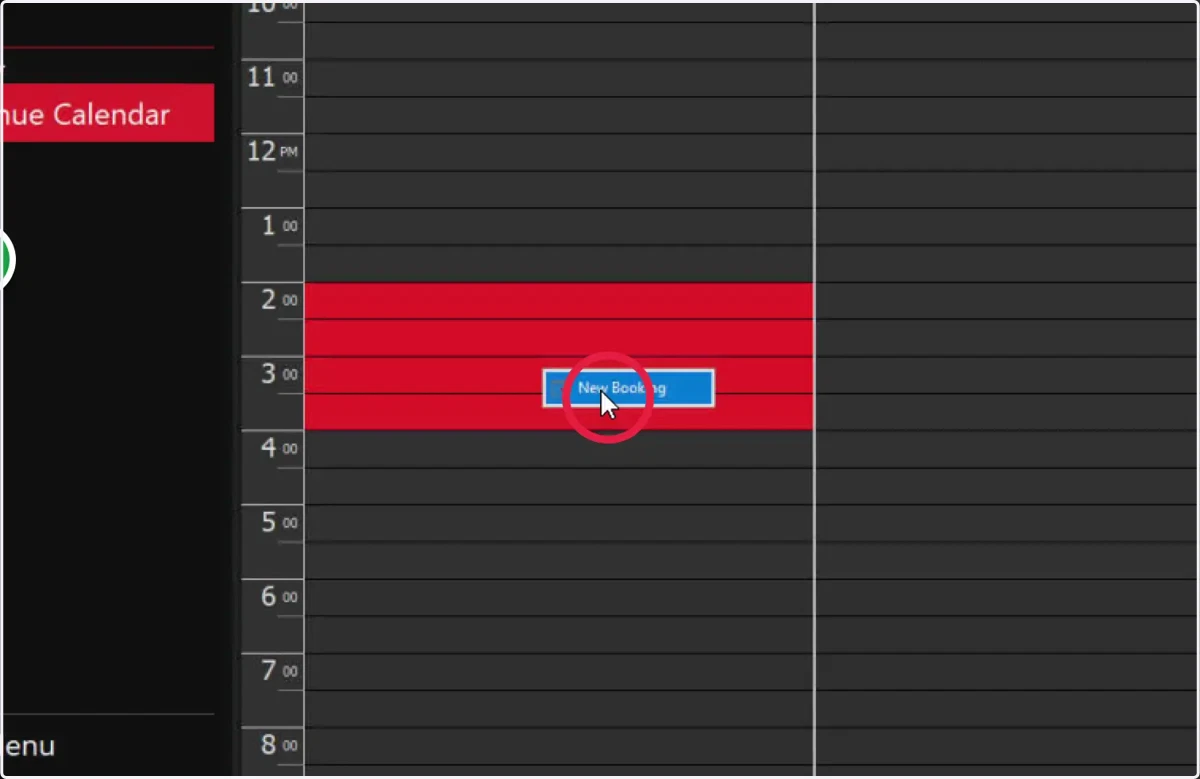
6. Enter the name of the reservation
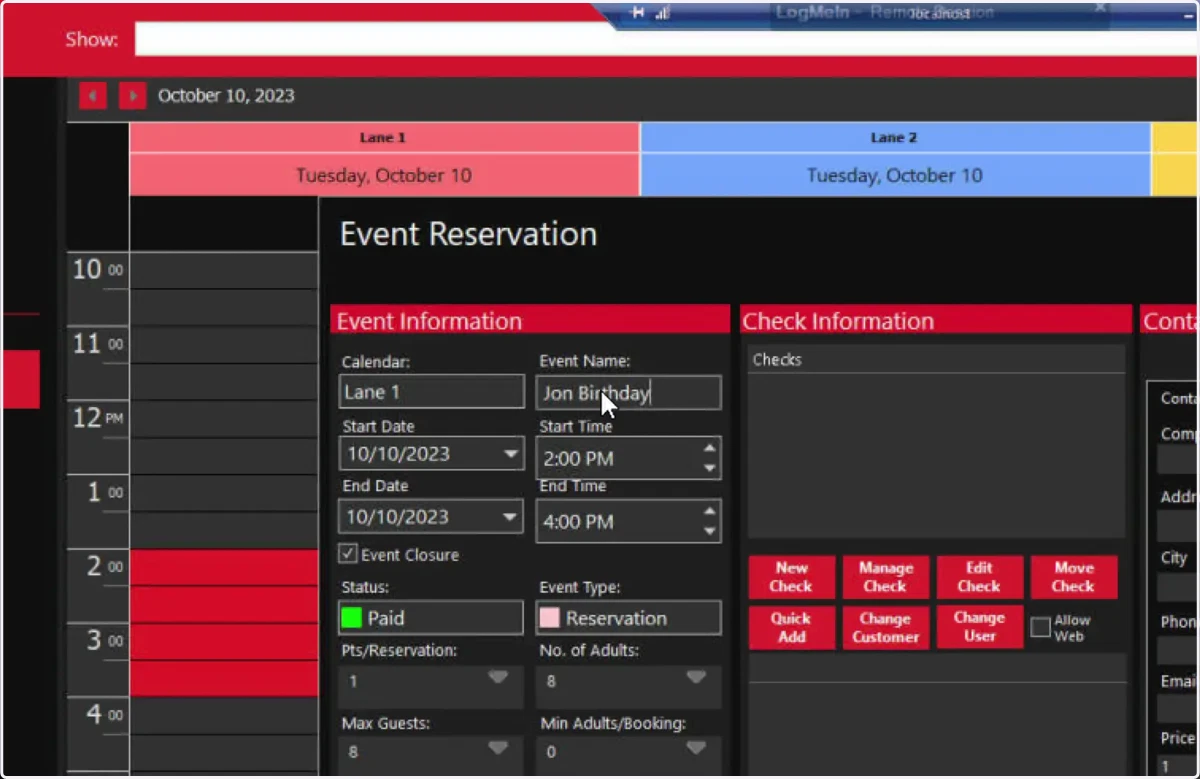
7. Update Guest Capacity
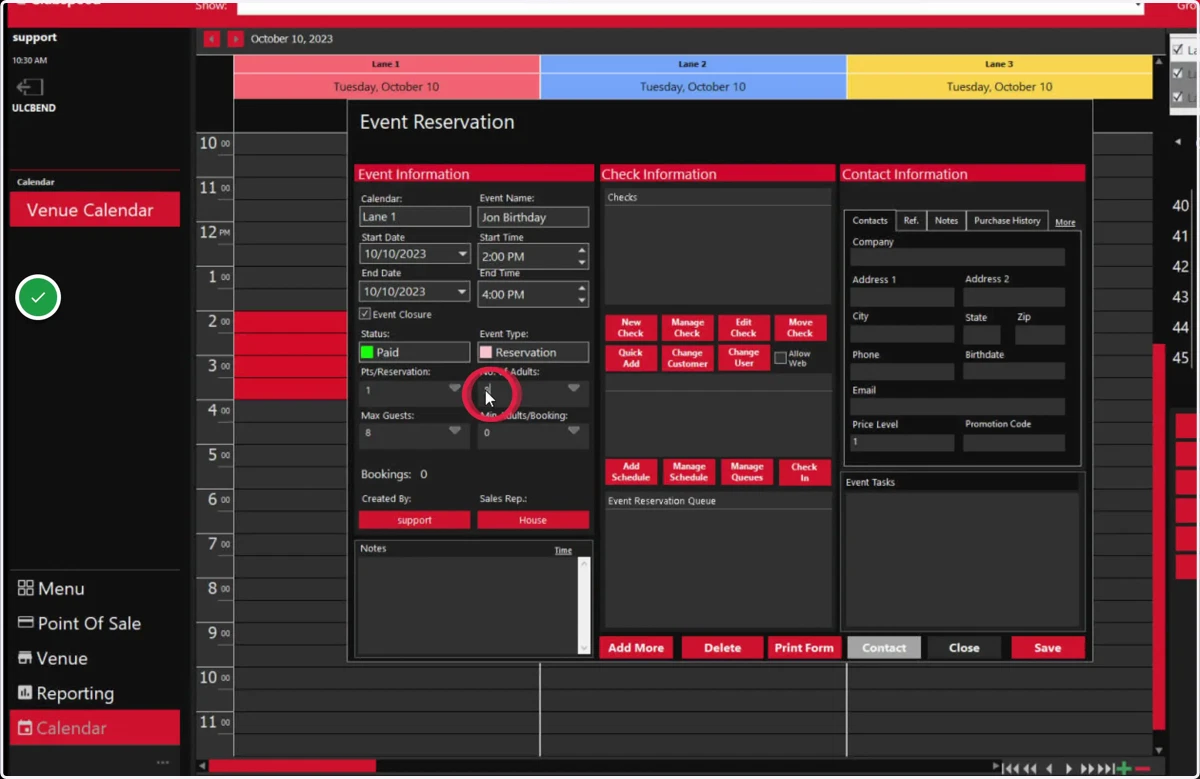
8. Update Guest capacity to match
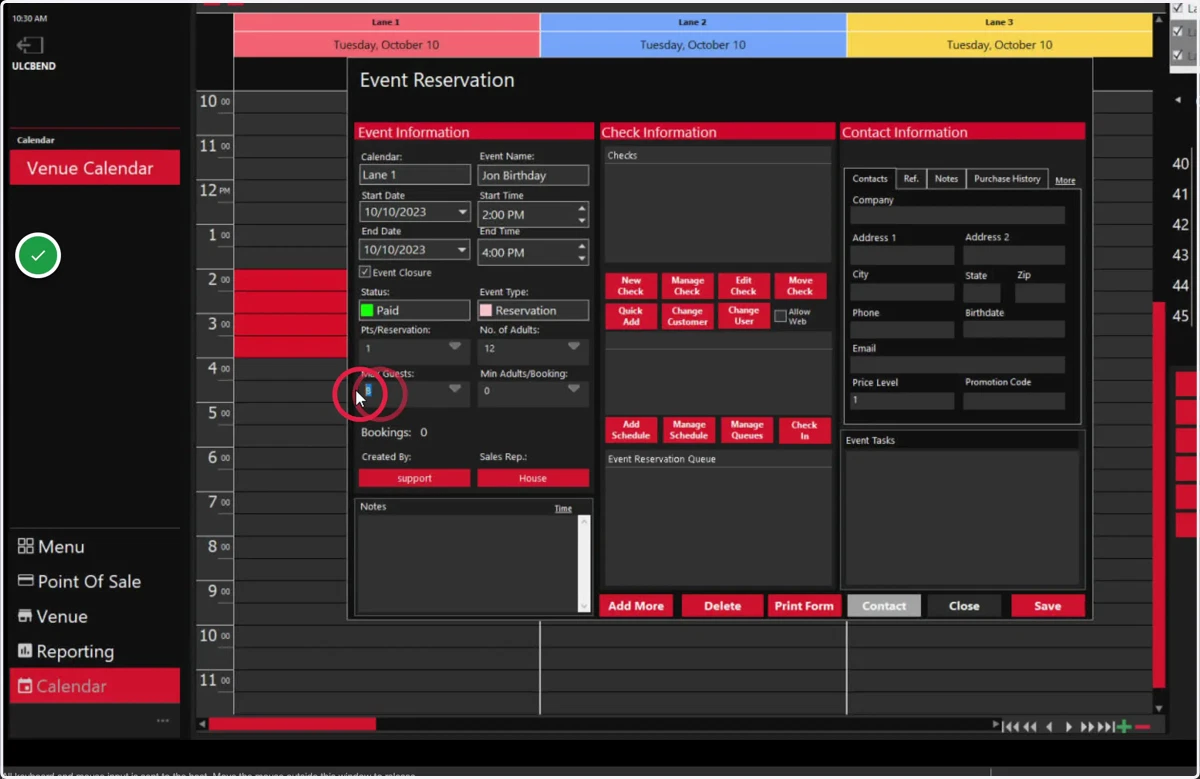
9. Create an Invoice
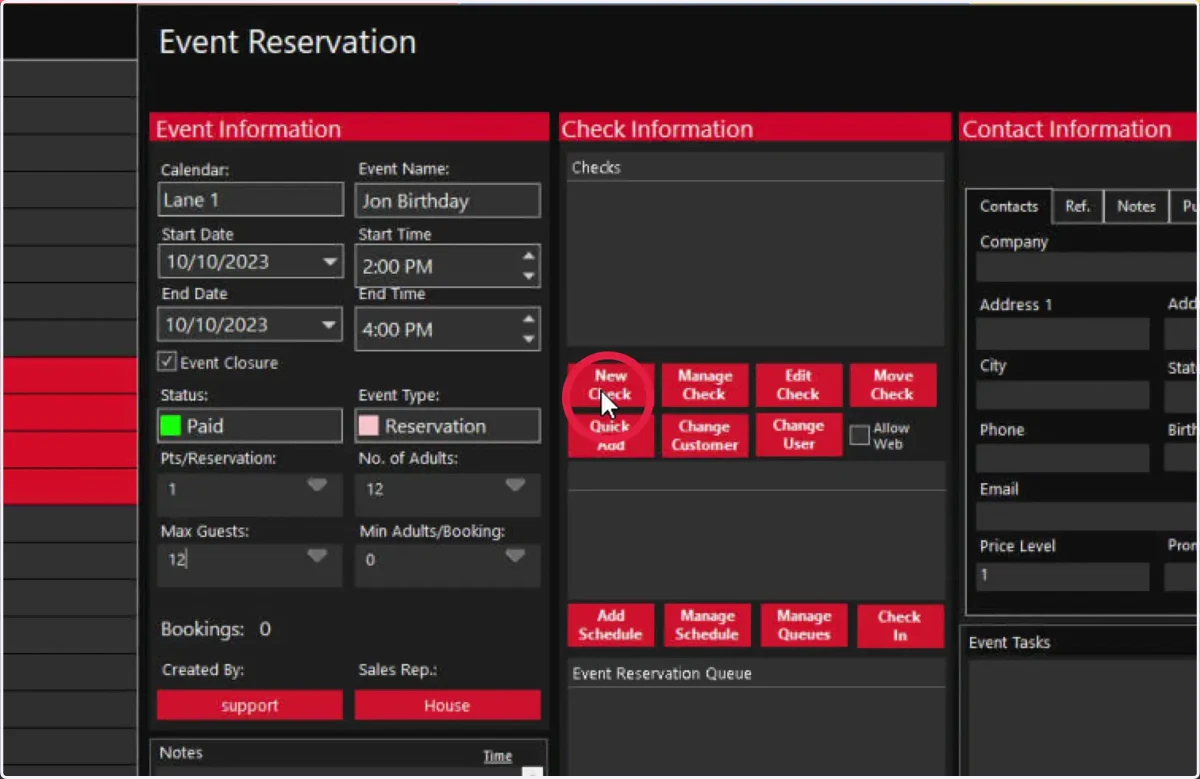
10. Enter guest name to find profile
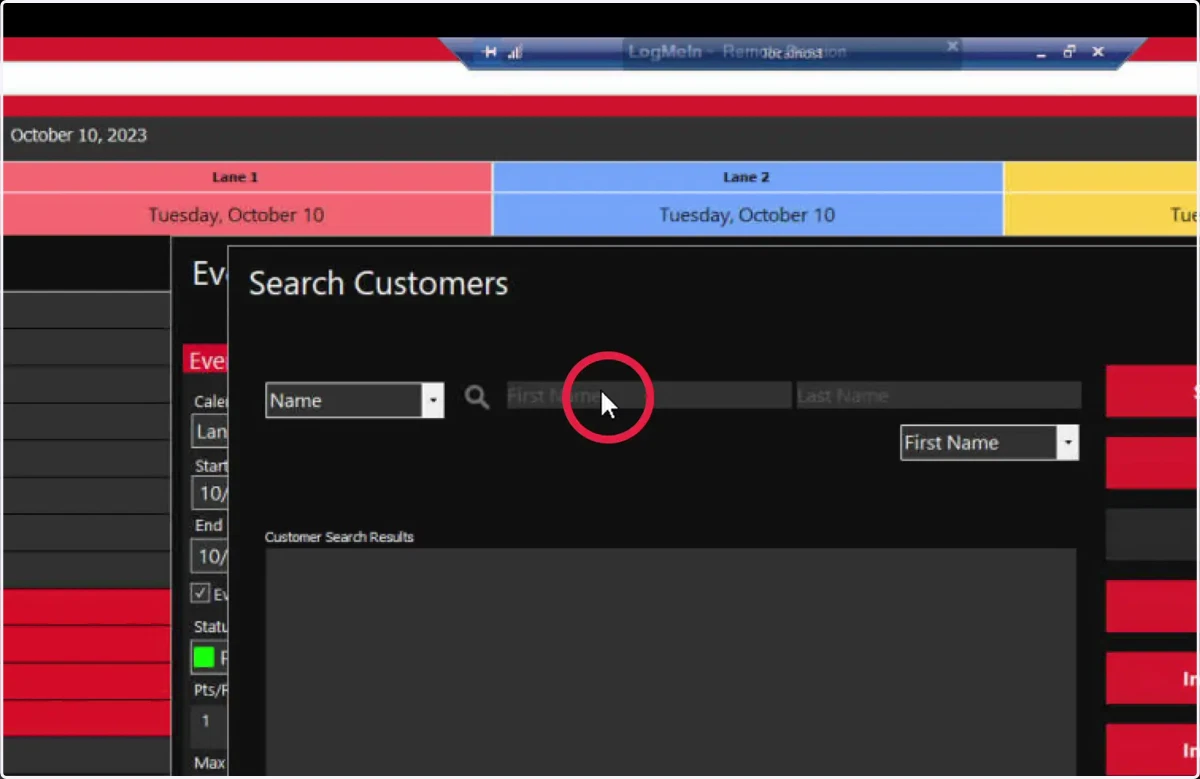
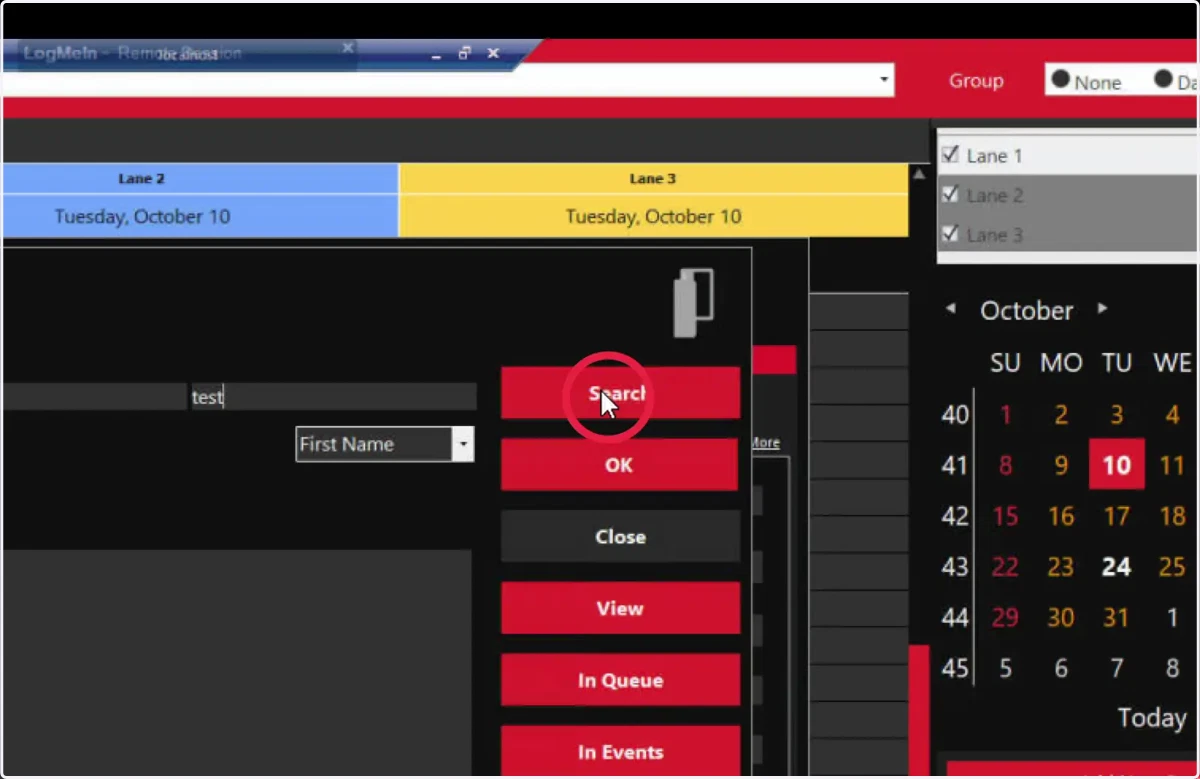
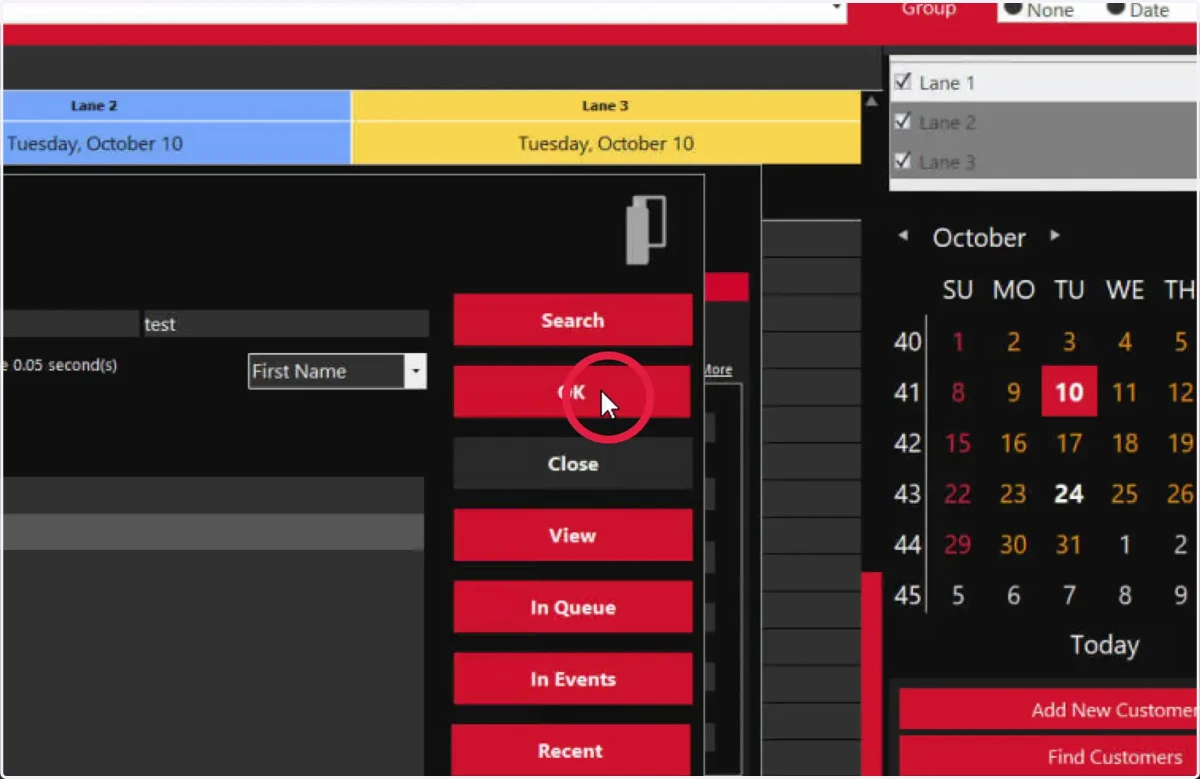
11. Press Search
12. Select customer
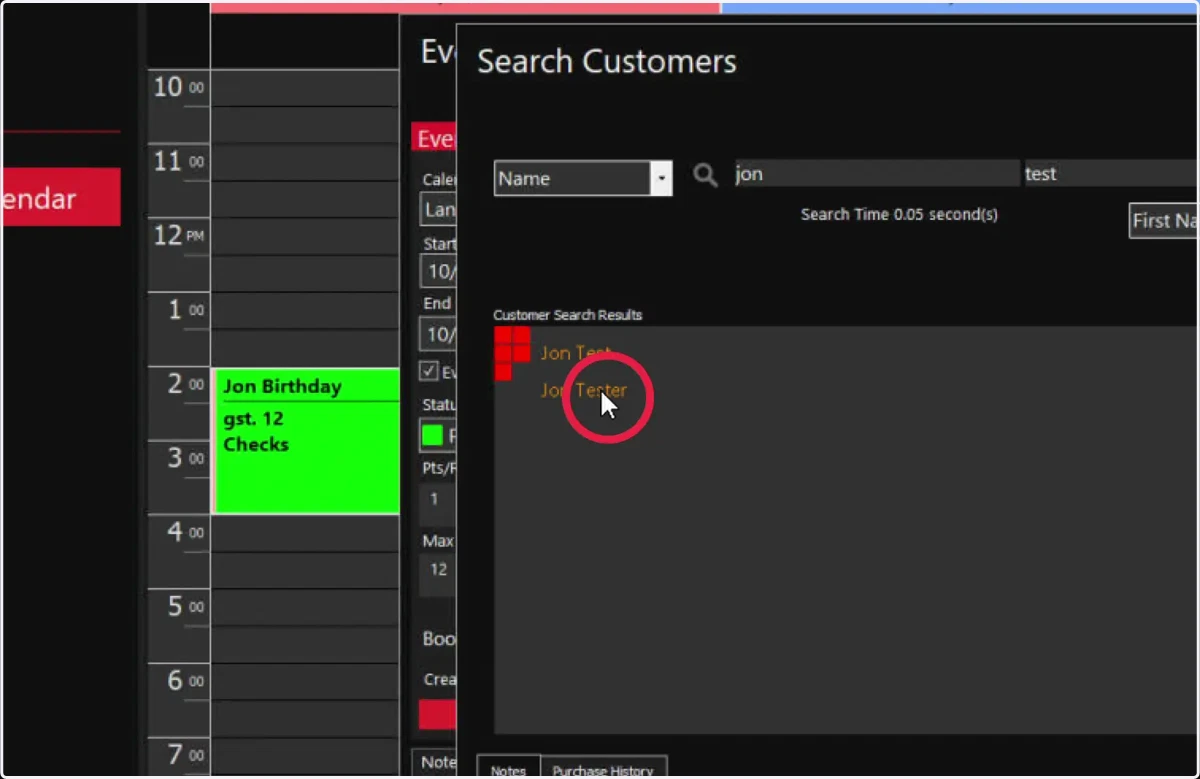
13. Select OK
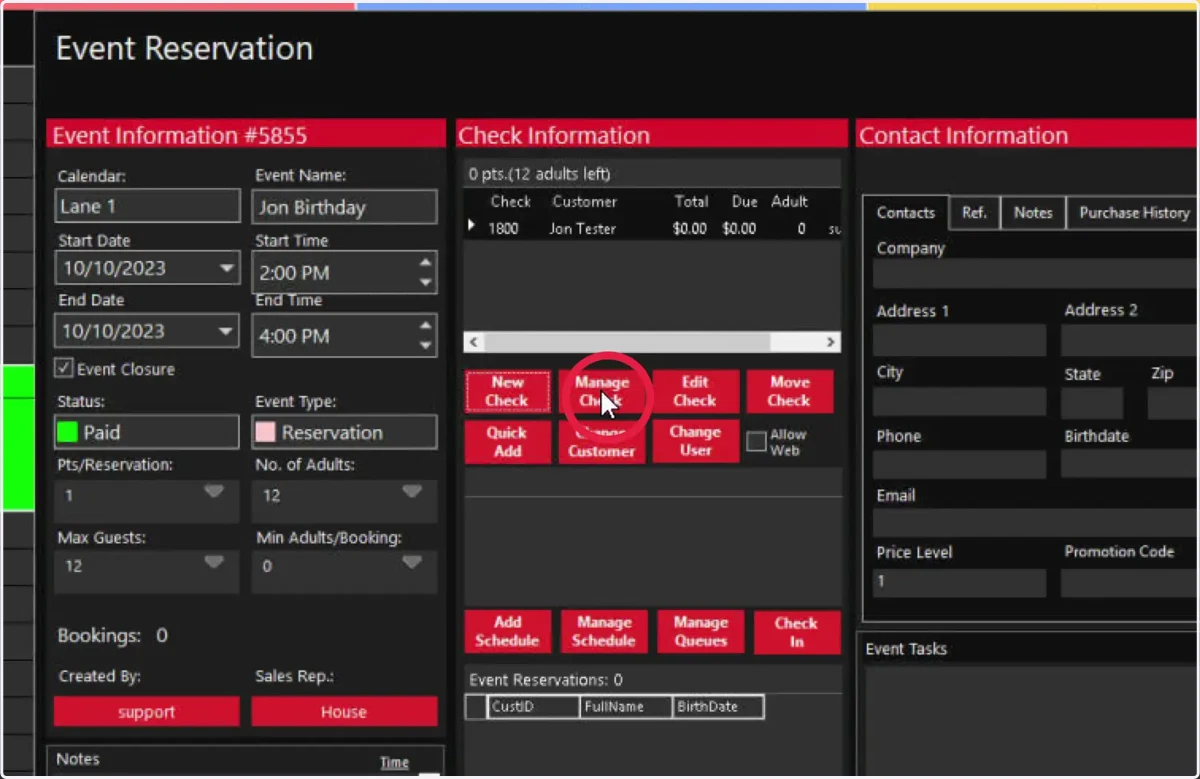
14. To Open the Invoice, Click here
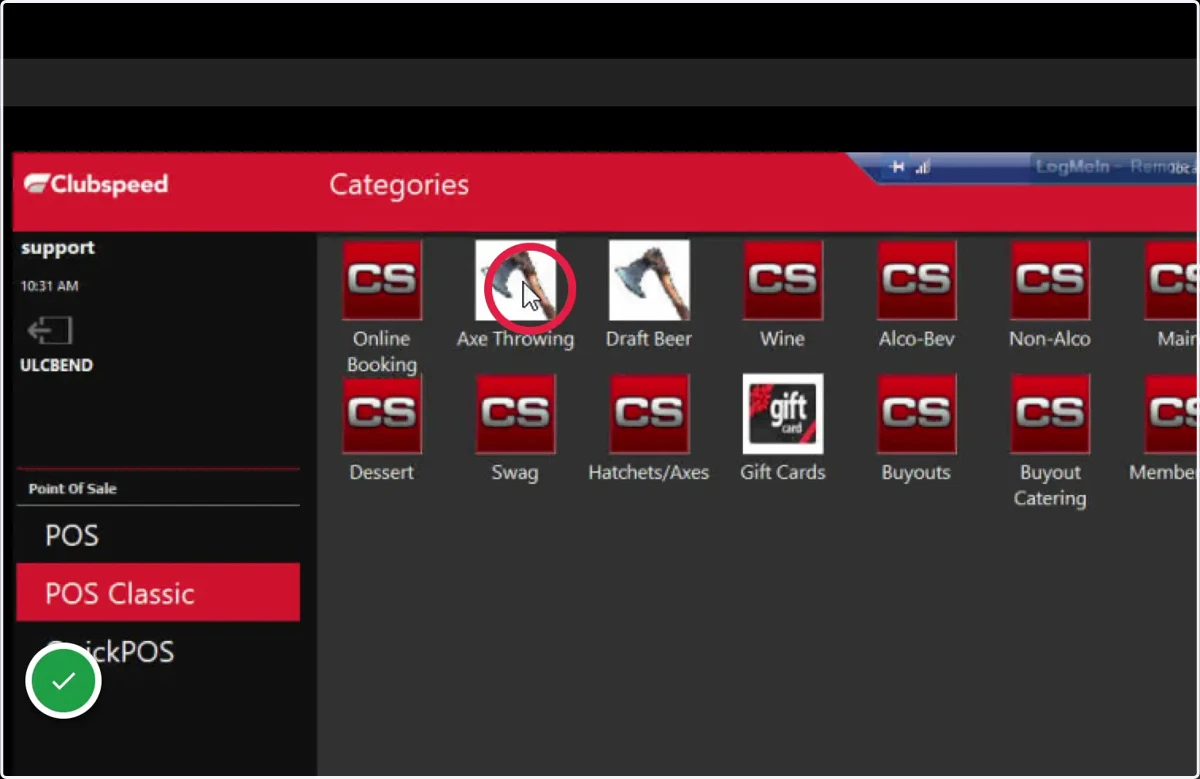
15. Select the product category
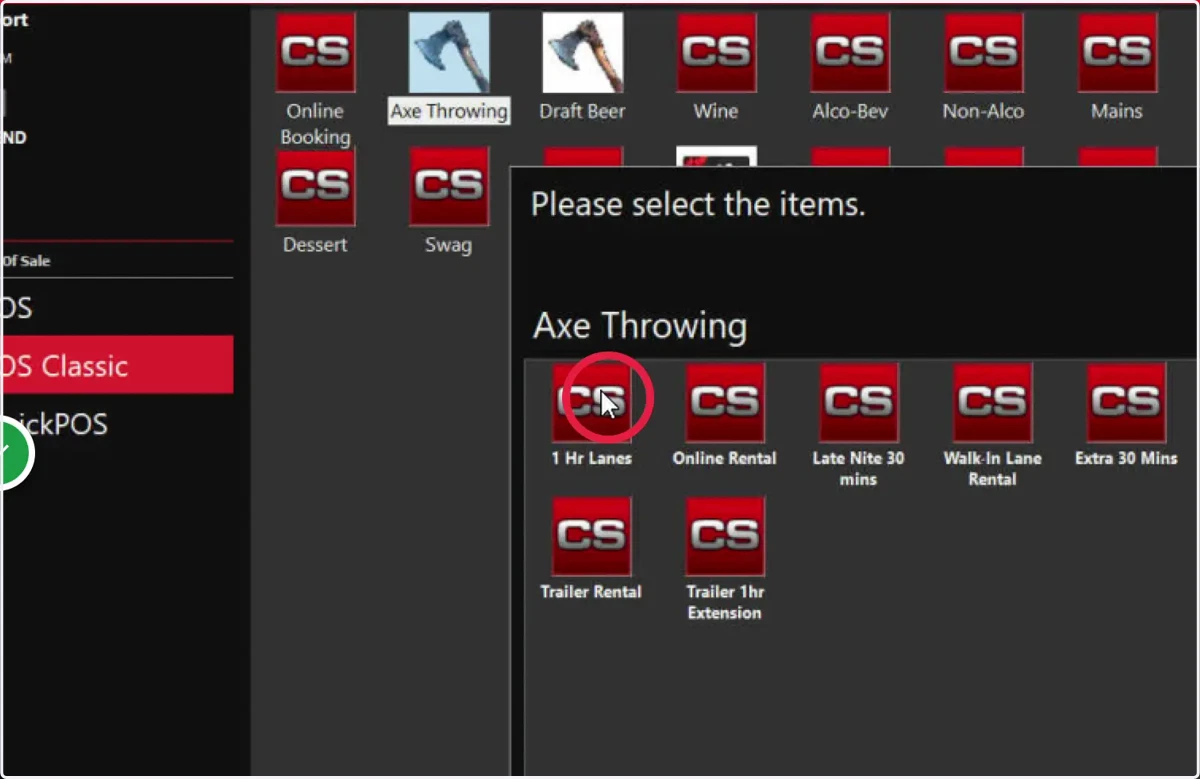
16. Select the item you are selling
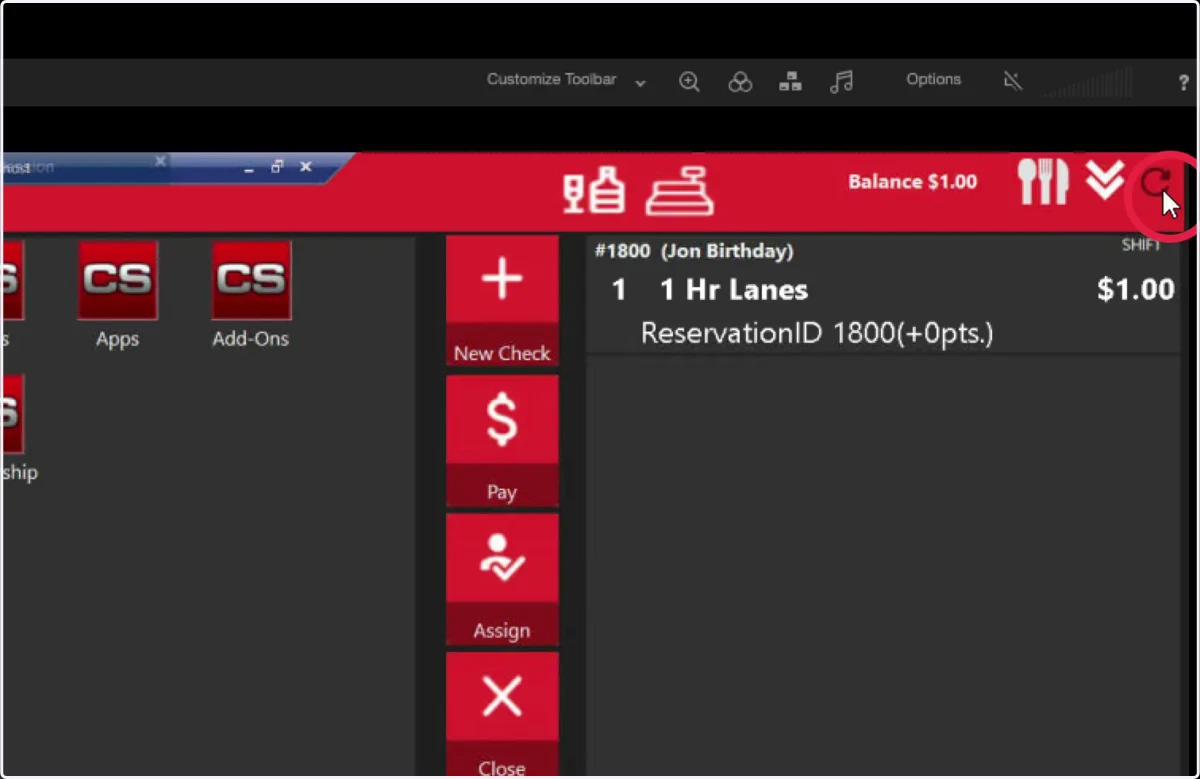
17. To pull the reservation window back up, click here
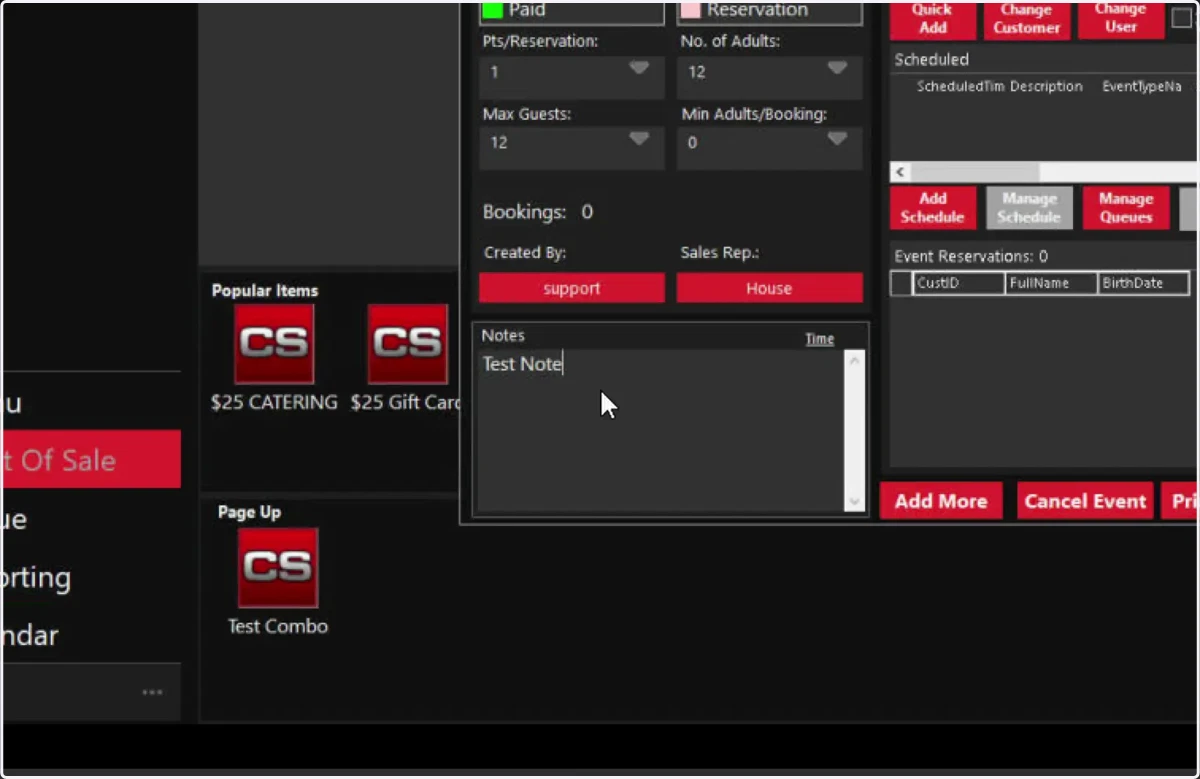
18. Enter any notes you need here
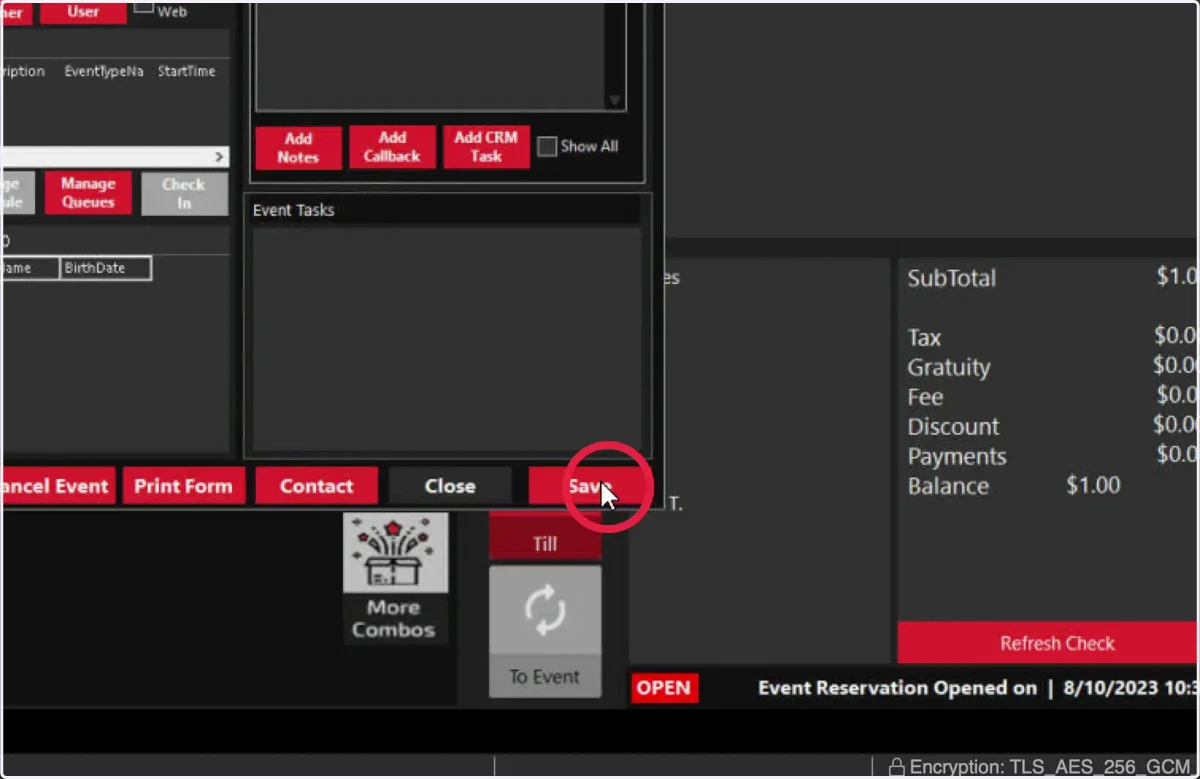
19. Press Save
20. Click here to minimize the invoice.
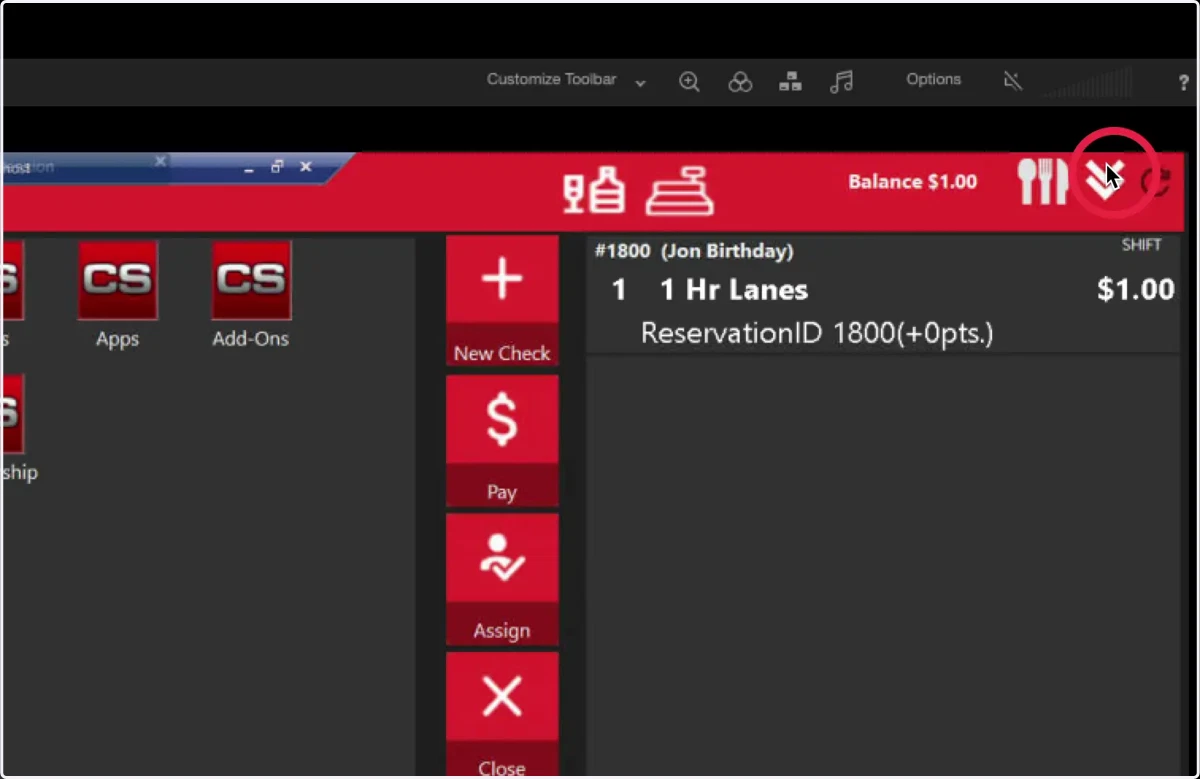
21. Congratulations, you created a pending reservation!