Register for CITI Training
CITI Program
1. Click on Register

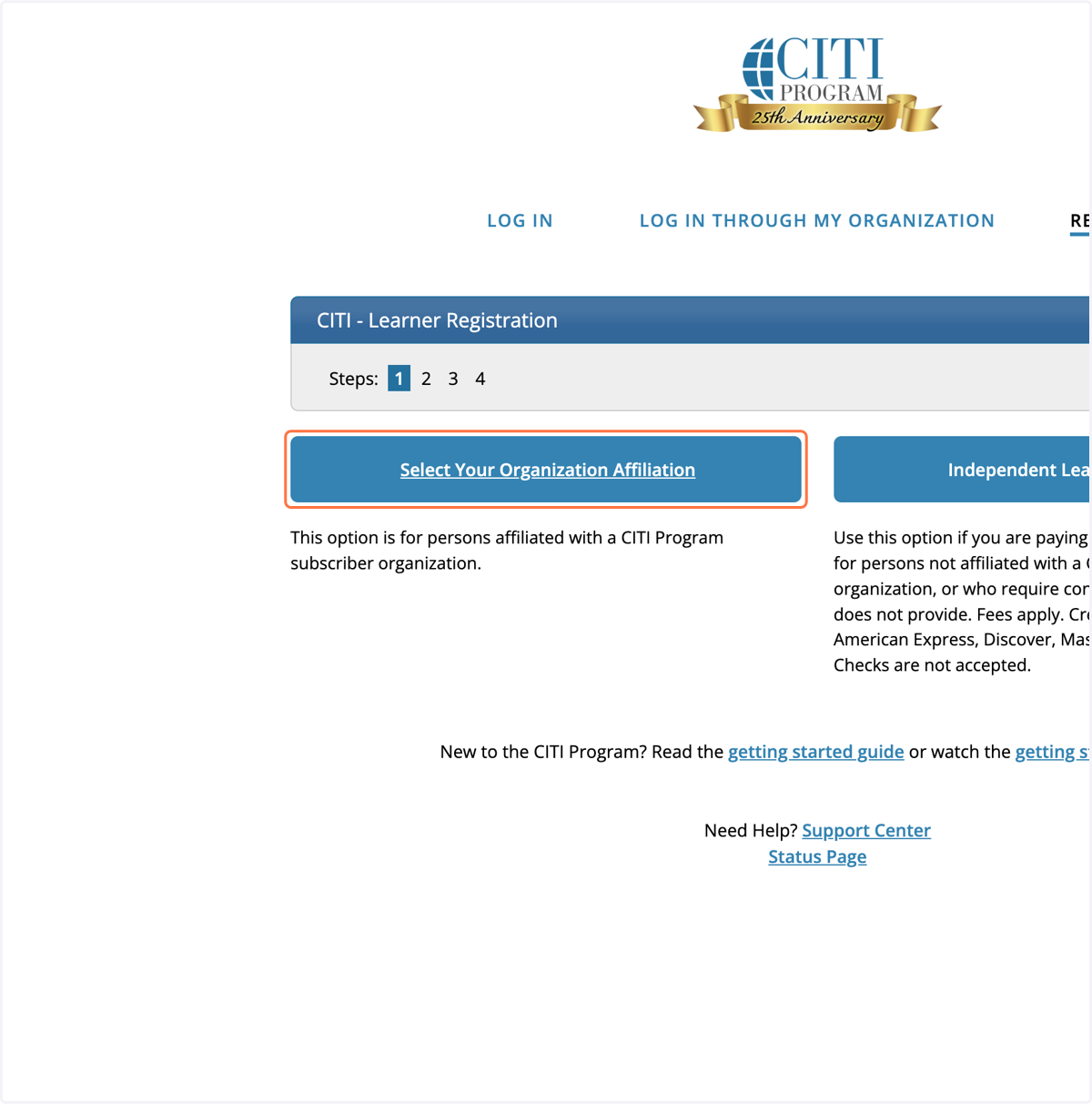
2. Click on Select Your Organization Affiliation
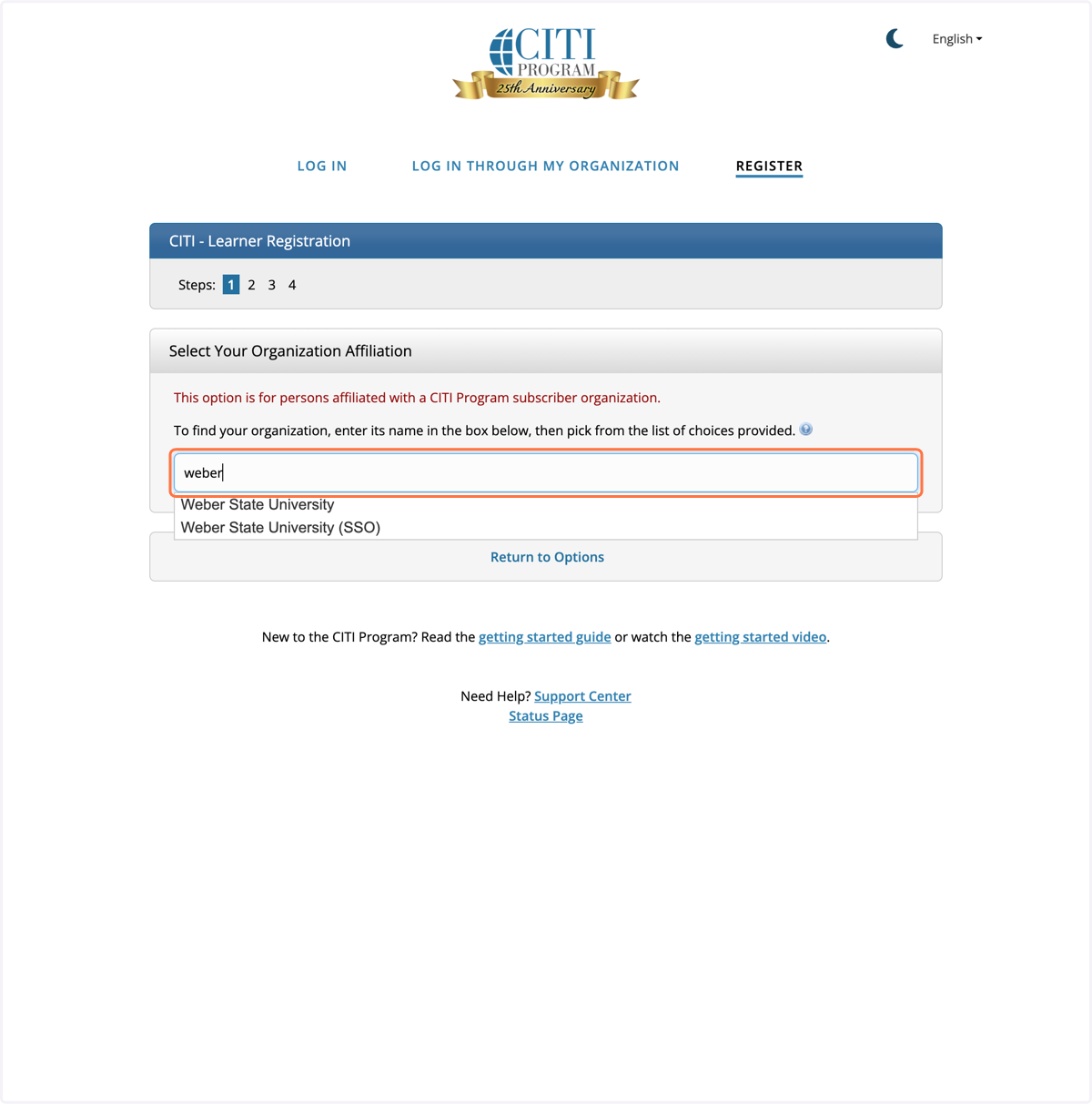
3. Type "Weber State"
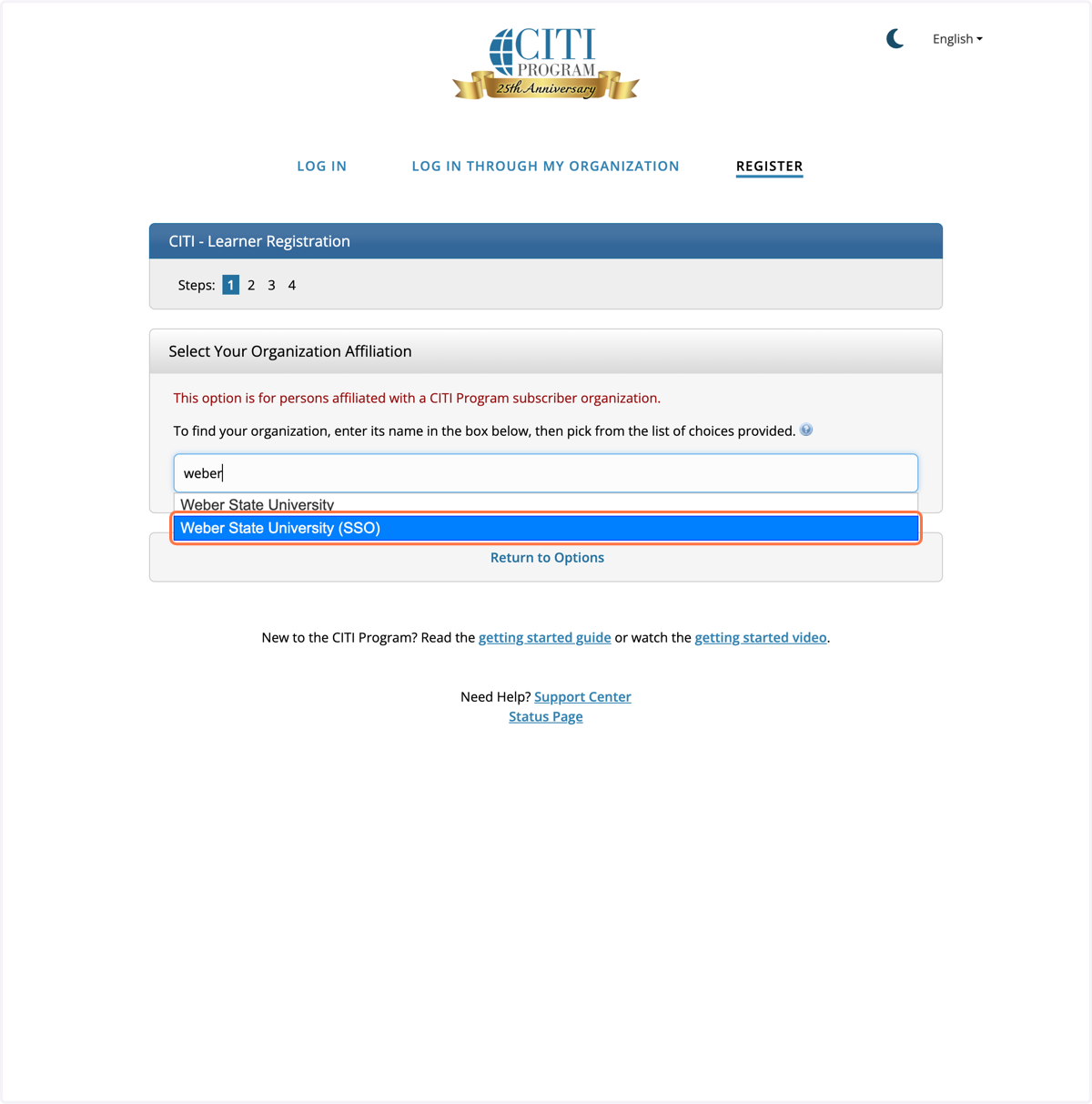
4. Click on Weber State University (SSO)
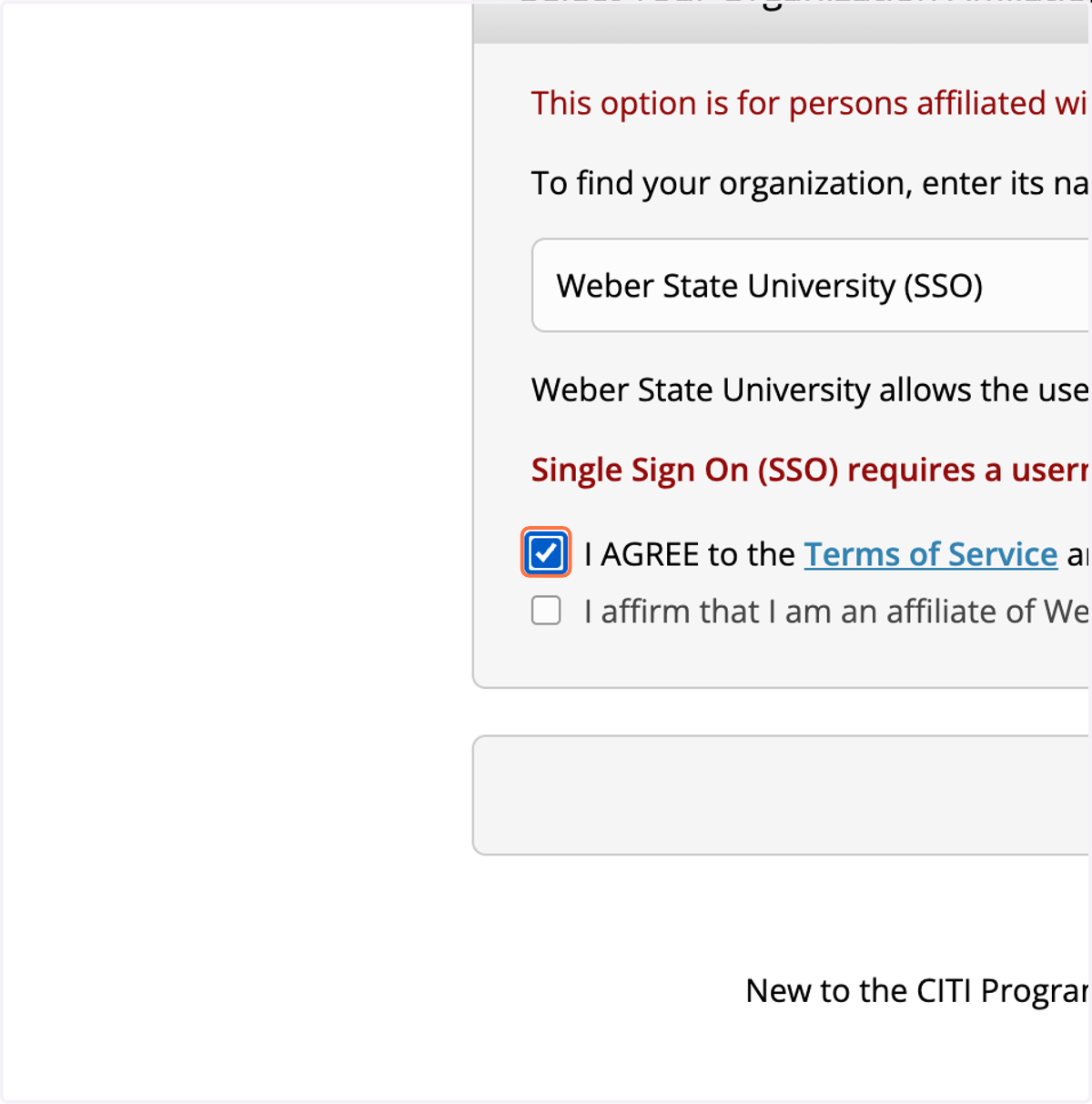
5. Check I AGREE to the Terms of Service and Privacy Policy for accessing CITI Program materials.
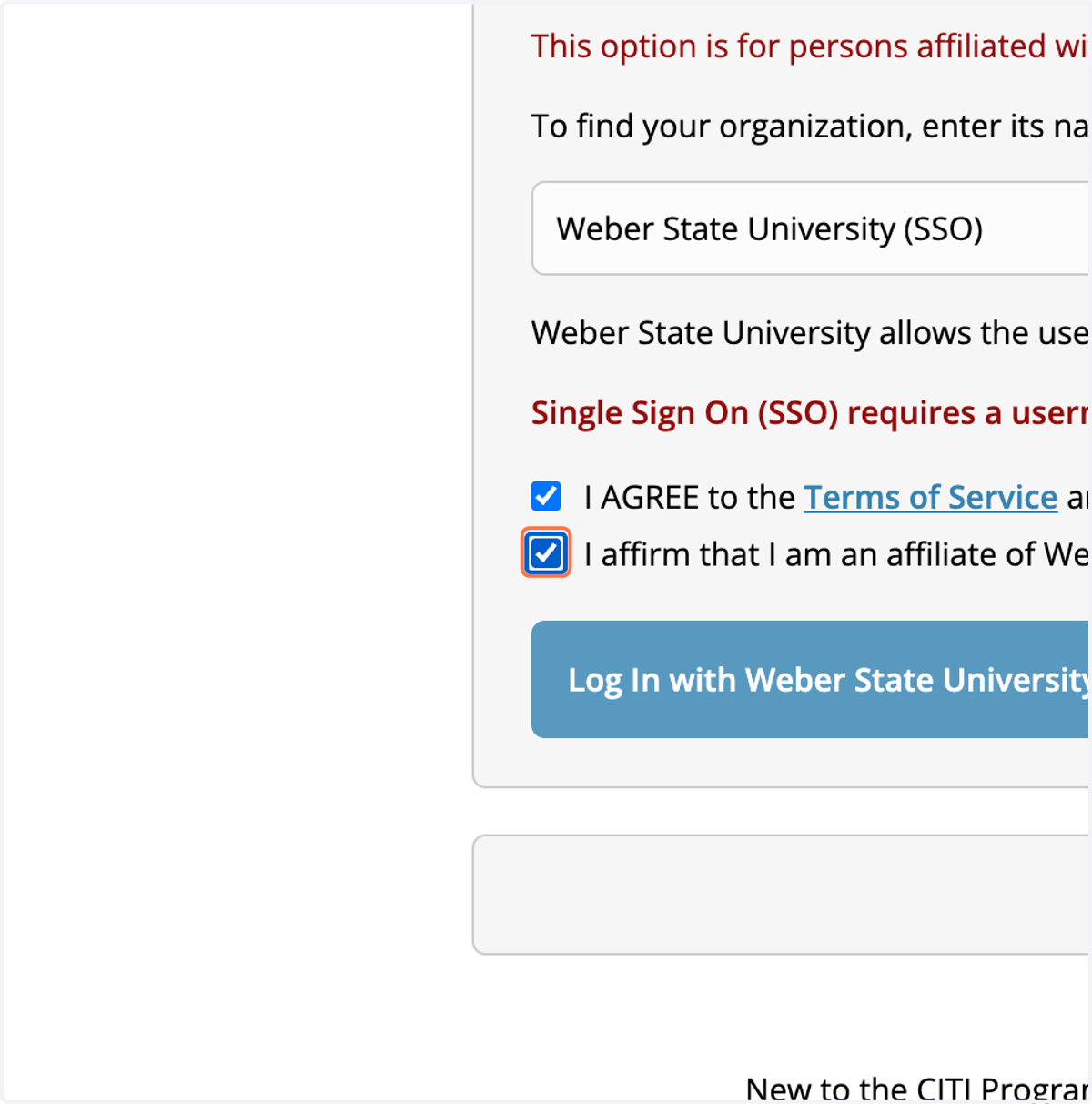
6. Check I affirm that I am an affiliate of Weber State University.
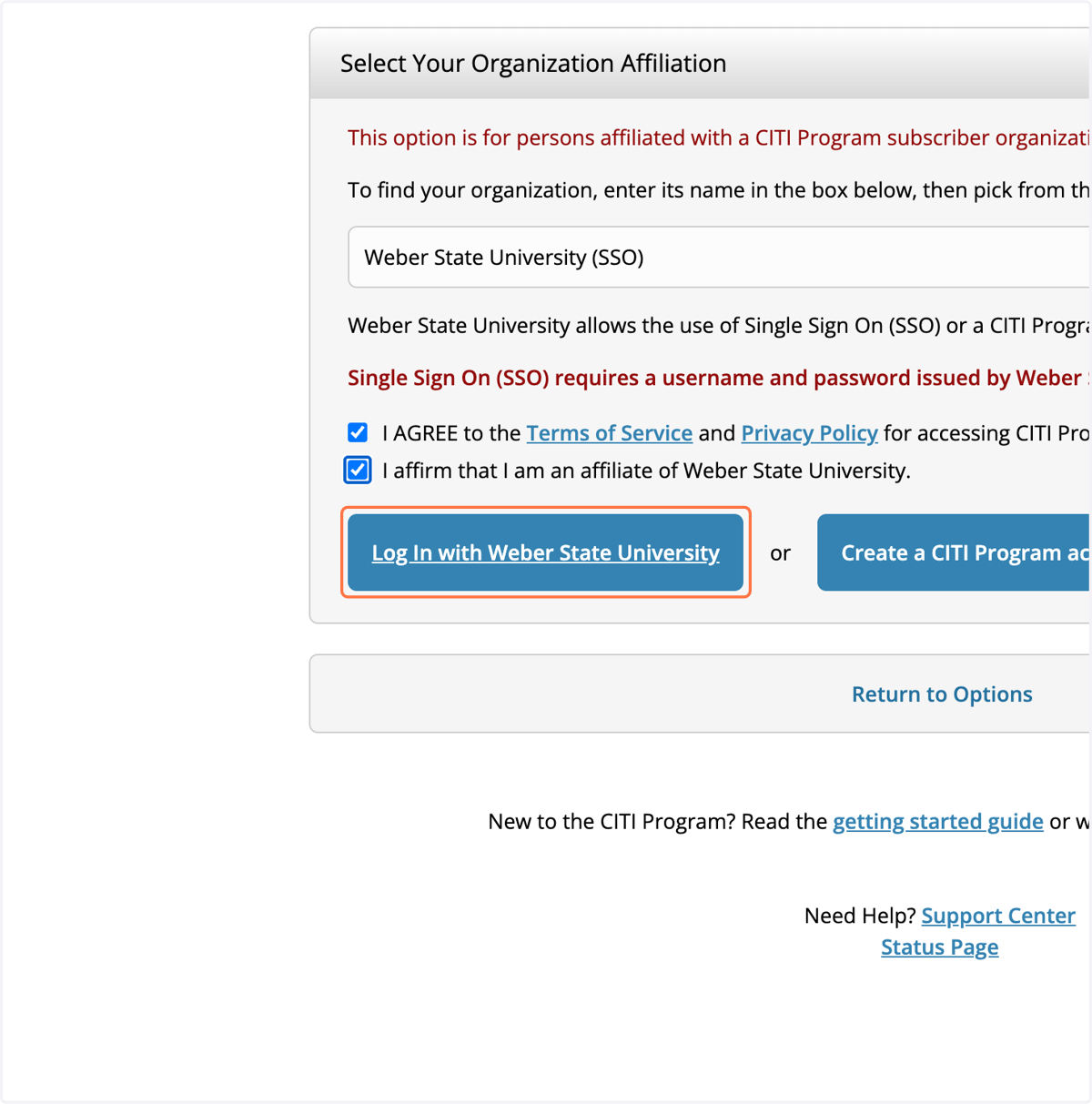
7. Click on Log In with Weber State University
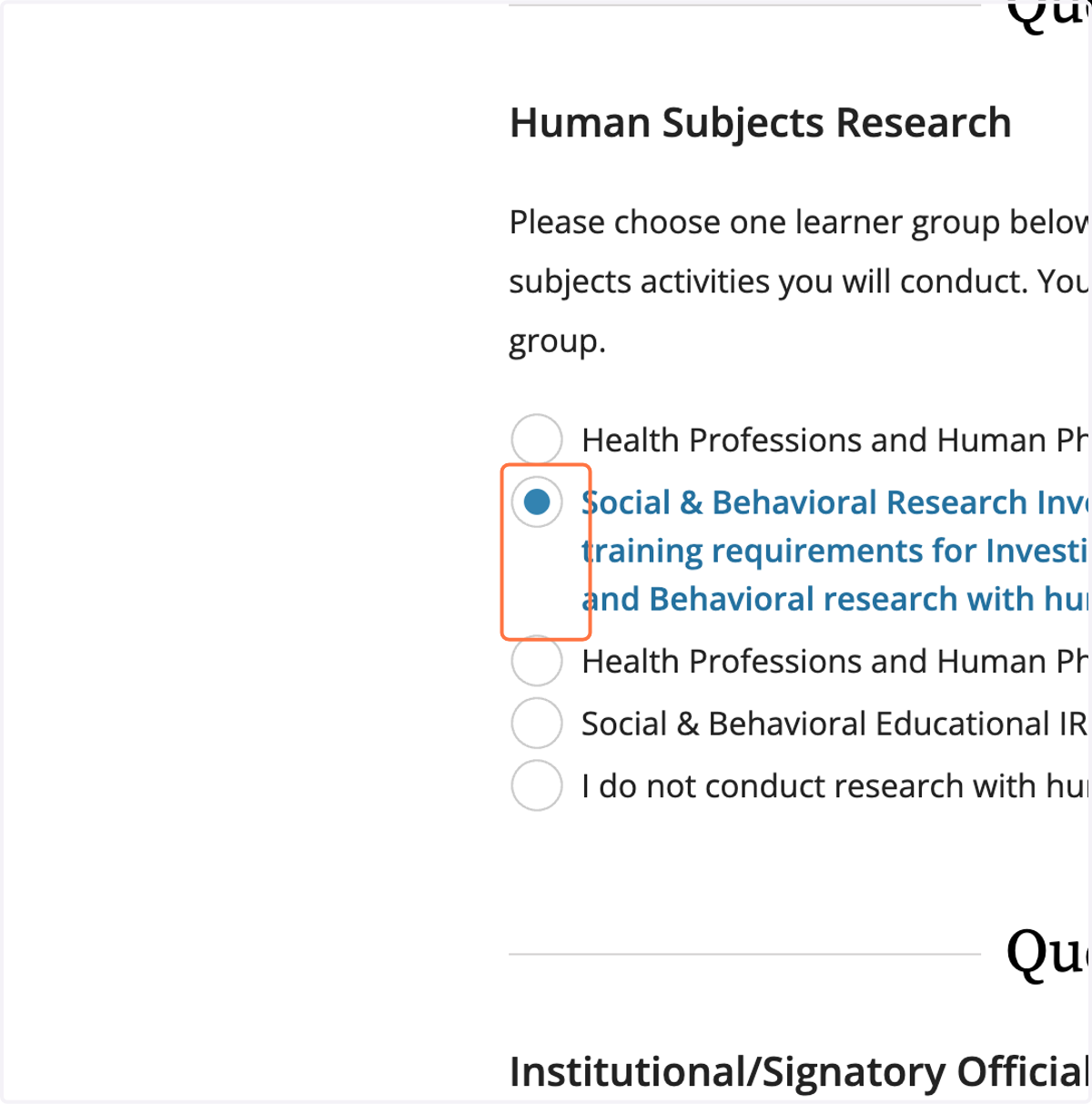
8. After logging into WSU CAS complete the Question form to enroll in the appriorate courses.
Question 1 and the first two choices are appropriate for MOST IRB applicants.
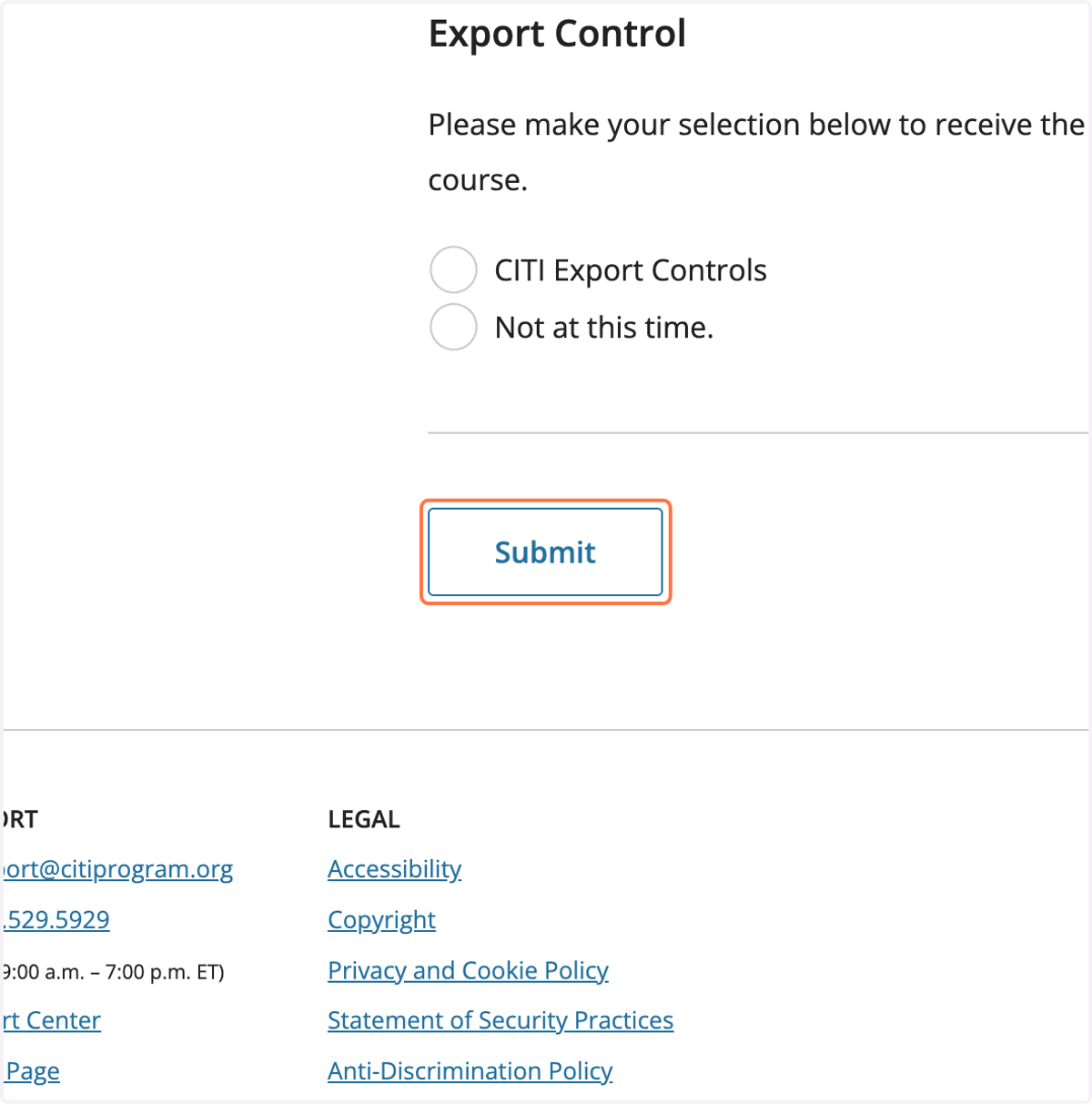
9. Click on Submit