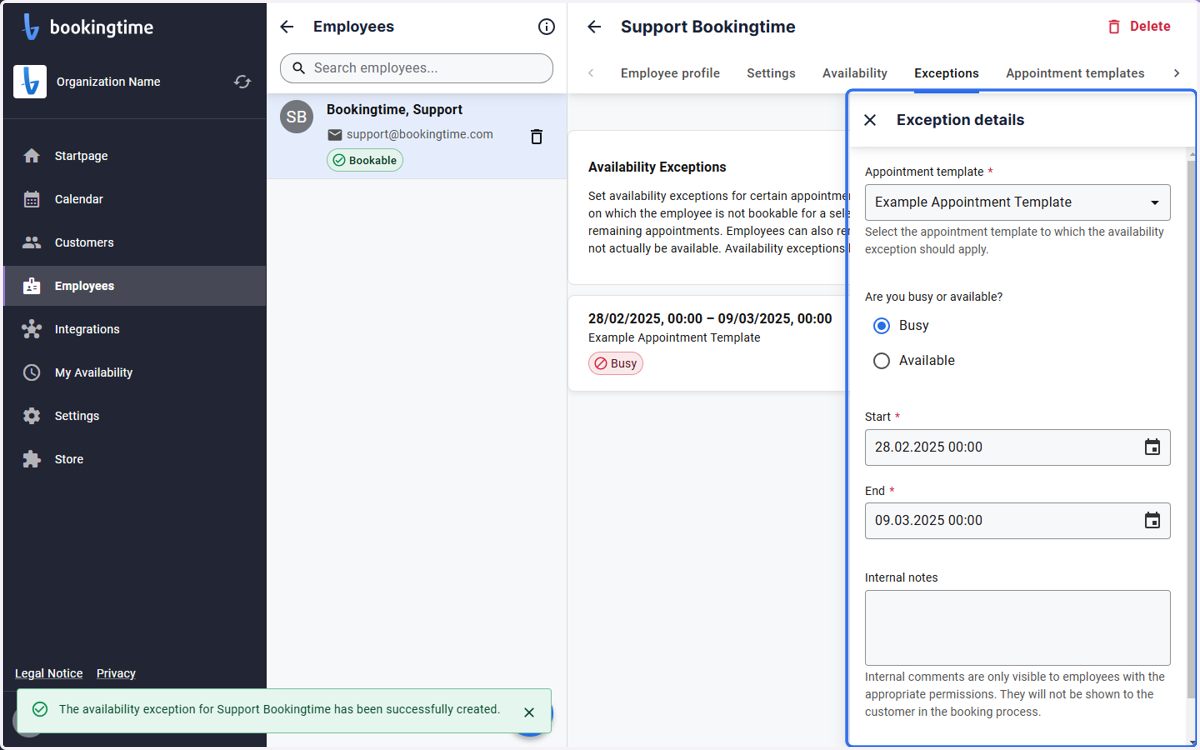
Availability exception for employees
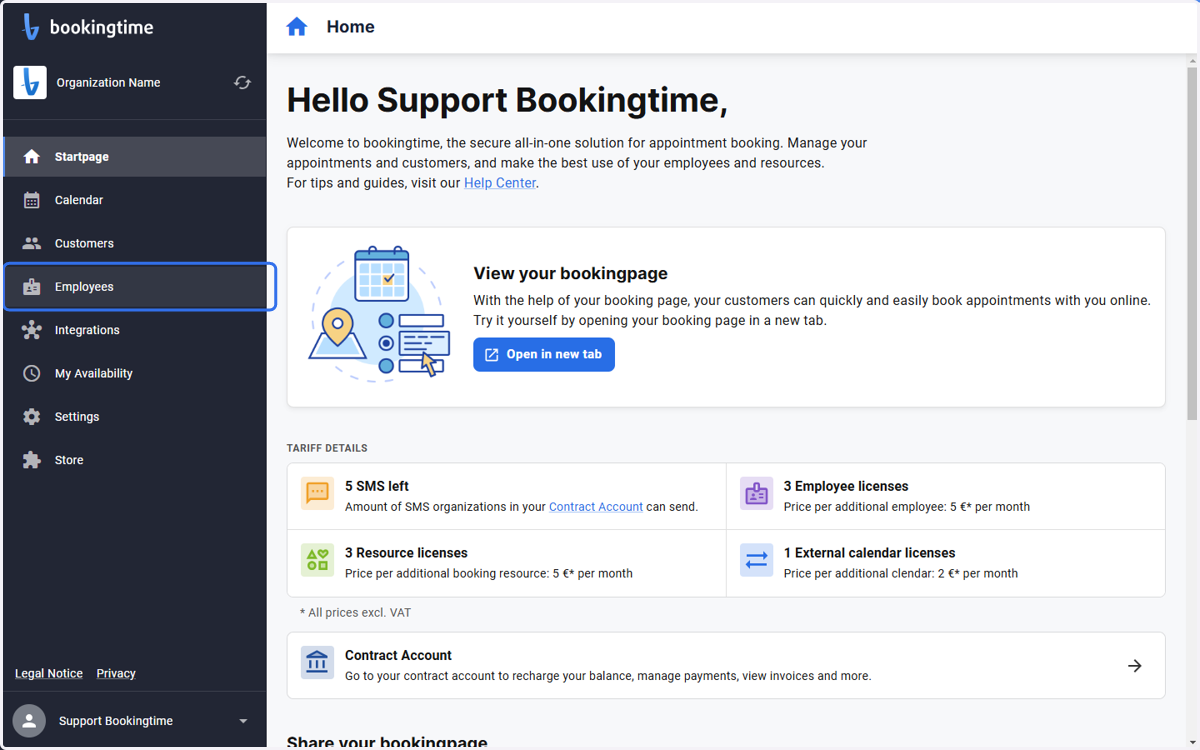
1. Click on Employees
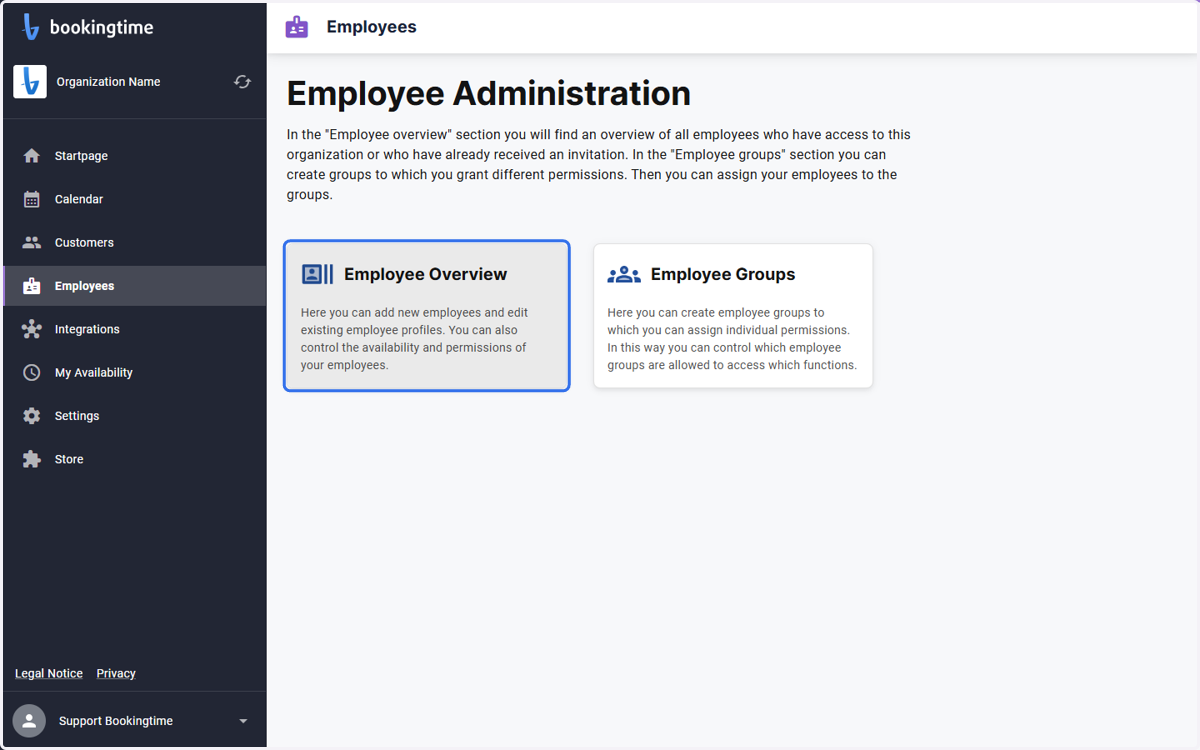
2. Click on Employee Overview
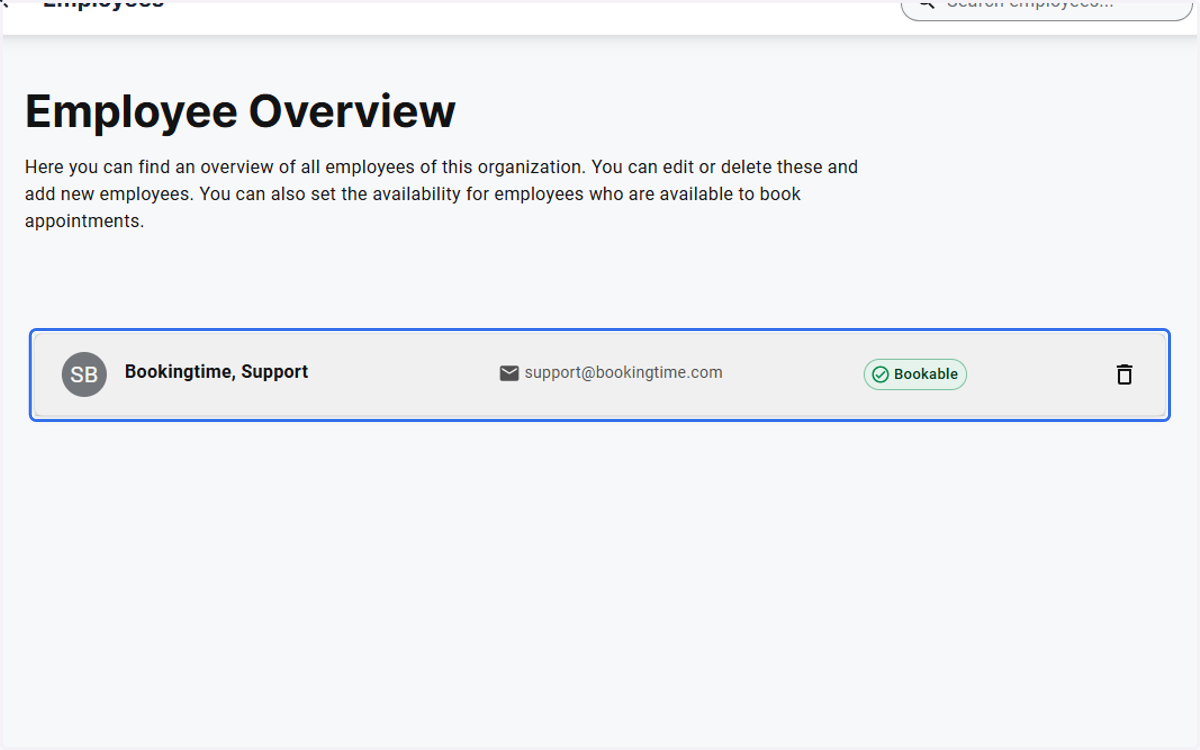
3. Choose an employee
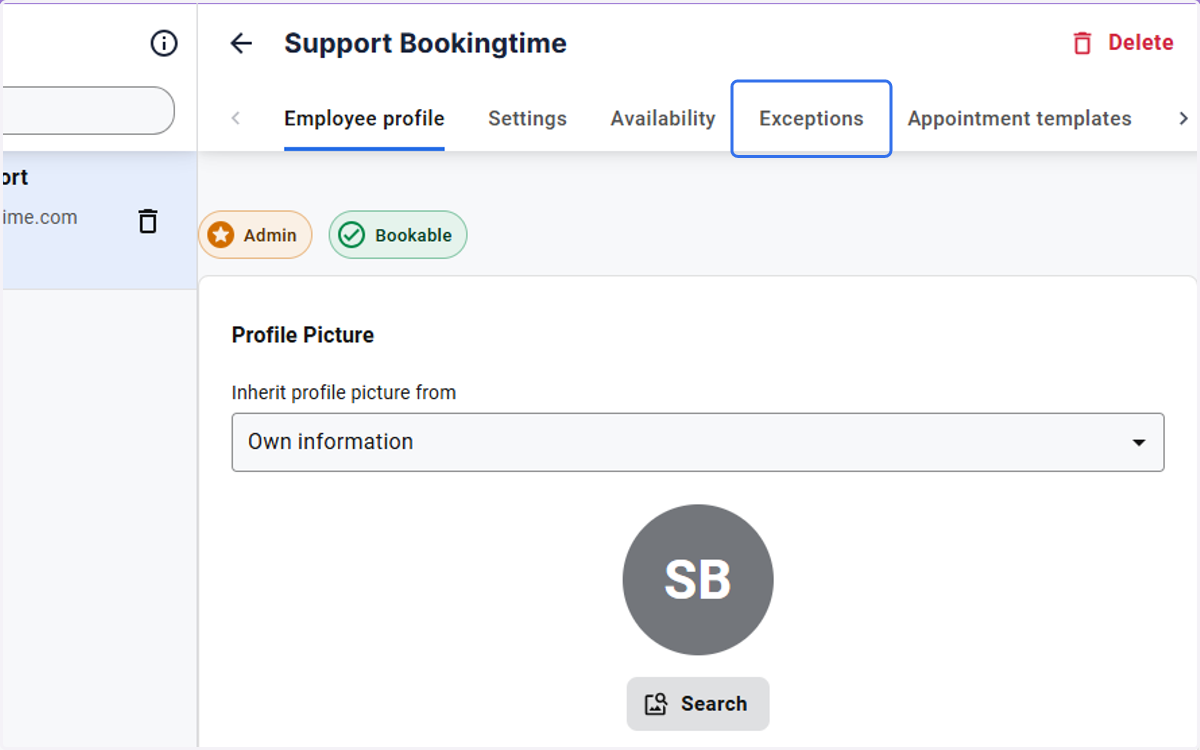
4. Click on Exceptions
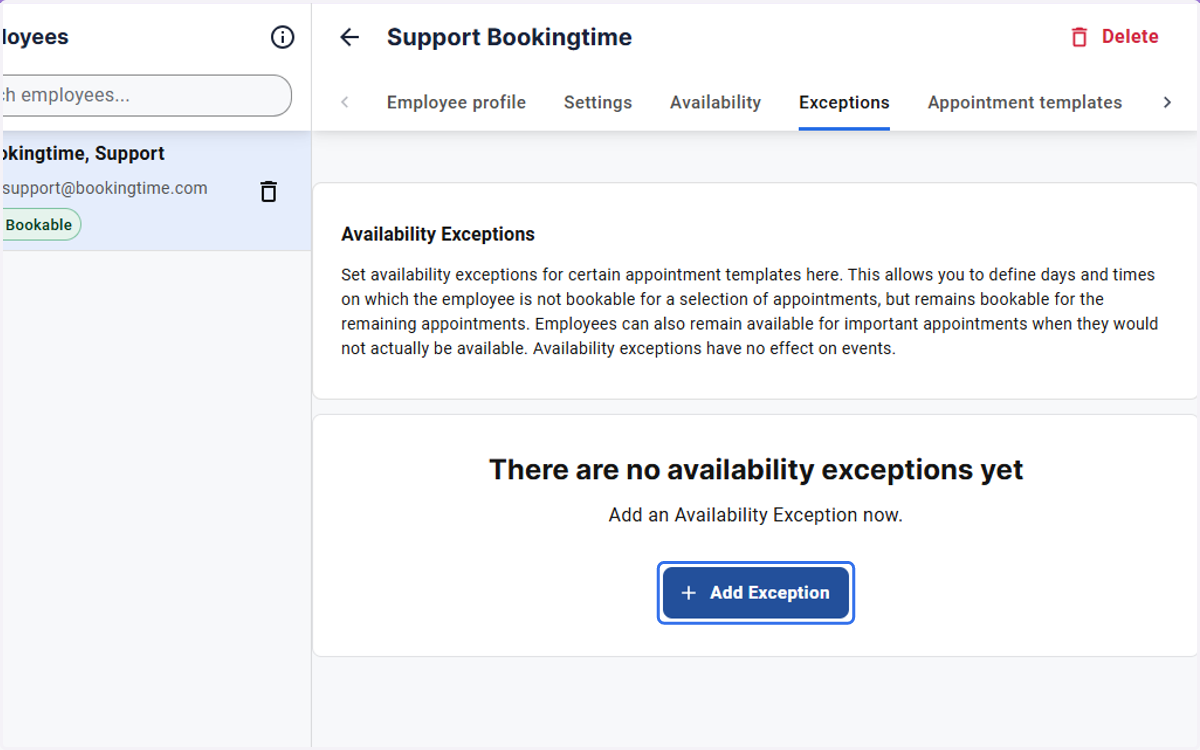
5. Click on Add Exception
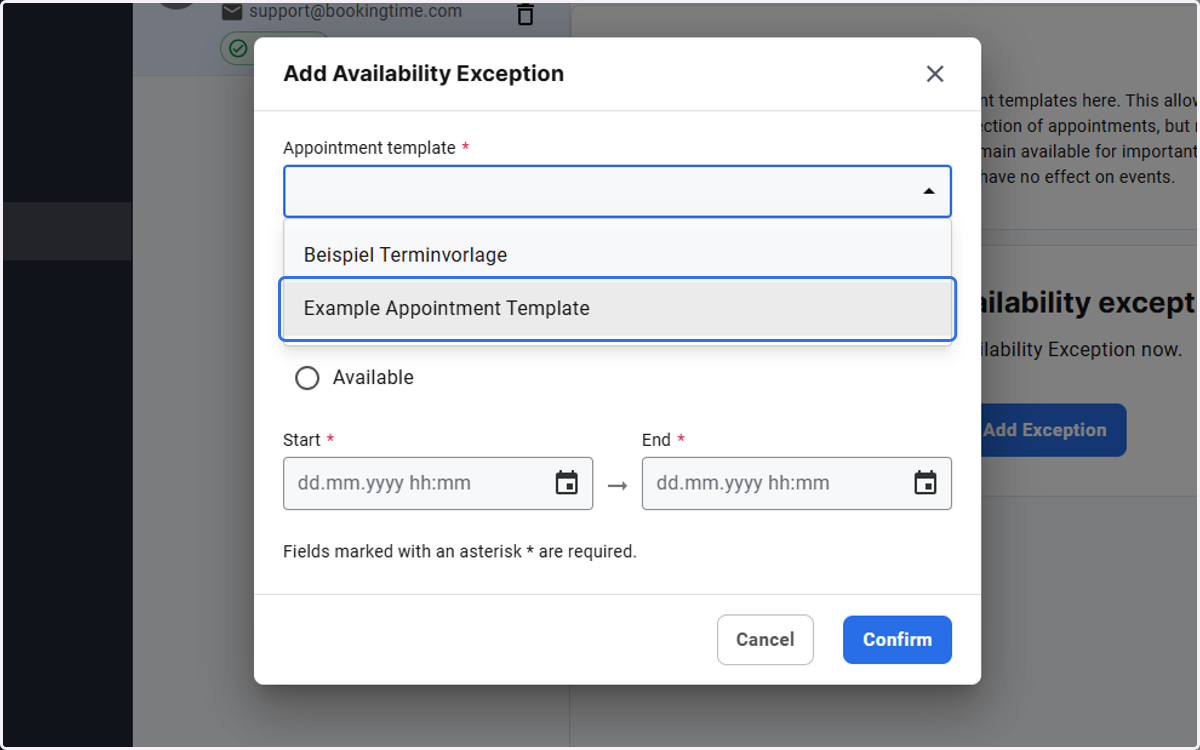
6. Choose an appointment template from the drop down
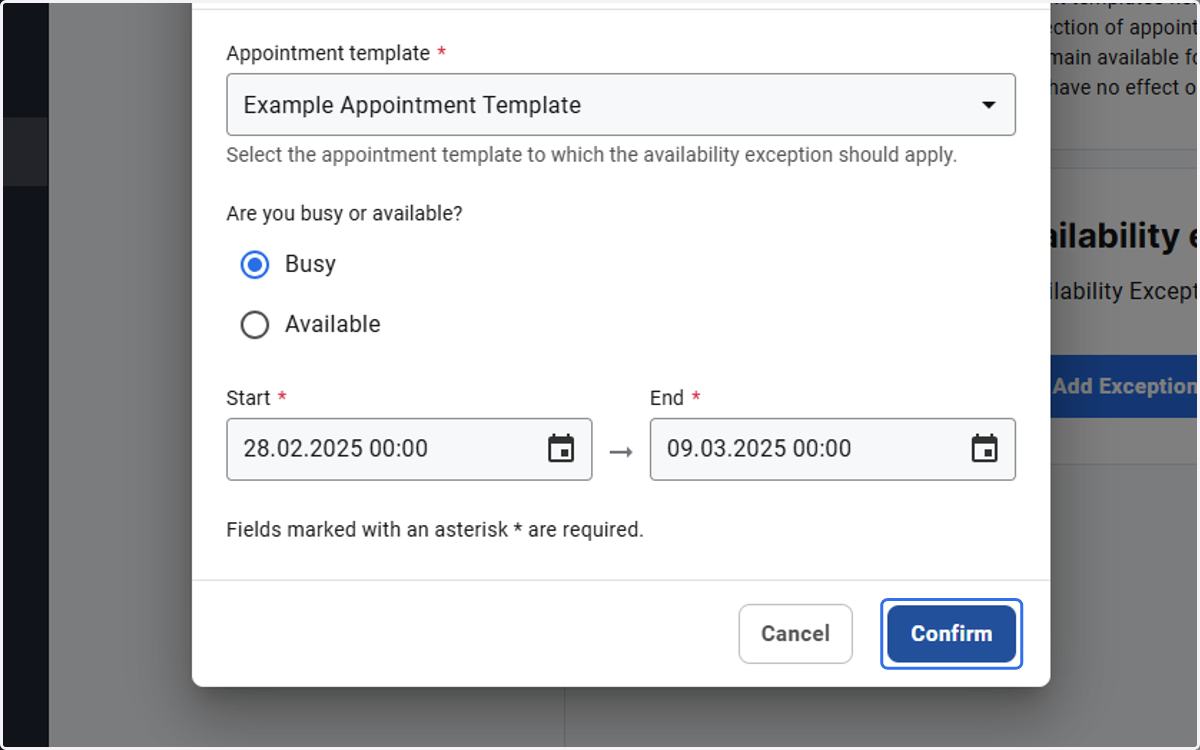
7. Choose a time range and click on Confirm
8. The entered configuration will be shown at the end