Updating the Formatting of Names

  1. 1. Click on Settings and Configuration
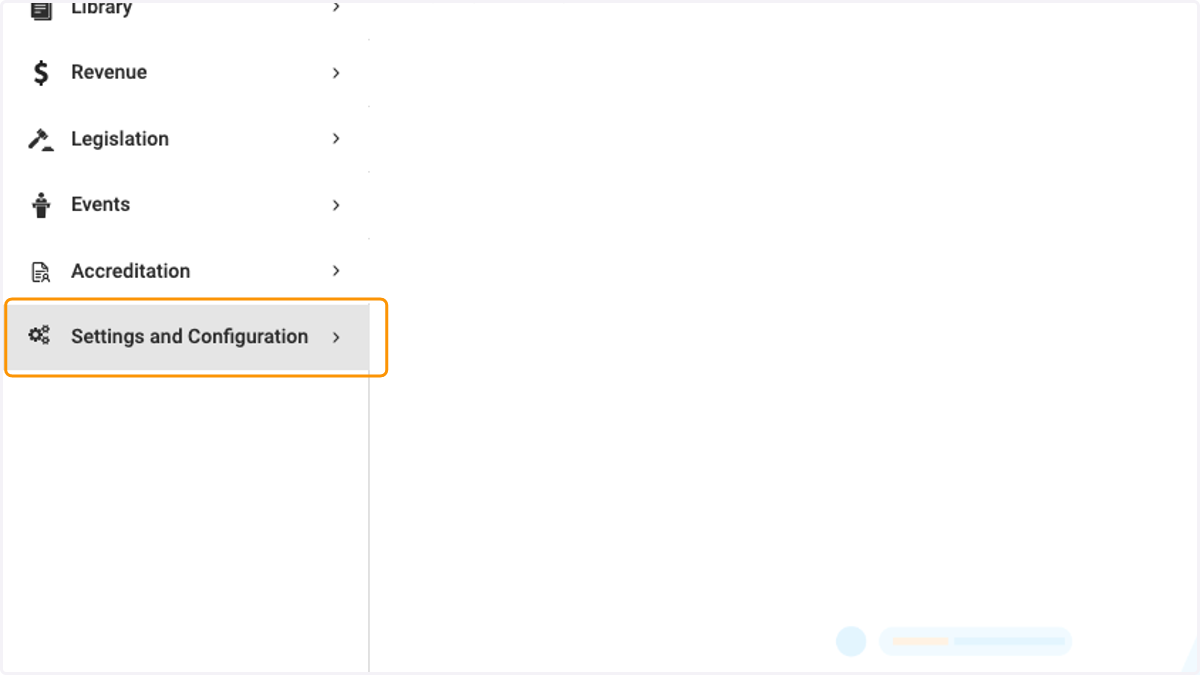
    Click on Settings and Configuration
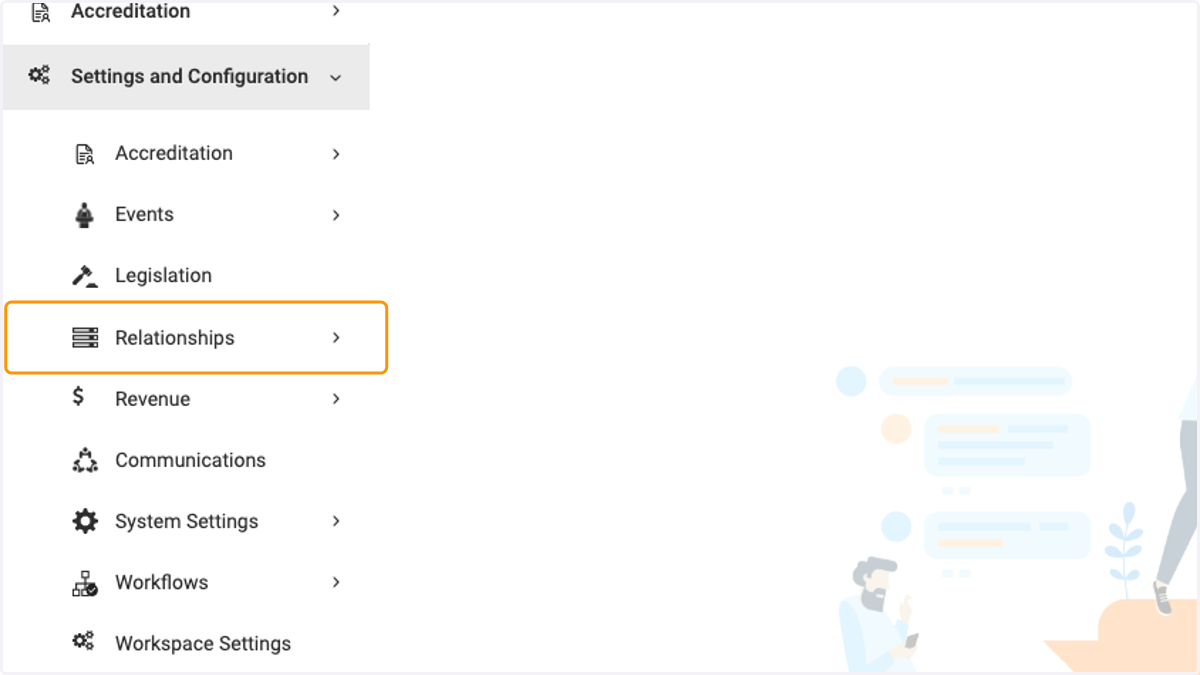
  2. 2. Click on Relationships

    Click on Relationships
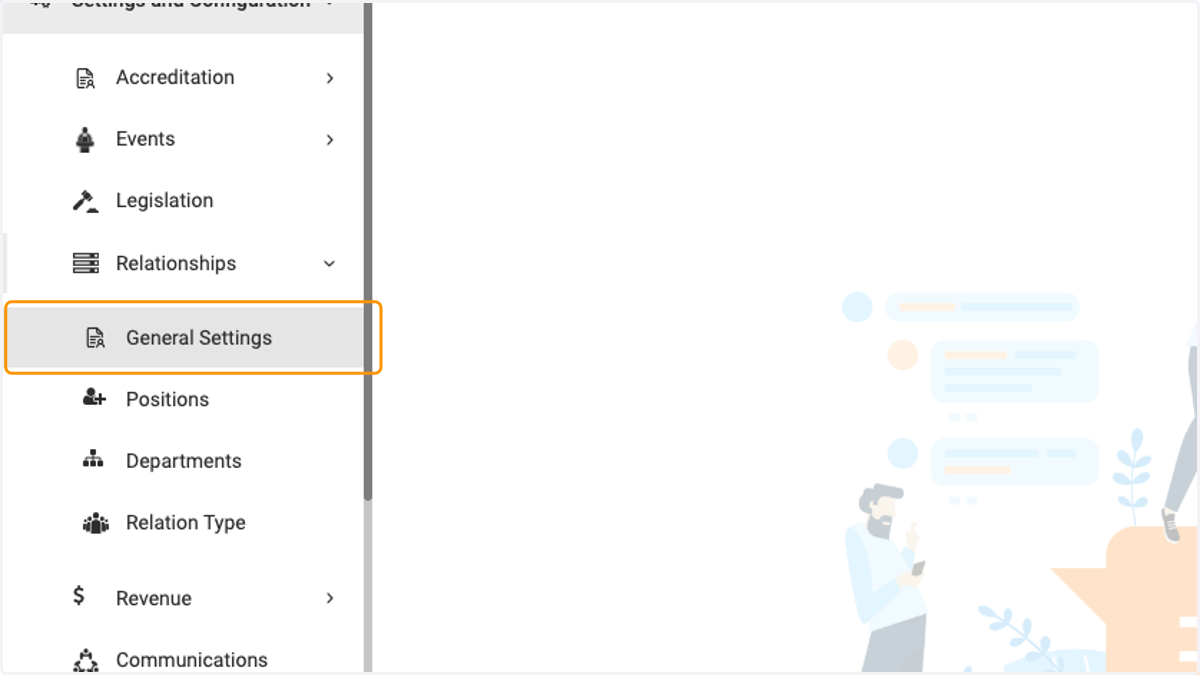
  3. 3. Click on General Settings

    Click on General Settings
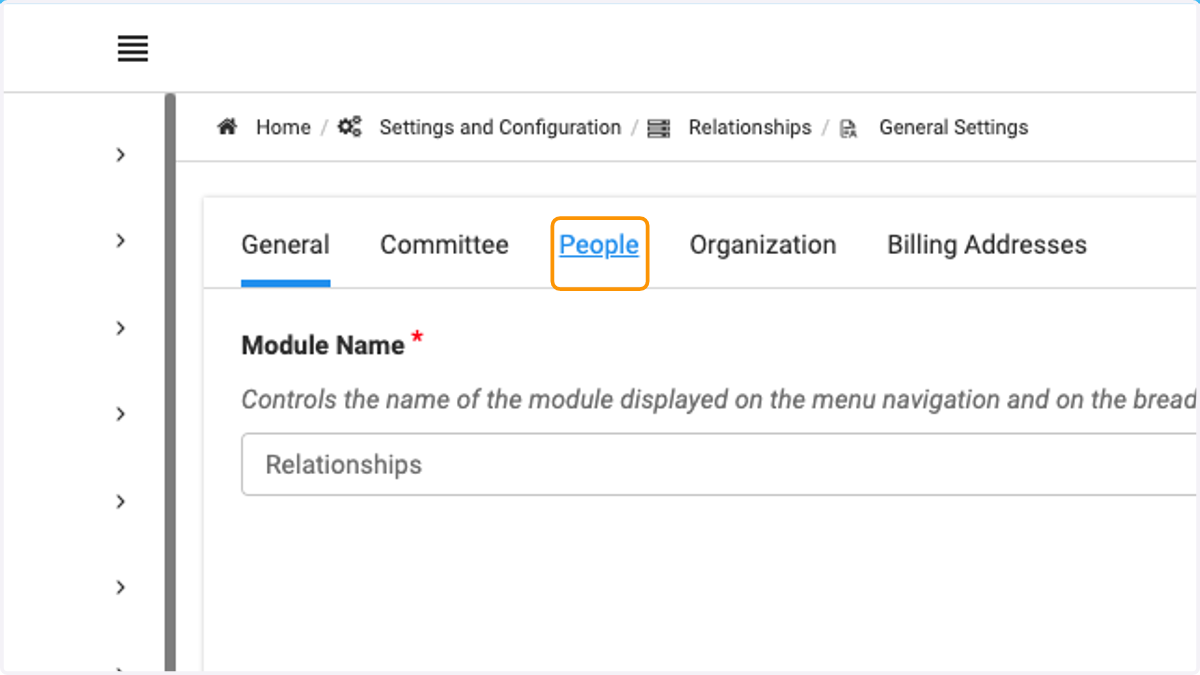
  4. 4. Click on People

    Click on People
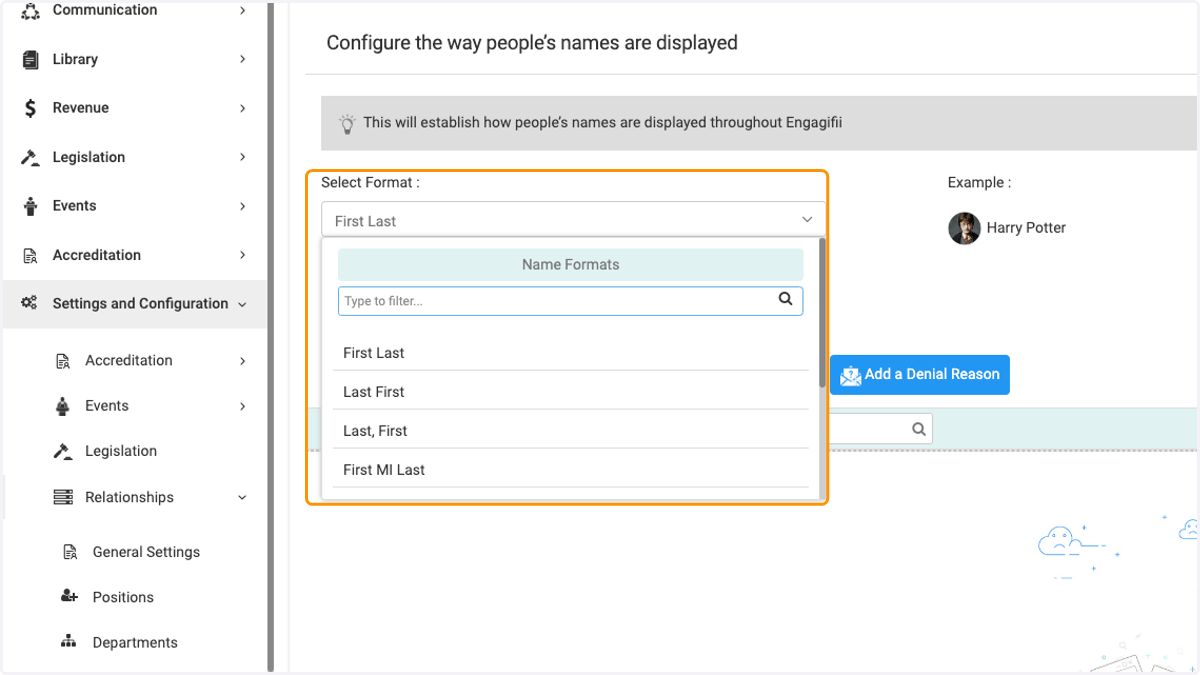
  5. 5. Click on the Select Format dropdown
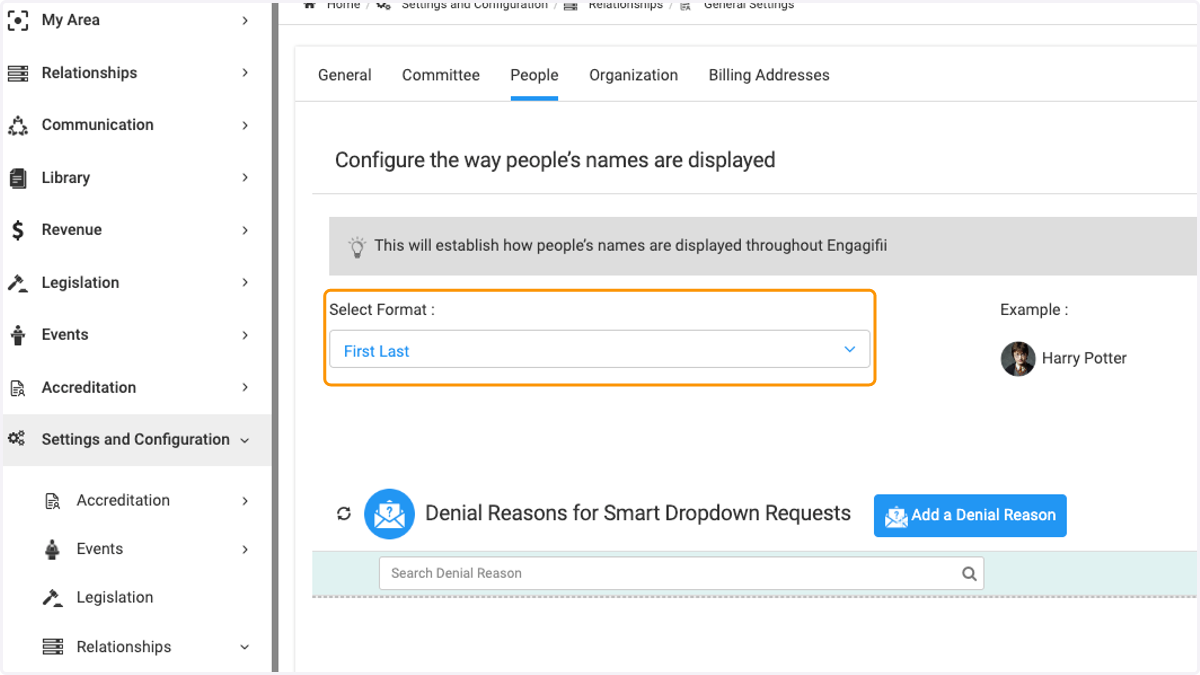
    Click on the Select Format dropdown
  6. 6. Select your preferred format

    Select your preferred format
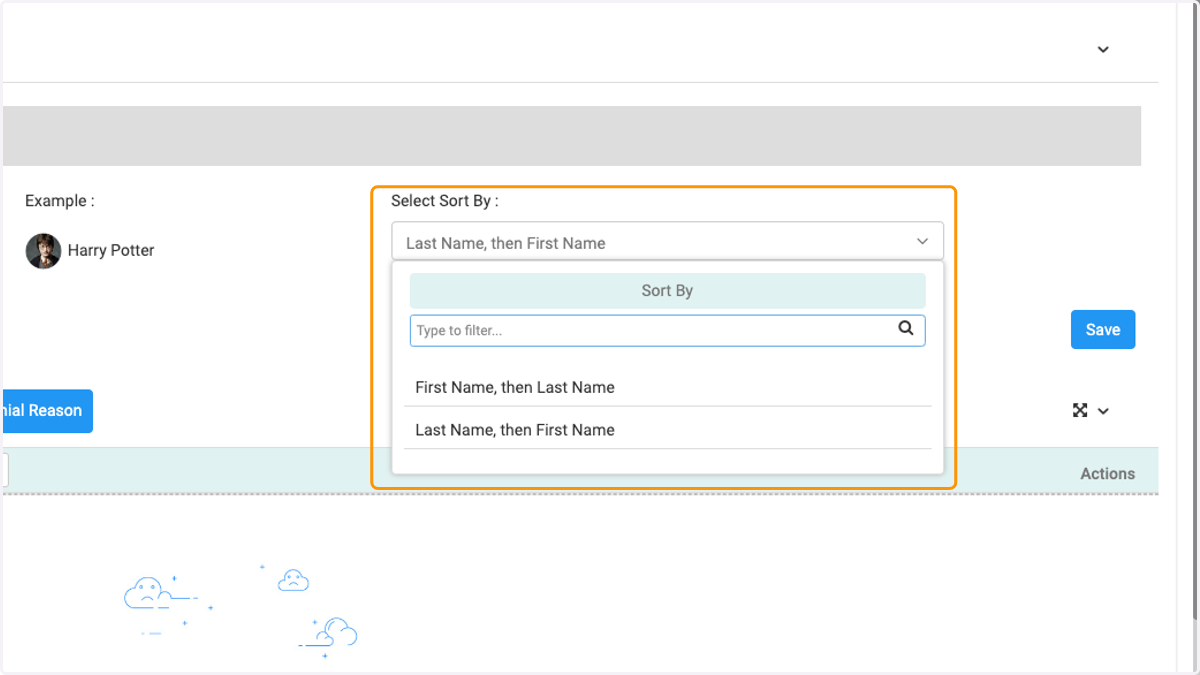
  7. 7. To chose how the names are sorted, click on the drop down
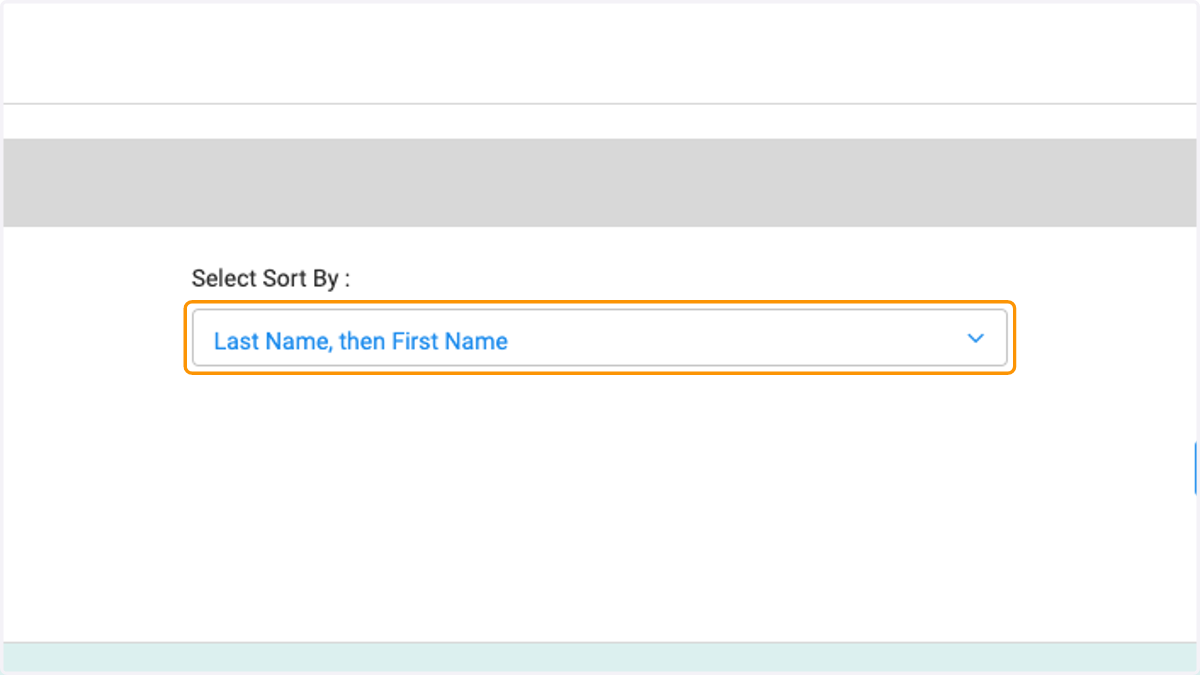
    To chose how the names are sorted, click on the drop down
  8. 8. Click on Sort By…

    Click on Sort By…
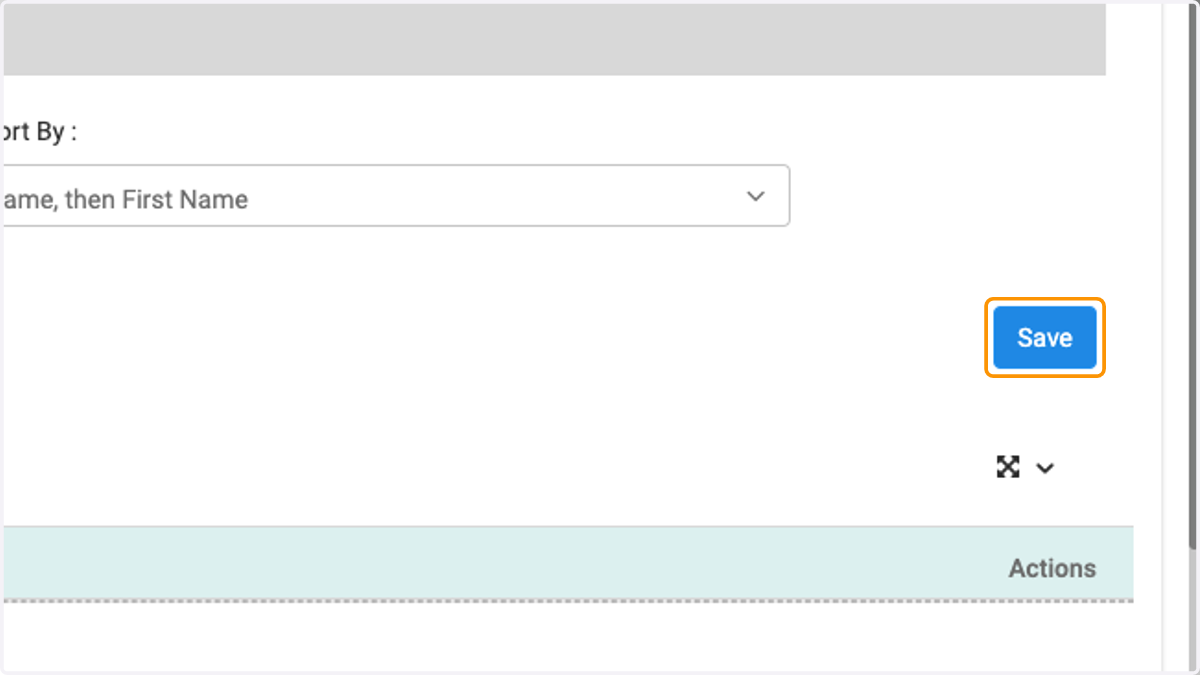
  9. 9. Click on Save when finished

    Click on Save when finished