How to integrate Orum to Google
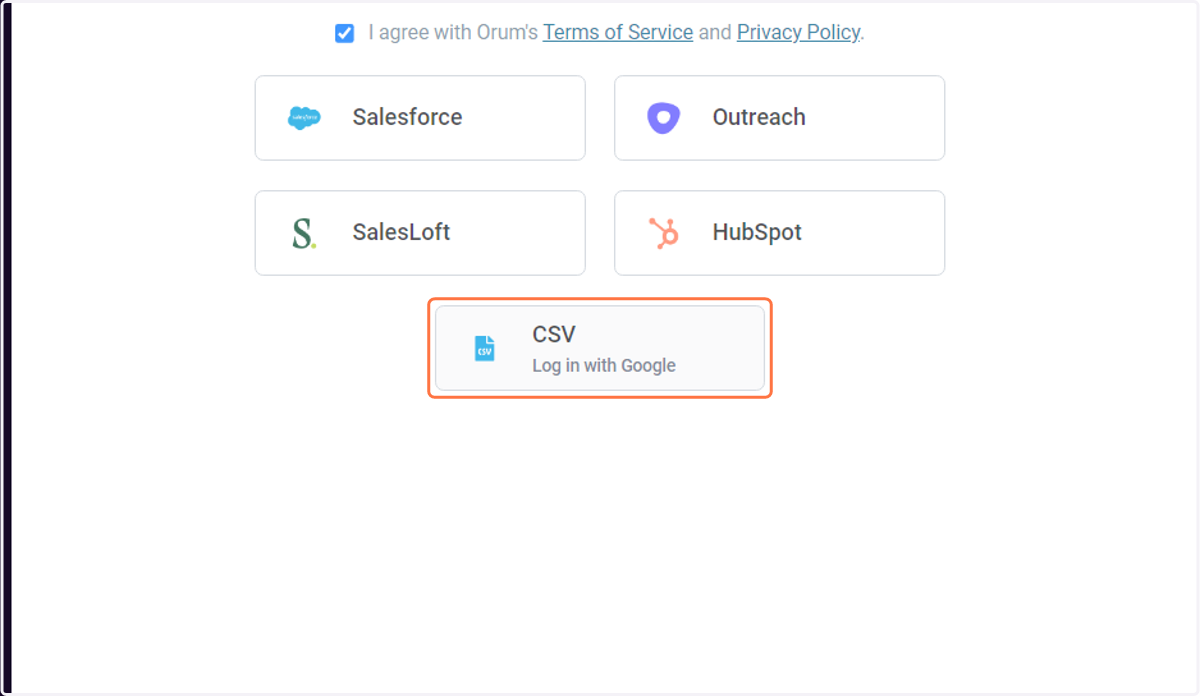
1. When creating your account or signing in, you will be asked to log in with your preferred integration.
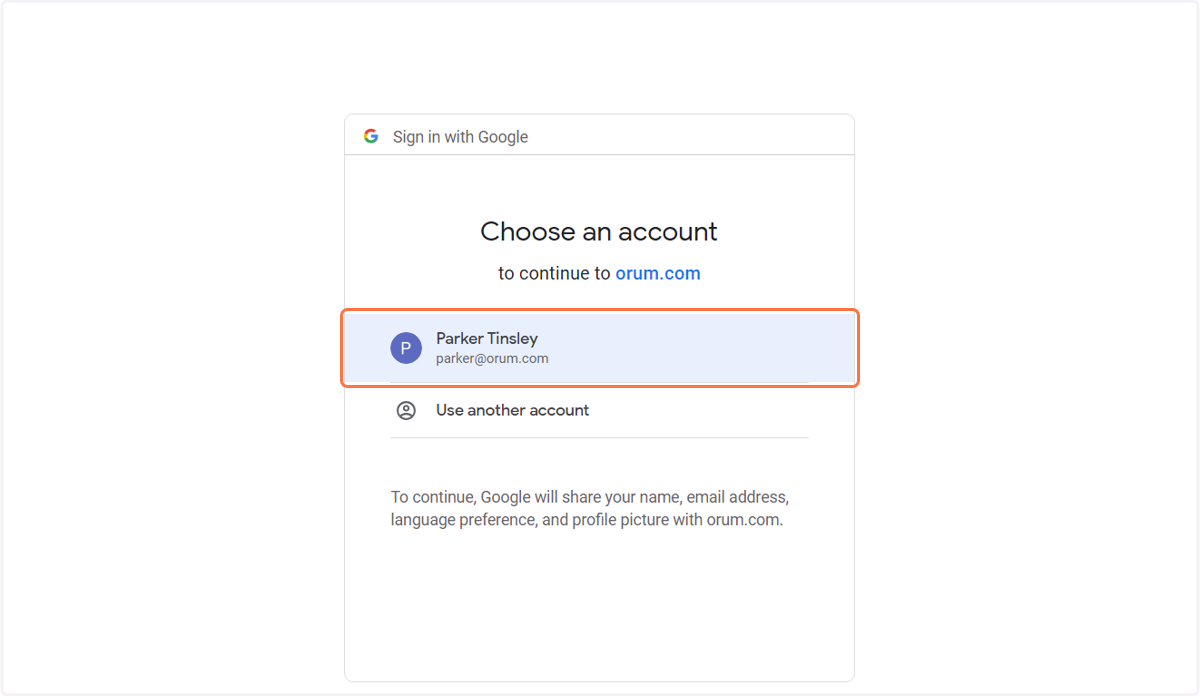
2. This will then take you to choose a google account to connect to.
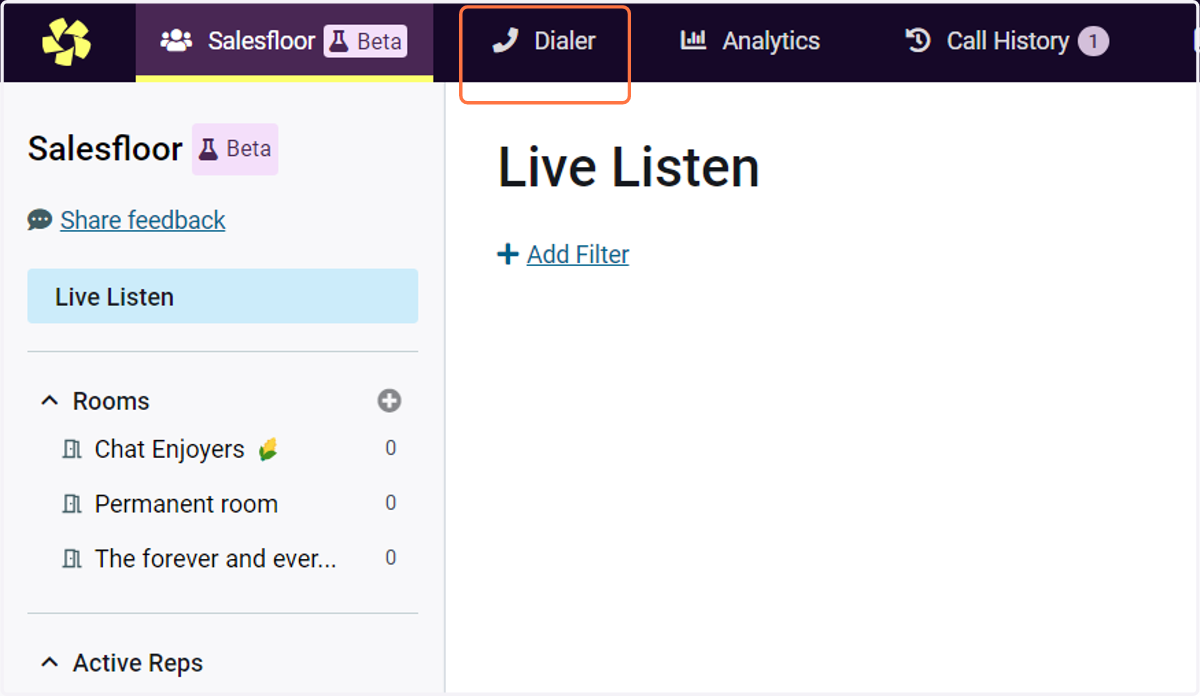
3. Now you are signed in and connected to your Google account! From here, we can select the dialer to upload a list.
4. A screen will pop-up to upload our first list.
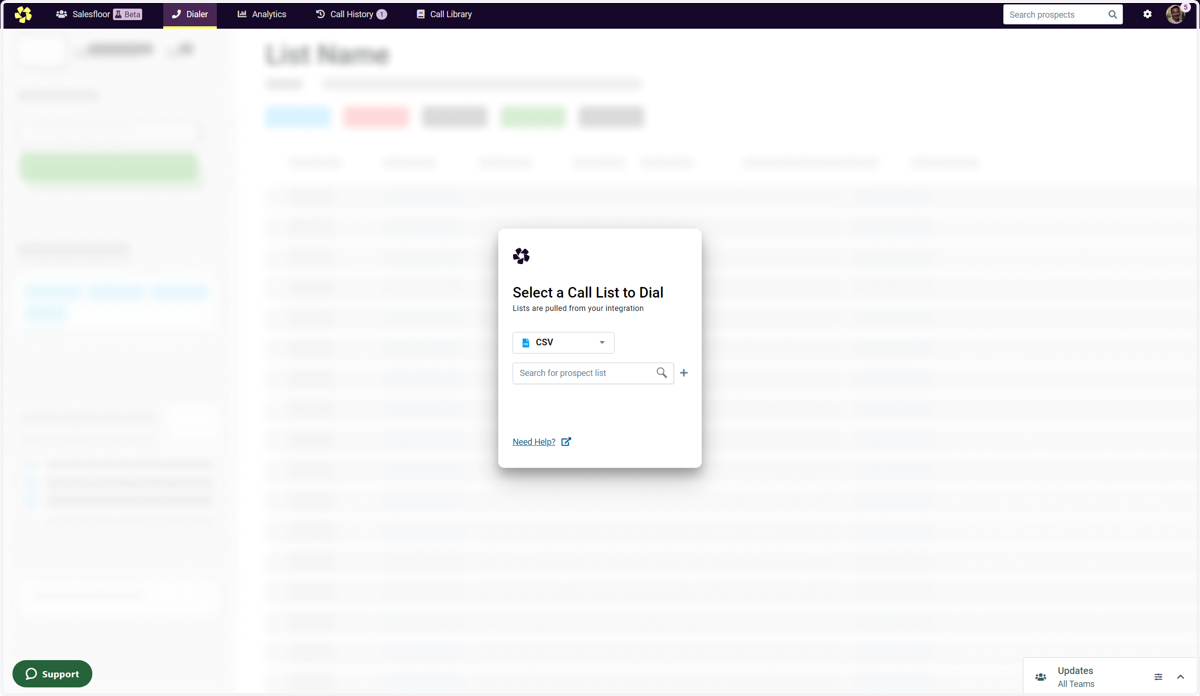
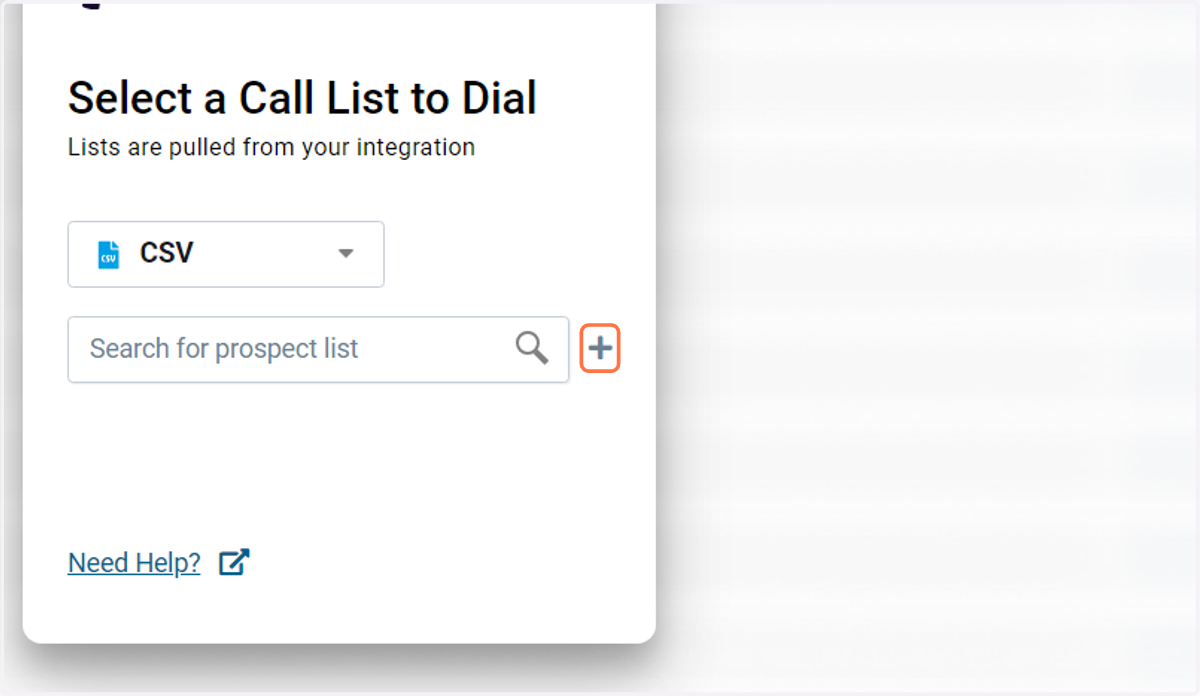
5. Click the '+' symbol
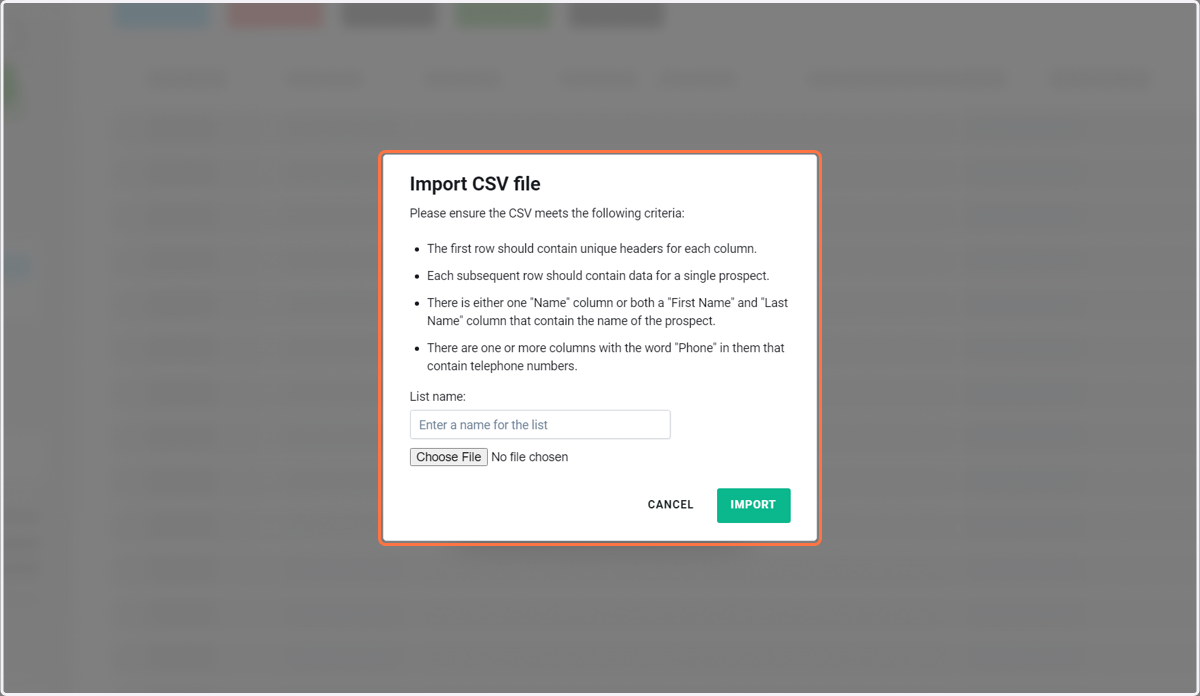
6. Read the instructions to format your list correctly.
7. Then choose your file.
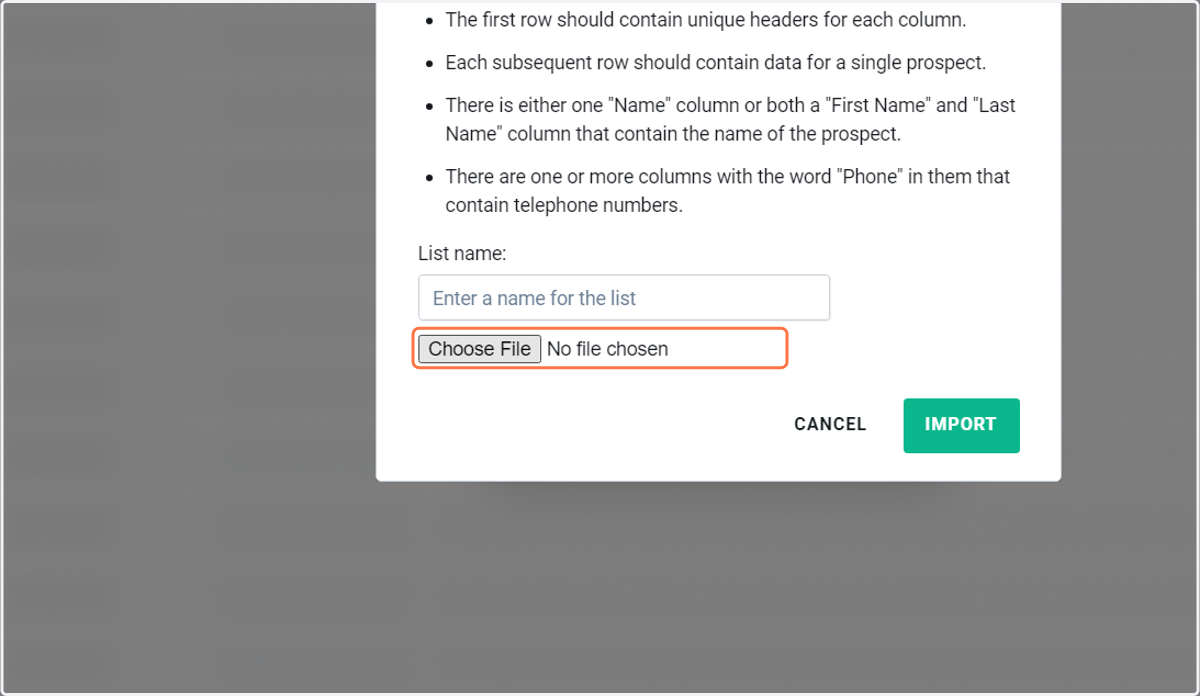
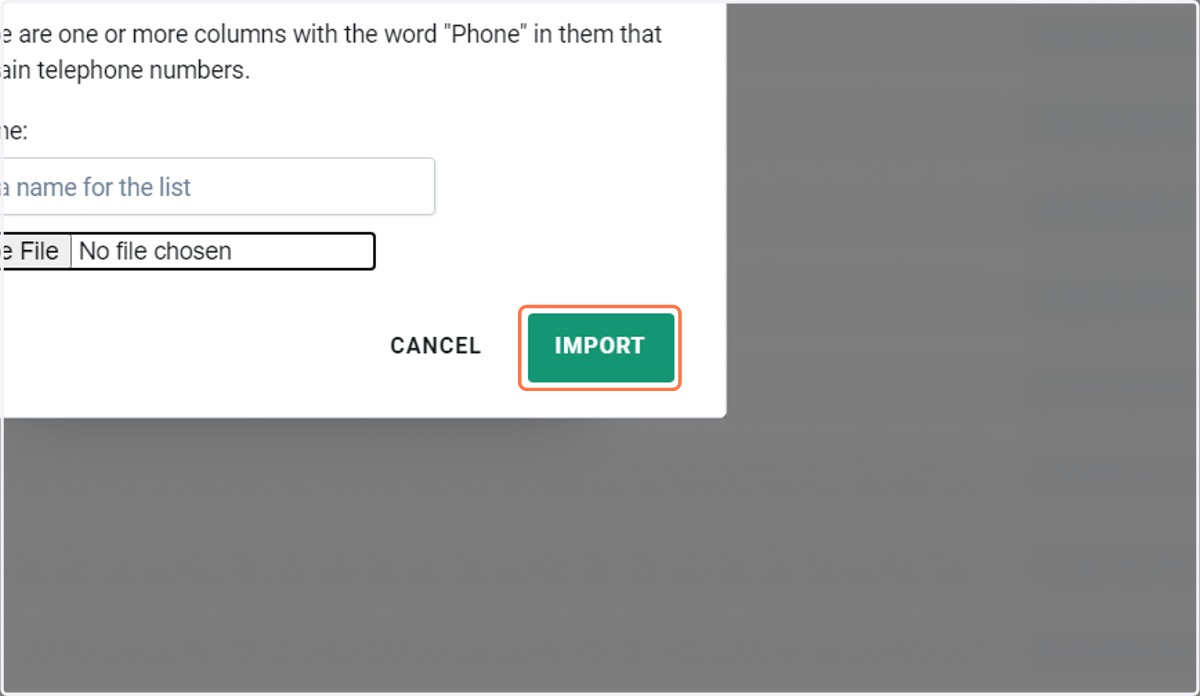
8. Lastly, click import.