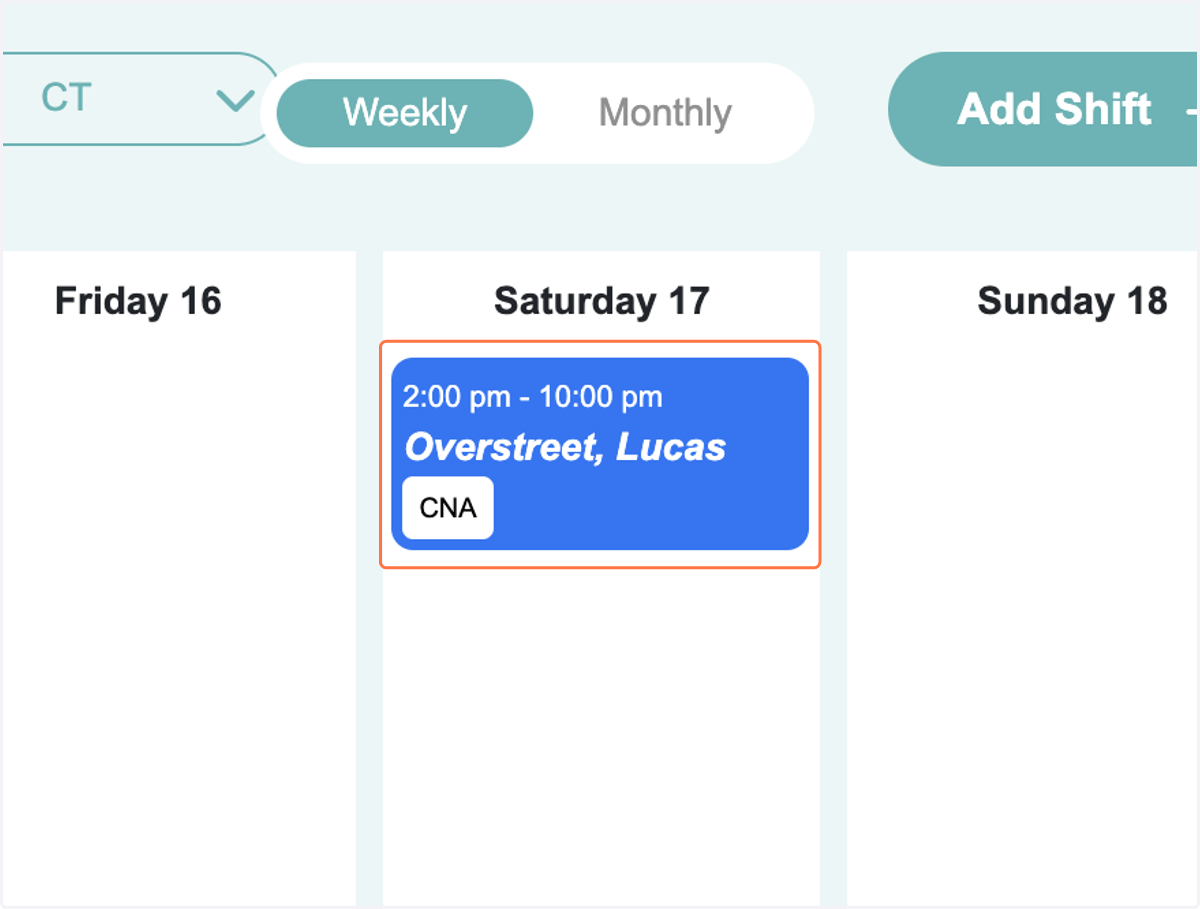
How to Assign a Provider to a Shift on the Schedule
How to review bids from Providers and assign a Provider to the shift.
DCS | Schedule
Go to https://facility.directcaresource.com/#/schedule/calendar
1. When a Provider bids on a shift, the Shift Tile will display the number of open bids.
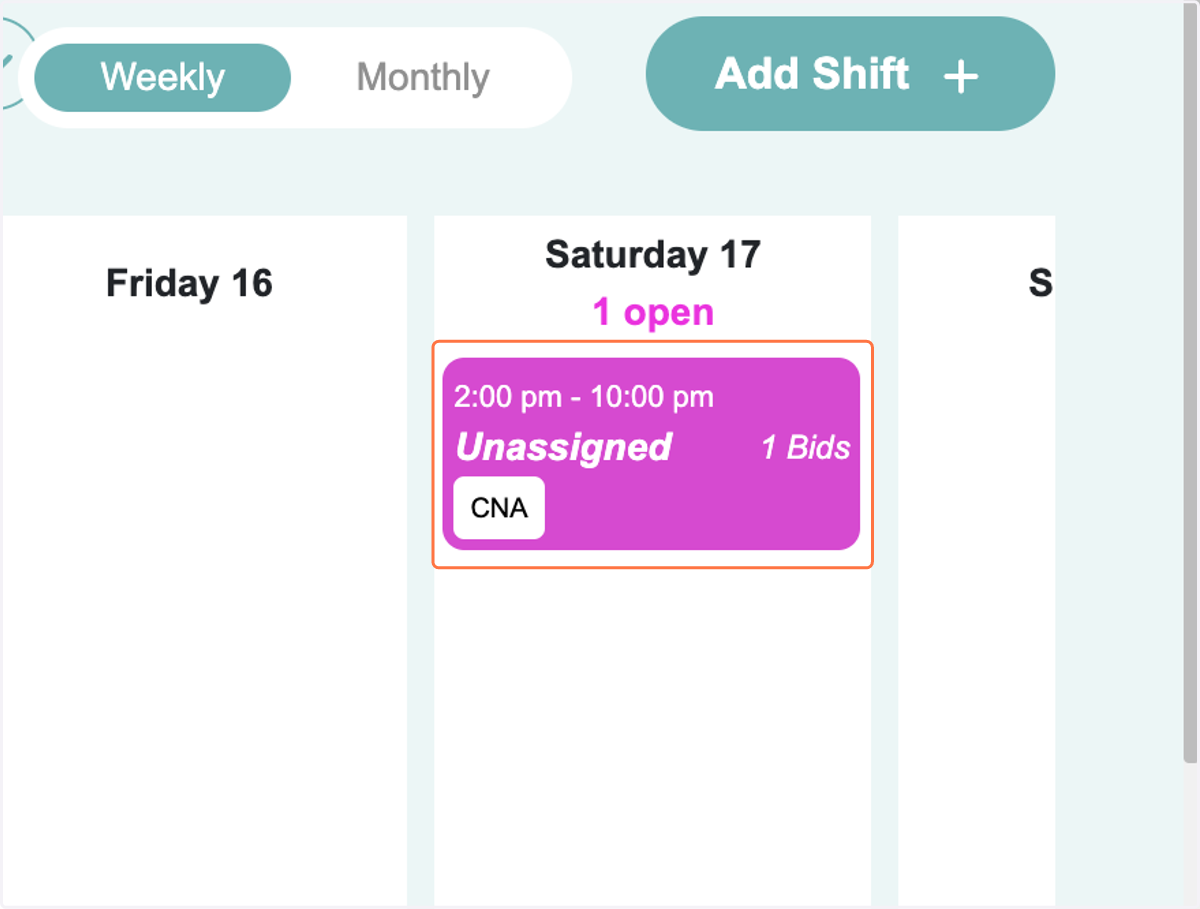
2. Assigning a Provider
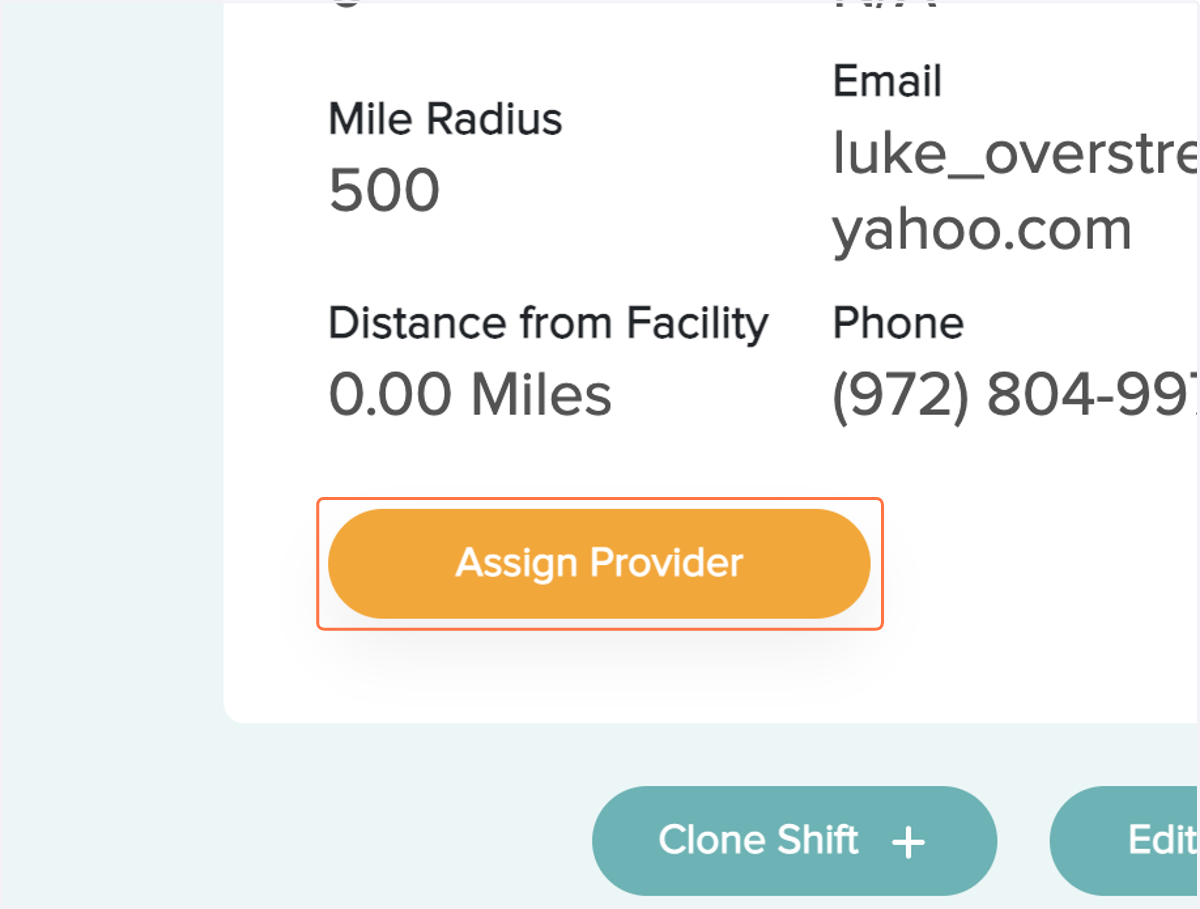
When you click on a Shift that has pending bids, the list of bidders will display on the left hand side. You can see the Provider's Reliability Score, the number of shifts worked at your facility and the number of overall shifts worked. Click the button to Assign the Provider
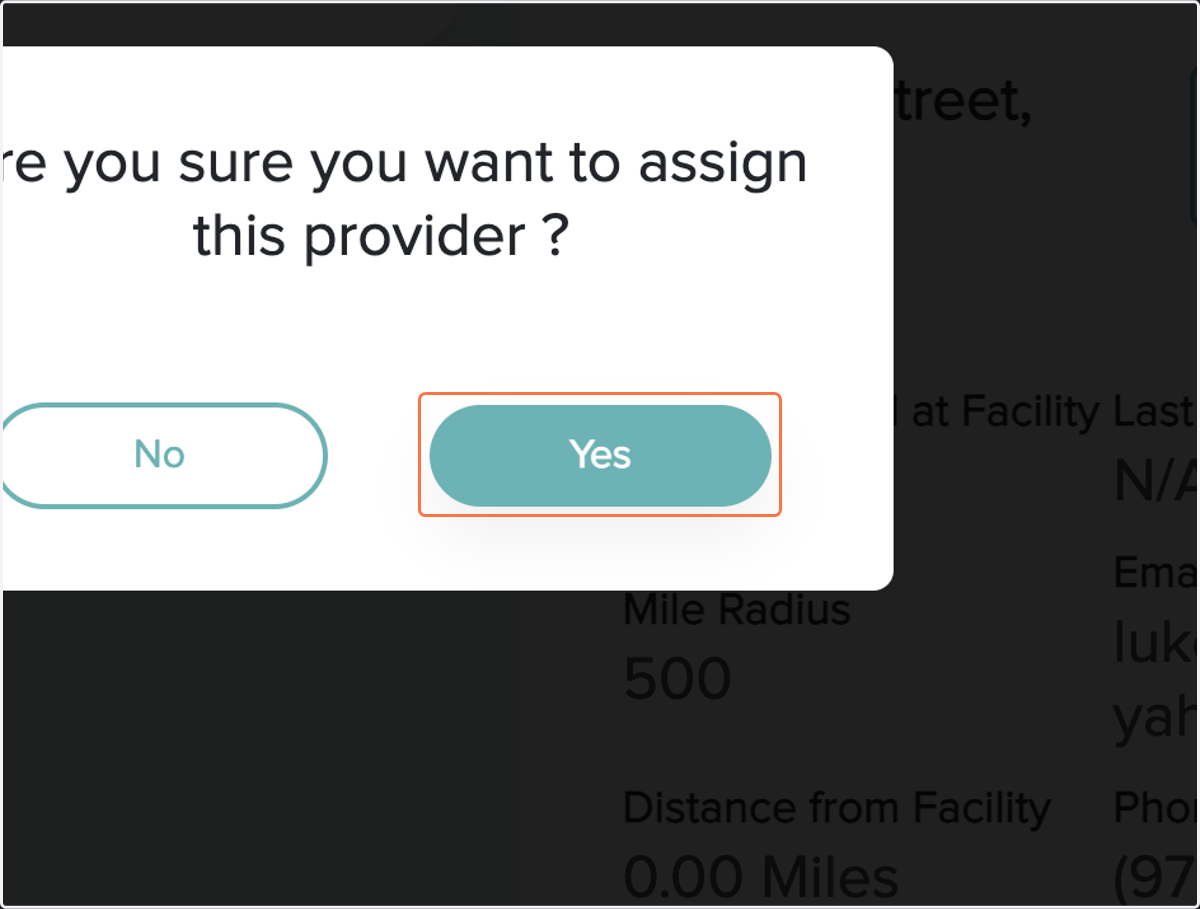
3. Confirm Provider
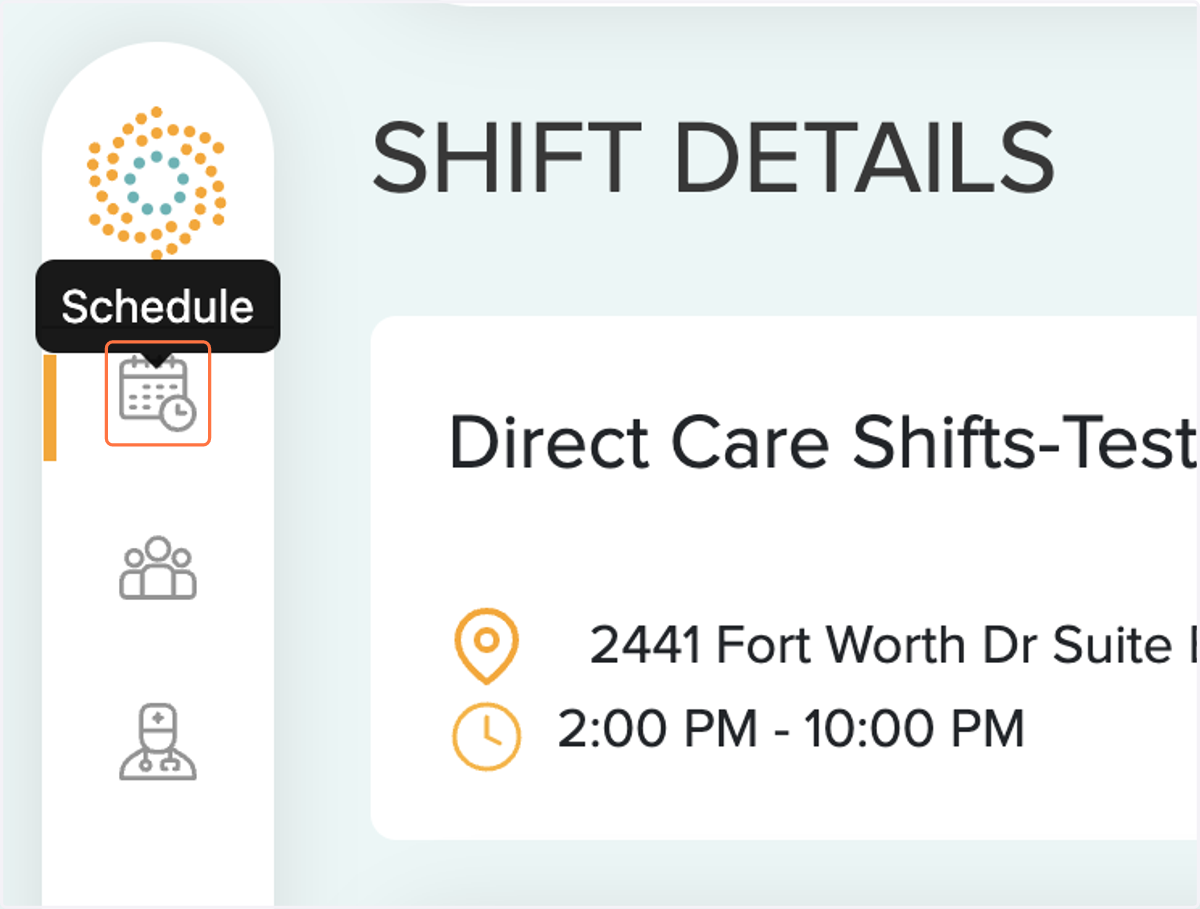
4. Go to Schedule
5. Provider is Now Scheduled