Change Campaign/Fundraiser Launch Date in ets
1. Log into your eTeamSponsor account and make sure you are on your program dashboard
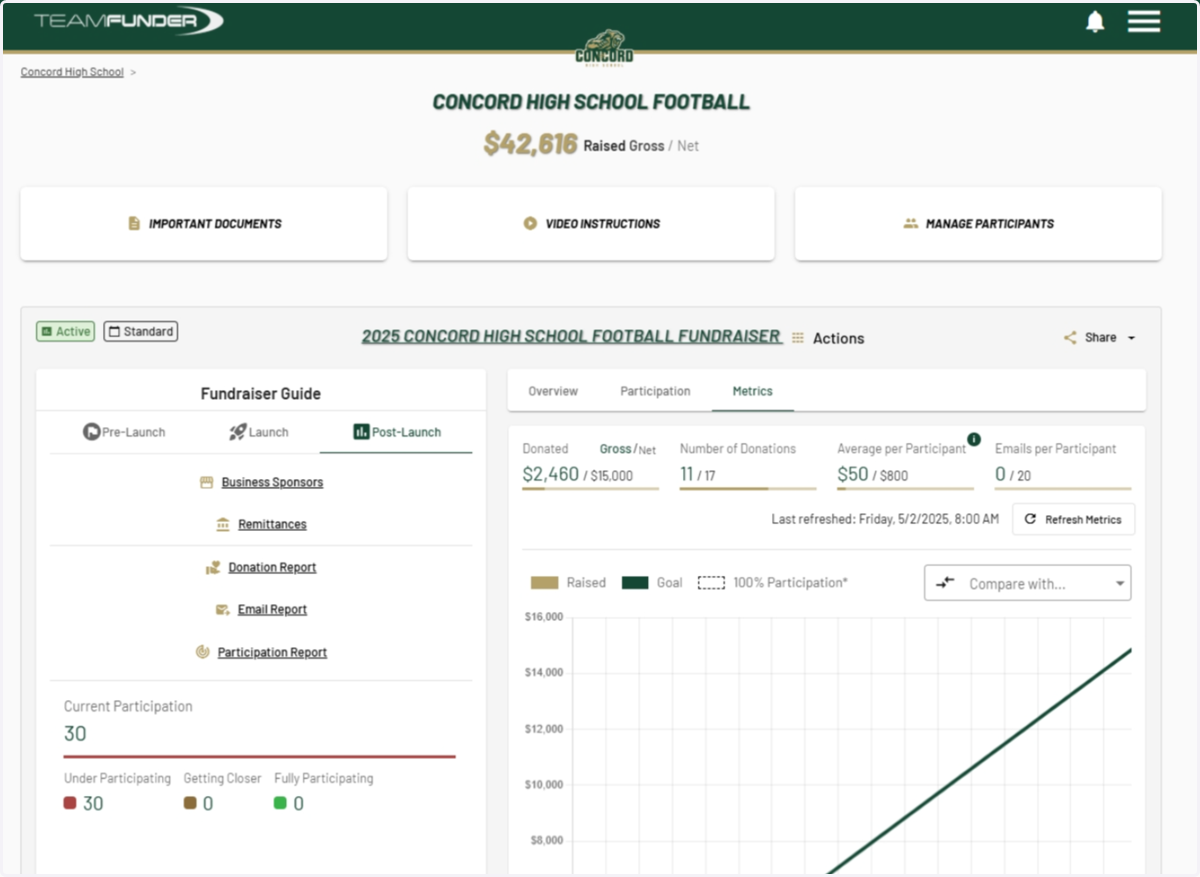
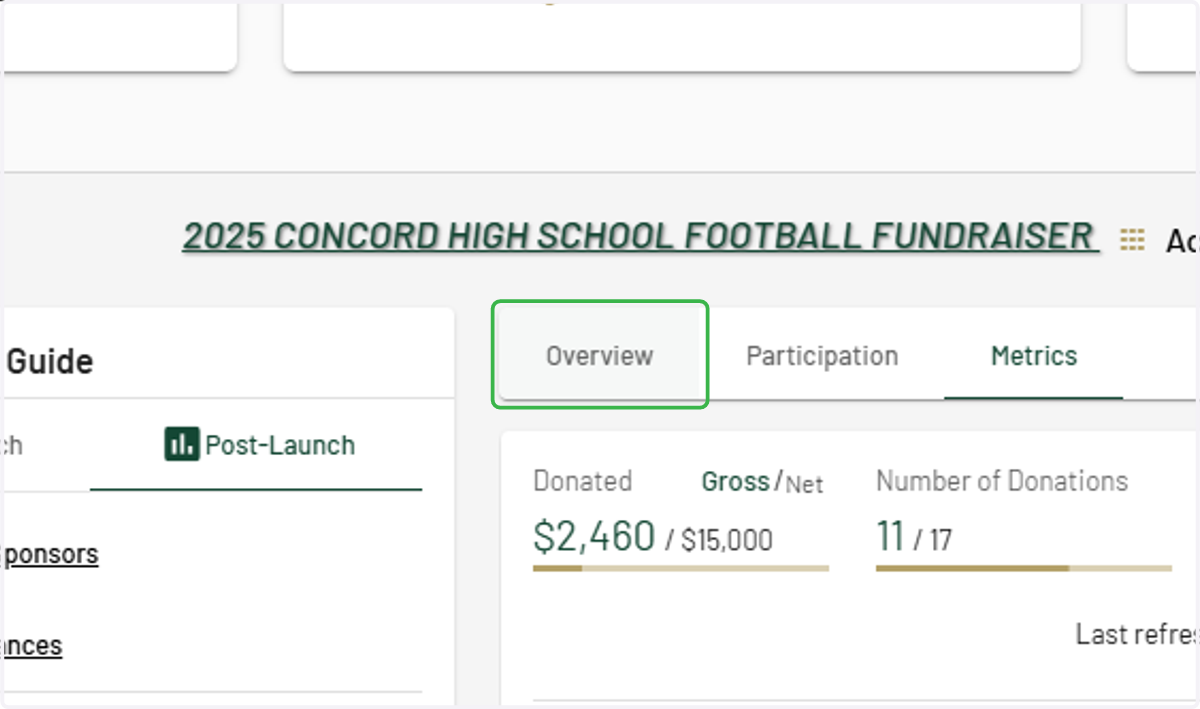
2. Click on the Overview tab
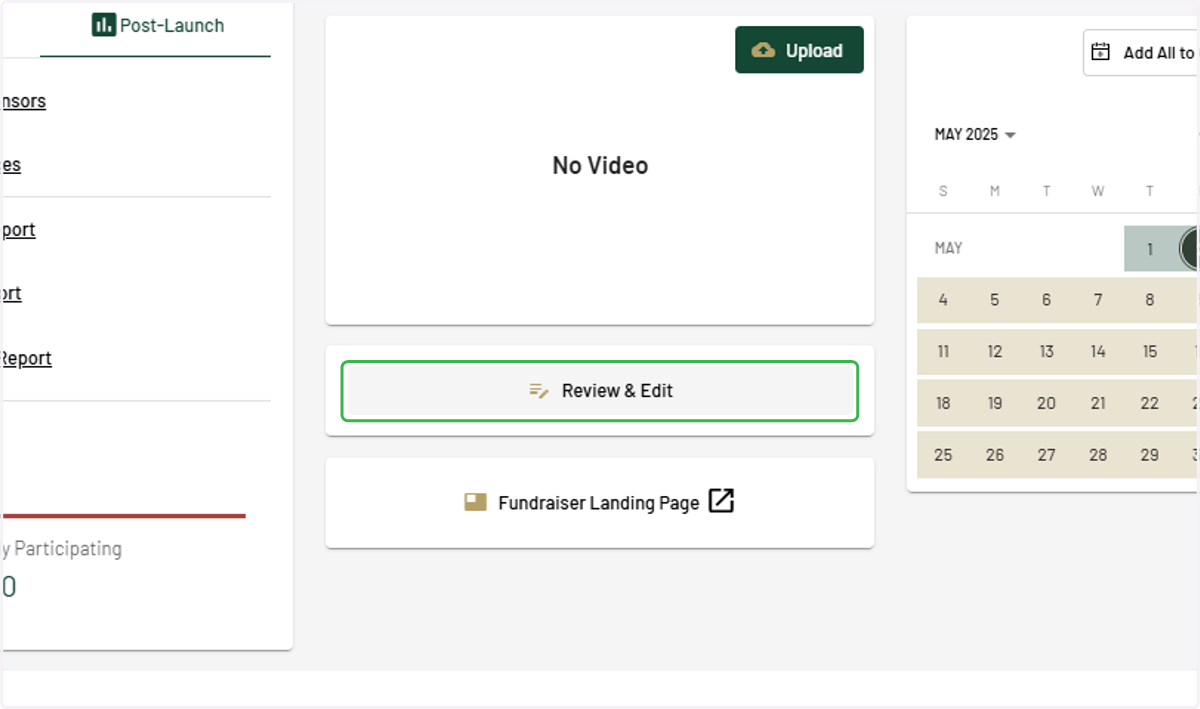
3. Click on Review & Edit
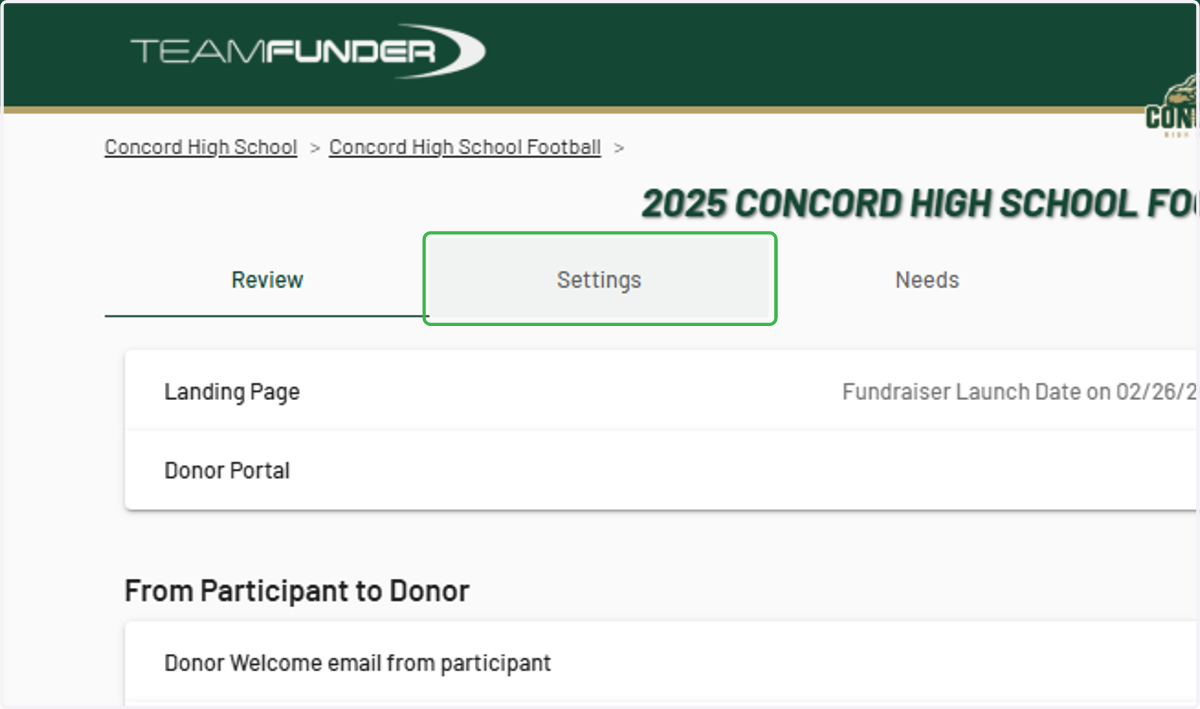
4. Click on Settings
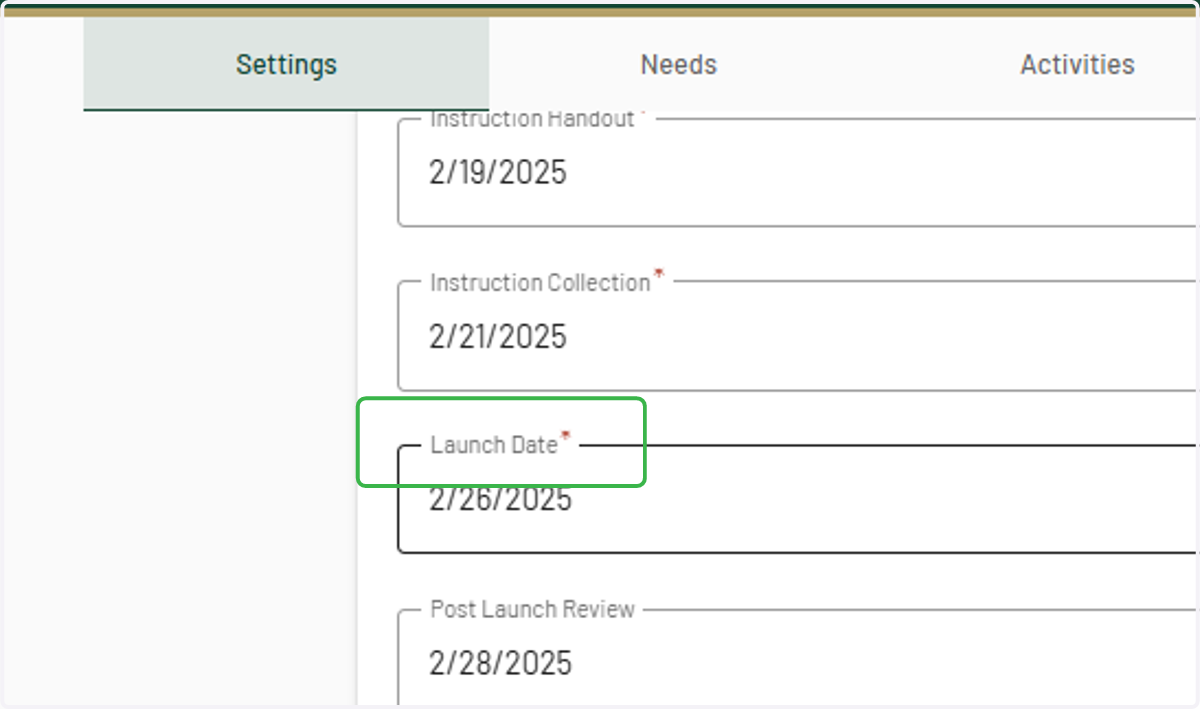
5. Locate "Launch Date"
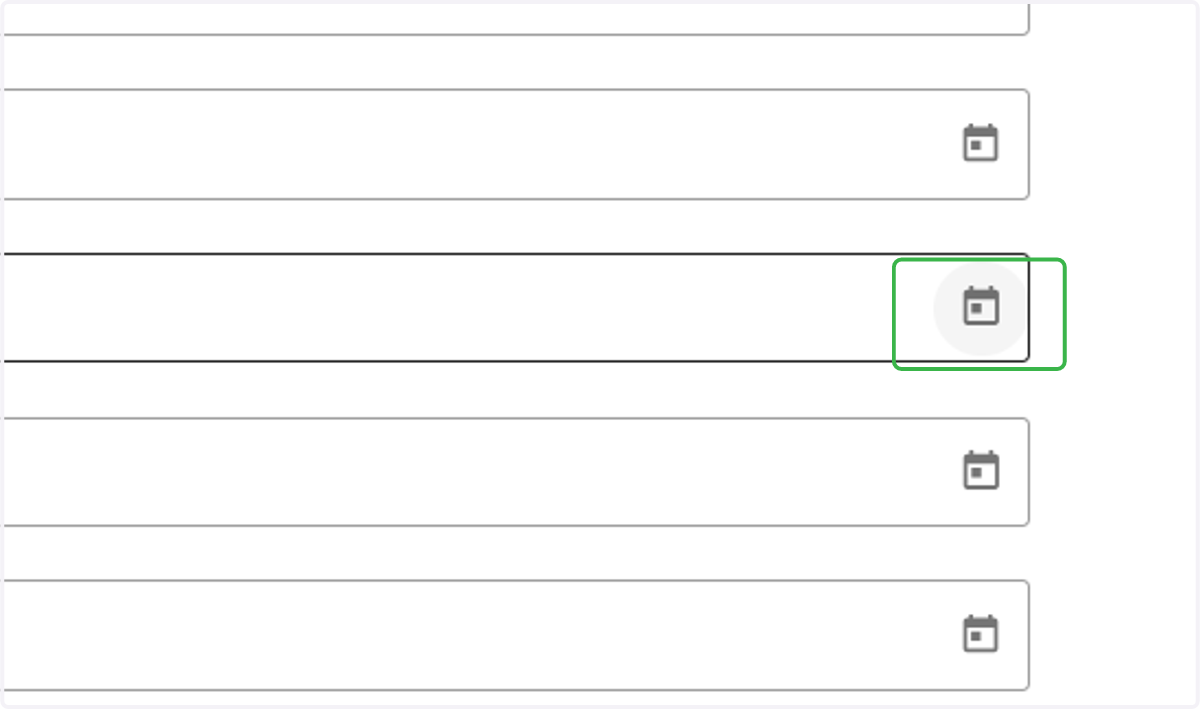
6. Click the Calendar icon to the right of Launch Date
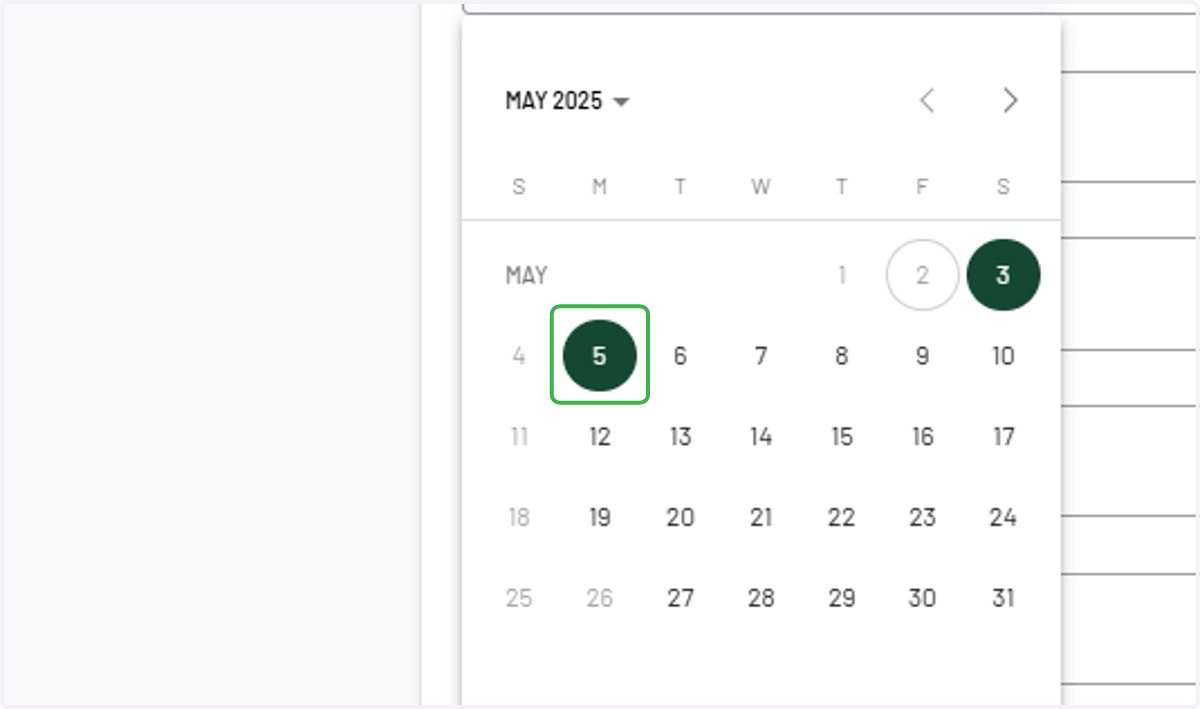
7. Select desired Launch Date
Any grayed out dates are Sundays or system holidays.
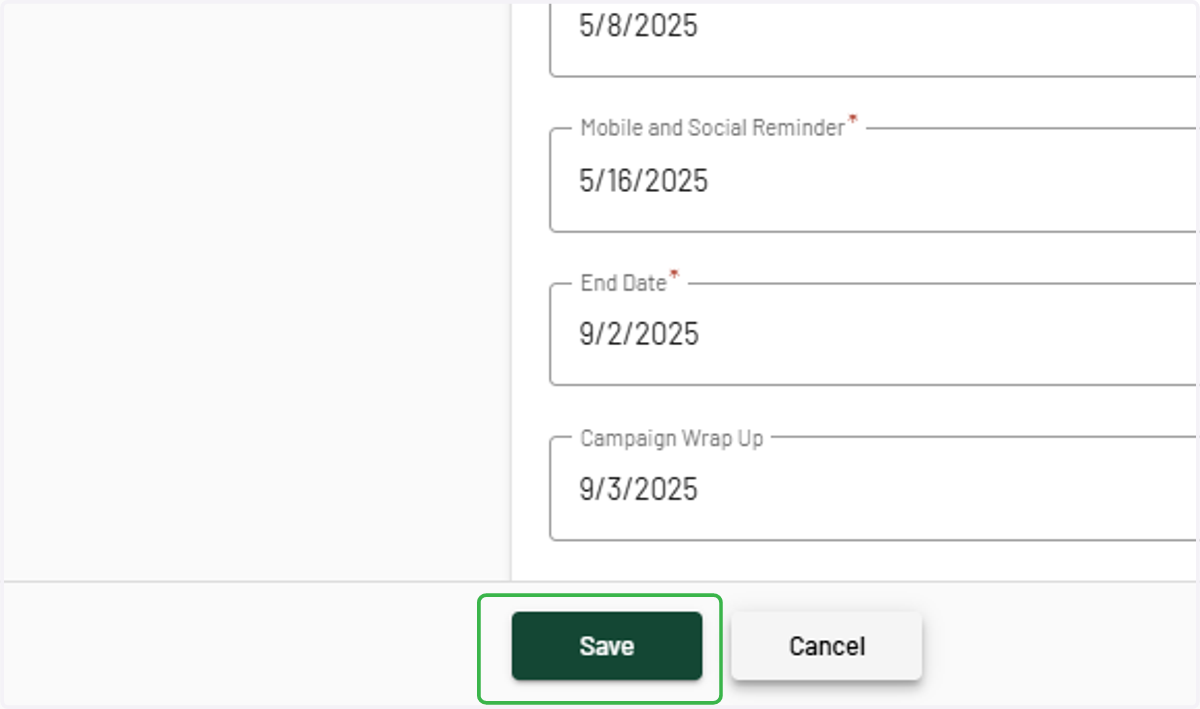
8. Click on Save