Delete percent adjustments for a single day

  1. 1. Navigate to the Options field on the top right.
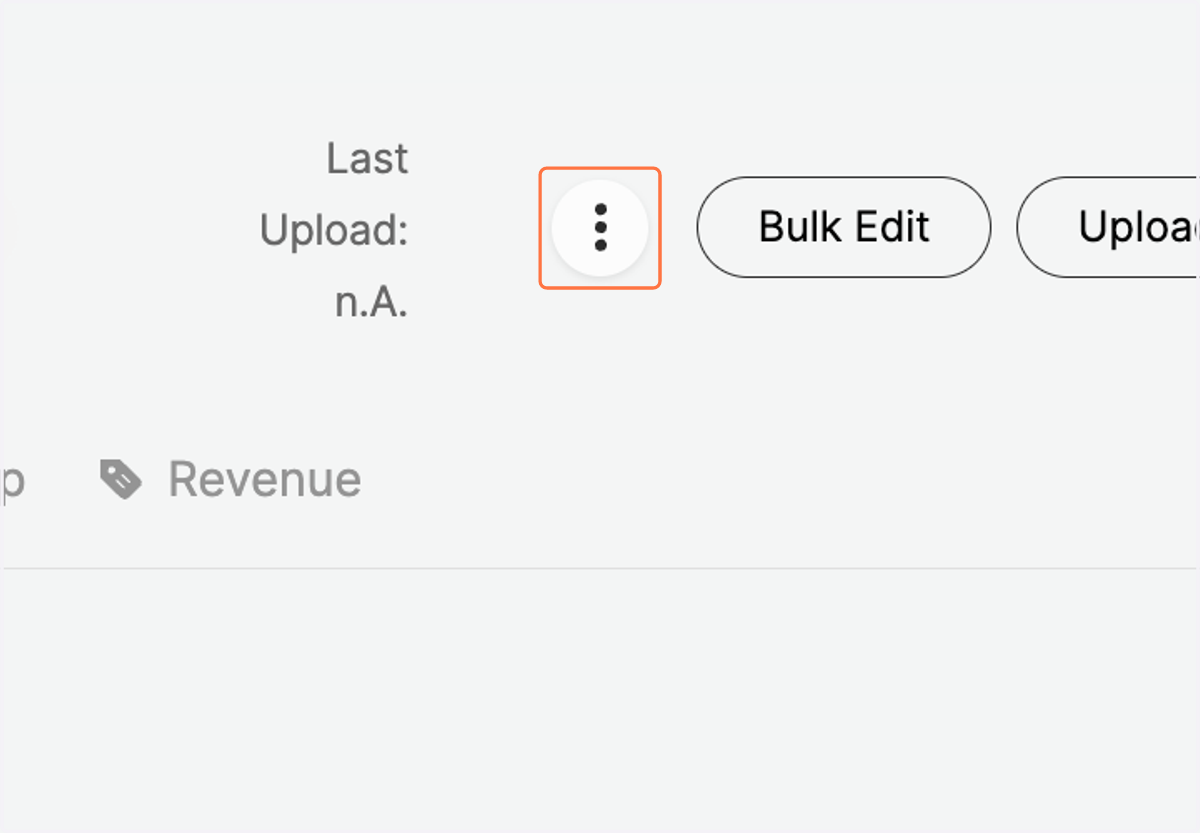
    Navigate to the Options field on the top right.
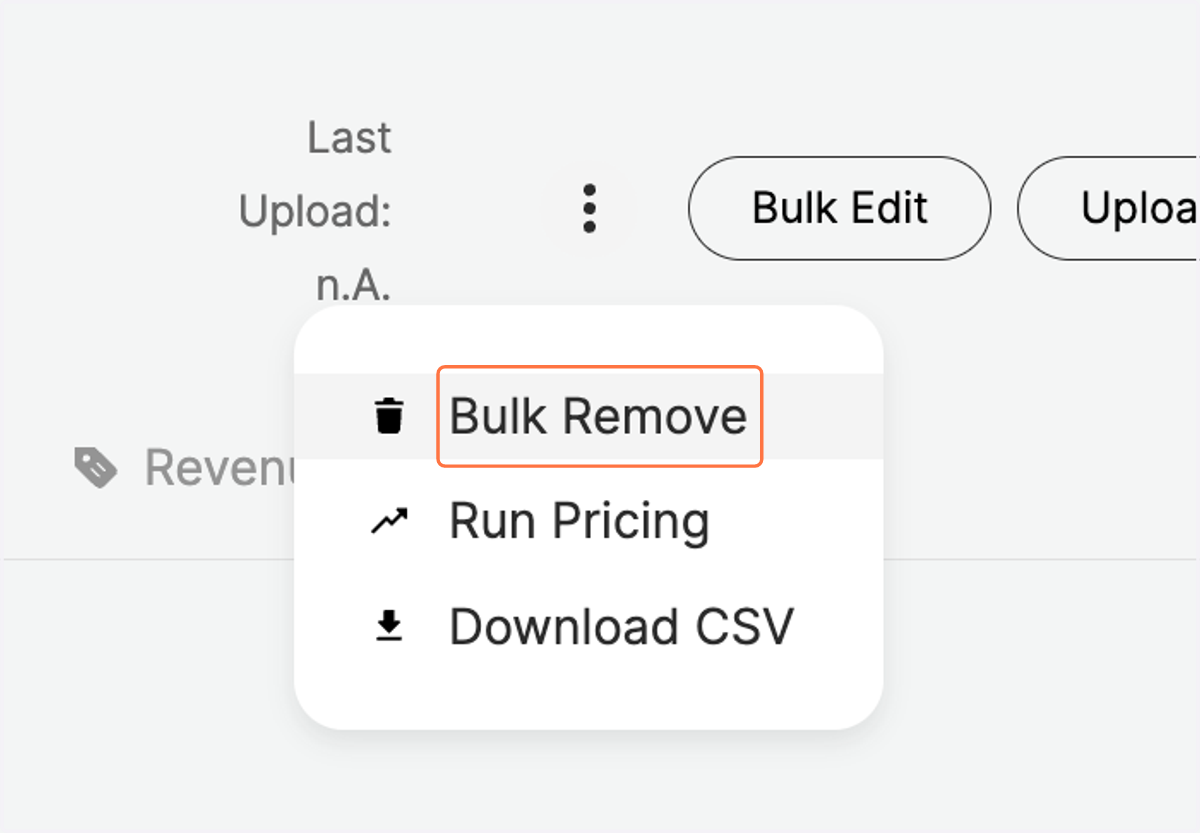
  2. 2. Click on "Bulk Remove"

    Click on "Bulk Remove"
  3. 3. Define the specific day you would like to delete the percent adjustments with a Start Date
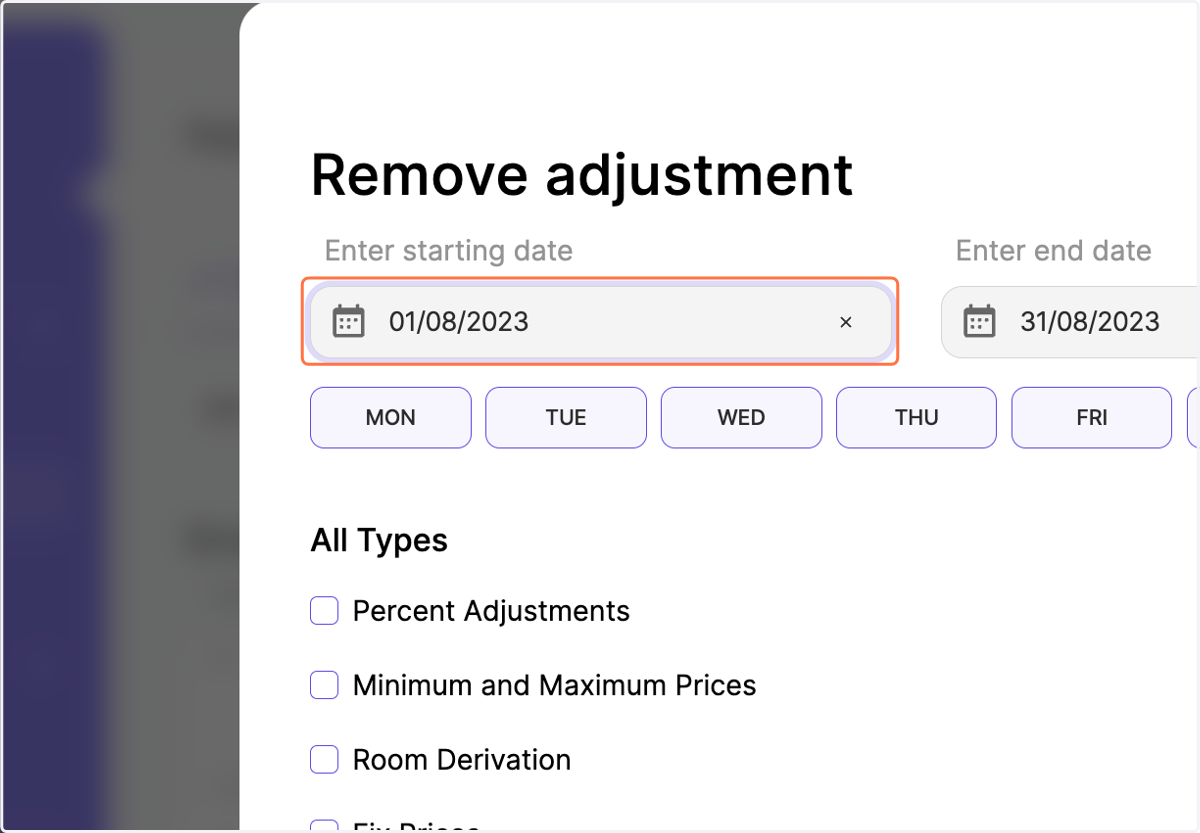
    Define the specific day you would like to delete the percent adjustments with a Start Date
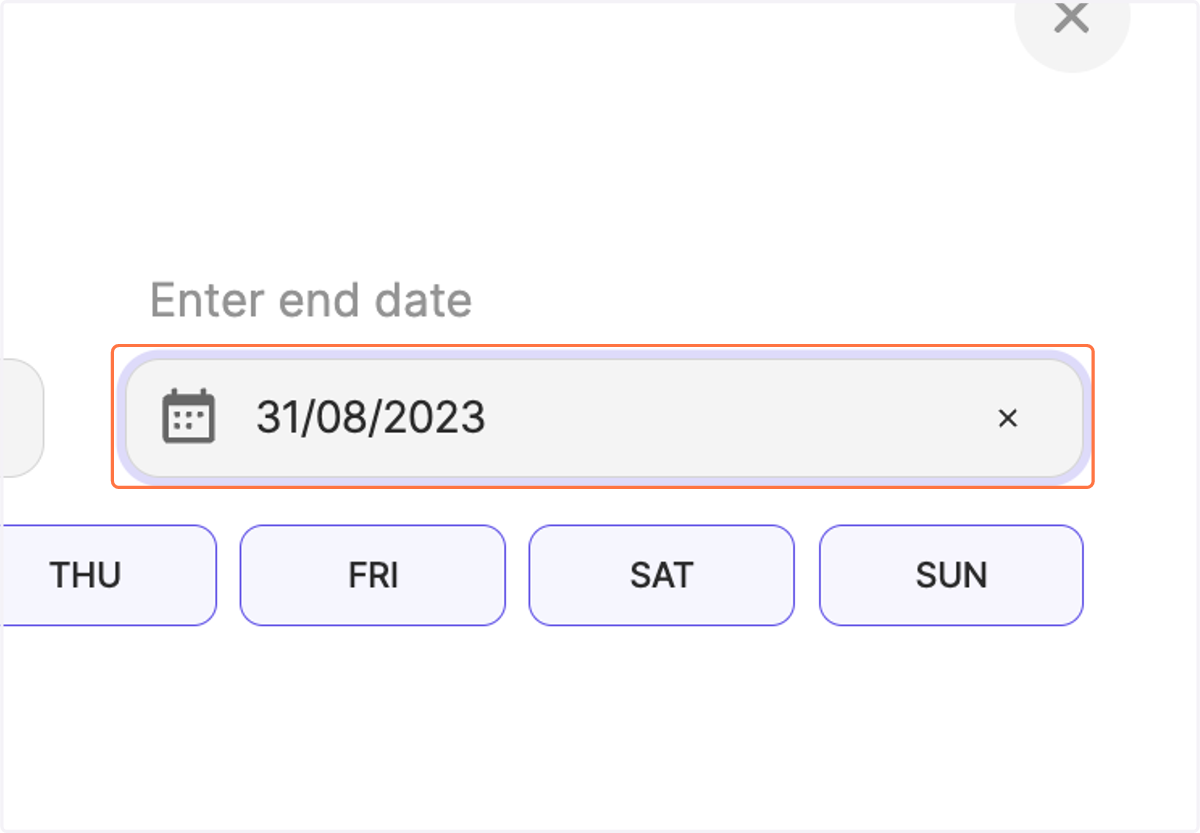
  4. 4. Make sure that Start and End Dates are on the same day
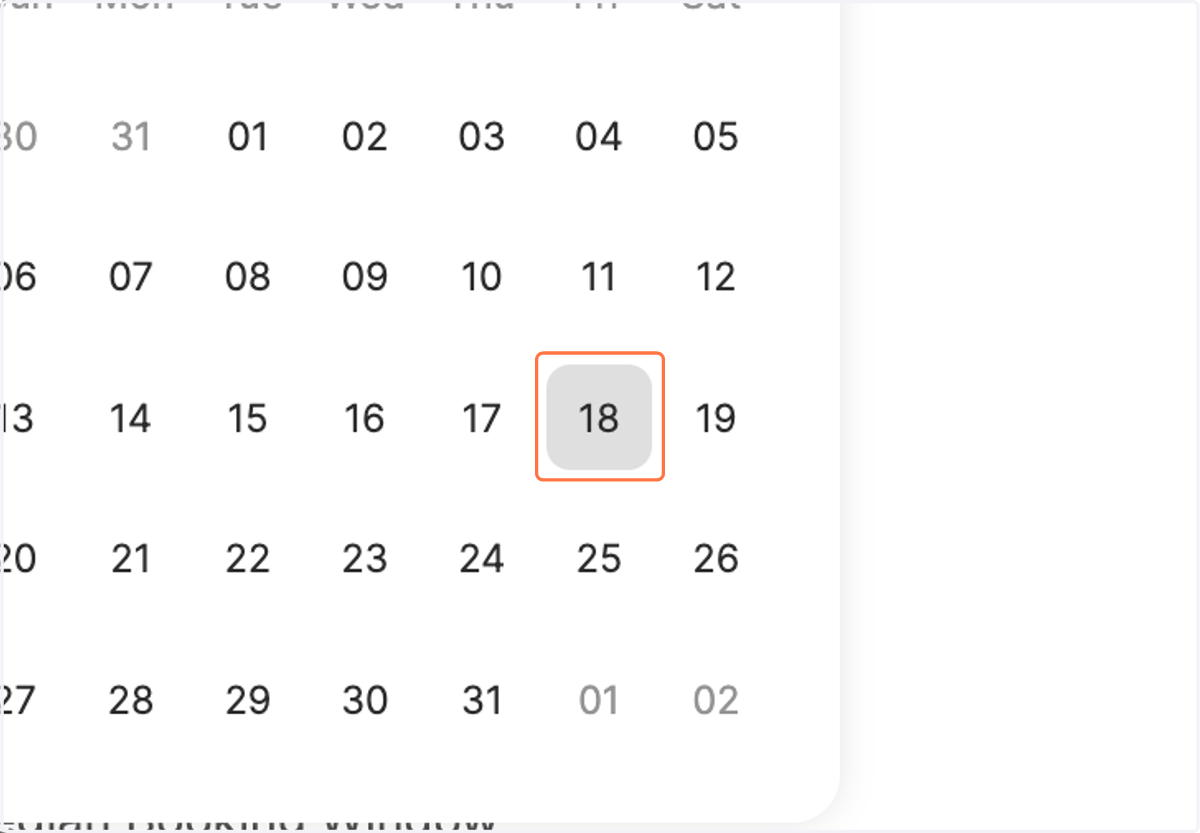
    Make sure that Start and End Dates are on the same day
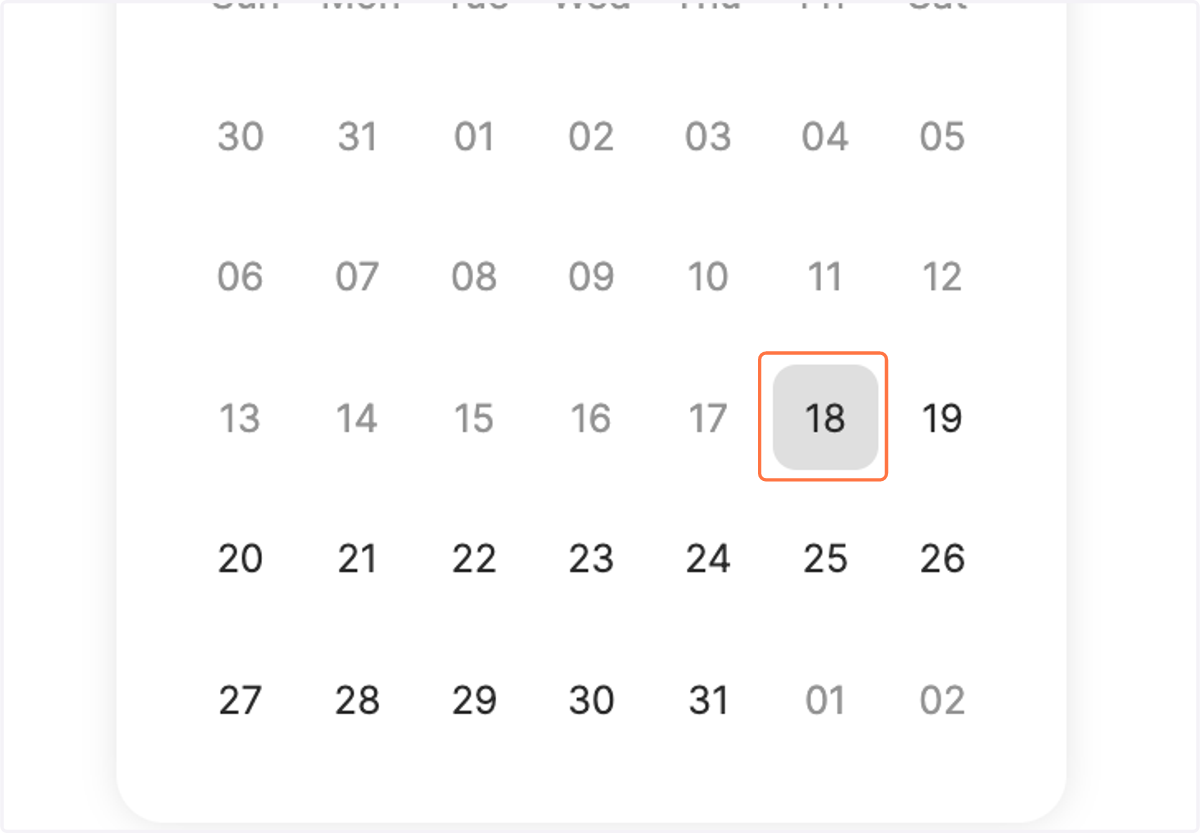
  5. 5. Click on DD/MM/YYYY

    Click on DD/MM/YYYY
  6. 6. Define the End Date

    Define the End Date
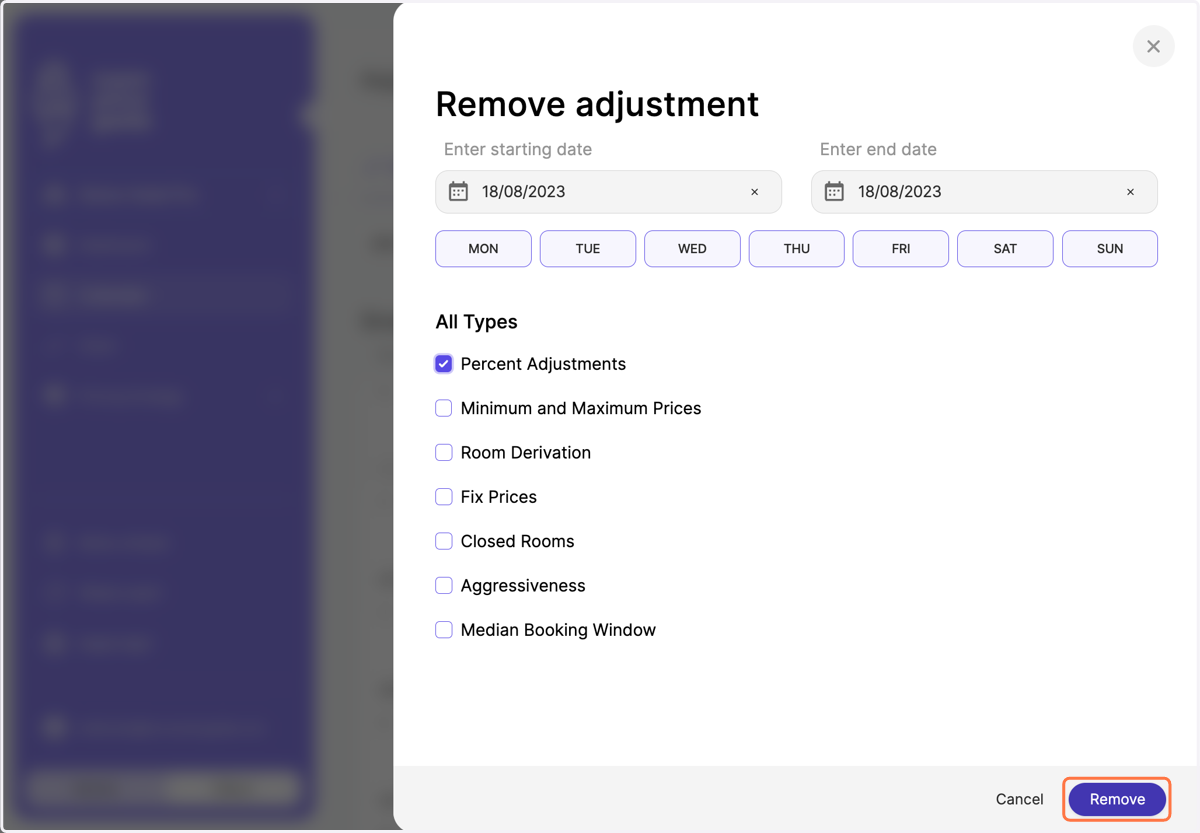
  7. 7. Tick the box for "Percent Adjustments"
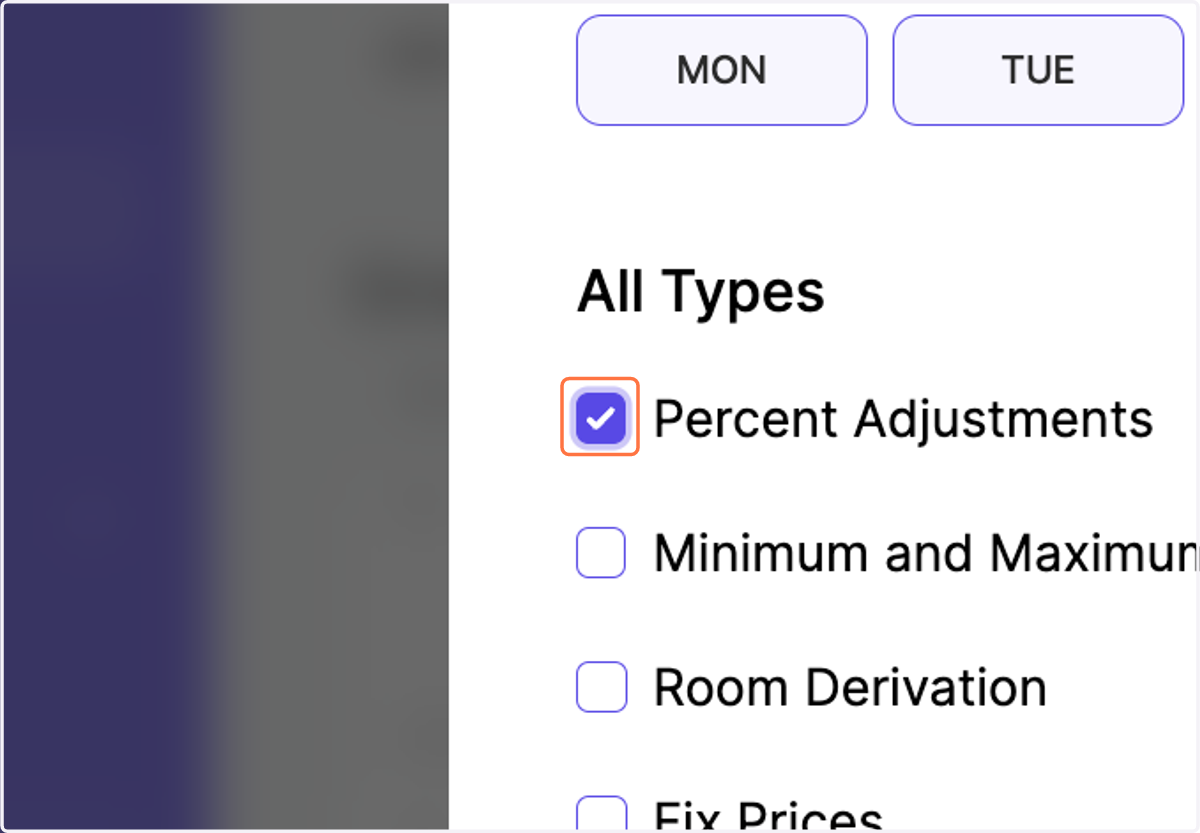
    Tick the box for "Percent Adjustments"
  8. 8. Click on "Remove"

    Click on "Remove"
  9. 9. Notice that your manual percent adjustments for that specific day were removed from the calendar and your pricing strategy
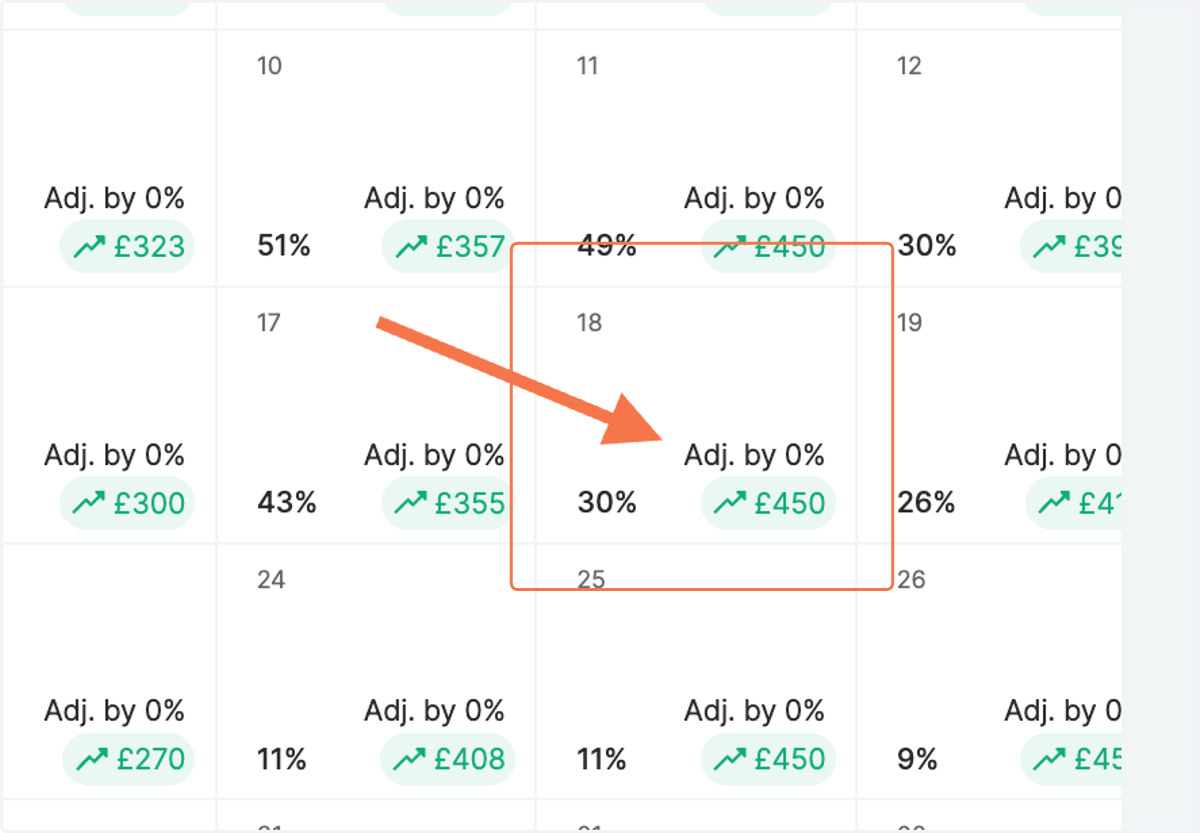
    Notice that your manual percent adjustments for that specific day were removed from the calendar and your pricing strategy