QuickBooks Integration

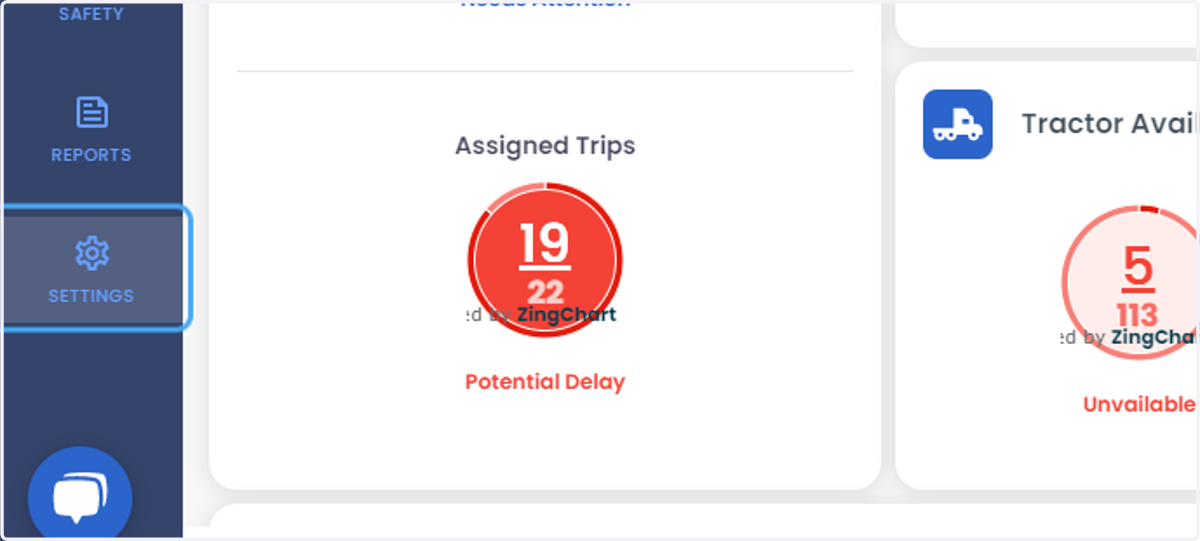
  1. 1. Click on SETTINGS

    Click on SETTINGS
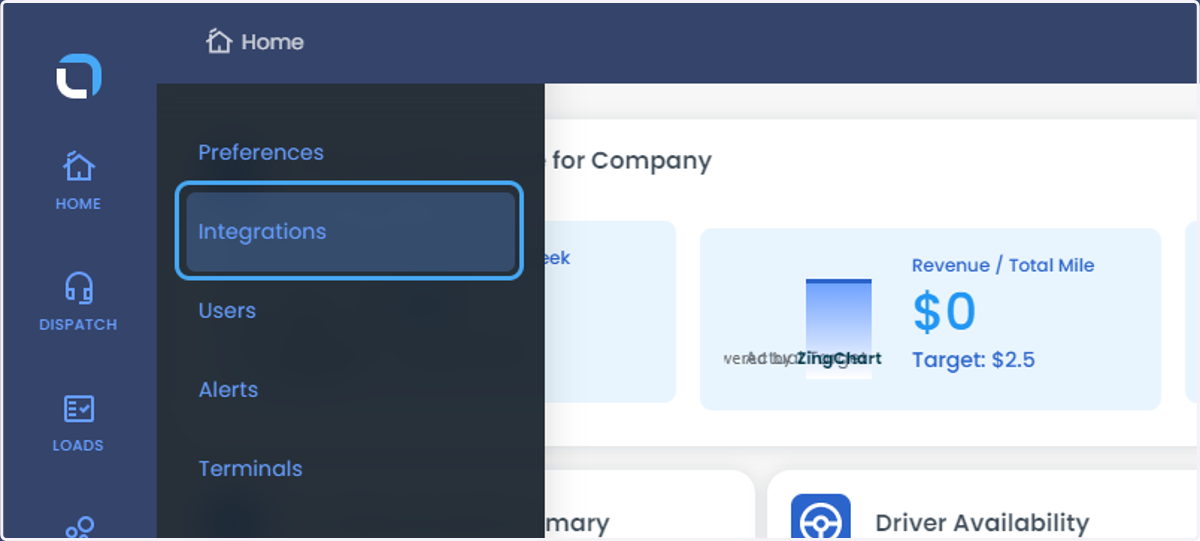
  2. 2. Click on Integrations

    Click on Integrations
  3. 3. Click on Add New Account or Activate
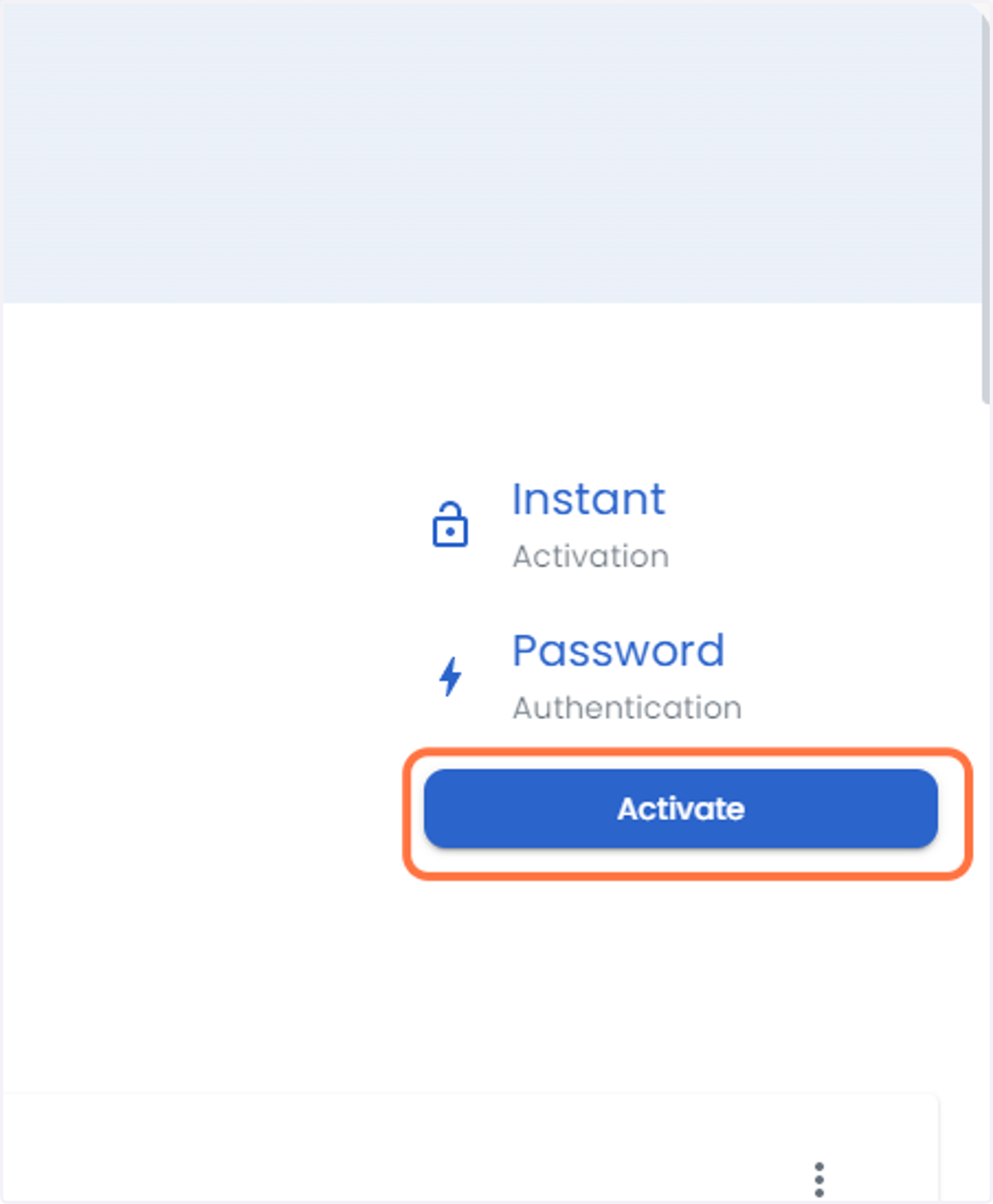
    Click on Add New Account or Activate
  4. 4. Click on Display Name and terminal
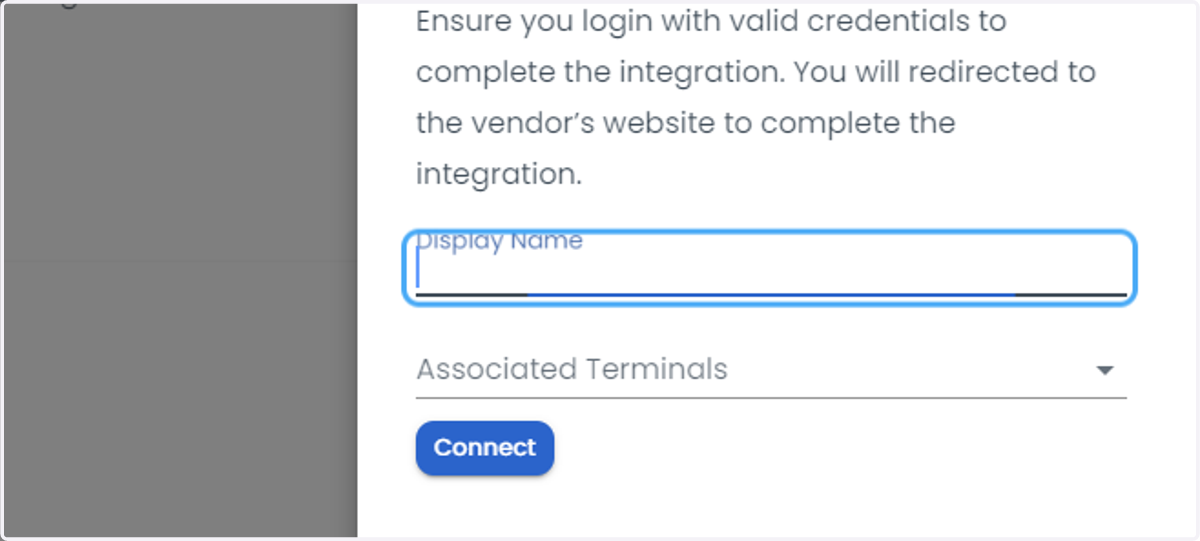
    Click on Display Name and terminal
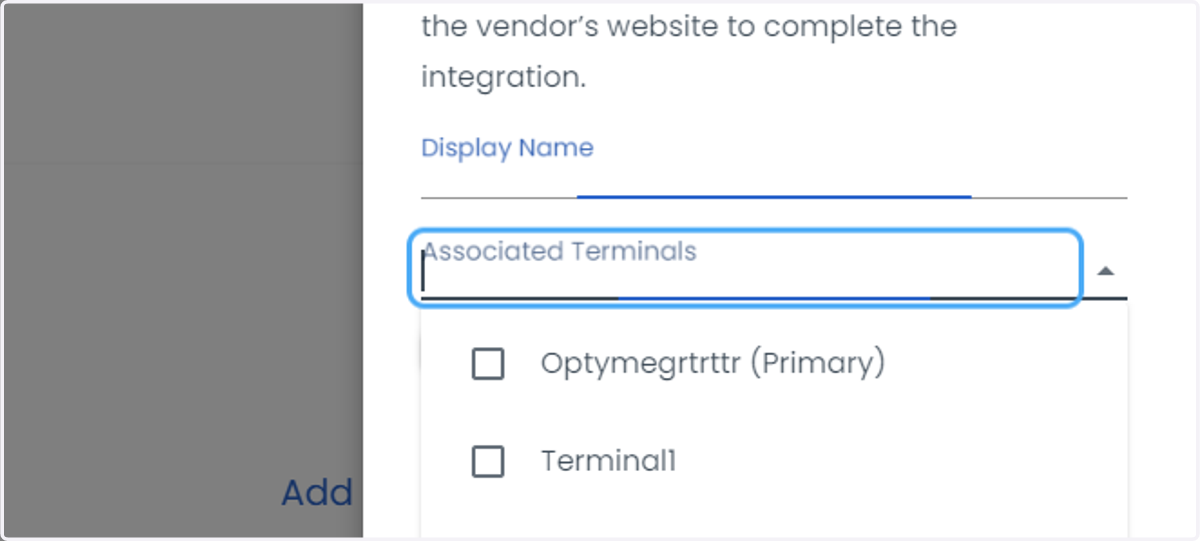
  5. 5. Click on Associated Terminals

    Click on Associated Terminals
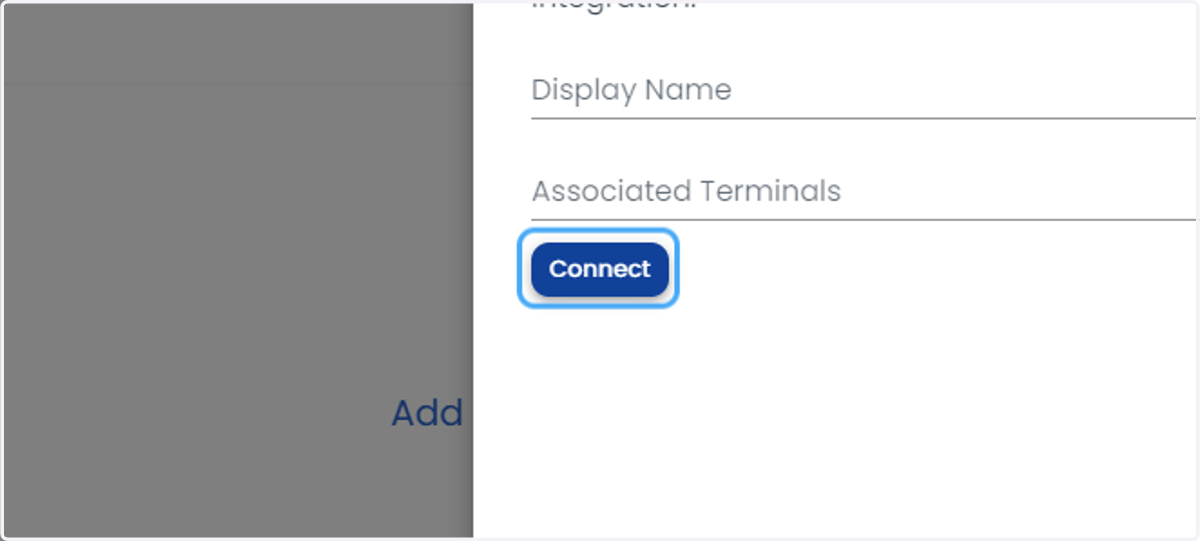
  6. 6. Click on Connect

    Click on Connect

Intuit

  1. 7. Type the user credentials ( email address or user ID)
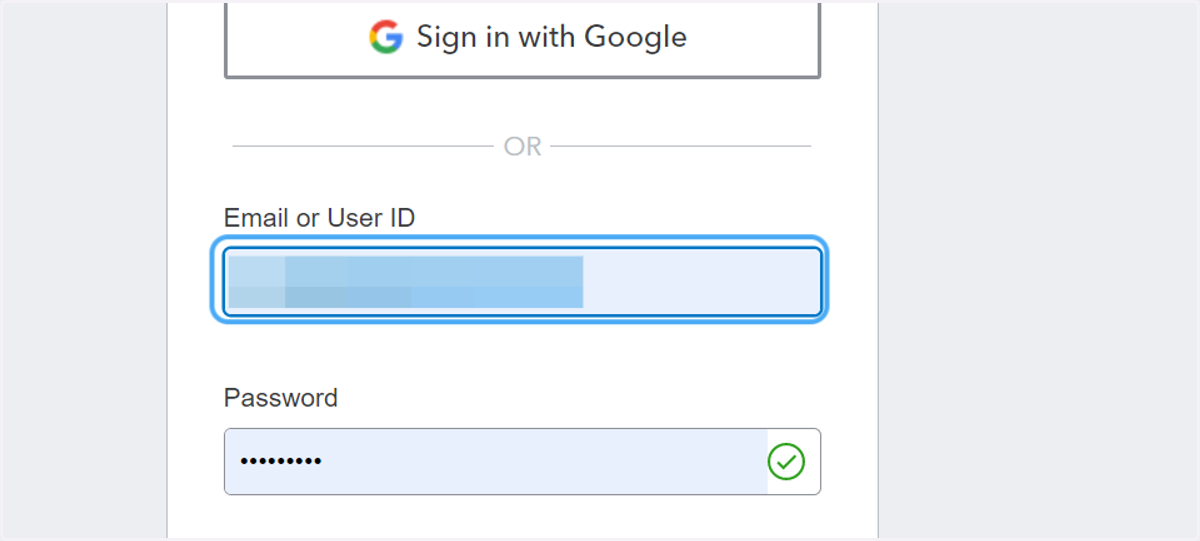
    Type the user credentials ( email address or user ID)
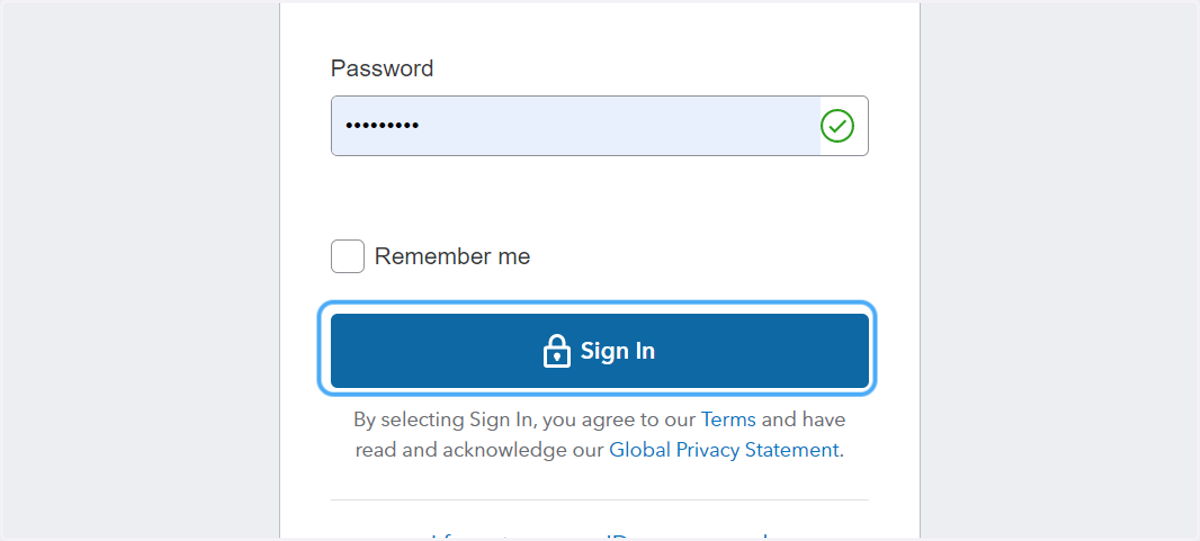
  2. 8. Click on Sign In

    Click on Sign In