Guide to Creating and Submitting Articles for Review
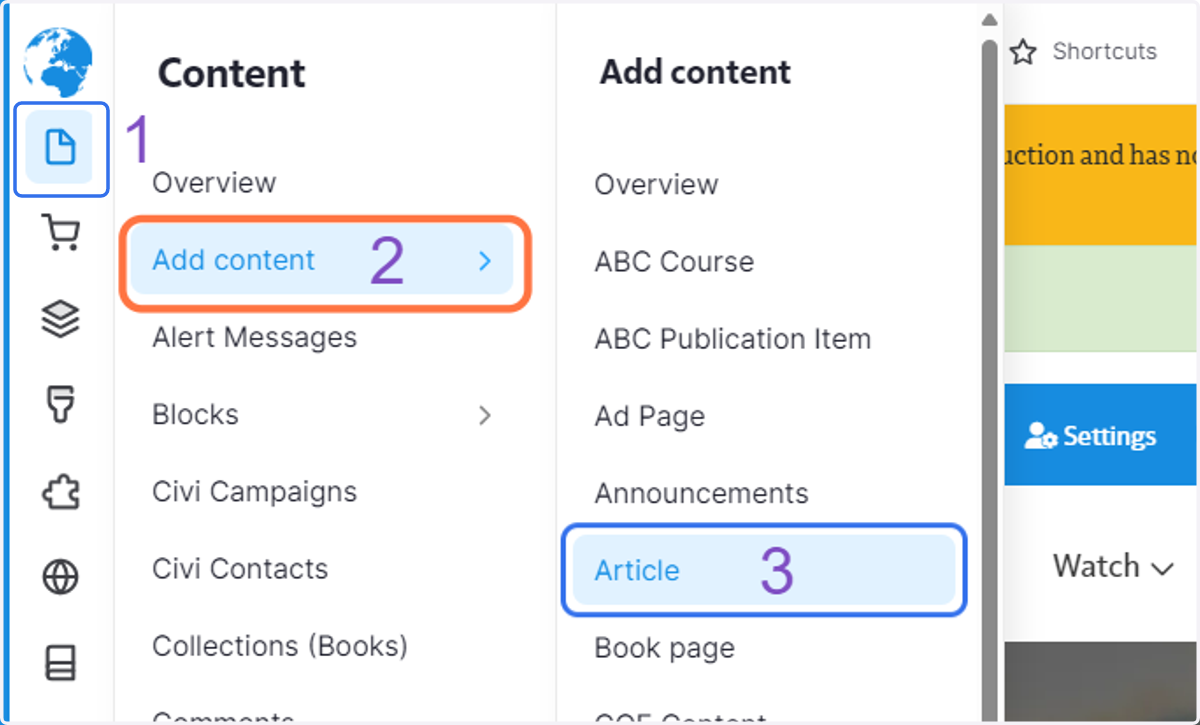
1. Click on the "Page" icon, then Add content, then Article
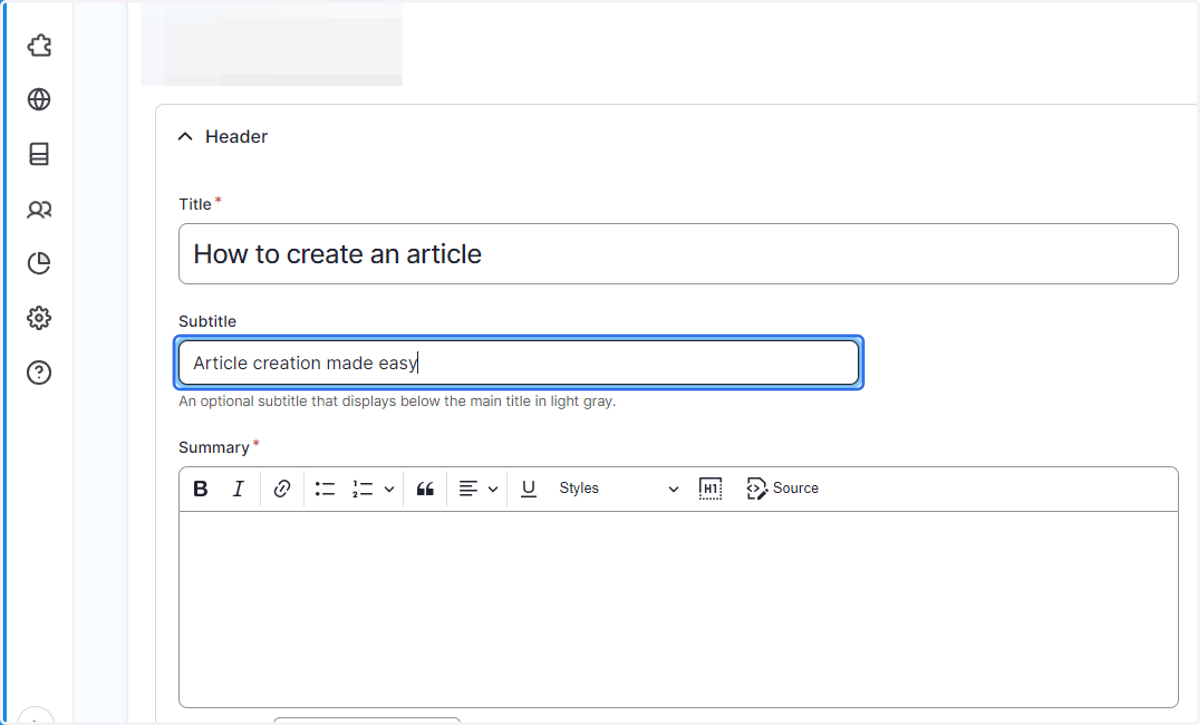
2. Add a Title, Subtitle (optional), and Summary
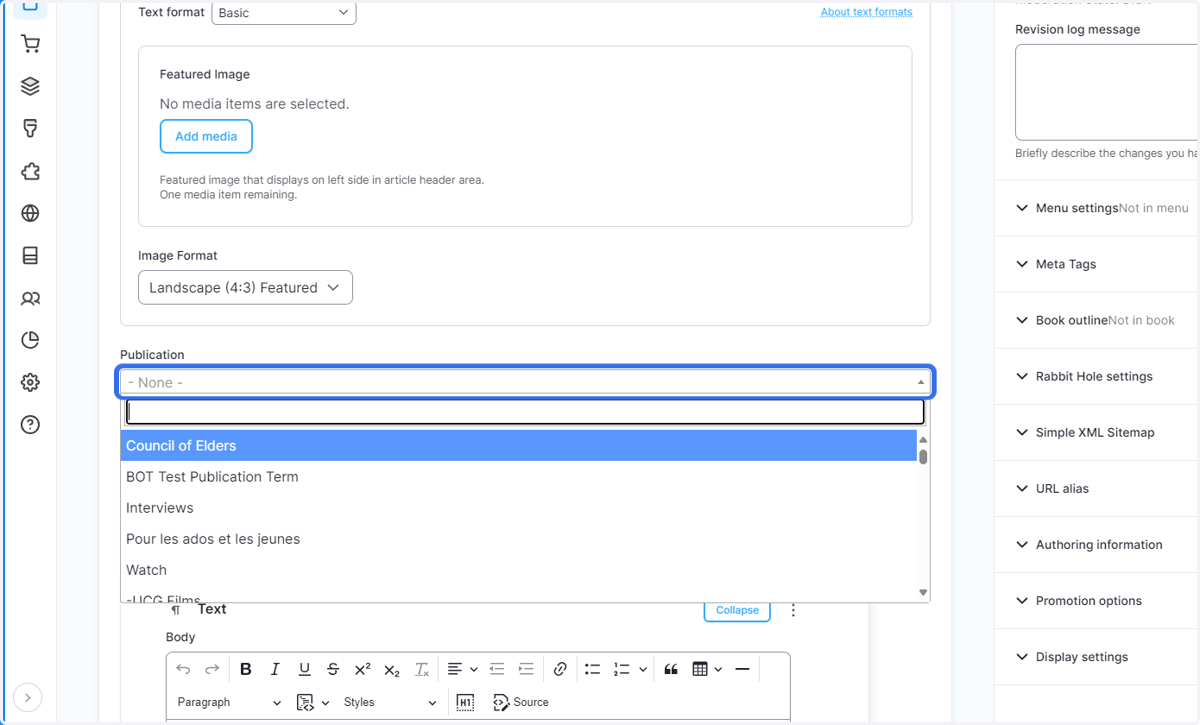
3. If applicable, choose the Publication the article is a part of.
Typing in a key word will bring up current publications to choose from.
4. Add the main content of your article.
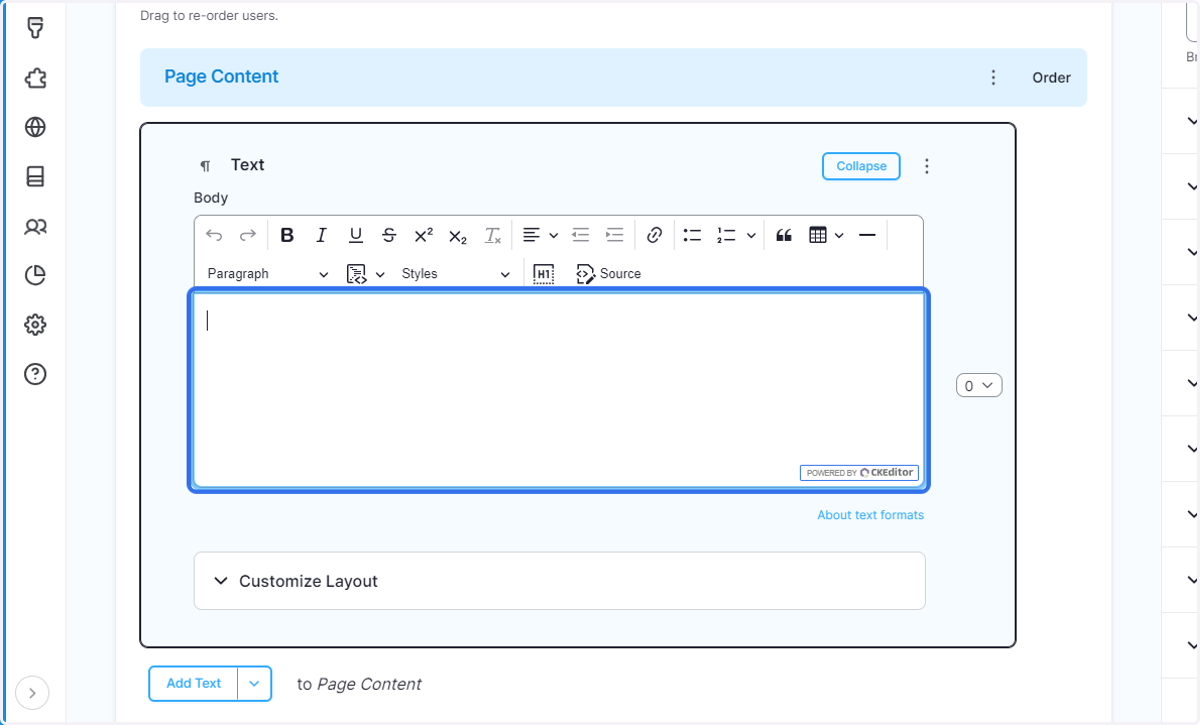
5. If you would like to add images between text paragraphs, use this drop down and choose one of the following options.
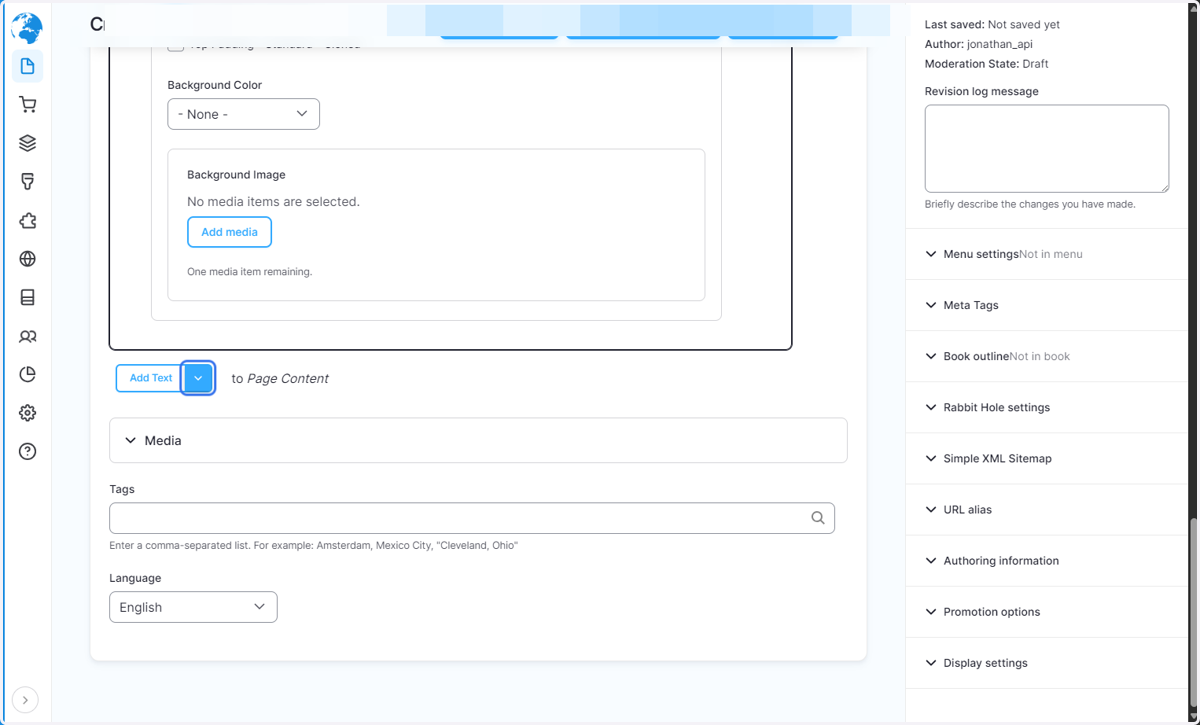
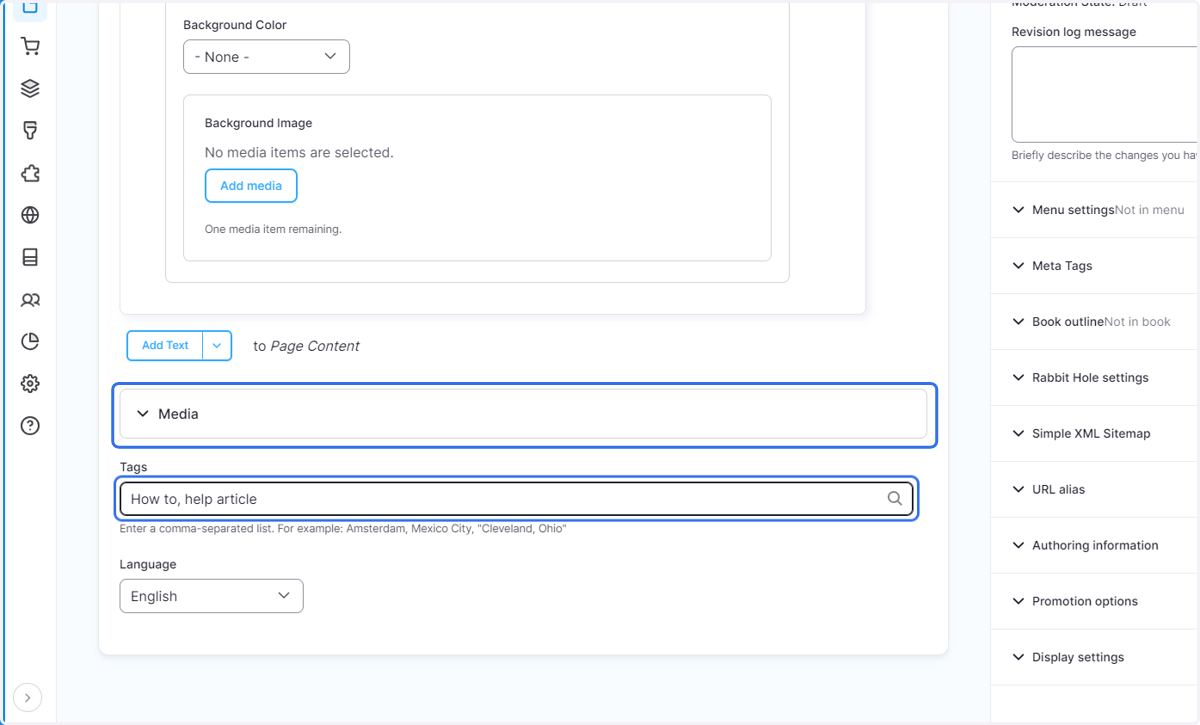
6. Add audio, attachments, or tags relevant to your article.
Choose tags from the dropdown when you begin typing. Tags should be short and will help improve our search engine.
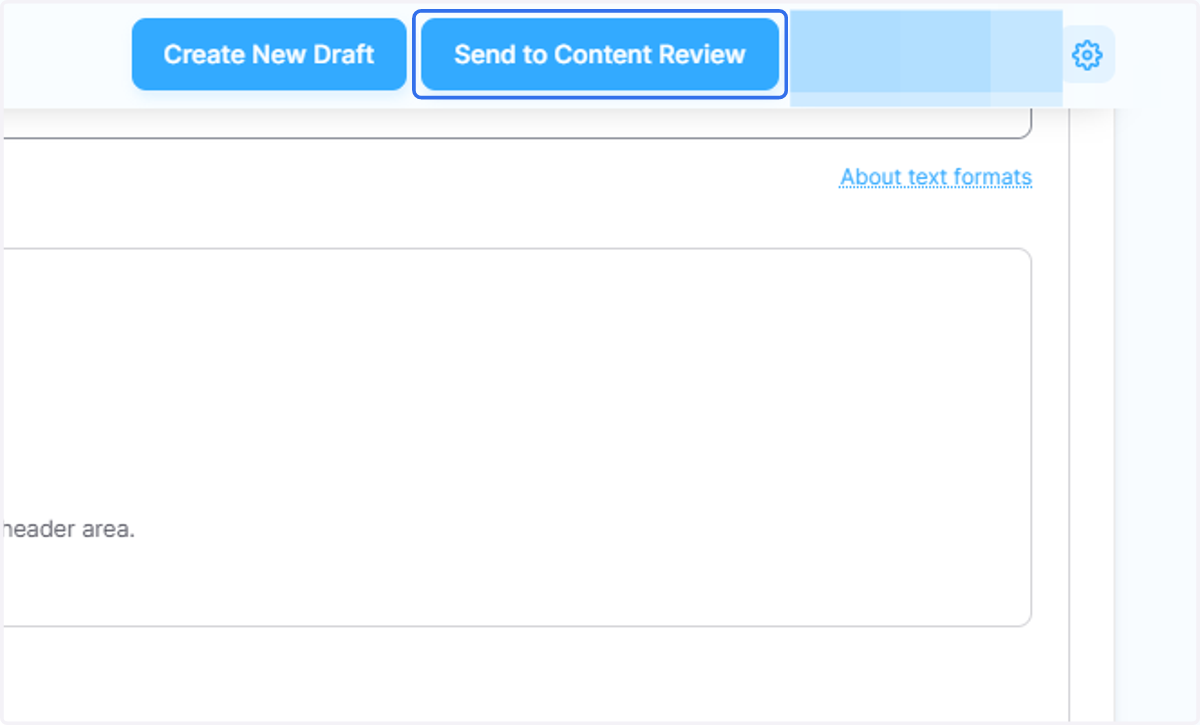
7. Click on Send to Content Review
8. Save successful!
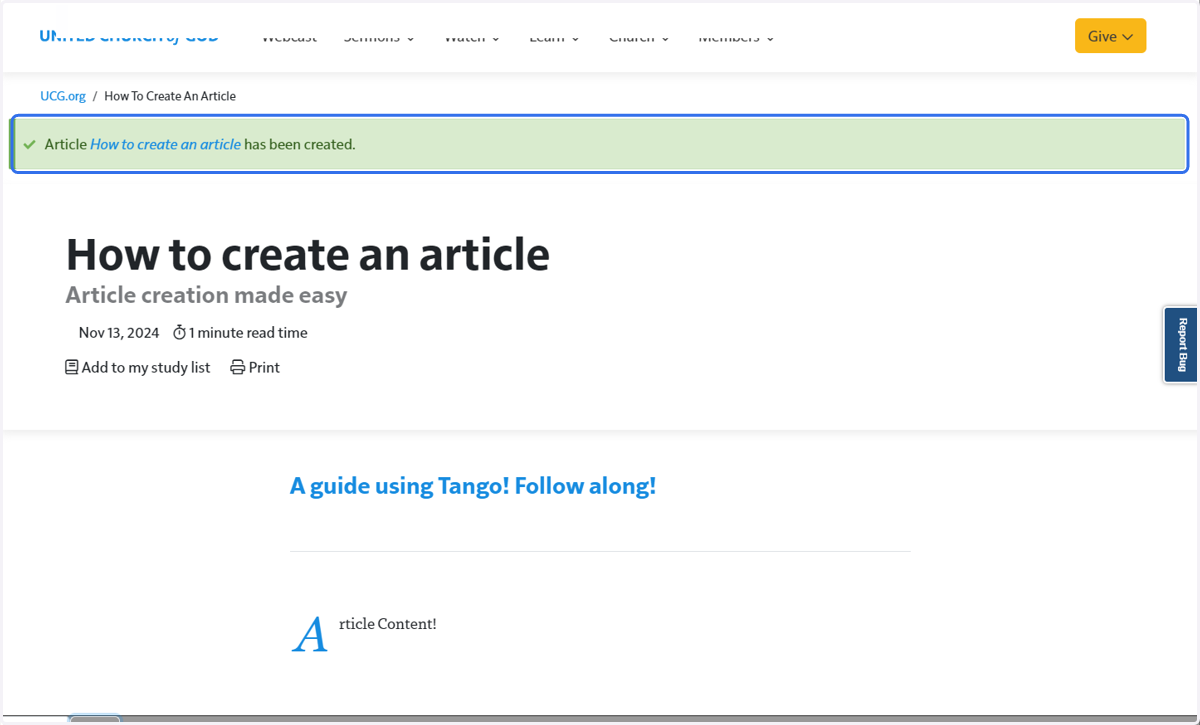
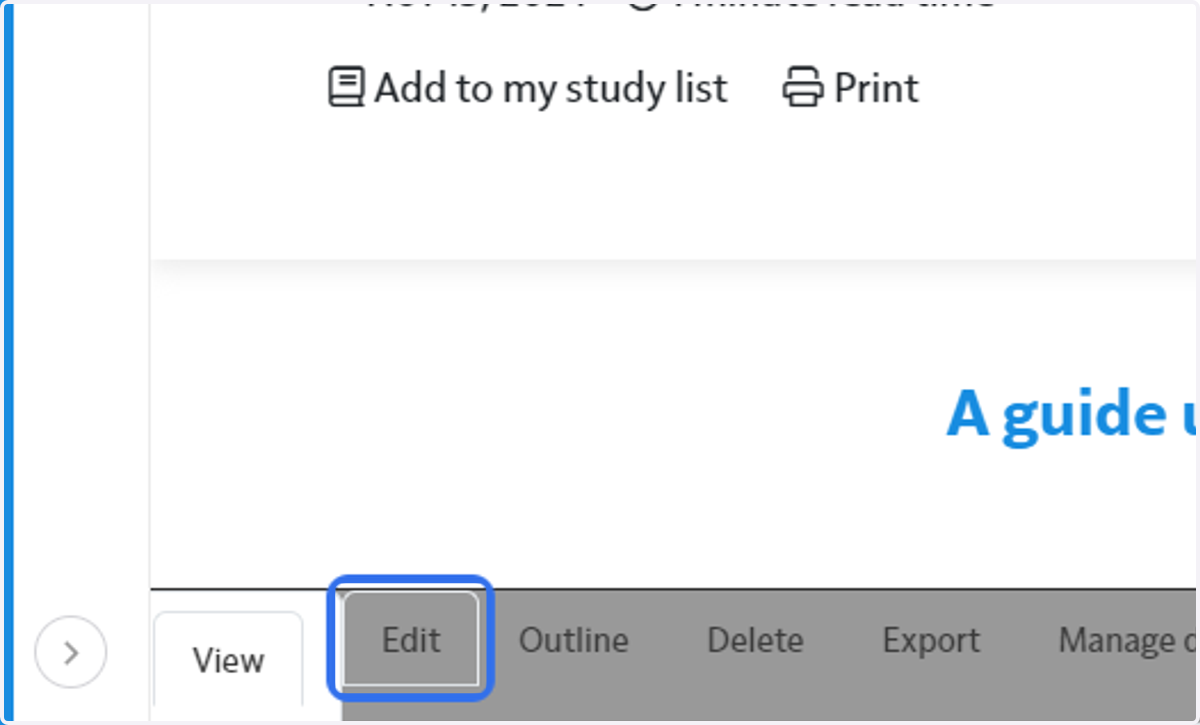
9. Click on Edit at the bottom of the page if you need to change anything after you have saved.