How to Unsubscribe/Manage Pet Owner Notifications
All settings-related items must be updated while on a desktop or laptop.
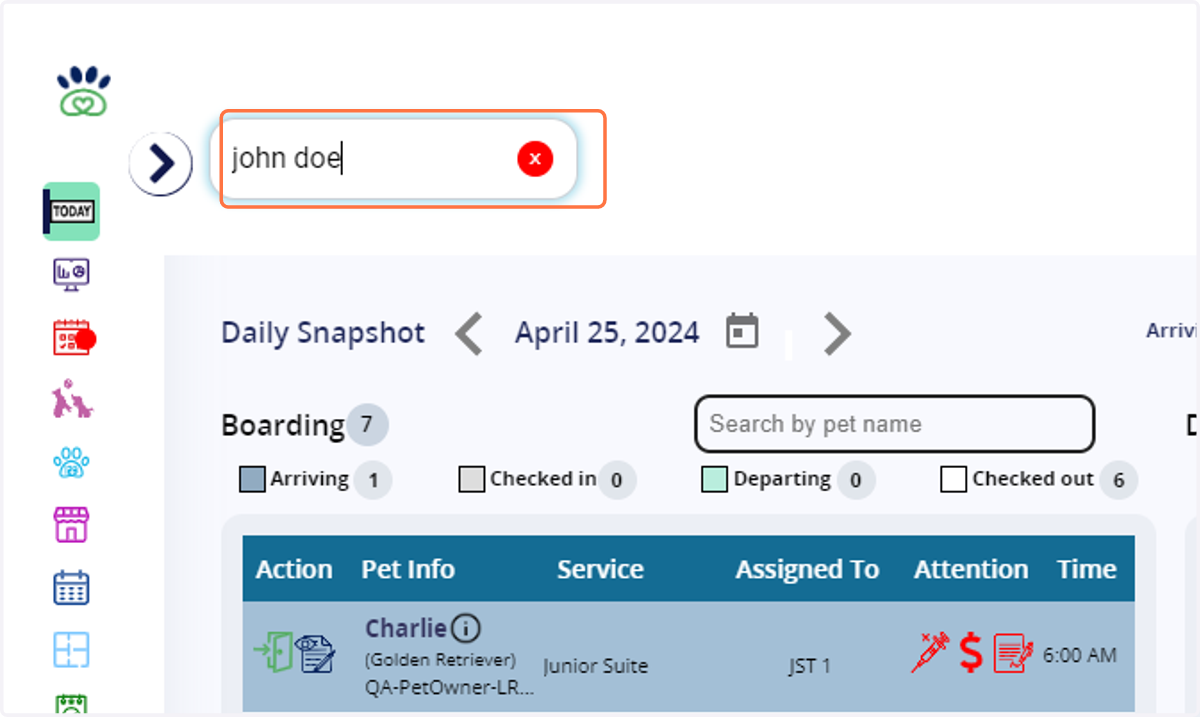
1. Type in the pet owner name, example: "john doe" and enter into their pet owner profile.
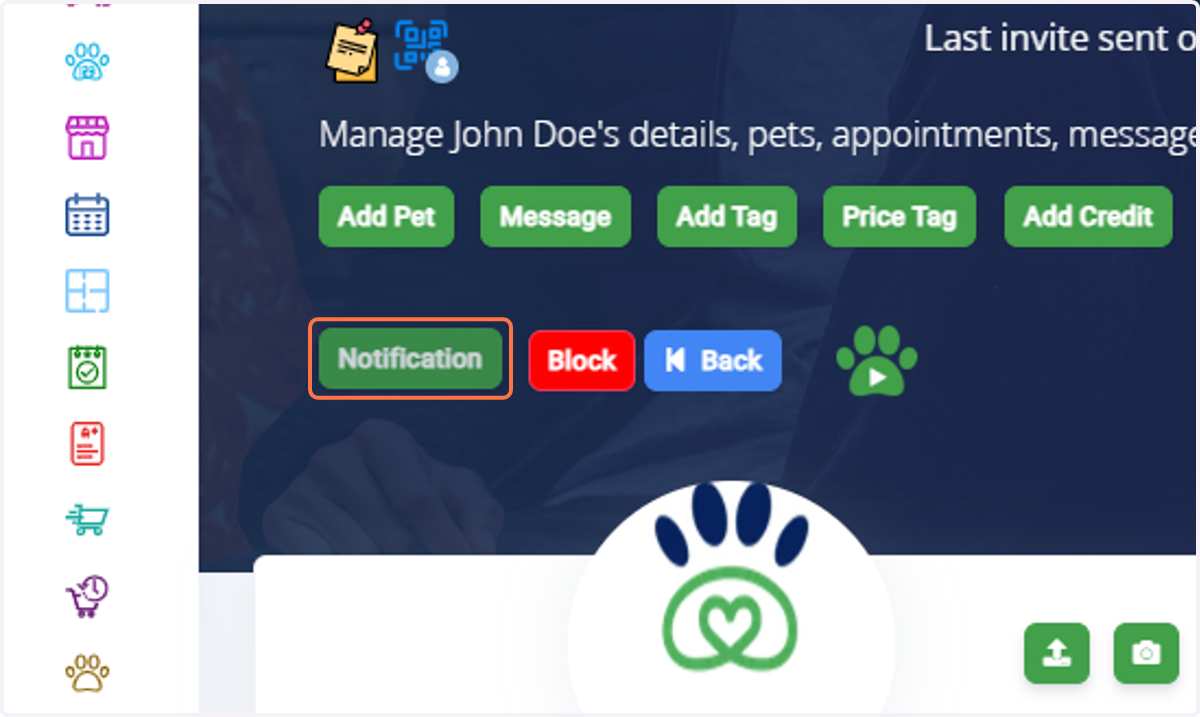
2. Click on Notification
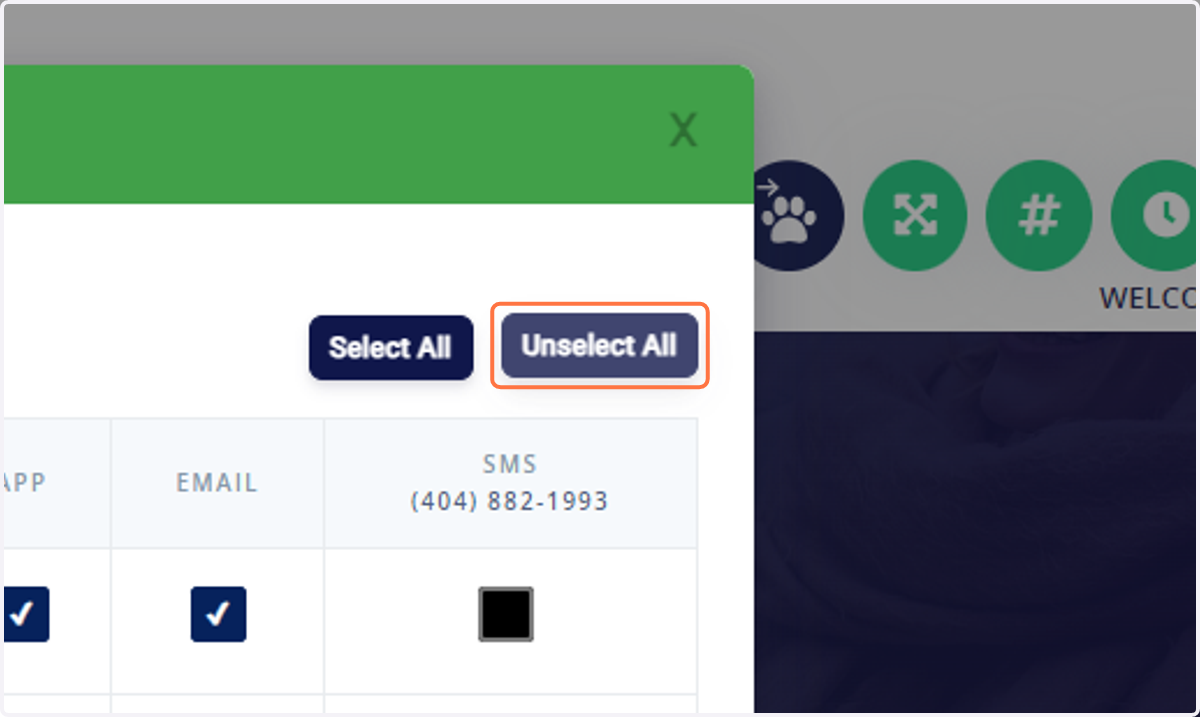
3. Click on Unselect All if you would like to opt out completely for the customer or you can pick/choose which notifications should be turned off/disabled.
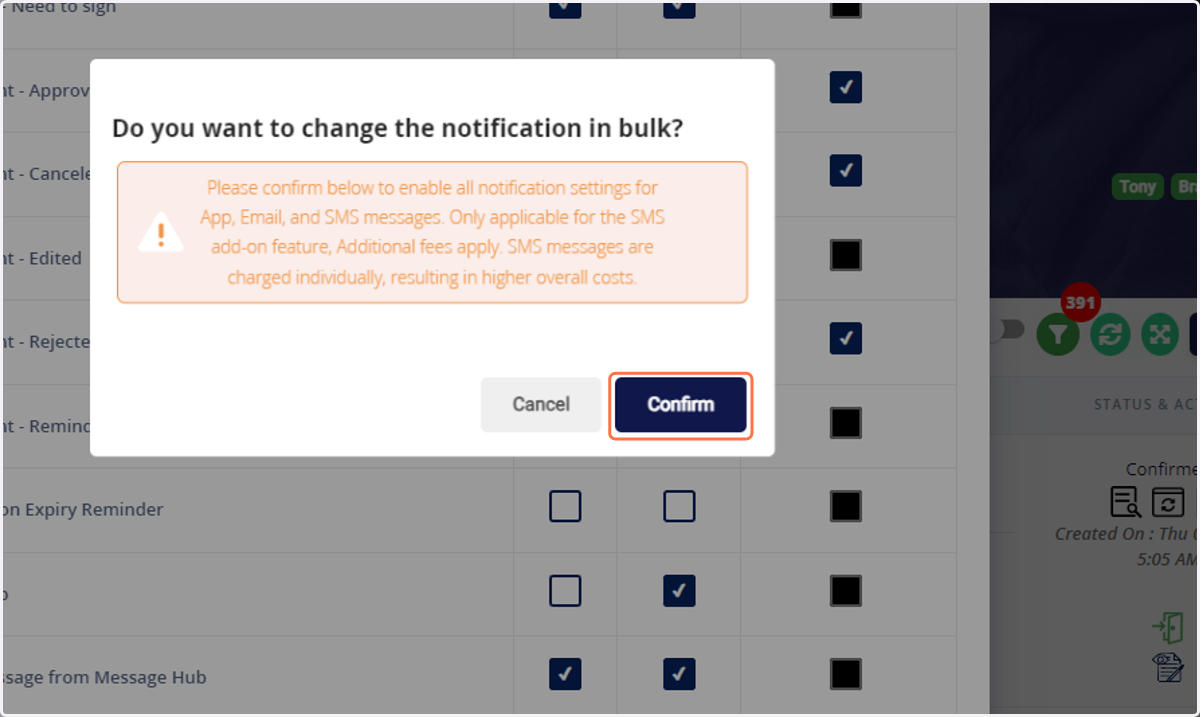
4. Click on Confirm then update to finalize