Syncing Touchpoints with Activities in Salesforce
PhoneRaise
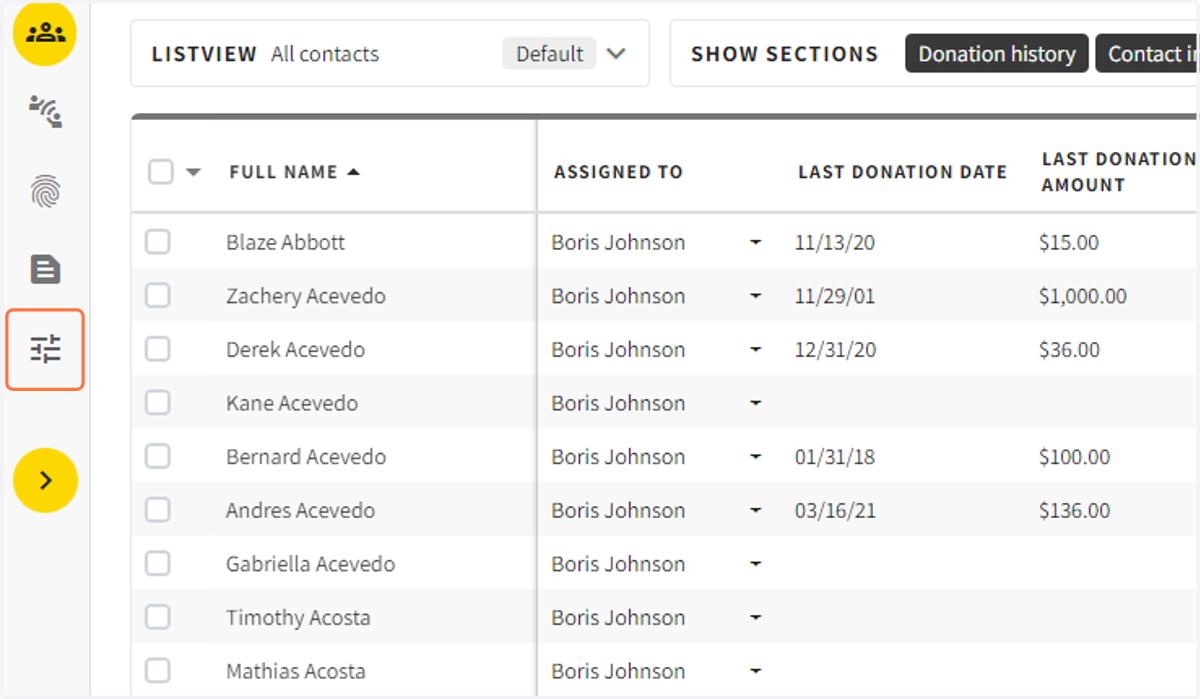
1. When you are in an Engage Campaign, Click on Campaign Settings
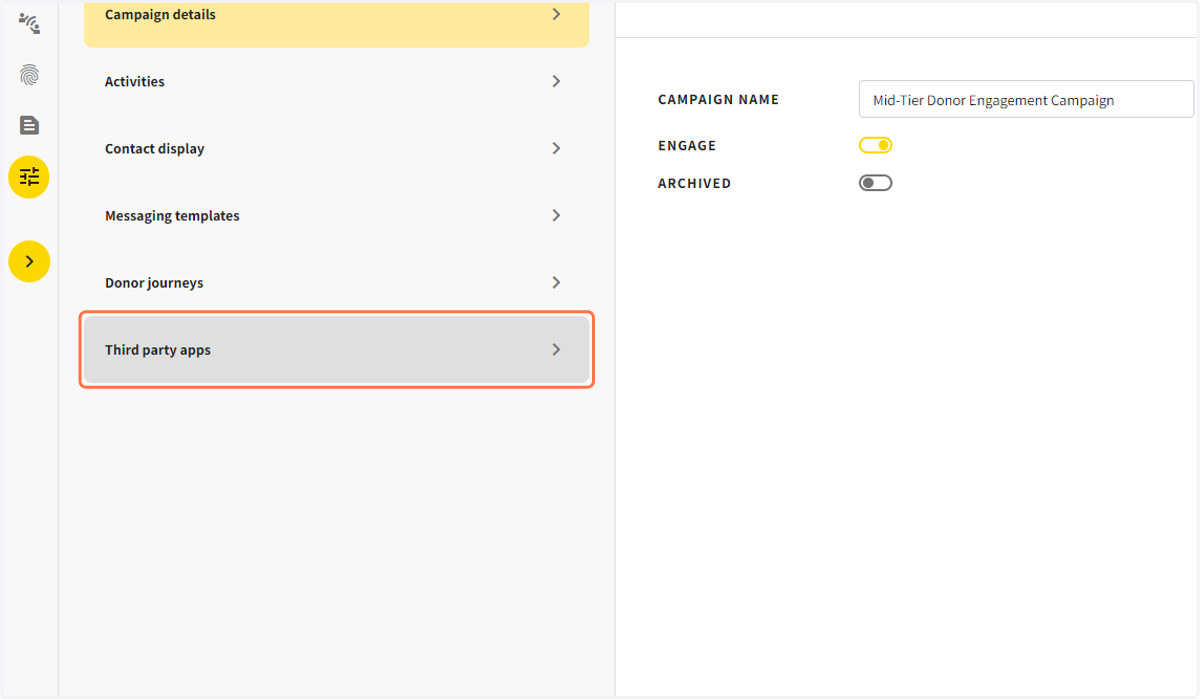
2. Click on Integrations
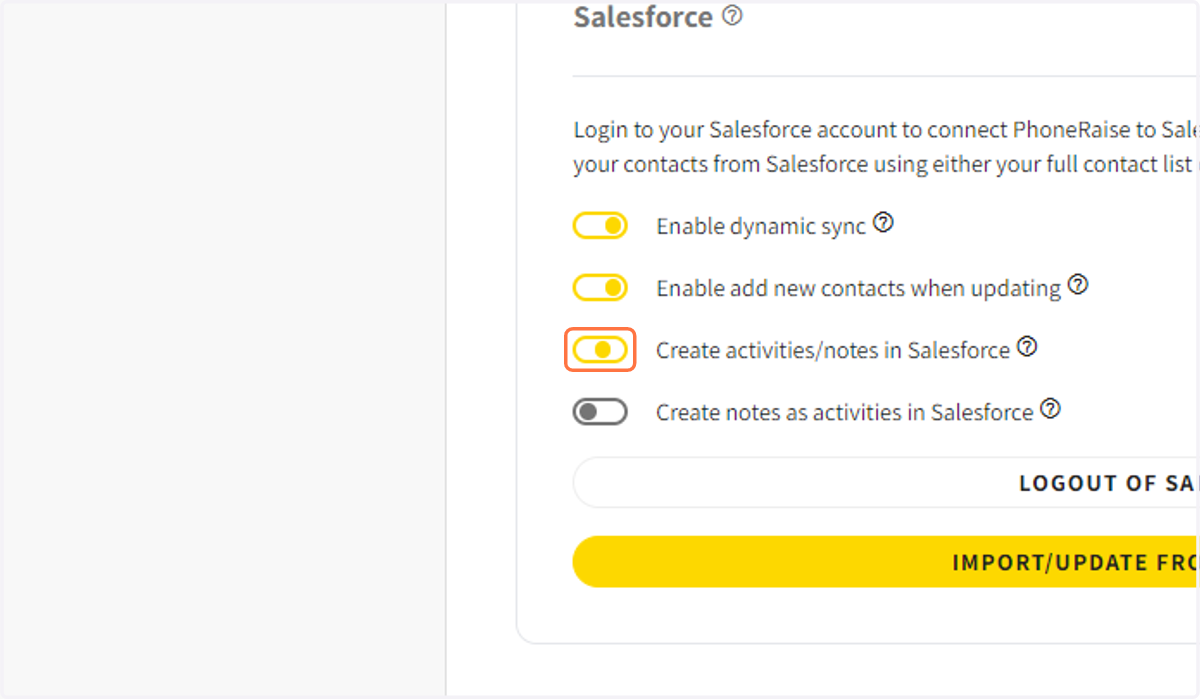
3. Toggle on Create Activities & Notes in Salesforce
When you turn this on, any completed touchpoint will show up in the activities section in the contact record.
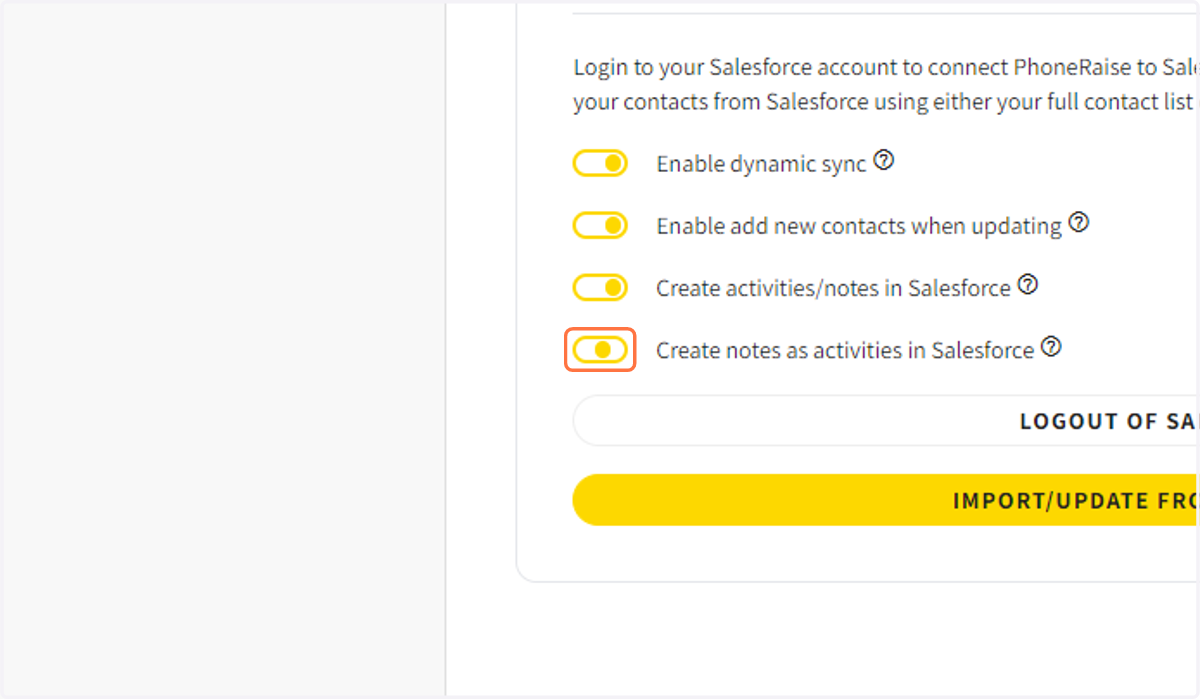
4. Toggle on Create Notes as activities in Salesforce.
If kept turned off, all notes will show up in the Salesforce notes section. Most people prefer to have all notes show up as activities as well. Turn this on for notes to show up as activities.
5. Click on SAVE