Managing Tax Rates with Cone
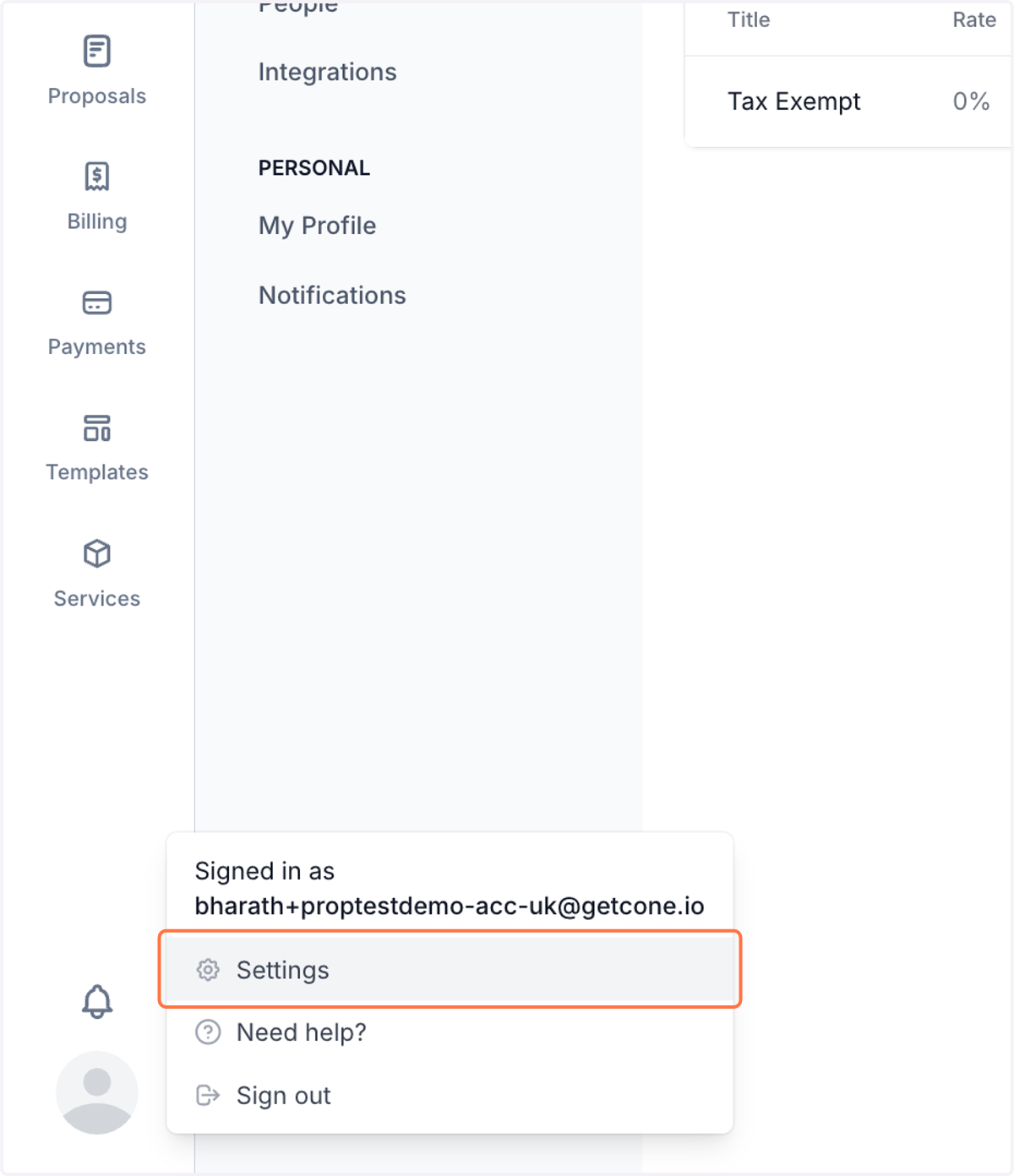
1. Click on avatar icon at the bottom left

2. Click on Settings
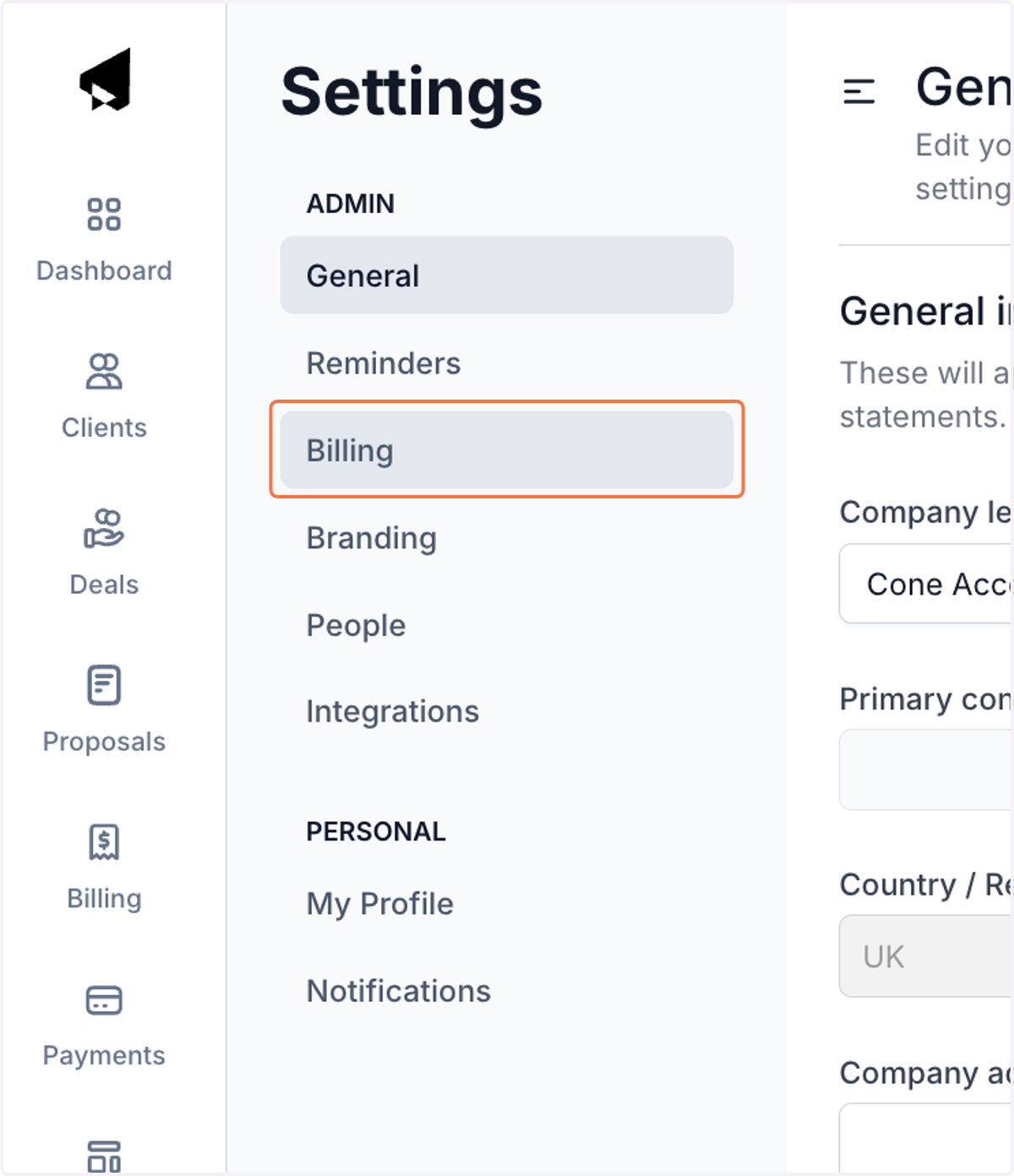
3. Click on Billing
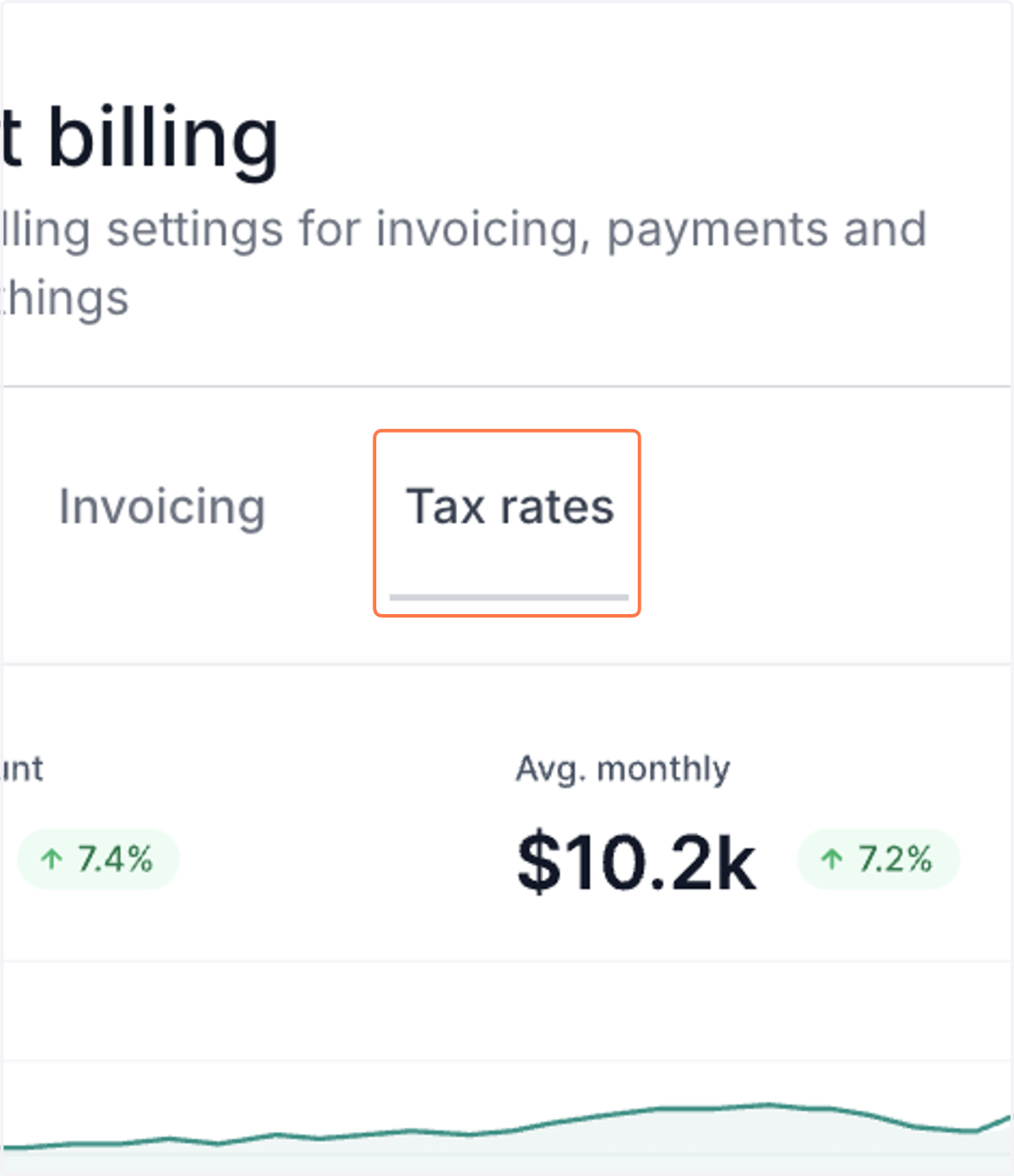
4. Click on Tax rates
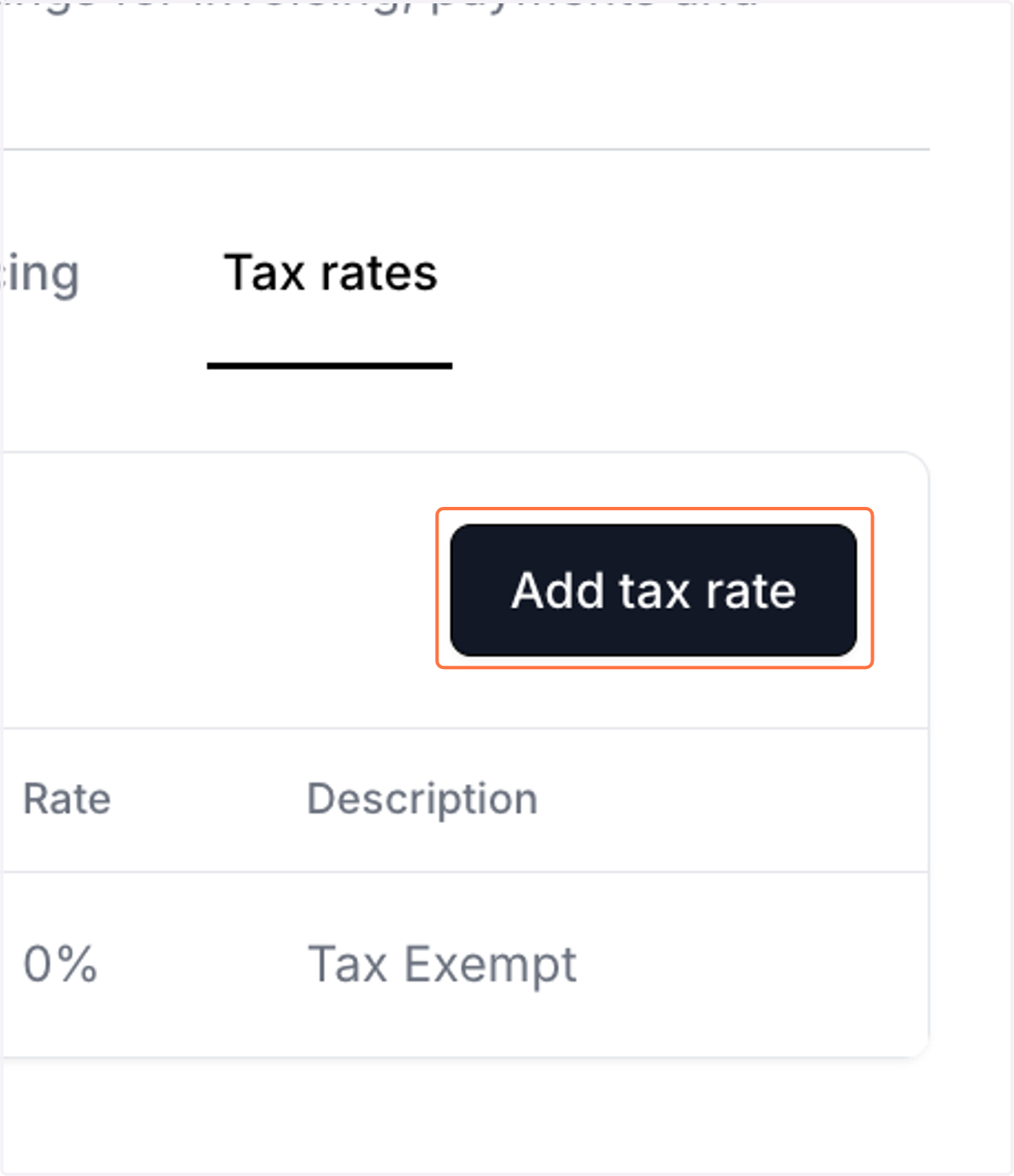
5. Click on Add tax rate
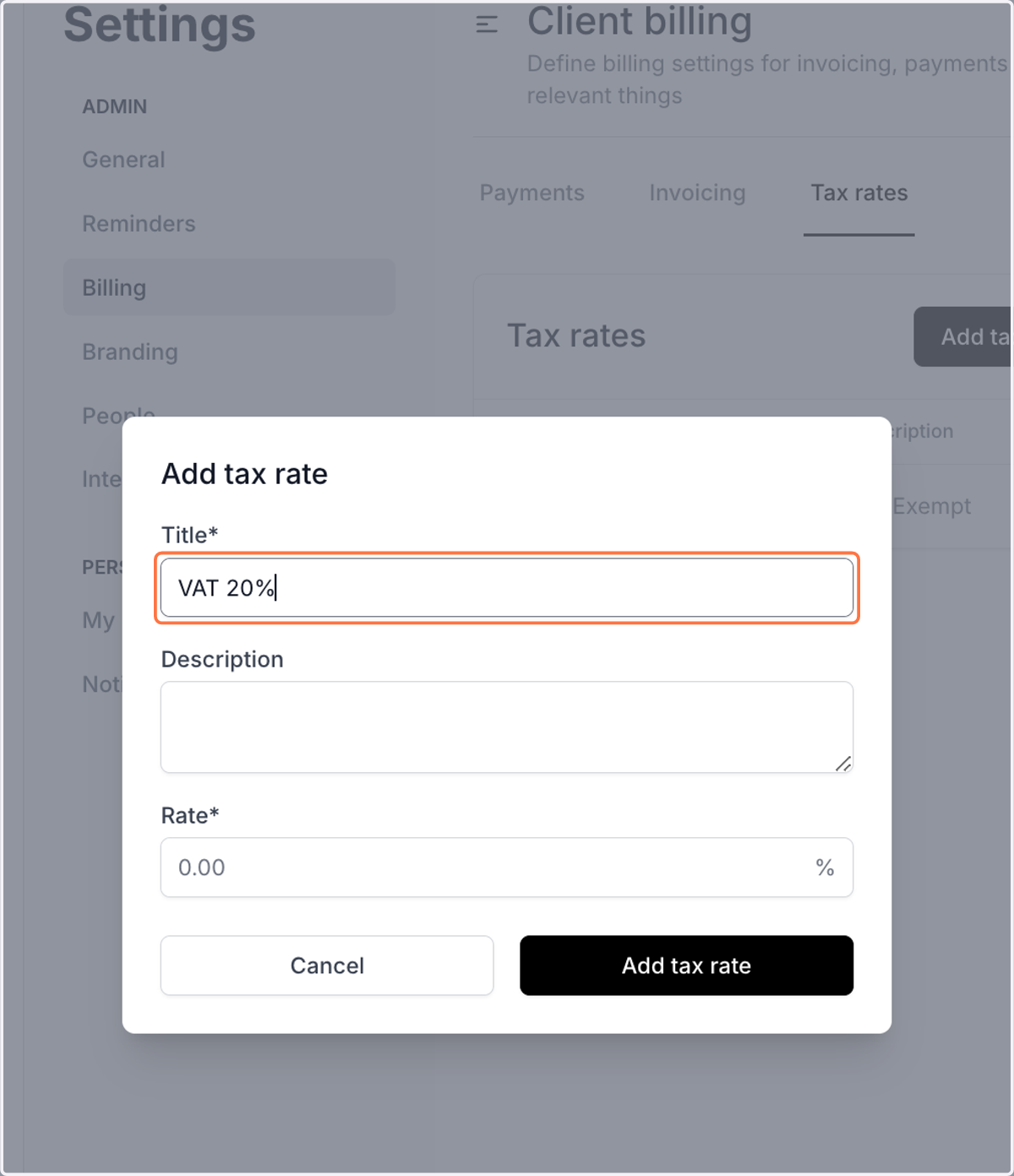
6. Type a title
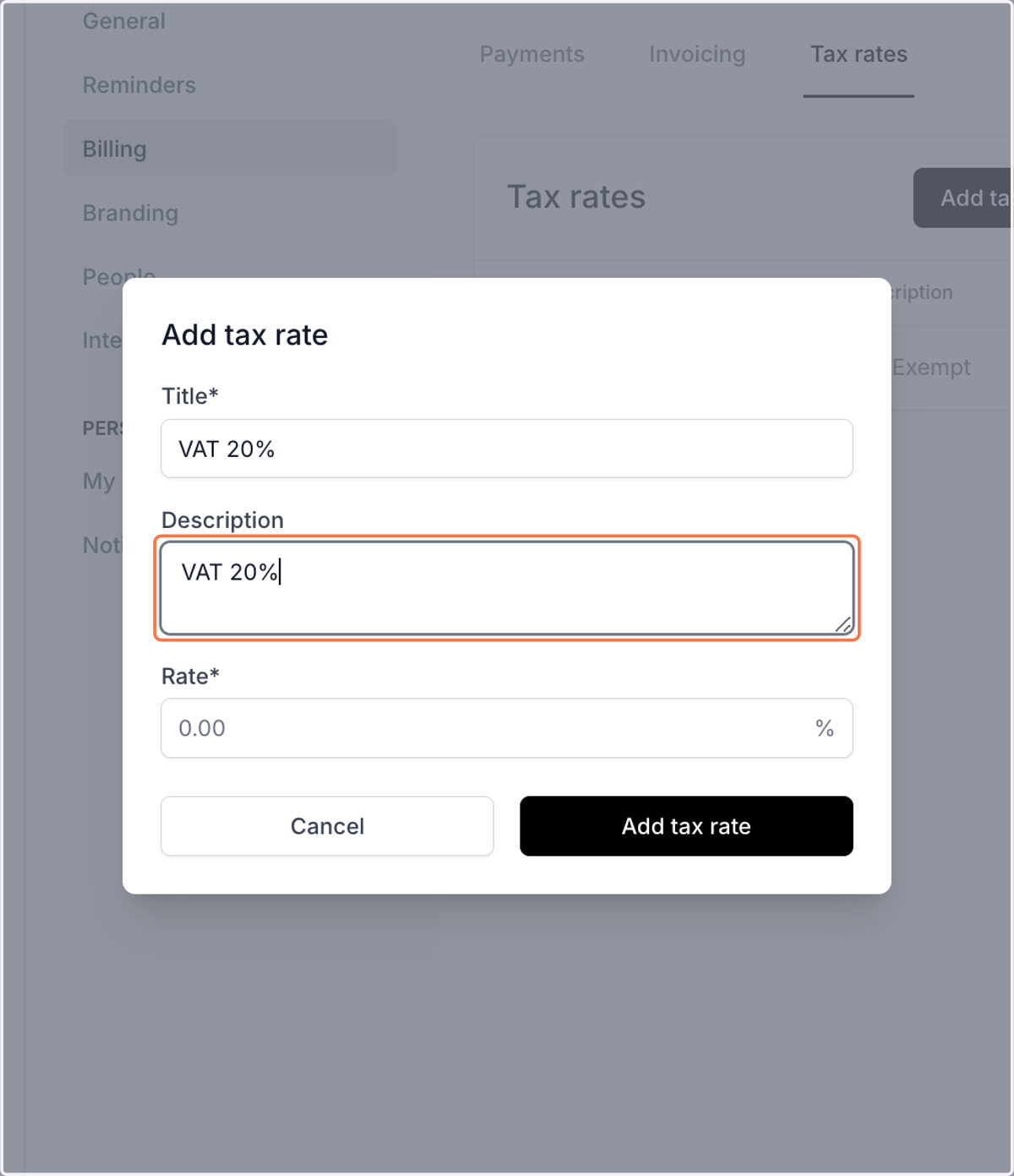
7. Enter the description
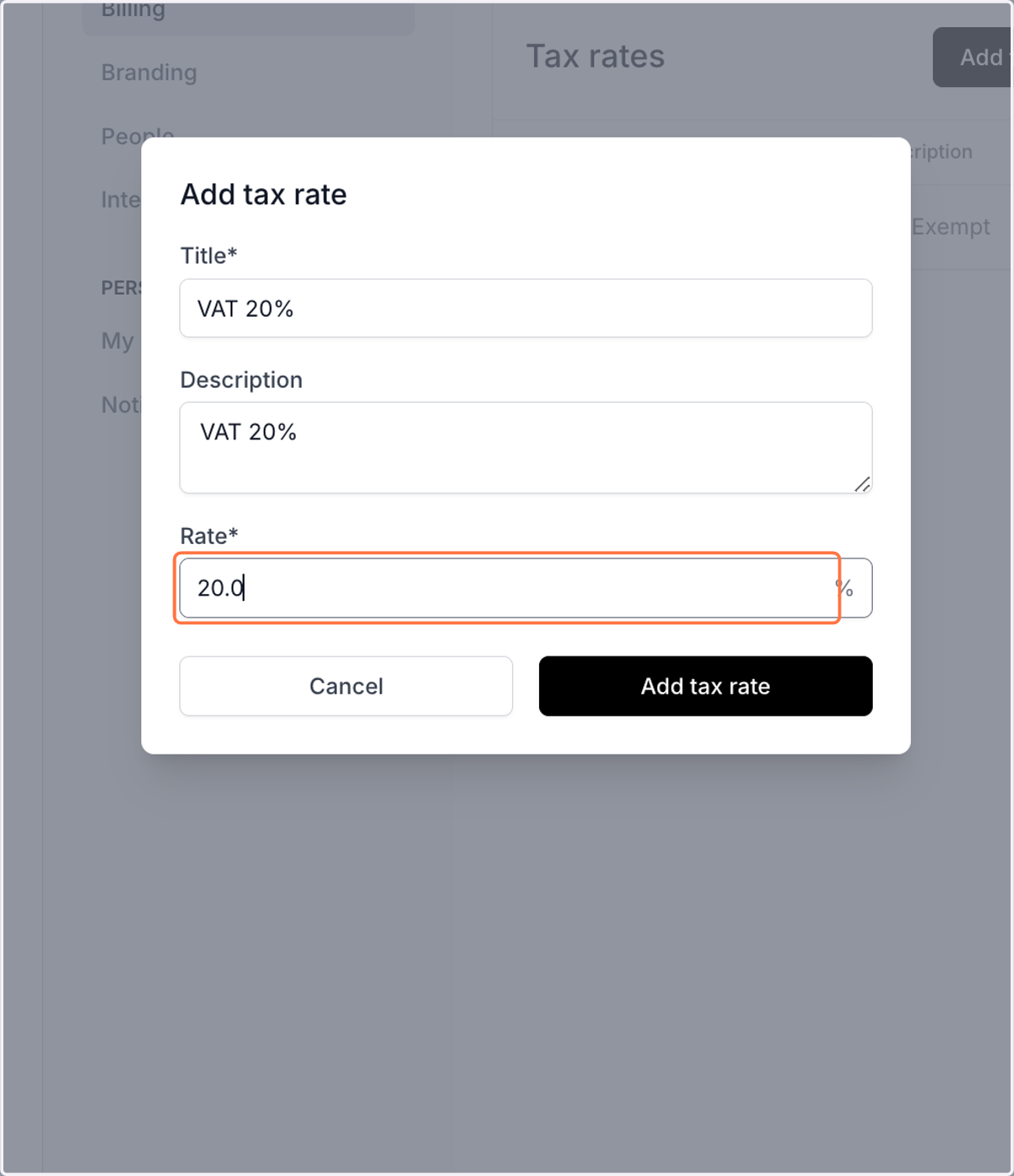
8. Enter the tax rate
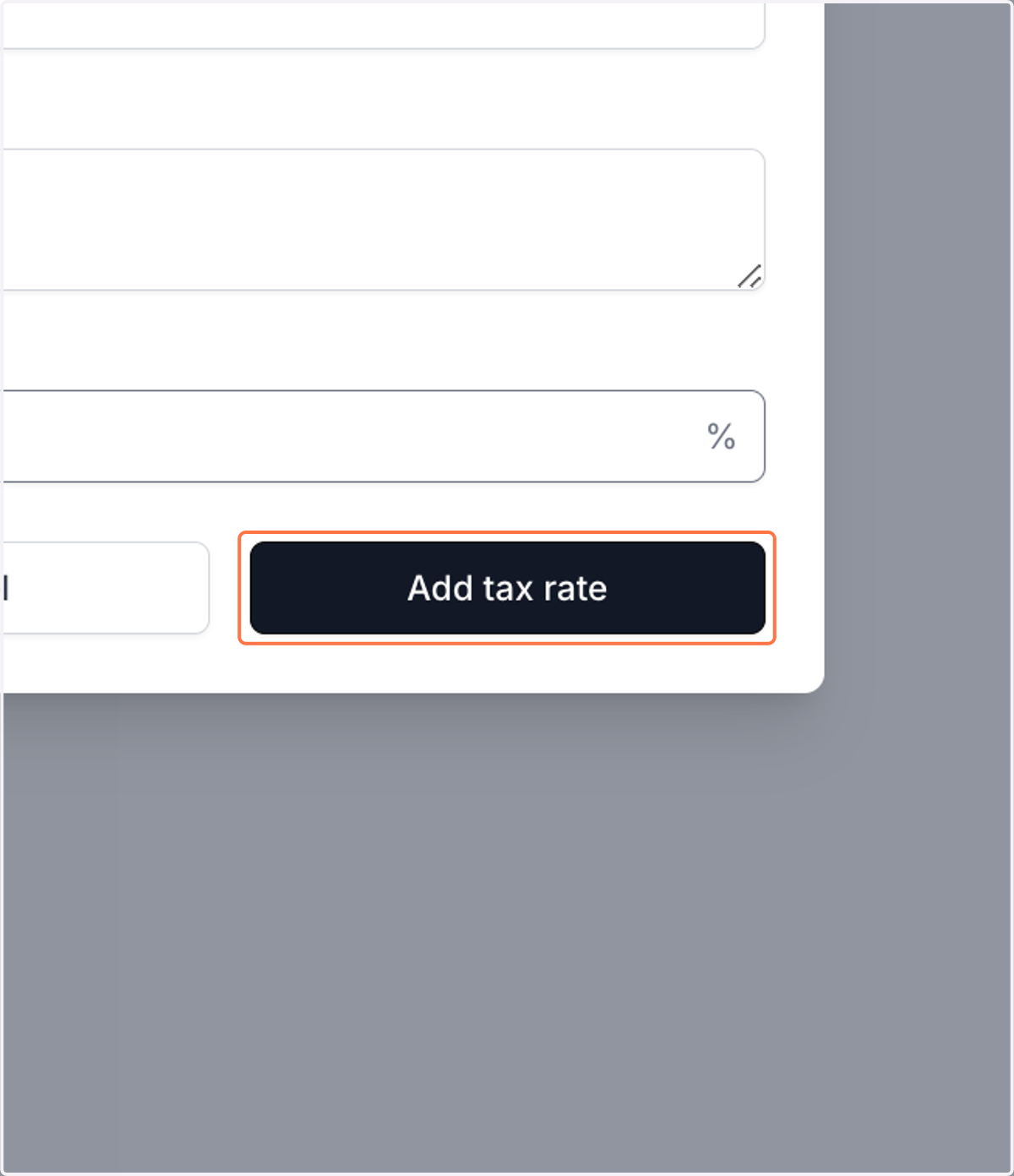
9. Click on Add tax rate
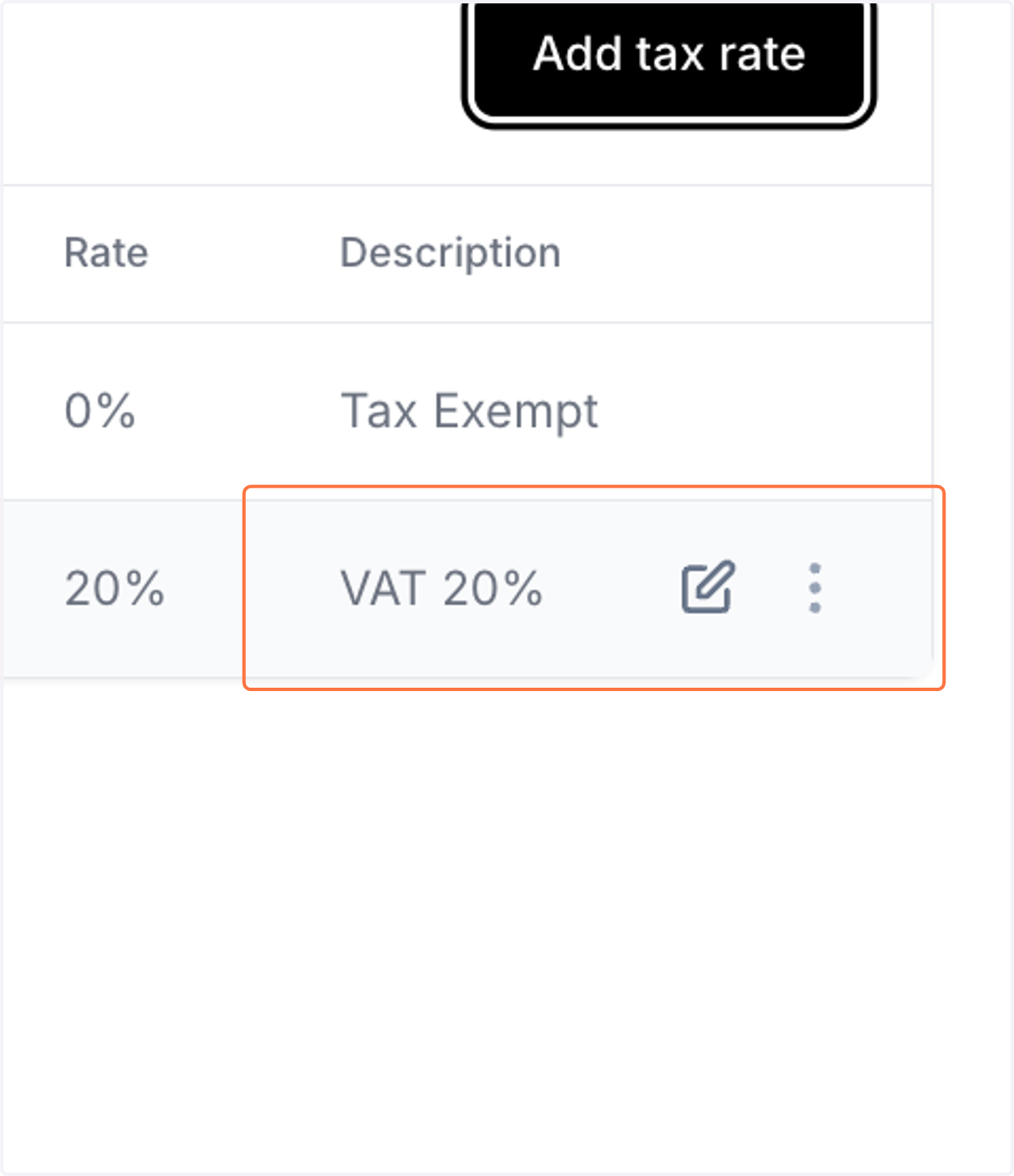
10. To edit an existing tax rate, click on the edit icon
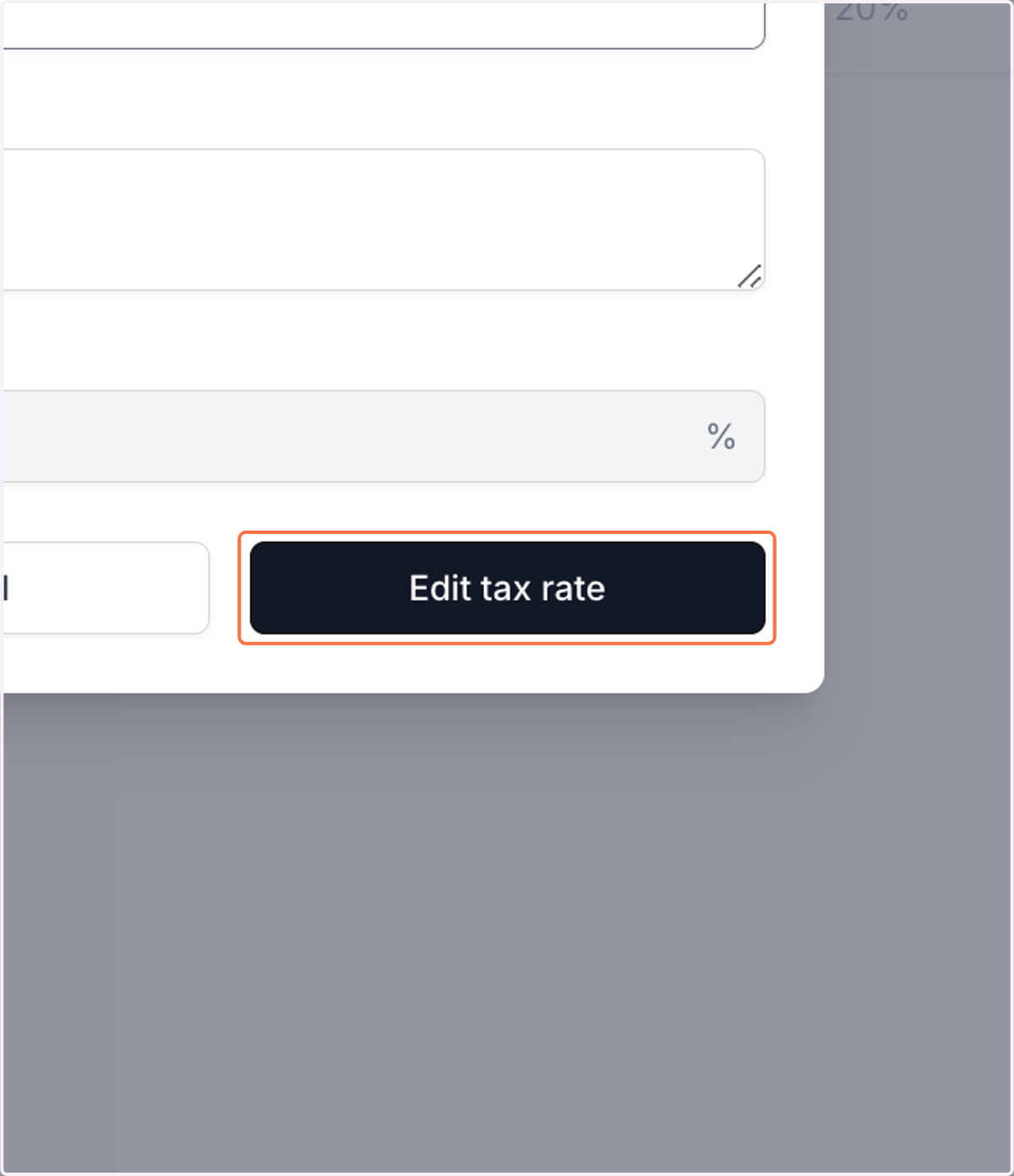
11. Click on Edit tax rate to save the updates