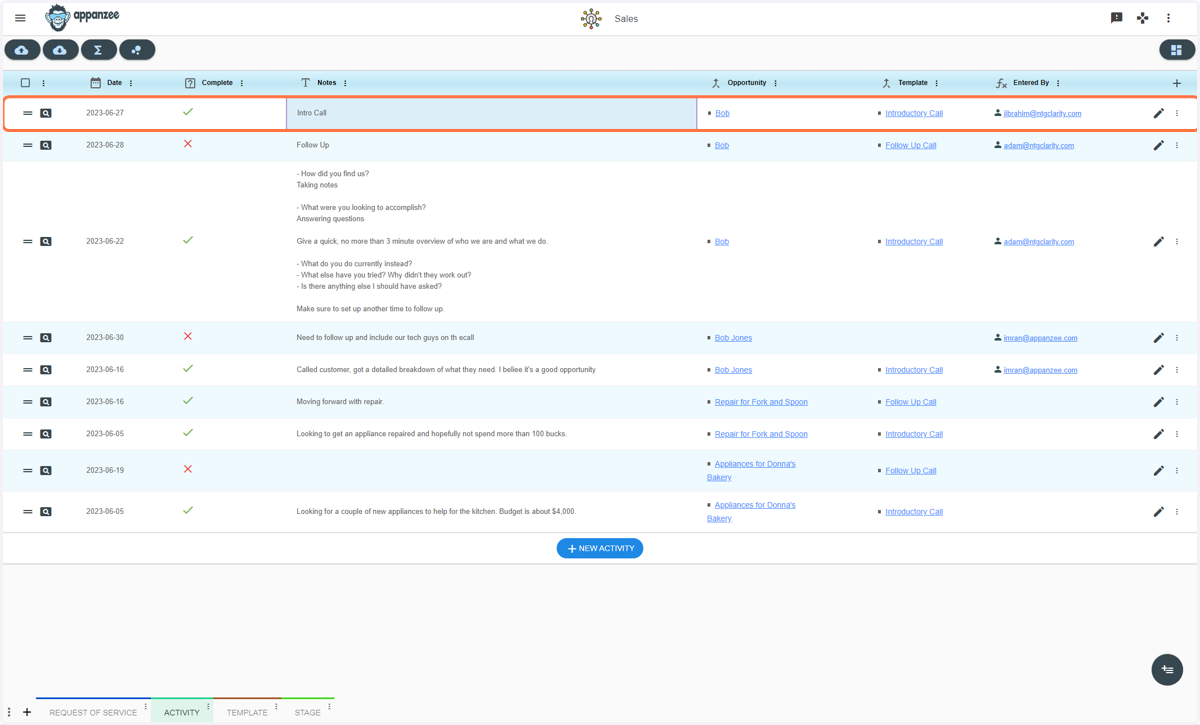
Sales - Creating an Activity Related to The Request of Service
1. Click on the Activity Tab
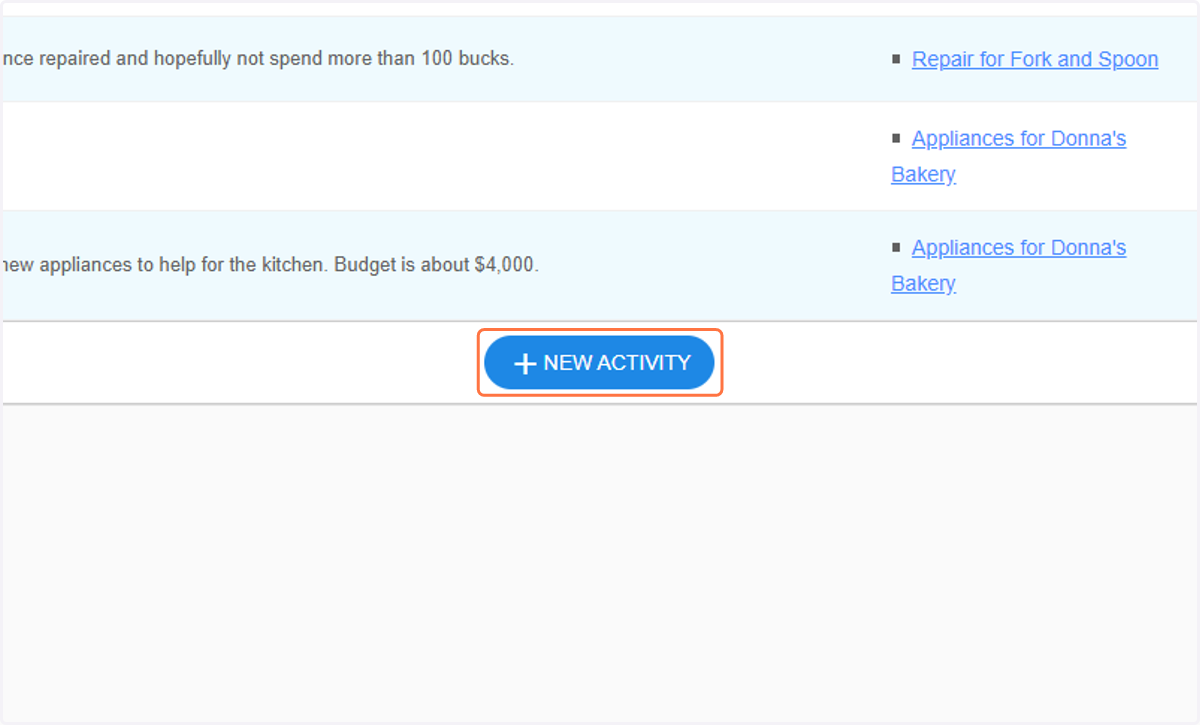
2. Click on NEW ACTIVITY
3. Type in date
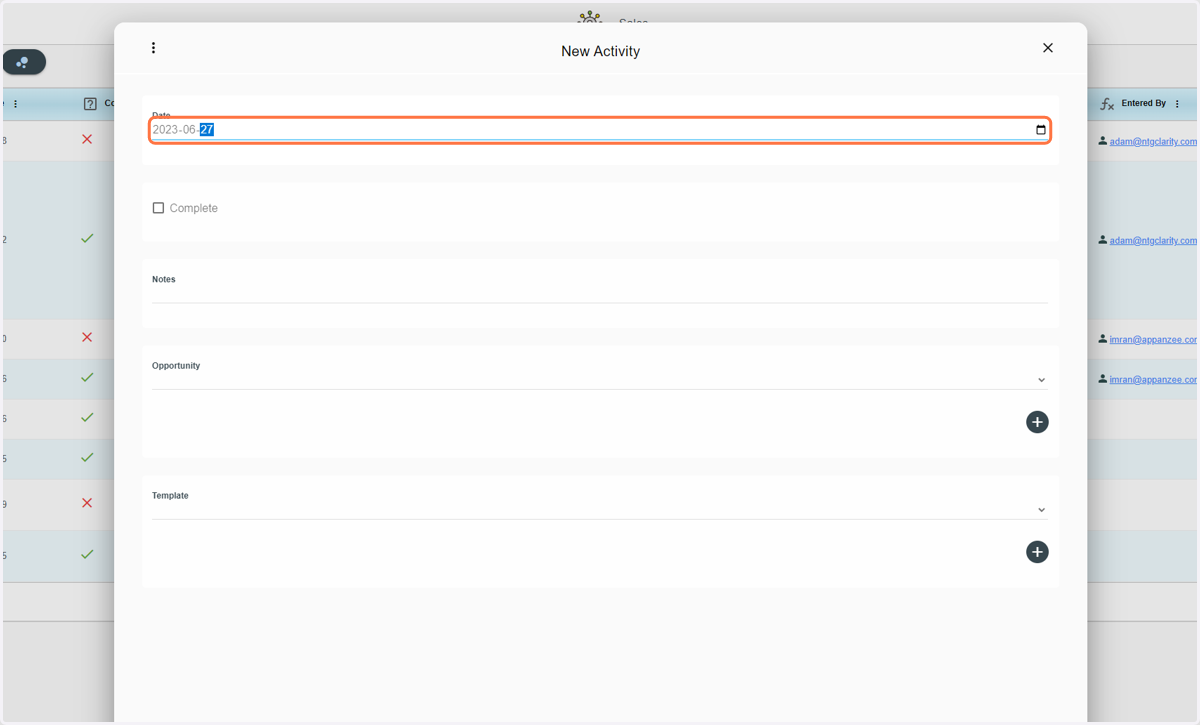
4. Check if Completed
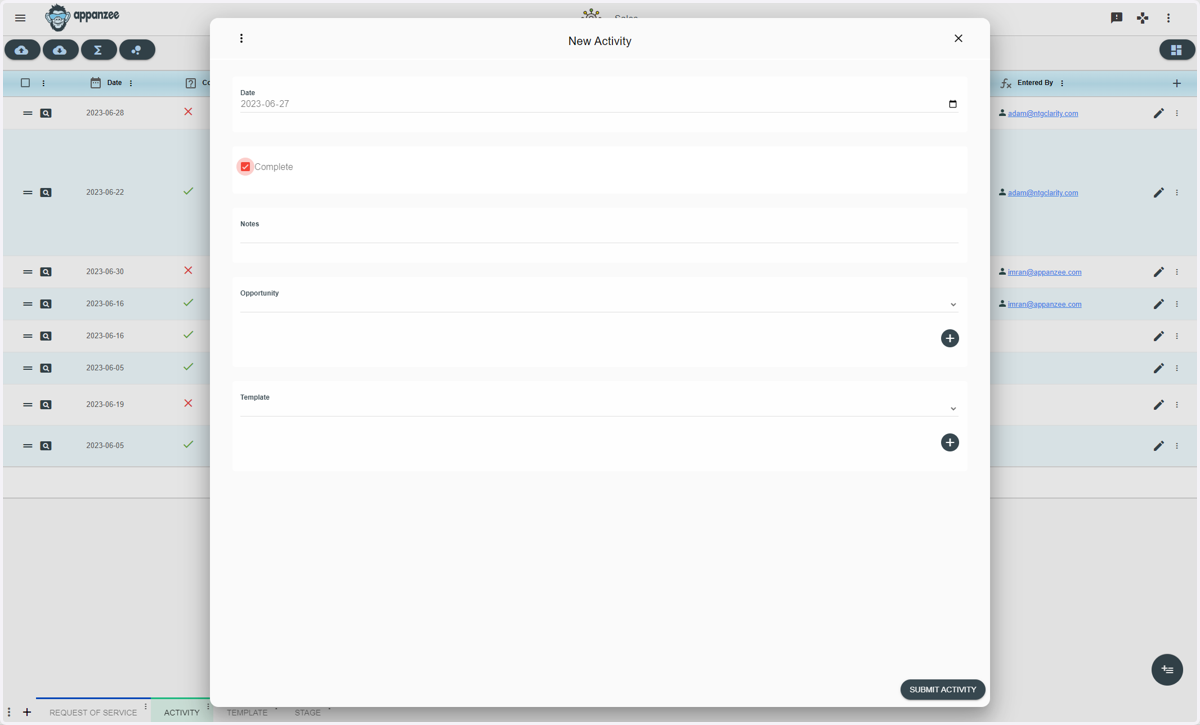
5. Type in notes
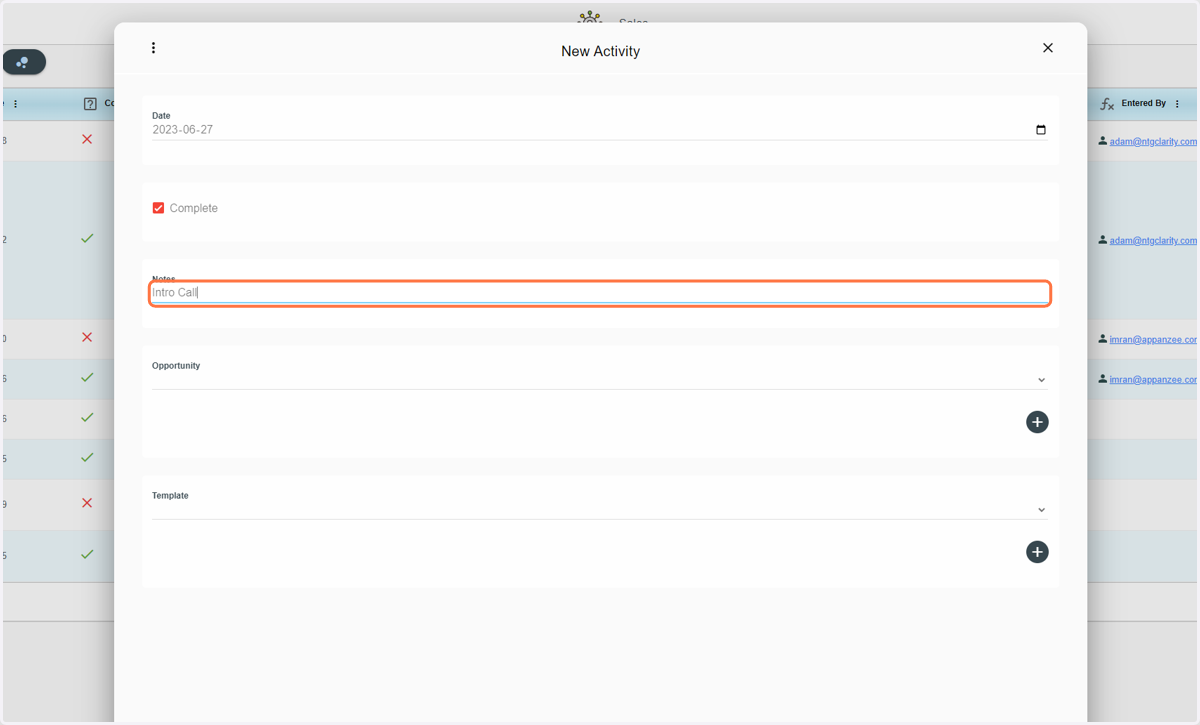
6. Select the Opportunity
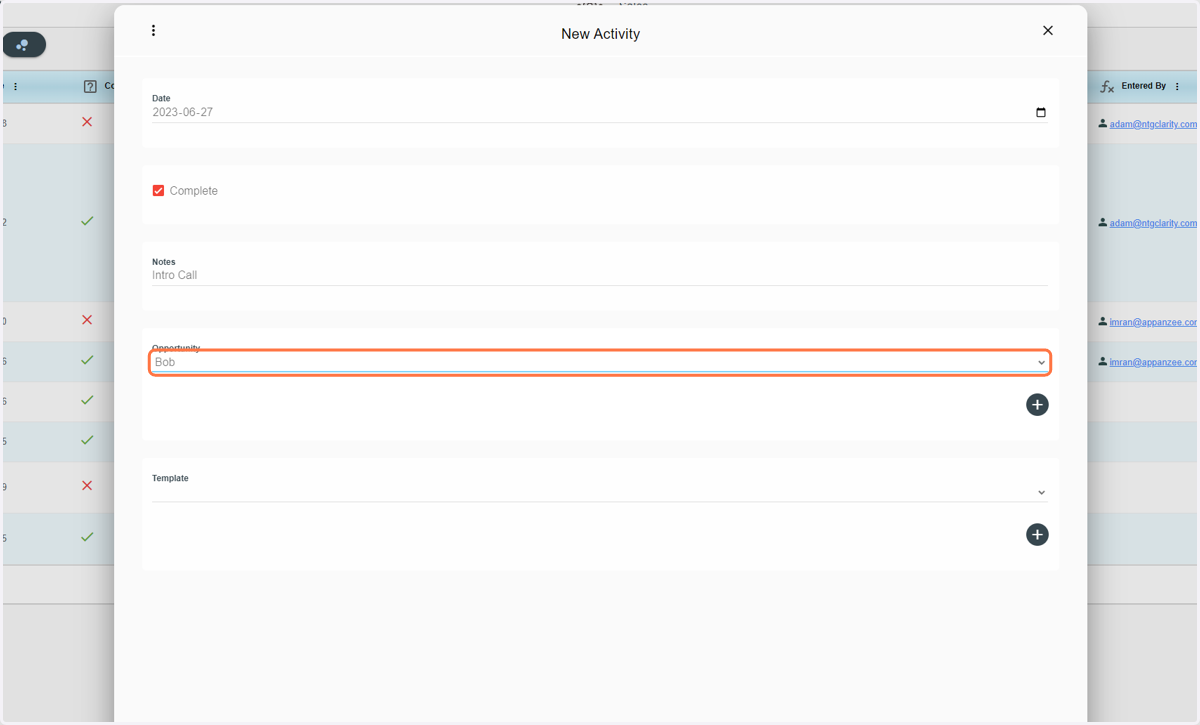
7. Select a Template
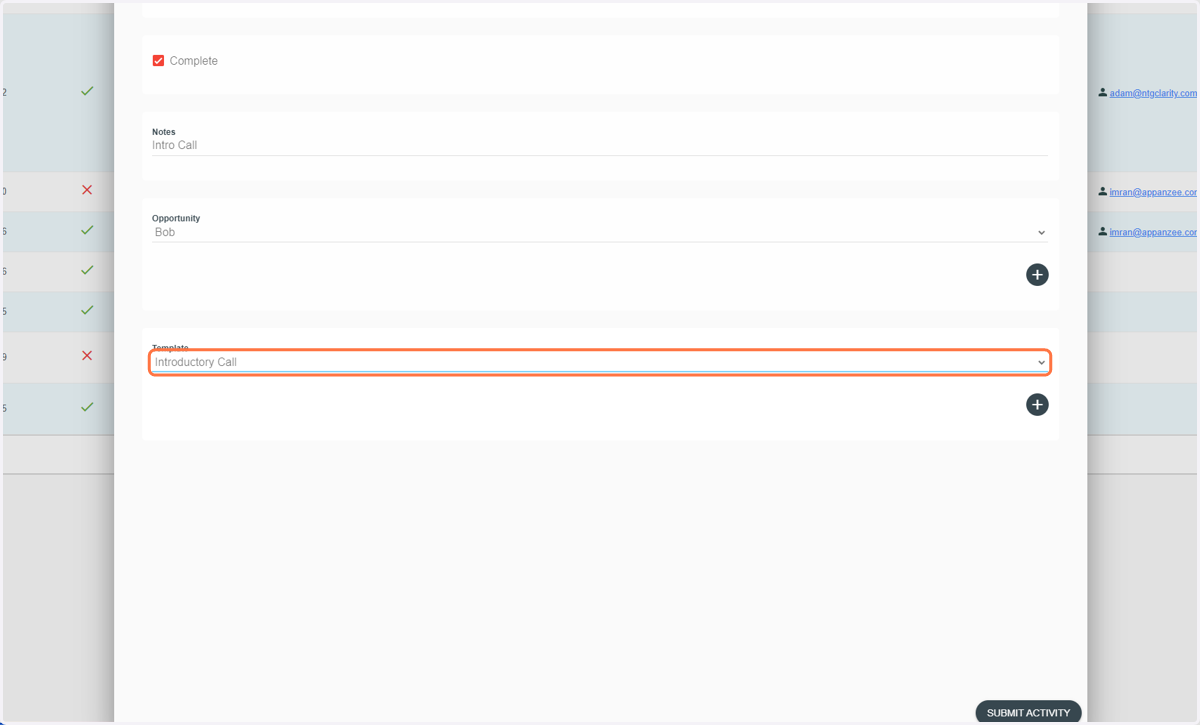
8. Click on SUBMIT ACTIVITY
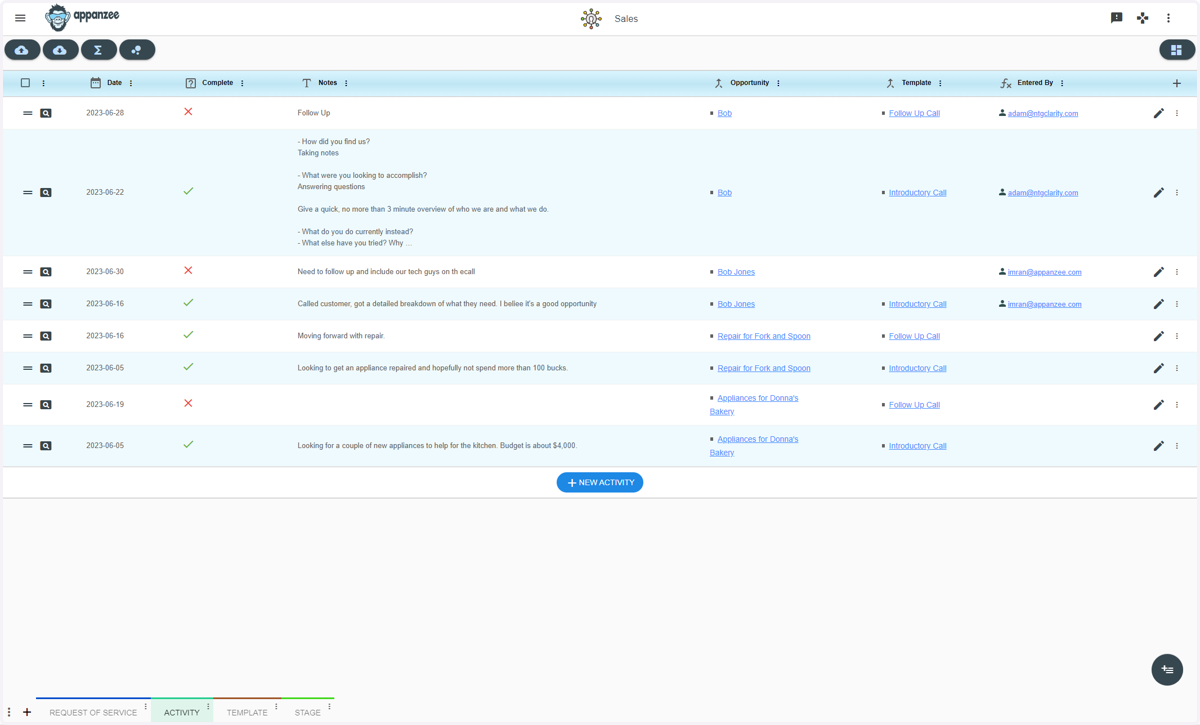
9. Now you see the created activity