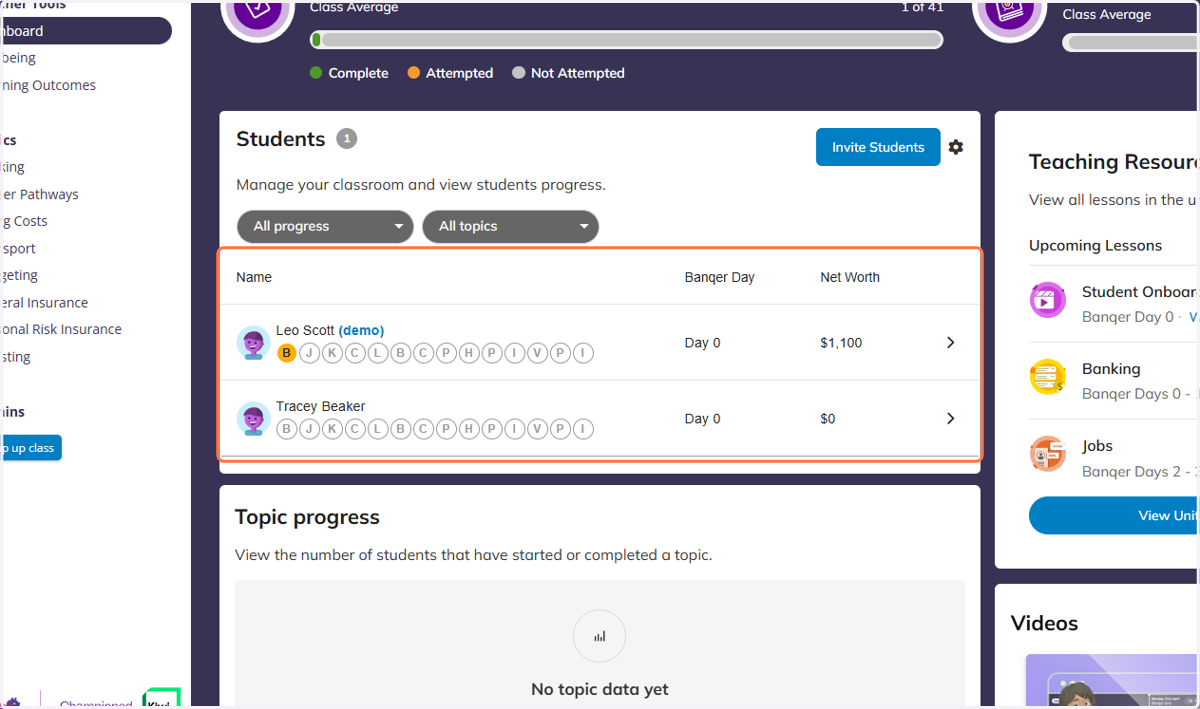
Confirm Student Email in Banqer High
Banqer High
1. If you have students who haven't been able to confirm their emails in Banqer, you will see a message like this at the top of your student list.
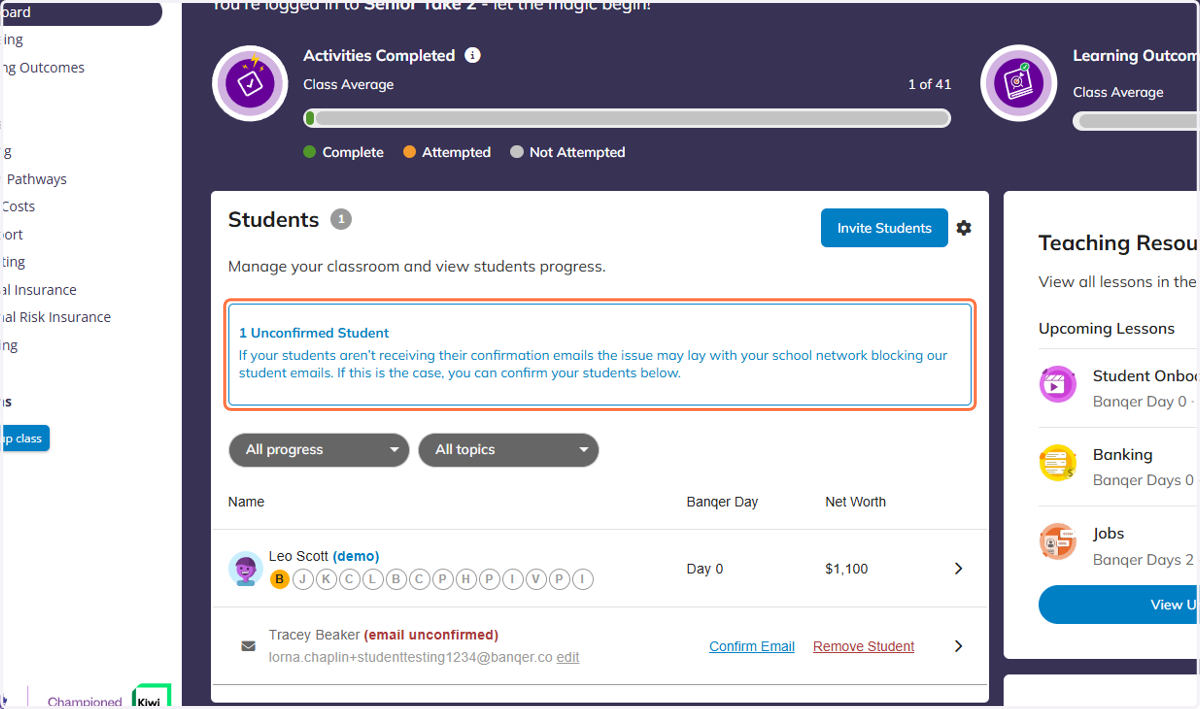
2. You can manually confirm this by scrolling down to find the affected student.
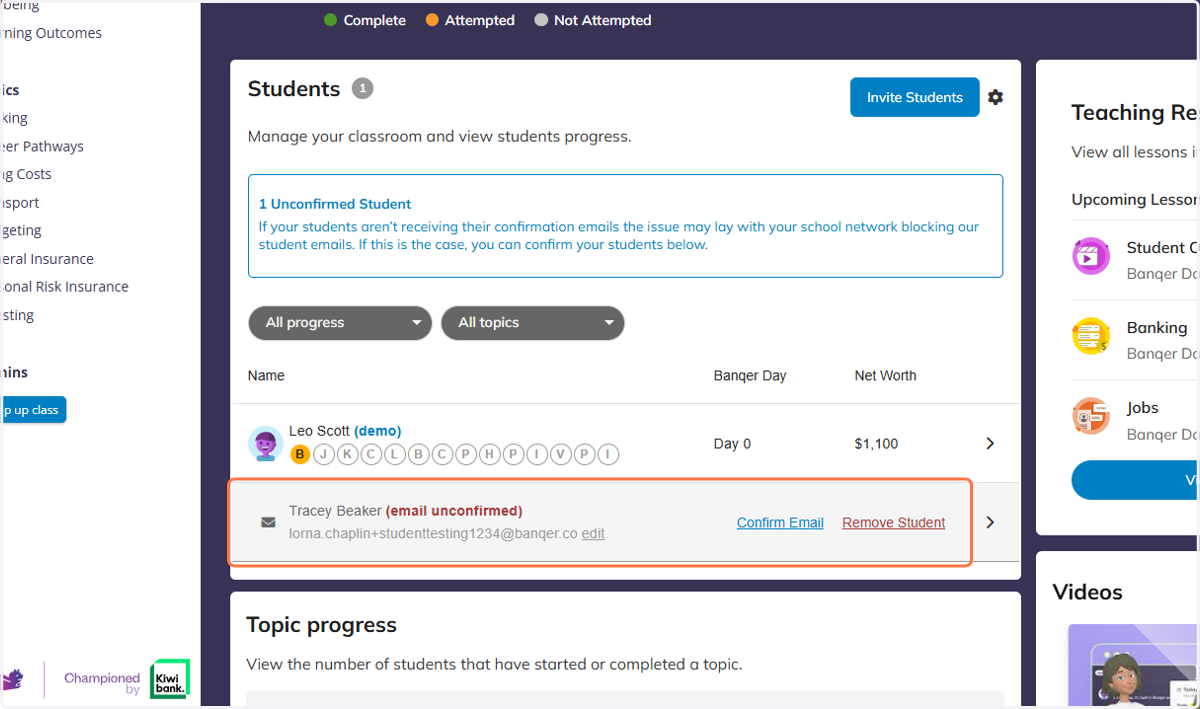
3. Click on Confirm Email
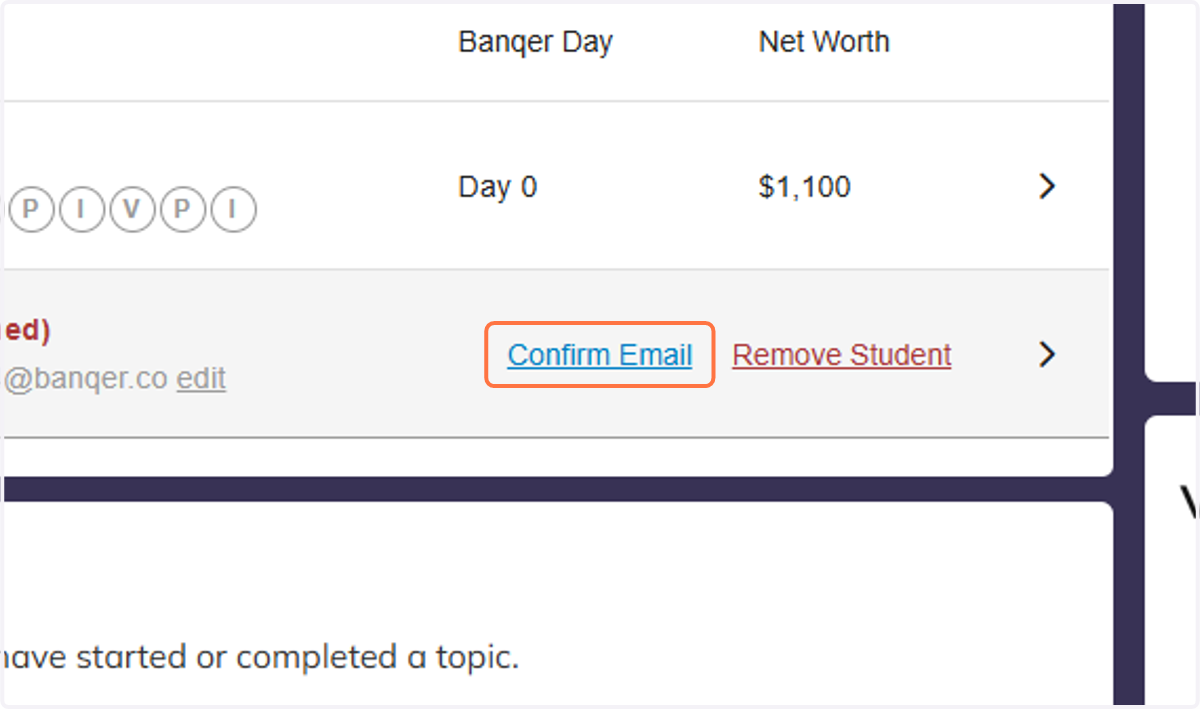
4. Now the student's email has been confirmed and they should be able to log in as normal.