Mobile Service Multiple Cost Centre Assignment/Allocation - Connect Platform
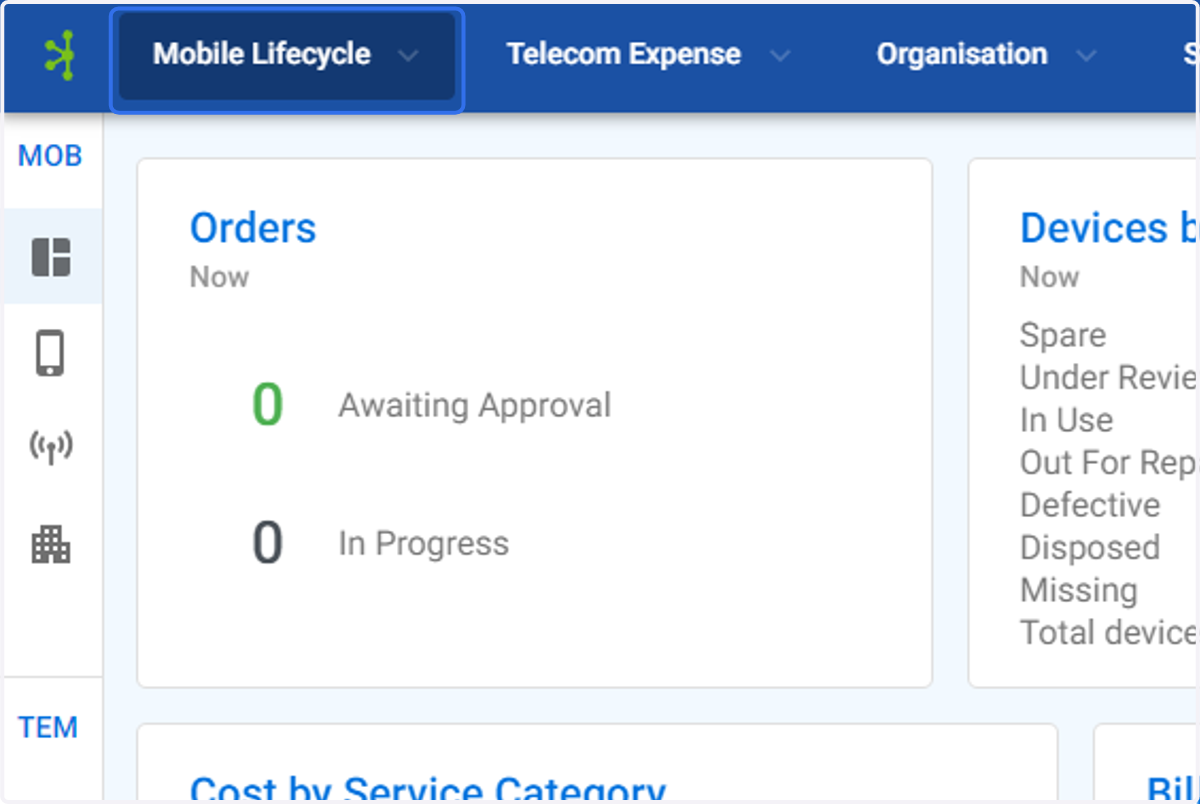
1. Click on Mobile Lifecycle
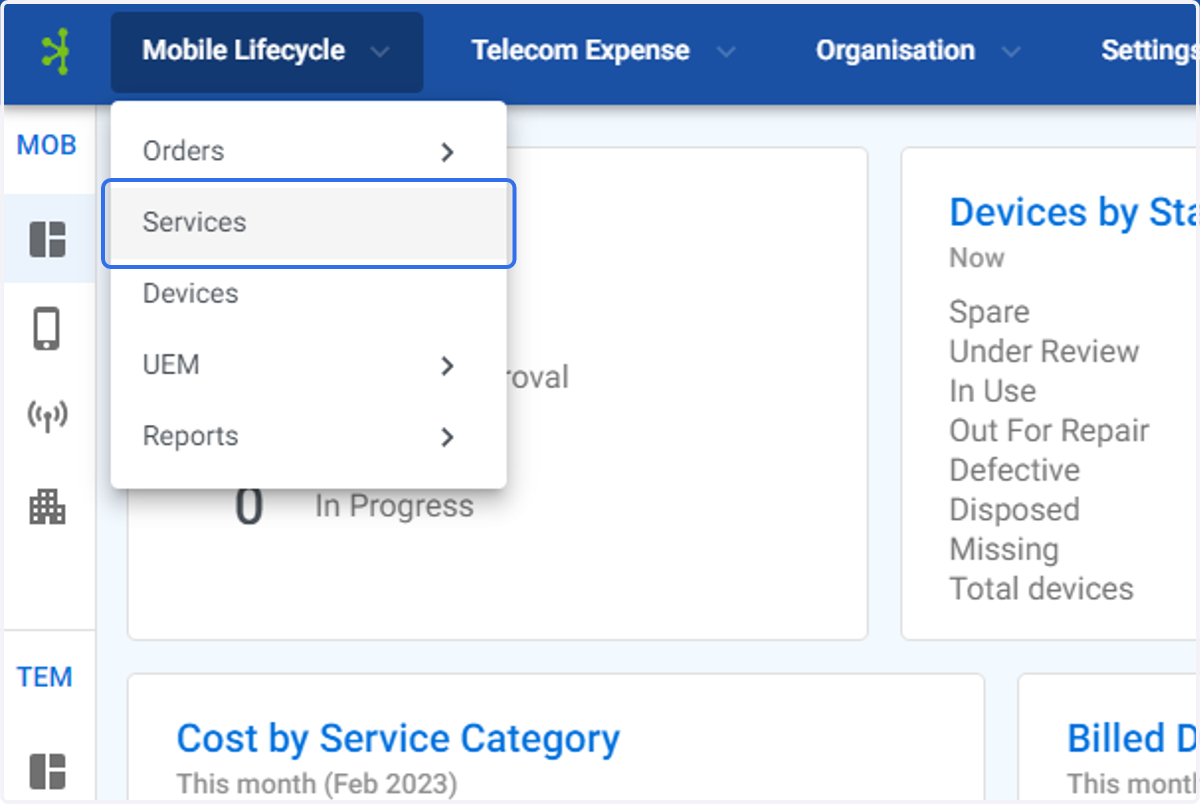
2. Click on Services
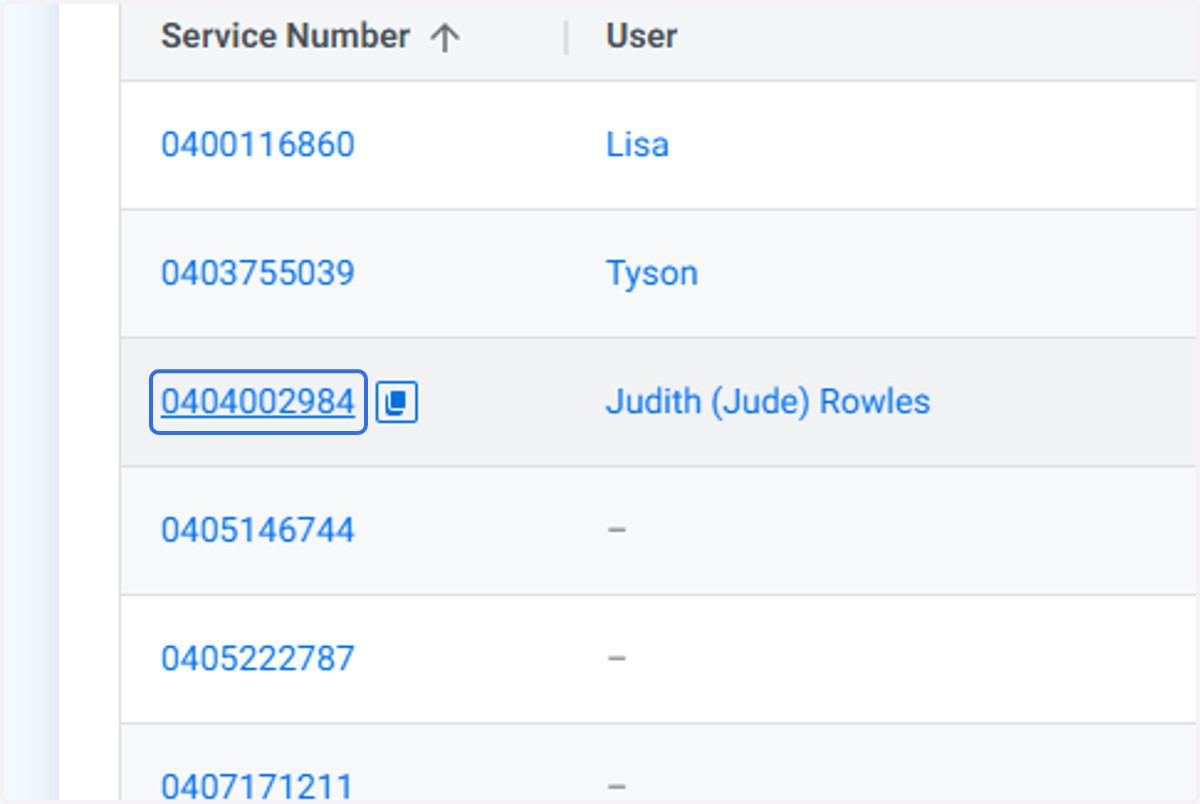
3. Find the service you wish to Assign/Allocate the cost centres too
4. Click on Edit
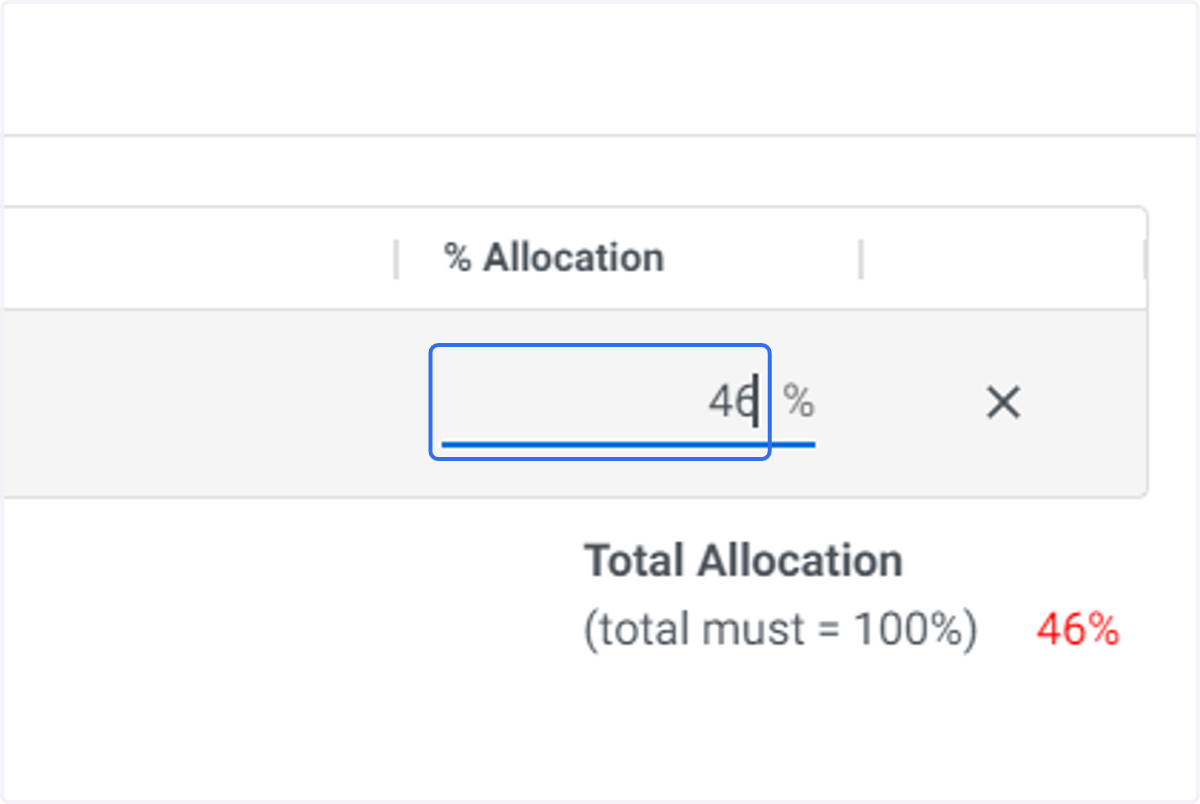
5. If there is an existing Cost Centre you will need to change the Allocation % to the amount to be apportioned to the particular cost centre.
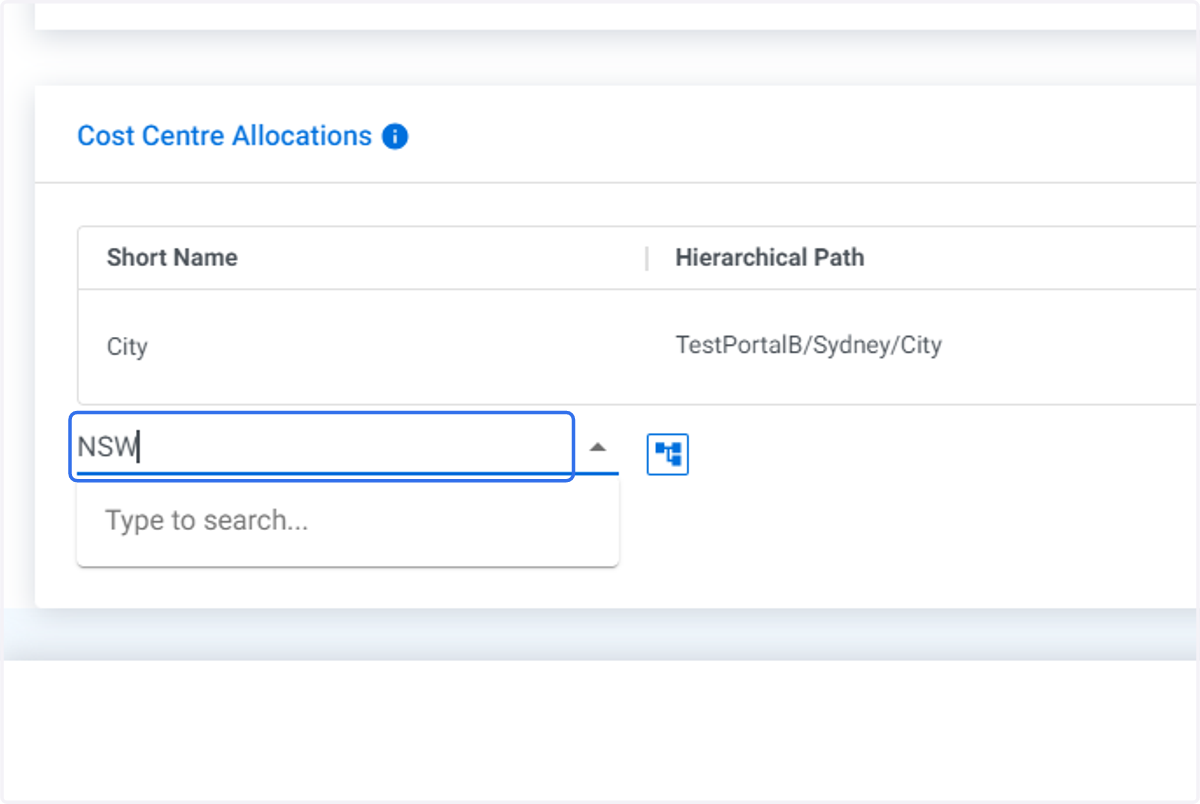
6. Type in the next cost centre you wish to assign/allocate.
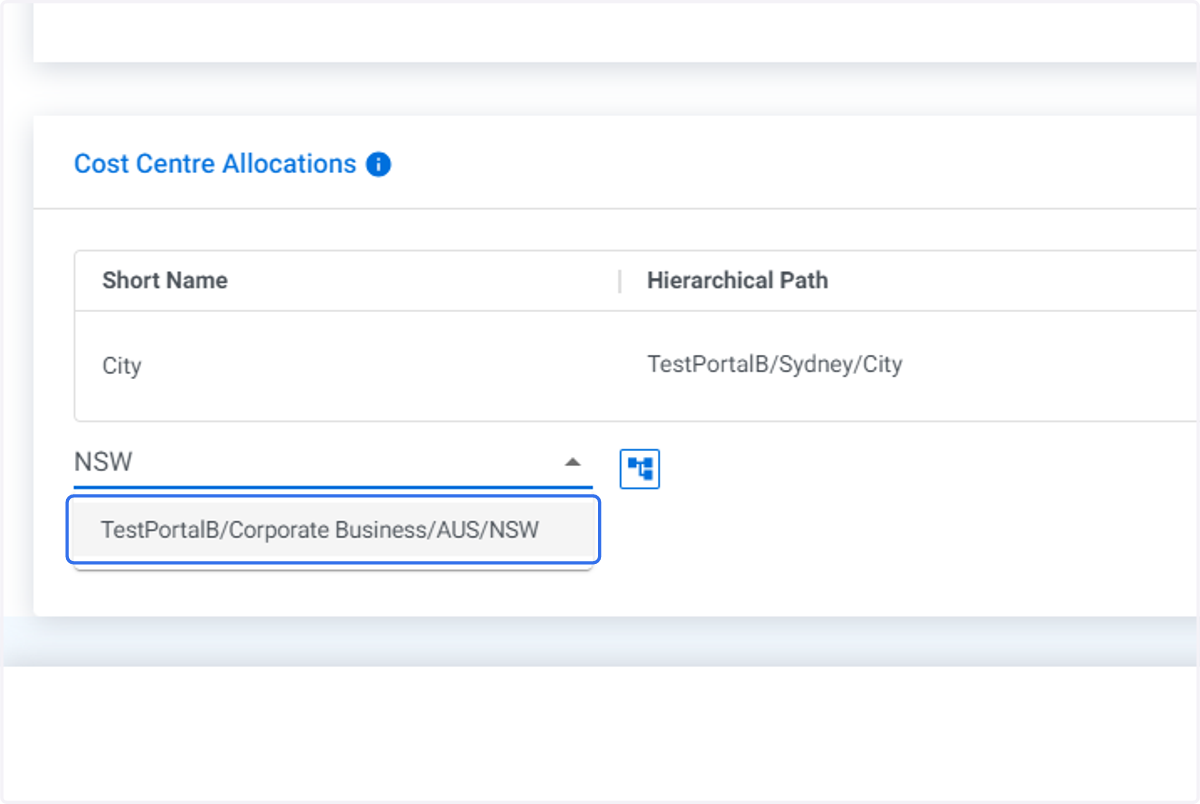
7. Click on correct cost centre.
8. Enter the allocation percentage you wish to assign to this cost centre.
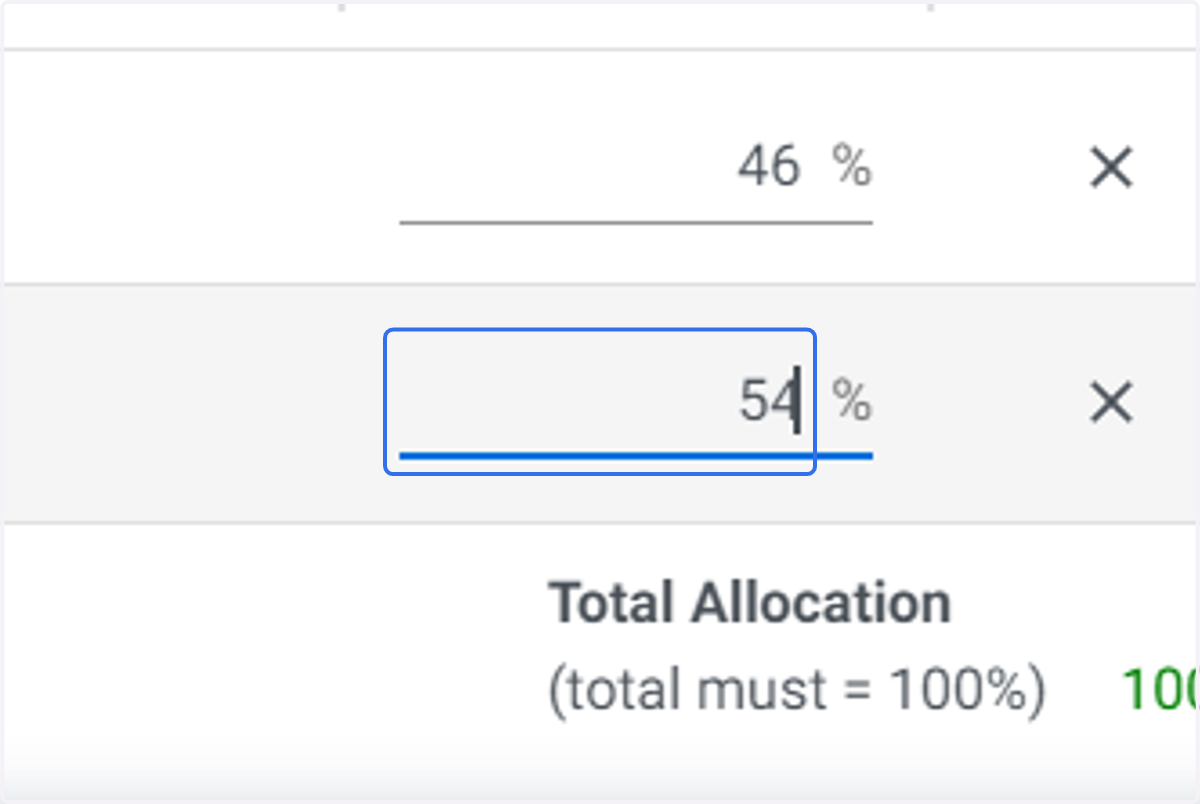
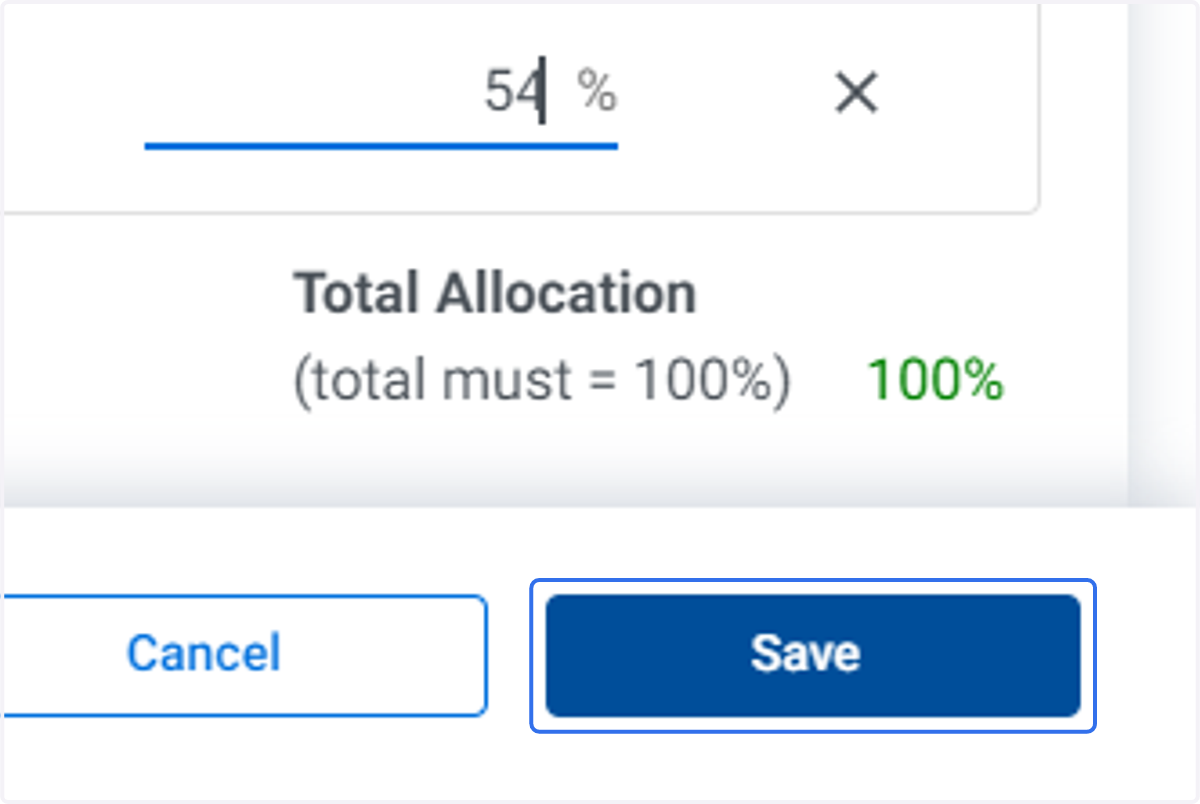
9. Enter additional cost centres and allocation percentages as required. Click on Save