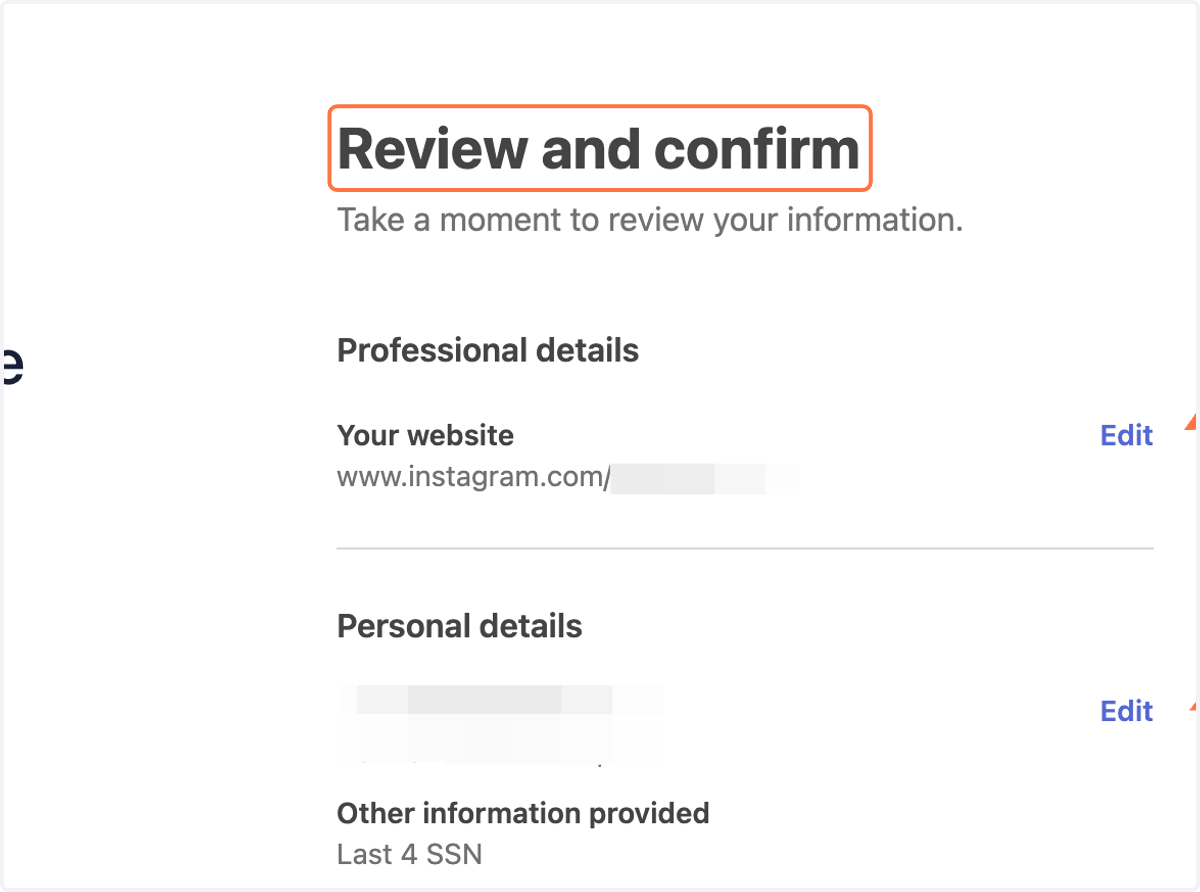
Updating Payment Details with Stripe on EngineEars
EngineEars
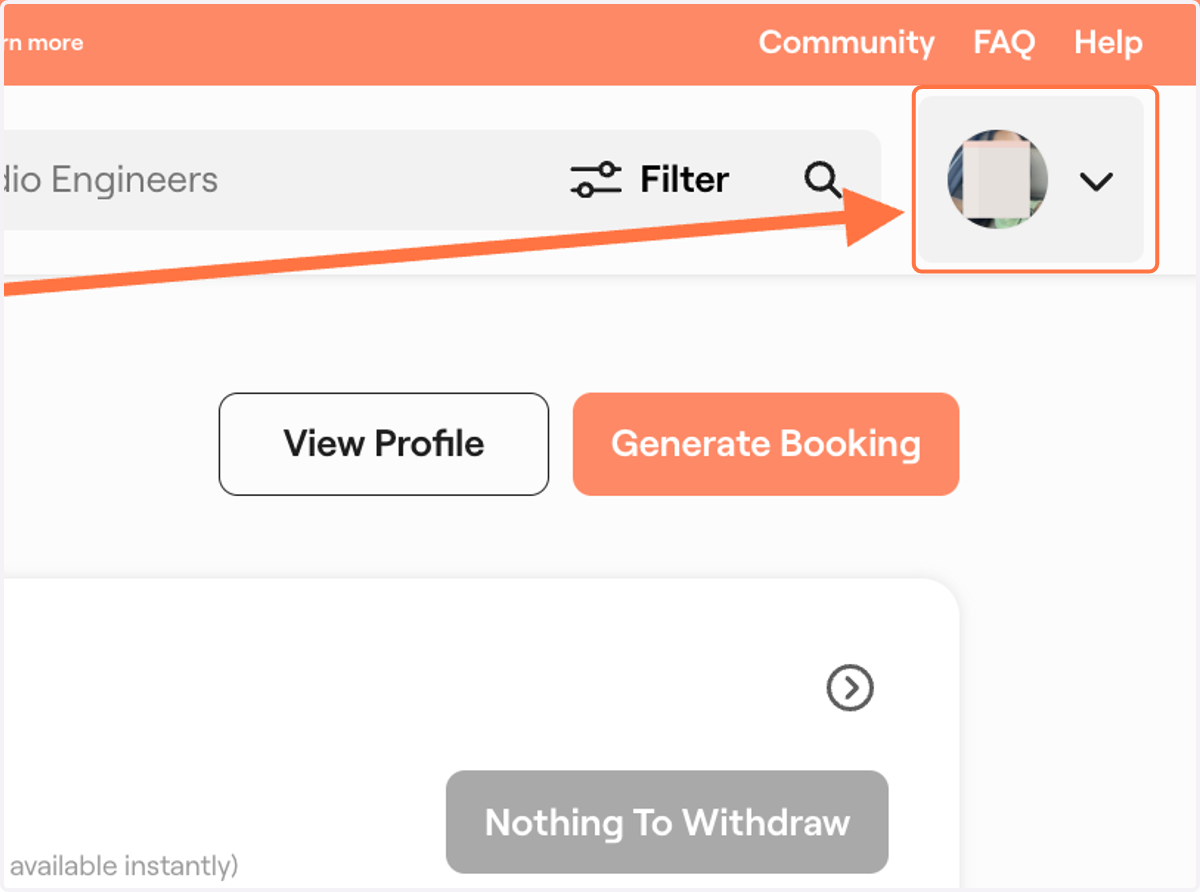
1. Click on the dropdown menu
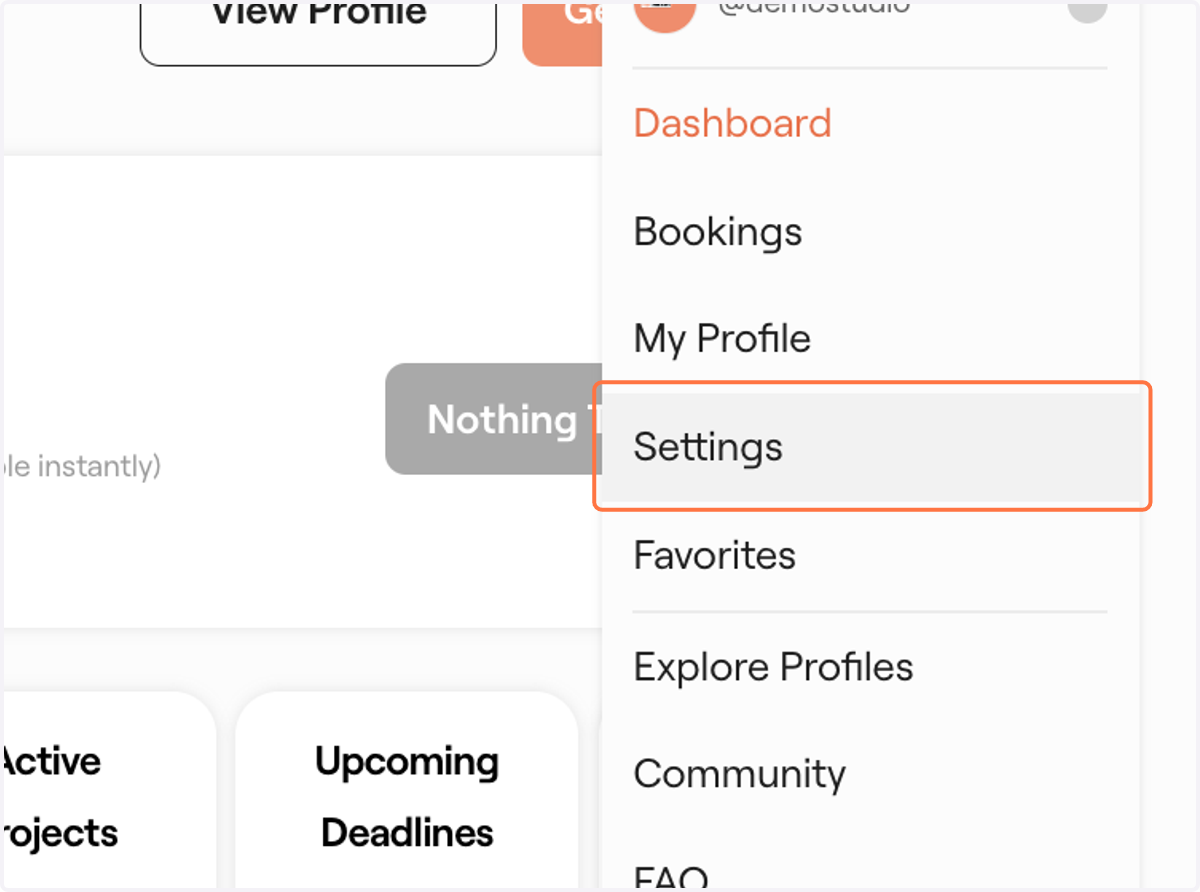
2. Click on Settings
3. Scroll down to Manage Payments
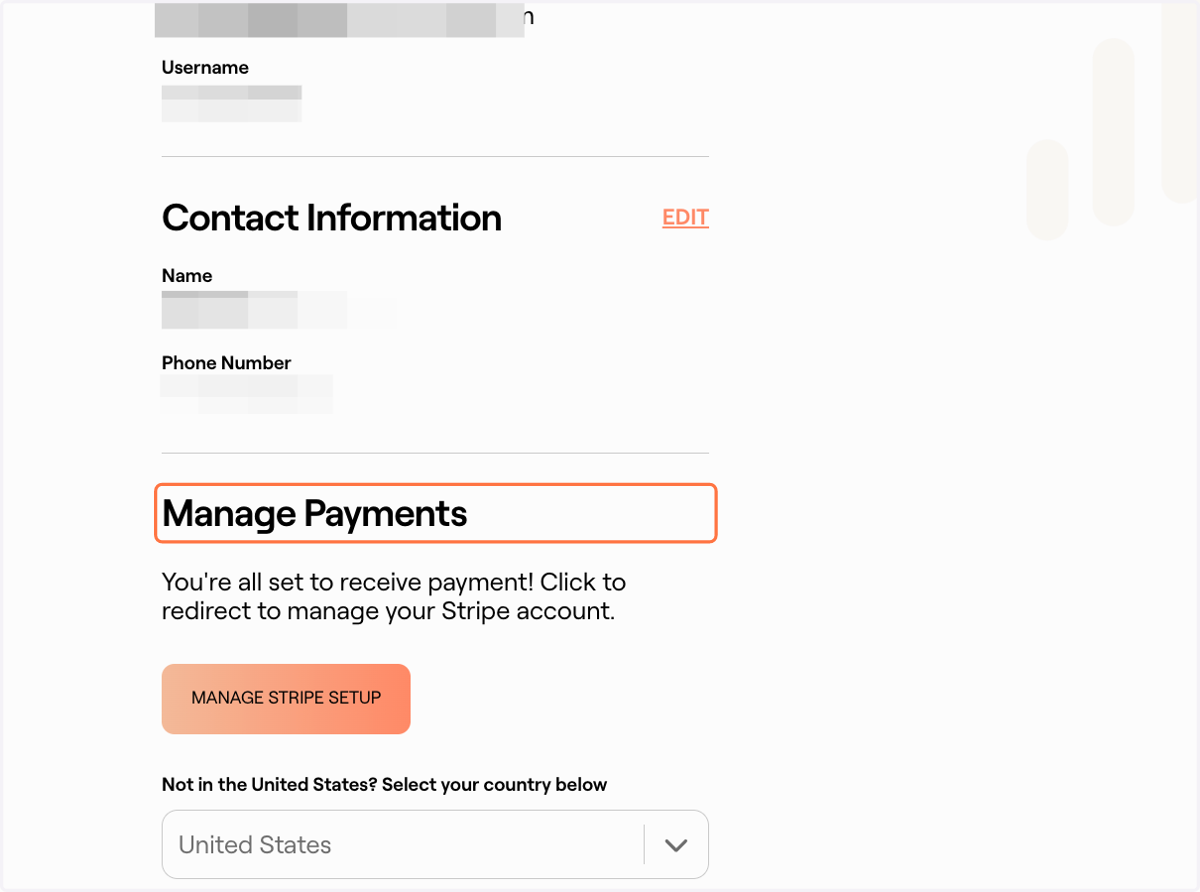
4. Click on MANAGE STRIPE SETUP
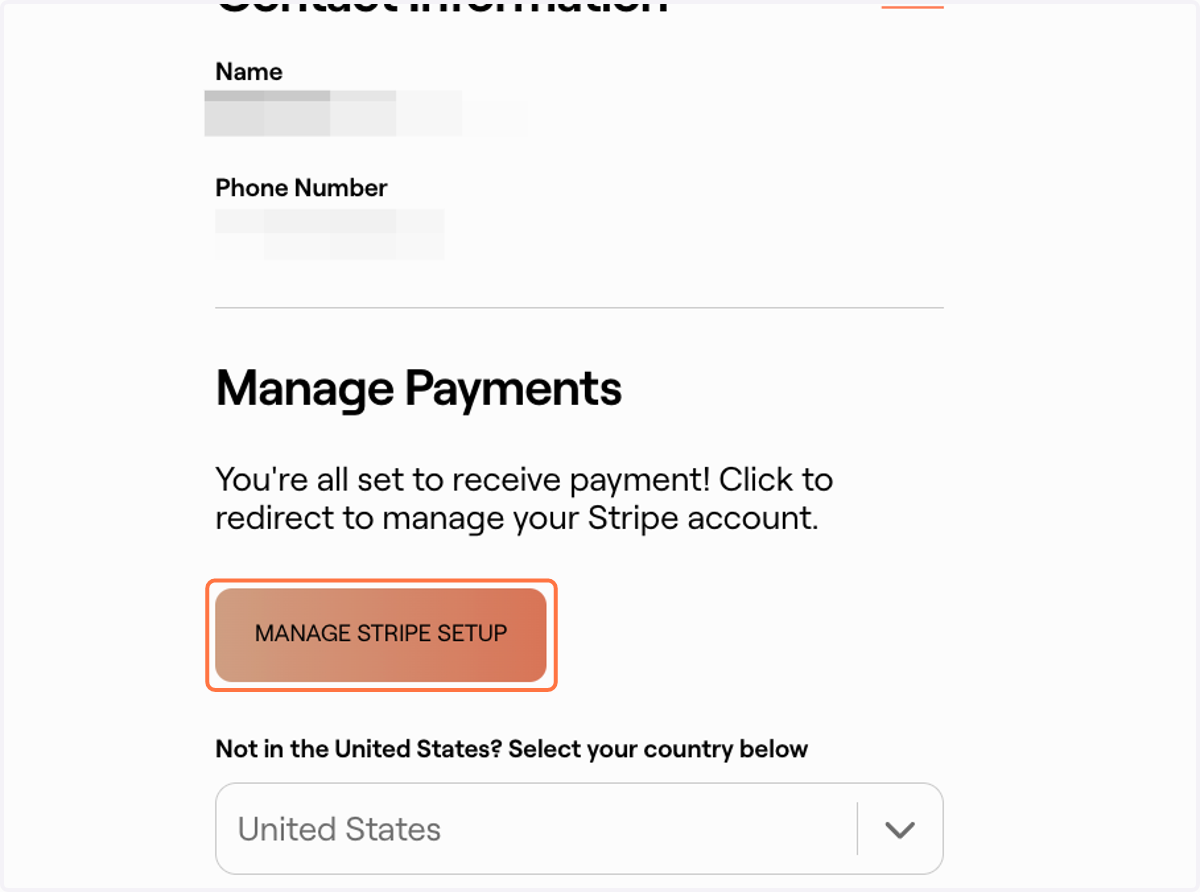
EngineEars, Inc | Set up payments with Stripe
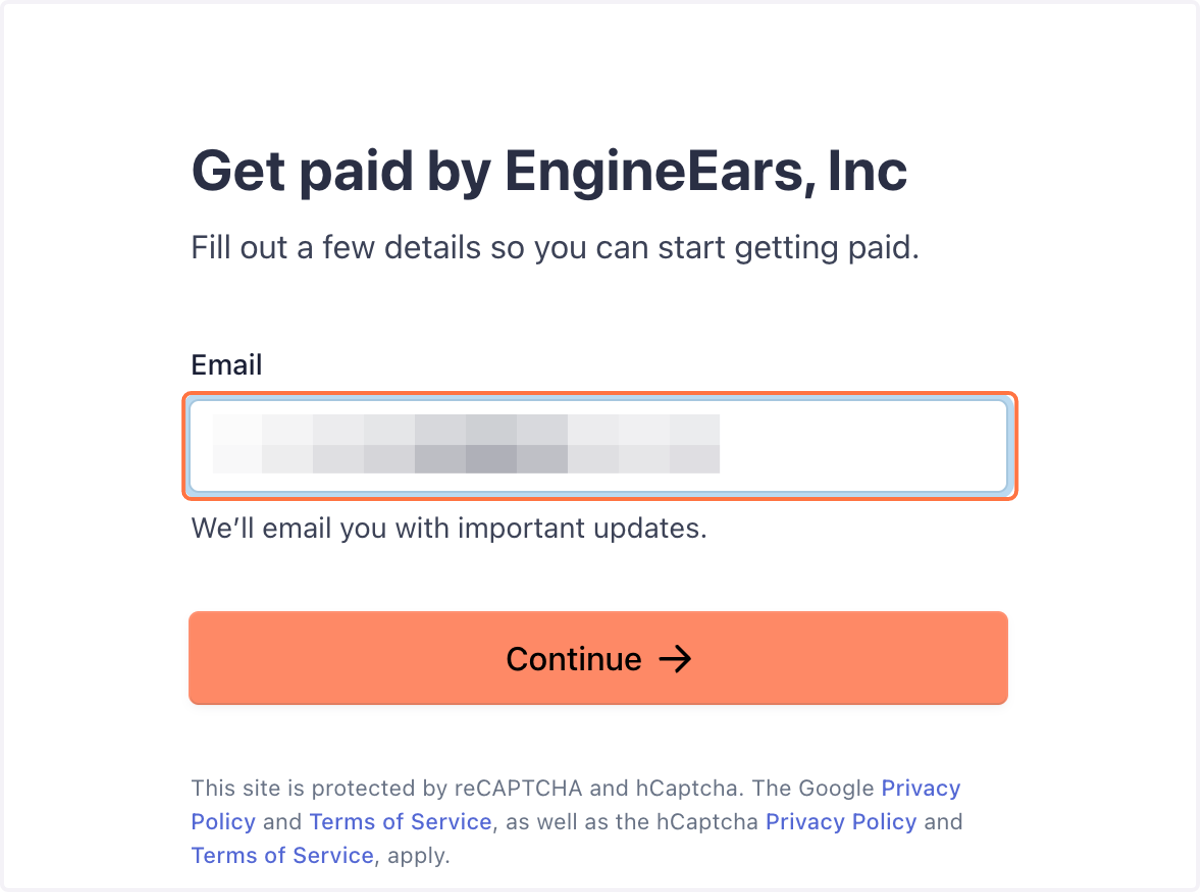
5. Put your Email
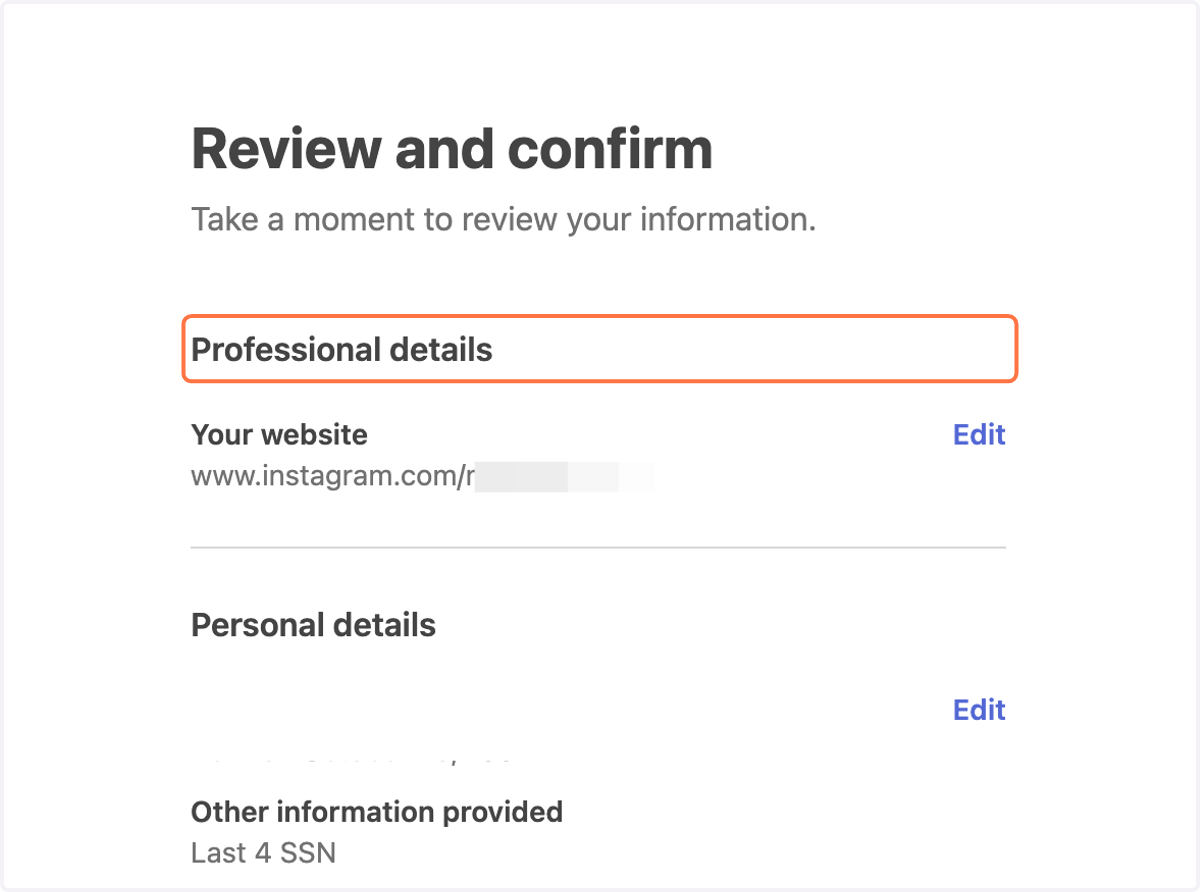
6. Click 'Edit' Professional details
7. Click on 'Edit' Payout details
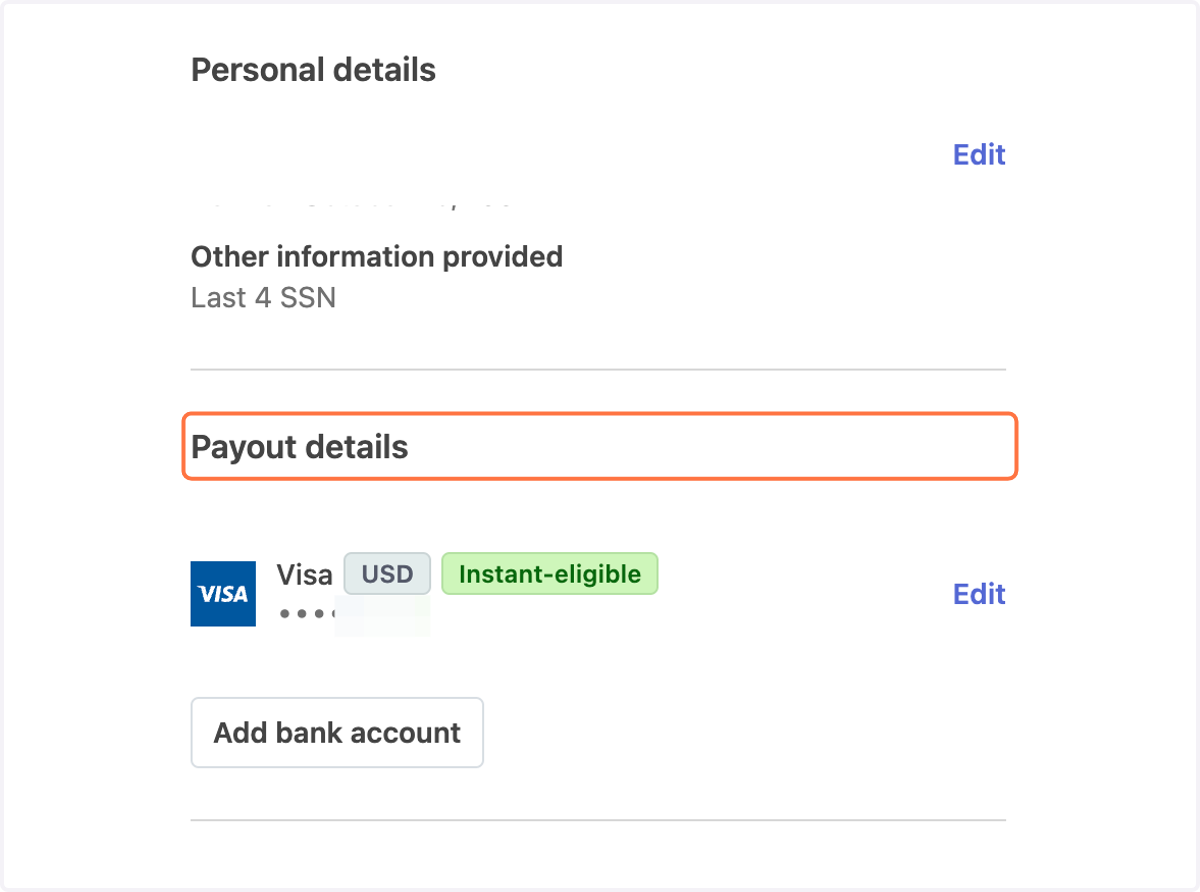
8. Click on Review and confirm