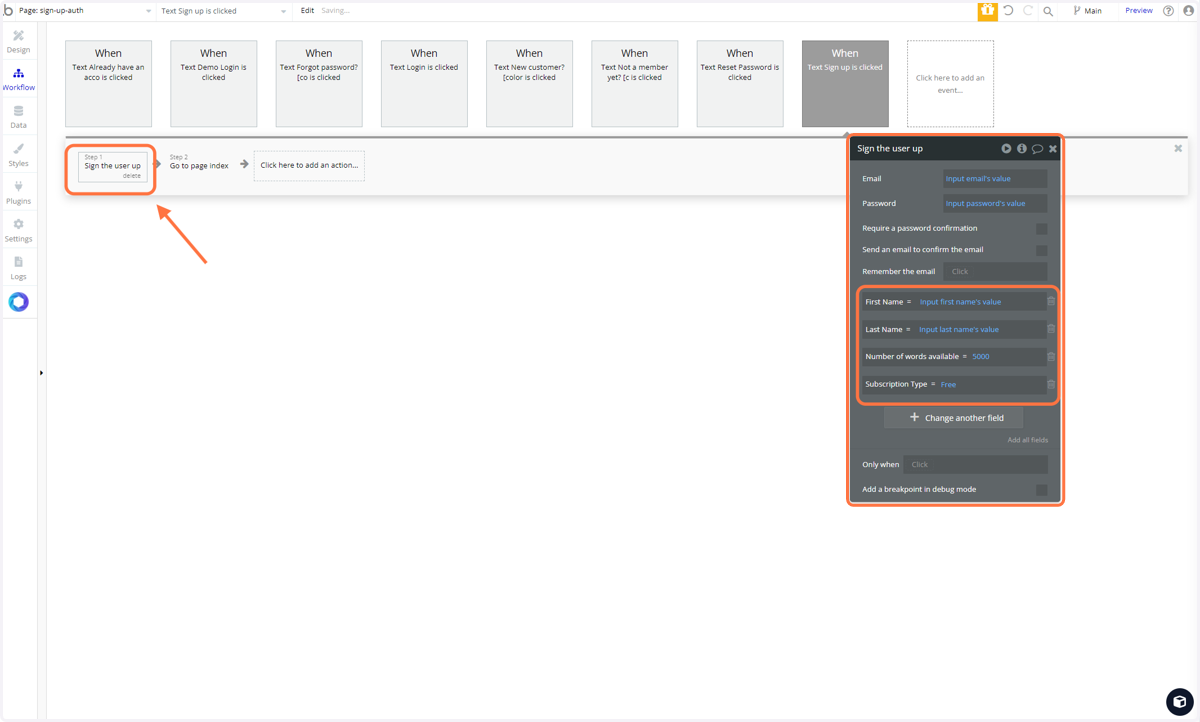
Workflow of user sign up
Bubble
Go to bubble.io
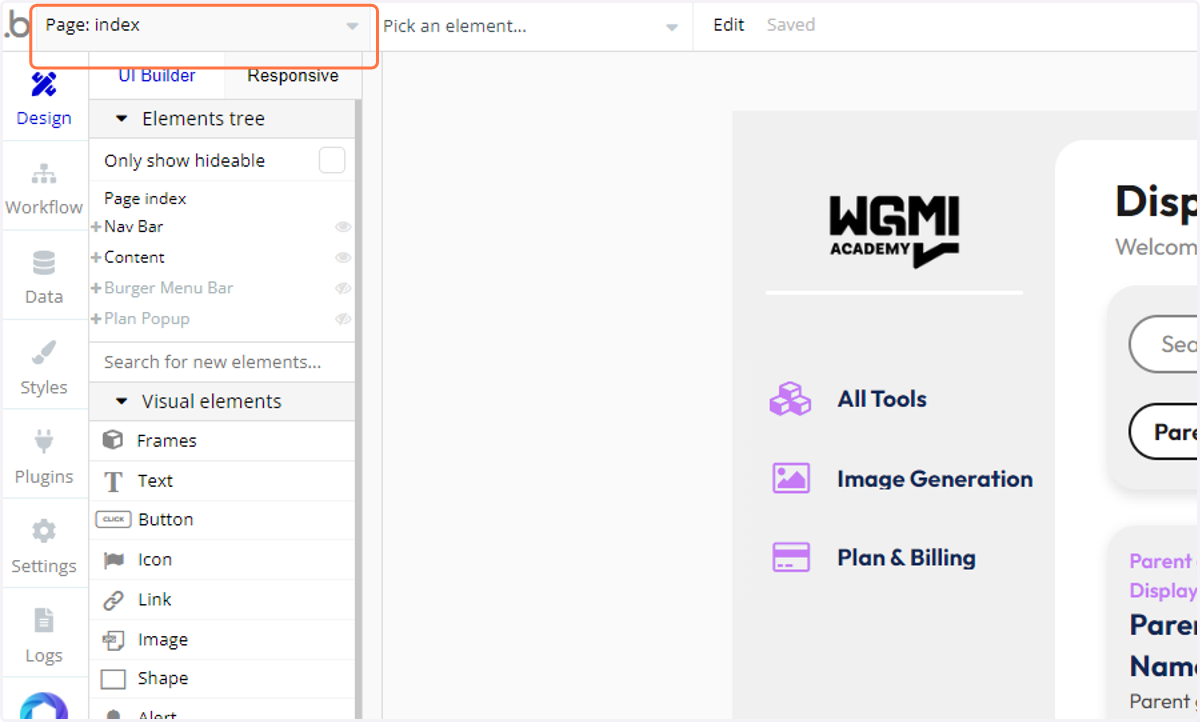
1. Click on Page Navigator
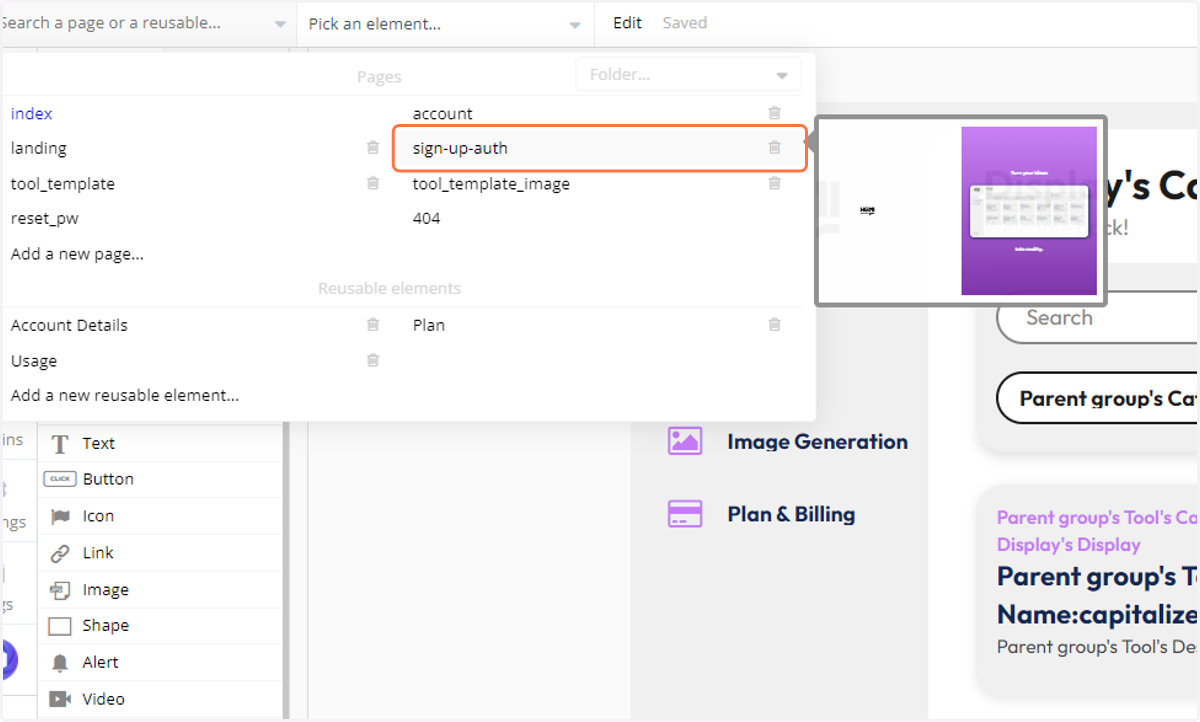
2. Click on "sign-up-auth" page
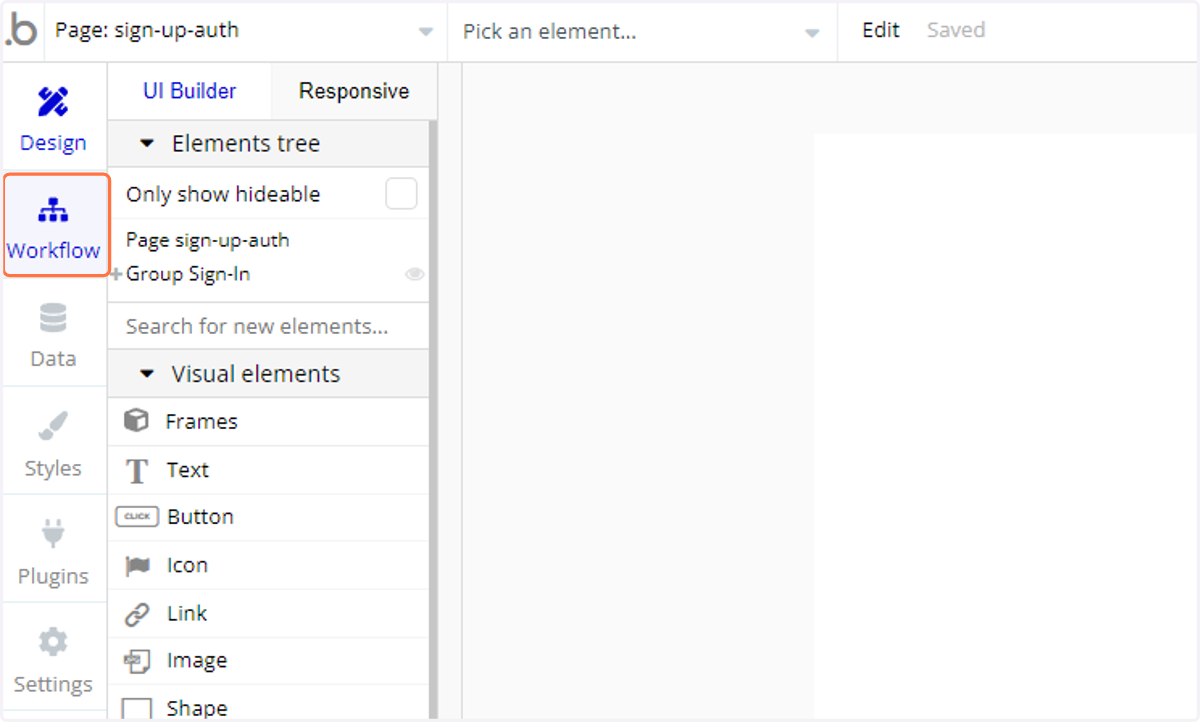
3. Click on Workflow
4. Click "When Text Sign up is clicked" workflow
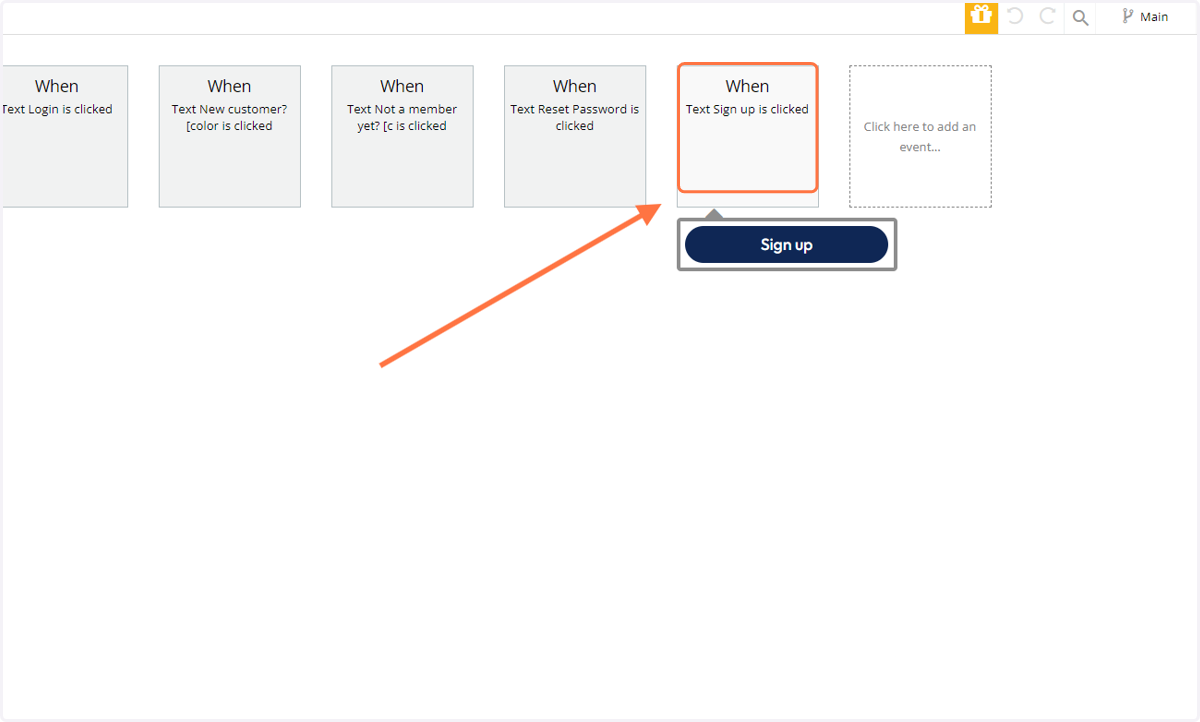
5. Click on "step 1" of the workflow: "Sign the user up"
This is the action our application is taking when we sign a user up
Aside for the needed information such as email and password. We can change other variables as well (View docs for more info)