Welcome Installers to the Whoo Console
Tango
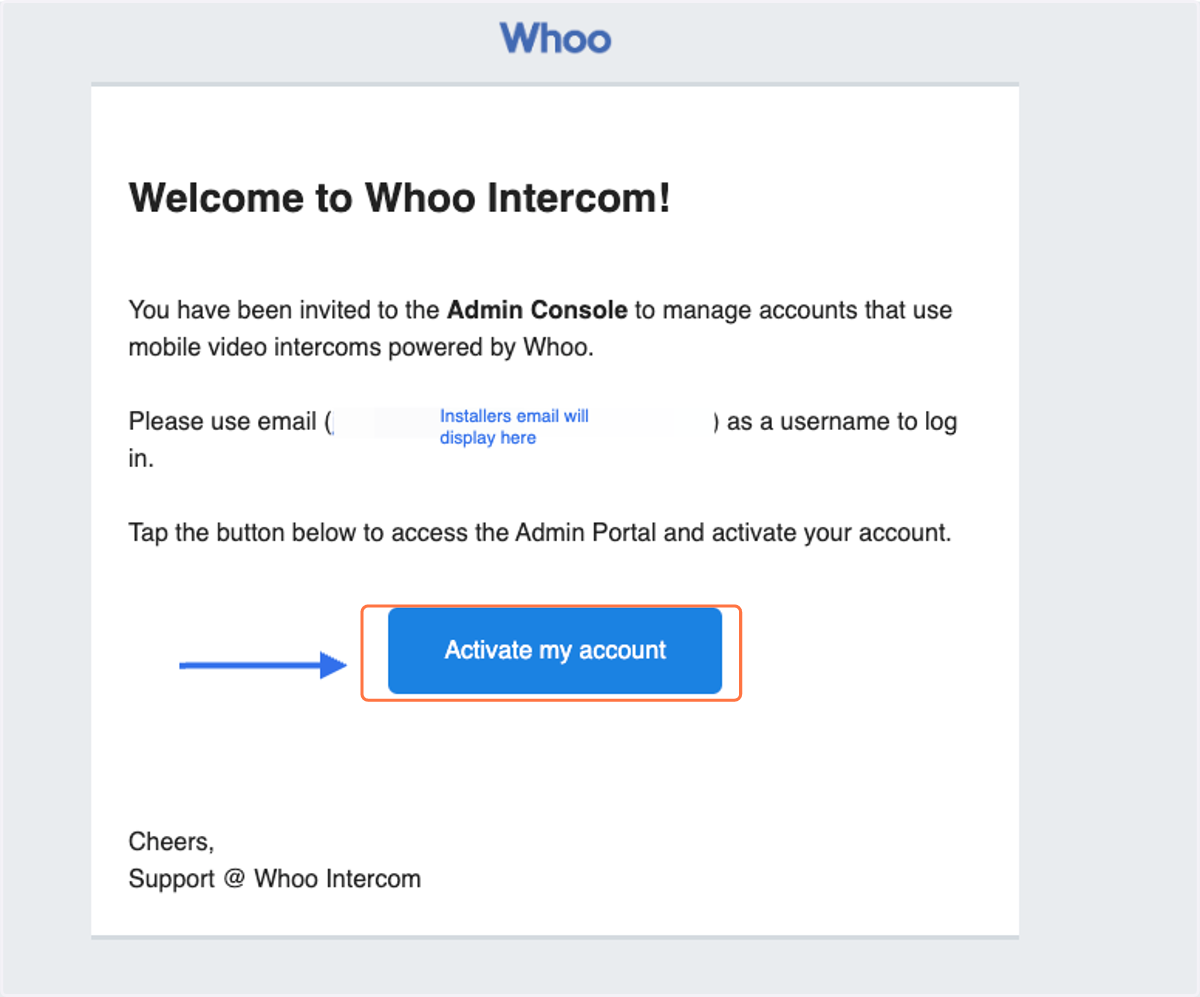
1. You will receive the Whoo invite in your email. (Installers need to use their cellphones while completing the installation onsite with the device.)
Press activate my account
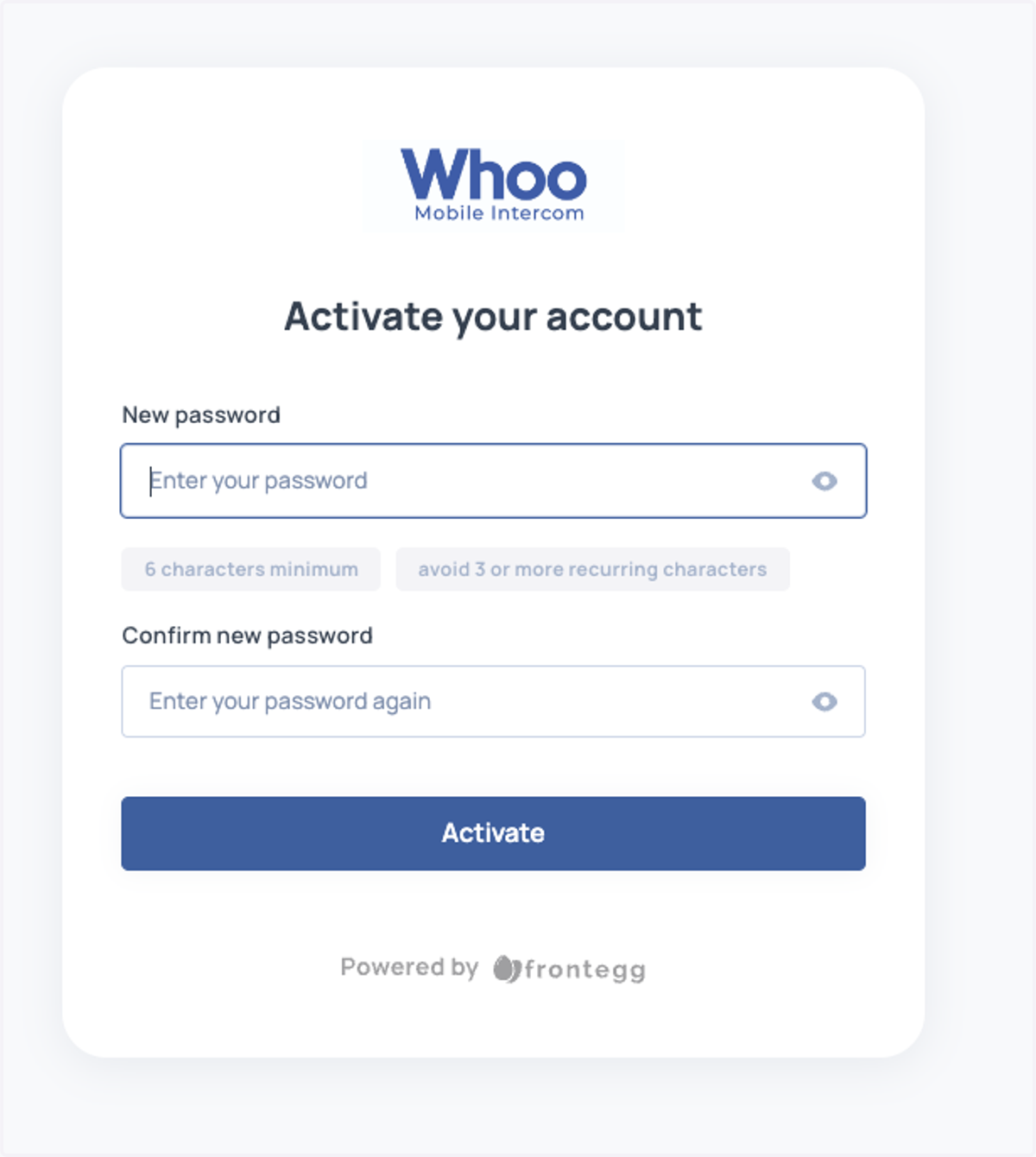
2. Activate your account
Create your password
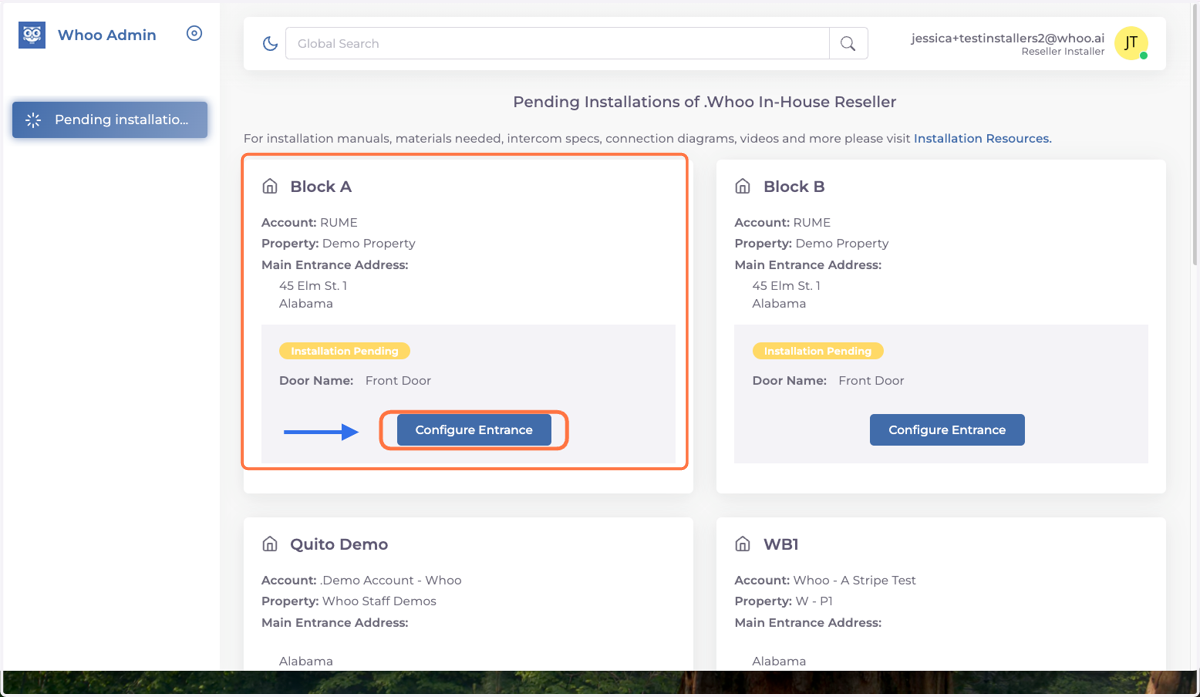
3. Configure Entrance
You will have a list of all pending installations. Choose the correct building you will be working on and press "Configure Entrance."
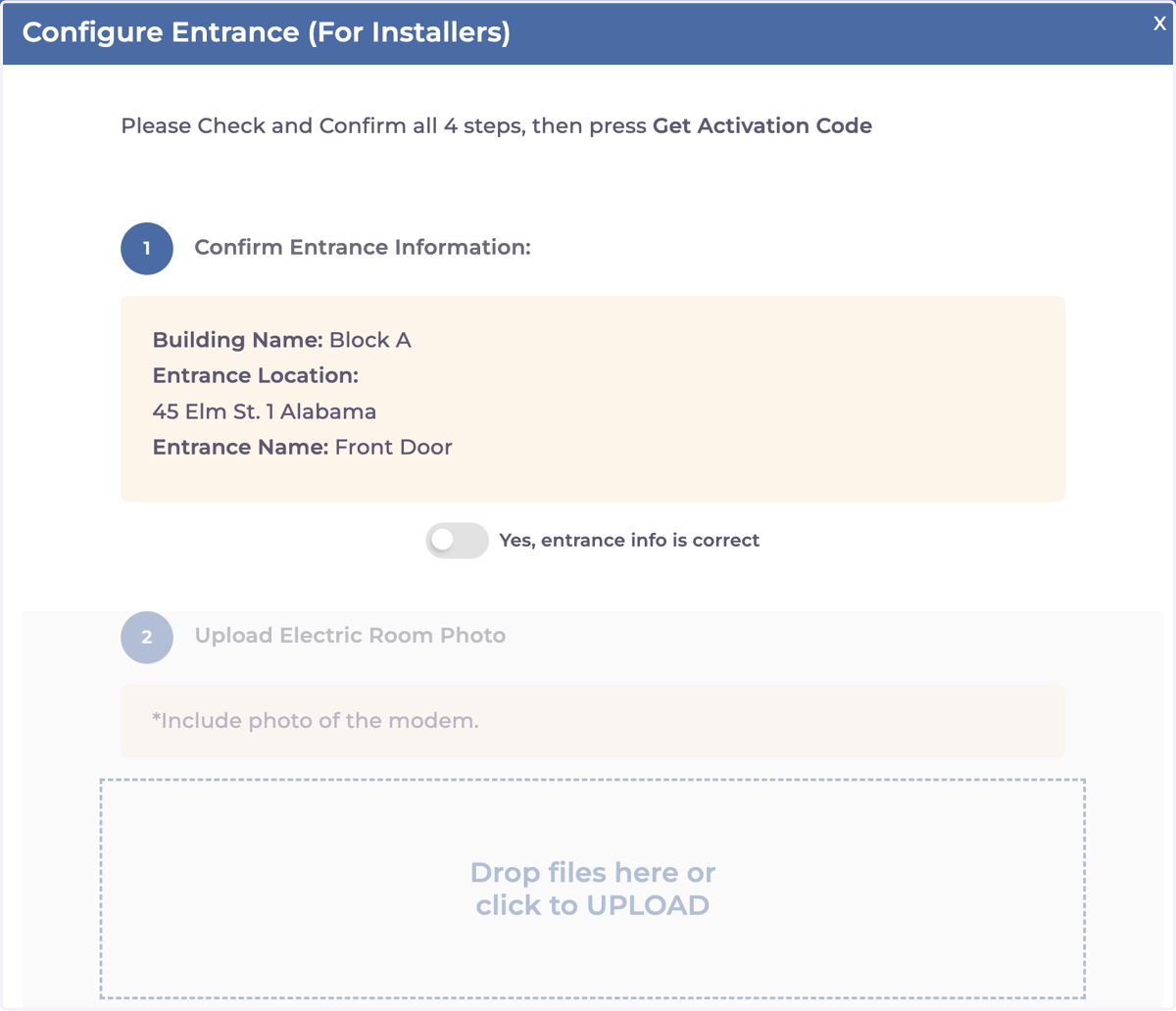
4. There are four steps to follow to get the activation code. ( Step 1-2 )
It's important to confirm the entrance, but the most crucial step is to test the relays. Make sure to complete Step 4, where you verify that the doors actually open, before adding the pairing code.
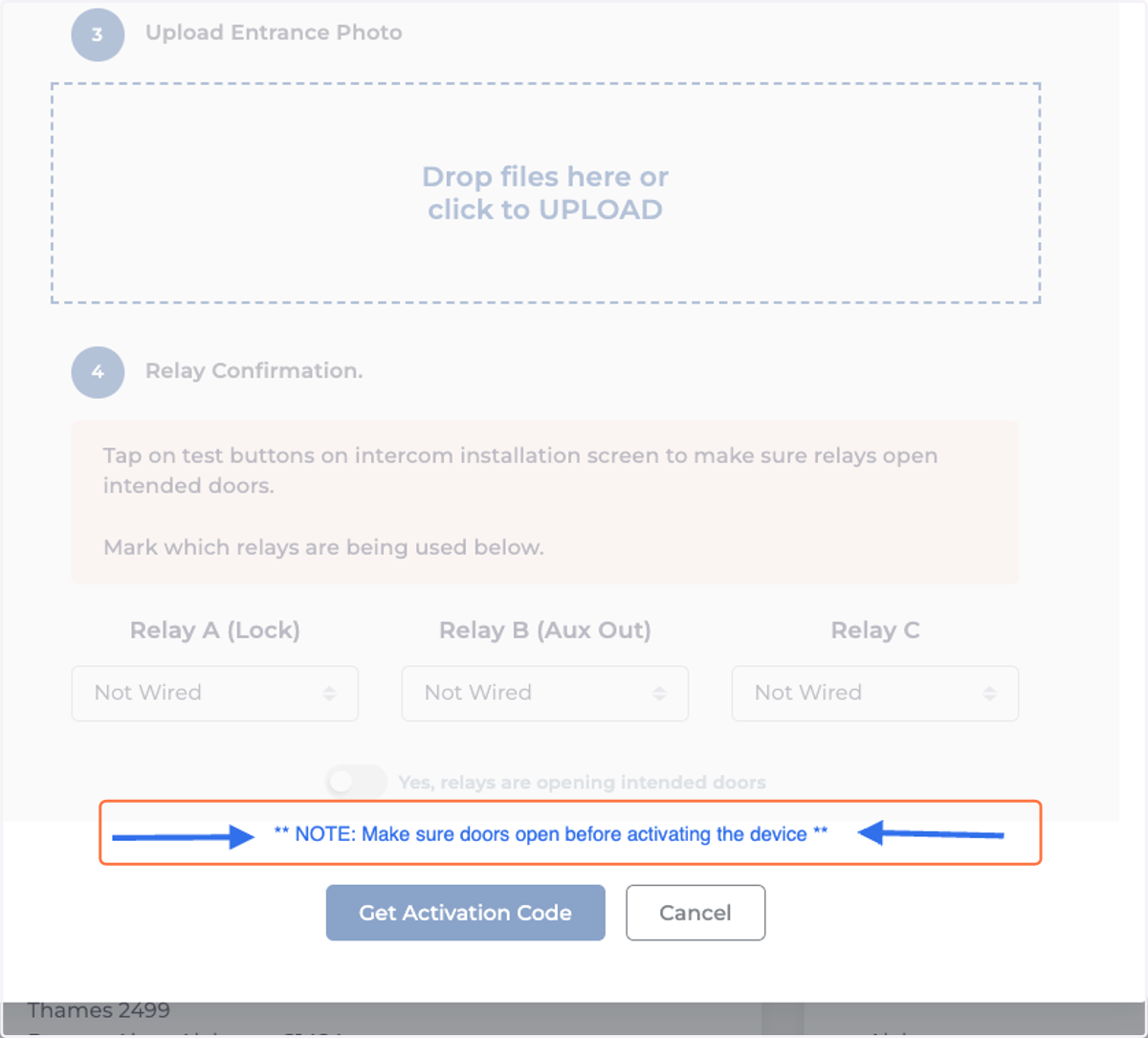
5. There are four steps to follow to get the activation code. ( Step 3-4 )
It's important to confirm the entrance, but the most crucial step is to test the relays. Make sure to complete Step 4, where you verify that the doors actually open, before adding the pairing code.