Setup Pickup Order

GOrder

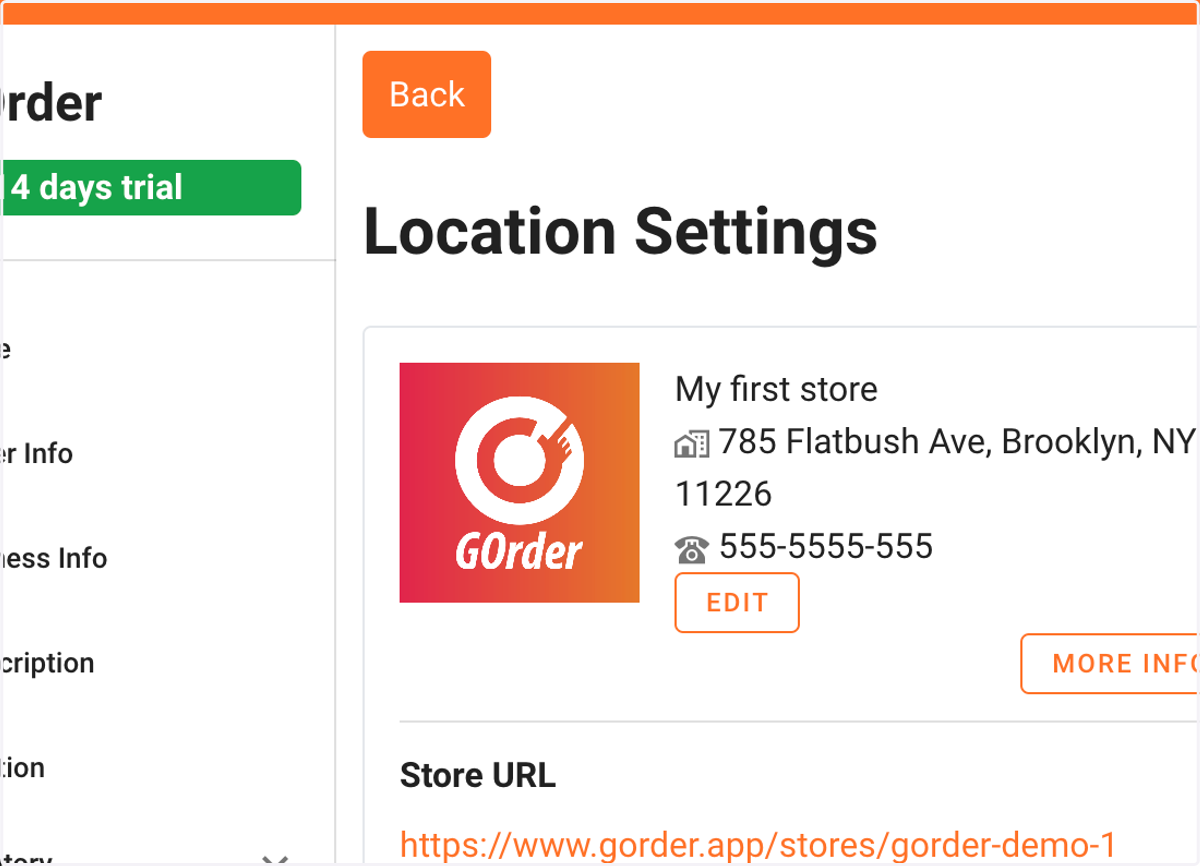
  1. 1. Click on OrderType

    Click on OrderType
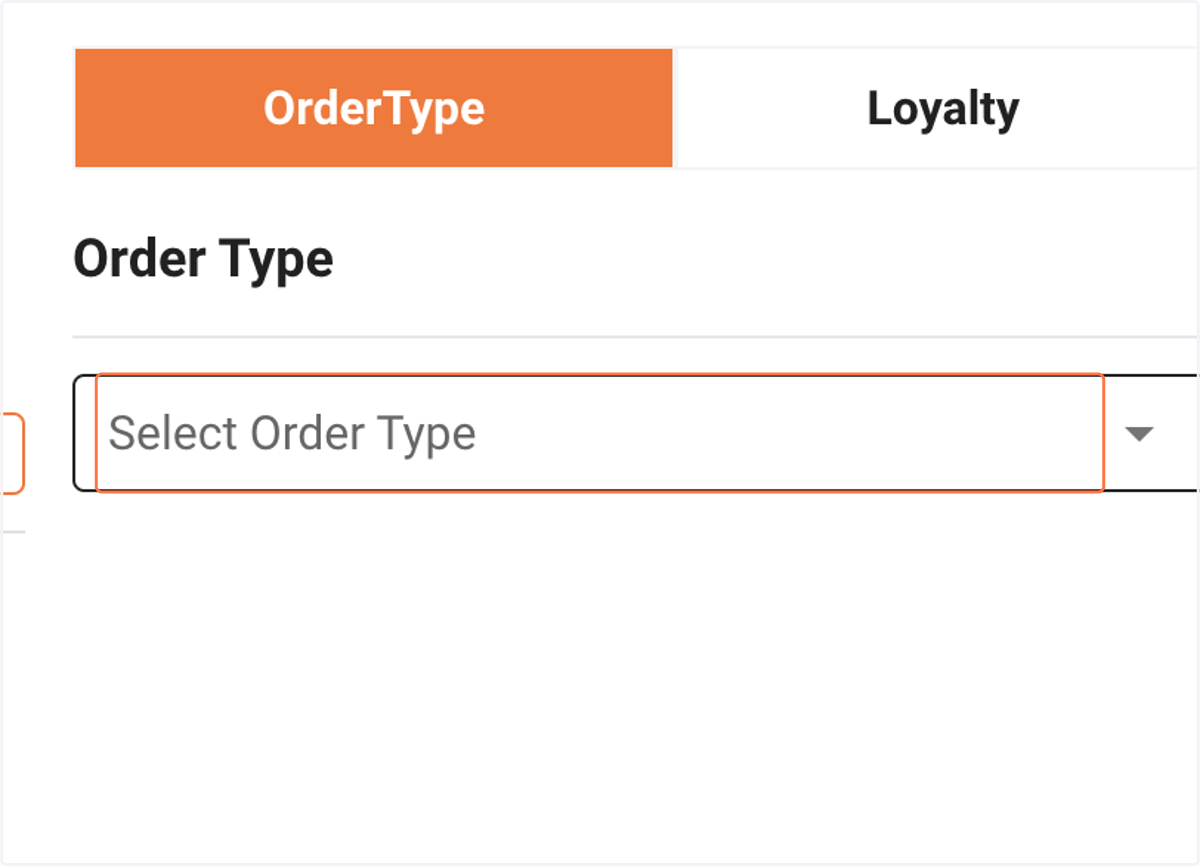
  2. 2. Click on Select Order Type

    Click on Select Order Type
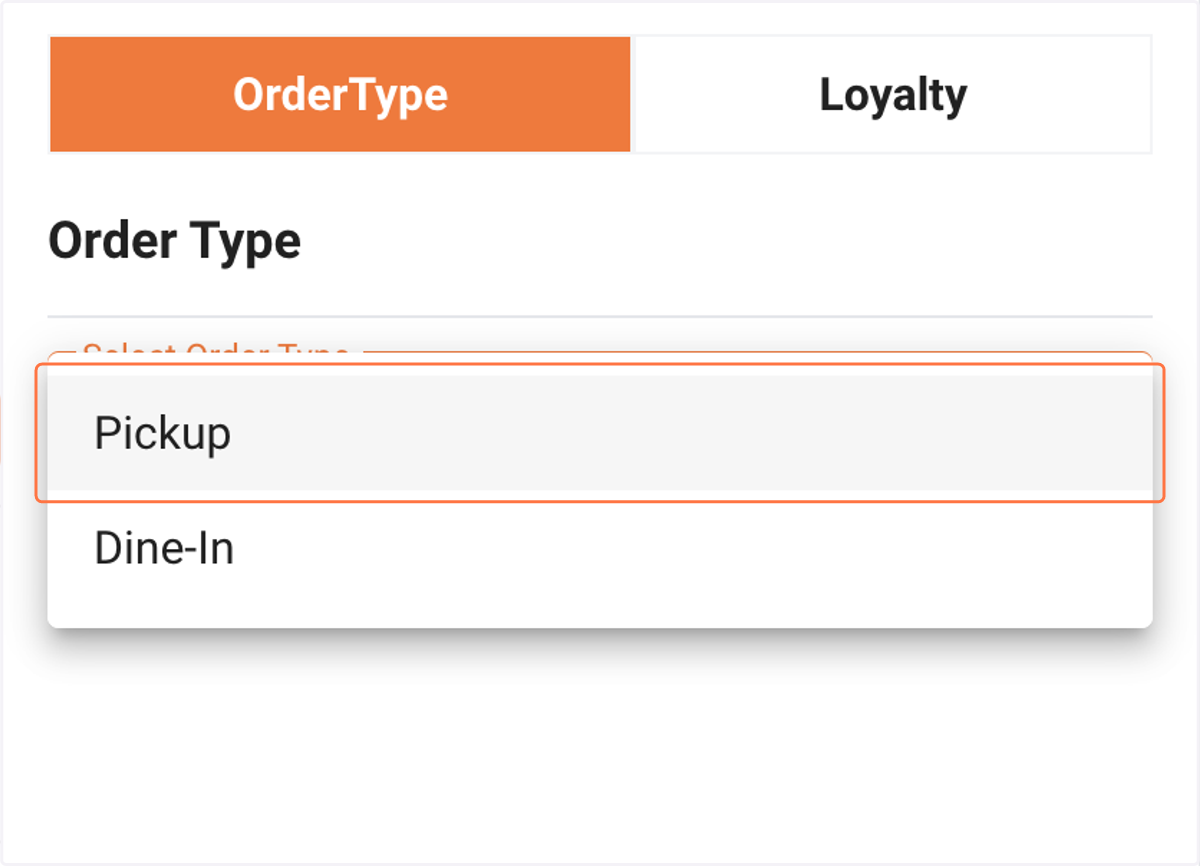
  3. 3. Click on Pickup

    Click on Pickup
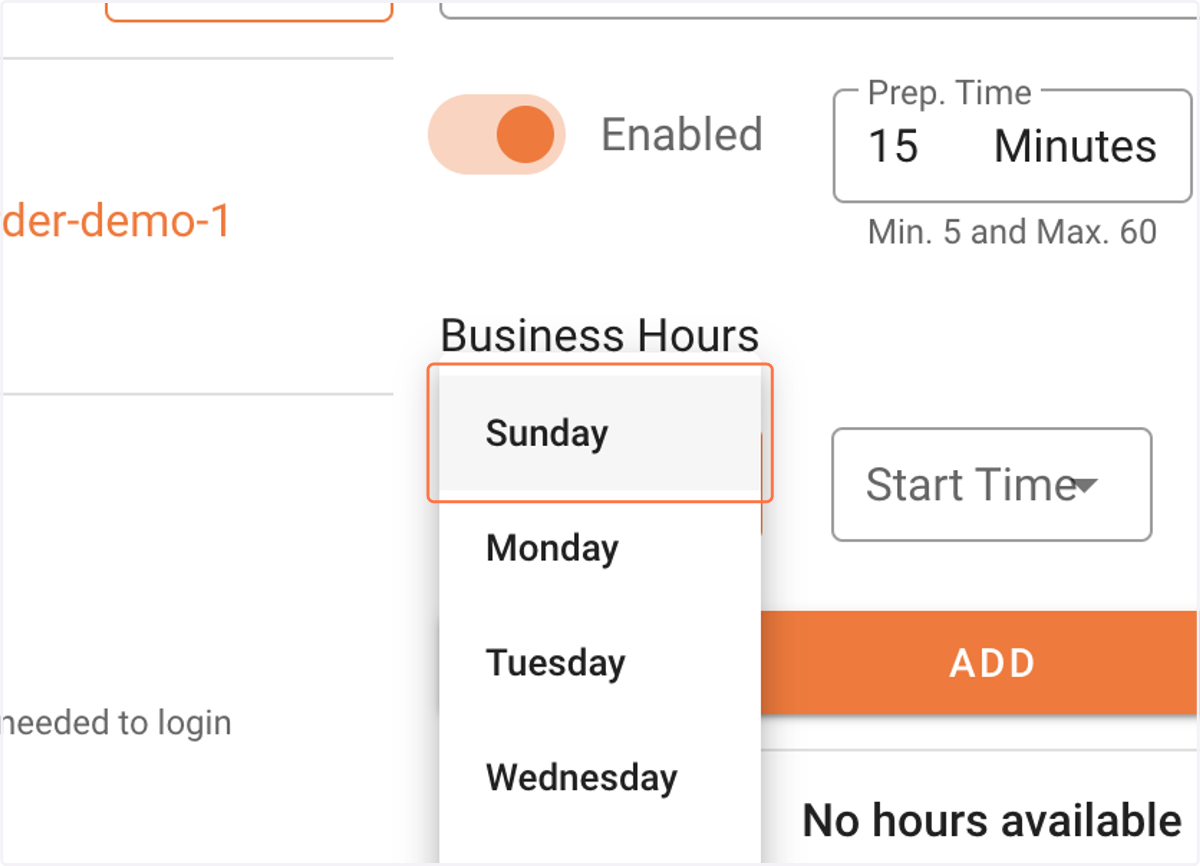
  4. 4. Select the day from the list

    Select the day from the list
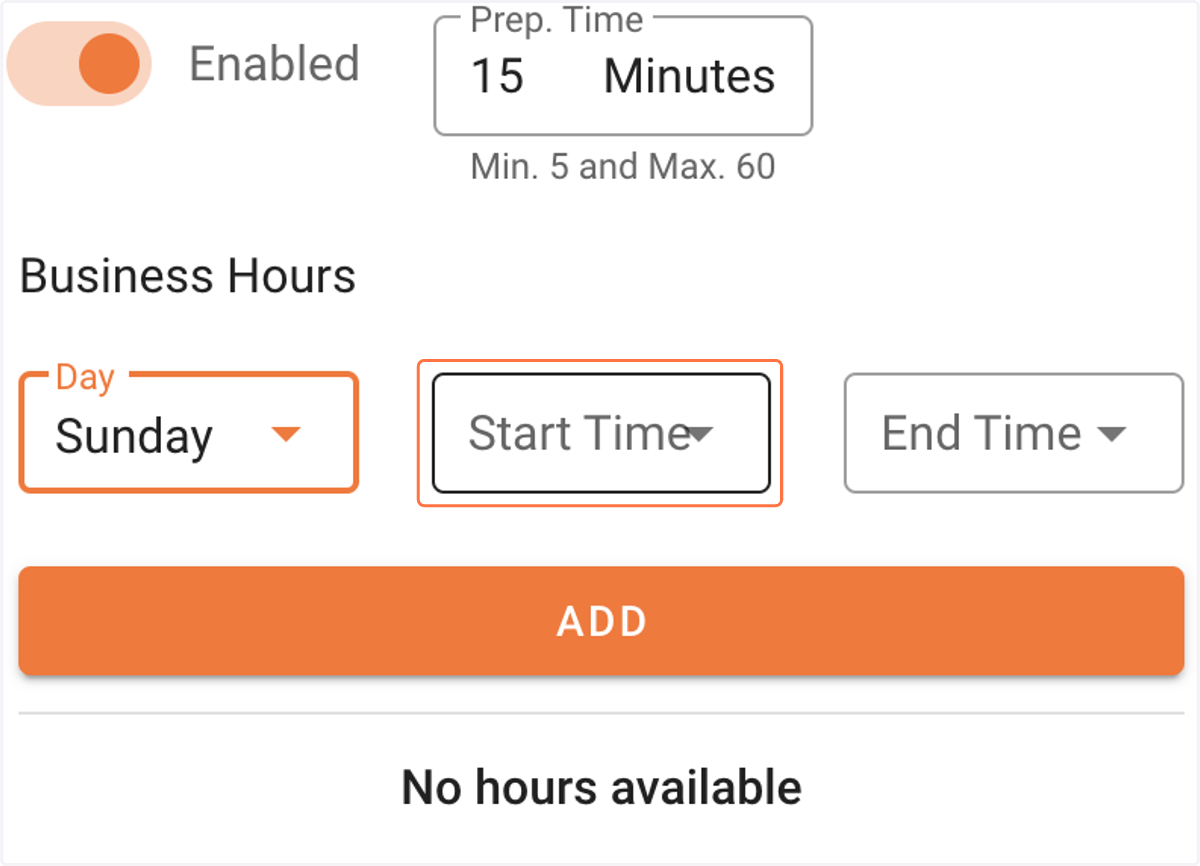
  5. 5. Click on start time

    Click on start time
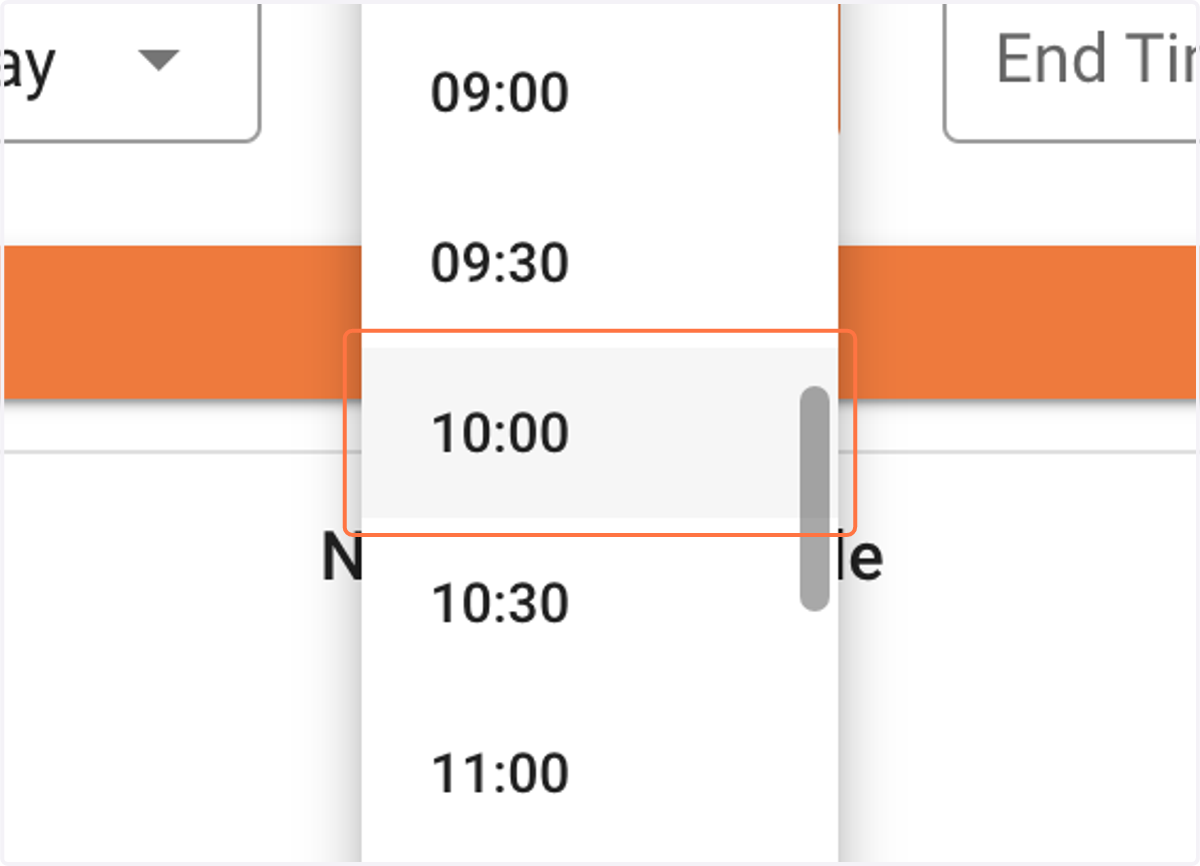
  6. 6. Select start time from the list

    Select start time from the list
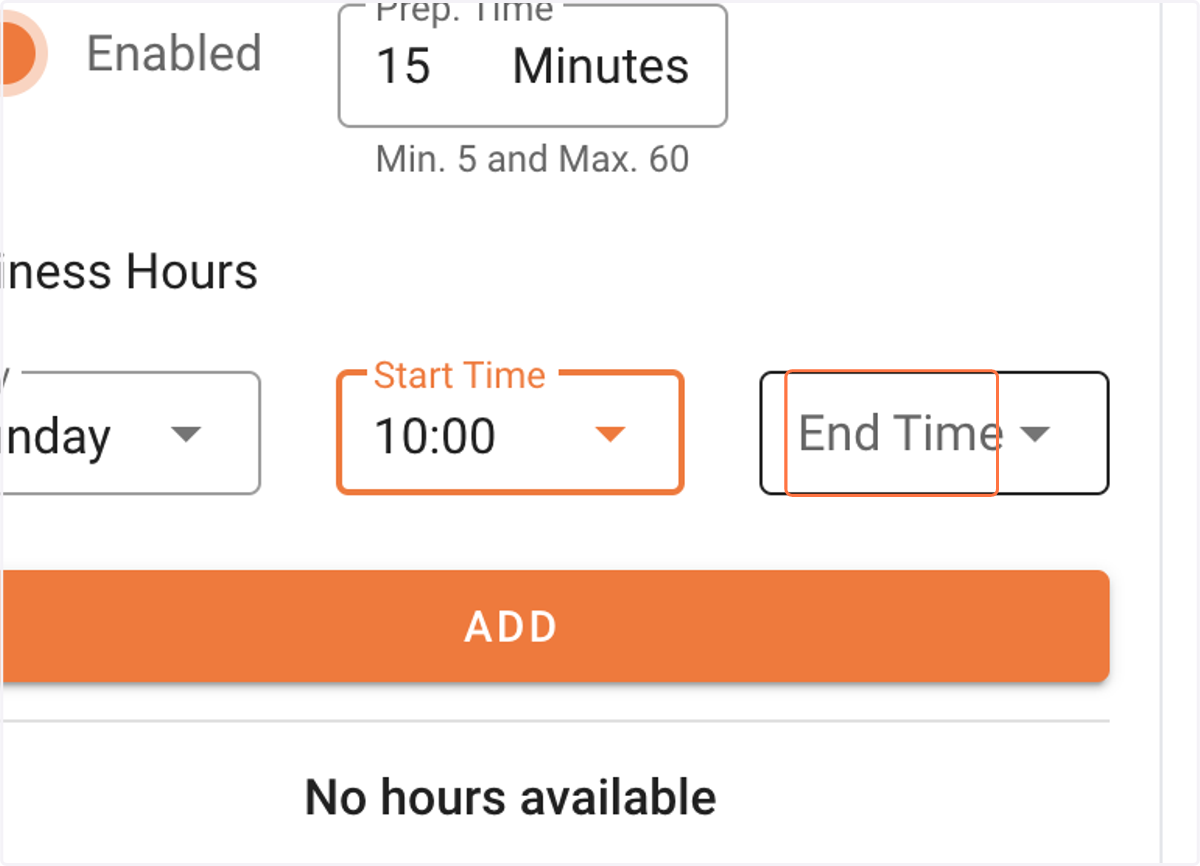
  7. 7. Click on end time

    Click on end time
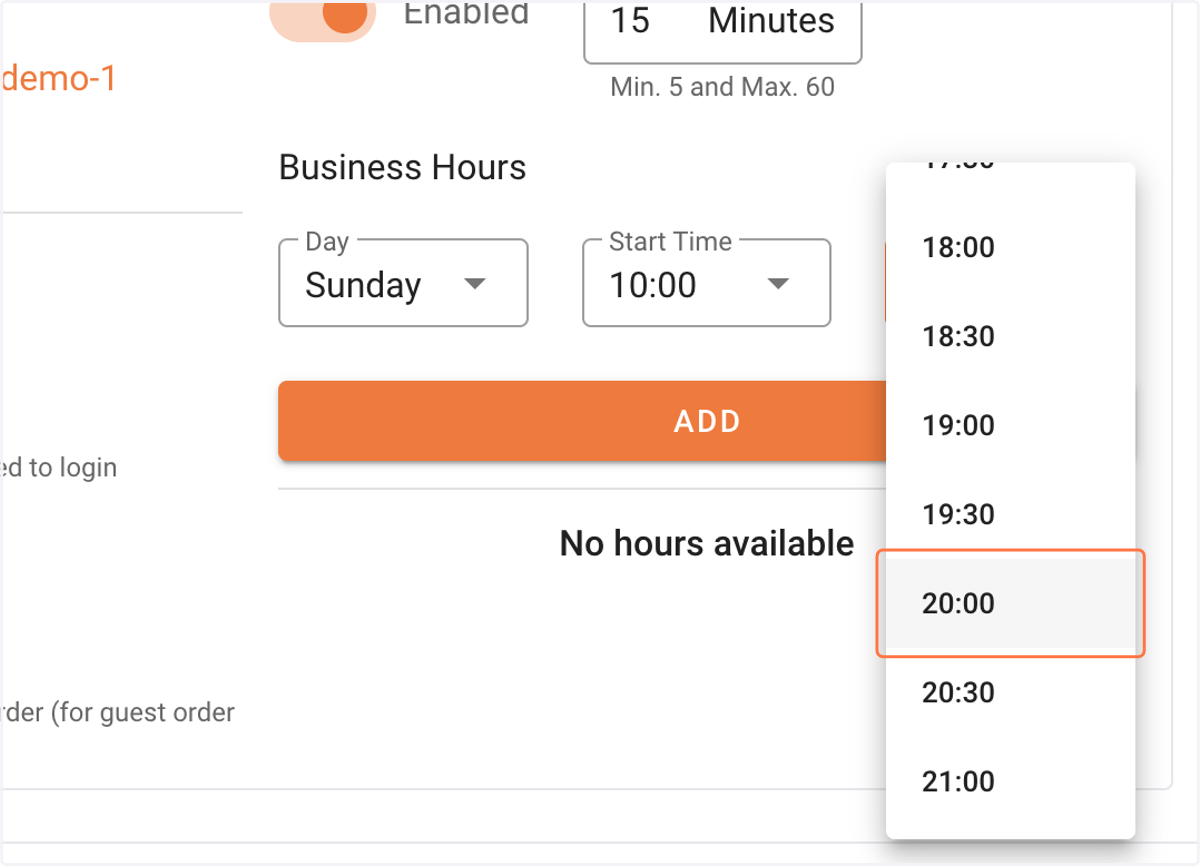
  8. 8. Select end time from the list

    Select end time from the list
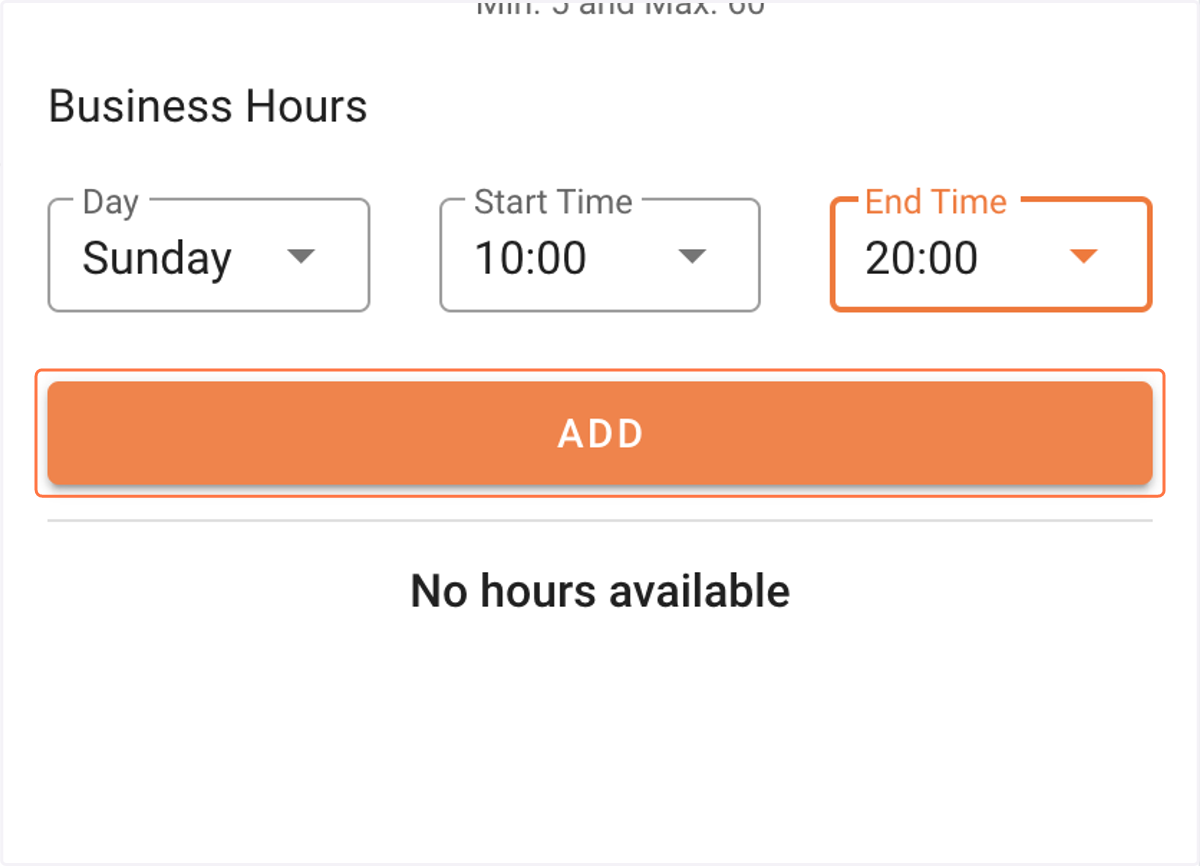
  9. 9. Click on ADD

    Click on ADD
  10. 10. That's it! You can add multipe time slots within the day as well.
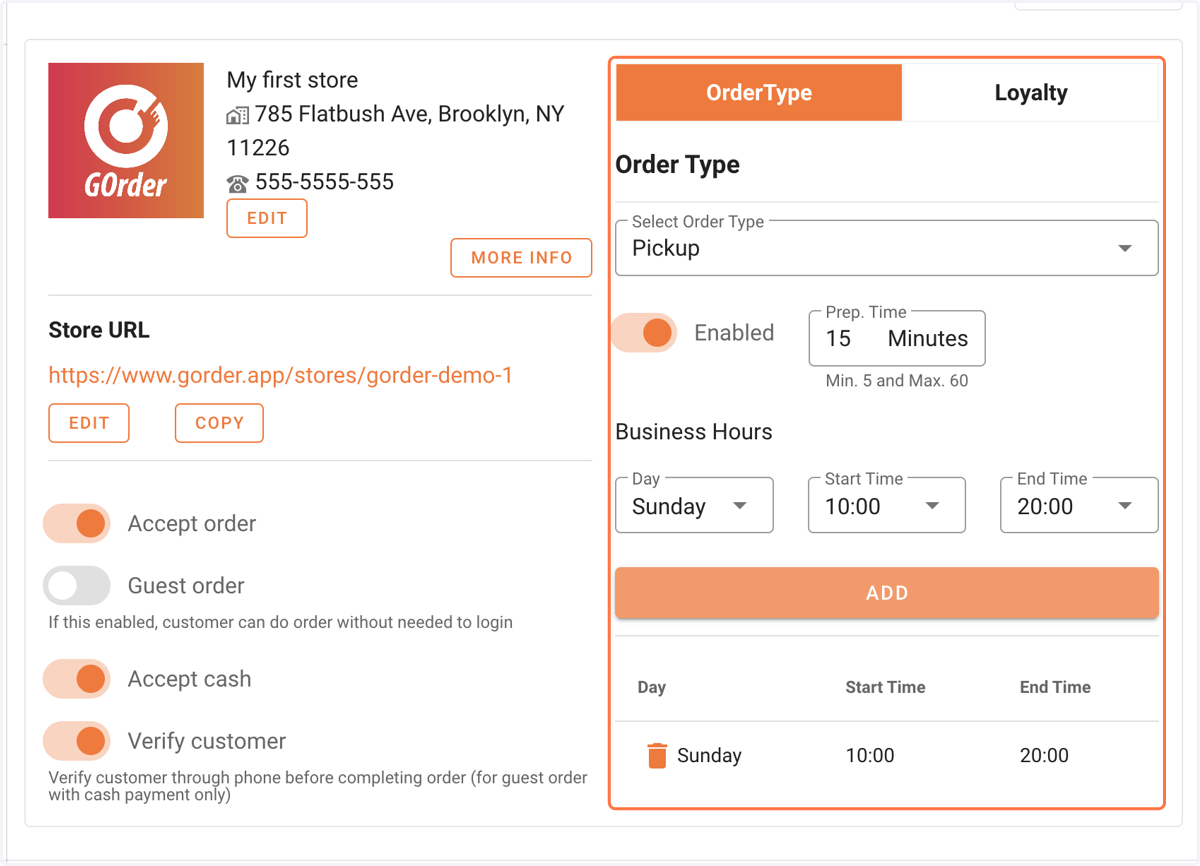
    That's it! You can add multipe time slots within the day as well.