Set up a survey in SurveyMonkey
Home Page - Projects
Go to https://www.surveymonkey.com/home/
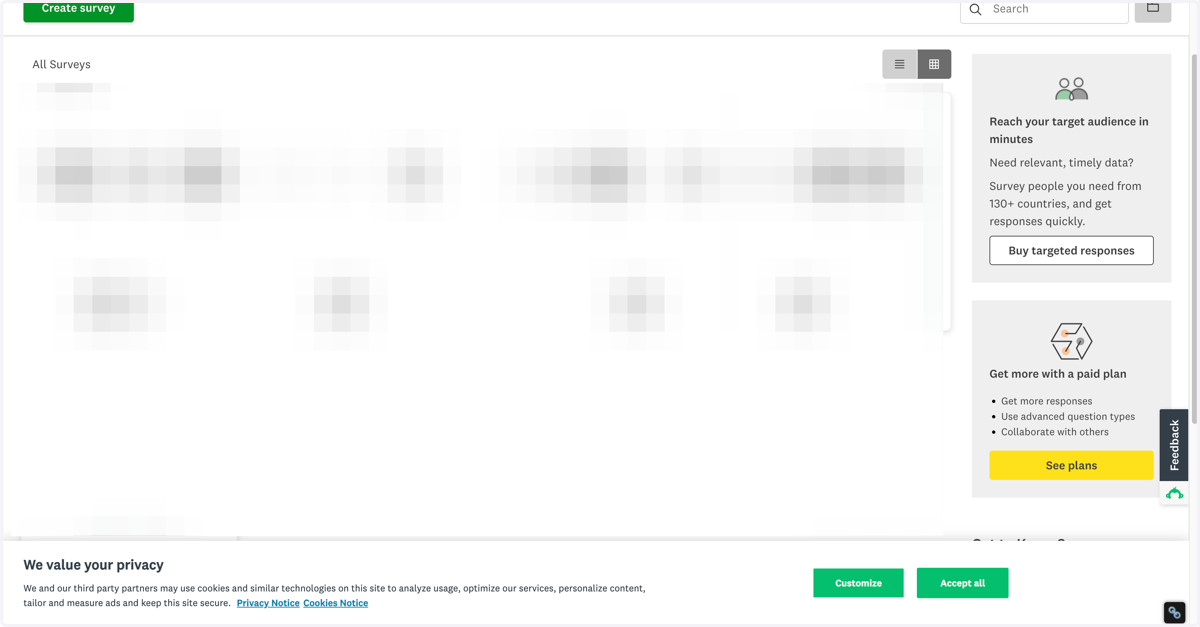
1. Click on Create survey
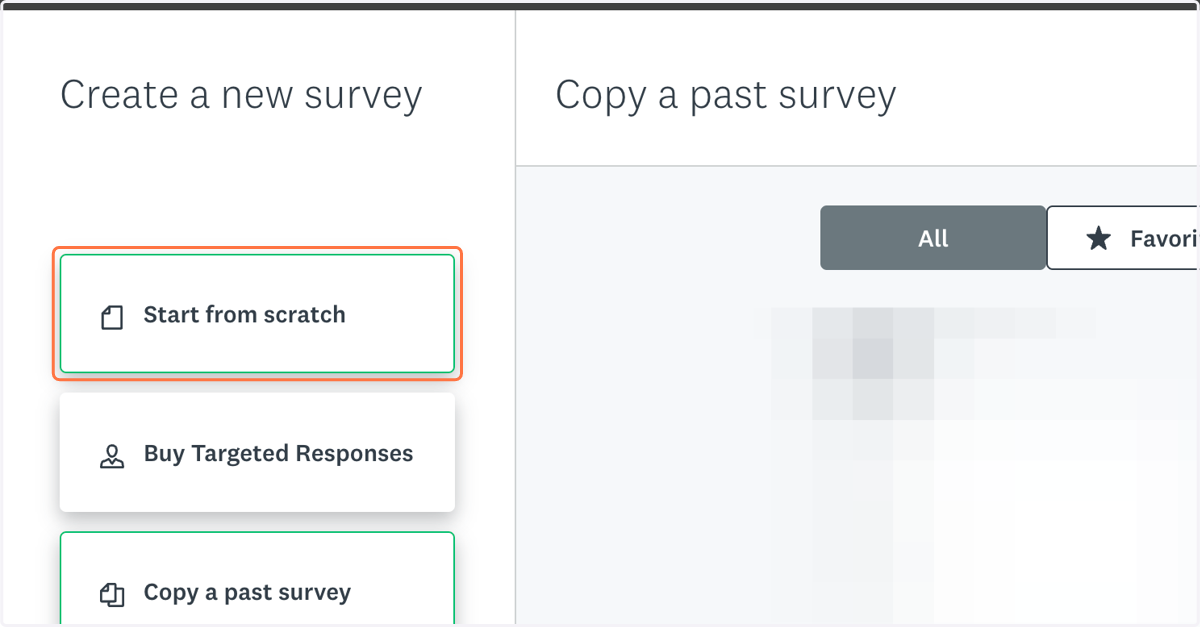
2. Click on Start from scratch
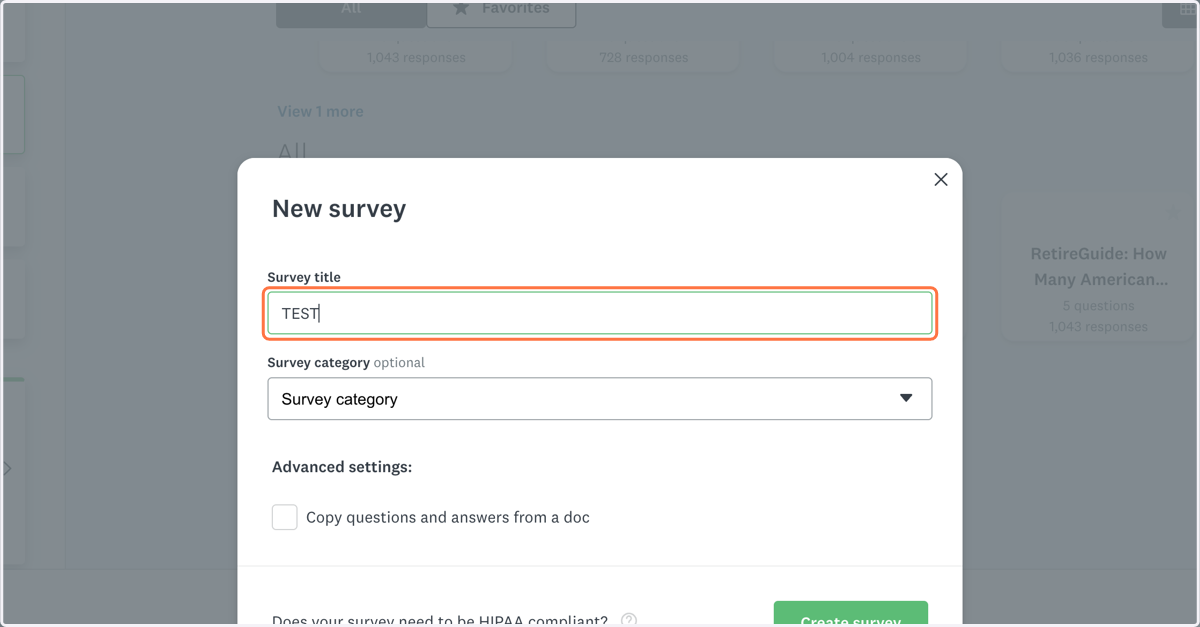
3. Name your survey
4. Select "General market research" for the Survey category
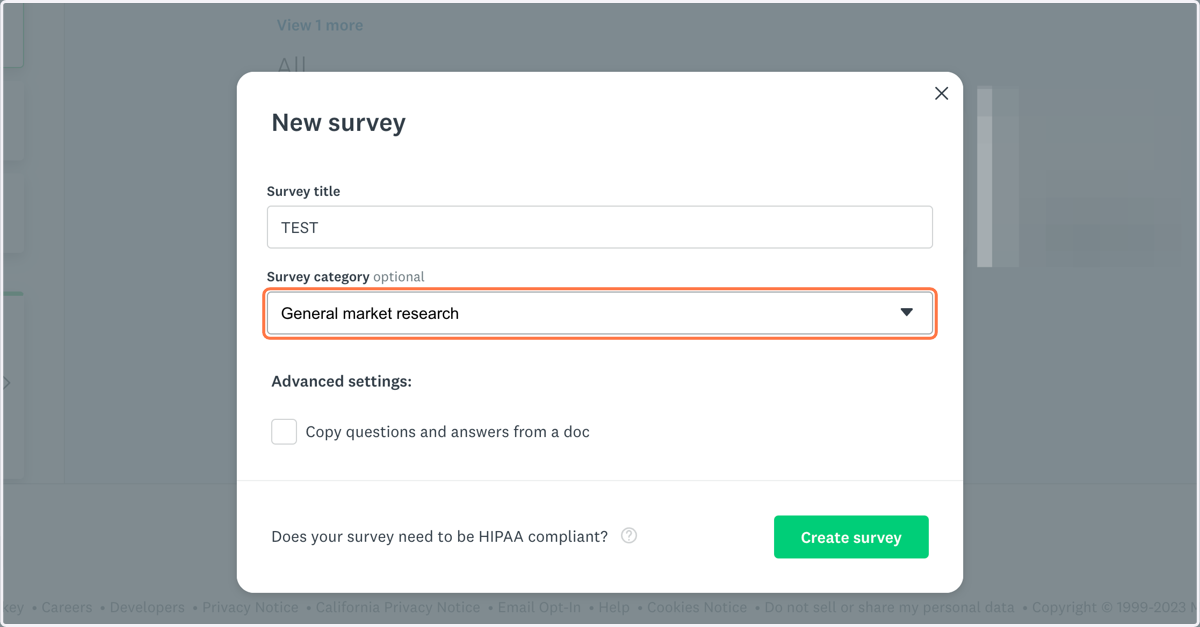
5. Click on Create survey
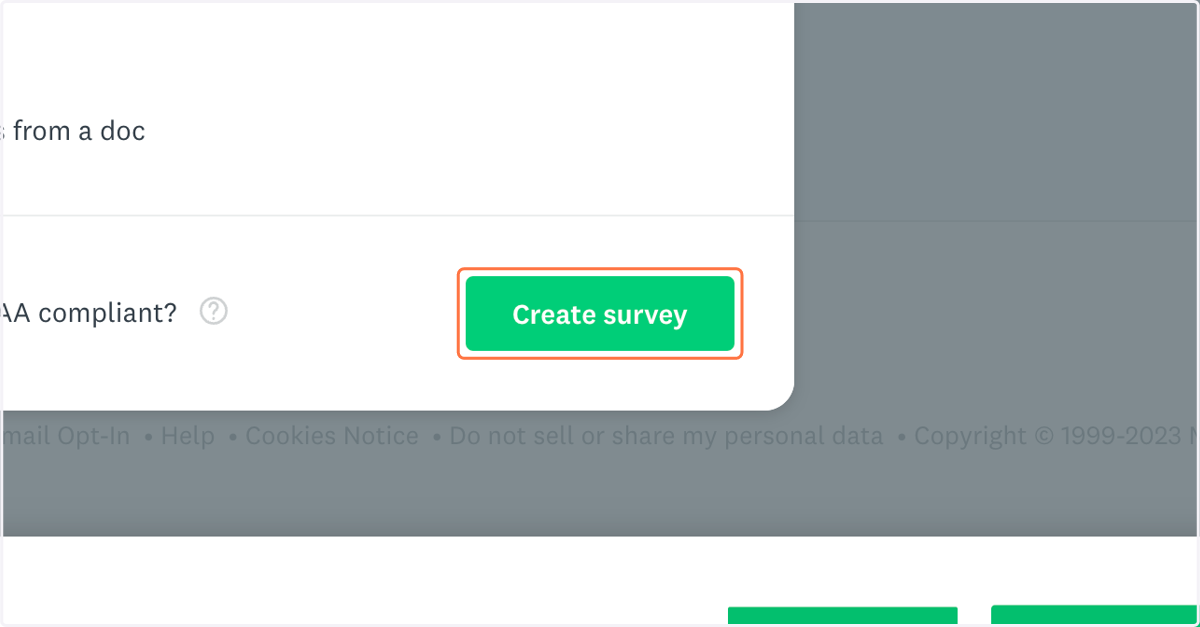
6. Add your questions
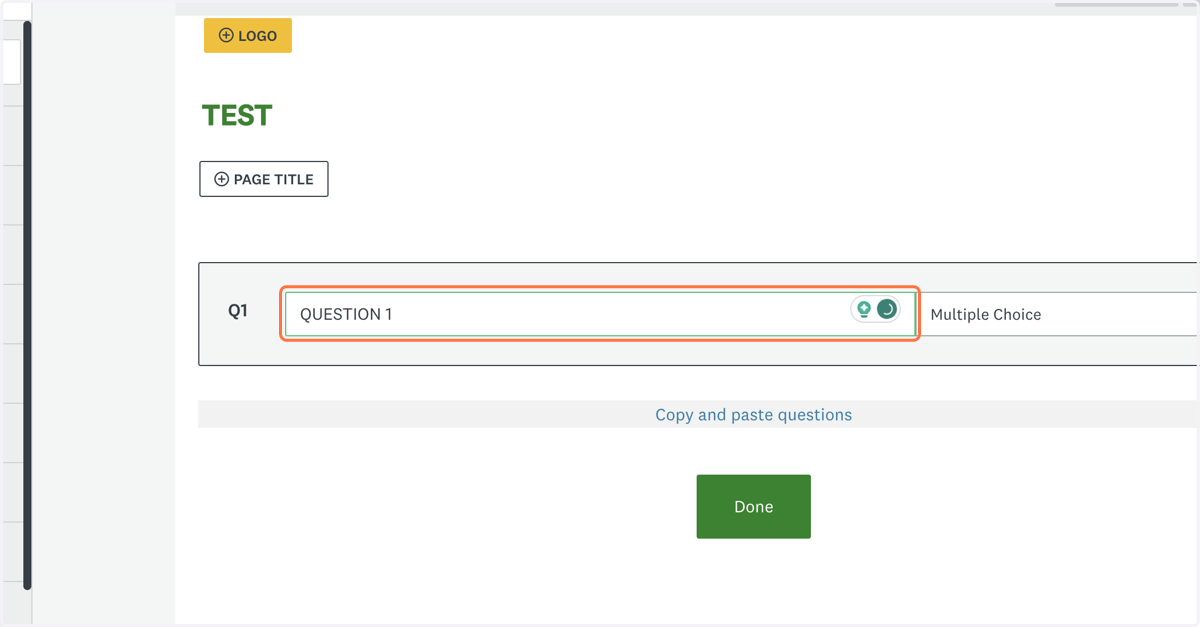
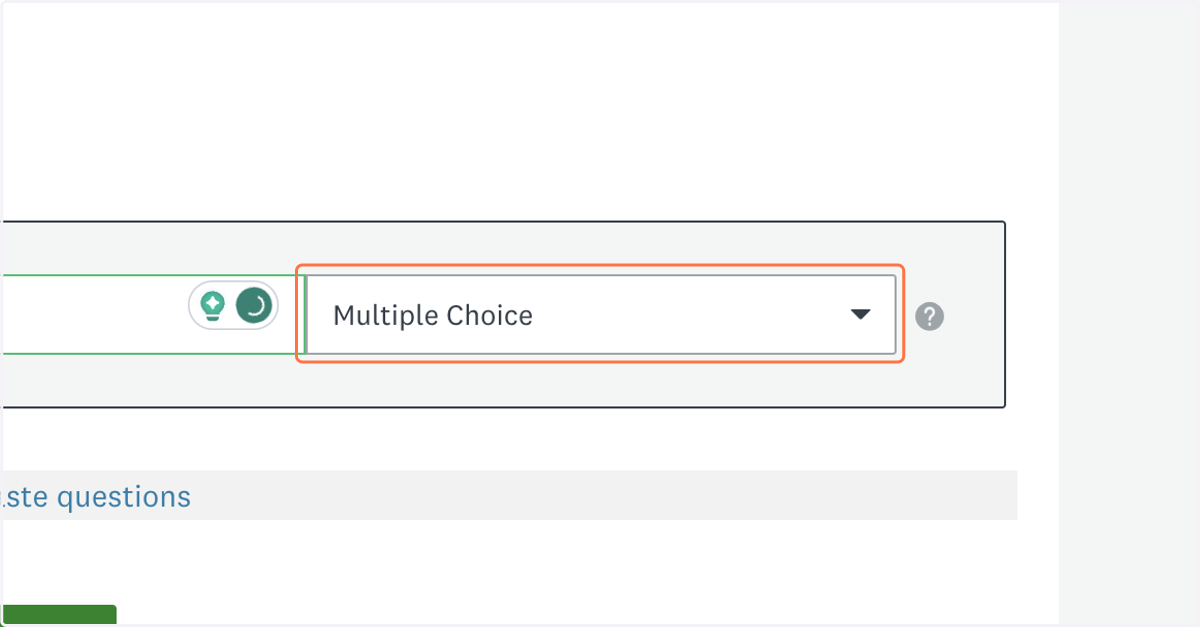
7. Select your question type
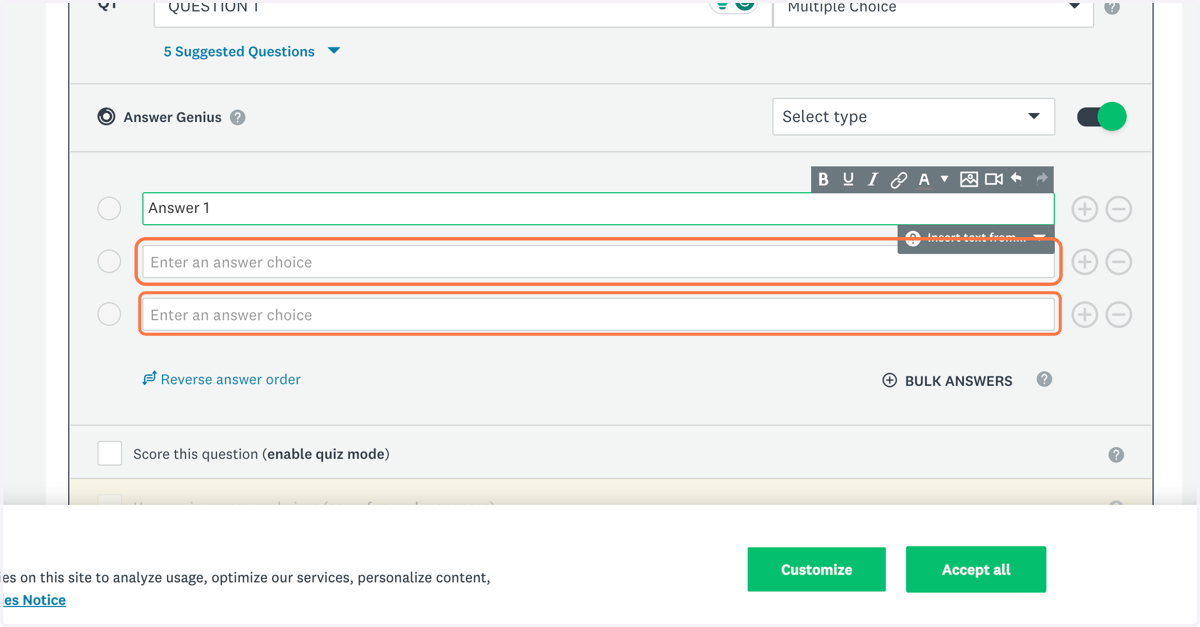
8. Add your answers
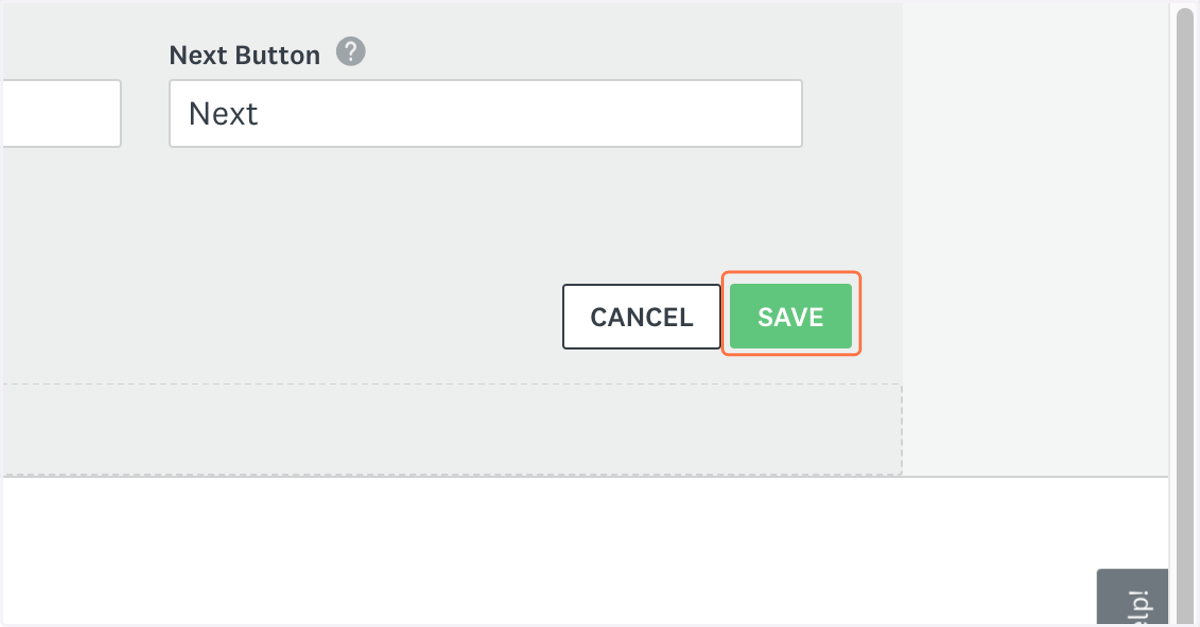
9. Click on Save to save your survey
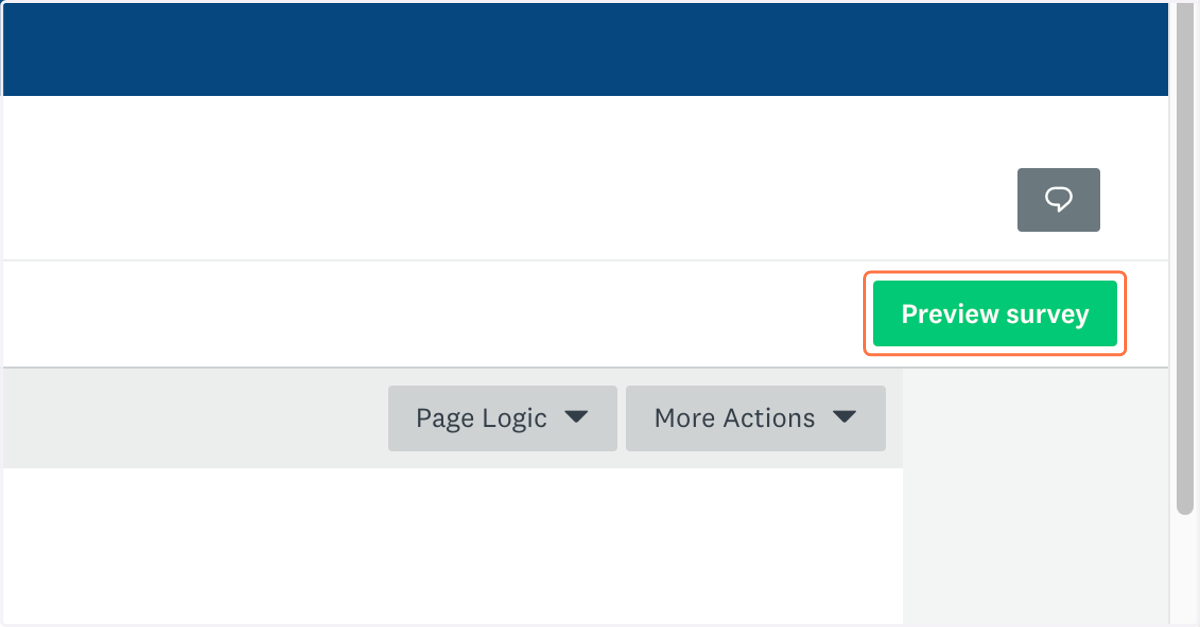
10. Click on Preview survey
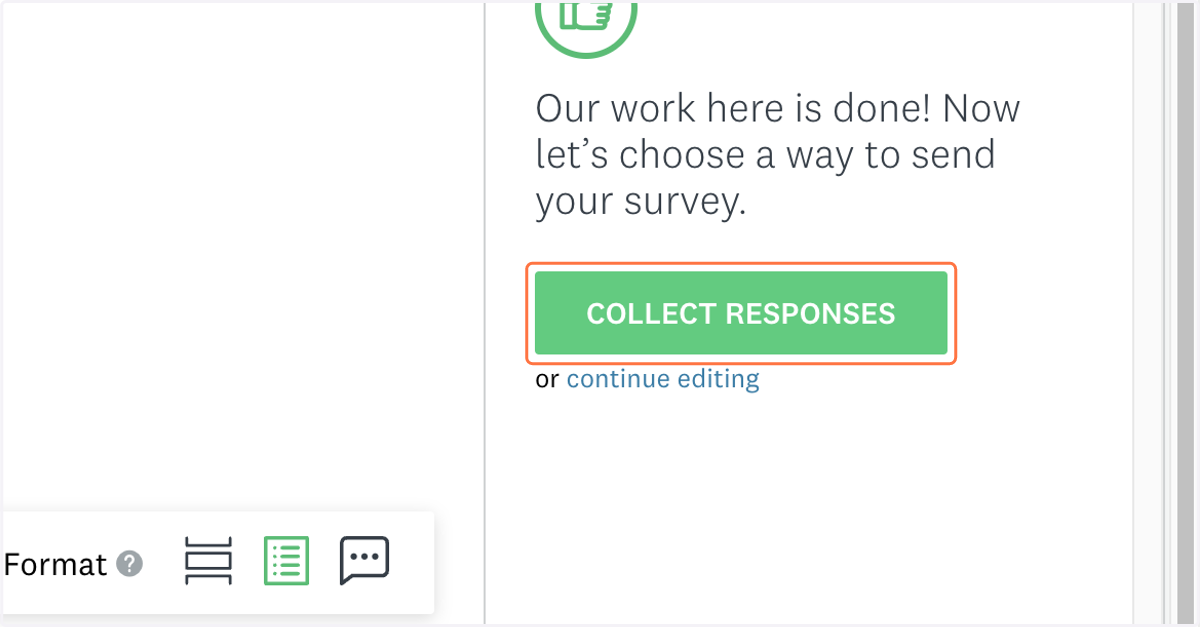
11. Review your survey and click on COLLECT RESPONSES when you're done
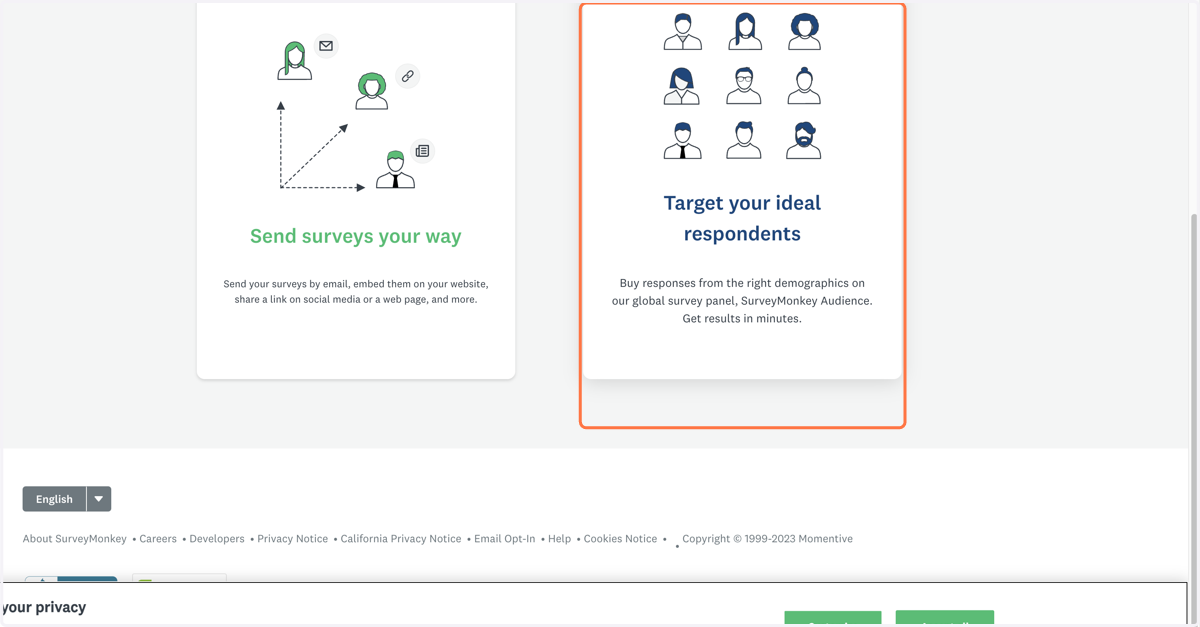
12. Click on Target your ideal respondents…
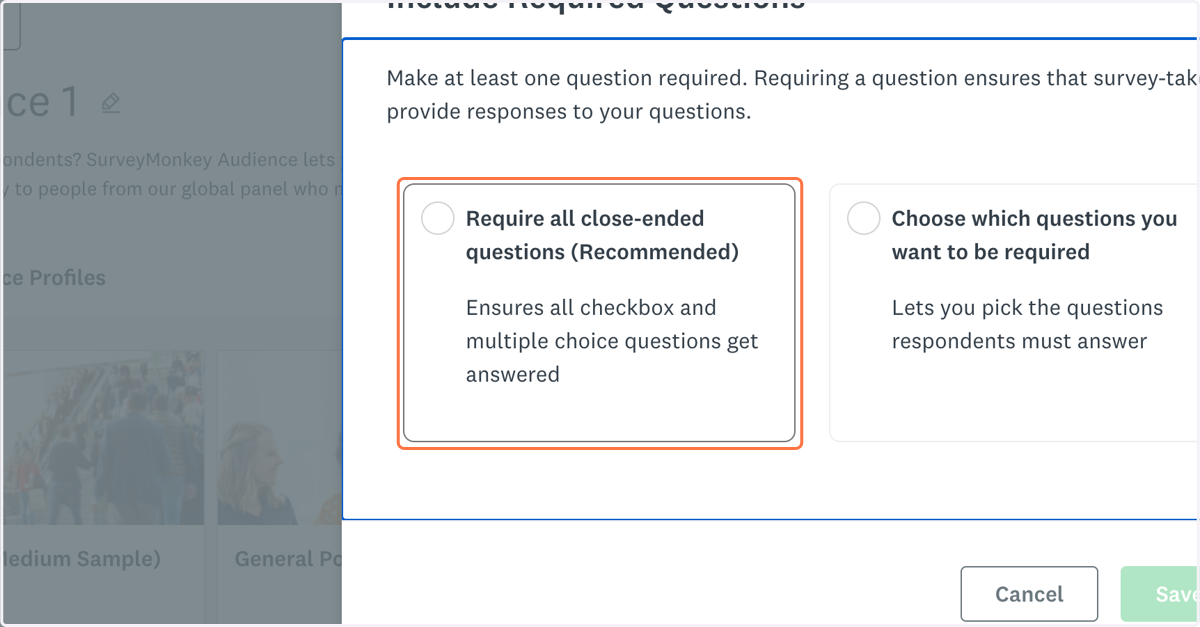
13. Click on Require all close-ended questions (Recommended)…
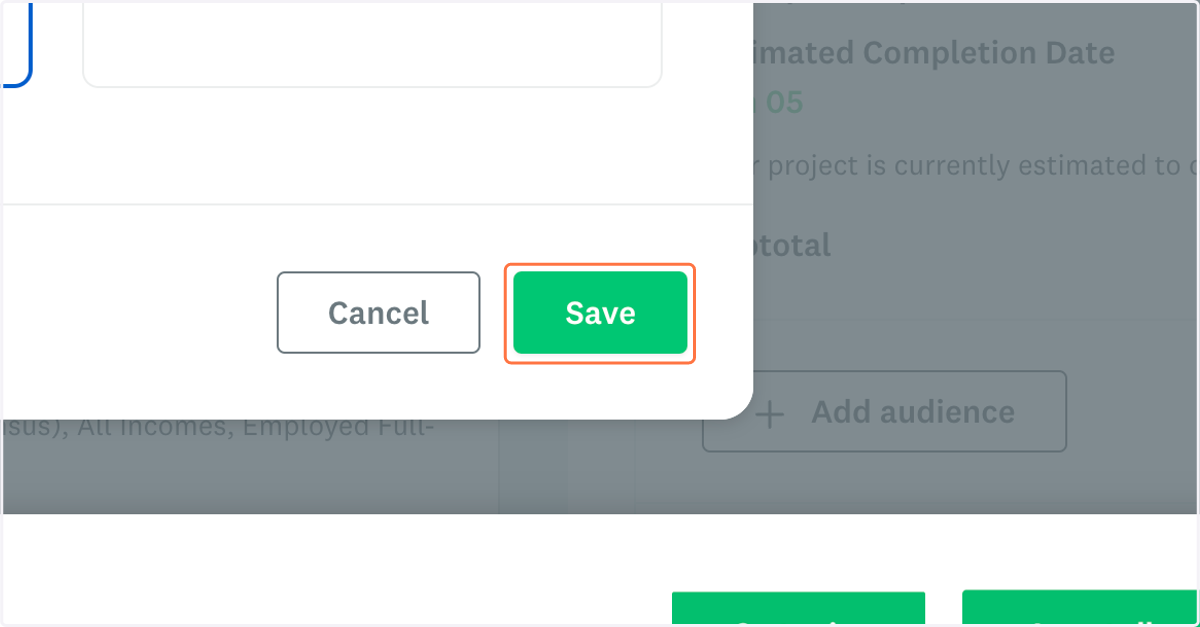
14. Click on Save
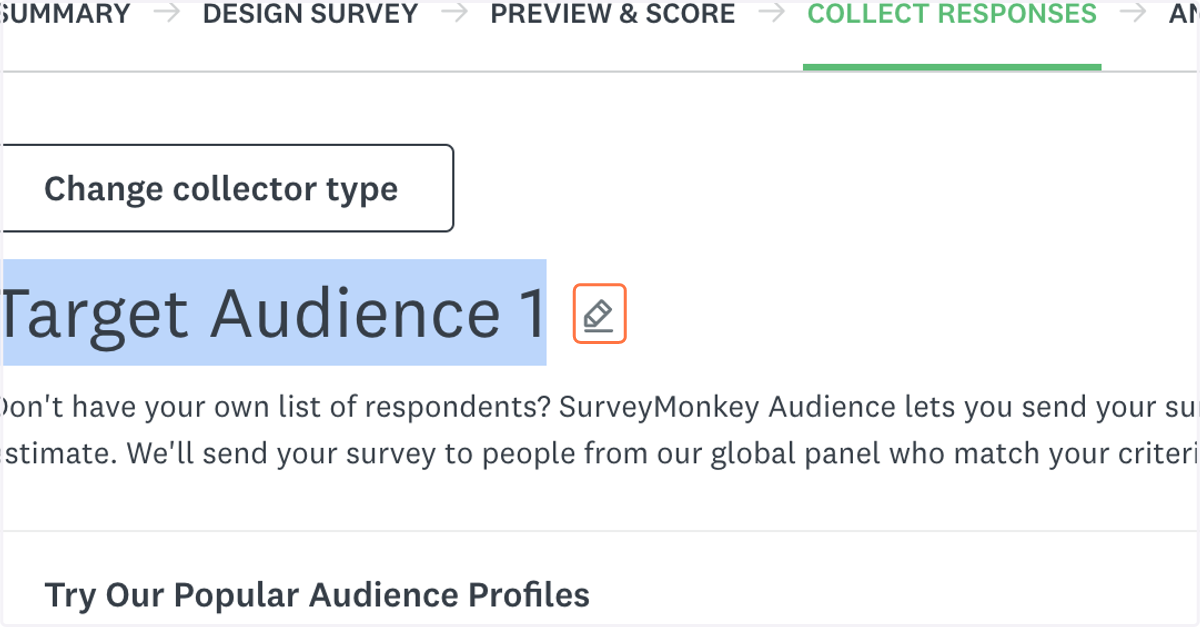
15. Click on this pencil to edit your target audience name
16. Give this audience a nickname
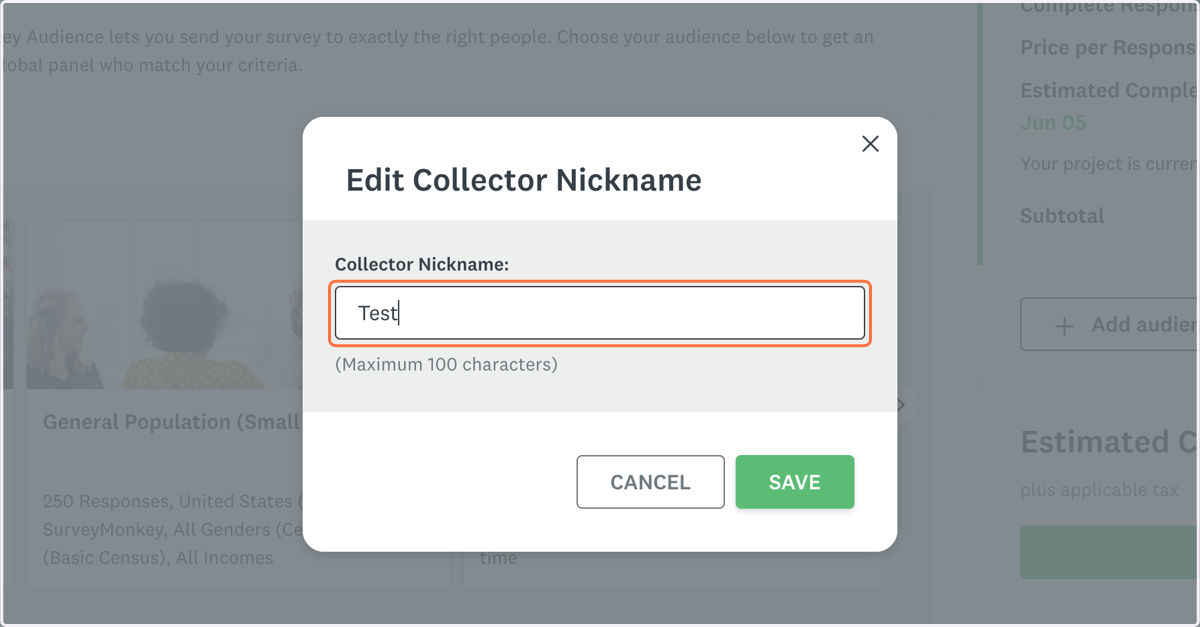
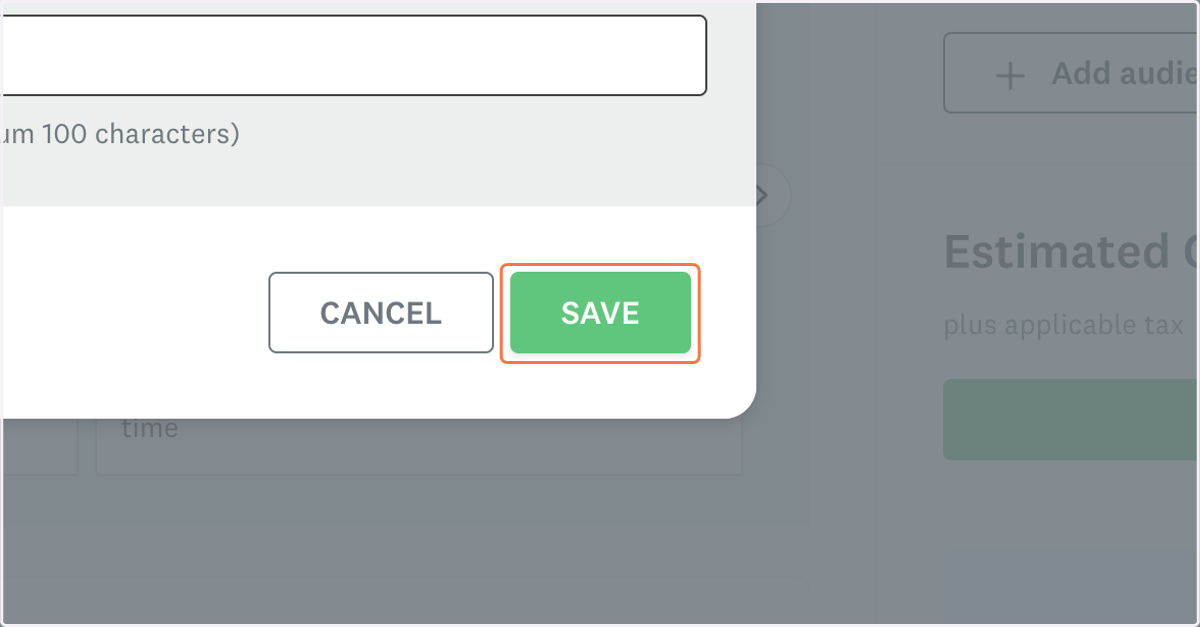
17. Click on SAVE
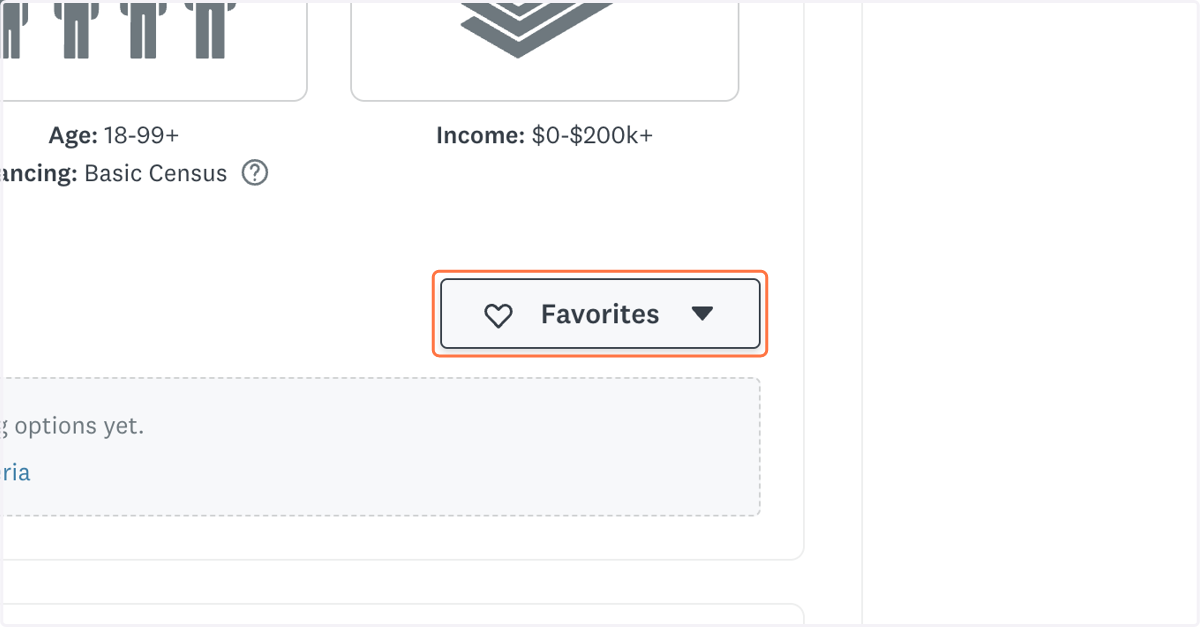
18. Click on Favorites to access our pre-set targeting profile
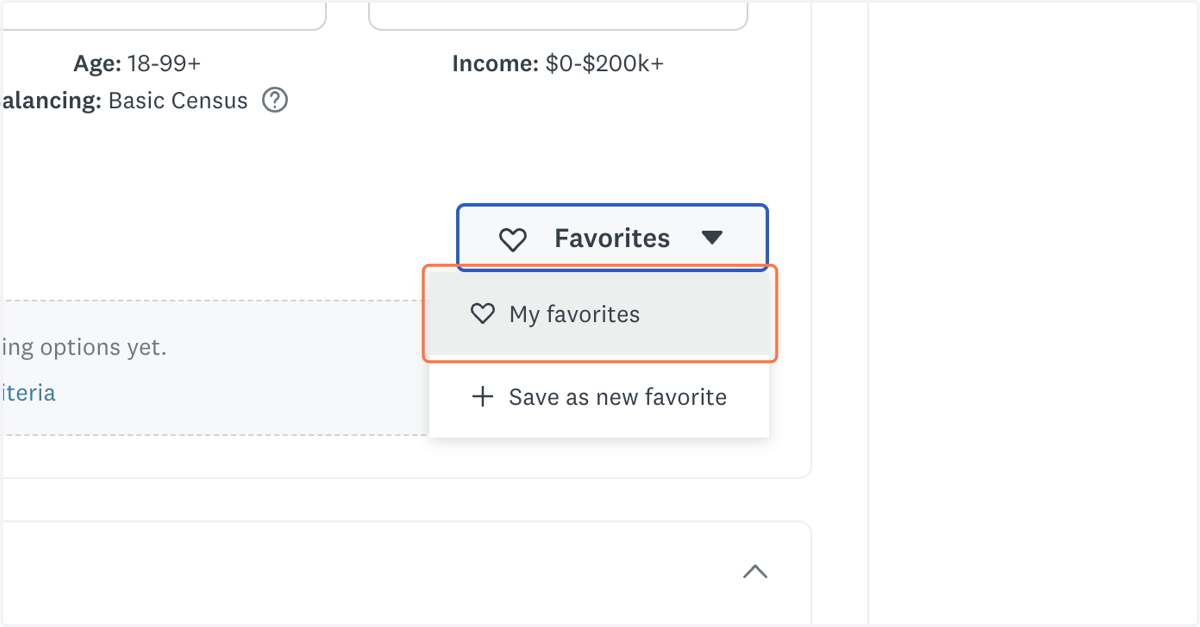
19. Click on My favorites
20. Click on dialog
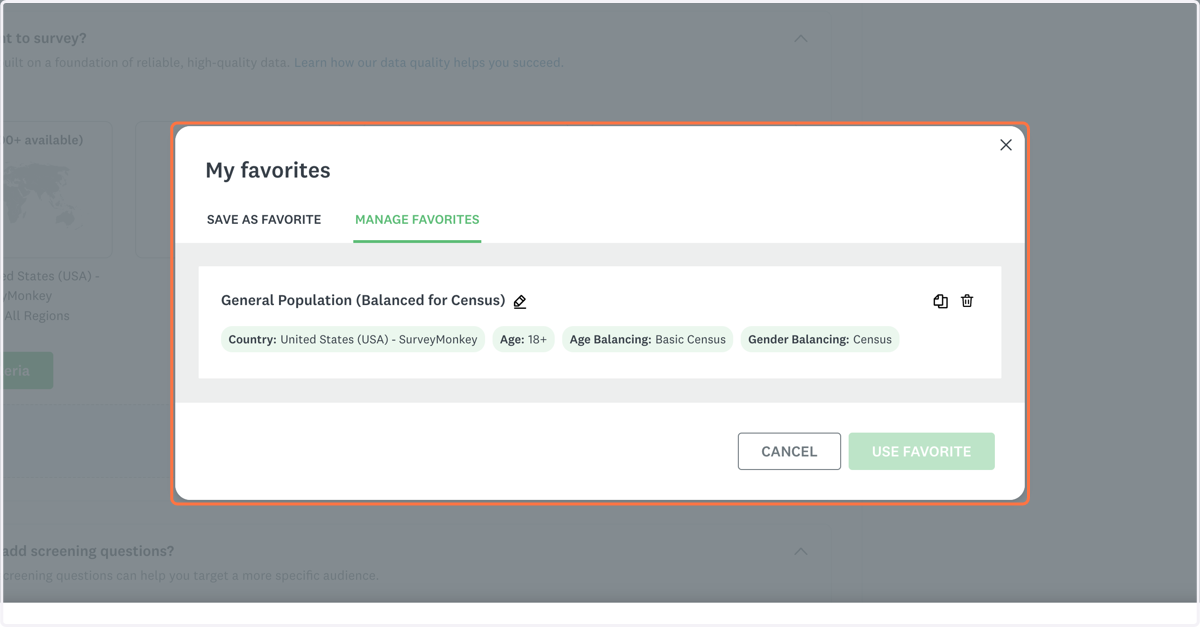
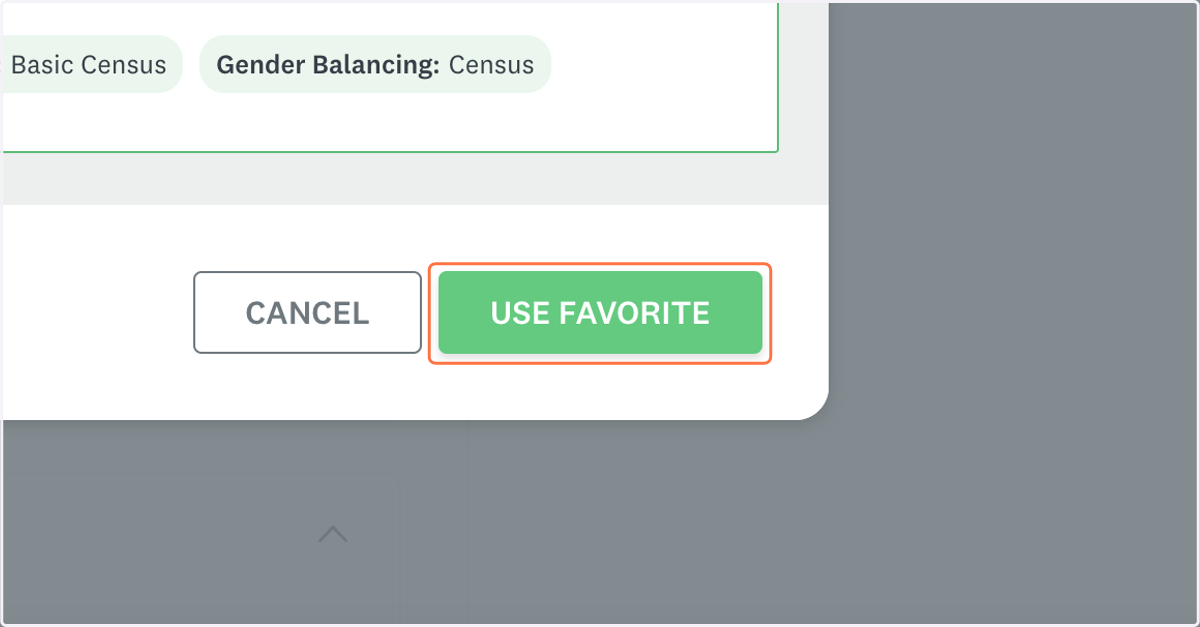
21. Click on USE FAVORITE
22. Let your manager know that the survey is ready for review.