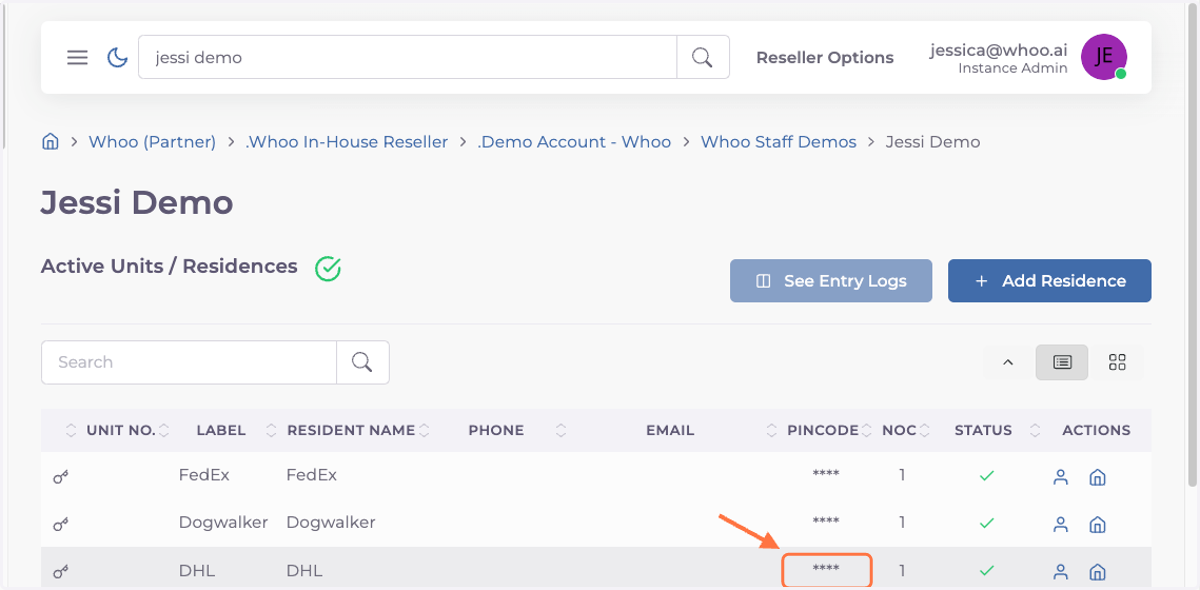
Set up Keyless Access Buttons in Whoo Console
Whoo Admin
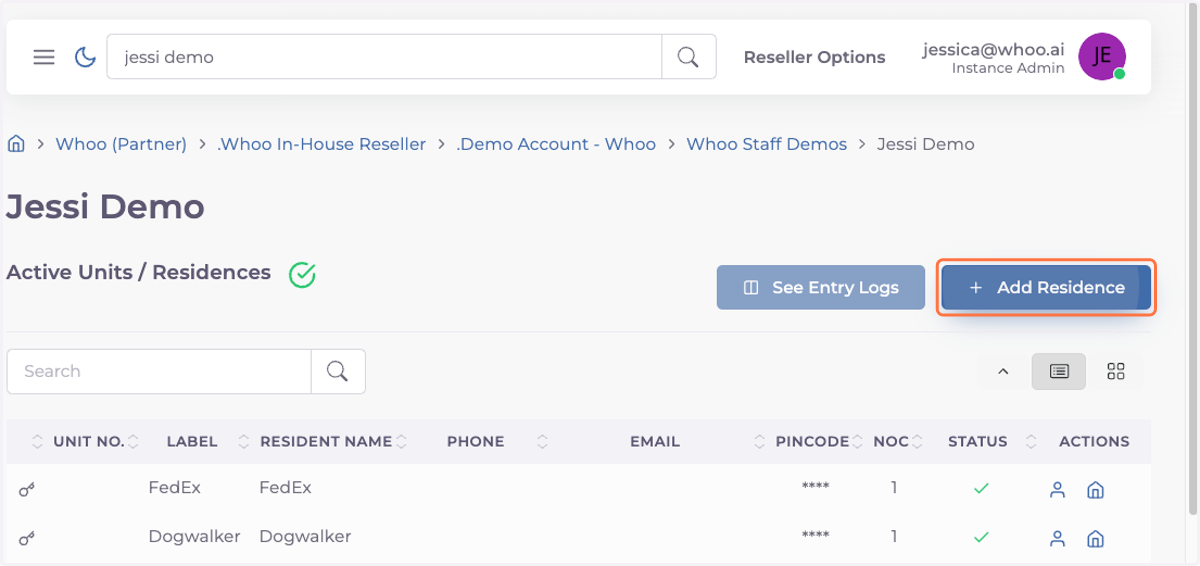
1. Click on Add Residence
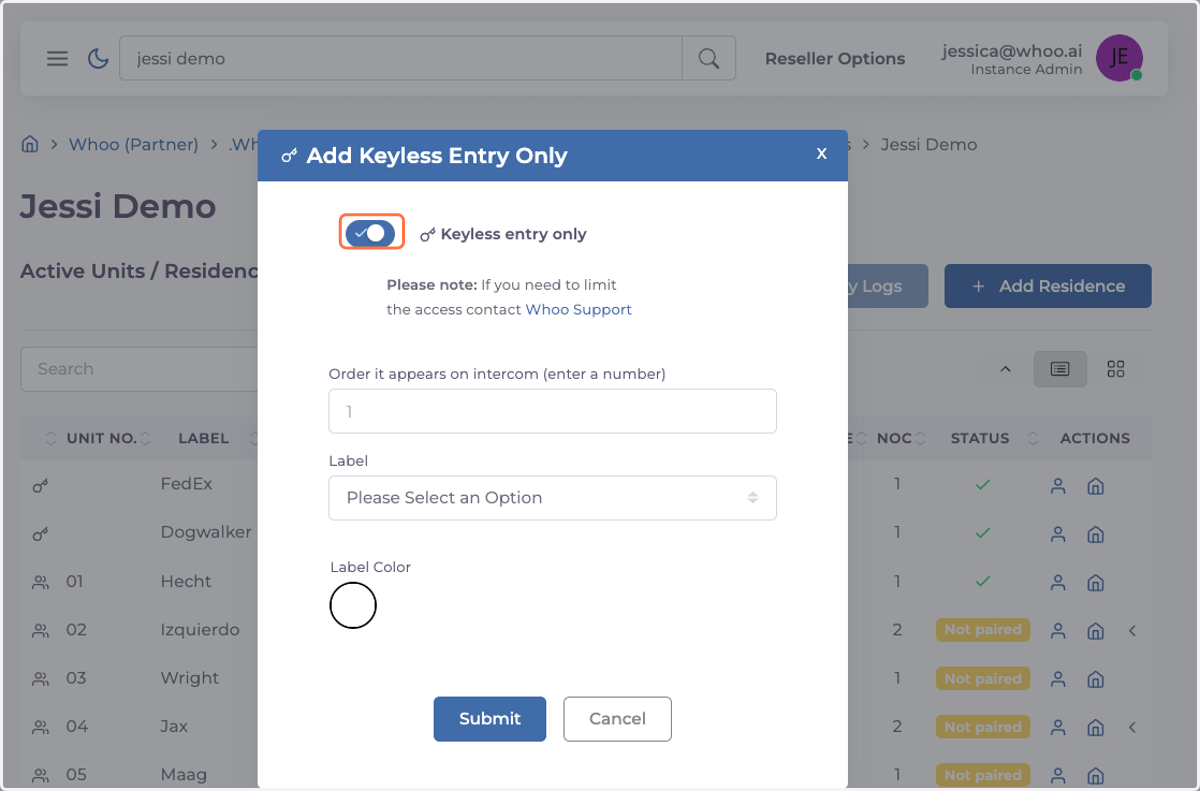
2. Uncheck Keyless entry only
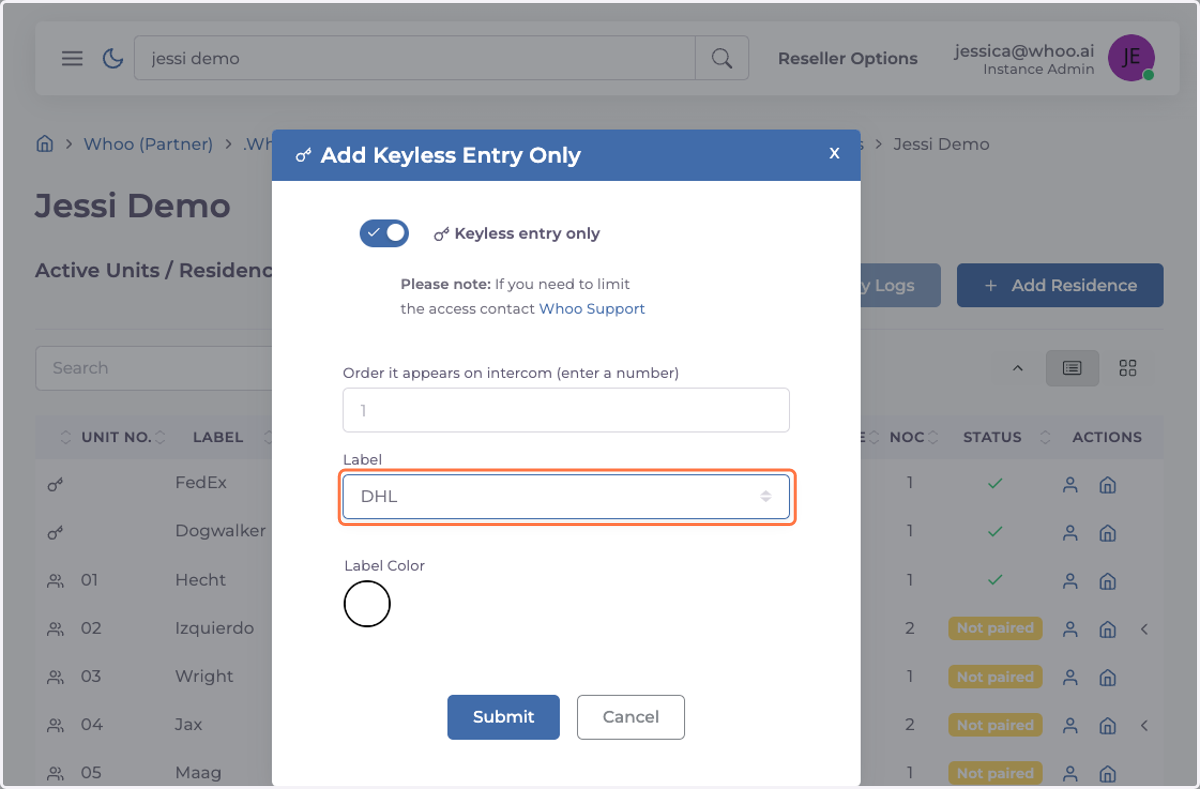
3. Choose from the label menu the one you need
4. Click on Submit
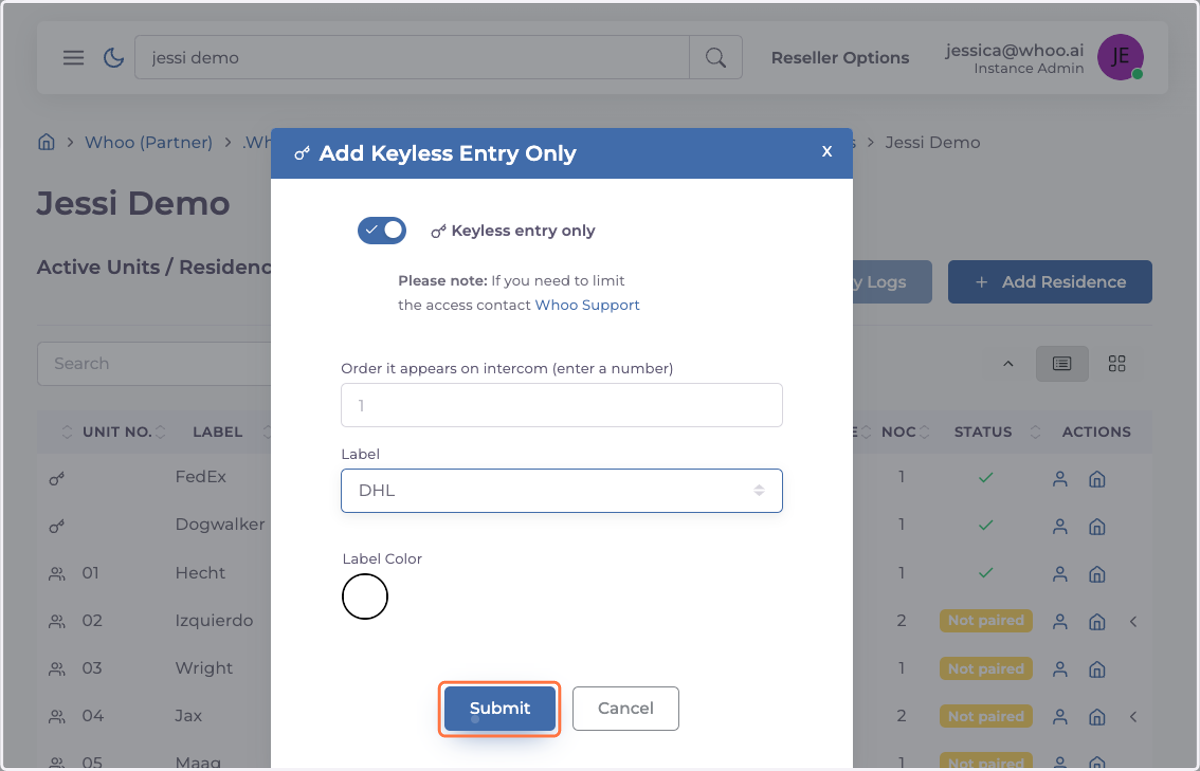
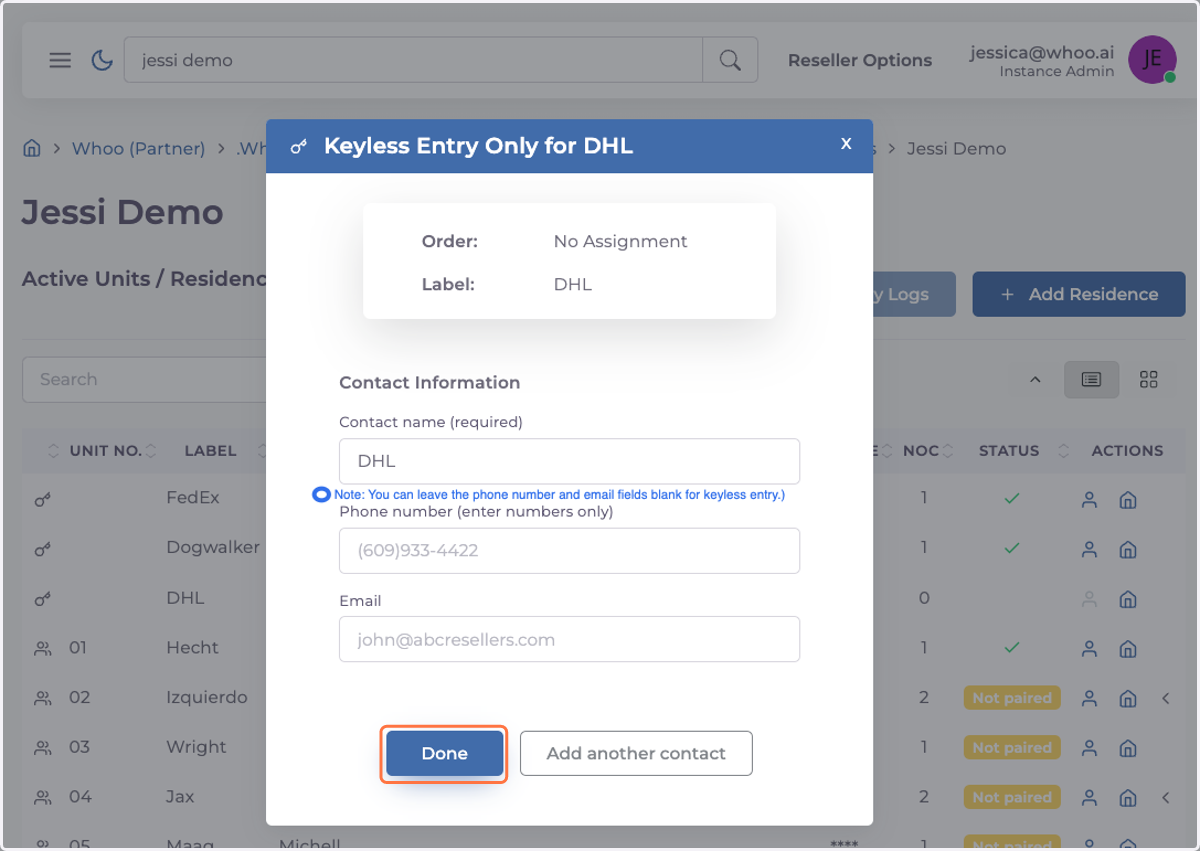
5. A new window will open, allowing you to add additional information if needed.
Press "Done" once everything is completed. (Note: You can leave the phone number and email fields blank for keyless entry.)
6. How to Share a Pincode
Steps:
Click on "Pincode" to display it.
Share the displayed code with the appropriate courier or individual requiring keyless entry.