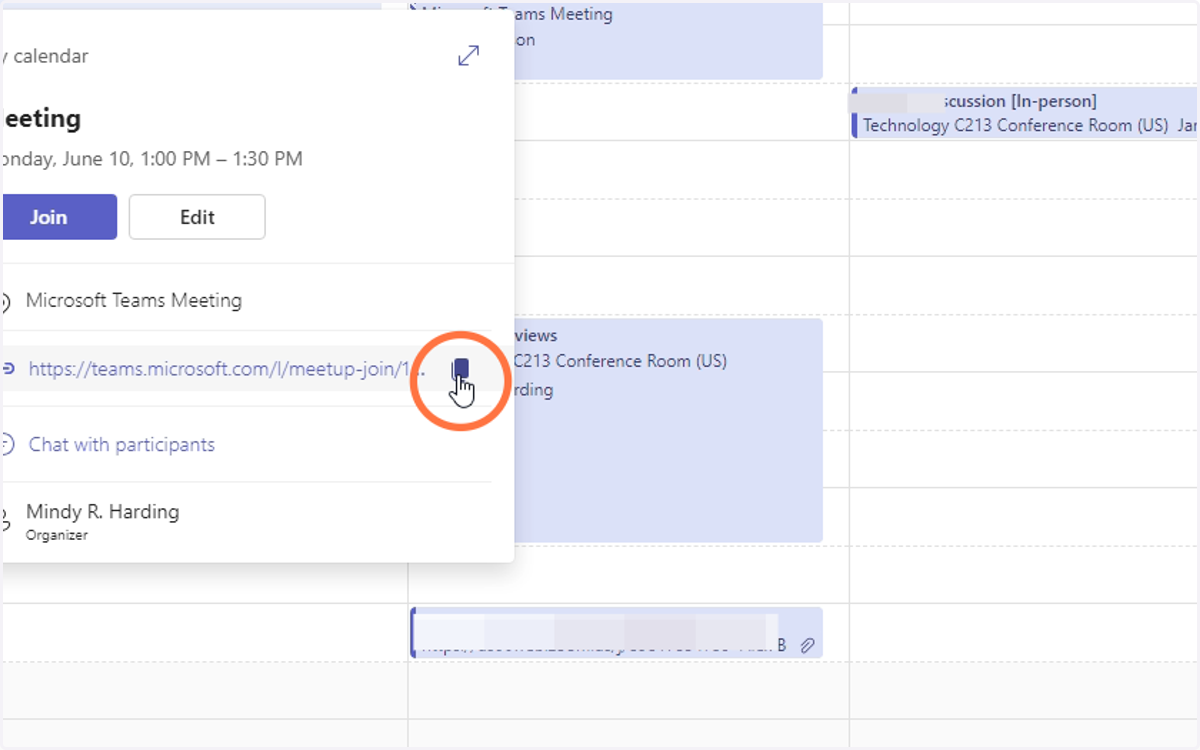
Sending a Teams Meeting Link to Outside Attendees
If you need to send the link to your Teams meeting to attendees not on the calendar invite, follow the steps below
1. Open Microsoft Teams
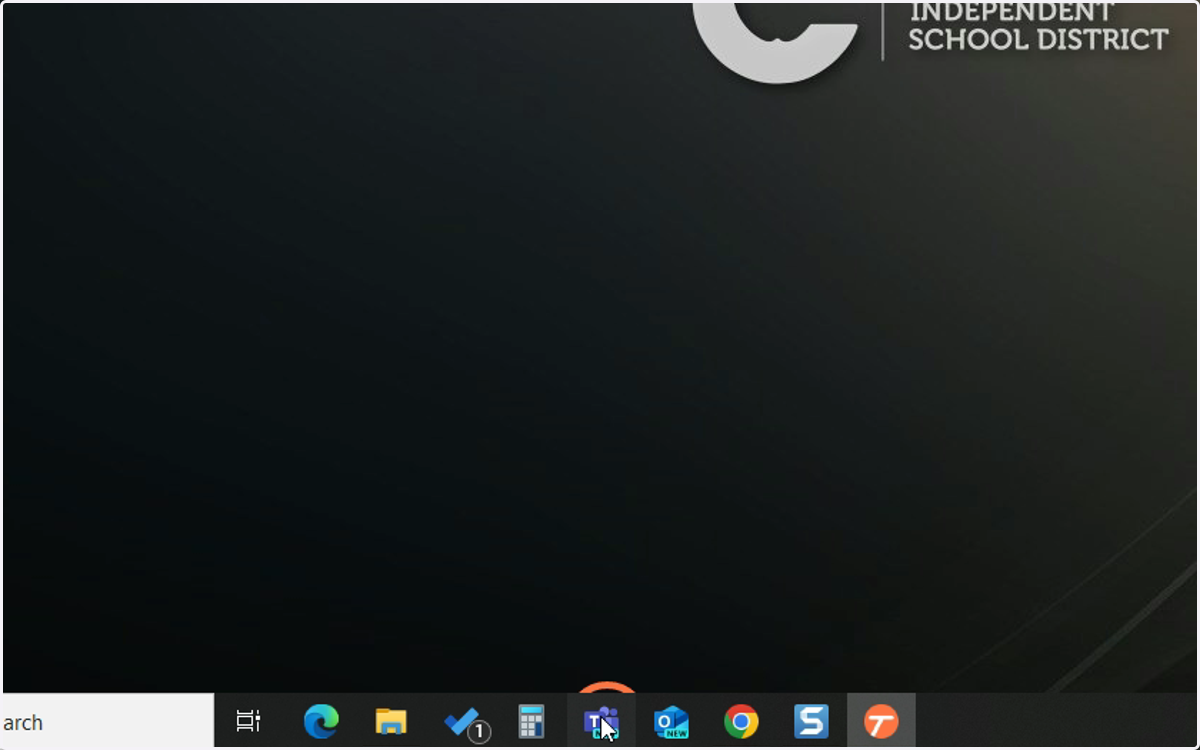
Microsoft Teams
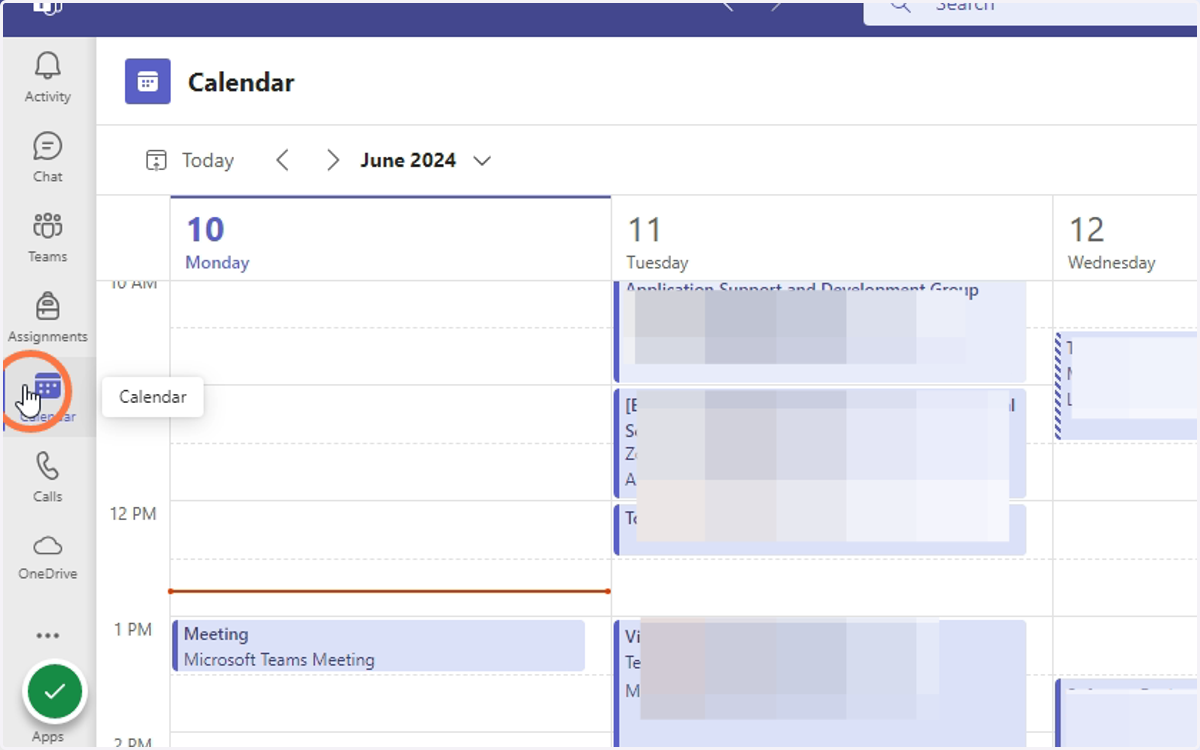
2. Click on the Calendar.
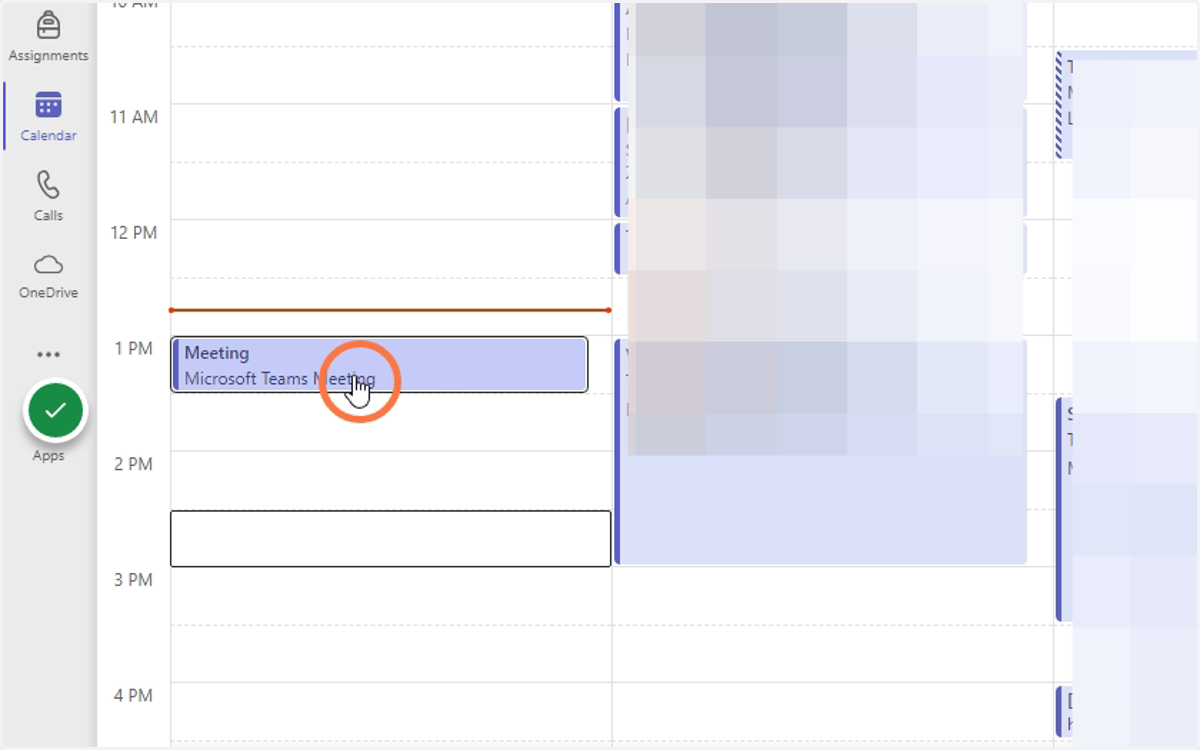
3. Click on the Meeting
4. Copy the link in the meeting description to send to attendees.
You can use the CISD Tiny URL maker to shorten the provided link.