Preparing for Offline Mode
The key steps you need to take before heading offline
Preparing to go offline
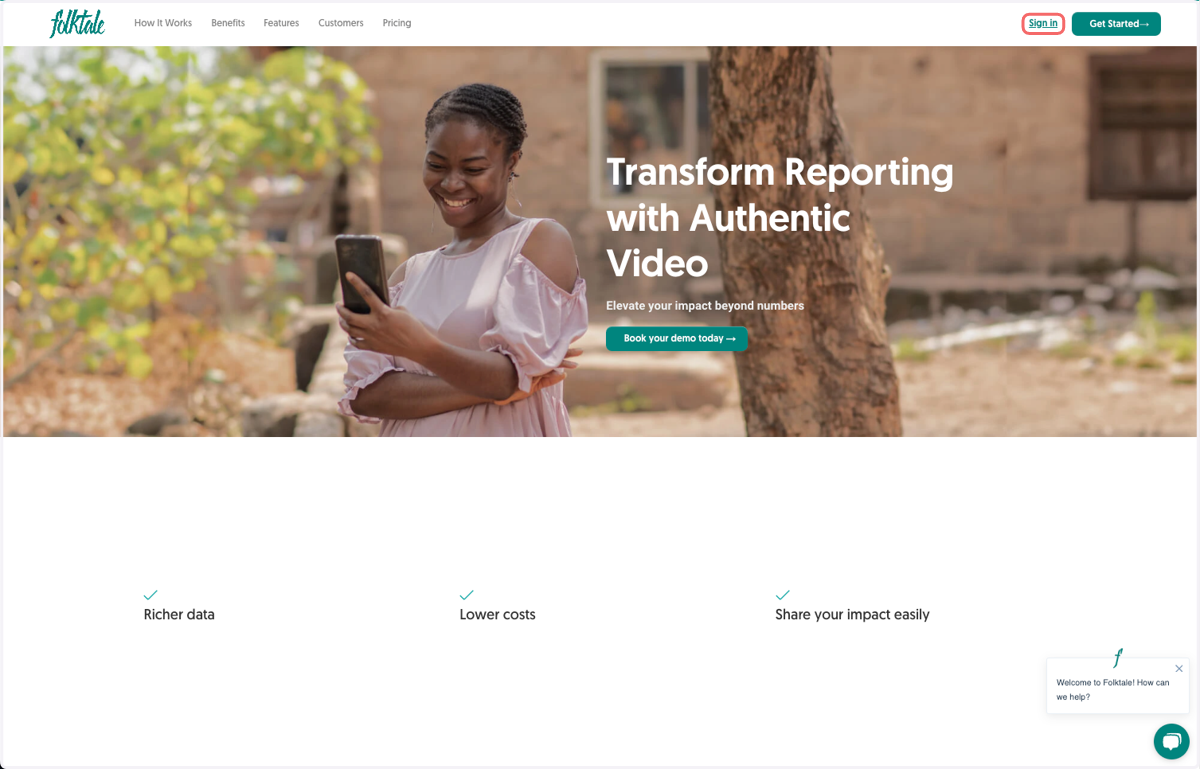
1. Head to portal.folktale.io and Sign In to your account
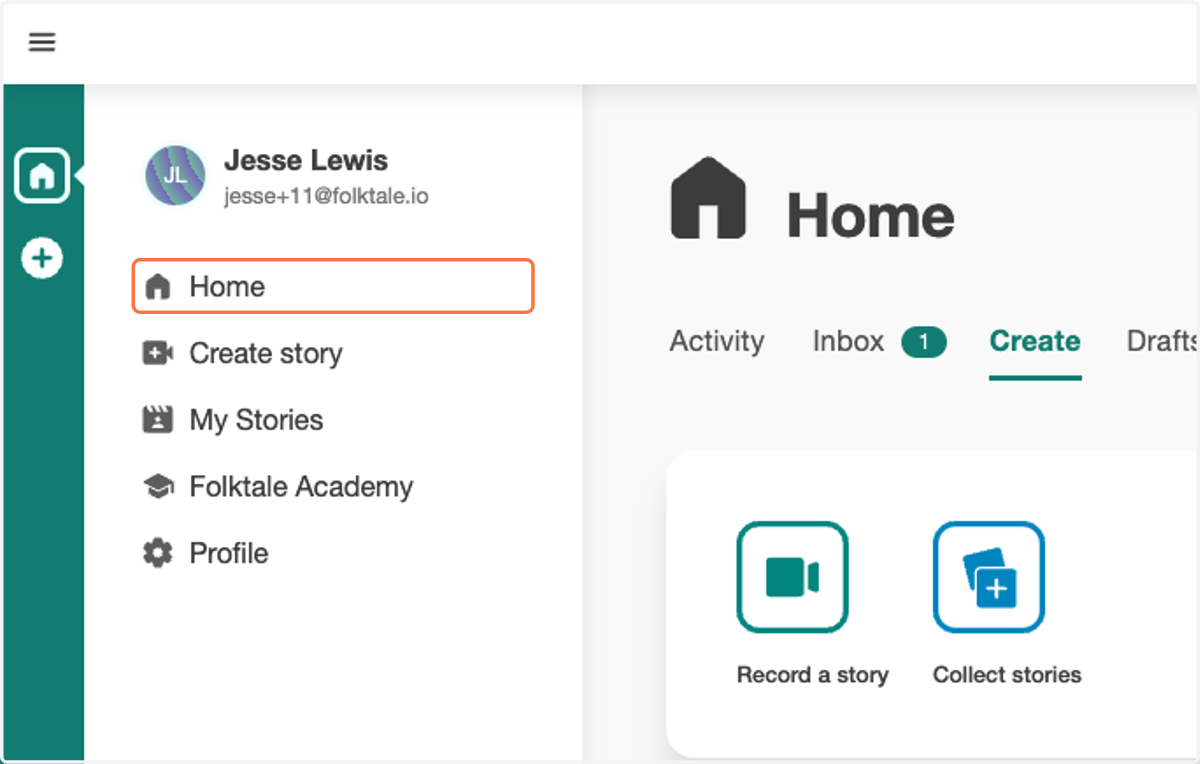
2. Once signed in, click on Home
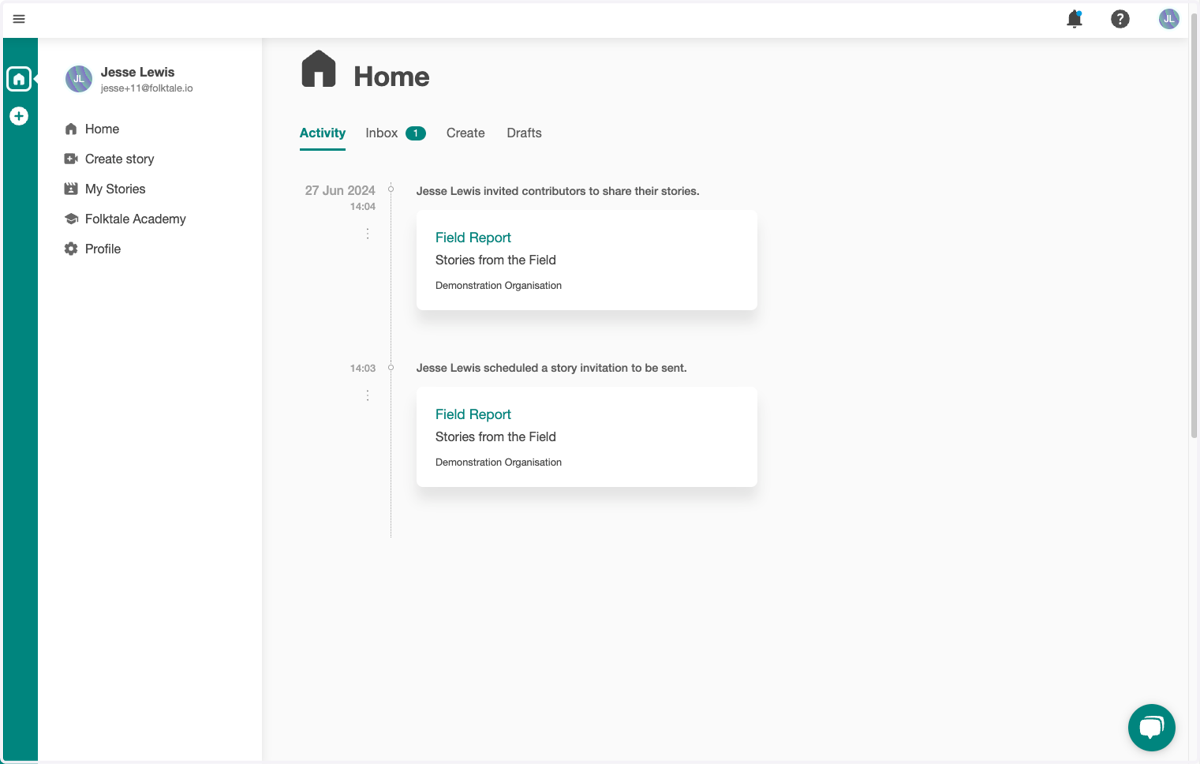
3. Here you will be taken to your homepage
This will be where your offline activities will take place
Accepting active Story Invitations
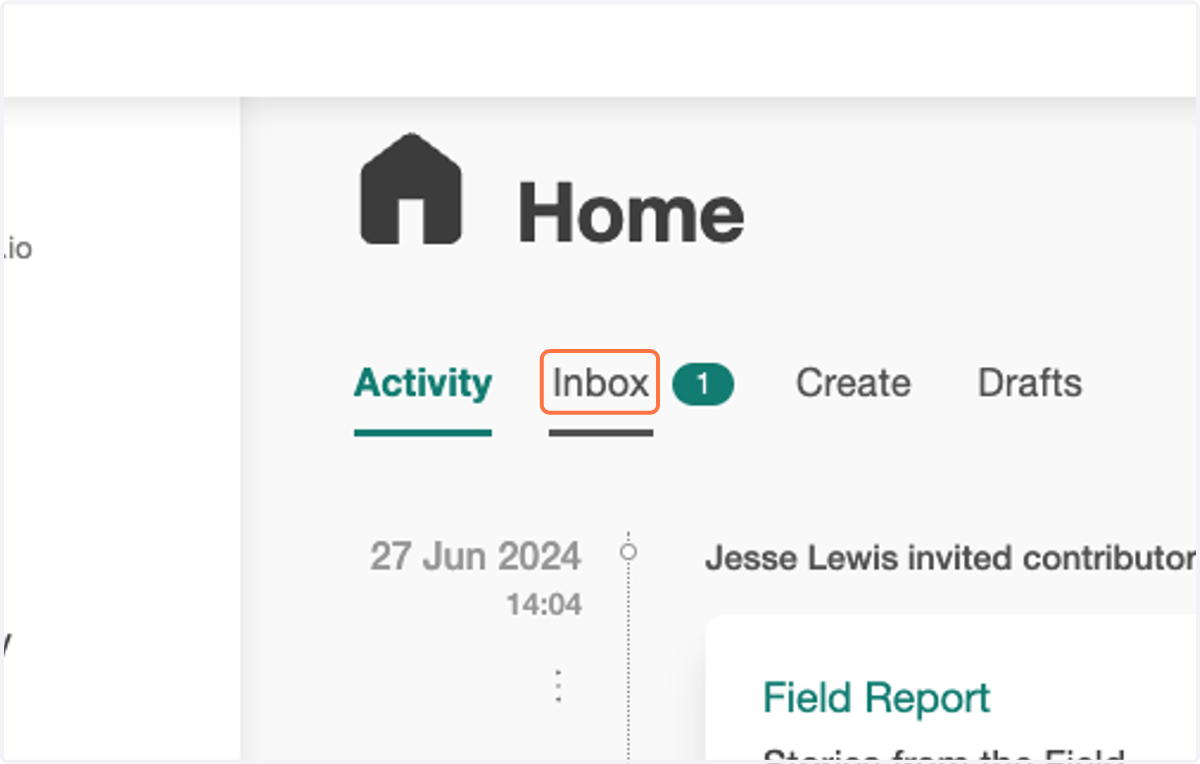
4. Click on Inbox
This is where all of your pending Story Invitations can be found
5. Open any invitations you will be using
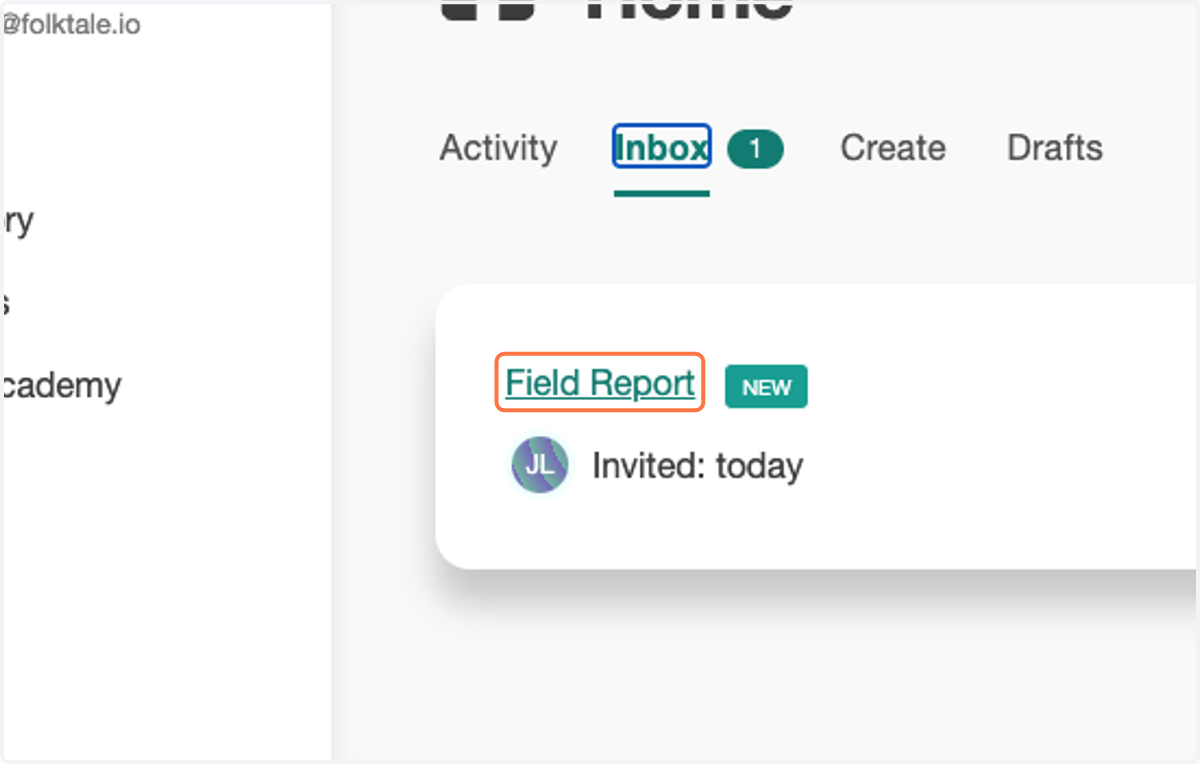
6. ...and accept the invitations
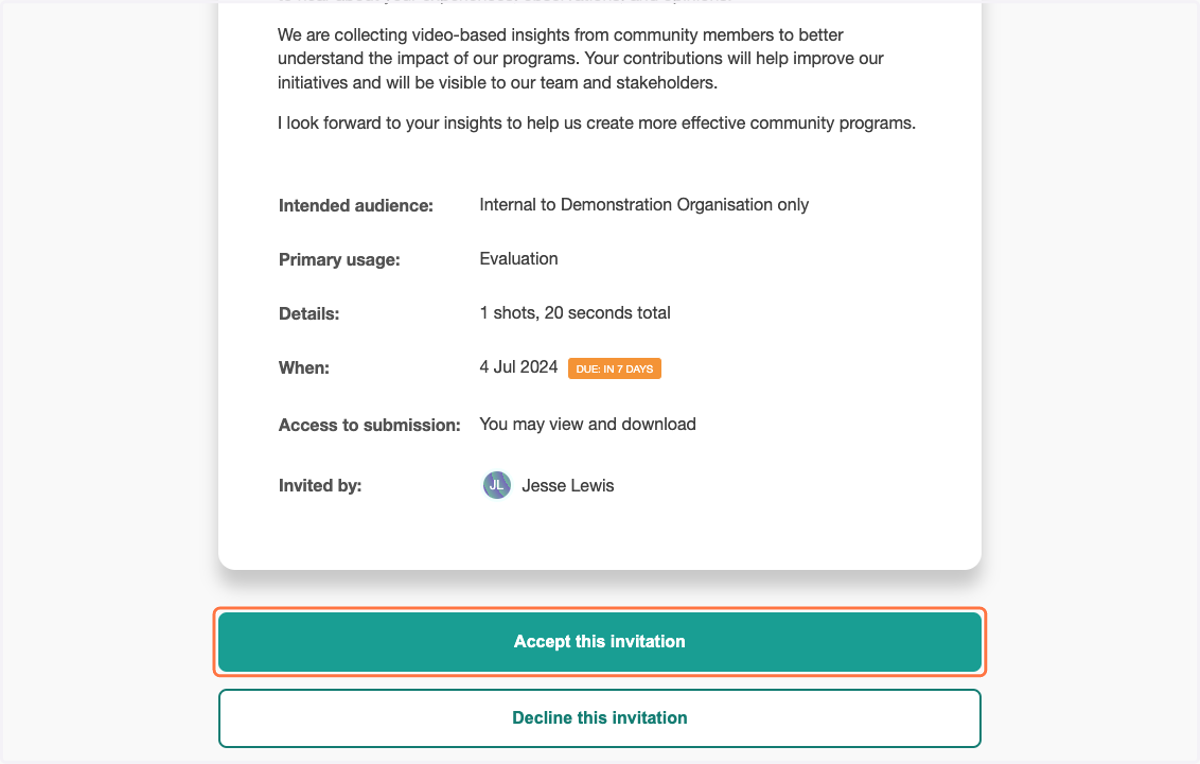
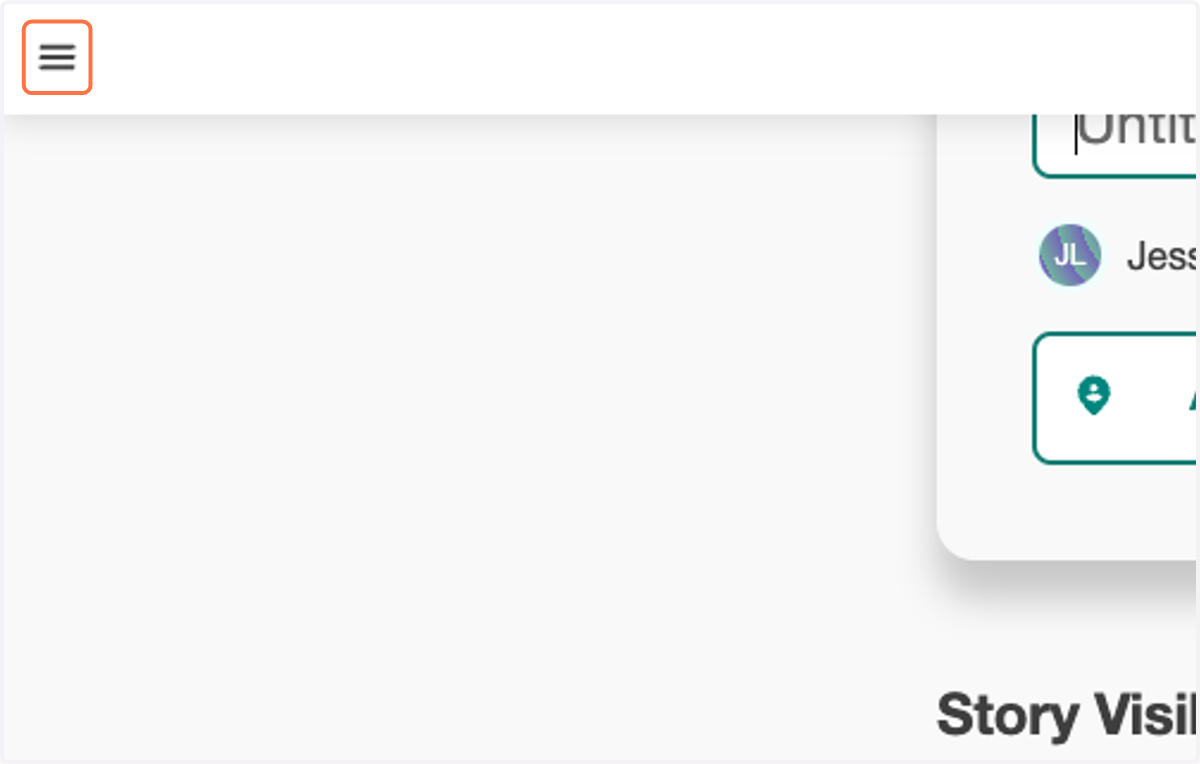
7. To confirm, open your Menu
8. Click on Home
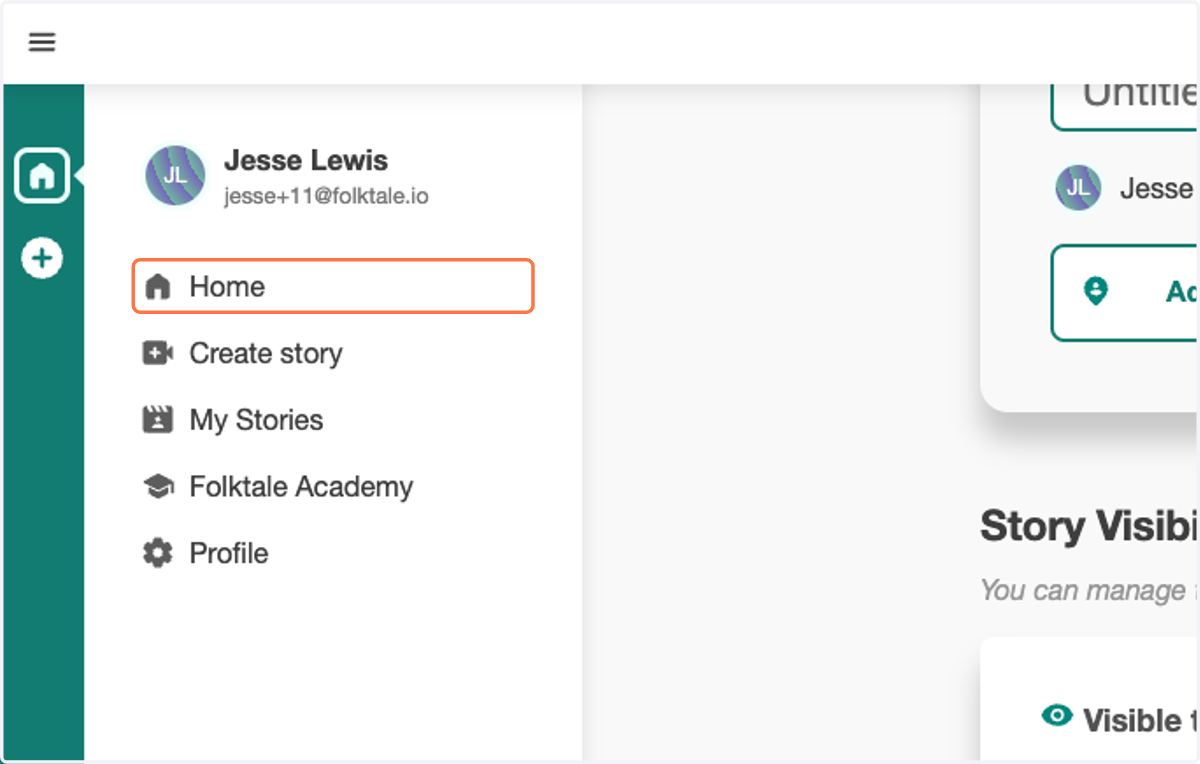
9. ...and click Drafts
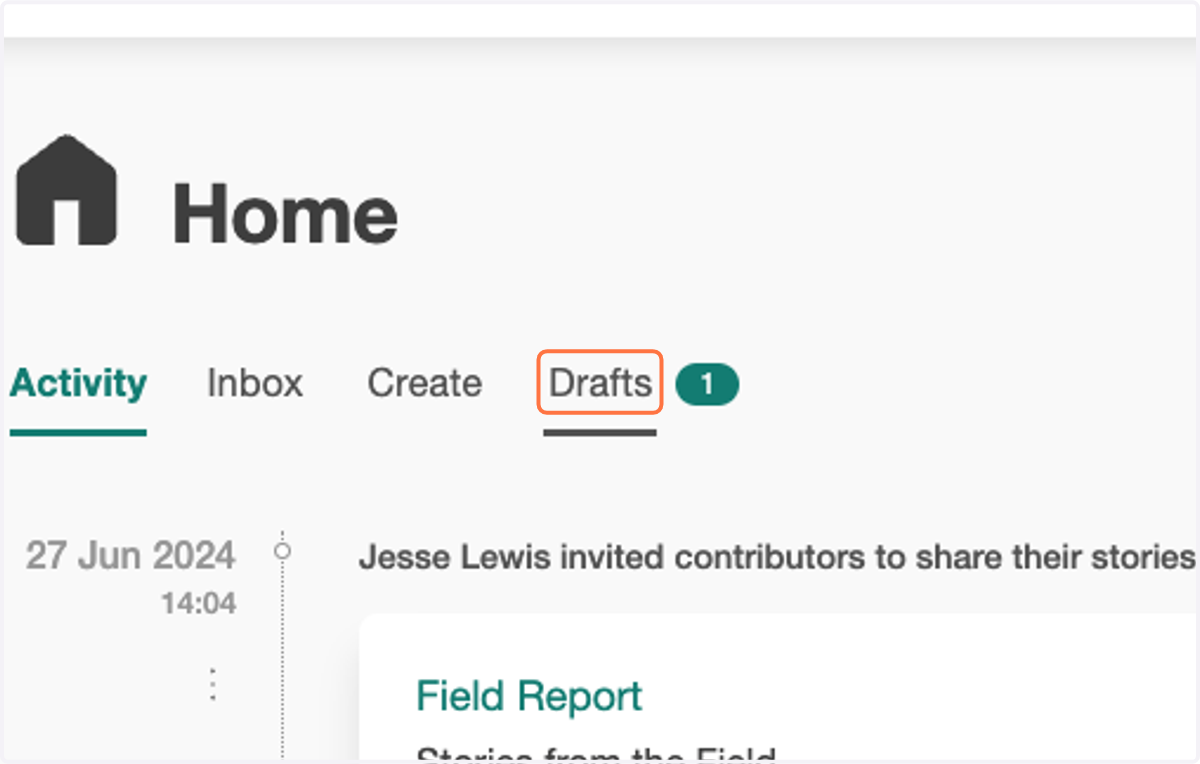
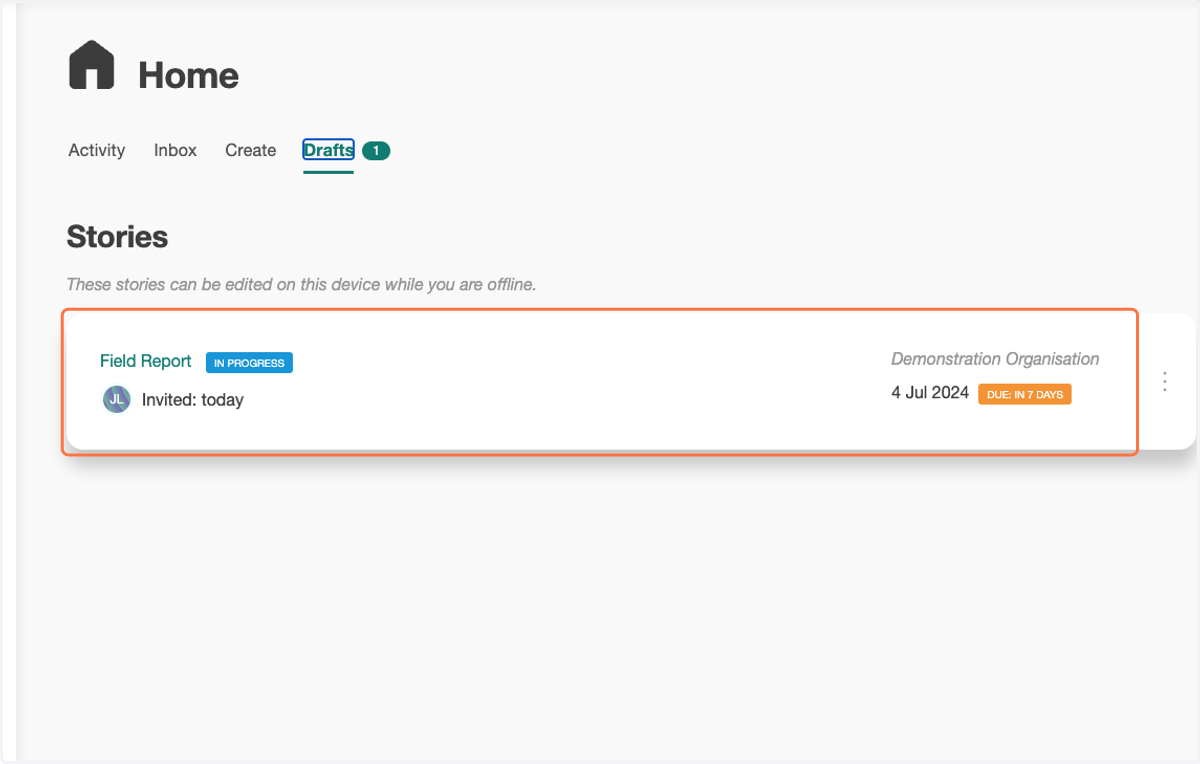
10. You should see your pending Story Invitations here
If you see the invitation here you will be able to use to this invite with no connectivity
Ensuring you have the right Presets
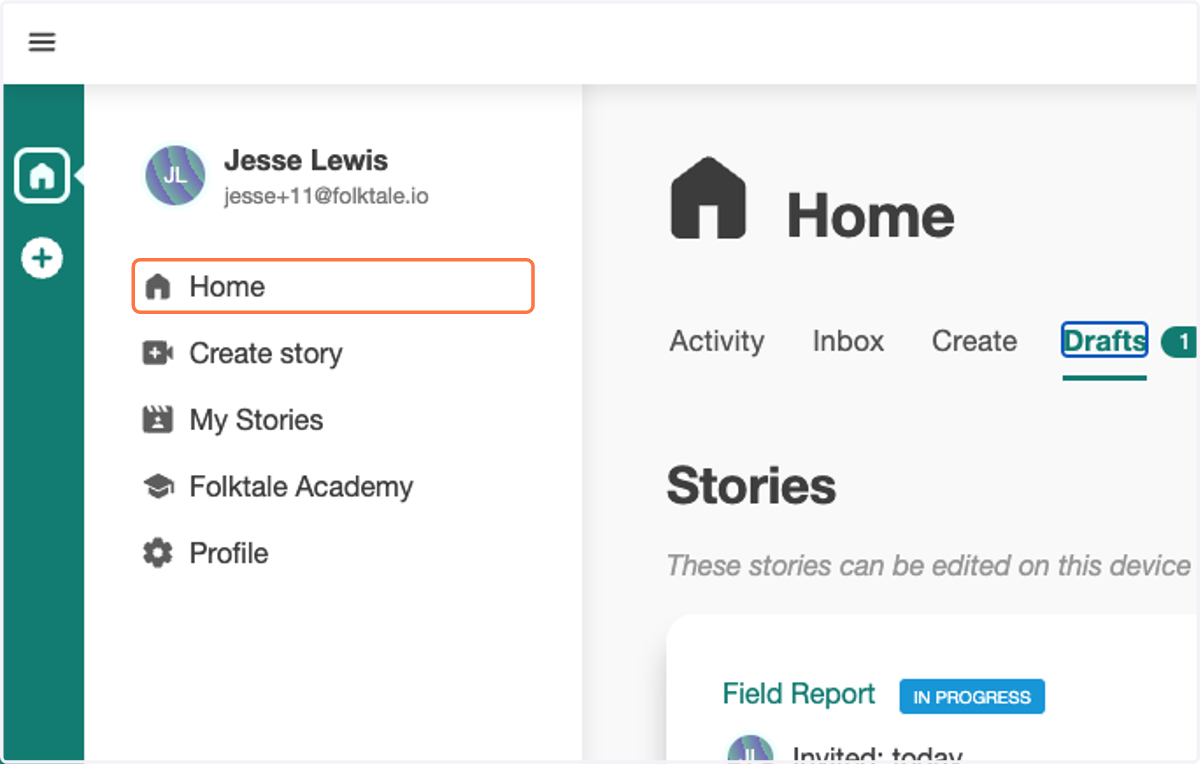
11. Click on Home
12. Click on Create
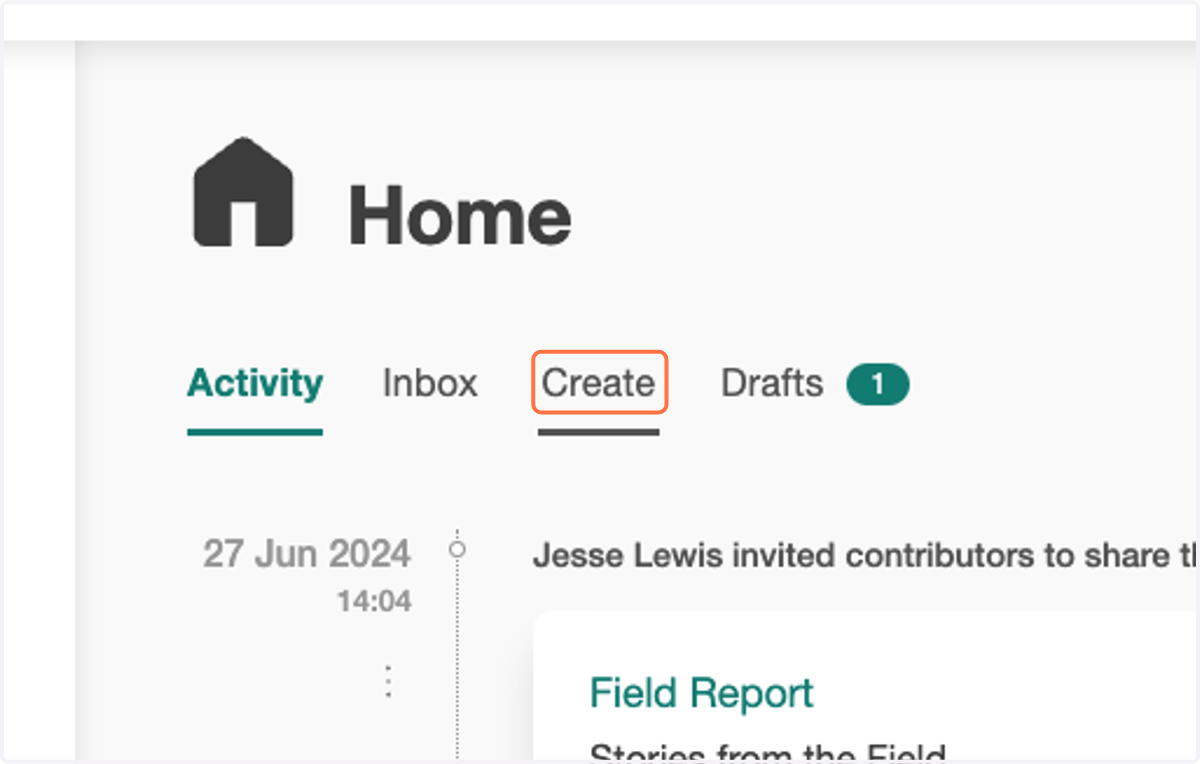
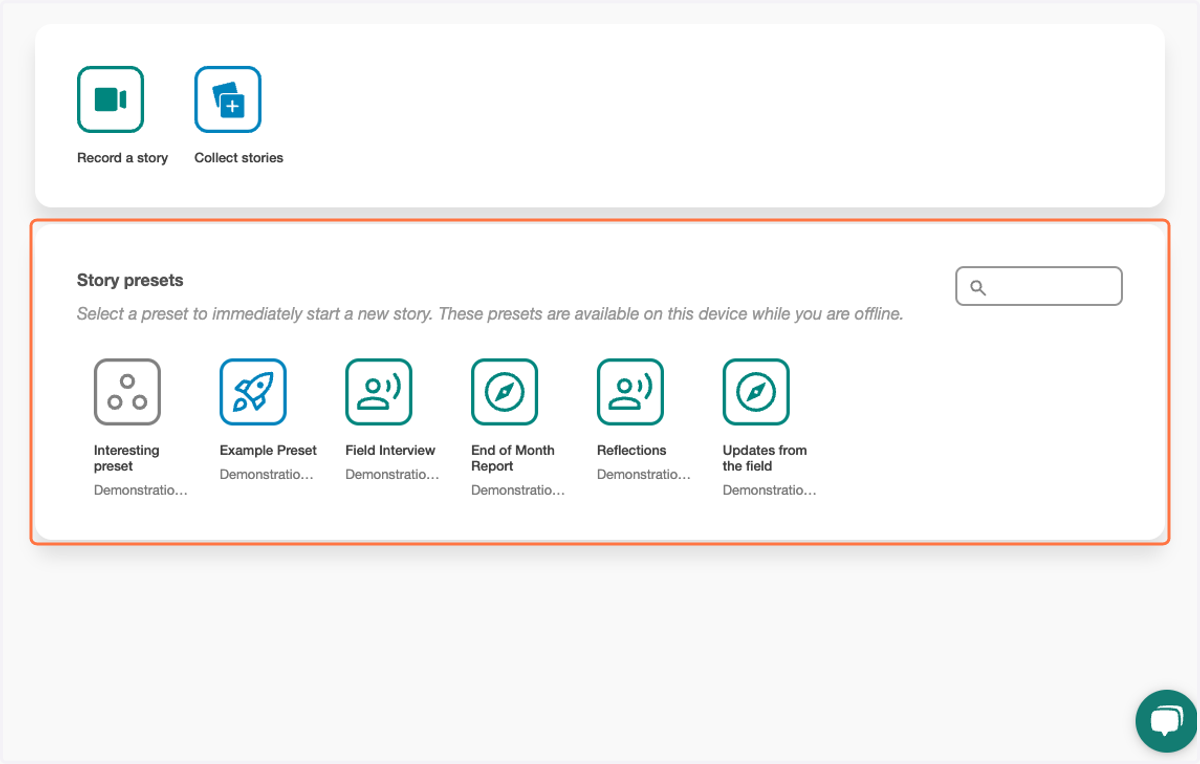
13. Ensure you see the presets you will be using here
You're ready to go!
Congratulations!
Provided you can see the Invitations or Presets in the locations shown above, you are now ready to take your stories offline.
Click (here - Not yet implemented) to see how you can capture stories without connectivity.