How to use Ahrefs to find low-difficulty keywords
Ahrefs
1. Go to app.ahrefs.com
2. Paste your site's URL
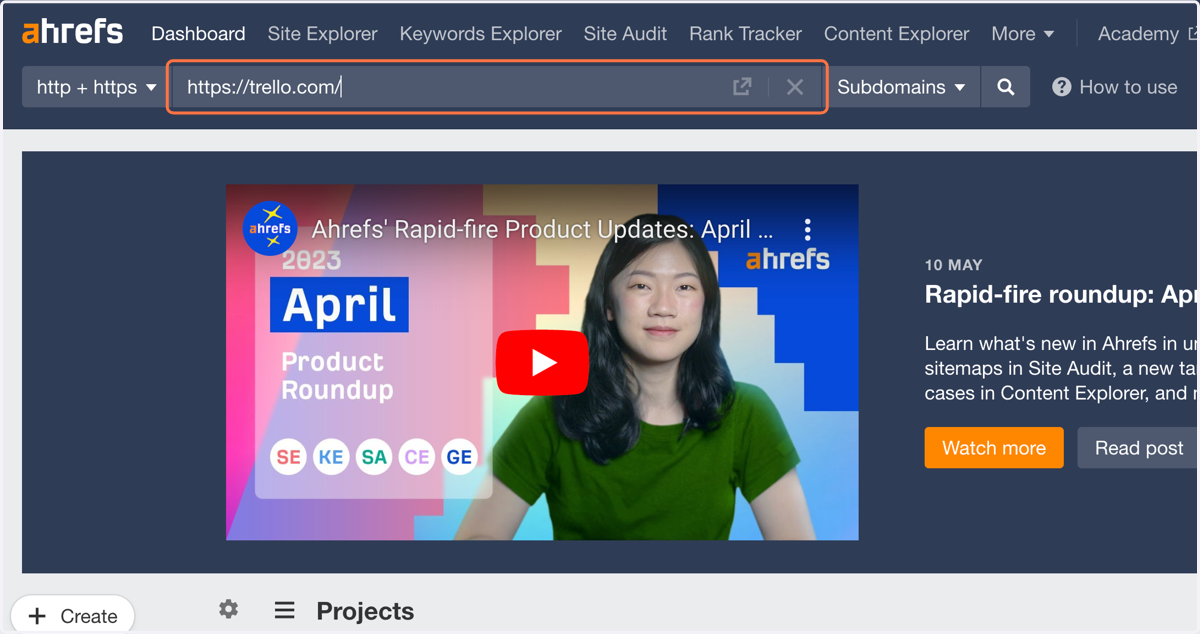
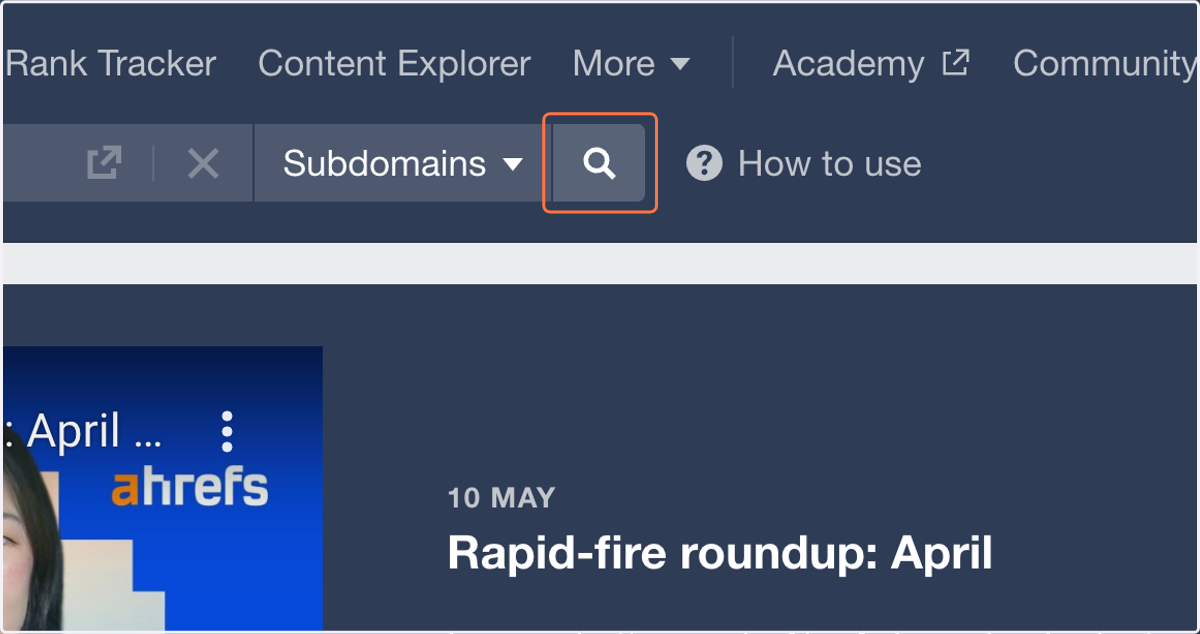
3. Select the magnifying glass to search
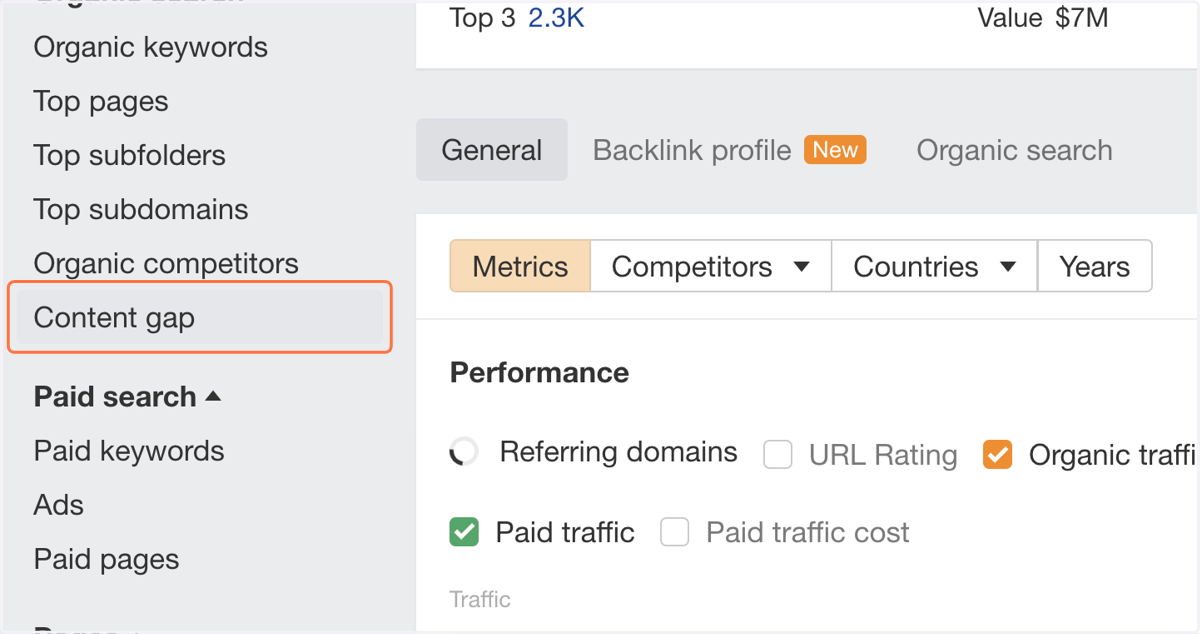
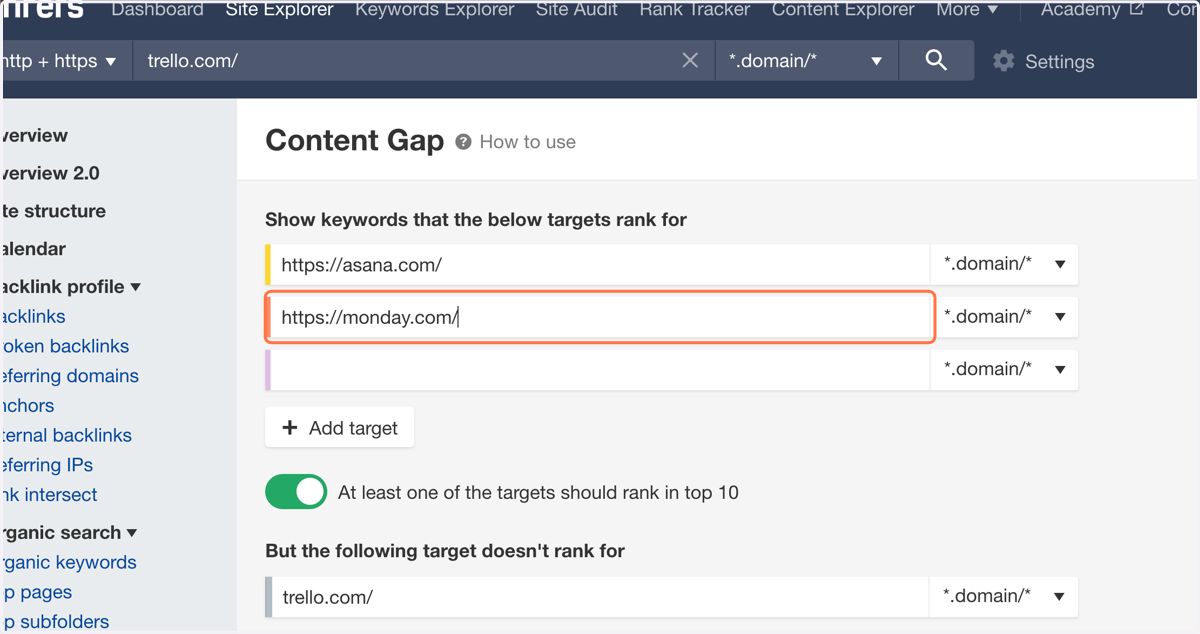
4. Click on Content gap
5. Paste the first URL you'd like to compare to
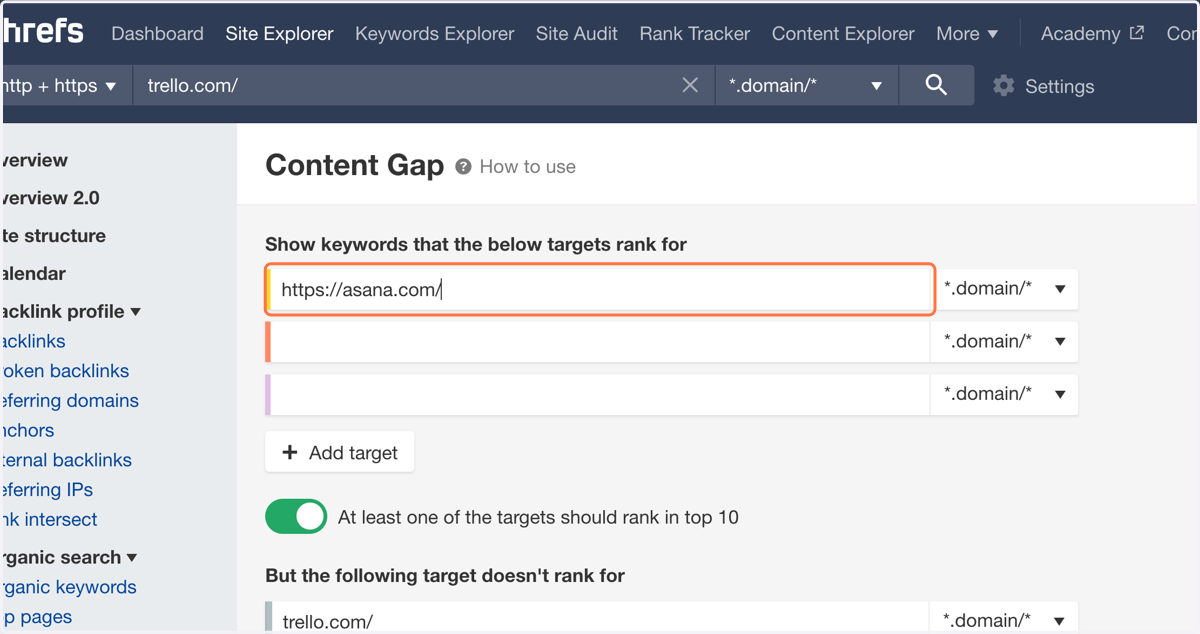
6. Paste the second URL you'd like to compare to
You can compare up to 10 sites
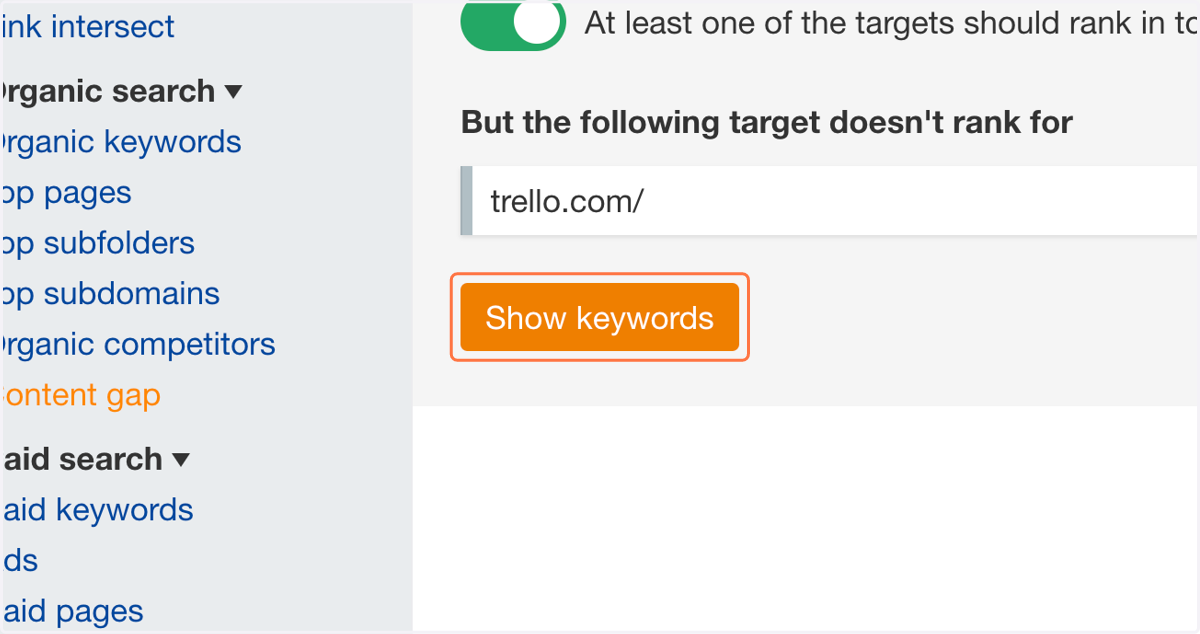
7. Click on Show keywords
Ahrefs
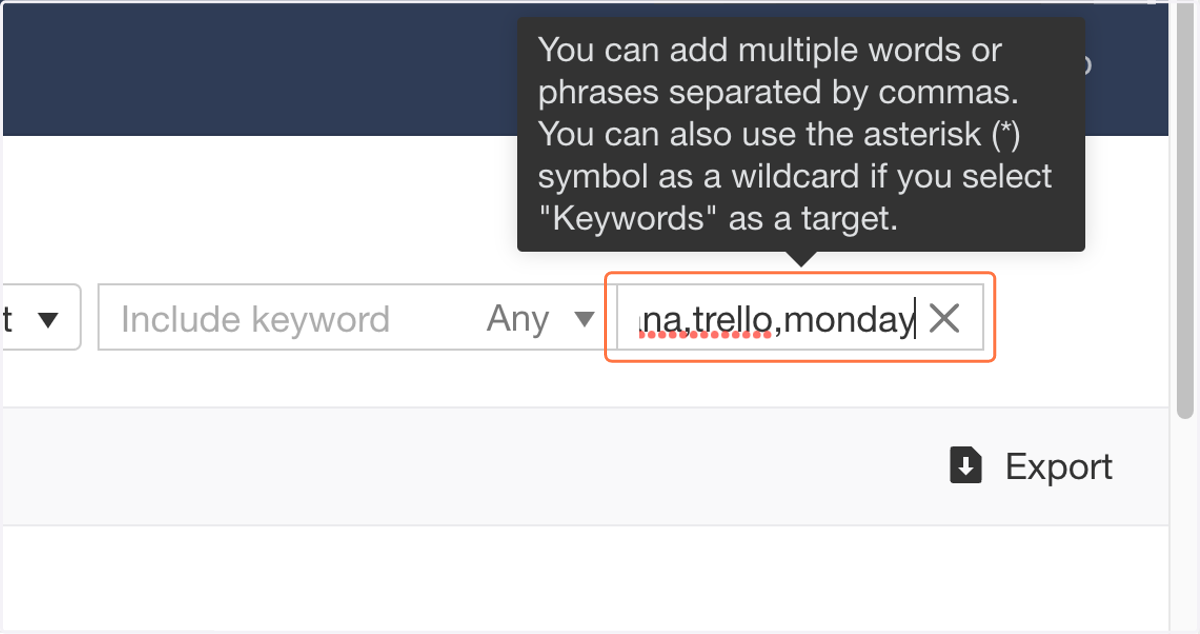
8. Type branded keywords to exclude them from your results
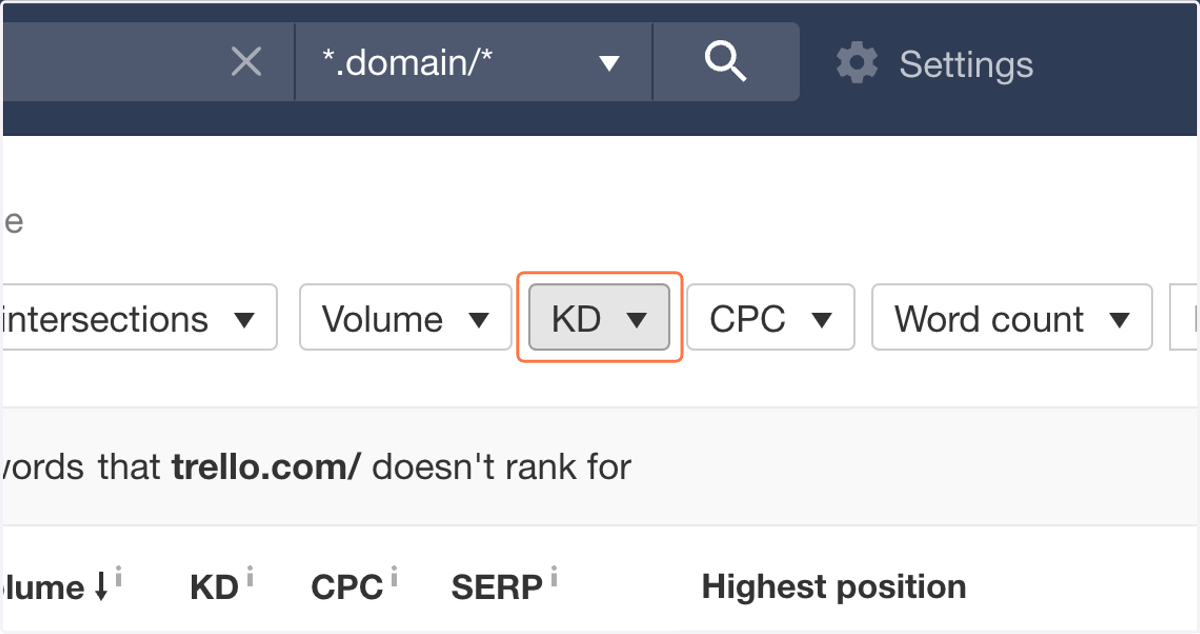
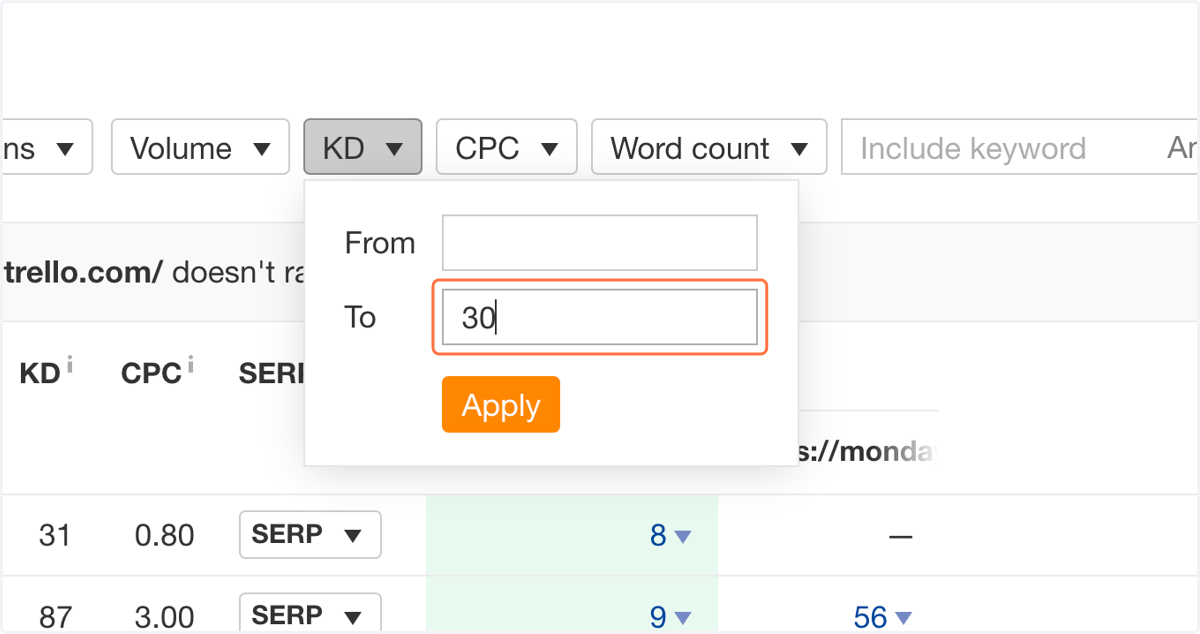
9. Click on KD
Ahrefs
10. Type your desired max Keyword Difficulty
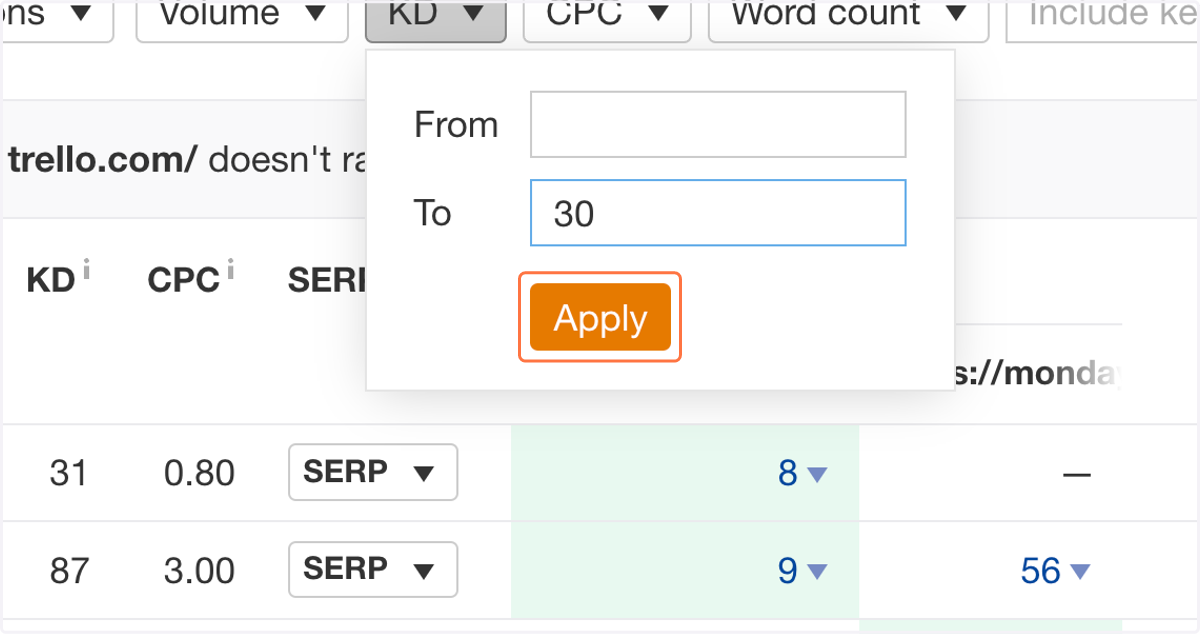
11. Click on Apply
Ahrefs
12. Type common top-of-funnel keyword frameworks to narrow down your list
Examples: "what is," "how to," "types of," "vs"
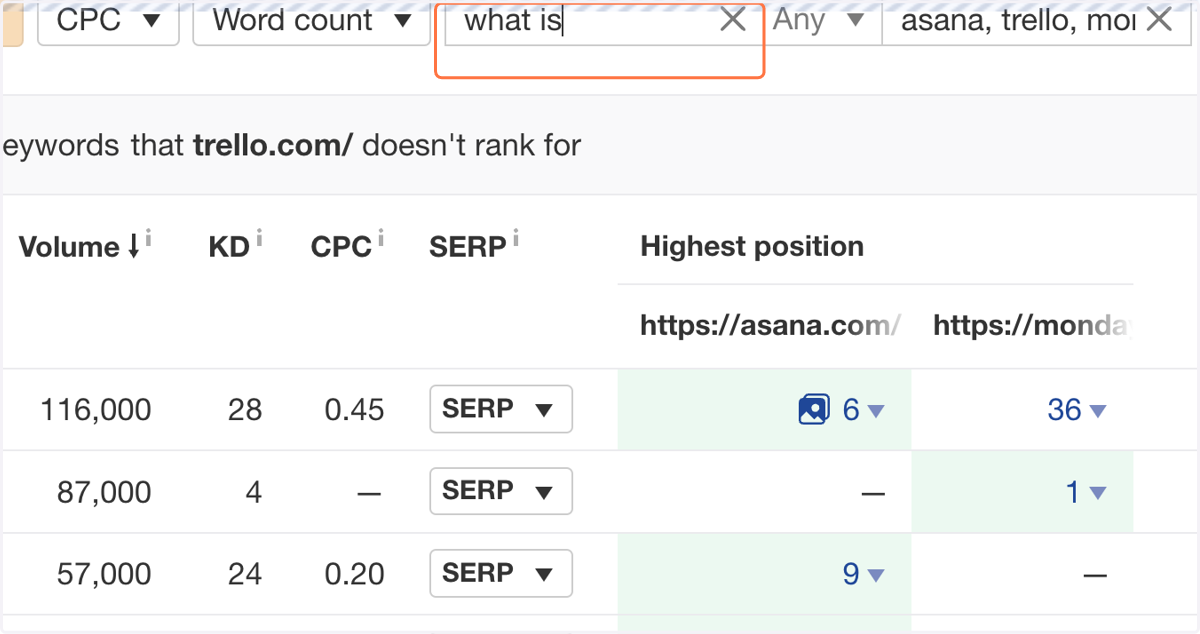
13. Look through the keywords list for ideas of what you can target