How to Register for Power Connection 2024

Cultivate Coop

  1. 1. Click on Power Connection under the Events tab
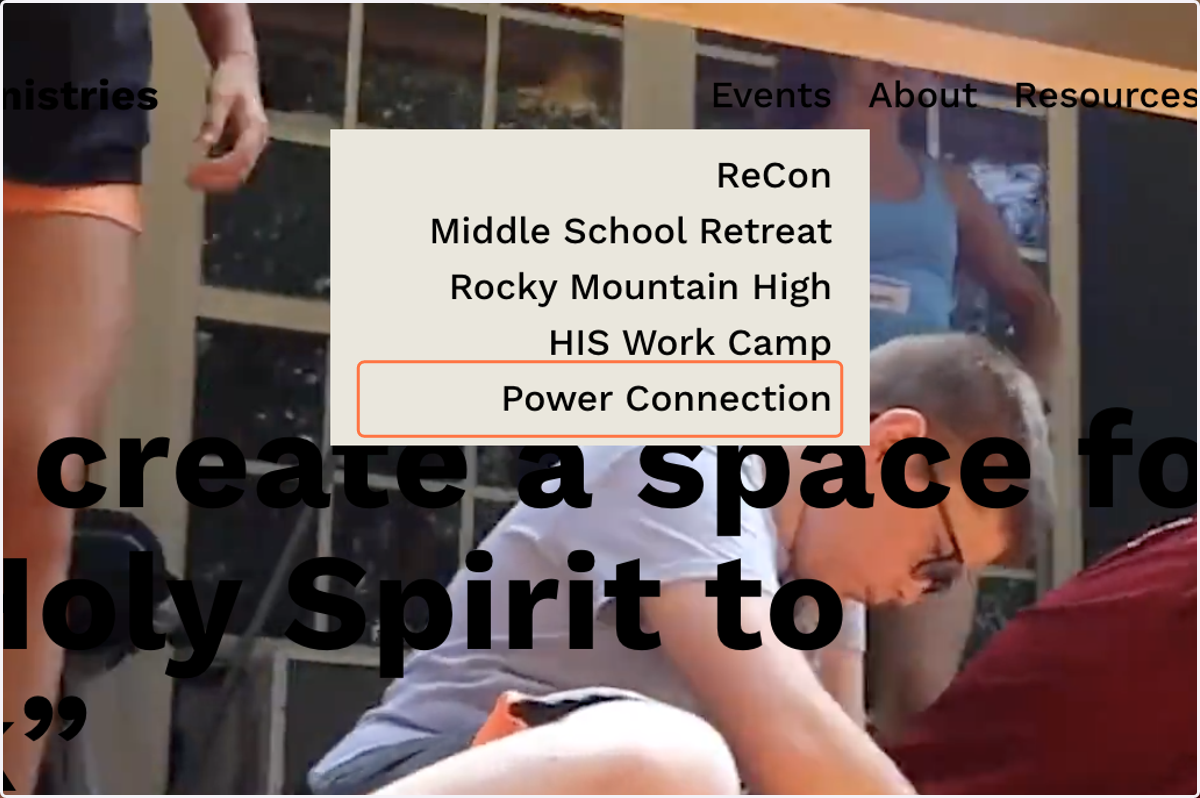
    Click on Power Connection under the Events tab

PC

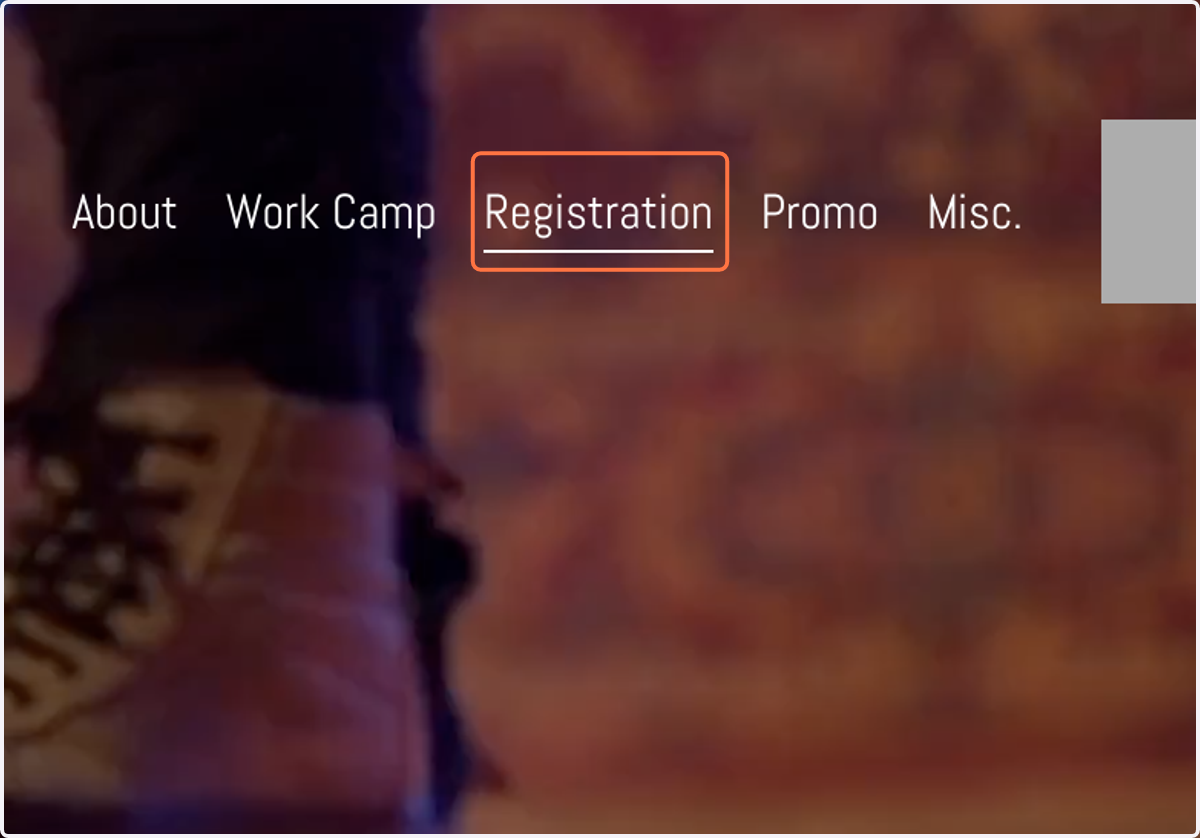
  1. 2. Click on Registration tab

    Click on Registration tab
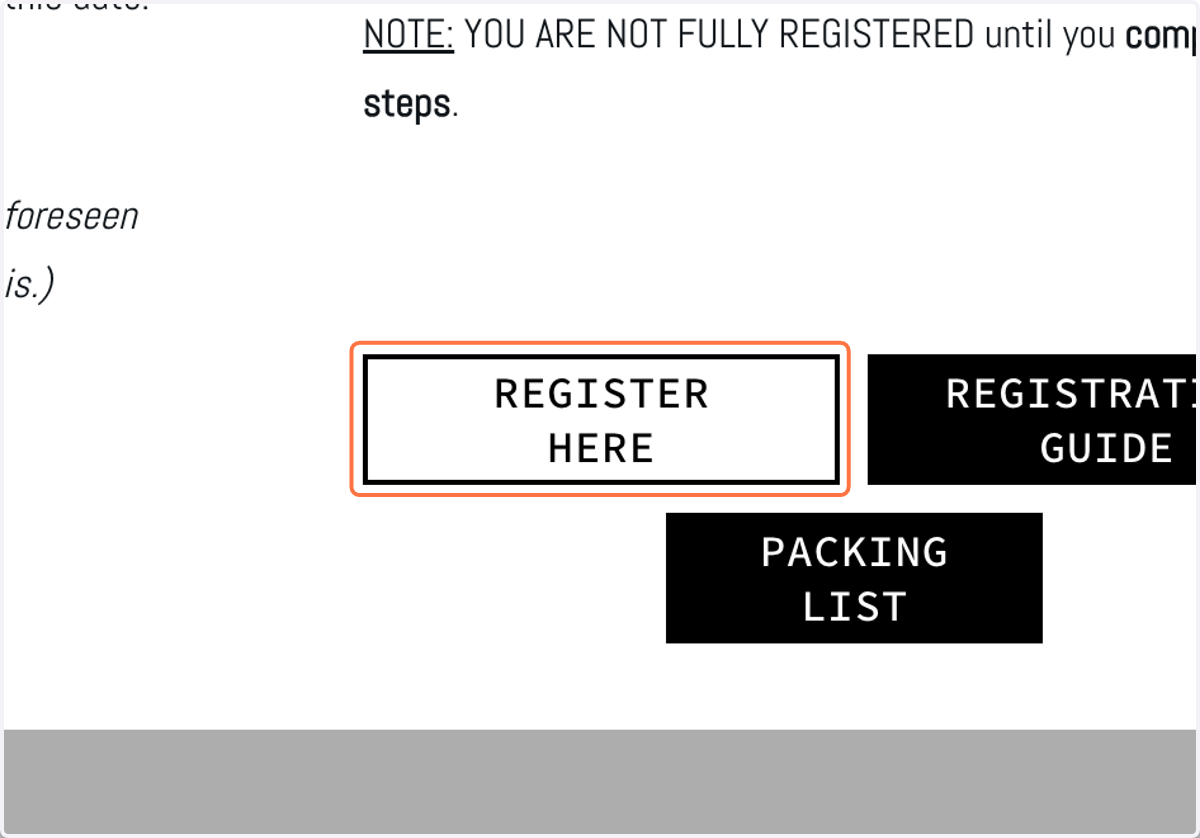
  2. 3. Click on REGISTER HERE

    Click on REGISTER HERE

Power Connection 2024 - Synod Youth Ministries | Brushfire

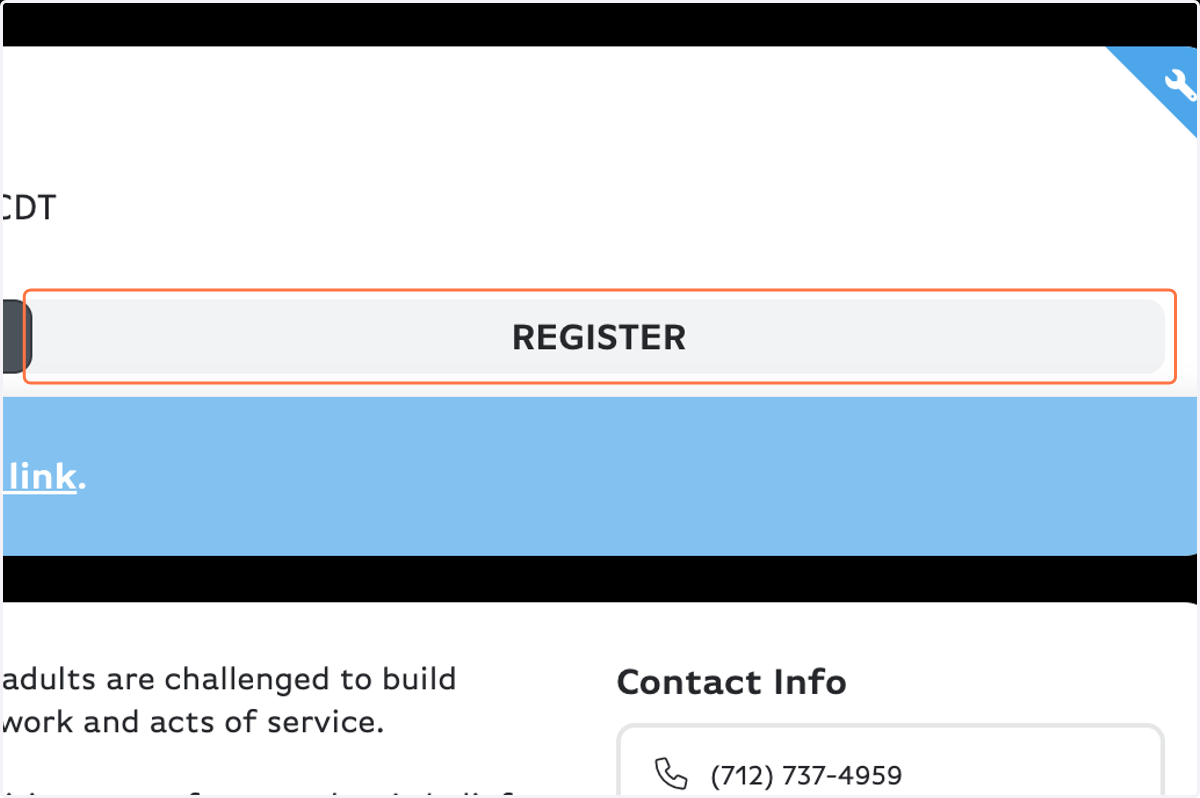
  1. 4. Click on REGISTER

    Click on REGISTER
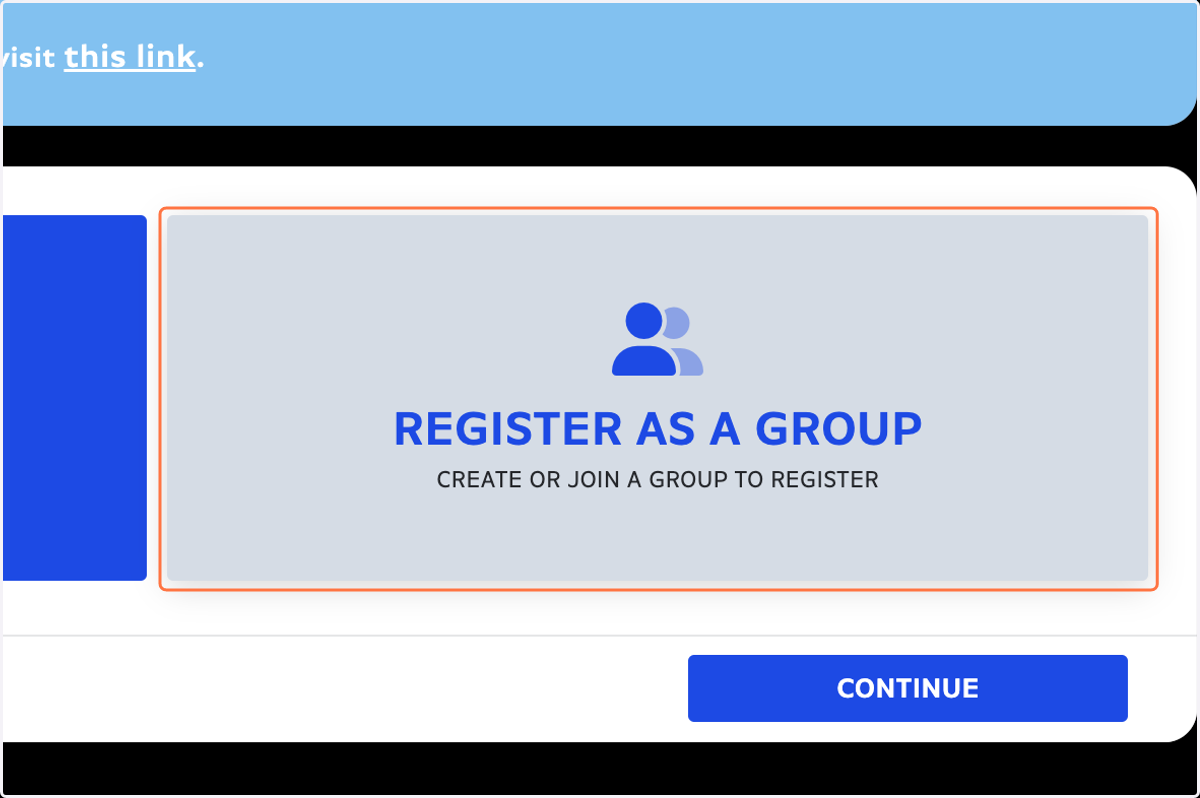
  2. 5. Click on REGISTER AS A GROUP…

    Click on REGISTER AS A GROUP…
  3. 6. Click on CONTINUE

    Click on CONTINUE
  4. 7. Click on JOIN A GROUP INSTEAD

    Click on JOIN A GROUP INSTEAD
  5. 8. Find your group name & type in the passcode from your group
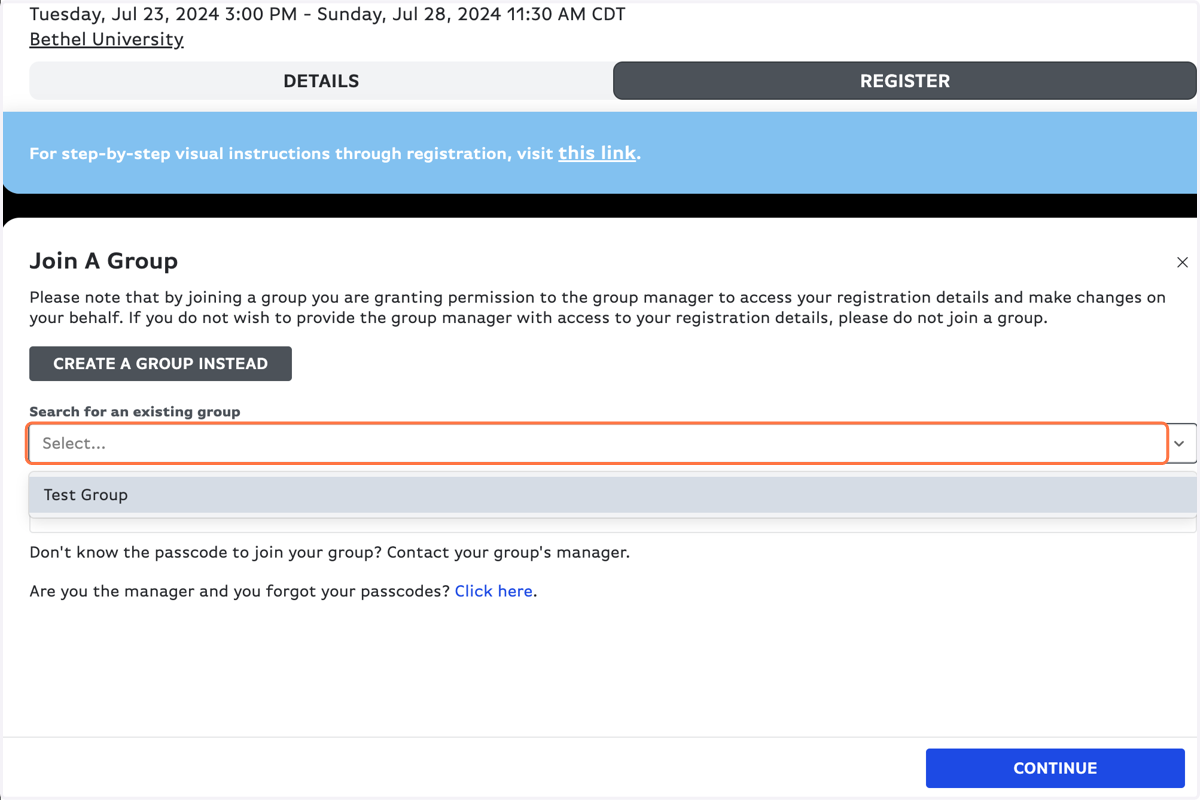
    Find your group name & type in the passcode from your group
  6. 9. Click on CONTINUE

    Click on CONTINUE
  7. 10. Click on Access Code (if applicable)
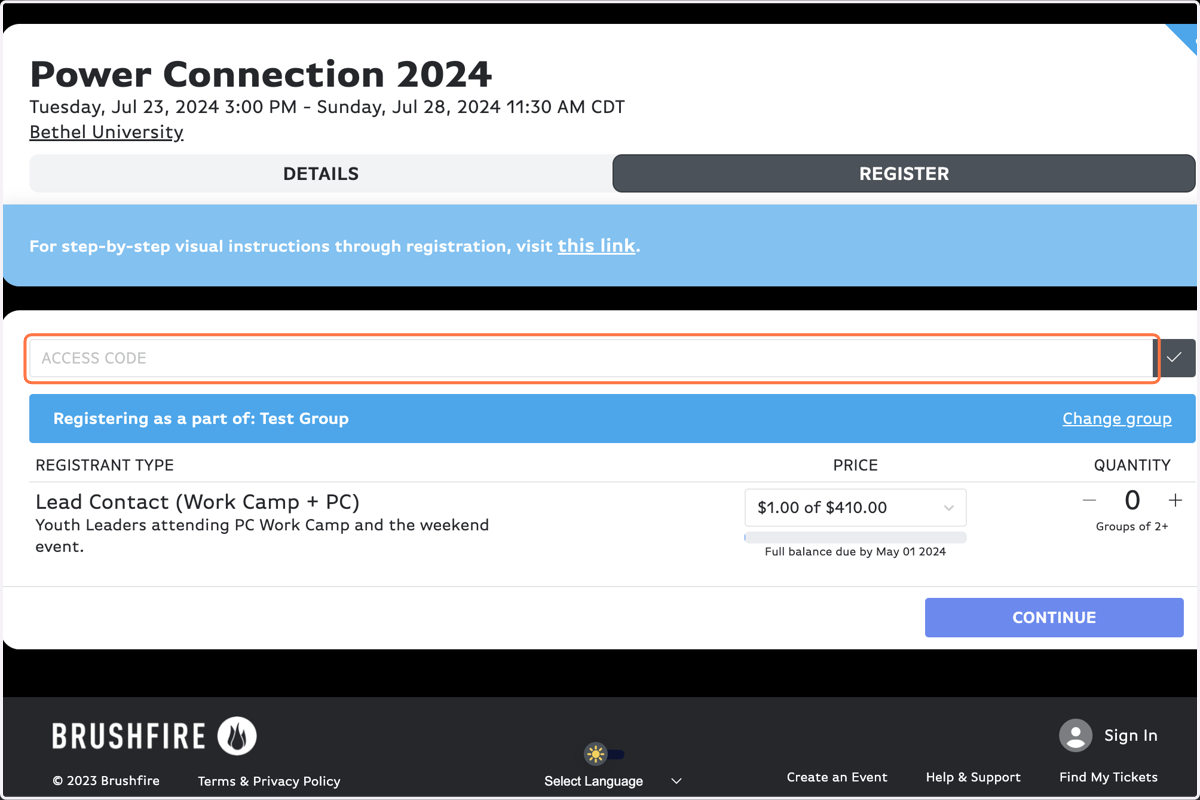
    Click on Access Code (if applicable)
  8. 11. Click on the grey check button

    Click on the grey check button
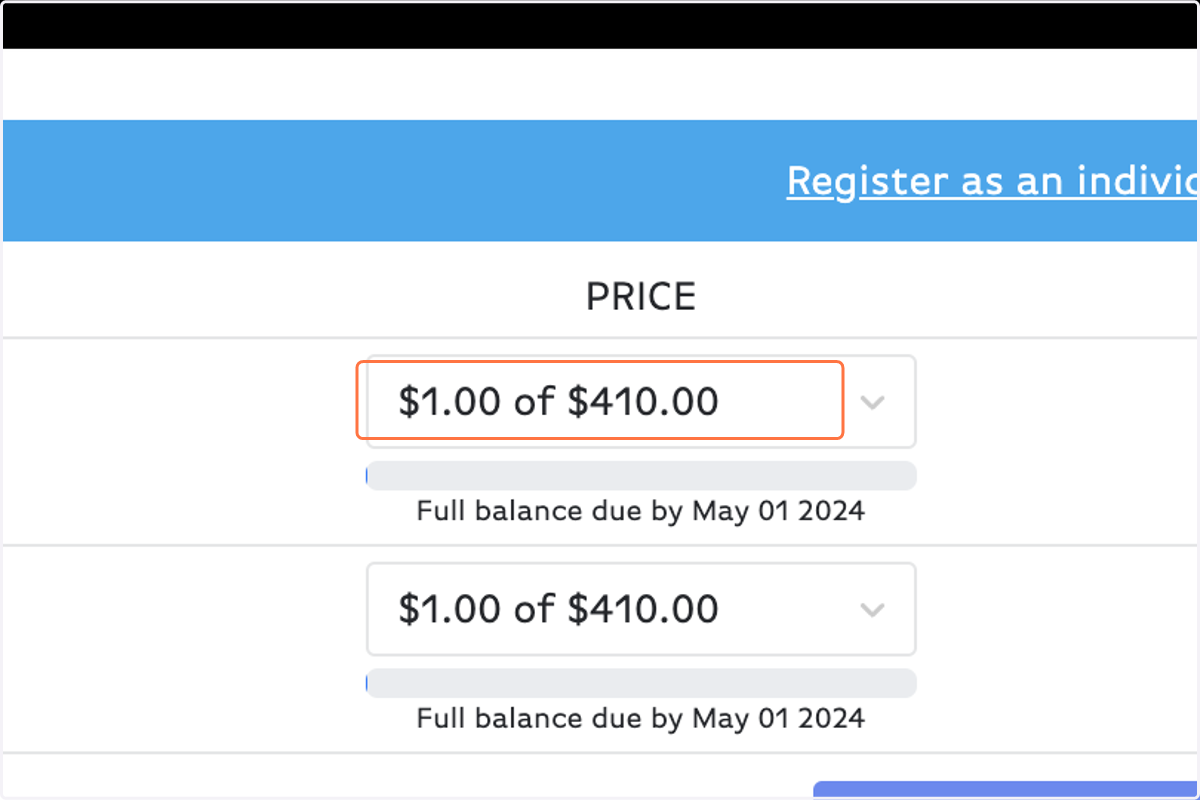
  9. 12. Choose your payment amount

    Choose your payment amount
  10. 13. Increase to the number of students registering
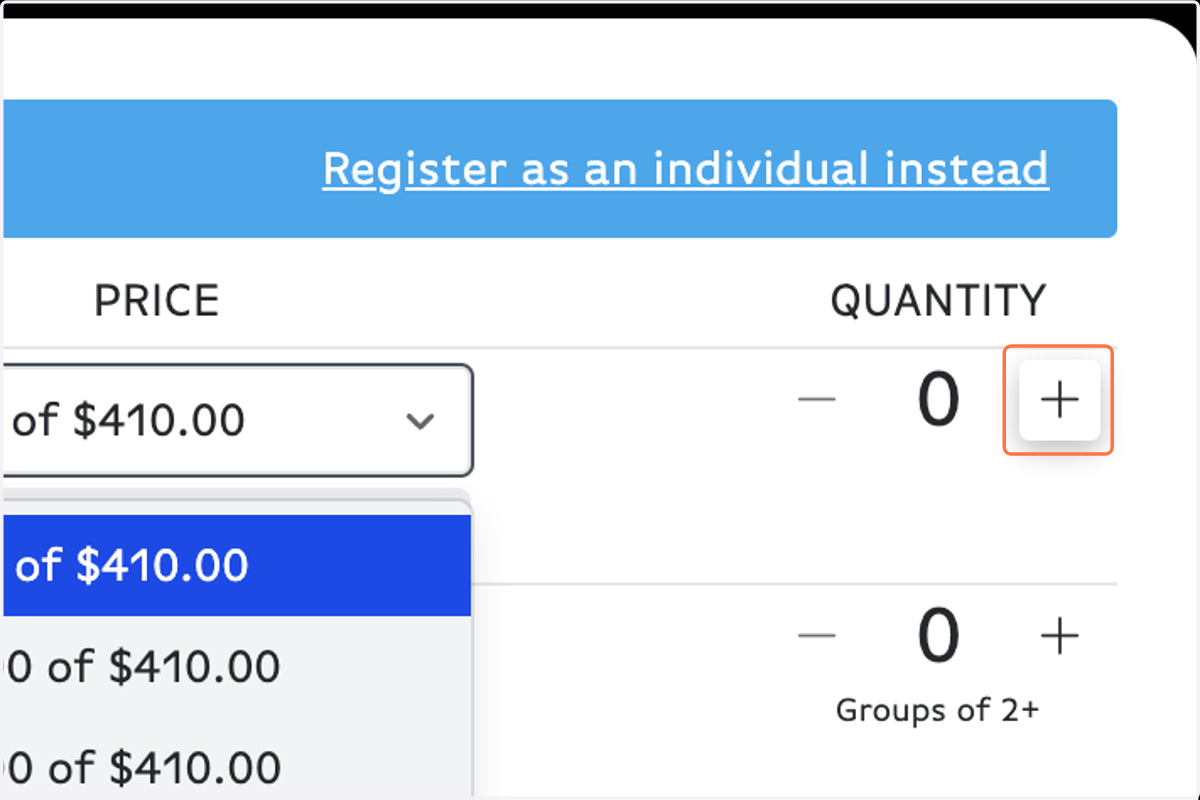
    Increase to the number of students registering
  11. 14. Click on CONTINUE

    Click on CONTINUE
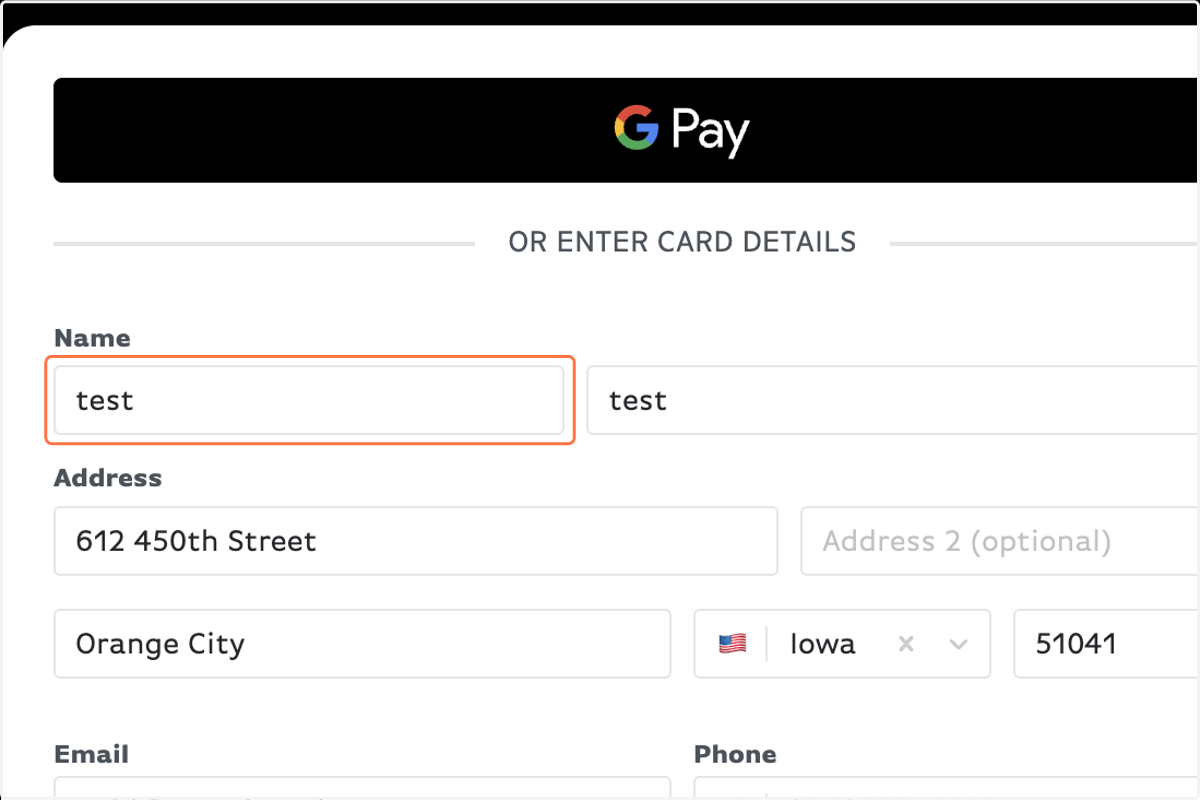
  12. 15. Fill out the registration form with your personal information
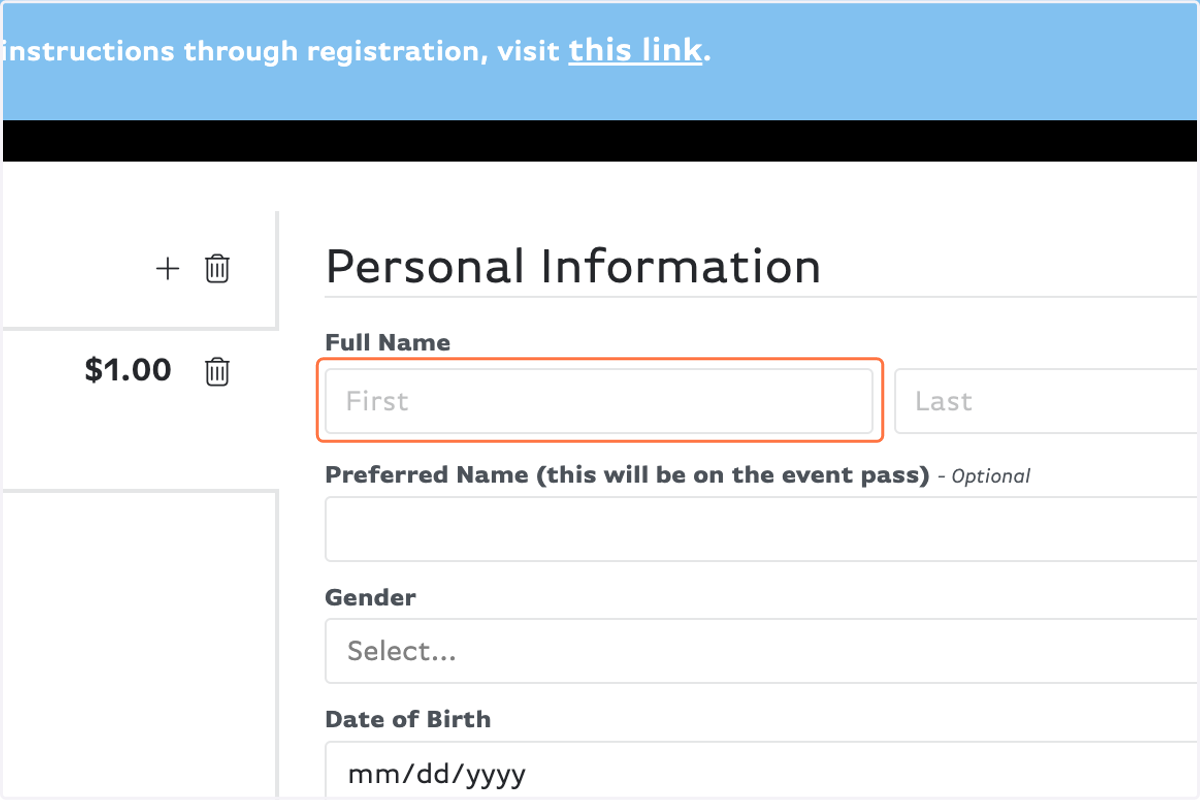
    Fill out the registration form with your personal information
  13. 16. Type in the name of the guardian and their email that will sign the agreement form & upload a copy of your insurance card.
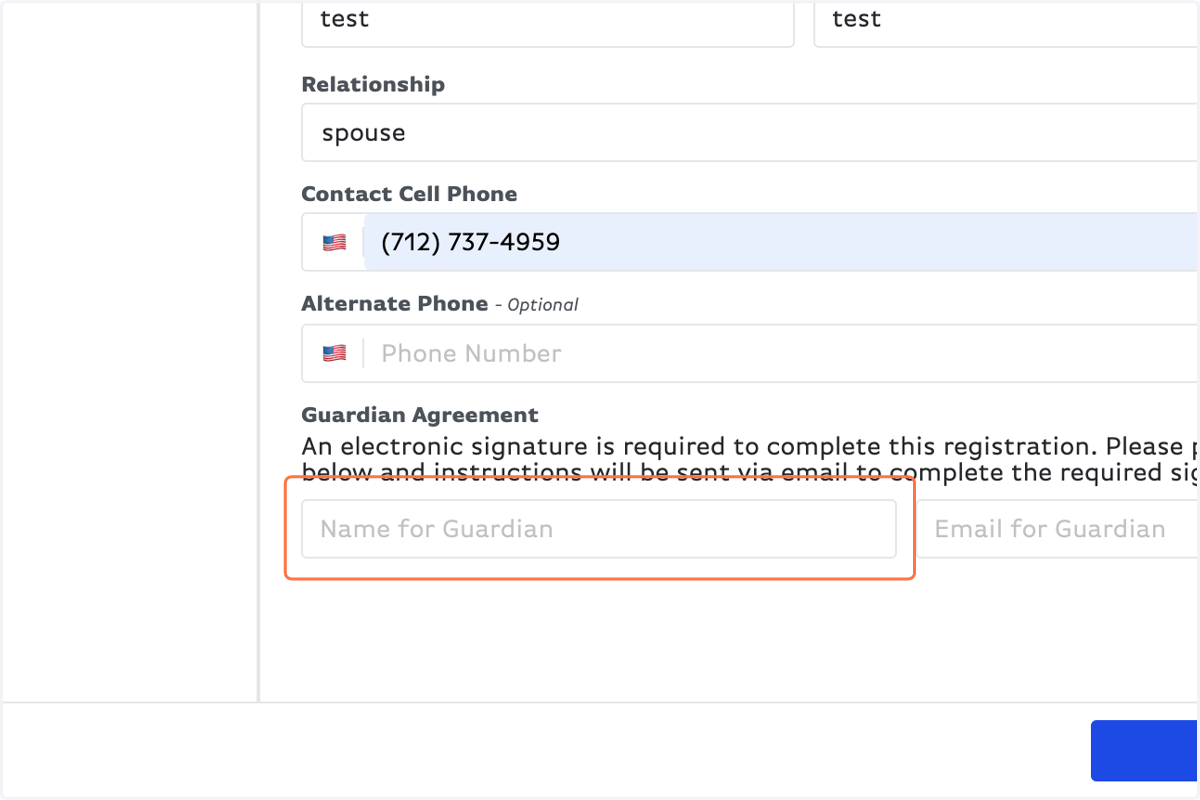
    Type in the name of the guardian and their email that will sign the agreement form & upload a copy of your insurance card.
  14. 17. Fill out payment information

    Fill out payment information
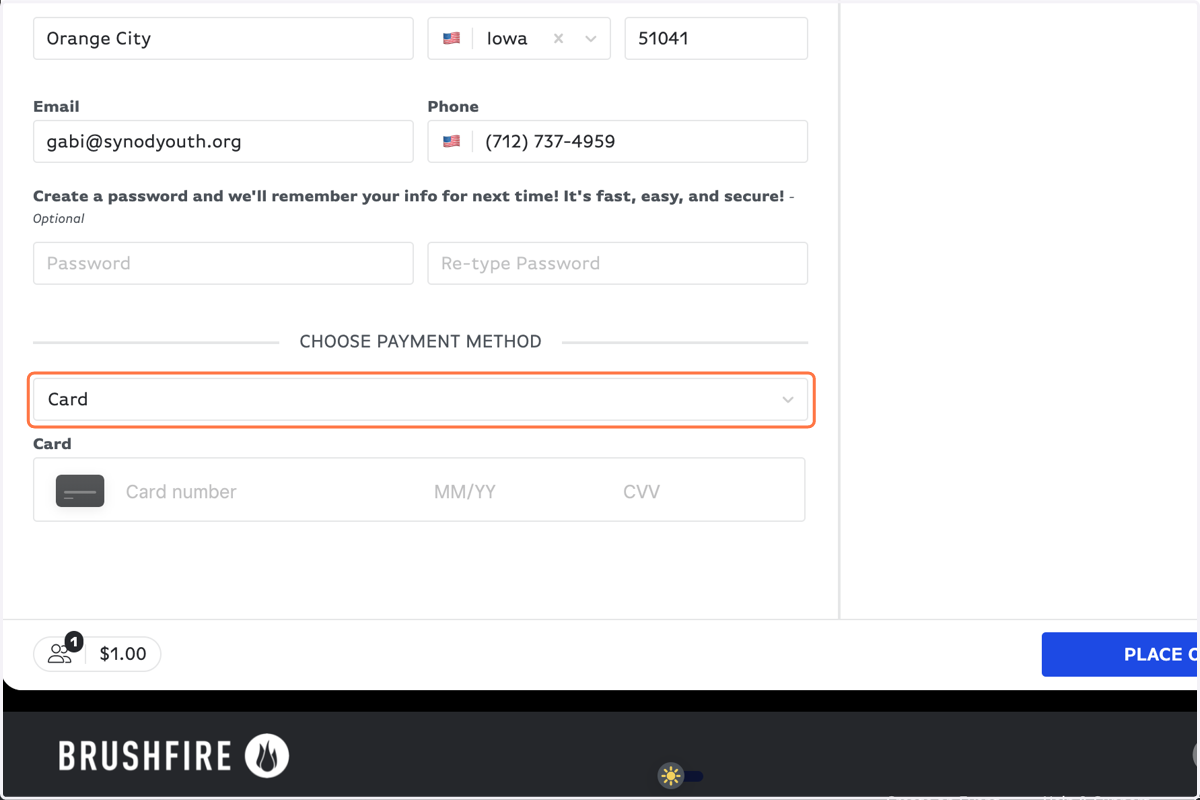
  15. 18. Choose payment method

    Choose payment method
  16. 19. Click on PLACE ORDER

    Click on PLACE ORDER
  17. 20. YOU'RE NOT DONE! Now go find the email with the subject line: Signature Required for Power Connection 2024
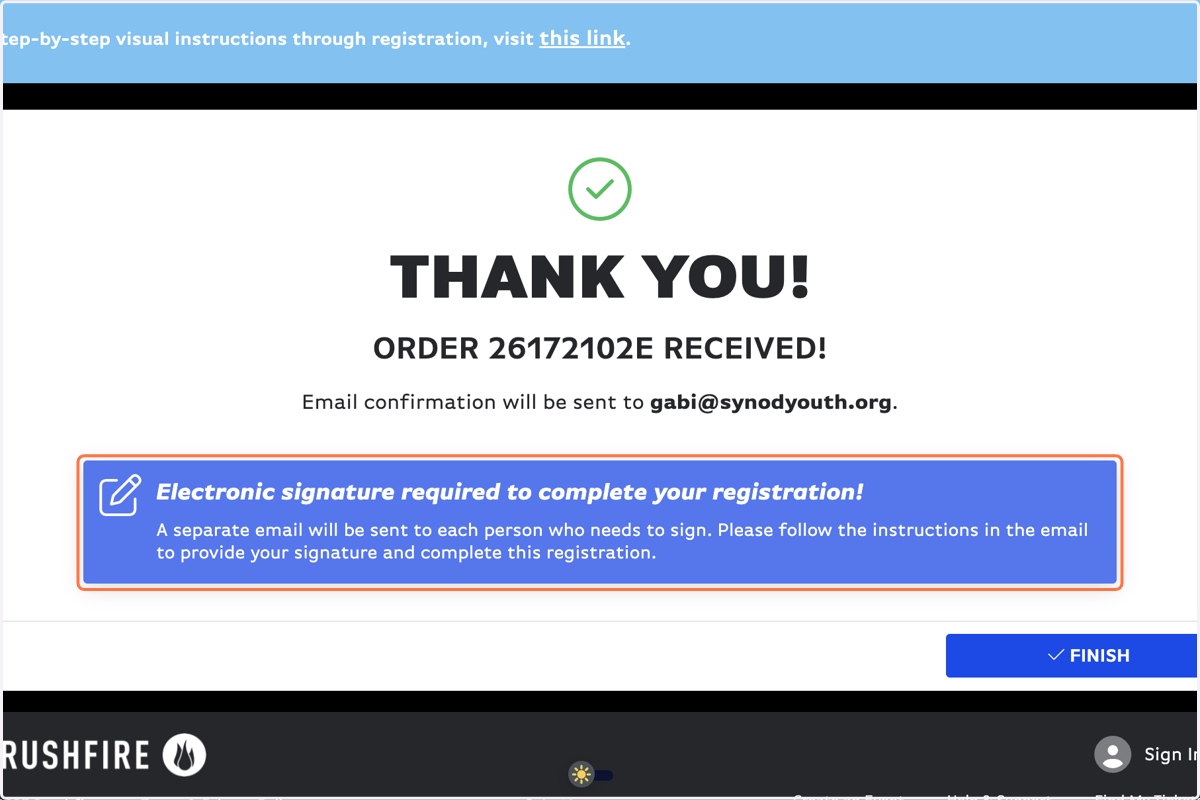
    YOU'RE NOT DONE! Now go find the email with the subject line: Signature Required for Power Connection 2024
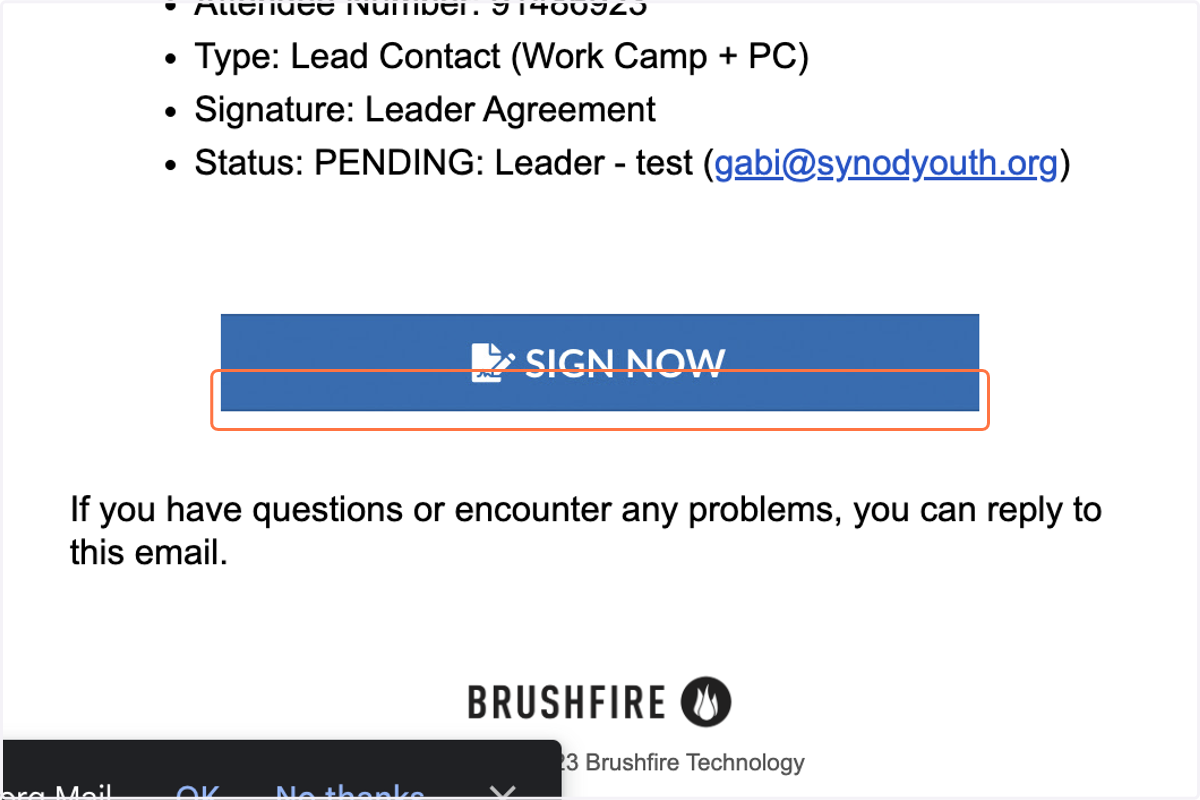
  18. 21. In the email, click on Sign Now

    In the email, click on Sign Now
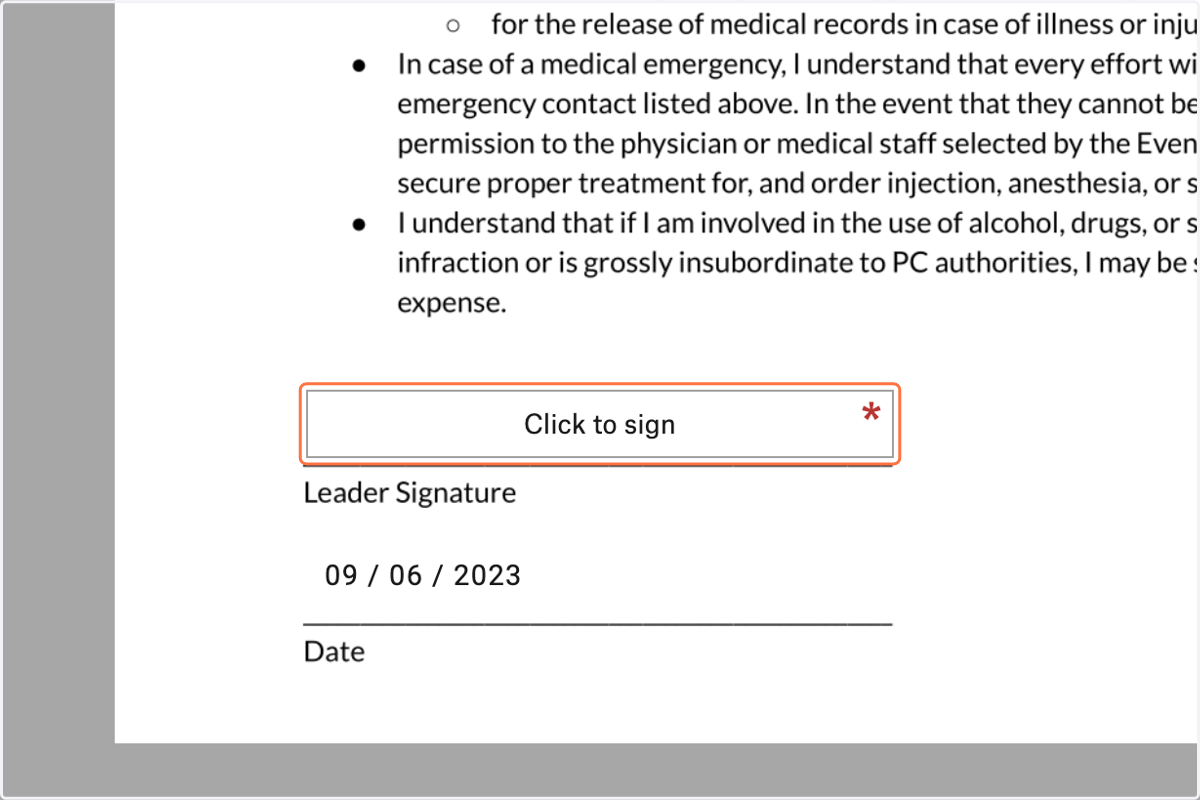
  19. 22. Click on Click to sign

    Click on Click to sign
  20. 23. Draw, type or upload your signature
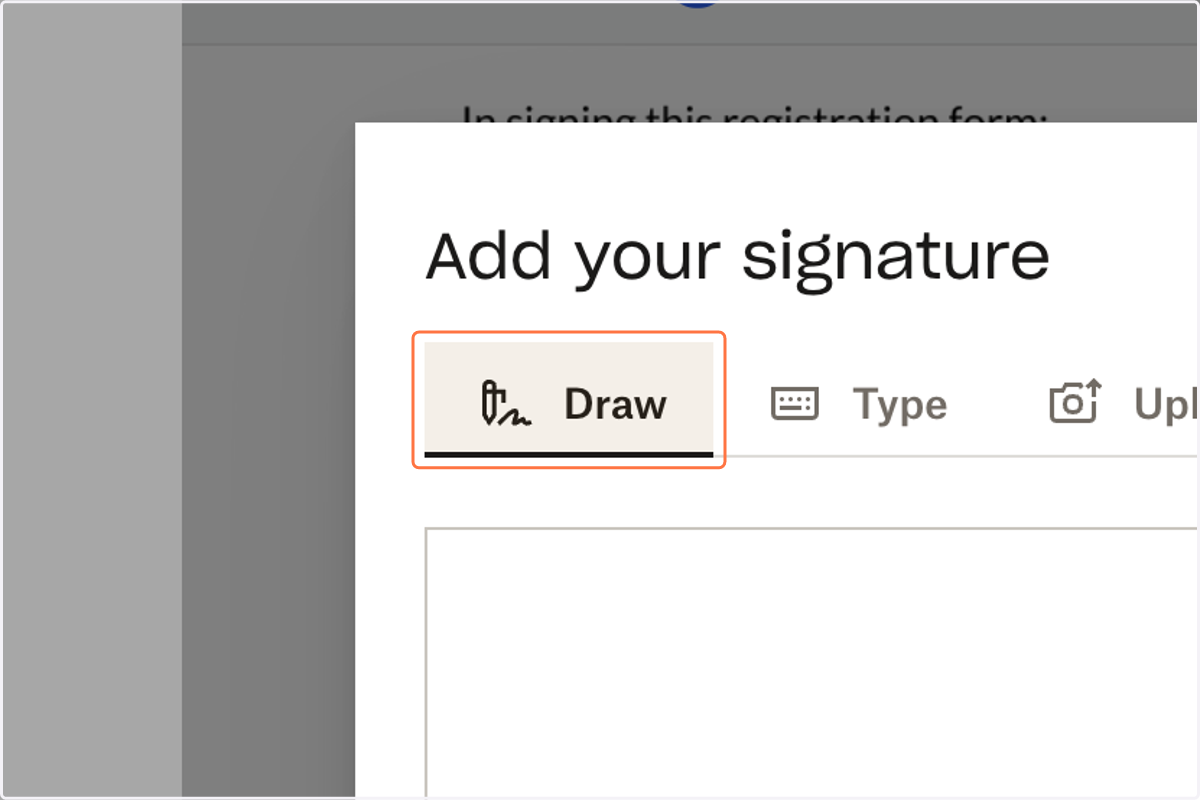
    Draw, type or upload your signature
  21. 24. Click on Insert

    Click on Insert
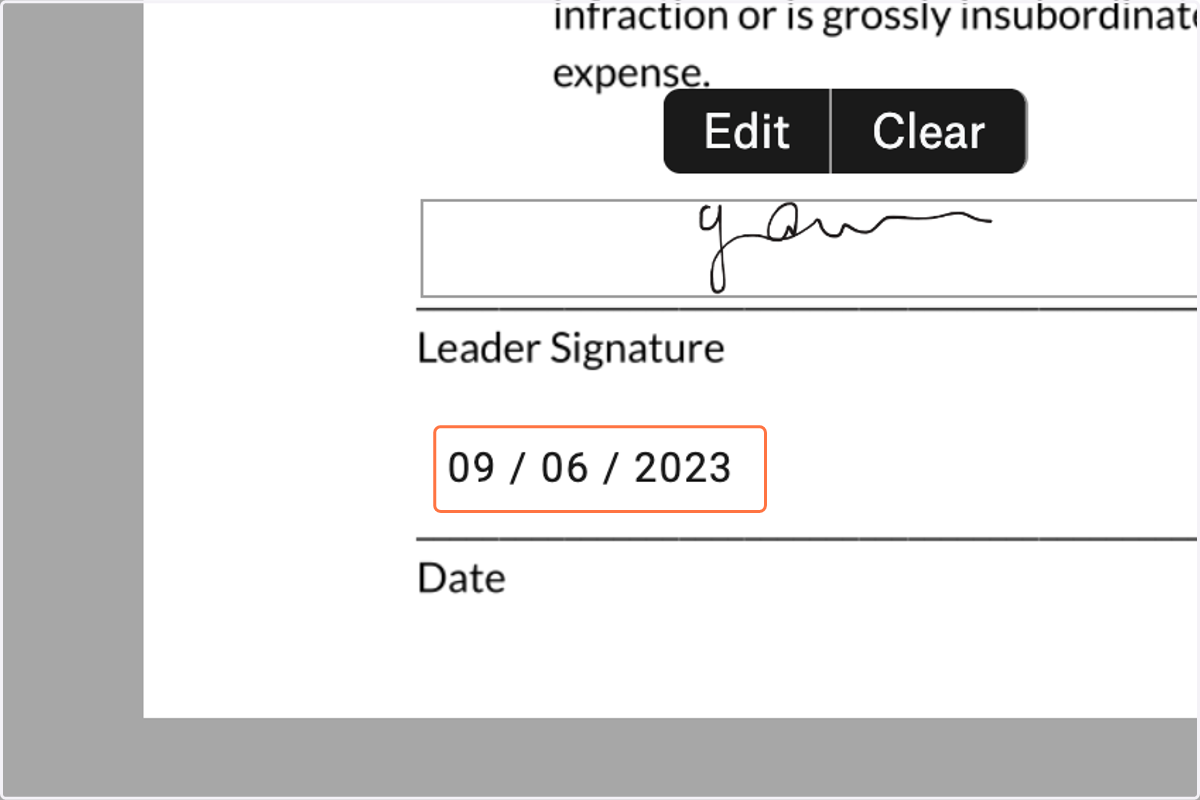
  22. 25. Type date

    Type date
  23. 26. Click on Continue

    Click on Continue
  24. 27. Click on Upload

    Click on Upload
  25. 28. Upload a copy of your insurance card and click on Next
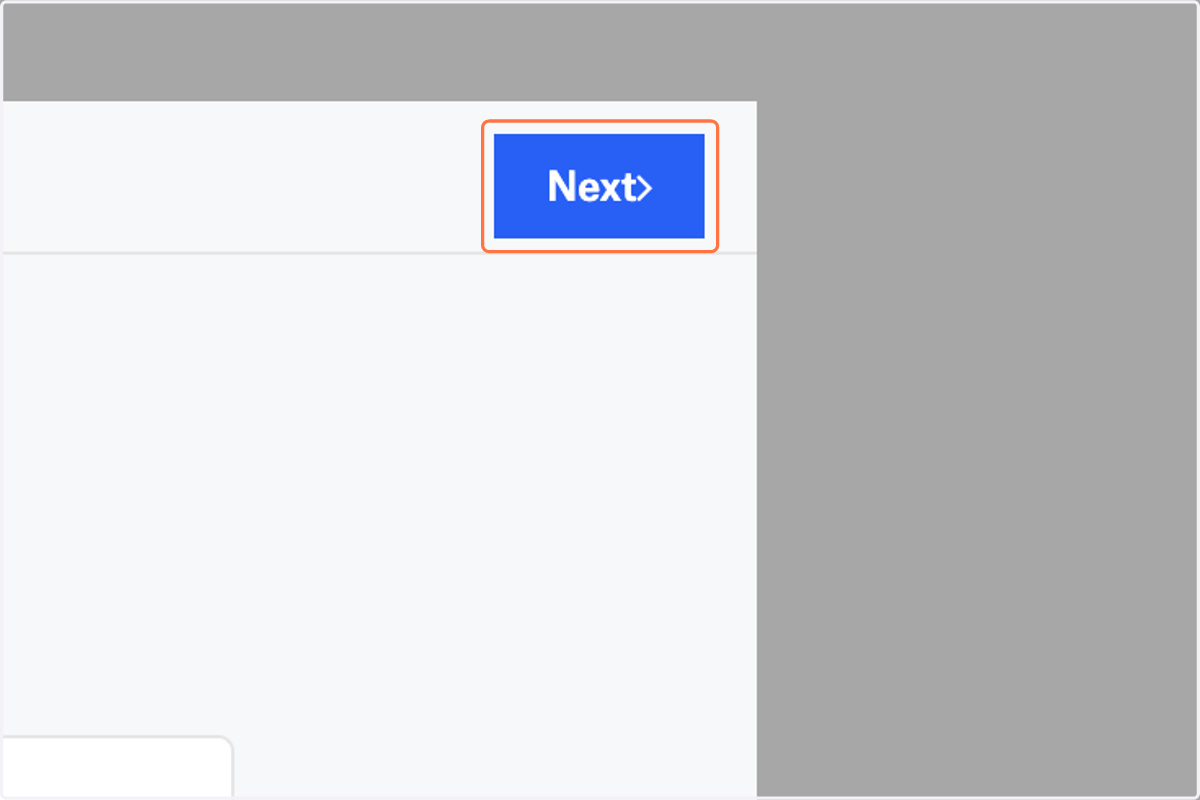
    Upload a copy of your insurance card and click on Next
  26. 29. Click on I agree

    Click on I agree
  27. 30. YOU MADE IT! You're fully registered for Middle School
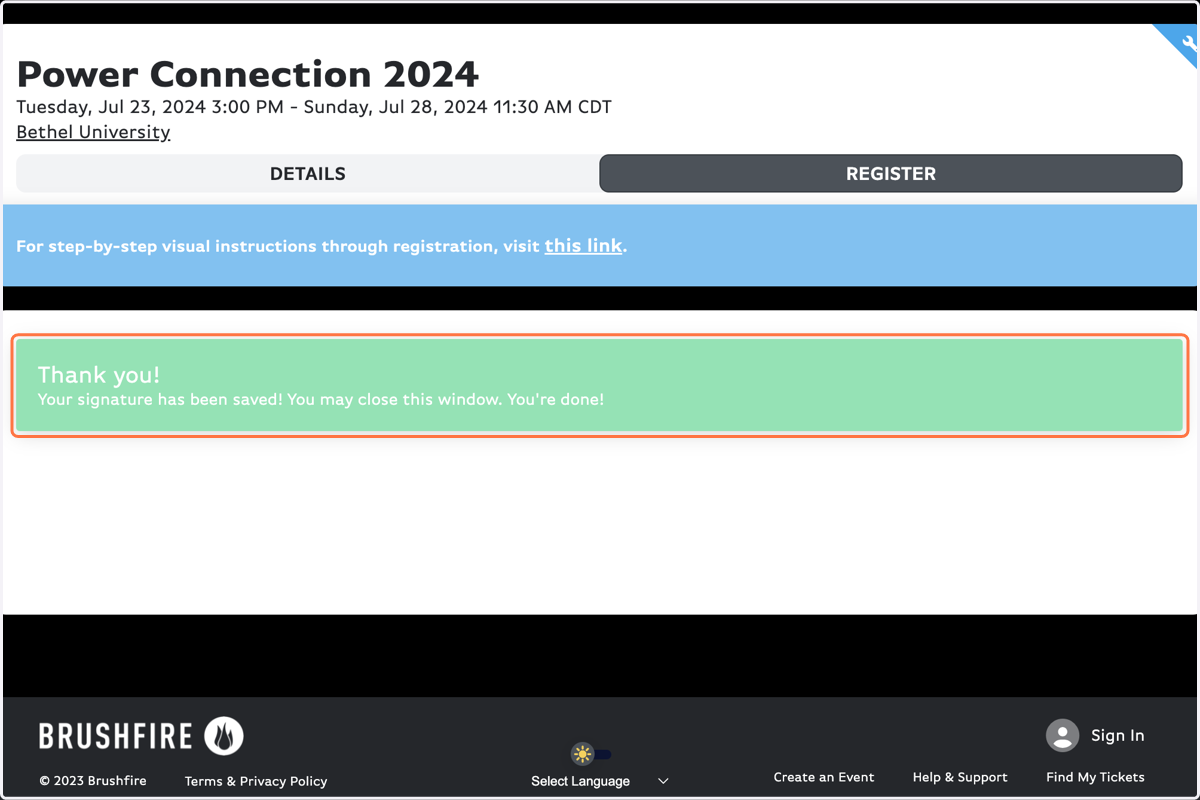
    YOU MADE IT! You're fully registered for Middle School