How to Create a Bug Report in Linear
Tango's engineering team uses a template in Linear to report bugs and triage issues. Here's how anyone on our team can submit a bug report.
Linear
1. Go to linear.app
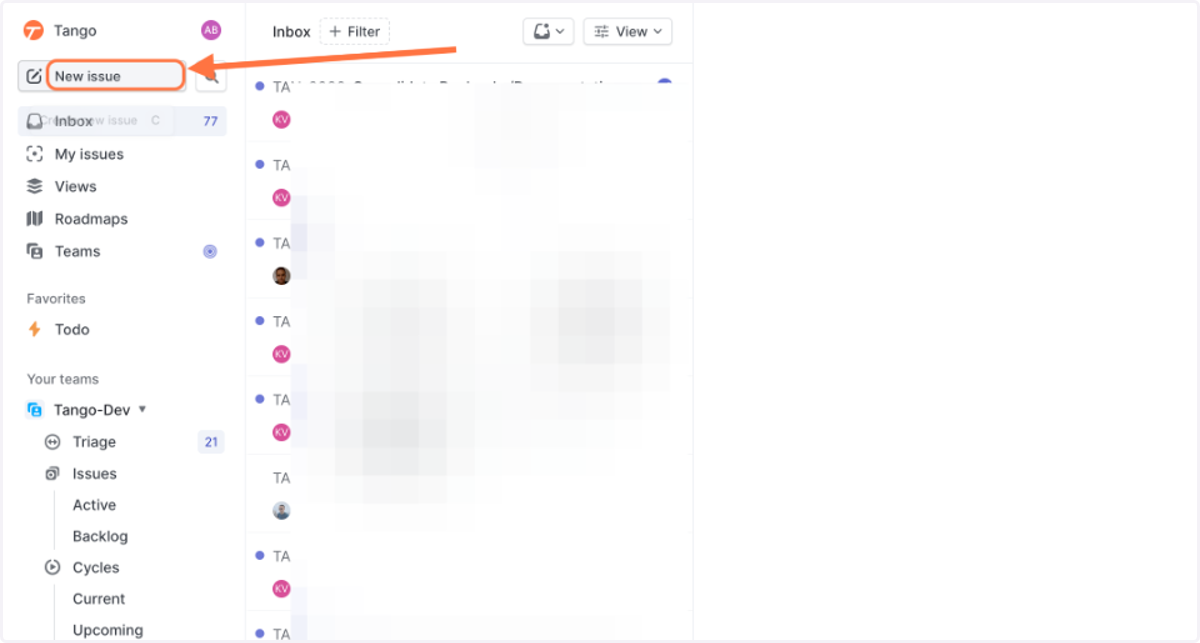
2. Click on Create new issue…
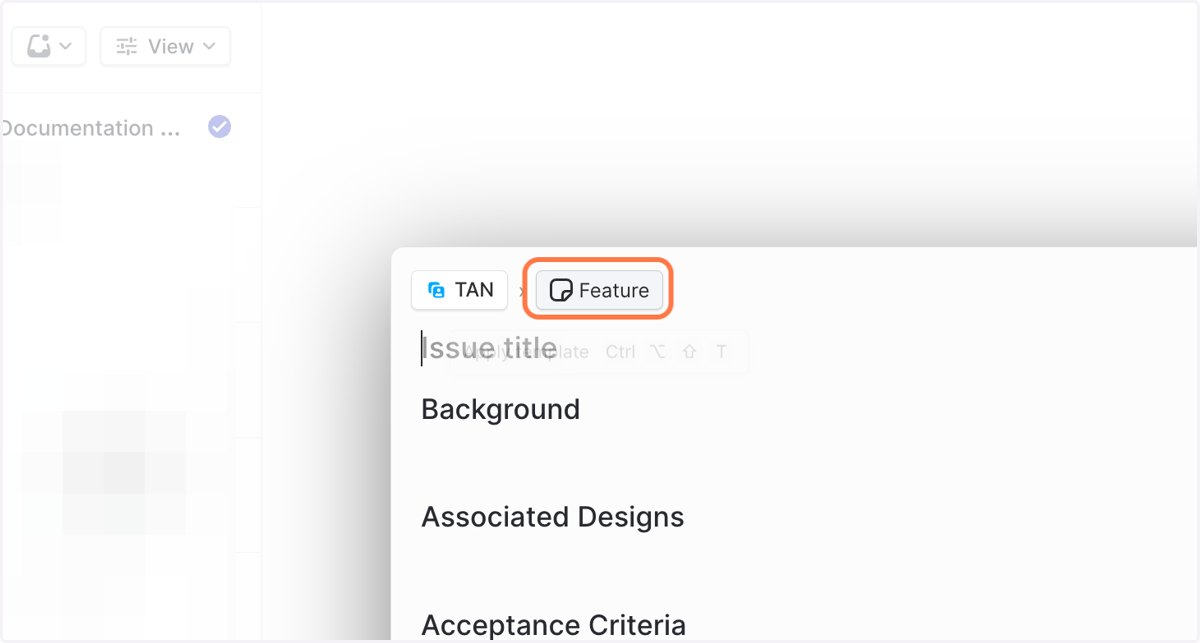
3. Click on Feature
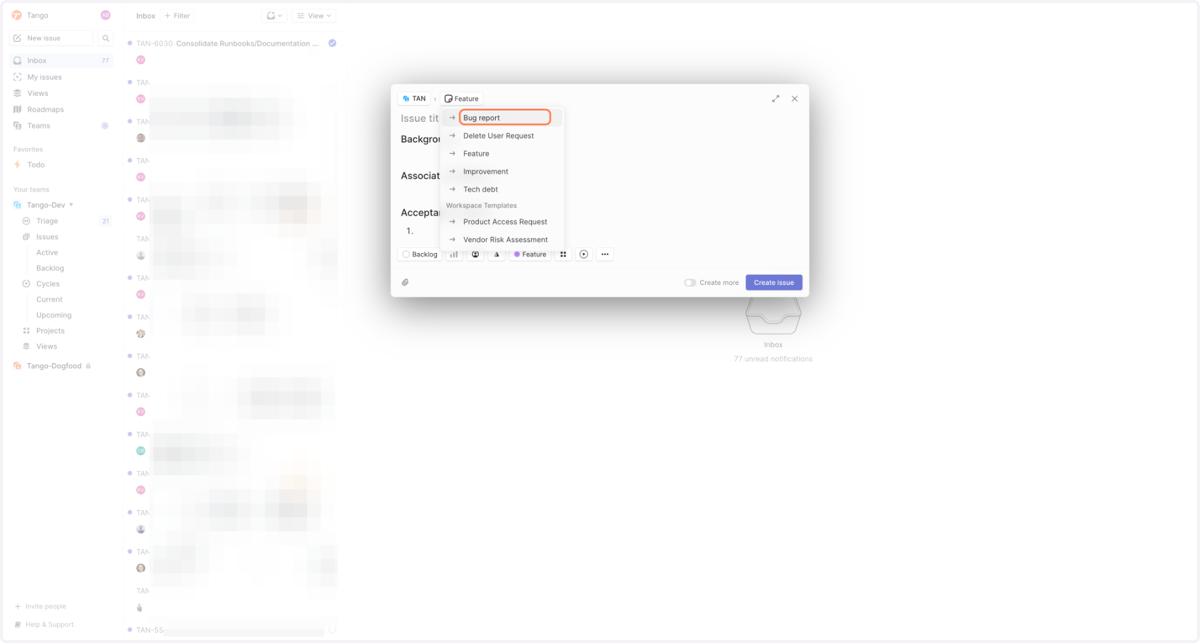
4. Click on Bug report
Linear
5. Type the title of your issue
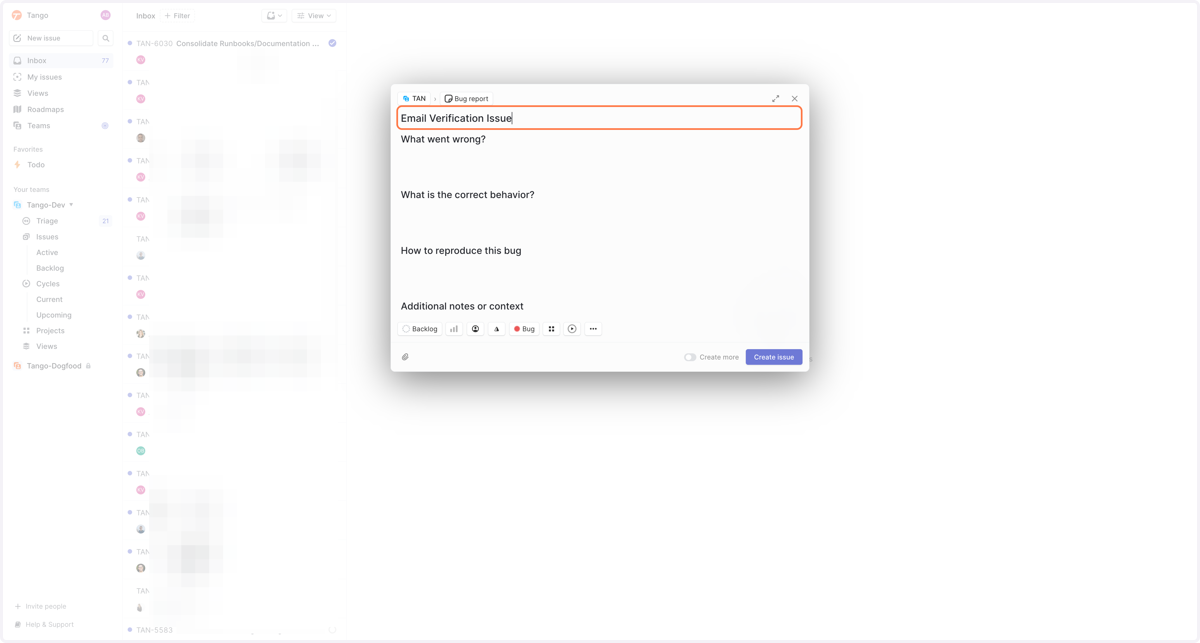
6. Our template includes a list of specific questions so engineers can better understand and pinpoint the problem and how it might be solved.
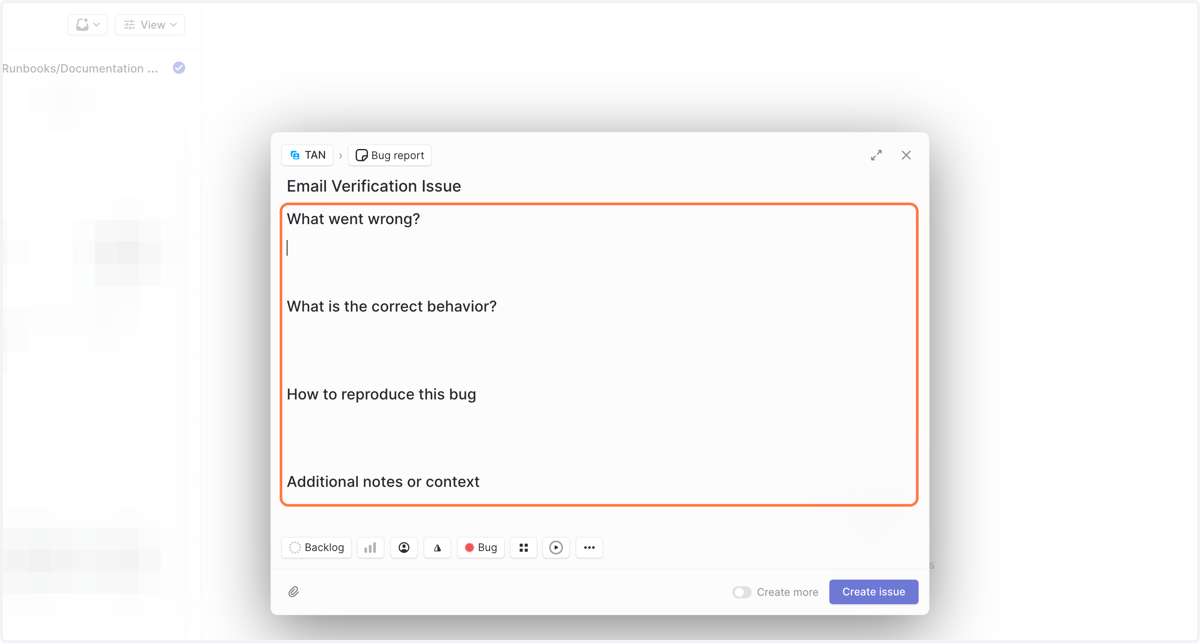
7. We ask that users respond to all questions to allow for quicker resolution.
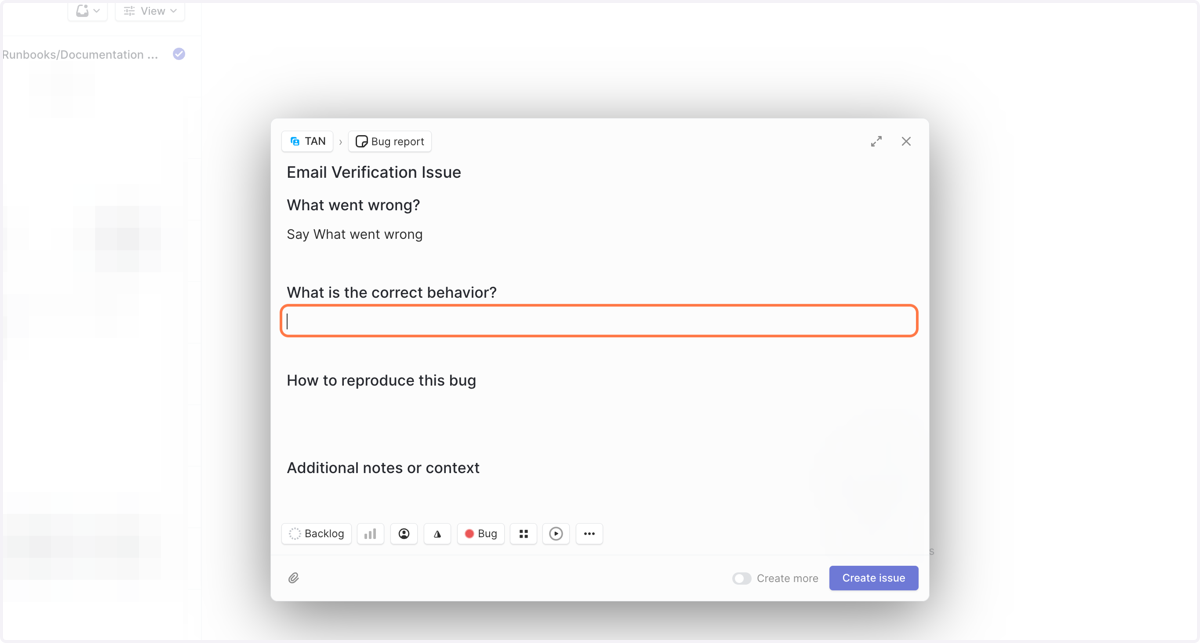
8. In the "How to reproduce this bug" section, you can add a screenshot, or, capture a Tango and link it!
At the bottom, you can also assign the issue to particular engineers, assign priority, or add additional labels. In our case, bugs start in the backlog where they are triaged.
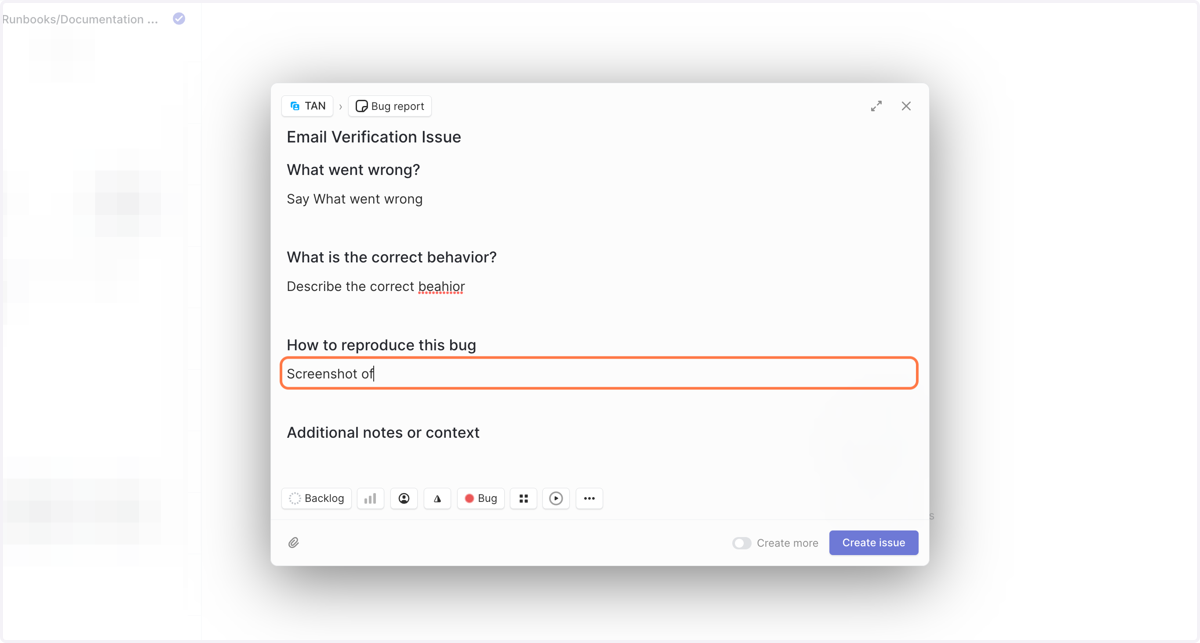
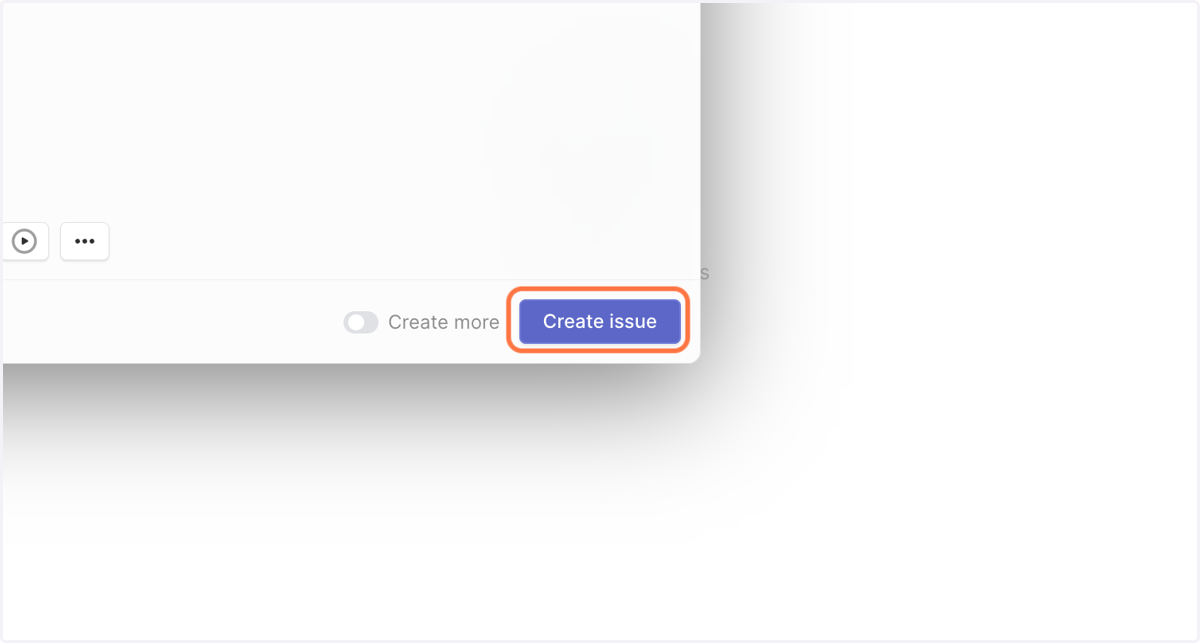
9. Click on Create issue
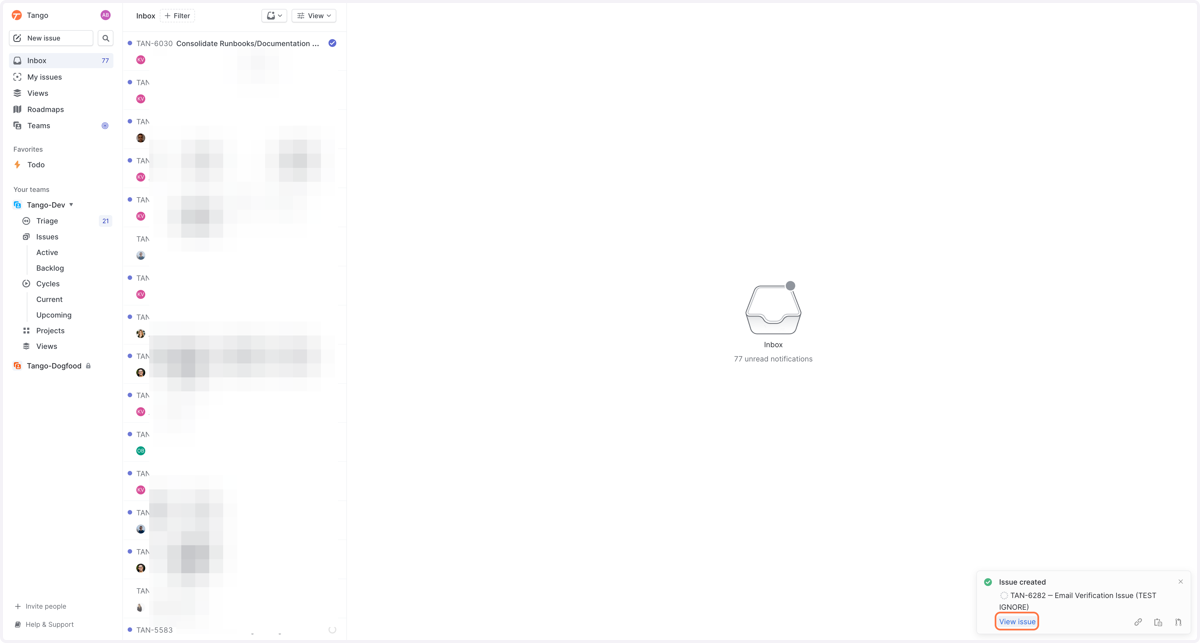
10. You'll see a verification on the lower righthand corner when the issue has been created, where you can view the issue and add comments, assign to an engineer, or include in a Project or Sprint.