How to Allow all Users to Screen Share on Zoom
Changing this setting will allow anyone to screen share on your Zoom calls and no longer require you as the host to enable screen sharing every time.
Zoom
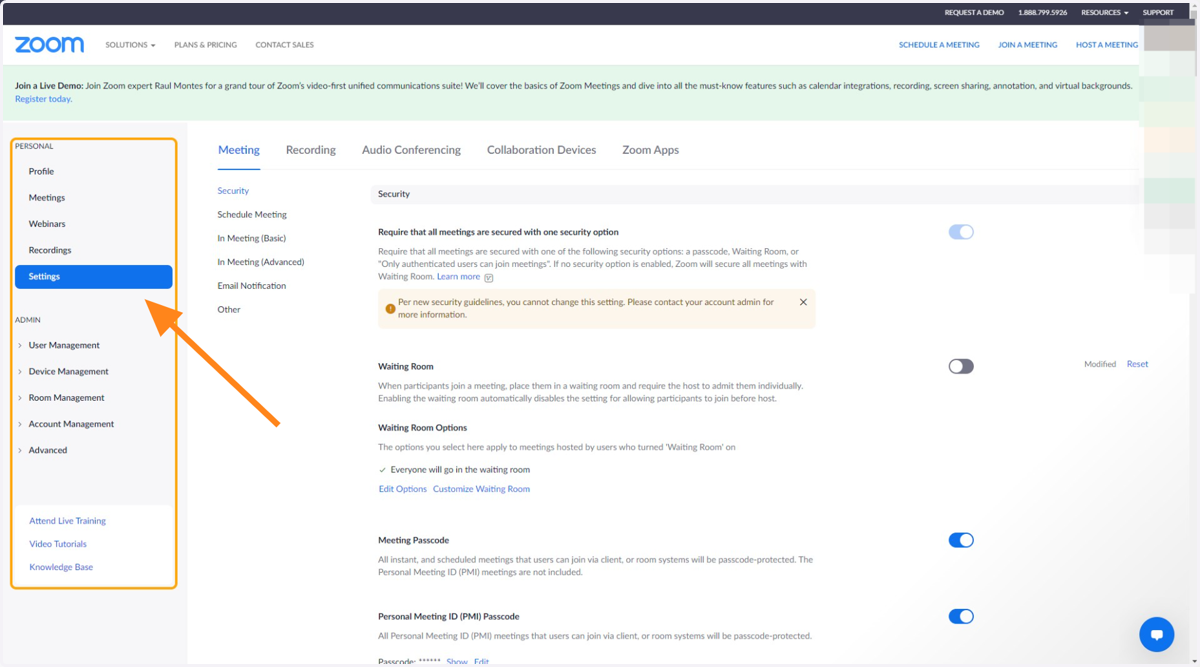
1. Go to My Settings - Zoom
2. Click on In Meeting (Basic)
3. Scroll down to see "Who can share?" and select "All Participants"