How to Add a Qualification Learning Programme
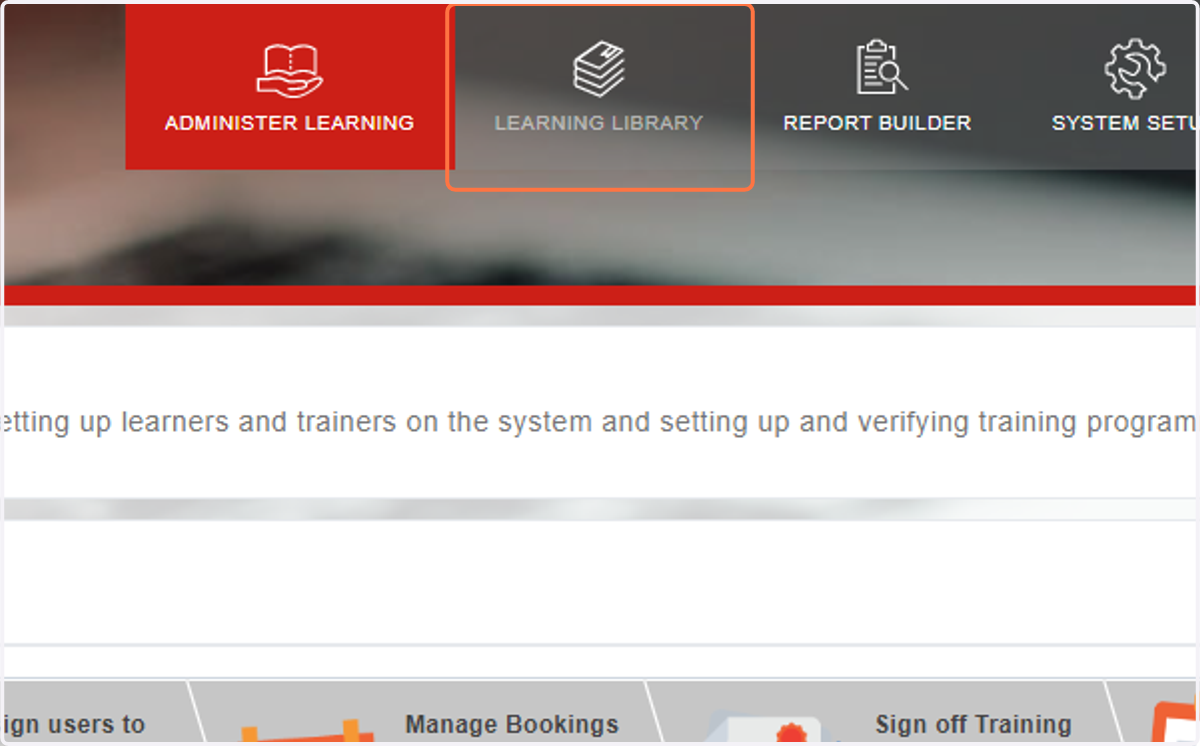
1. Click on …Learning Library
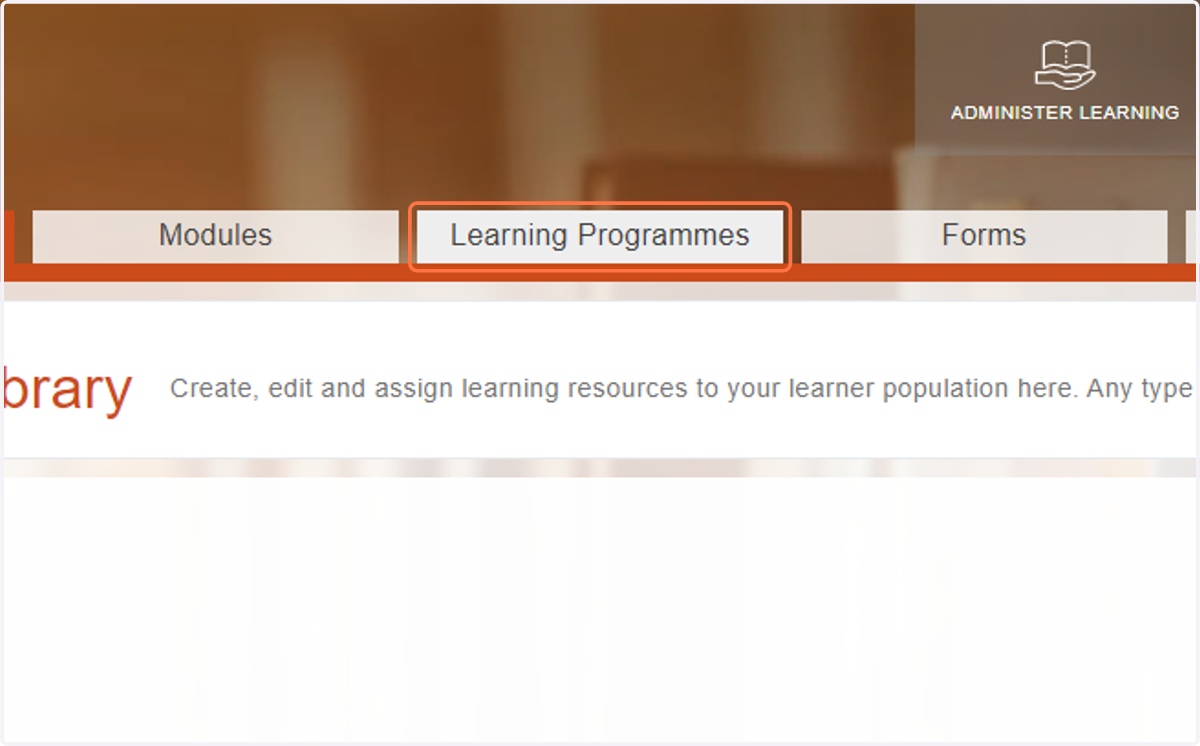
2. Click on Learning Programmes
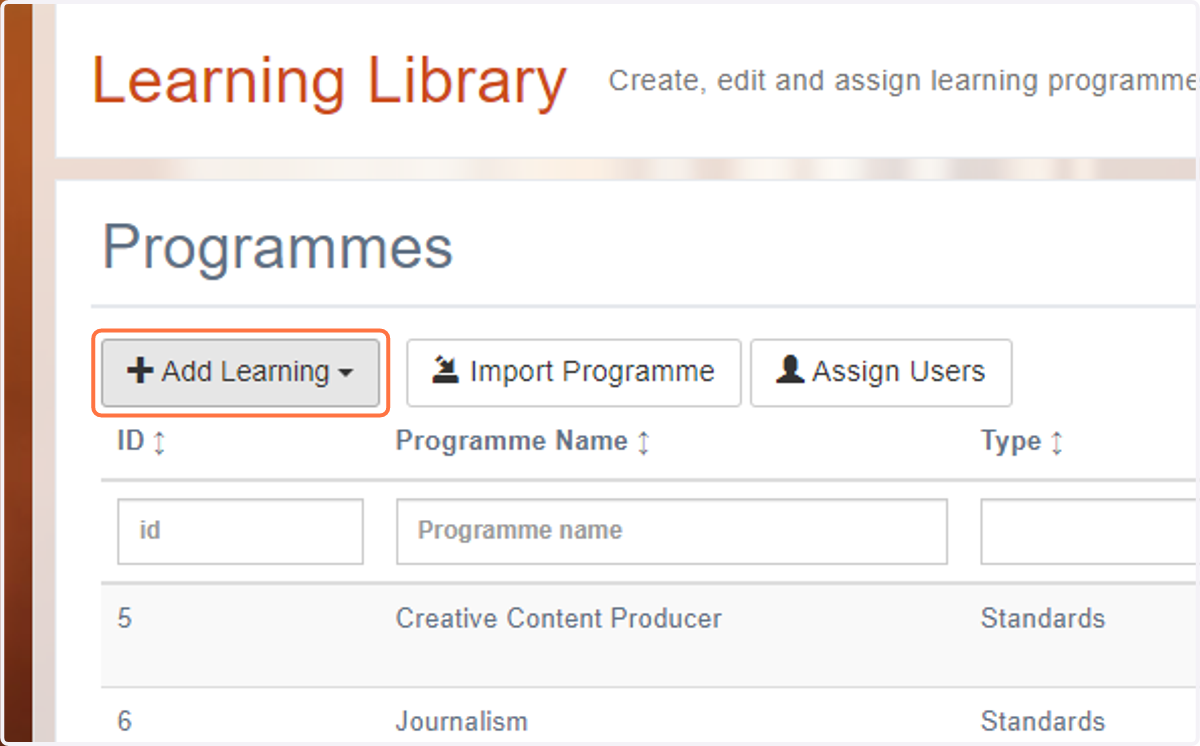
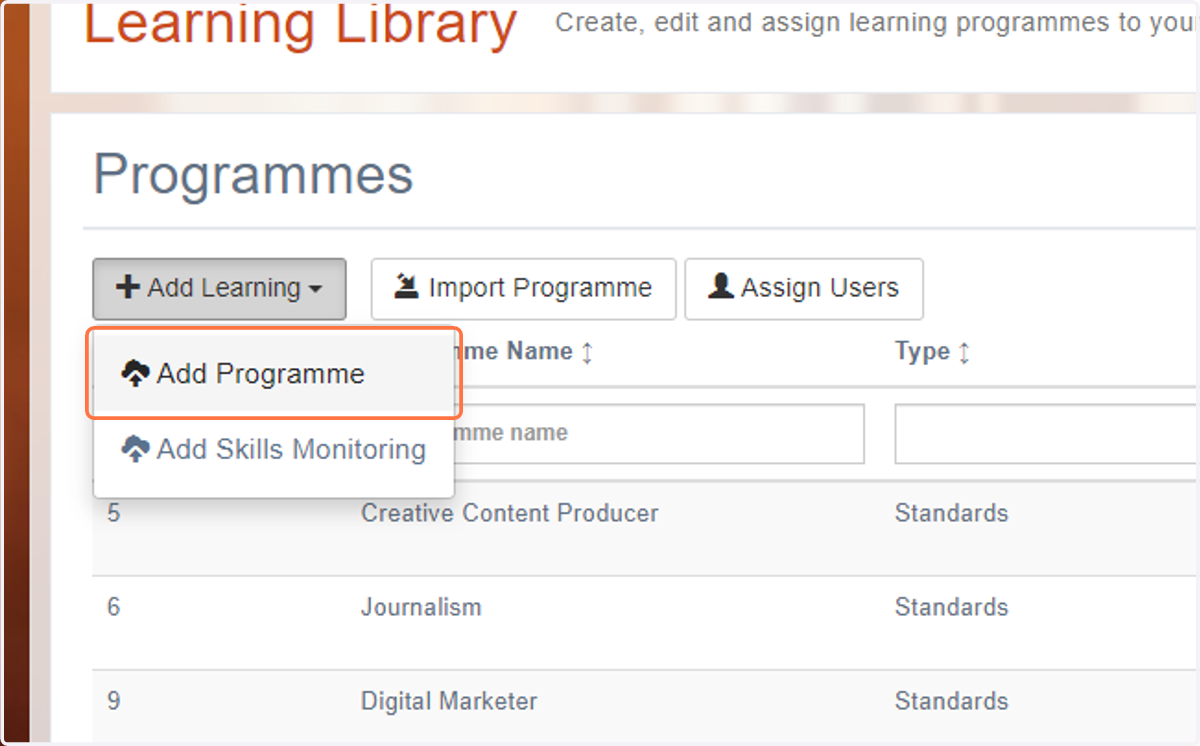
3. Click on Add Learning
4. Click on Add Programme
5. Select Qualifications from Type
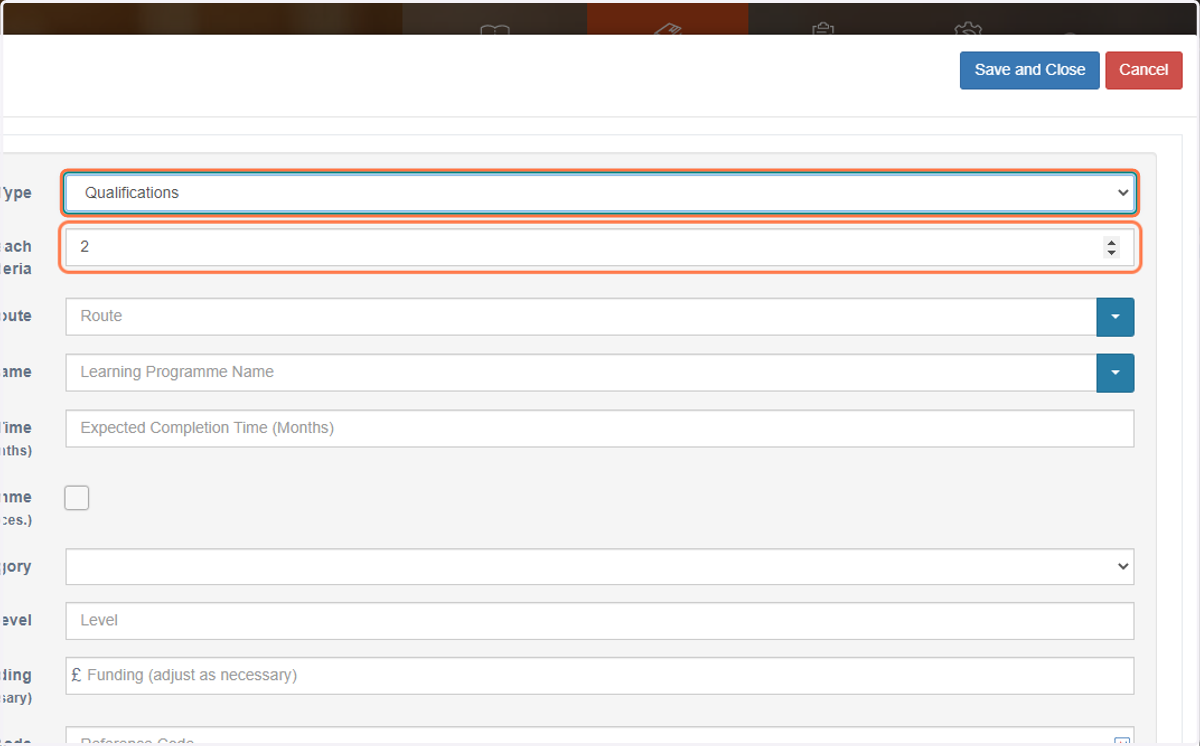
6. Select how many pieces of evidence are required for each criteria

7. Type a route which fits the programme
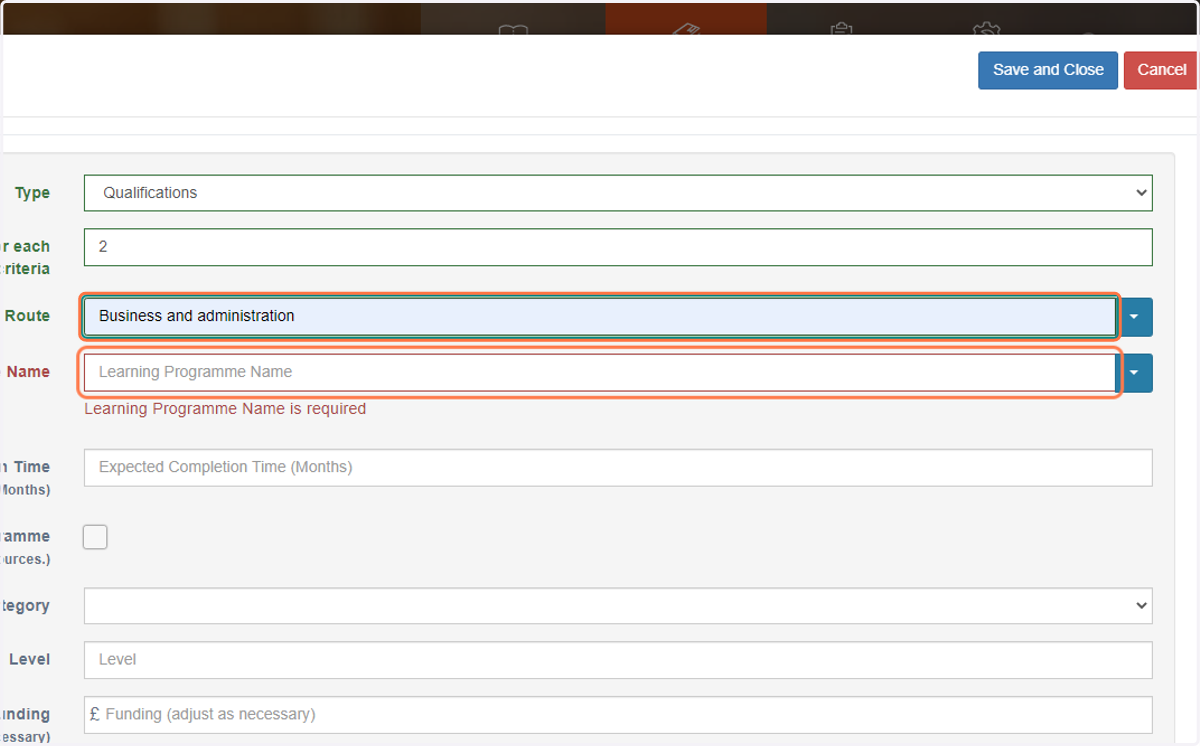
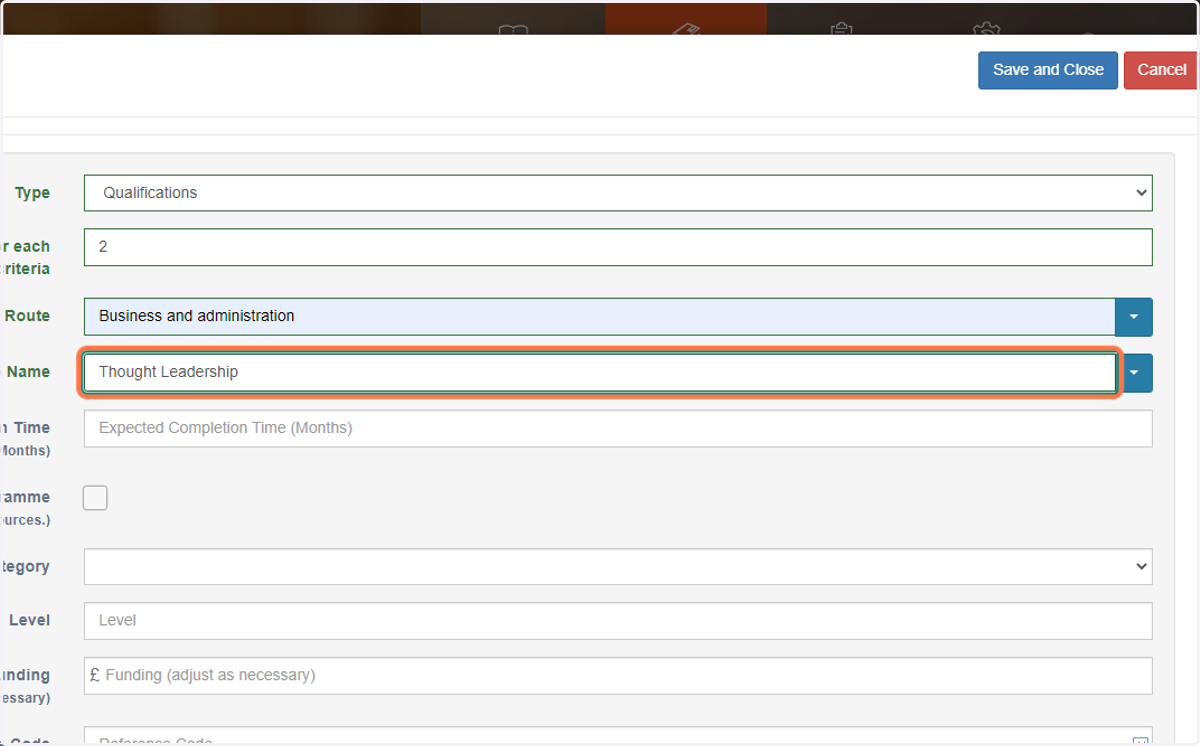
8. Type "name of programme"
9. Add in the expected completion time (in months)
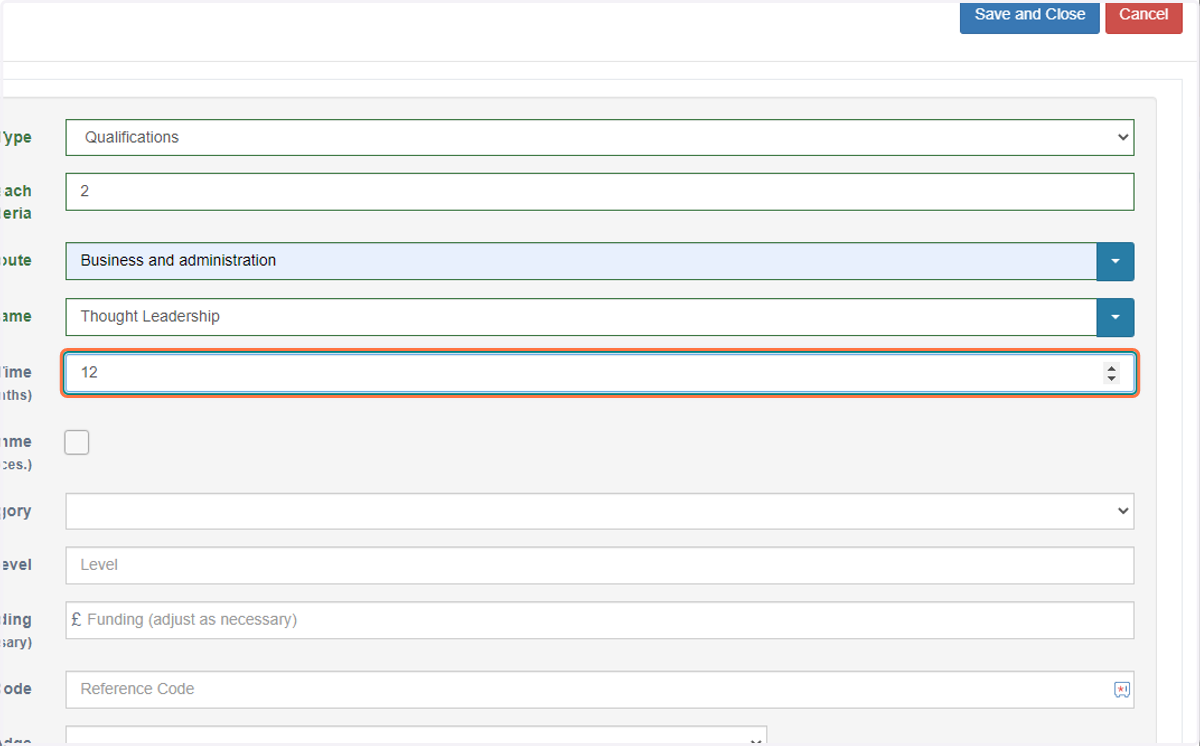
10. Select a relevant Learning Category

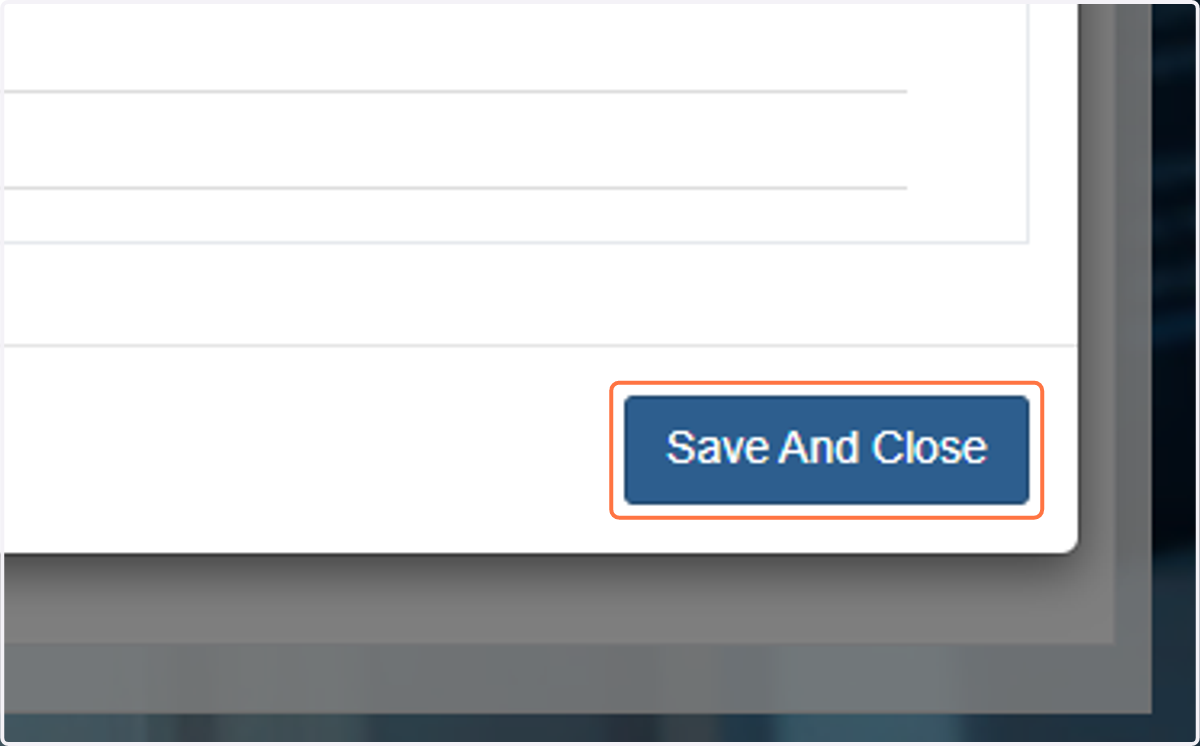
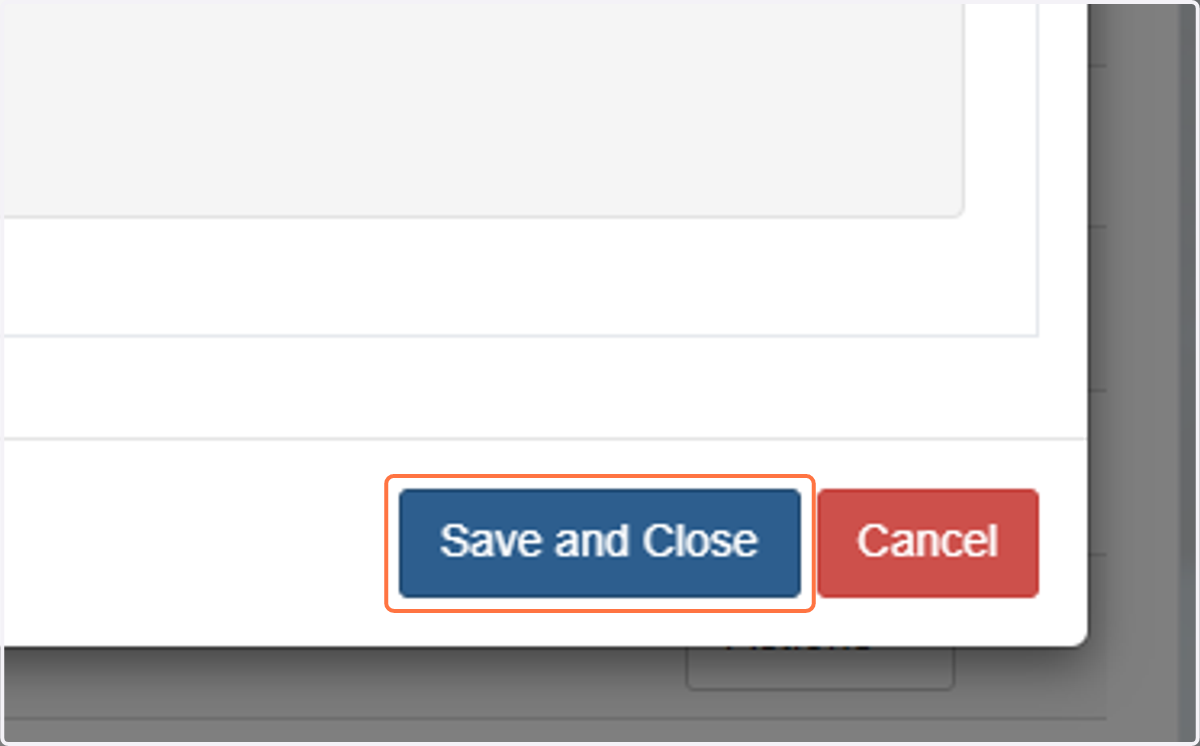
11. Click on Save and Close
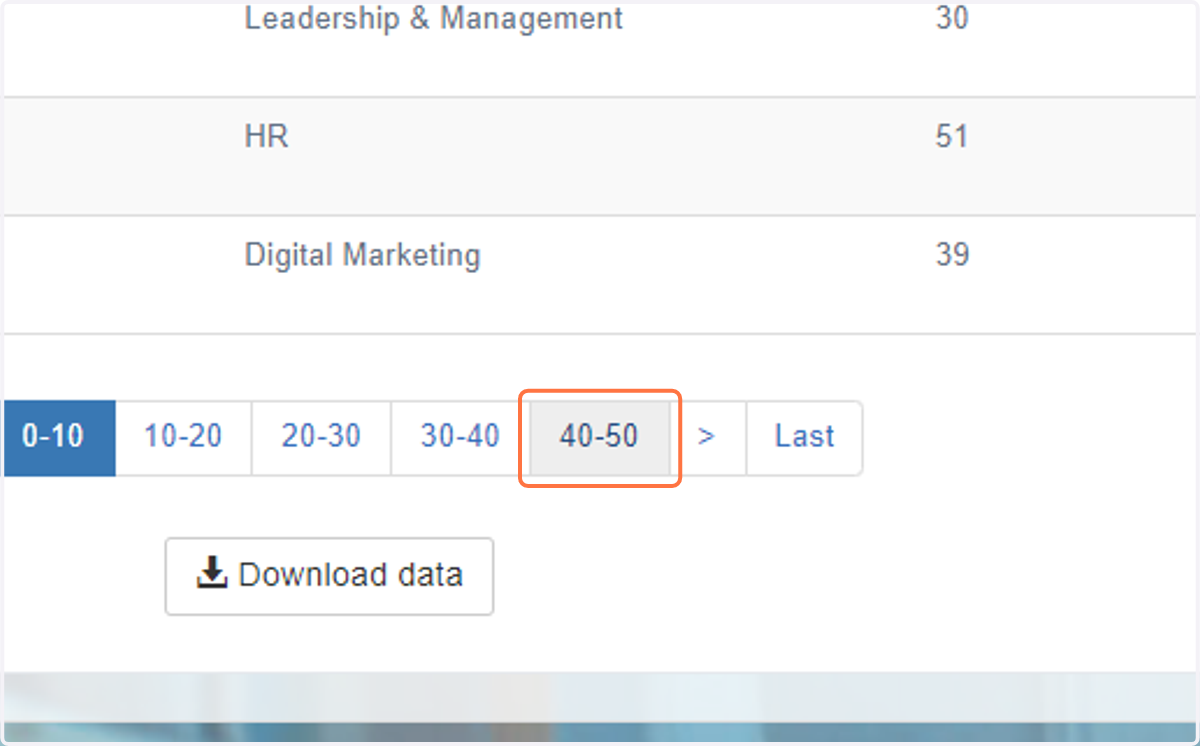
12. Go to last page of your learning programmes
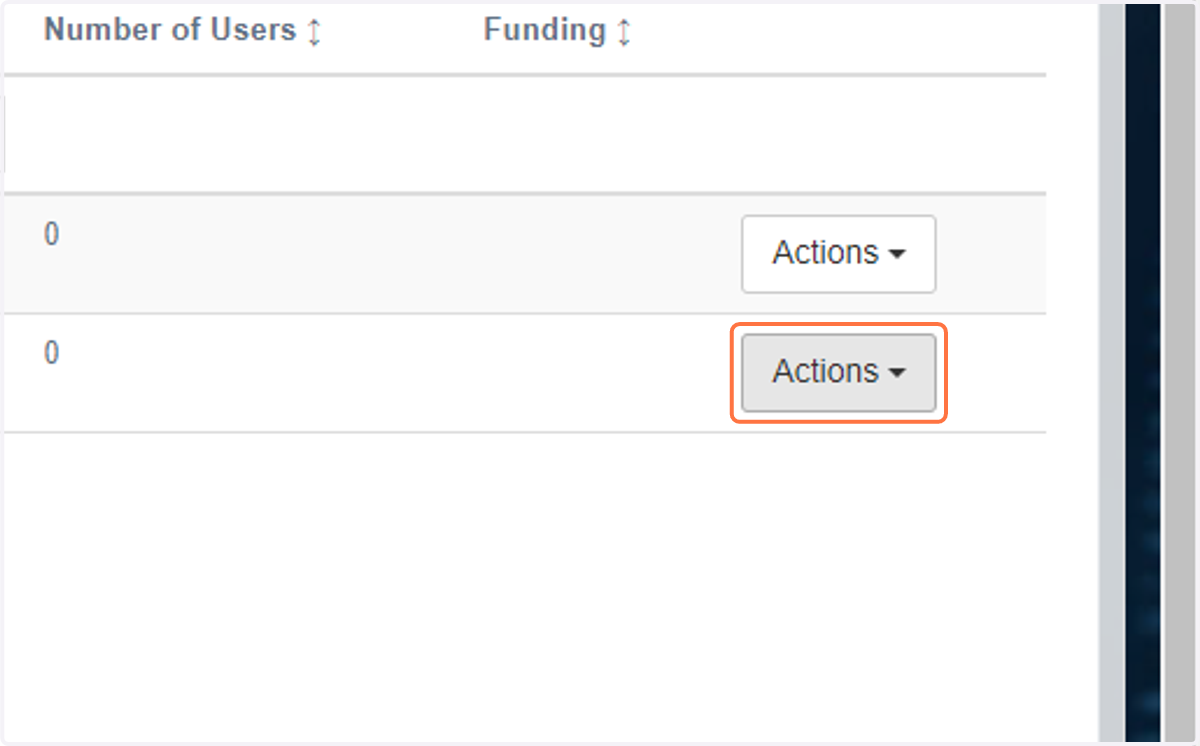
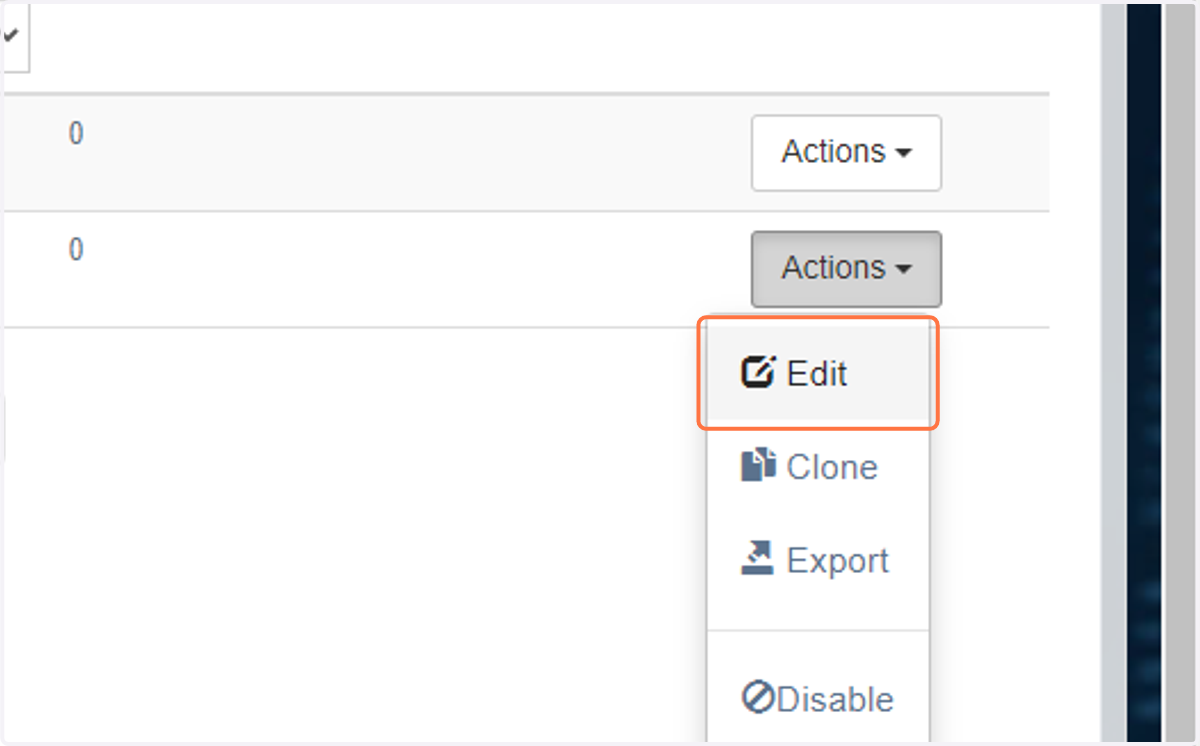
13. Click on Actions next to the programme you have created
14. Click on Edit
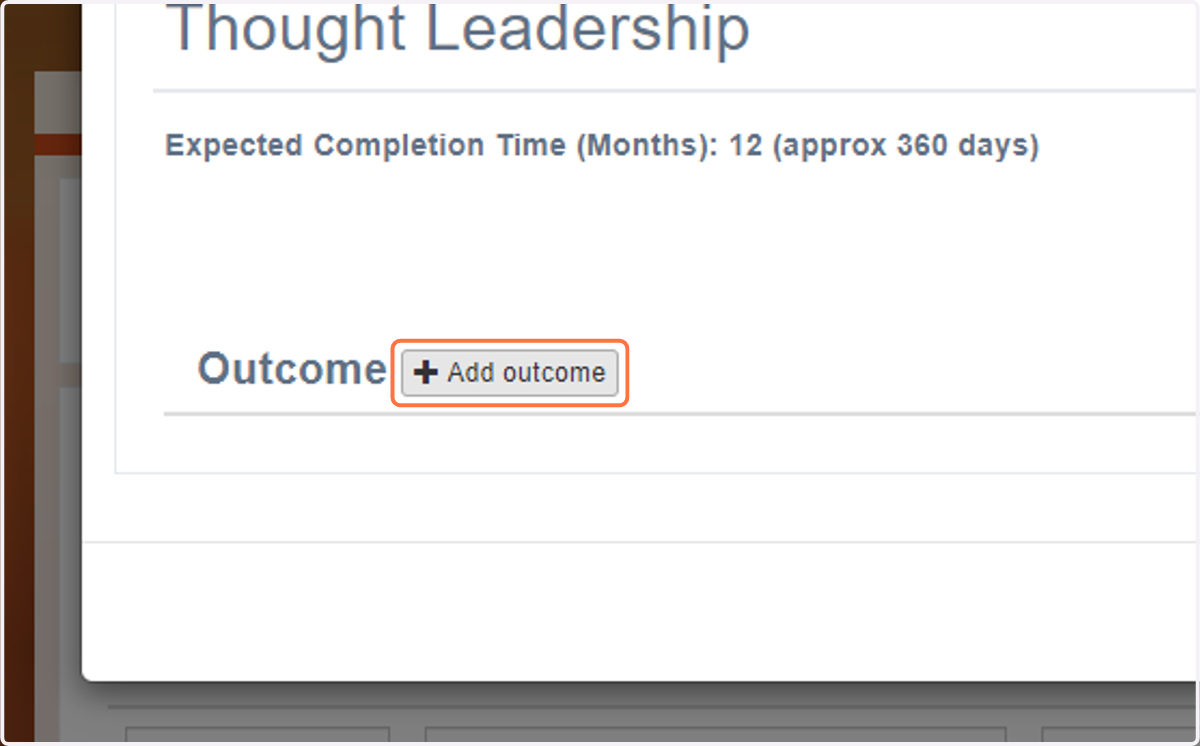
15. Click on Add outcome
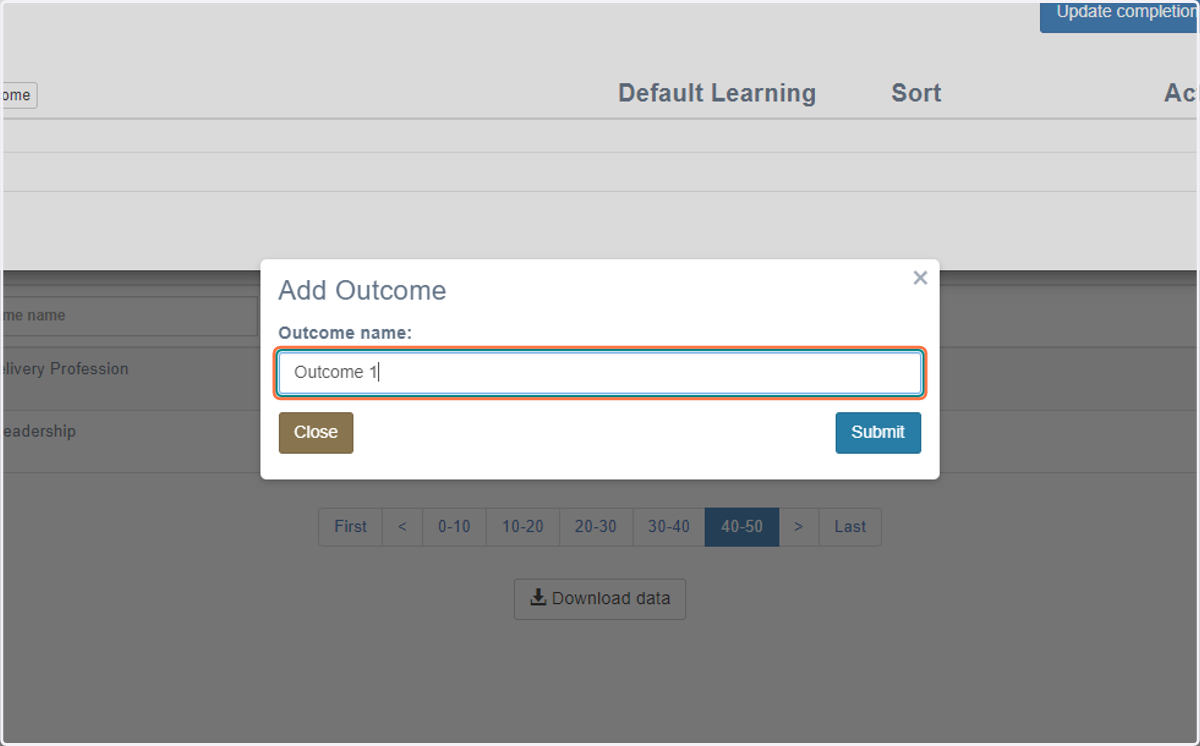
16. Type in the name of the 1st outcome
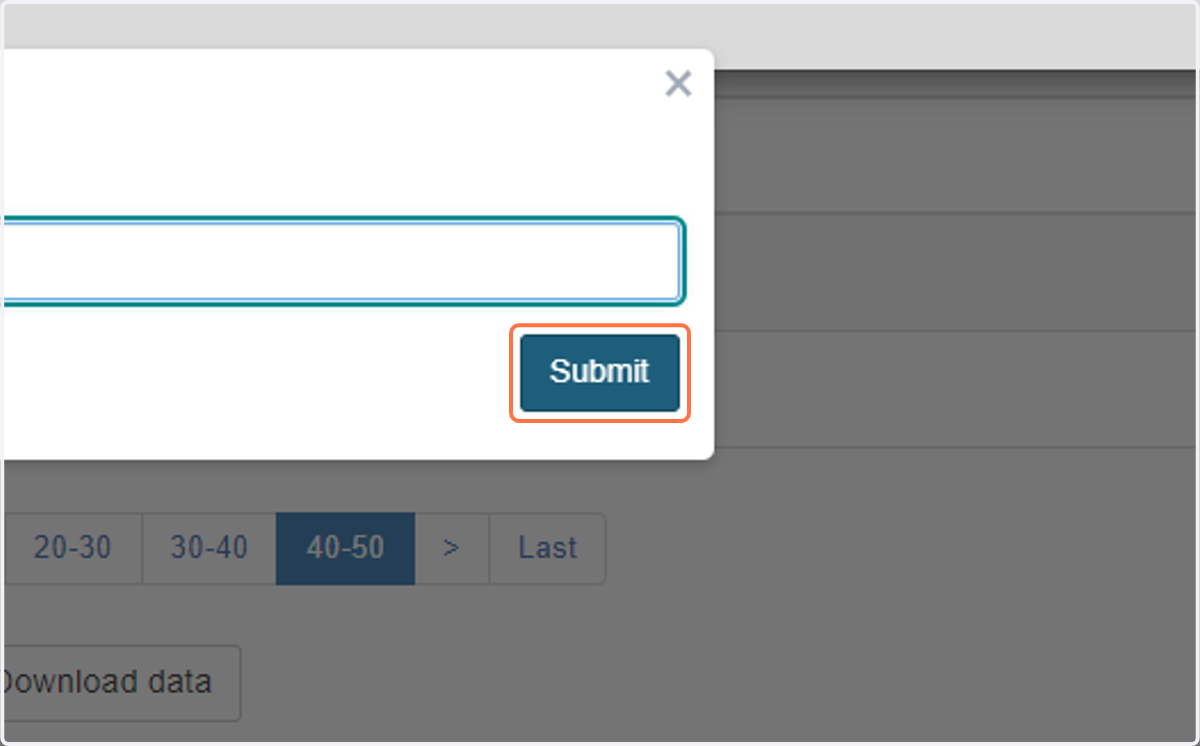
17. Click on Submit
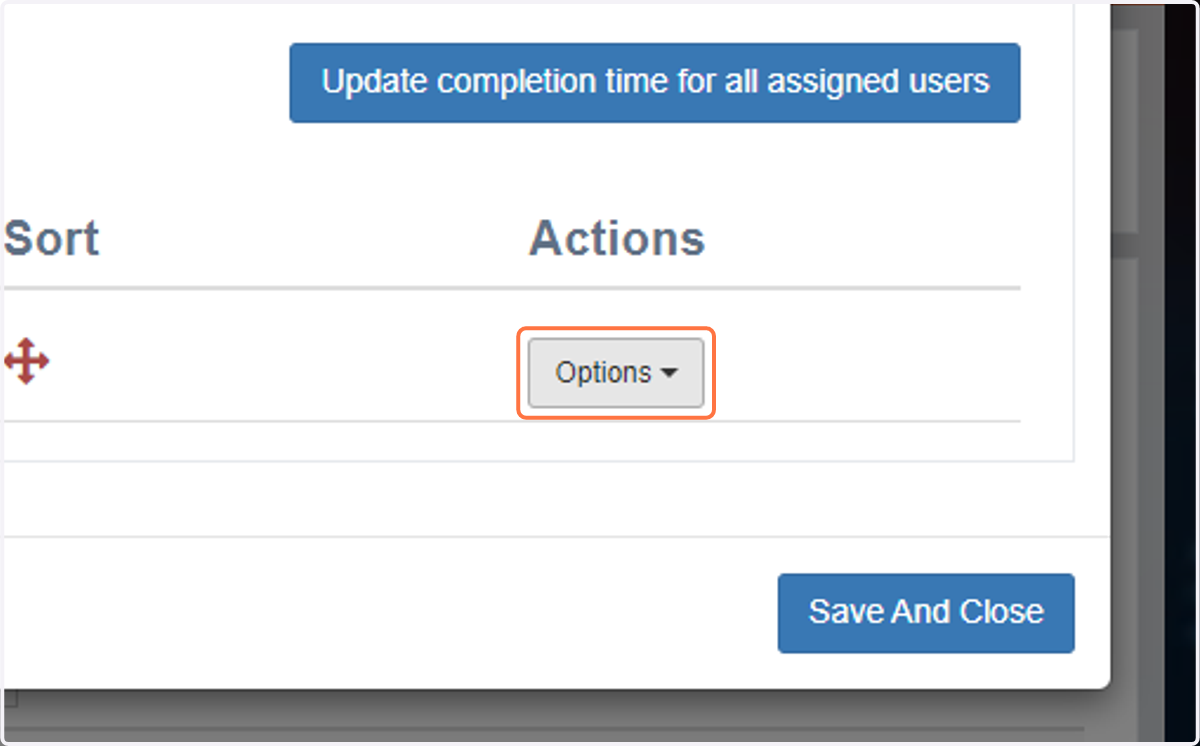
18. Click on Options
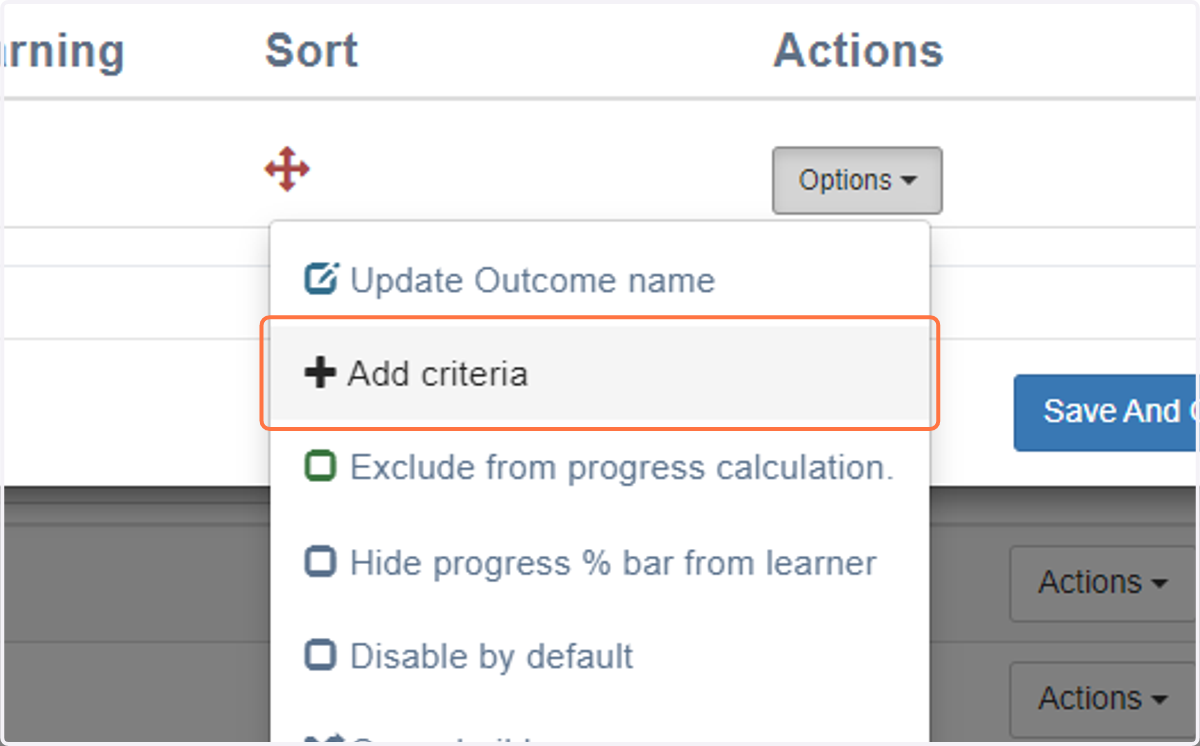
19. Click on Add criteria
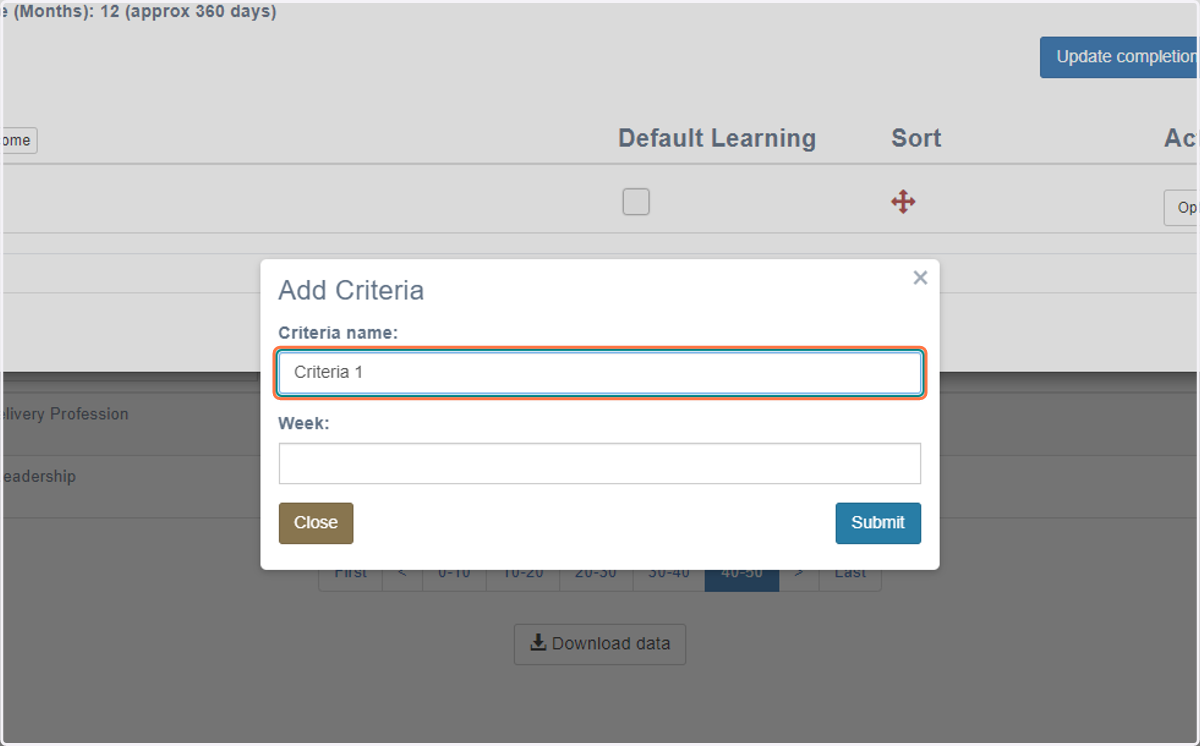
20. Type in name of 1st criteria linked to the 1st outcome
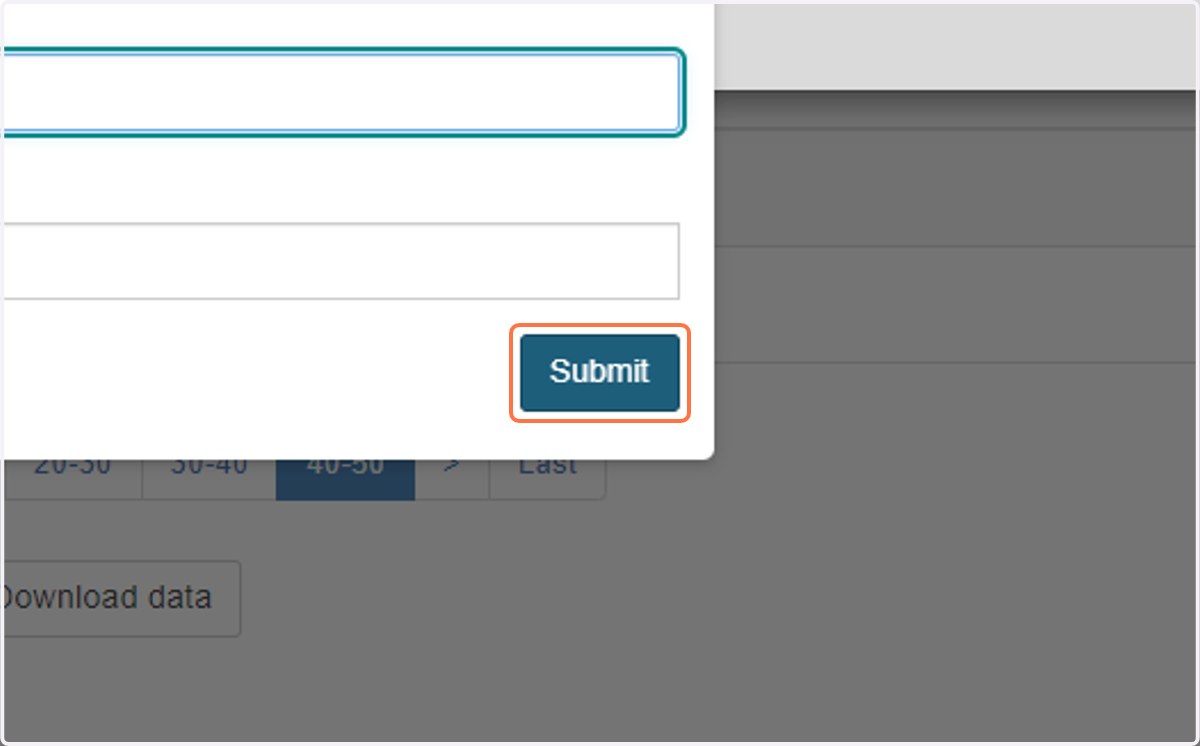
21. Click on Submit
22. Click on Add Sub-Criteria (if required - not all criteria will need this)
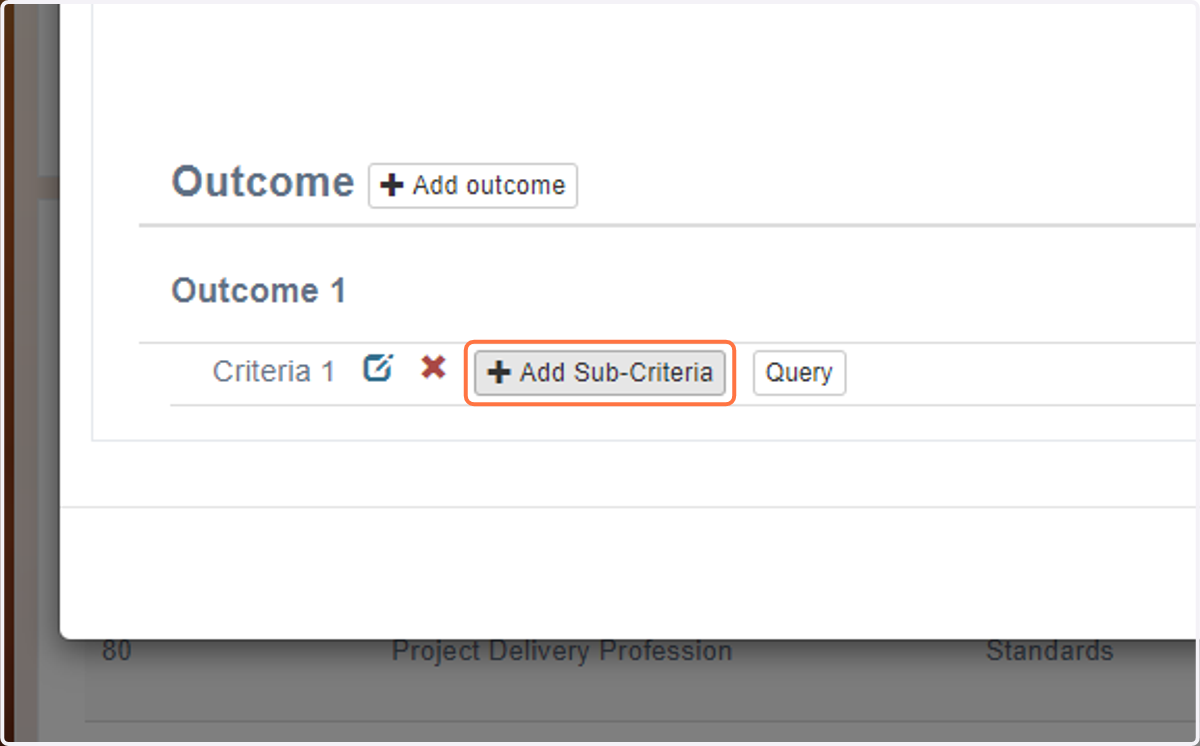
23. Type in name of sub-criteria 1 linked to criteria 1
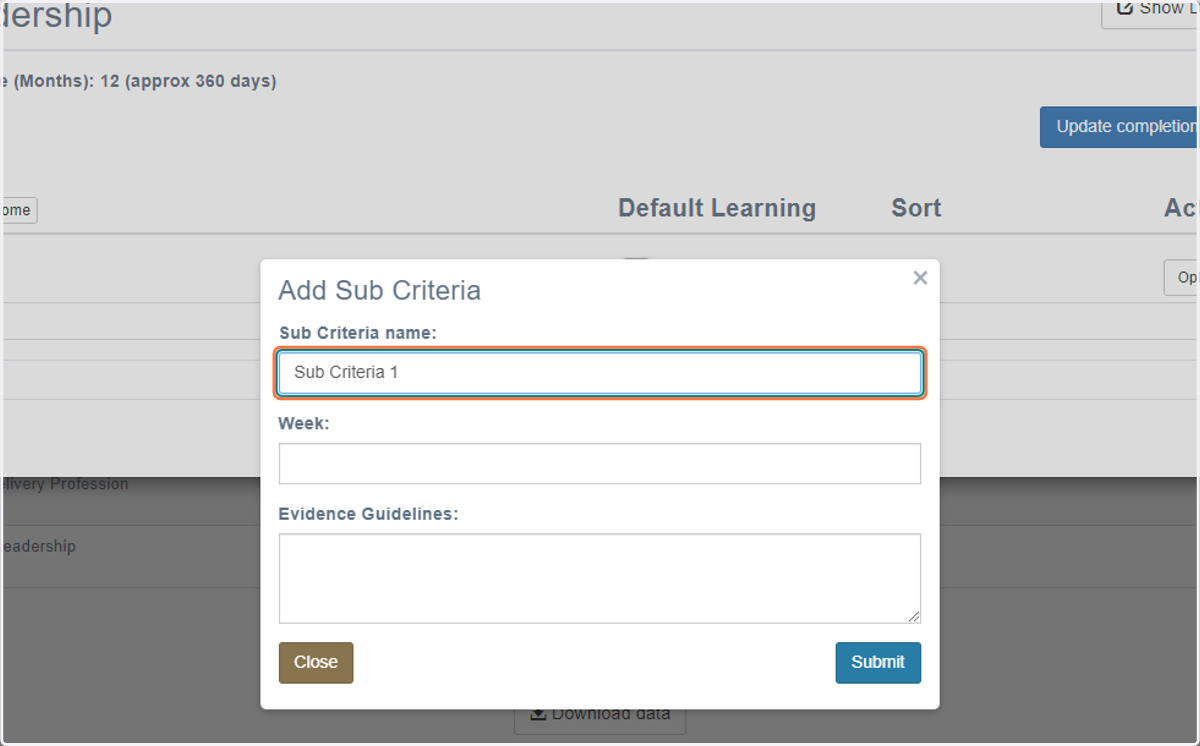
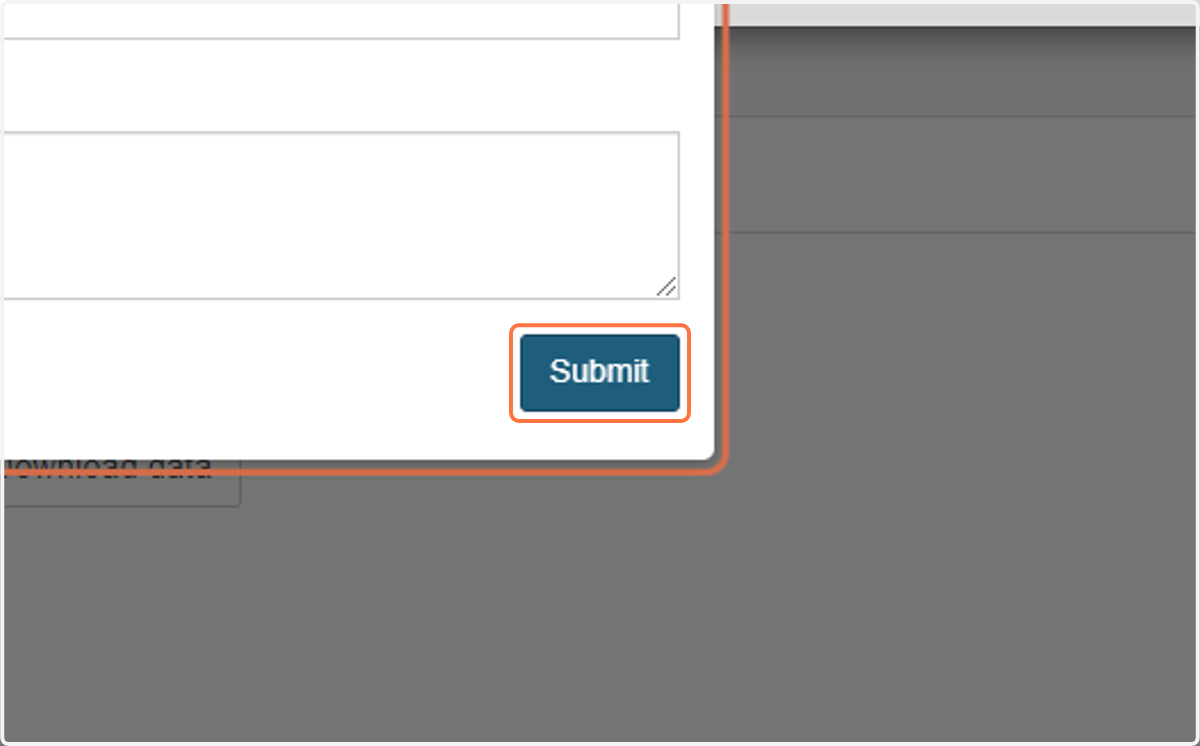
24. Click on Submit
25. Click on Options
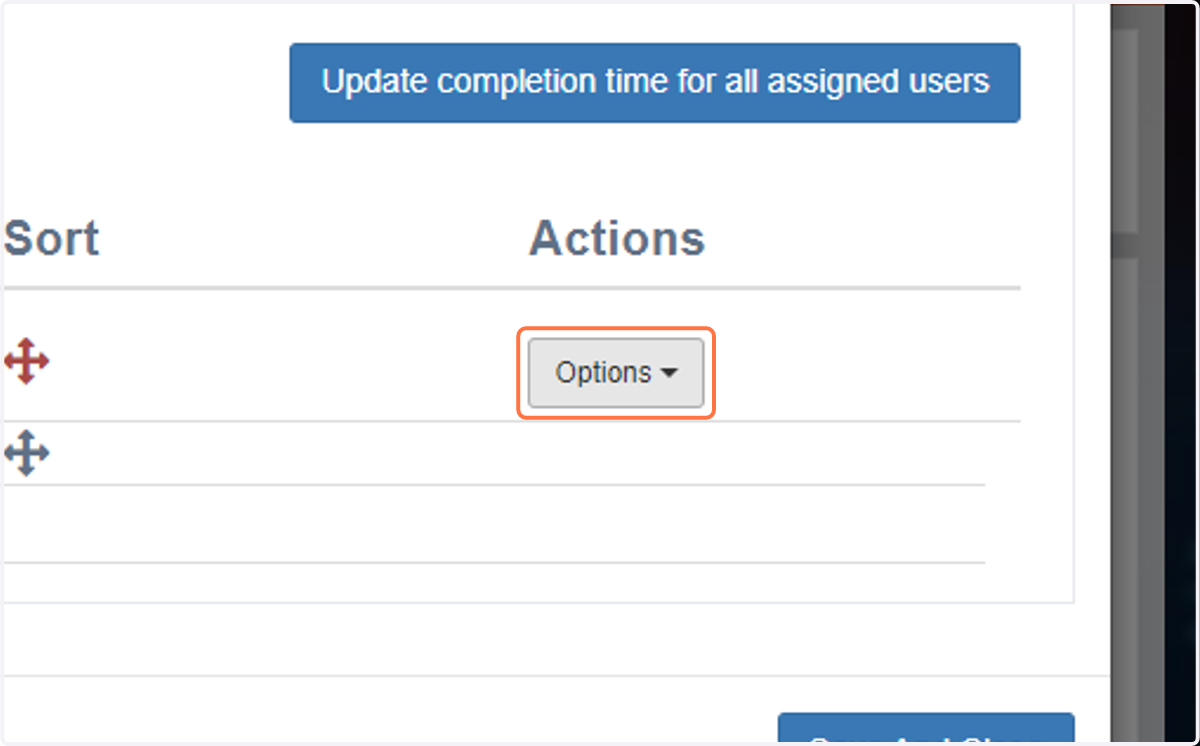
26. Click on Add criteria
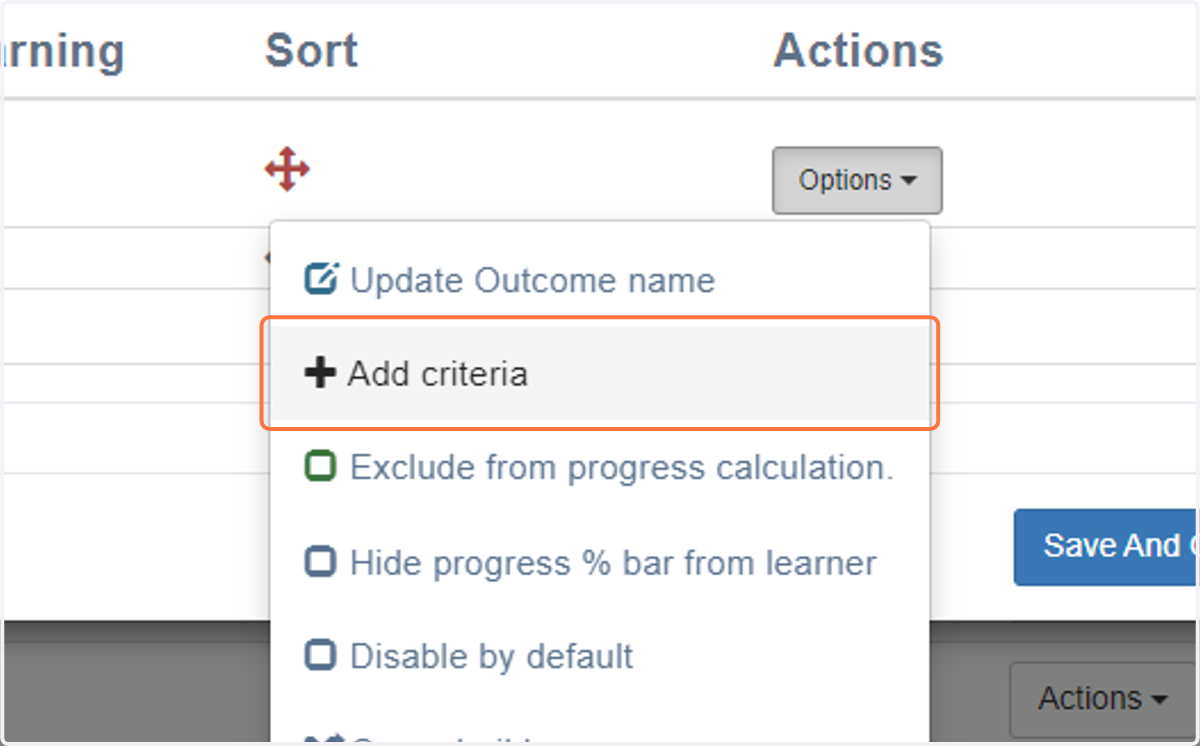
27. Continue to add relevant criteria (and sub-criteria) as required
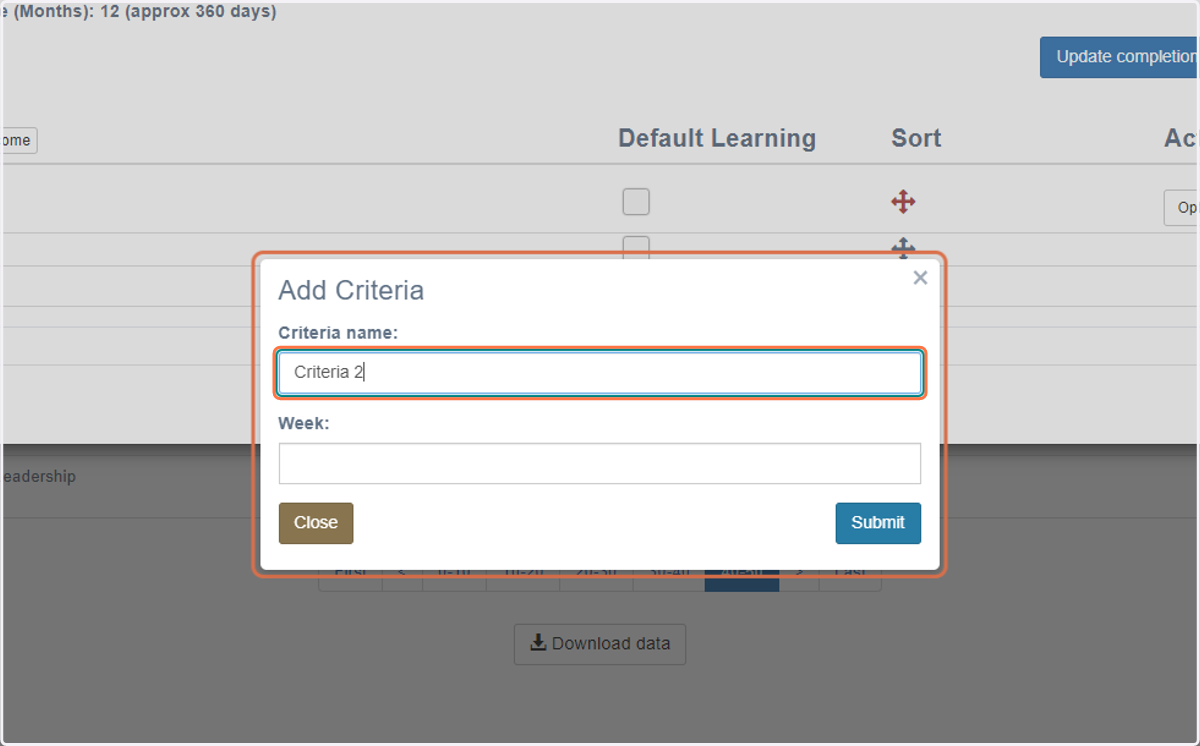
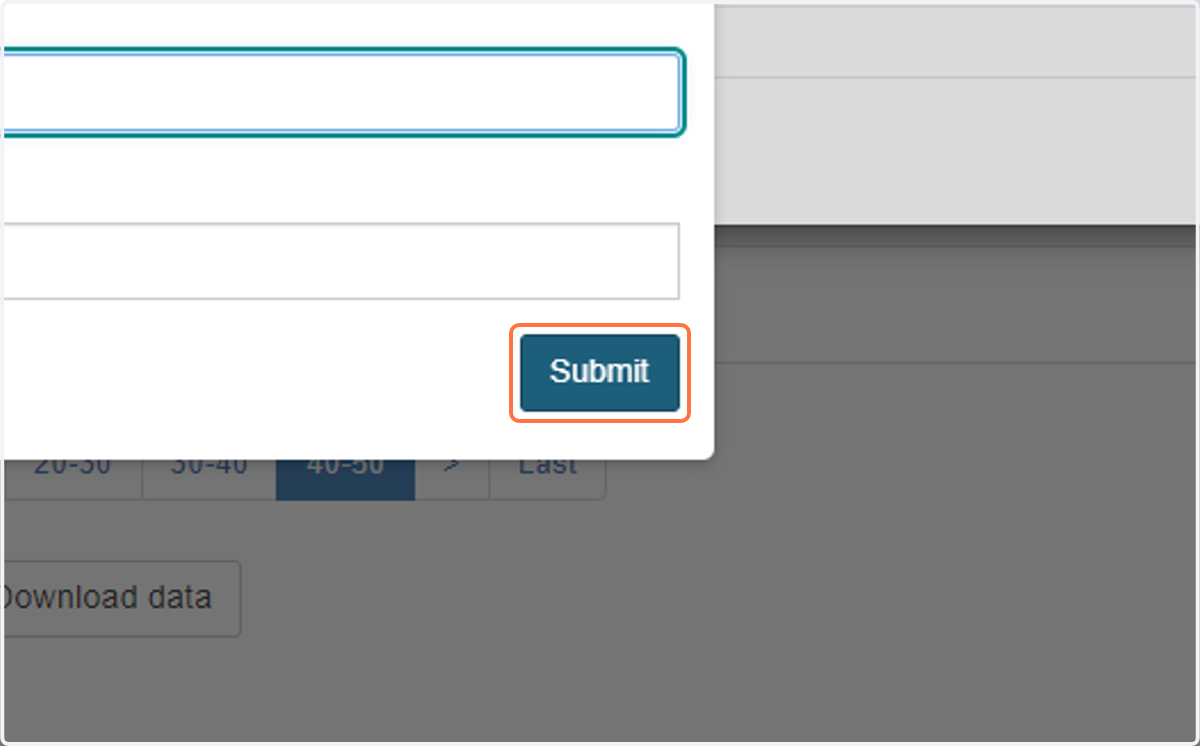
28. Click on Submit
29. Click on the 'Default Learning' box next to the outcome you've created
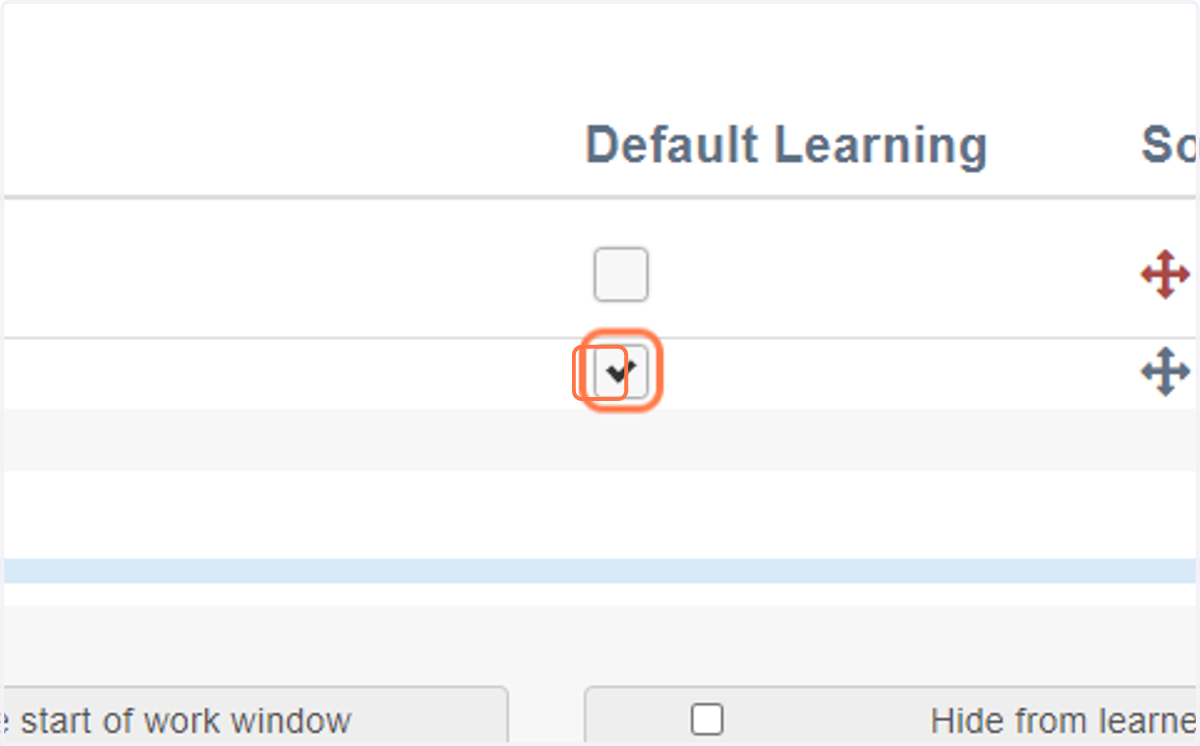
30. Customise the work window i.e. start date and expected completion date
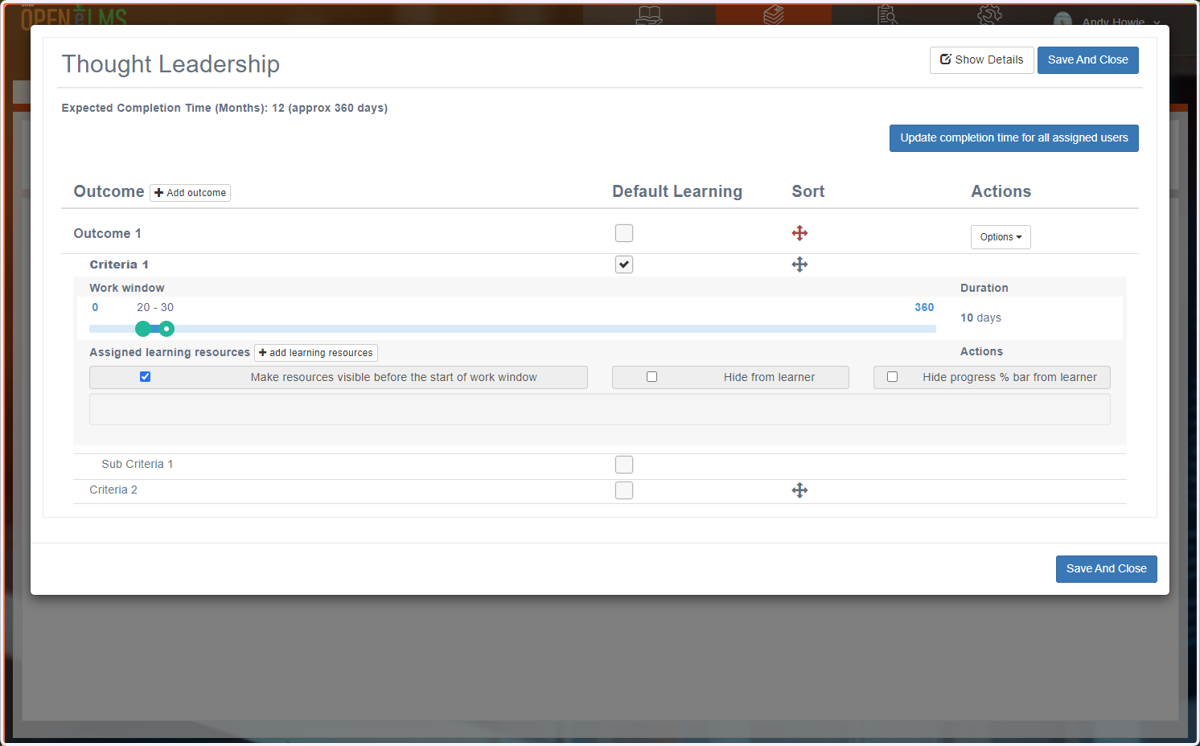
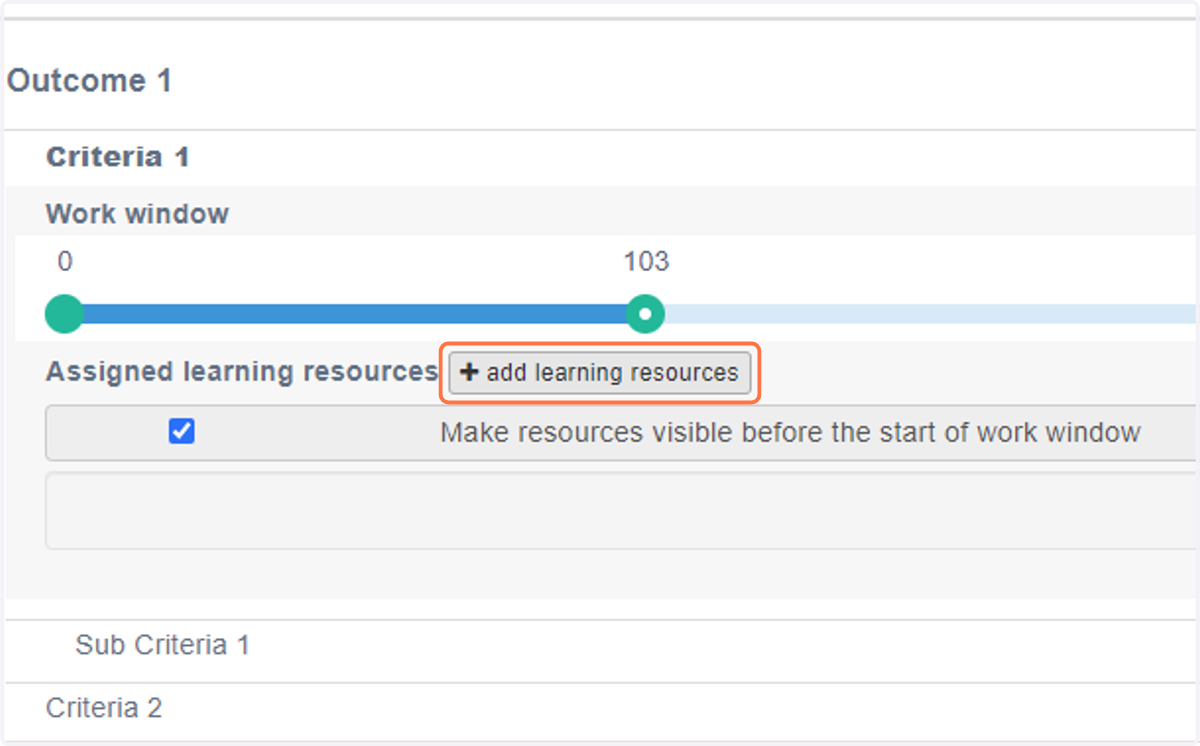
31. Click on add learning resources
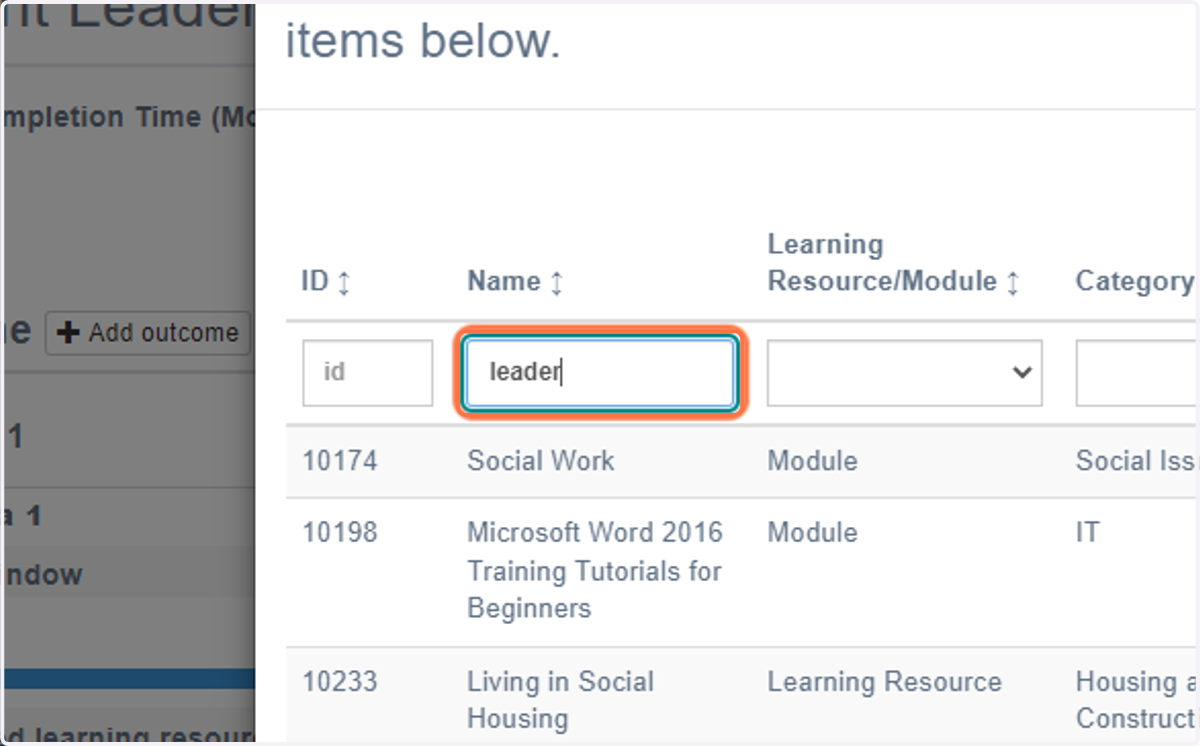
32. Type the name of the resource or key word to filter resources
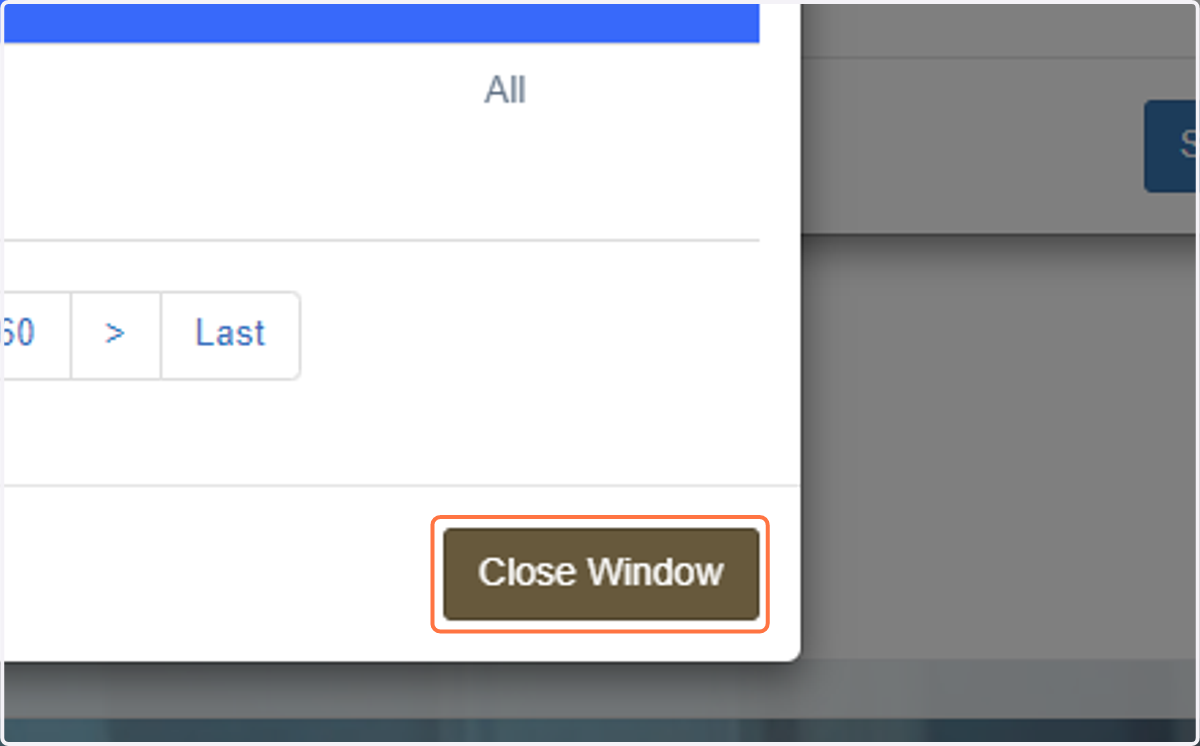
33. Select resources you want to link to criteria/sub-criteria and then close window
34. Continue this process until you have added the required outcomes, criteria/sub-criteria, work windows and required resources.