Enrolling an Applicant
My Path
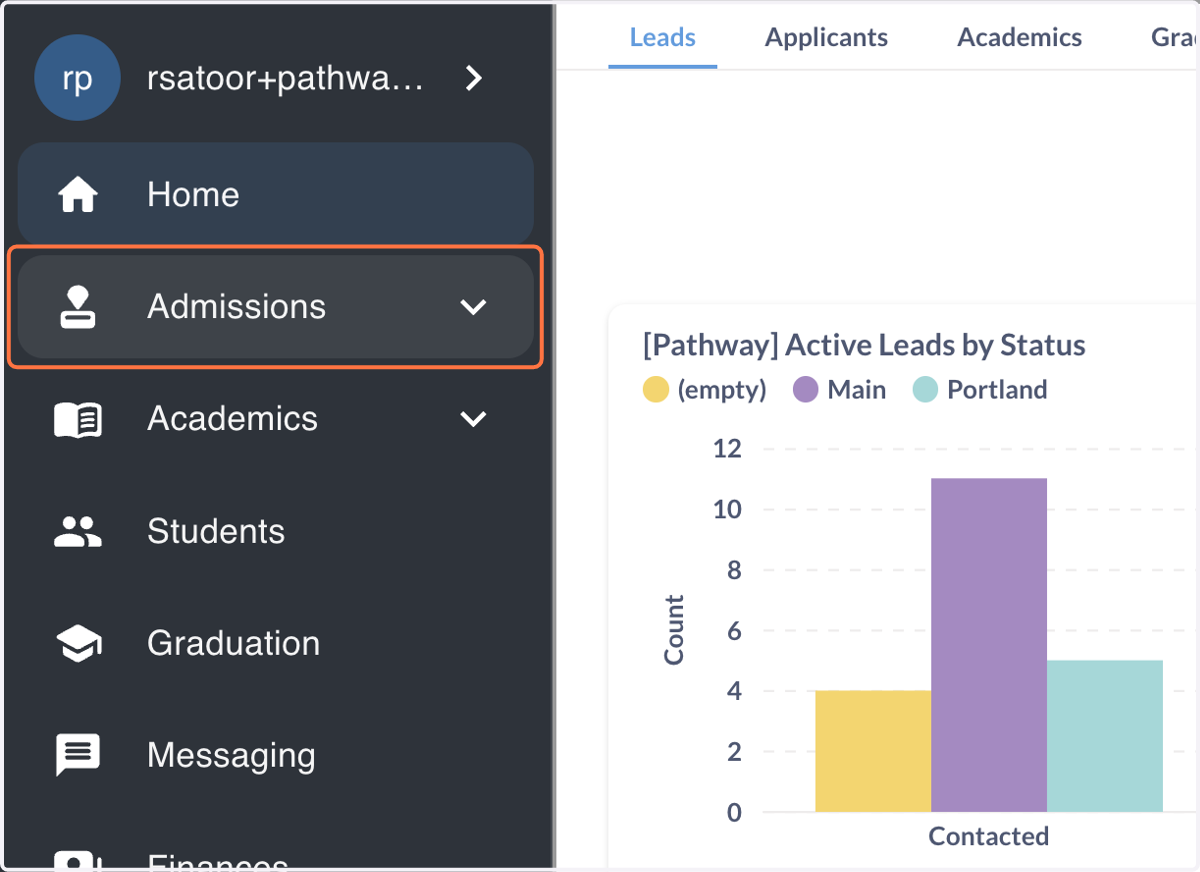
1. Click on Admissions
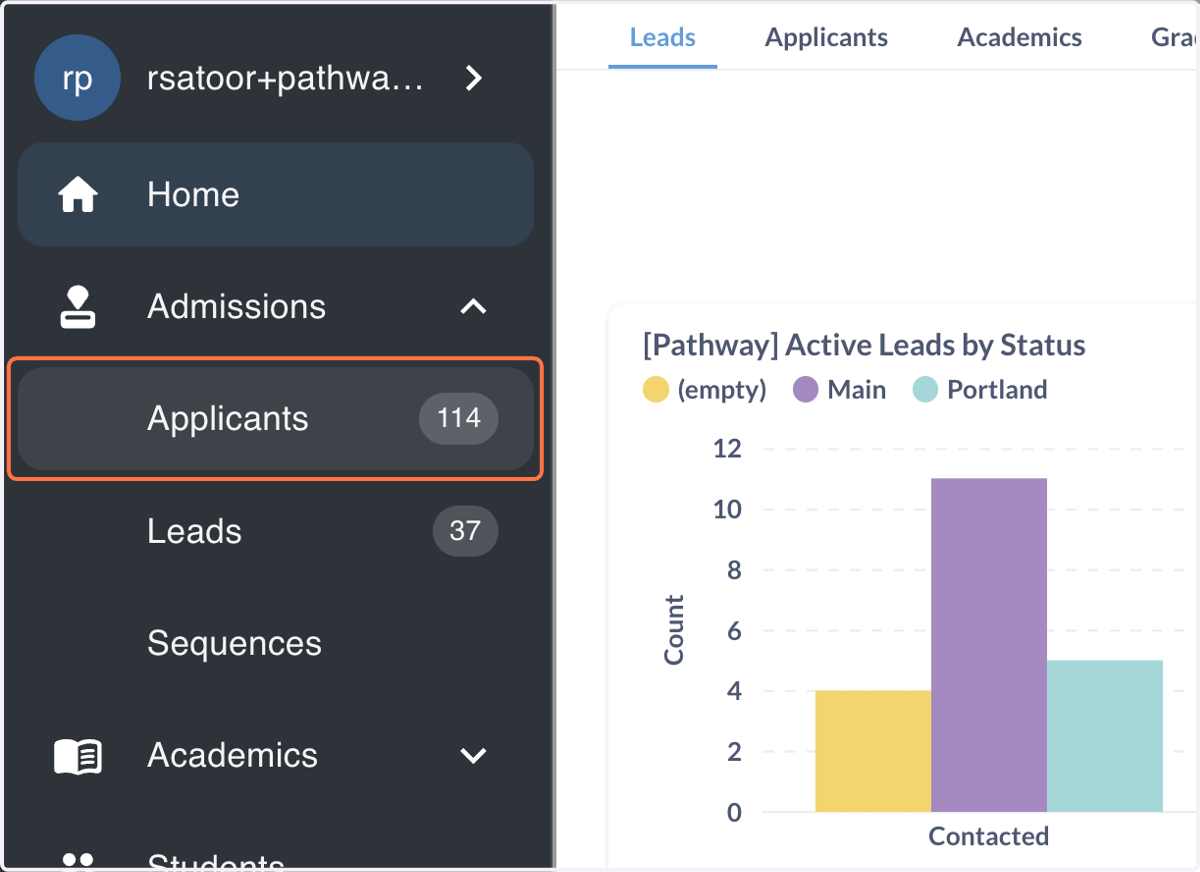
2. Click on Applicants…
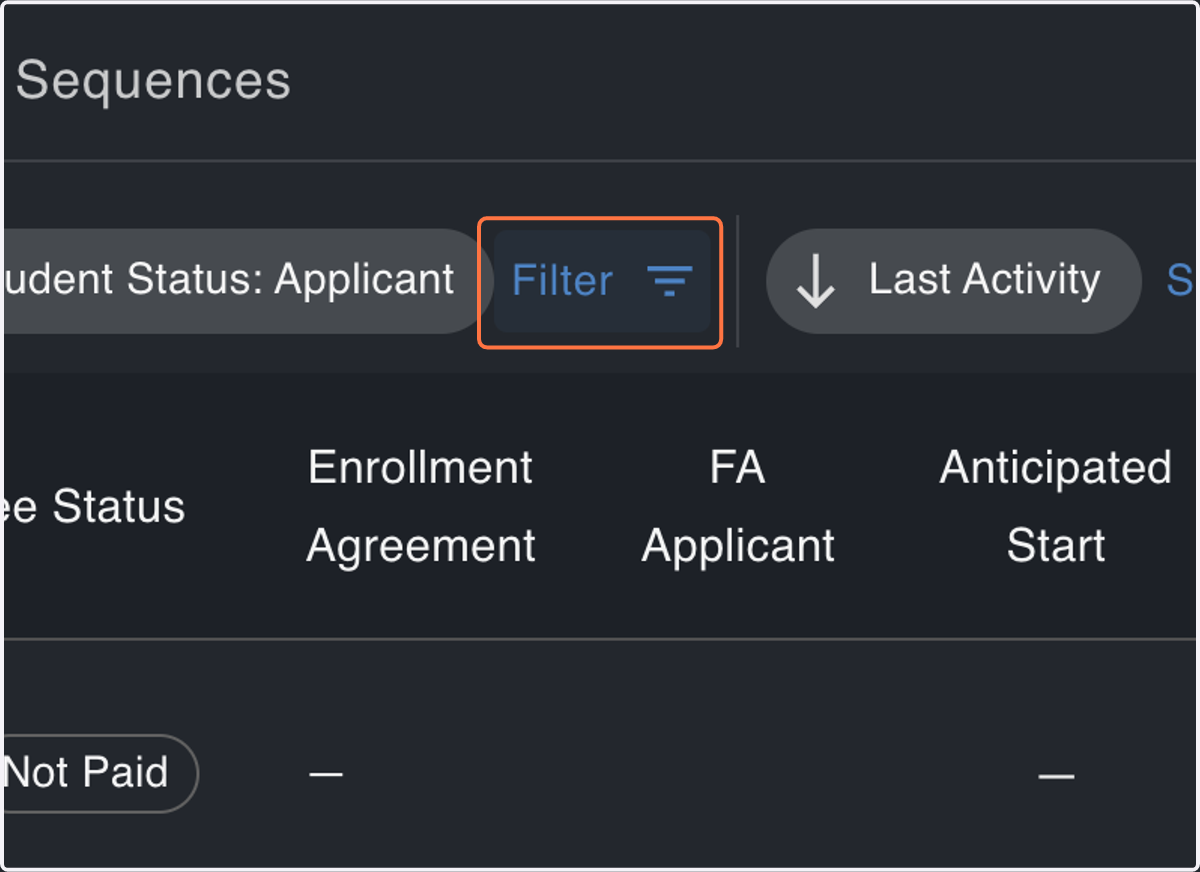
3. Click on Filter
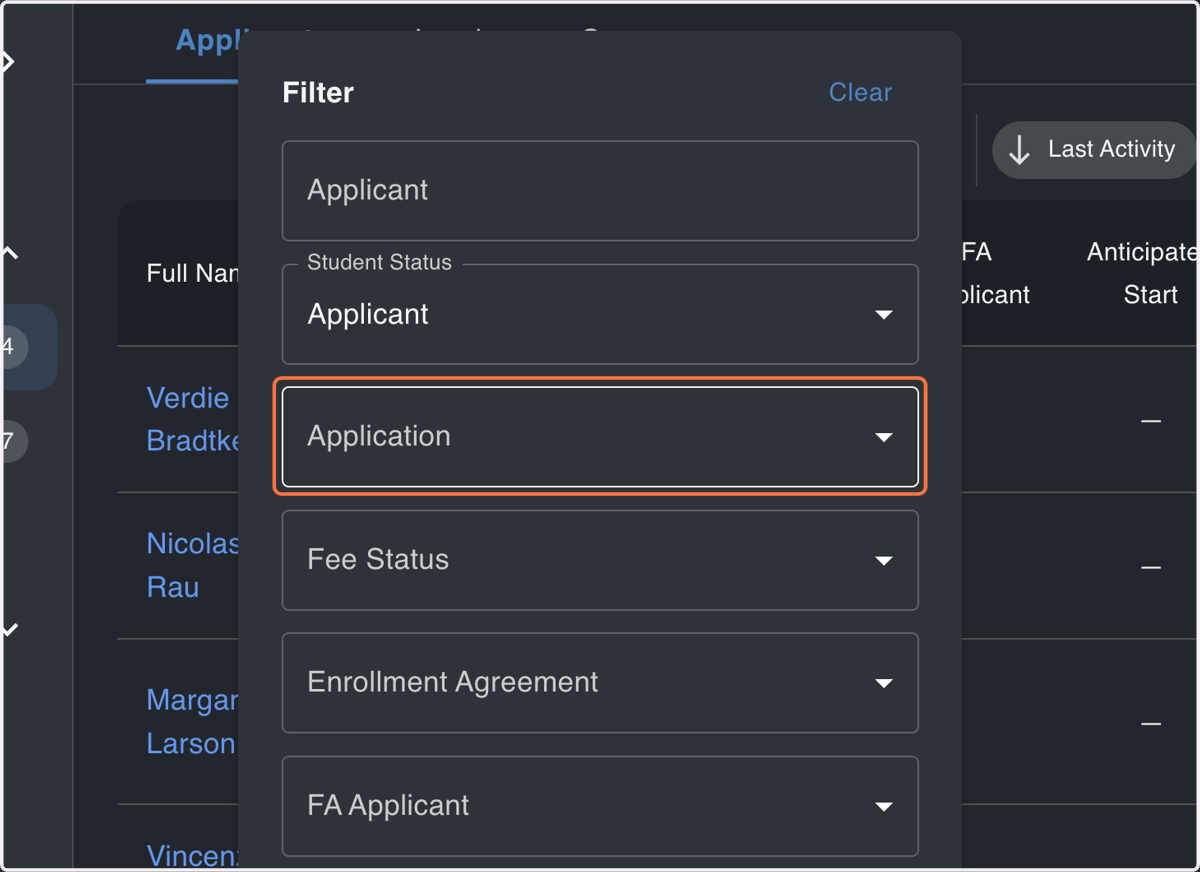
4. Expand the Application Status Filter
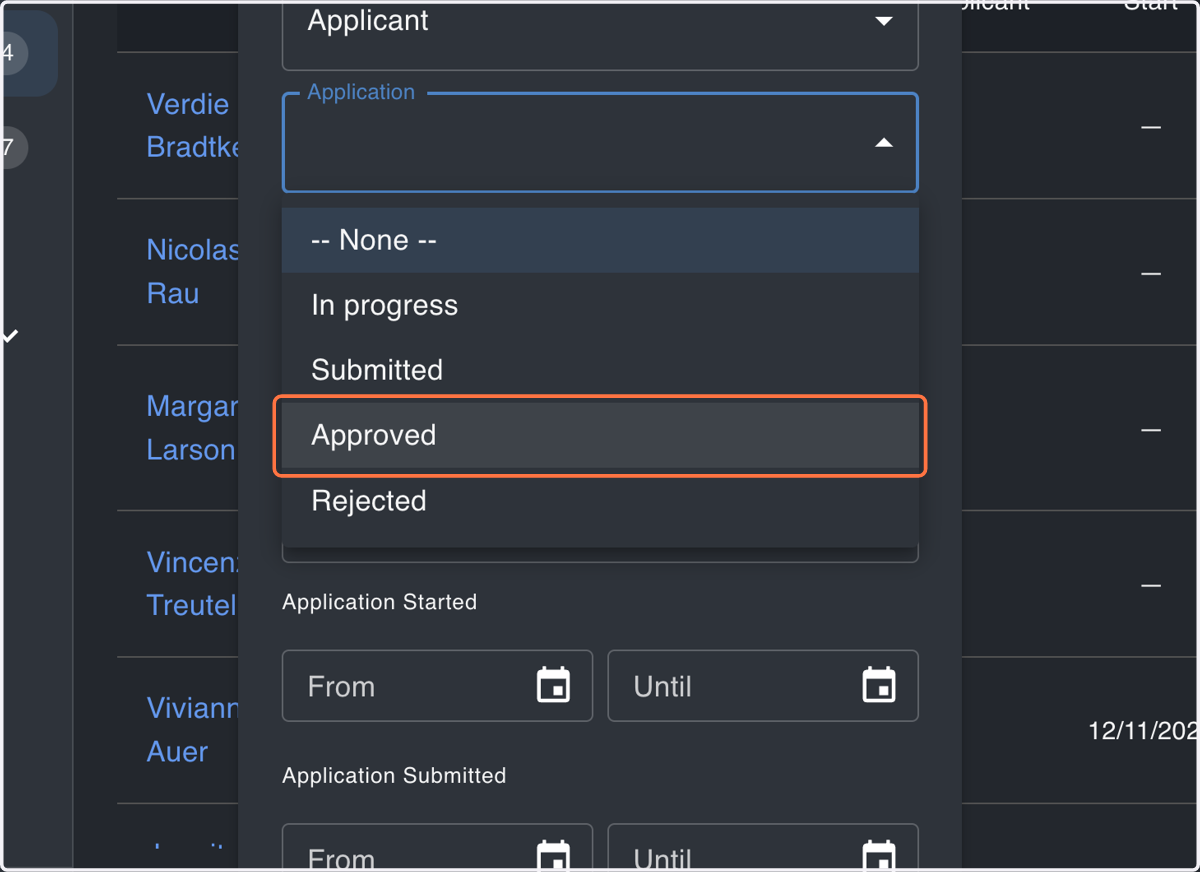
5. Click on Approved
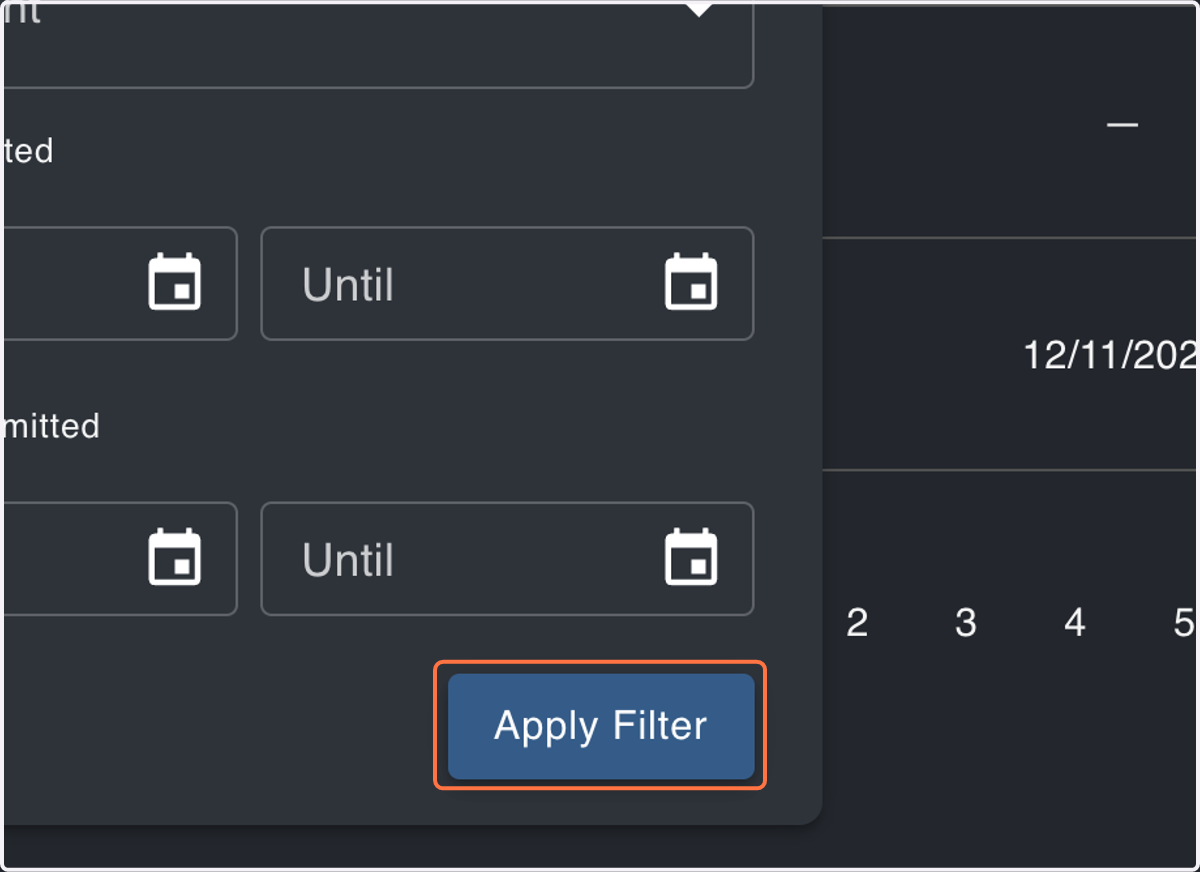
6. Click on Apply Filter
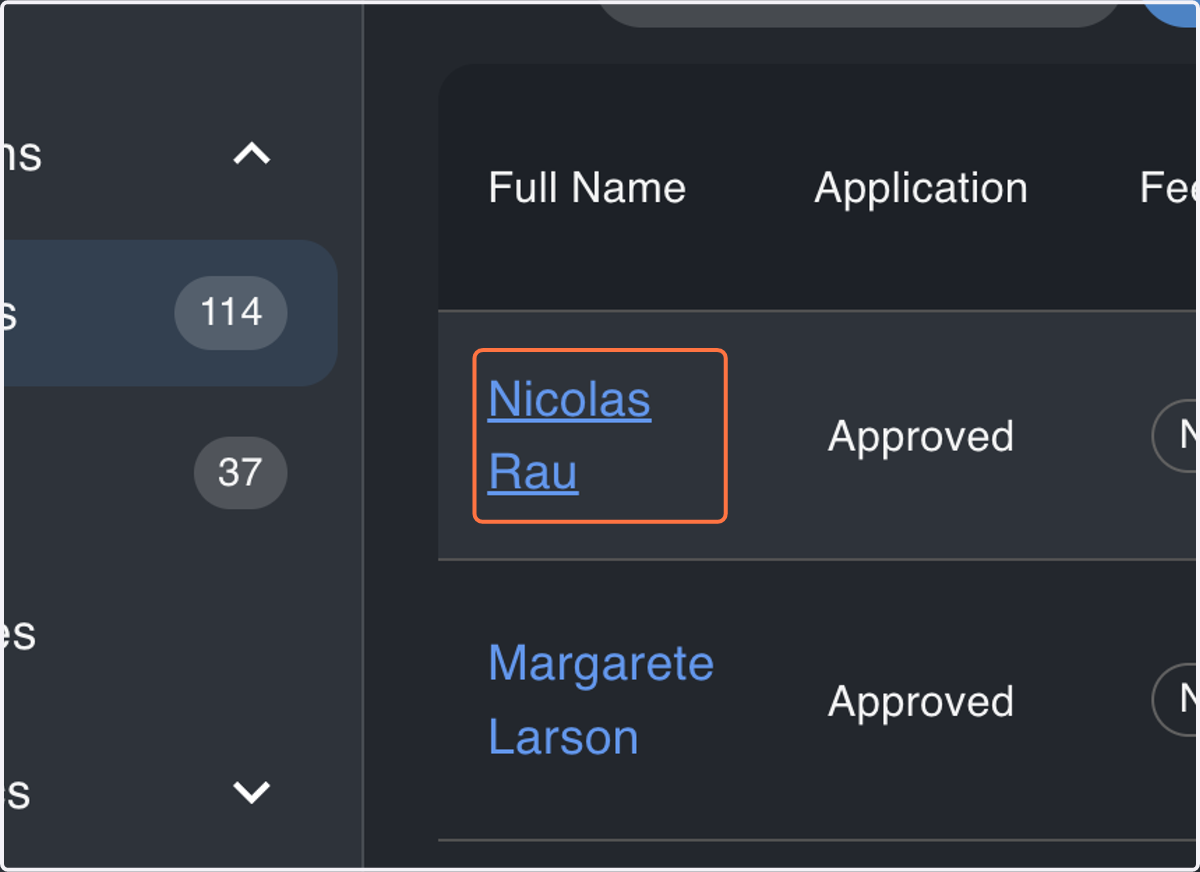
Find applications in the "Approved" state as "In-Progress" and "Submitted" applications must be approved prior to selecting a program for enrollment
7. Click on Applicant to be Enrolled
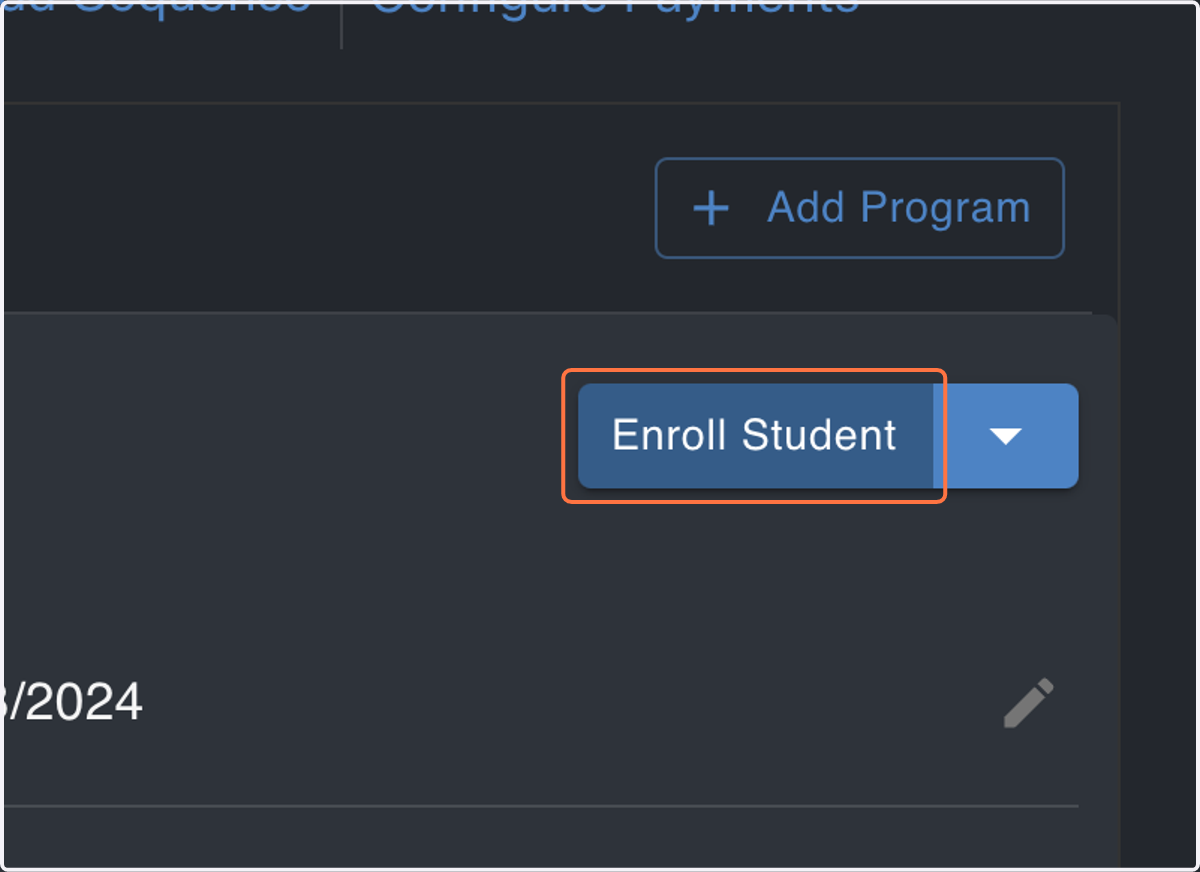
8. Click on Enroll Student
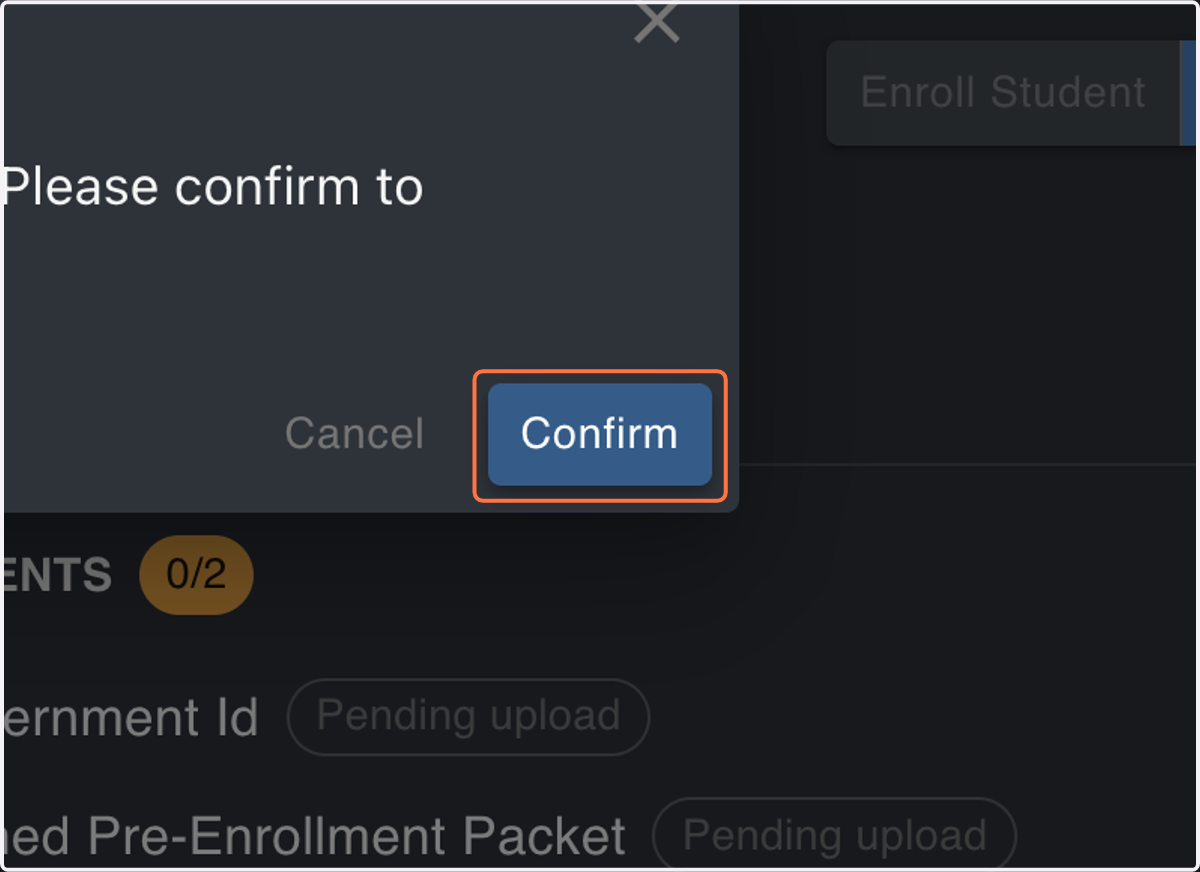
9. Click on Confirm
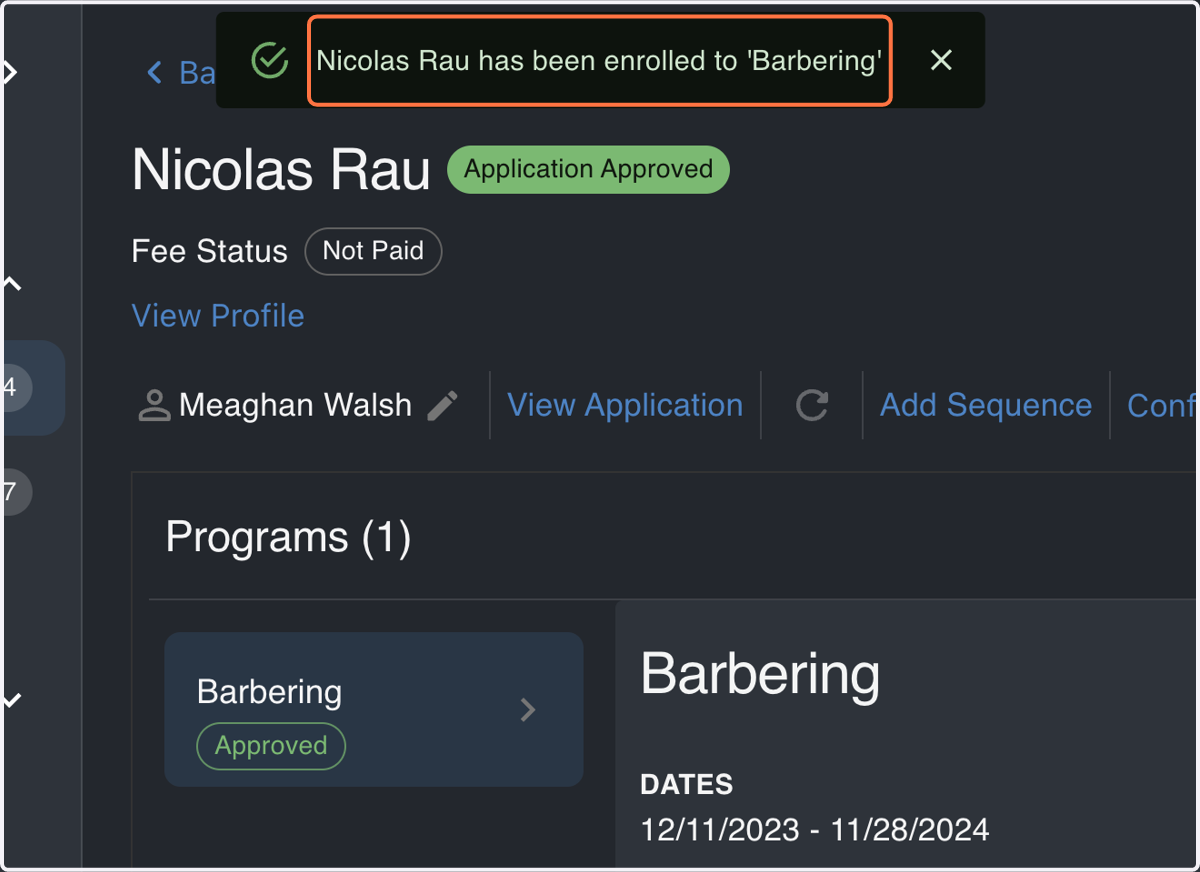
10. Click on Nicolas Rau has been enrolled to 'Barbering'